wan 2.2 online AI Generator
Generated on PixelDojo. Produced by PixelDojo's generation pipeline.
You can now generate breathtaking cinematic images online with Wan 2.2 on PixelDojo, transforming your ideas into professional-grade visuals in seconds. Imagine producing photorealistic portraits with natural skin textures, epic fantasy scenes packed with intricate details, or product shots that look like they came from a high-end studio—all without owning a powerful computer or wrestling with complicated software. PixelDojo puts the latest Wan 2.2 capabilities right in your browser, so you achieve hyper-realistic lighting, perfect composition, and stunning depth that makes your content stand out on social media, websites, and marketing campaigns. Whether you need campaign visuals that convert, unique artwork for your portfolio, or consistent character images for stories, you get results that feel alive and ready to use. Thousands of creators already rely on PixelDojo's 40+ cutting-edge AI tools to skip the technical barriers and focus on creating. Start today and see how easy it is to bring cinematic quality to every project you touch.
Real video examples generated on PixelDojo
Every example below was produced on PixelDojo. Hover to see the prompt.
W-product
image-to-video
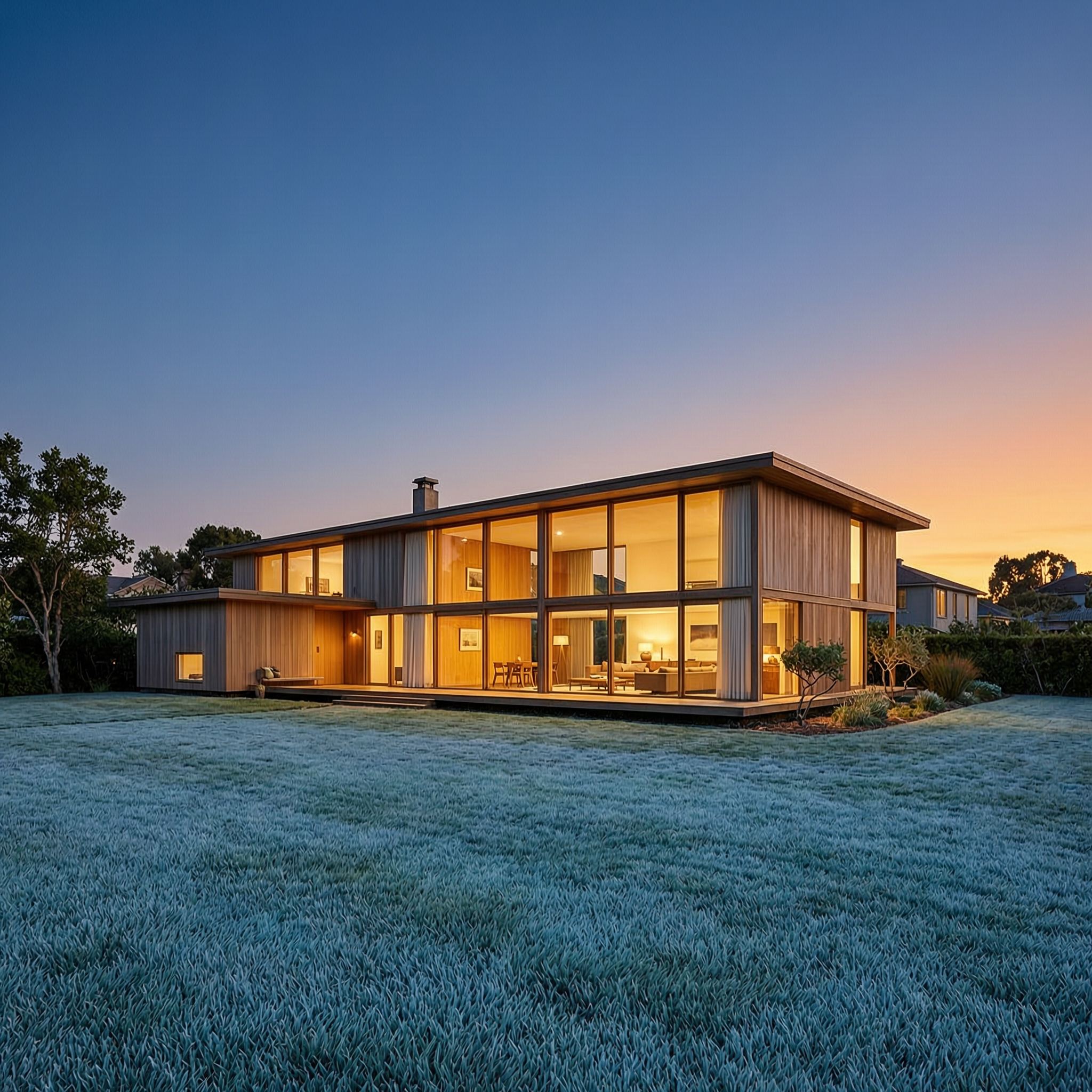
Wan-architecture
image-to-image

Wi-landscape
image-to-image
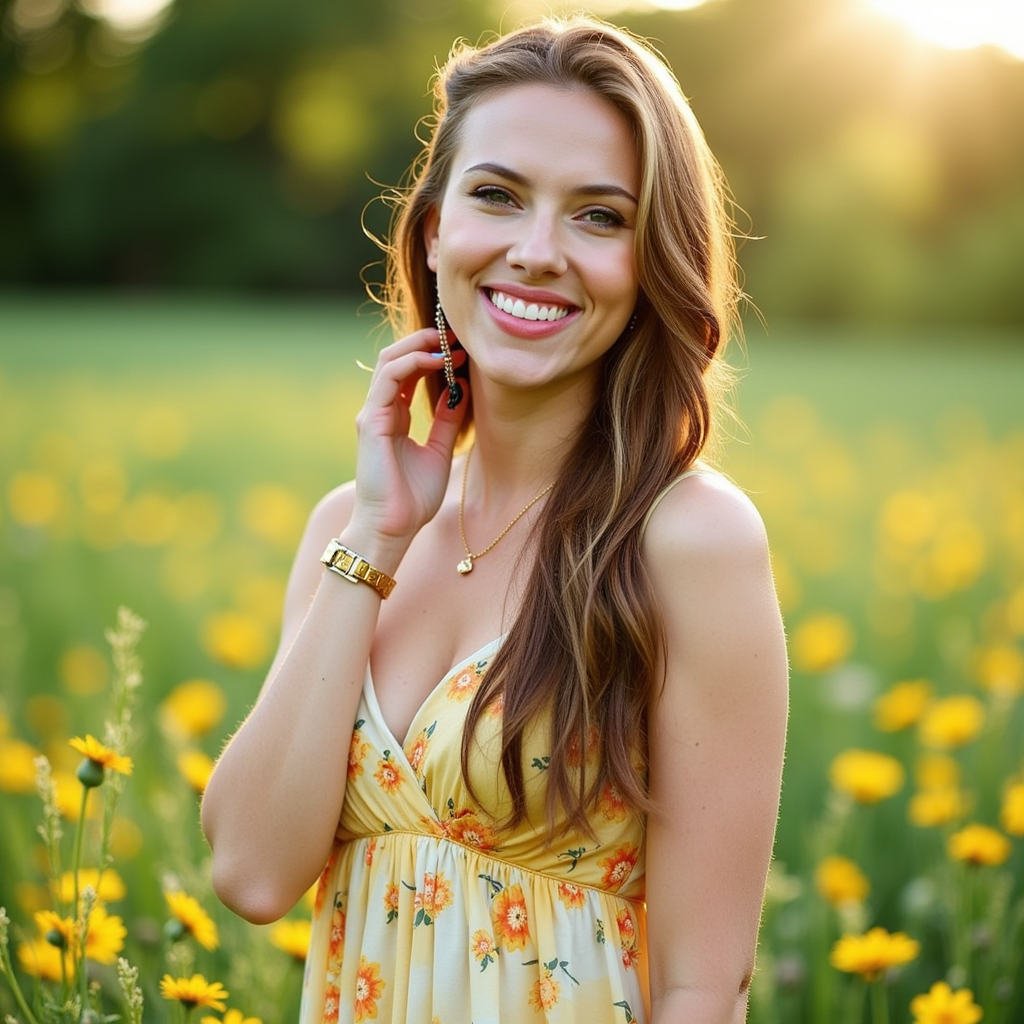
wan 2.2 online on PixelDojo
flux
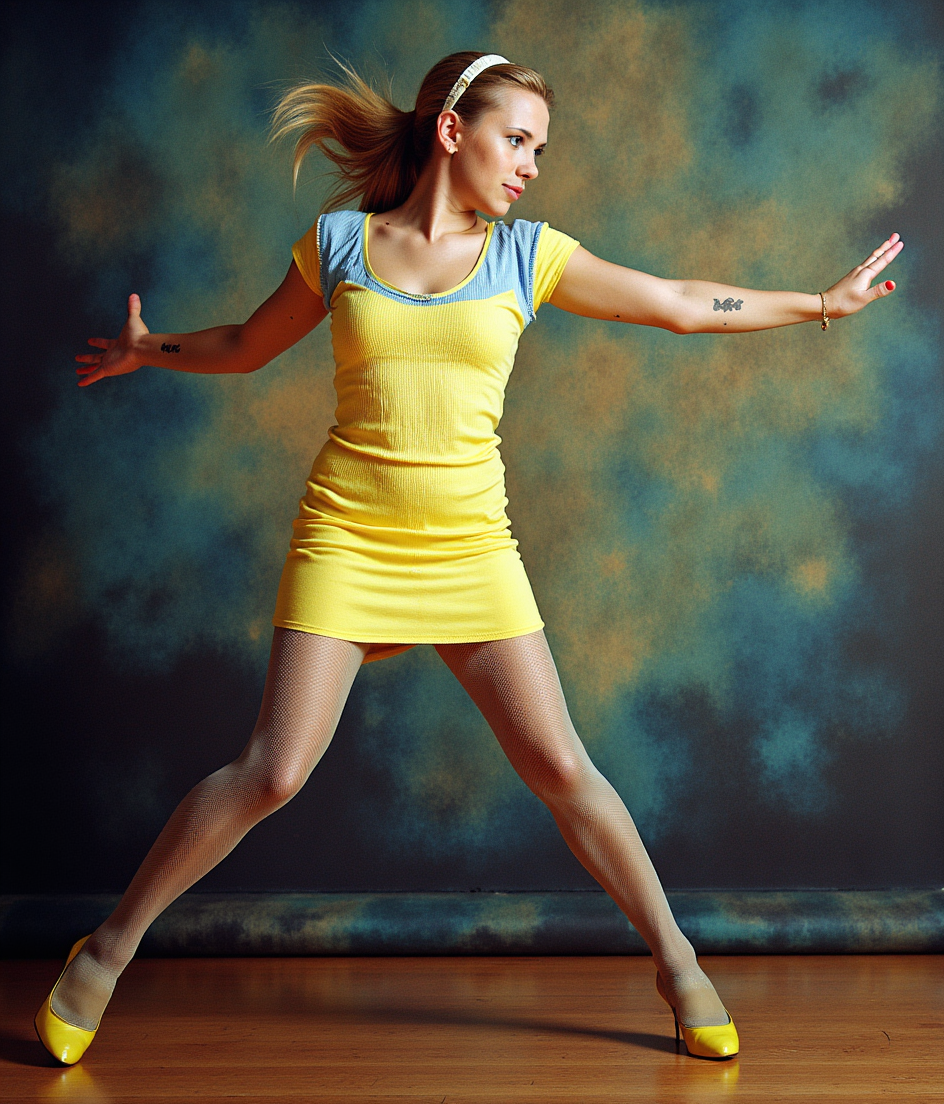
wan 2.2 online on PixelDojo
flux-pose-control
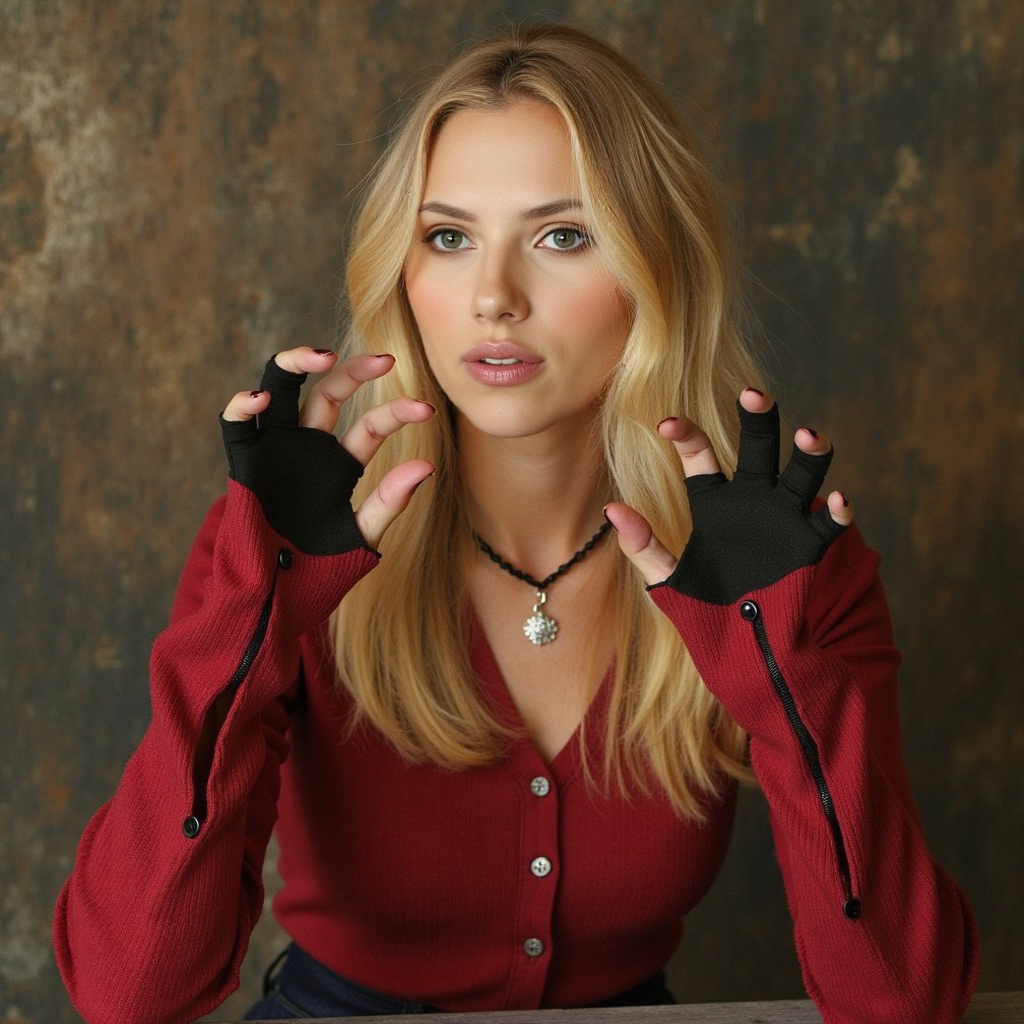
wan 2.2 online on PixelDojo
flux-inpainting-lora
Models you can run on PixelDojo for wan 2.2 online
Switch models without switching tools. Each one runs in the same PixelDojo studio.
What you can do with wan 2.2 online on PixelDojo
Wan 2.2 Video Generation
We give you online access to Wan 2.2 so you can turn prompts into short videos without installing models on your machine.
Text and Image Inputs
Start from a written prompt or a still frame and generate video clips in the browser for drafts and concept work.
Iterate In The Browser
Run multiple generations online so you can refine motion, framing, and style without a local GPU stack.
Download Ready Clips
Export generated videos for editing, social posts, and client review using the files we produce from each run.
Loved by thousands of creators worldwide who generate millions of images monthly. Rated 4.9/5 by users who praise the cinematic quality and ease of use. Access 40+ cutting-edge AI tools with no long-term commitment.
Why Choose Pixel Dojo for wan 2.2 online
Professional-quality results with cutting-edge AI technology
Cinematic Photorealism Without the Studio
You create images with volumetric lighting, precise camera-like composition, and hyper-detailed textures that look professionally shot, perfect for marketing, art, and social content that grabs attention immediately.
Instant Access From Any Device
You generate Wan 2.2 images online in your browser with zero downloads or GPU requirements, turning ideas into downloadable high-resolution files in minutes so you stay productive anywhere.
Seamless Enhancement and Customization
You refine every image using PixelDojo tools like Image to Image, Inpainting, Reality Polisher, and P-Image Upscale to achieve print-ready quality and unique styles that match your exact vision.
How It Works
You can create professional Wan 2.2 images on PixelDojo in just a few simple steps. The platform handles all the complexity so you focus on your creative vision and get stunning results fast.
Step 1: Choose Your Tool
Log into PixelDojo and go to Generate Images. Select WAN Image or WAN 2.2 Video set for still-frame output, or pair it with Flux.2 Studio for extra control. PixelDojo's clean dashboard lets you pick the right model instantly so you start creating without any setup.
Step 2: Enter Your Prompt
Type a detailed cinematic prompt describing your scene, lighting, and style. For example, describe a photorealistic beach portrait with golden hour lighting, natural skin texture, and shallow depth of field. PixelDojo's Wan 2.2 engine understands complex instructions to deliver coherent, high-quality images that match your words perfectly.
Step 3: Customize & Download
Review your generated image, then enhance it with Magic Lighting, Background Remover, or Portrait Upscaler. Adjust aspect ratio, add variations, and download in high resolution. You can even train a custom model with WAN 2.2 Image Trainer for consistent characters across future projects.
The Pixel Dojo Advantage
Why PixelDojo outperforms other options for Wan 2.2 image generation
| Others | Pixel Dojo |
|---|---|
| Traditional photography or illustration | You skip expensive shoots, models, and hours of post-production. Generate unlimited cinematic images in minutes at a fraction of the cost while keeping full creative control. |
| Generic AI image tools | You get Wan 2.2's specialized cinematic aesthetics, better lighting, and composition that generic models often miss, plus seamless access to 40+ complementary tools for editing and upscaling. |
| Manual photo editing software | You produce complete, publication-ready images from a simple prompt instead of spending hours cloning, lighting, and retouching. PixelDojo delivers professional results on the first try. |
Loved by creators on PixelDojo
Real feedback from people using PixelDojo, pulled from our in-product surveys.
deployment rate of splendid features is incredible. Legend
large selection of tools on one platform
the amount you can do on this site
all in one place
It is a lot of fun to uae and easy too.
So many different models to try out
Explore more AI tools on PixelDojo
AI Tools
Compare & Switch
- Best AI Image Generators
- Best AI Video Generators
- Midjourney Alternatives
- Civitai Alternatives
- Runway Alternatives
- Leonardo Alternatives
- Pika Alternatives
- Luma Alternatives
- Magnific Alternatives
- Veo Alternatives
- Flux Alternatives
- Freepik Alternatives
- Seedance Alternatives
- Seedream Alternatives
- Pixverse Alternatives
- GPT Image Alternatives
- Synthesia Alternatives
- Playground Alternatives
- NightCafe Alternatives
- Canva AI Alternatives
- ElevenLabs Alternatives
- ComfyUI Alternatives
- Fal Alternatives
- Replicate Alternatives
Common Questions
Everything you need to know about wan 2.2 online
What is Wan 2.2 online image generation and how does PixelDojo make it easy?
Wan 2.2 online image generation lets you create high-quality cinematic and photorealistic stills using Alibaba's advanced model right in your browser. PixelDojo removes all technical barriers so you simply choose WAN Image or related tools, enter a prompt, and receive stunning results. You achieve professional lighting, detailed textures, and coherent compositions without installing software or buying hardware. Thousands of creators use this to produce marketing visuals, artwork, and social content daily.
How do I write the best prompts for Wan 2.2 image generation on PixelDojo?
You get the best results by writing detailed, cinematic prompts that include subject, lighting, composition, and style. Start with the main subject and action, then add environment, camera feel, and aesthetic tags like volumetric lighting or golden hour. PixelDojo's Wan 2.2 tools understand these descriptions and produce images with natural poses, realistic textures, and perfect depth. Experiment with a few variations and enhance further with Style Transfer or Magic Lighting for even more control.
Can I generate photorealistic portraits with Wan 2.2 online using PixelDojo?
Yes, you can create incredibly photorealistic portraits featuring natural skin texture, accurate lighting, and lifelike expressions. PixelDojo's WAN Image and related tools excel at human subjects, delivering results that look like professional photography. Combine with Portrait Upscaler and Face Swap for consistent characters or virtual try-on looks. Many users produce campaign-ready headshots and lifestyle images in just minutes.
Is there a way to train custom Wan 2.2 models for my brand or characters on PixelDojo?
Absolutely. You can use PixelDojo's WAN 2.2 Image Trainer to fine-tune the model on your own images. Upload a small set of photos and the platform creates a custom version that maintains your unique style or character consistency across new generations. This is perfect for brands, series, or personal projects where you need repeatable looks. Pair it with Consistent Characters tools for even stronger results.
How does PixelDojo compare for Wan 2.2 image quality versus running it locally?
You get the same high-quality cinematic output without the hassle of local setup, model downloads, or GPU requirements. PixelDojo runs optimized Wan 2.2 generation in the cloud so you enjoy fast speeds and reliable results from any device. Plus you instantly access complementary tools like Image Outpainting, Reality Polisher, and Magnific Upscaler that would take extra steps locally. Most users find they create more and better images because the process is frictionless.
What if I want to turn my Wan 2.2 images into videos or edit them further?
PixelDojo makes it seamless. After generating your image you can send it directly to WAN 2.2 Video or other video tools to animate it, or use Edit Images features like Inpainting, Change Camera Angle, and Background Remover. You can also upscale with P-Image Upscale or apply Style Transfer. Everything stays in one platform so you go from still to motion or polished final asset without leaving the site. Cancel anytime if you ever need to pause.