Wan 2.6 plane crash scene AI Generator

Bring your most intense cinematic visions to life by creating realistic plane crash scenes with Wan 2.6 AI. Whether you're a filmmaker, content creator, or storyteller, Wan 2.6 AI empowers you to generate high-quality, multi-shot videos that captivate your audience without the need for expensive production resources.
Join over 50,000 creators who generate more than 50,000 videos daily with Wan 2.6 AI, achieving a 95% first-try success rate and a 4.9/5 user rating.
Why Choose Pixel Dojo for Wan 2.6 plane crash scene
Professional-quality results with cutting-edge AI technology
Effortless Multi-Shot Storytelling
Create cohesive, multi-shot plane crash sequences that maintain visual and narrative consistency across scenes.
High-Quality Cinematic Output
Generate up to 15-second videos in 1080p resolution, delivering professional-grade visuals ready for any platform.
Seamless Audio Synchronization
Ensure perfect alignment between visuals and audio, enhancing the realism of your plane crash scenes.
How It Works
Creating a dramatic plane crash scene with Wan 2.6 AI is straightforward. Follow these steps to bring your vision to life:
Step 1: Choose Your Generation Mode
Select 'Text to Video' or 'Image to Video' based on your input preference. For 'Image to Video', upload a reference image that aligns with your desired scene.
Step 2: Enter Your Prompt
Provide a detailed description of the plane crash scene you envision. Include elements like the environment, lighting, and specific actions to guide the AI.
Step 3: Customize Settings & Generate
Set your desired video duration (up to 15 seconds) and resolution (720p or 1080p). Click 'Generate Video' to let Wan 2.6 AI create your scene.
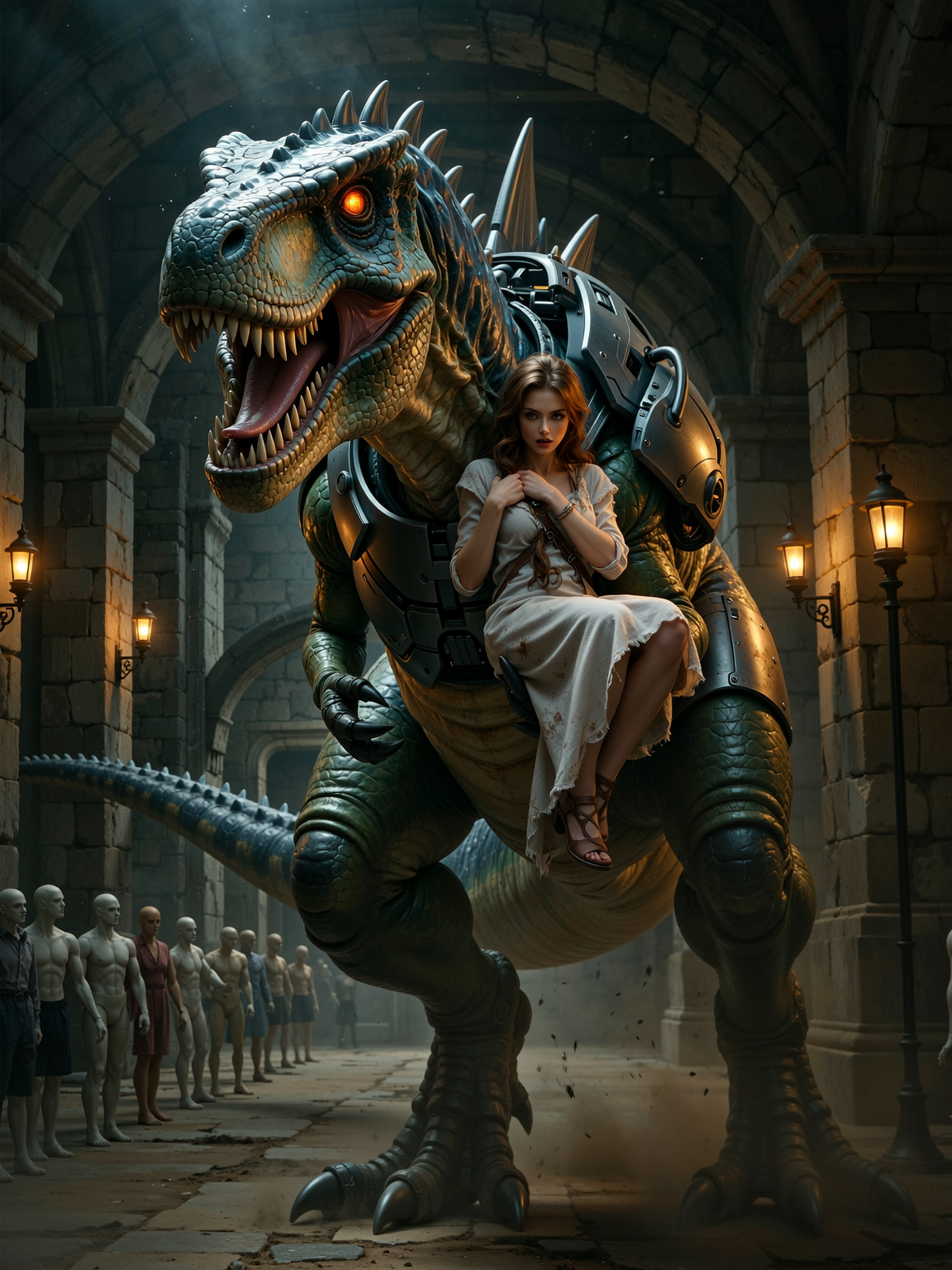




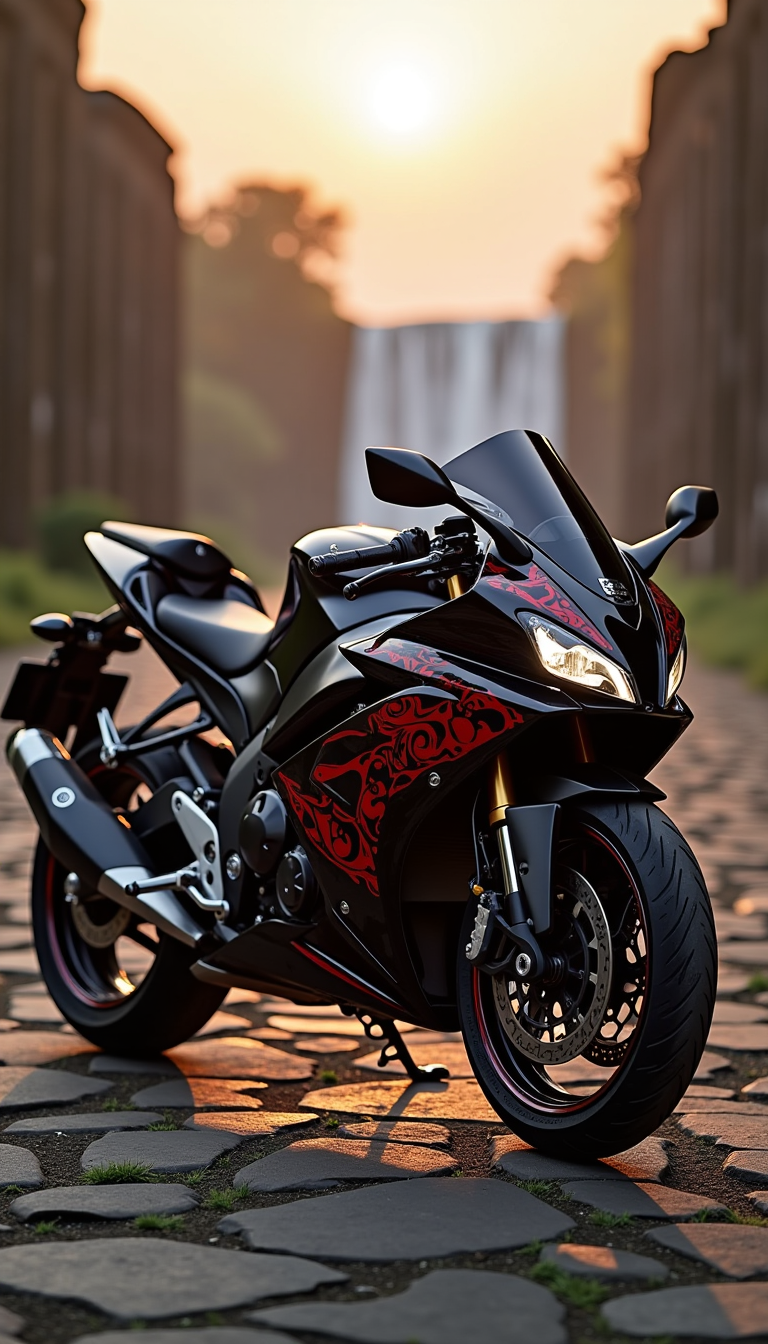
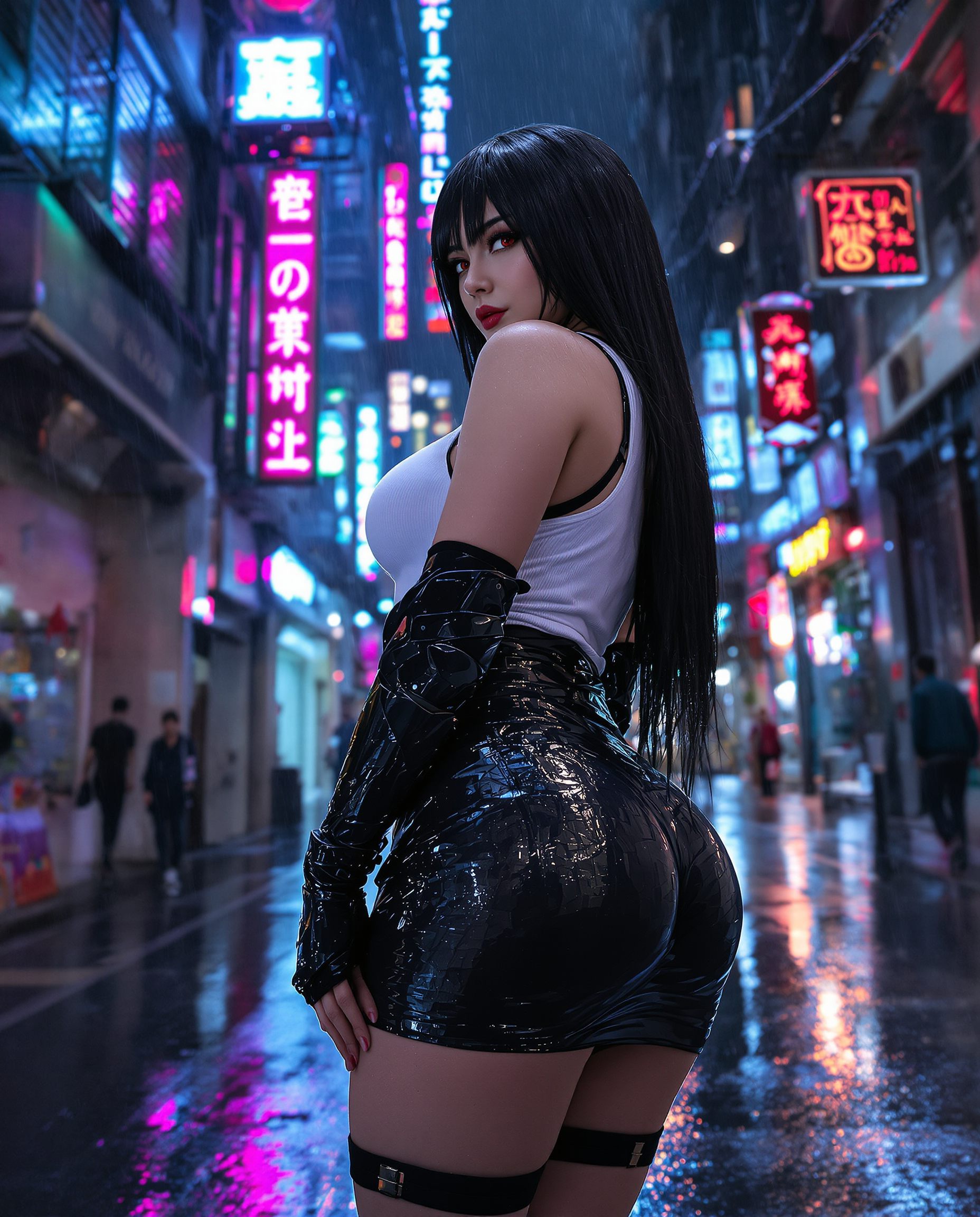


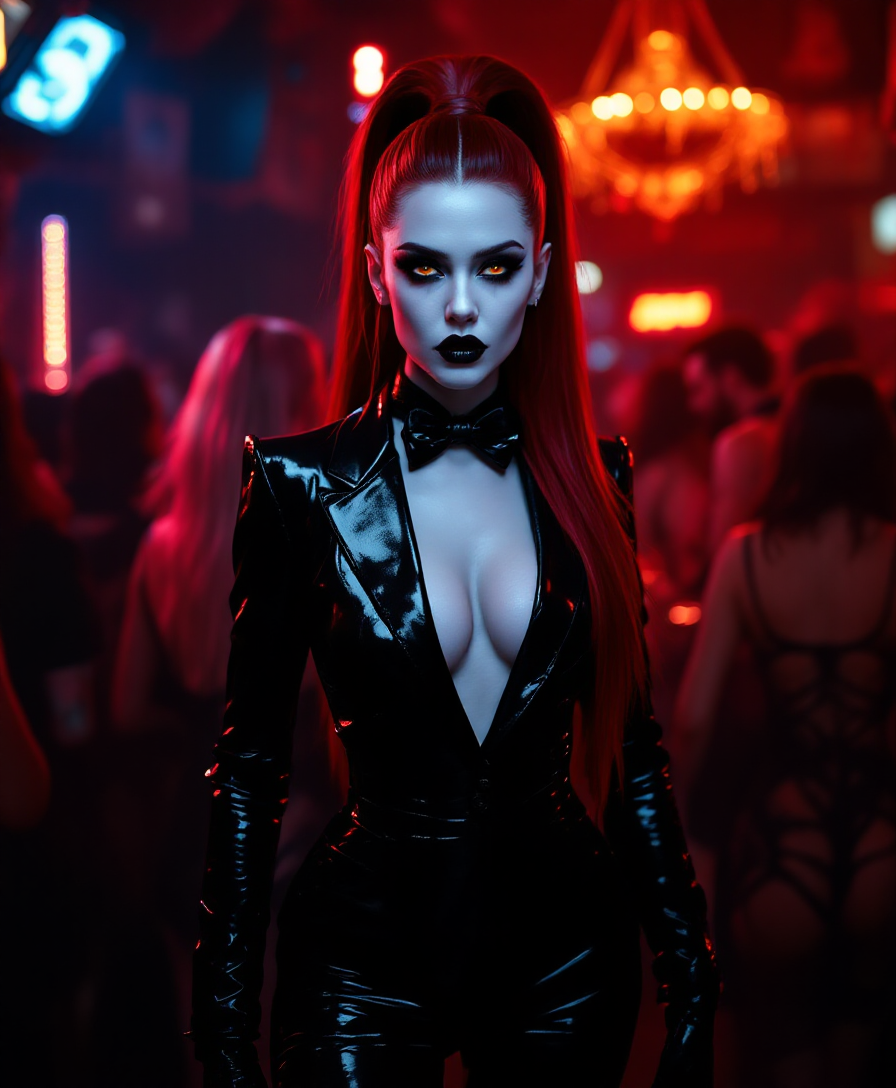
The Pixel Dojo Advantage
Why Wan 2.6 AI is the superior choice for generating plane crash scenes:
| Others | Pixel Dojo |
|---|---|
| Traditional Filmmaking | Eliminate the need for costly sets, special effects, and extensive crew by generating scenes digitally. |
| Generic AI Tools | Benefit from advanced multi-shot storytelling and native audio synchronization tailored for complex scenes. |
| Manual Video Editing | Save time and effort with AI-driven scene generation that maintains consistency and realism without manual intervention. |
Loved by creators on PixelDojo
Real feedback from people using PixelDojo, pulled from our in-product surveys.
Amazing performance!
Excellent website for creating all types of media
Very eay to use, works well to train SDXL loras.
The amazing tools
Top notch quality and strong prompt adherence.
A well resourced sunscription with attention to updates.
Explore more AI tools on PixelDojo
AI Tools
Compare & Switch
- Best AI Image Generators
- Best AI Video Generators
- Midjourney Alternatives
- Civitai Alternatives
- Runway Alternatives
- Leonardo Alternatives
- Pika Alternatives
- Luma Alternatives
- Magnific Alternatives
- Veo Alternatives
- Flux Alternatives
- Freepik Alternatives
- Seedance Alternatives
- Seedream Alternatives
- Pixverse Alternatives
- GPT Image Alternatives
- Synthesia Alternatives
- Playground Alternatives
- NightCafe Alternatives
- Canva AI Alternatives
- ElevenLabs Alternatives
- ComfyUI Alternatives
- Fal Alternatives
- Replicate Alternatives
Common Questions
Everything you need to know about Wan 2.6 plane crash scene
How does Wan 2.6 AI ensure character consistency across multiple shots?
Wan 2.6 AI utilizes advanced algorithms to maintain visual and narrative consistency, ensuring that characters and elements remain stable throughout multi-shot sequences.
Can I use Wan 2.6 AI to create videos longer than 15 seconds?
Currently, Wan 2.6 AI supports video generation up to 15 seconds. For longer narratives, consider creating multiple segments and combining them during post-production.
Is there a free trial available for Wan 2.6 AI?
Yes, Wan 2.6 AI offers a free trial with daily quotas, allowing you to explore its features before committing to a subscription.
What are the system requirements for using Wan 2.6 AI?
Wan 2.6 AI is a web-based platform accessible through modern browsers, requiring no additional software or hardware installations.
Can I use my own audio tracks with the generated videos?
Yes, Wan 2.6 AI allows you to upload your own audio files, ensuring perfect synchronization with the generated visuals.
How long does it take to generate a video with Wan 2.6 AI?
Video generation times vary based on complexity and settings but typically range from a few minutes to under 30 seconds for standard scenes.