wan 2.7 ai
Generated on PixelDojo. Produced by PixelDojo's generation pipeline.
You can now produce professional cinematic and photoreal images that look like they came from a high-end photoshoot or film set—without the time, cost or logistics. With PixelDojo's WAN 2.7 you turn simple descriptions into atmospheric landscapes, editorial portraits, product hero shots and cohesive campaign visuals that convert. Thinking mode plans composition and lighting before pixels appear so complex briefs land exactly as you intended. Generate in Standard for fast production or Pro for 4K fidelity, then refine with Image to Image, Inpainting, Style Transfer or Magic Lighting. Animate stills into video with WAN 2.7 Video or Kling Video, upscale with Magnific Upscaler or P-Image Upscale, and keep characters consistent across Character Sheets or Face Swap. Whether you need e-commerce assets, social content, storyboards or brand campaigns, you achieve polished, commercially ready results in minutes instead of days. 40+ cutting-edge tools live in one place so you iterate freely and cancel anytime.
Real video examples generated on PixelDojo
Every example below was produced on PixelDojo. Hover to see the prompt.
W-cinematic
image-to-video
A man talking
image-to-video
The woman is talking and saying "welcome to pixel dojo the only AI tool you need"
image-to-video

Wan-cinematic
image-to-image

Wan-food
image-to-image
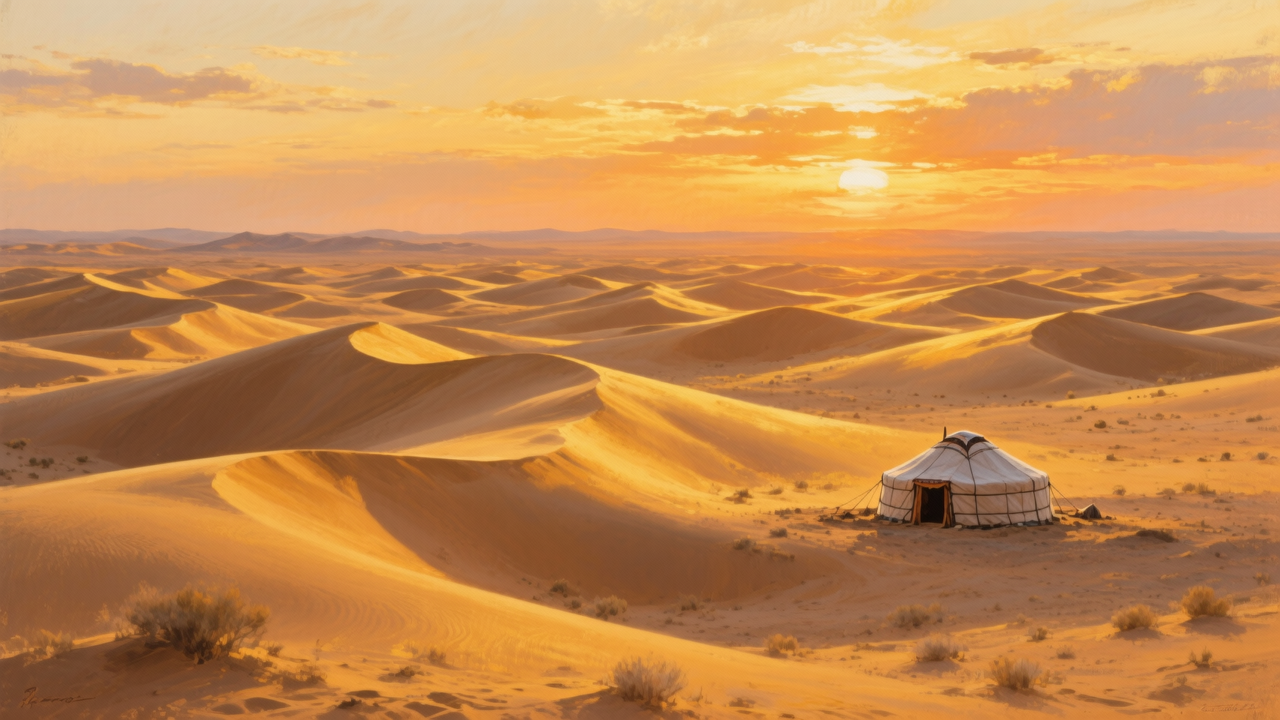
W26-landscape
image-to-image
Models you can run on PixelDojo for wan 2.7 ai
Switch models without switching tools. Each one runs in the same PixelDojo studio.
What you can do with wan 2.7 ai on PixelDojo
Wan 2.7 Video Generation
We give you access to Wan 2.7 on PixelDojo so you can turn prompts into short videos without leaving the workspace. Generate clips, iterate on takes, and keep drafts in one place.
Image To Video Motion
Start from a still you already like and we animate it with Wan 2.7. Useful for product shots, character stills, and scene boards that need motion.
Prompt And Seed Control
We let you refine wording, lock seeds, and rerun generations so you can compare versions. Keep what works and discard the rest without starting over.
Export For Editing Apps
Download generated clips in common formats so you can cut, color, and mix them in your usual editor. PixelDojo is the generation step, not a replacement for your full timeline.
Loved by thousands of creators worldwide who rely on PixelDojo's 40+ cutting-edge AI tools including WAN 2.7, Flux.2 Studio, Seedream 5 and WAN 2.7 Video. Cancel anytime.
Why Choose Pixel Dojo for wan 2.7 ai
Professional-quality results with cutting-edge AI technology
Cinematic Photoreal Results Instantly
You get atmospheric lighting, painterly depth and naturalistic skin or material textures that make landscapes, architecture, portraits and food look professionally shot. Sparse prompts already produce filmic output so your social, ads and presentations stand out immediately.
Brand-Perfect Text and Color Control
You lock exact hex palettes and render readable text in 12 languages including complex formulas or product labels. Marketing materials, posters and packaging stay on-brand without extra design rounds or guesswork.
Consistent Characters and Storyboards
You feed up to nine references and generate up to 12 sequential images that keep faces, products and styles locked. Campaigns, comics and character sheets stay cohesive from first frame to last, then flow straight into WAN 2.7 Video or Kling Video Character Swap.
How It Works
You create WAN 2.7 AI images in three straightforward steps on PixelDojo, then enhance or animate them with the rest of the 40+ tool suite.
Step 1: Choose Your Tool
Open Generate Images and select WAN 2.7. Pick Standard for fast everyday production or Pro for 4K hero shots with extra material fidelity. Choose from six aspect ratios (1:1, 16:9, 9:16, 3:4 and more) so composition matches your intended use—cinematic landscapes, portraits or social squares.
Step 2: Enter Your Prompt
Describe the scene using cinematic language: subject, lighting layers, atmosphere and style. Thinking mode plans layout and lighting first so multi-part briefs succeed. Name specific items for food or products, add hex colors if needed, and keep prompts focused. Same vocabulary works later in WAN 2.7 Video.
Step 3: Customize & Download
Review outputs then refine with Image to Image, Inpainting, Change Camera Angle, Style Transfer or Reality Polisher. Remove backgrounds, outpaint, or send stills to WAN 2.7 Video, Marketing Studio or Kling Video. Upscale with Magnific Upscaler or Portrait Upscaler and download commercial-ready files. Train custom looks later with WAN 2.2 Image Trainer if you want.
The Pixel Dojo Advantage
Why PixelDojo outperforms other options for WAN 2.7 AI image generation
| Others | Pixel Dojo |
|---|---|
| Traditional photography and photoshoots | You skip location scouting, talent, lighting crews and post-production delays. Generate unlimited variations of cinematic or product shots in minutes, then polish with Magic Lighting or Background Remover—all at a fraction of the cost and available 24/7. |
| Generic AI tools | You get thinking-mode planning, native 4K Pro, superior text rendering, nine-reference consistency and seamless hand-off to WAN 2.7 Video, Kling Video, Character Sheets and upscalers. One platform instead of juggling disconnected generators. |
| Manual photo editing and compositing | You start from a strong generated base then apply Inpainting, Style Transfer, Image Outpainting or Reality Polisher in seconds. Iterate entire campaigns faster than layering files by hand and still keep commercial usage rights. |
Loved by creators on PixelDojo
Real feedback from people using PixelDojo, pulled from our in-product surveys.
Great for all your ideas use it encourage more people to use it
Because it is awesome
exceptional quality and great overall design of platform and interface. very intuative. love the creative freedom.
Qwen image 2 is amazing!!
Creative freedom, range of tools and options.
I love the training feature
Explore more AI tools on PixelDojo
AI Tools
Compare & Switch
- Best AI Image Generators
- Best AI Video Generators
- Midjourney Alternatives
- Civitai Alternatives
- Runway Alternatives
- Leonardo Alternatives
- Pika Alternatives
- Luma Alternatives
- Magnific Alternatives
- Veo Alternatives
- Flux Alternatives
- Freepik Alternatives
- Seedance Alternatives
- Seedream Alternatives
- Pixverse Alternatives
- GPT Image Alternatives
- Synthesia Alternatives
- Playground Alternatives
- NightCafe Alternatives
- Canva AI Alternatives
- ElevenLabs Alternatives
- ComfyUI Alternatives
- Fal Alternatives
- Replicate Alternatives
Common Questions
Everything you need to know about wan 2.7 ai
What is WAN 2.7 AI and how do I use it on PixelDojo?
WAN 2.7 is Alibaba's unified image generation and editing model with thinking mode that plans composition before rendering. On PixelDojo you simply choose it inside Generate Images, pick Standard or Pro, enter a cinematic prompt and generate. You can then edit with Inpainting or Style Transfer, animate with WAN 2.7 Video and upscale—all inside the same 40+ tool workspace. Cancel anytime.
How do I write the best prompts for WAN 2.7 cinematic images?
Lead with atmosphere and lighting layers rather than camera gear. Example: 'Cinematic wide shot of a lighthouse on a rocky cliff during a violent storm, massive waves, dramatic gray-green sky, beam cutting through rain, painterly photoreal.' Name specific items for products or food, add hex colors for brand palettes, and match aspect ratio to the shot. The same language transfers to WAN 2.7 Video for matching motion.
Can I generate 4K images with WAN 2.7 Pro on PixelDojo?
Yes. Select the Pro tier for native 4K output on hero shots that need extra skin texture, fabric weave or food surface detail. Standard delivers fast 2K production quality at lower credit cost. After generation you can further enhance with Magnific Upscaler, Clarity Pro or Portrait Upscaler.
How does WAN 2.7 compare to other PixelDojo image tools like Flux.2 Studio or Seedream 5?
WAN 2.7 shines at cinematic atmosphere, long text rendering, multi-reference consistency and thinking-mode planning. Flux.2 Studio and Seedream 5 offer complementary strengths in other aesthetics. You can generate in WAN 2.7 then restyle with Style Transfer or combine outputs, all without leaving PixelDojo. Thousands of creators switch between them depending on the brief.
Can I use WAN 2.7 AI images for commercial e-commerce and marketing?
Absolutely. All images and videos you create on PixelDojo are ready for commercial use. Generate product hero shots, lifestyle scenes or campaign storyboards, lock brand colors, render packaging text, then refine with Background Remover or Marketing Studio. Consistent characters stay locked via Character Sheets or Face Swap.
How do I create consistent characters or storyboards with WAN 2.7 AI?
Upload up to nine reference images to lock identity, then generate up to 12 sequential frames that keep the same subject, lighting and style. Use the results as Character Sheets, feed them into WAN 2.7 Video or Kling Video Character Swap, or iterate with Image to Image. The workflow stays inside PixelDojo so you move from stills to motion without losing consistency.