WAN 2.7 appearance consistency AI Generator

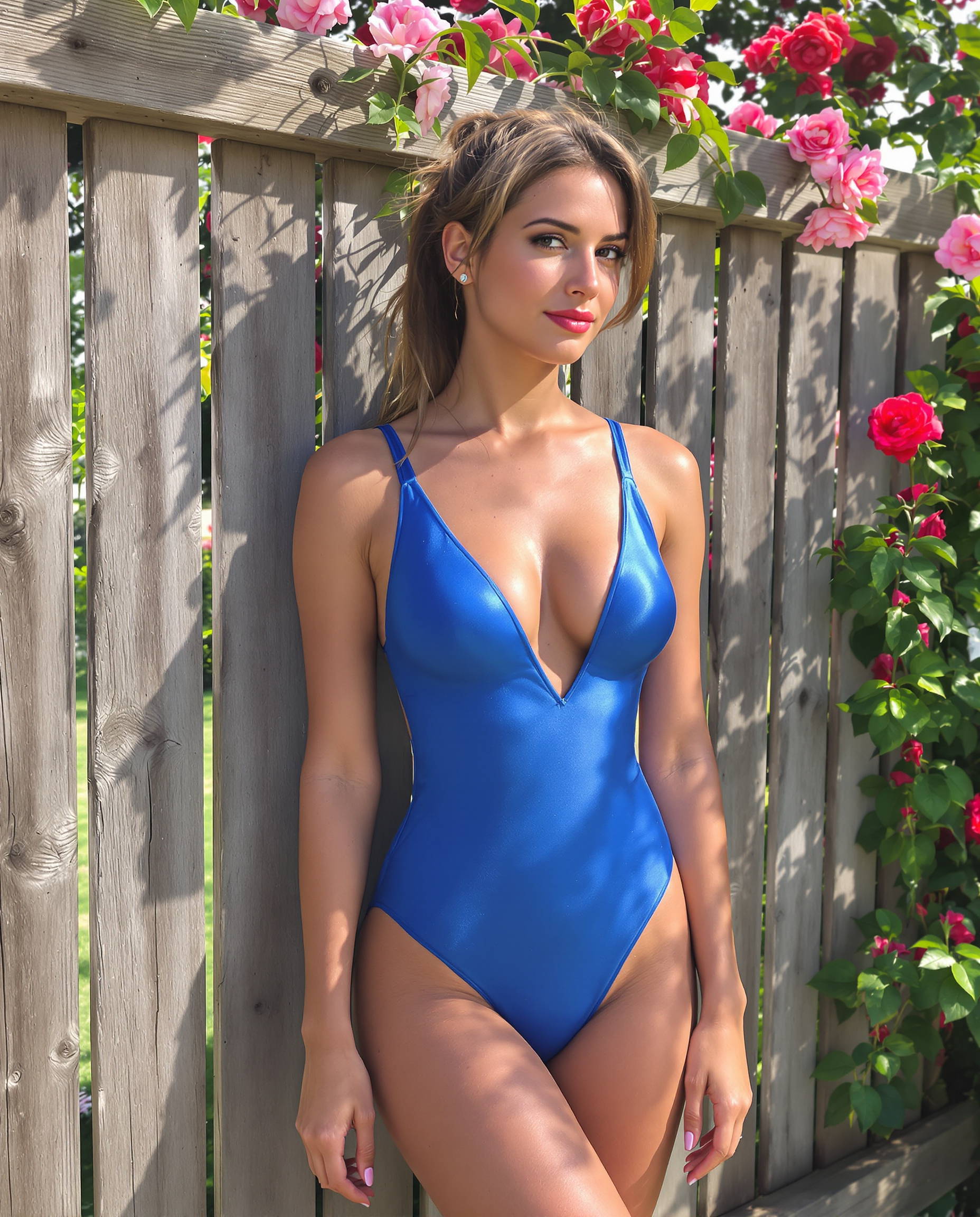
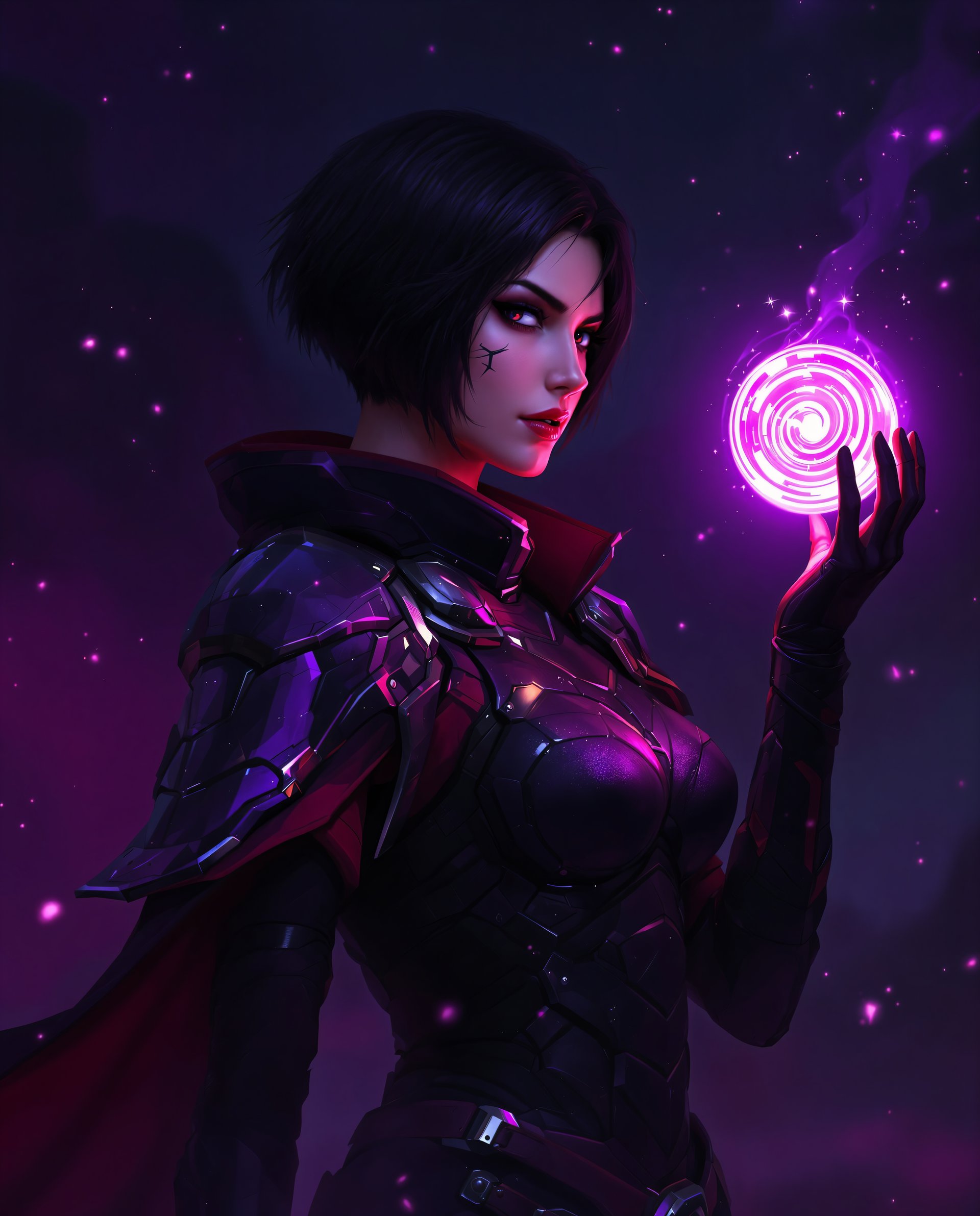
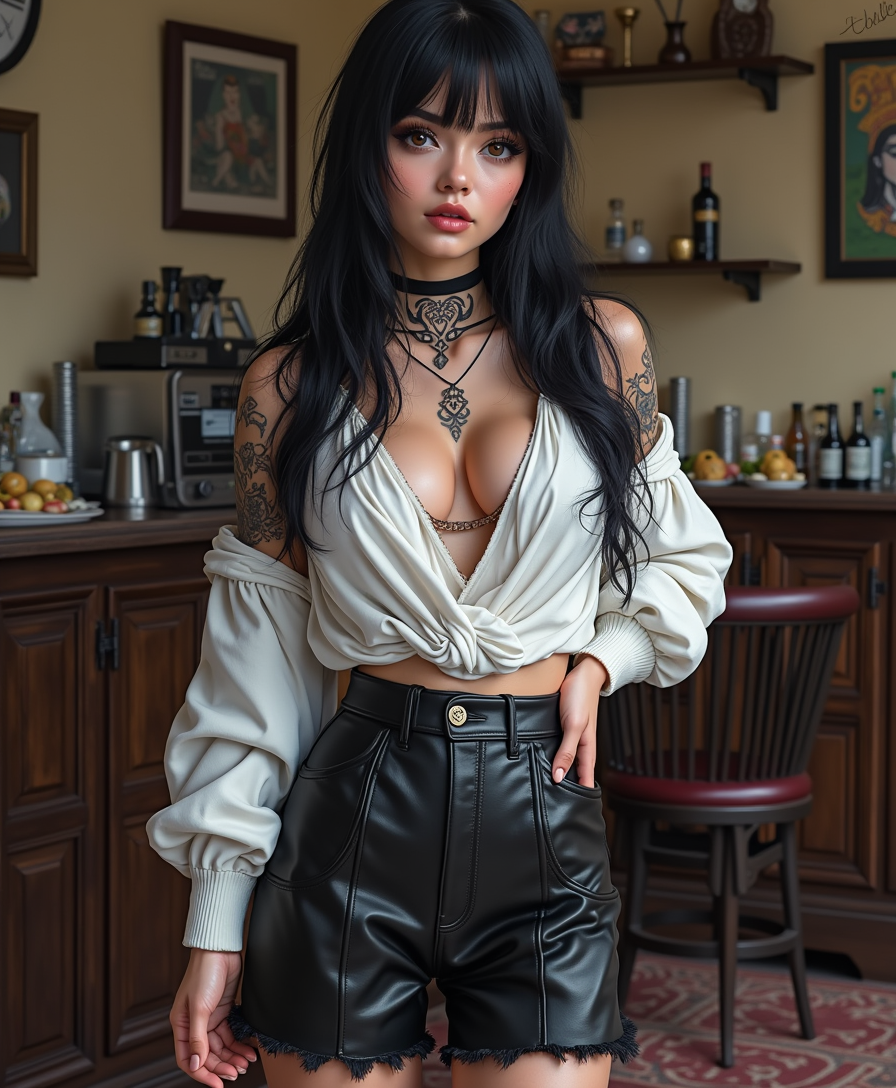
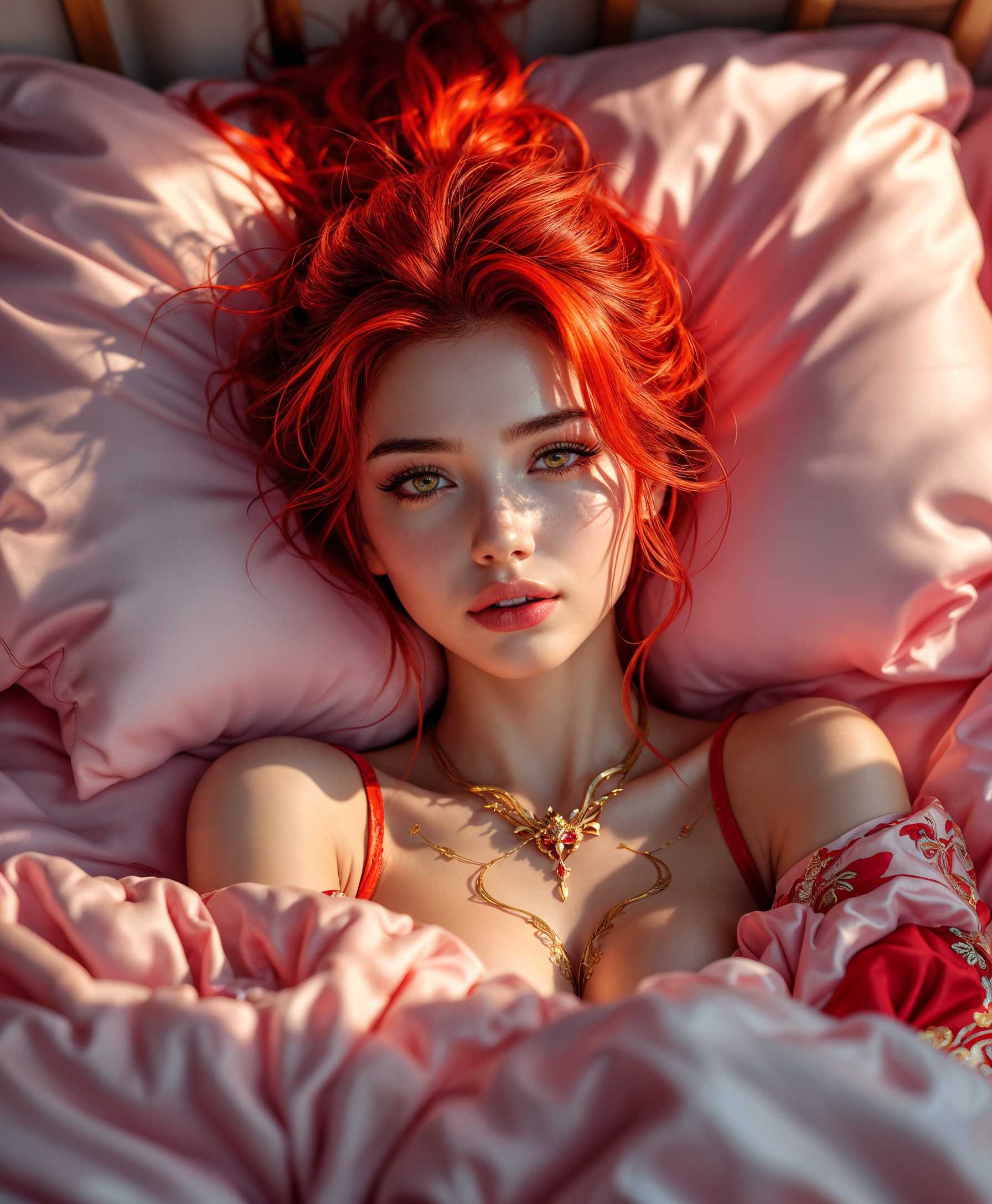
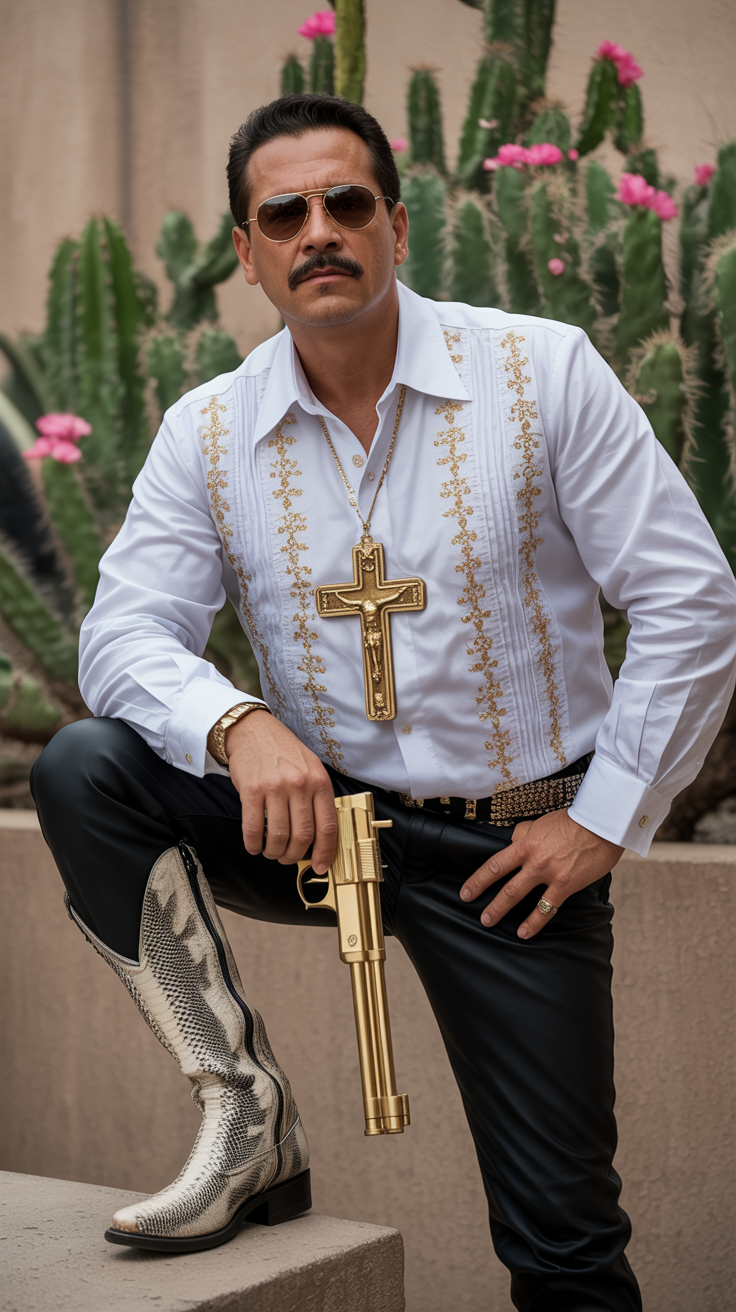
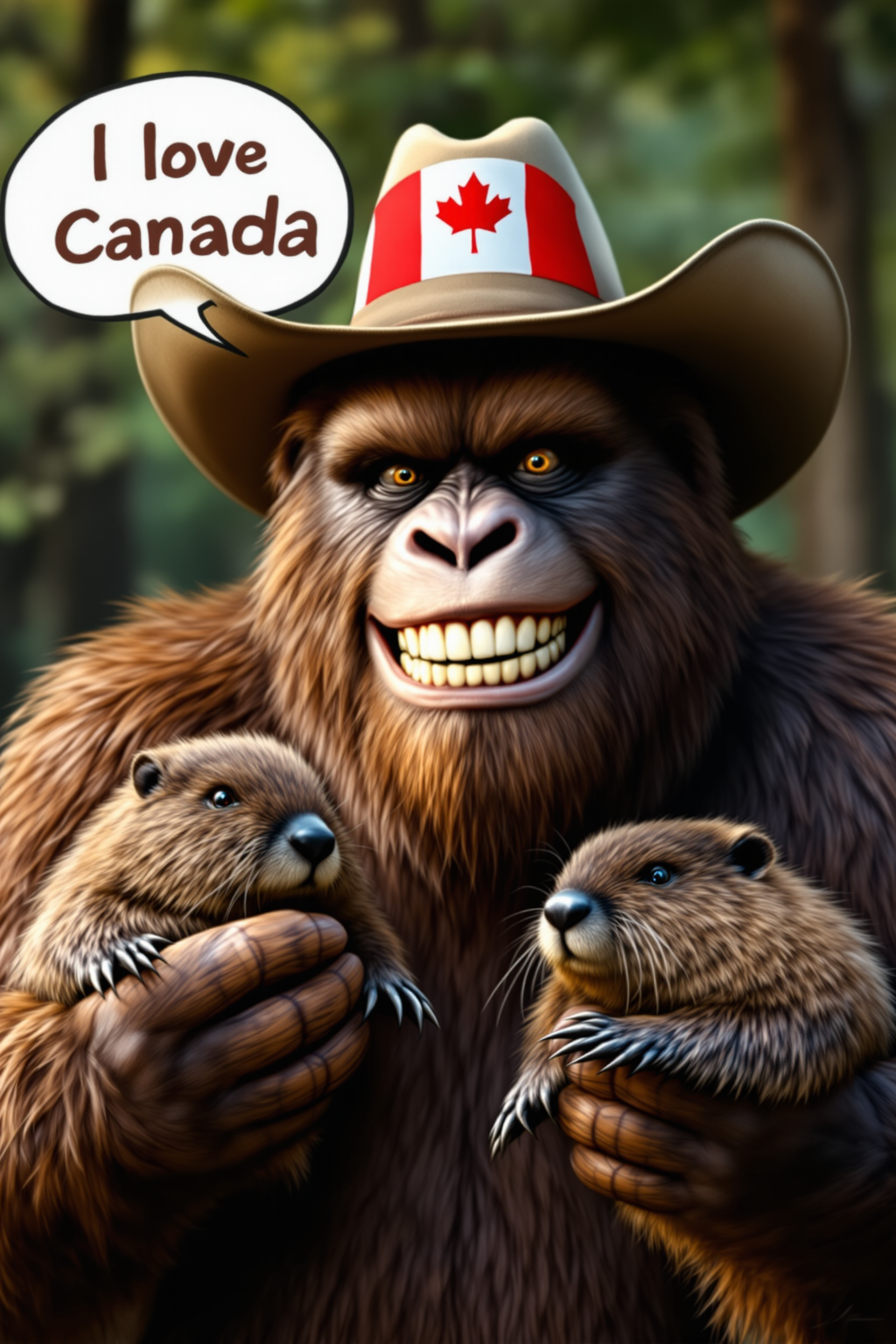
Creating consistent character appearances across multiple images is crucial for storytelling, branding, and design projects. With PixelDojo's advanced AI tools, including WAN 2.7, you can effortlessly generate images where characters maintain their unique features and styles, ensuring visual coherence throughout your work.
Join thousands of creators who trust PixelDojo for their AI image generation needs. Our tools have been used to produce over 1 million images with consistent character appearances.
Why Choose Pixel Dojo for WAN 2.7 appearance consistency
Professional-quality results with cutting-edge AI technology
Consistent Character Design
Maintain uniform character features across all your images, enhancing brand identity and storytelling.
Time-Efficient Workflow
Generate multiple images with consistent characters quickly, reducing manual editing time.
High-Quality Outputs
Produce professional-grade images with precise details and consistent styles.
How It Works
Creating images with consistent character appearances using PixelDojo's WAN 2.7 is straightforward. Follow these steps to achieve optimal results:
Step 1: Select the WAN 2.7 Tool
Navigate to PixelDojo's 'Generate Images' section and choose the WAN 2.7 tool to begin your project.
Step 2: Upload Reference Images
Provide up to 9 reference images of your character to guide the AI in maintaining consistent features across generated images.
Step 3: Input Your Prompt
Describe the scene or context you want your character to appear in, ensuring the prompt aligns with the desired style and setting.


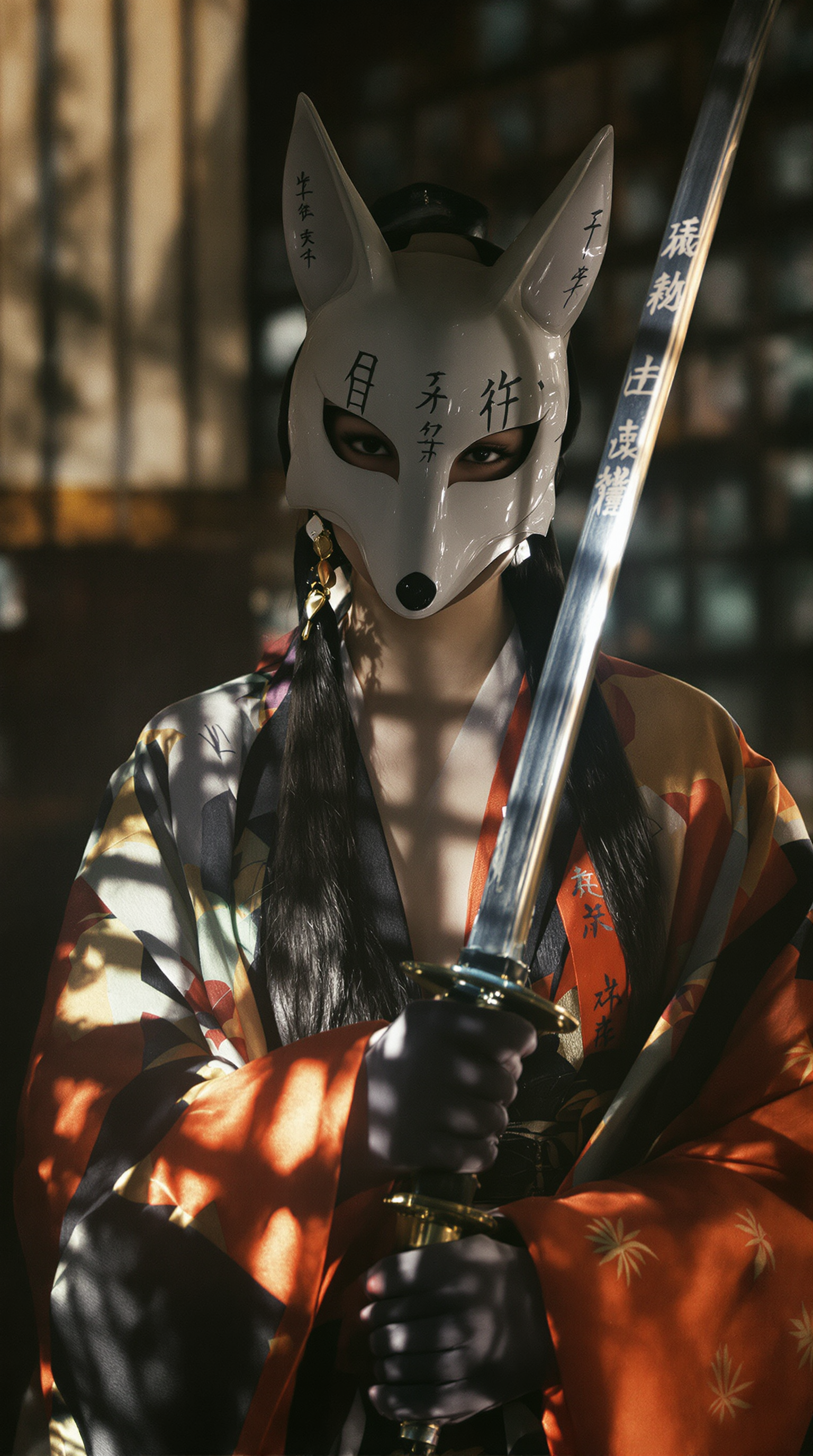
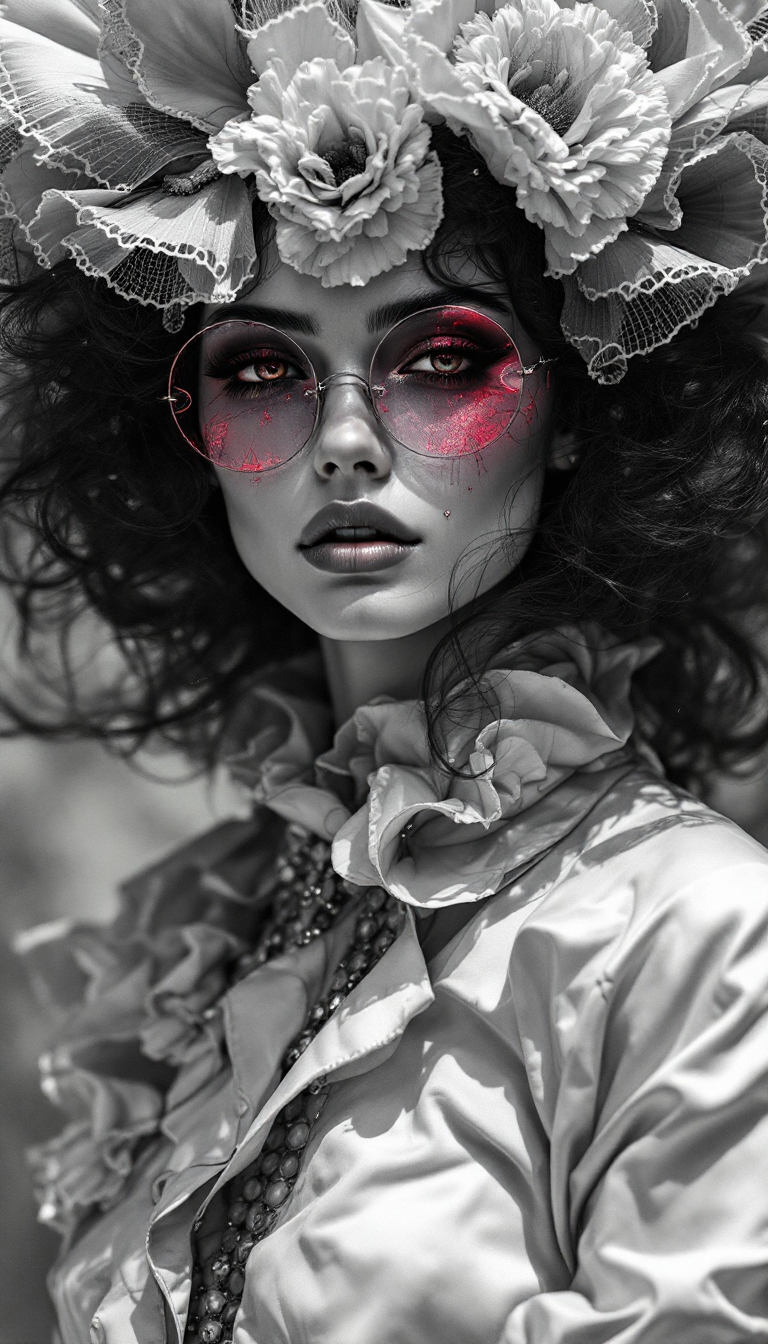
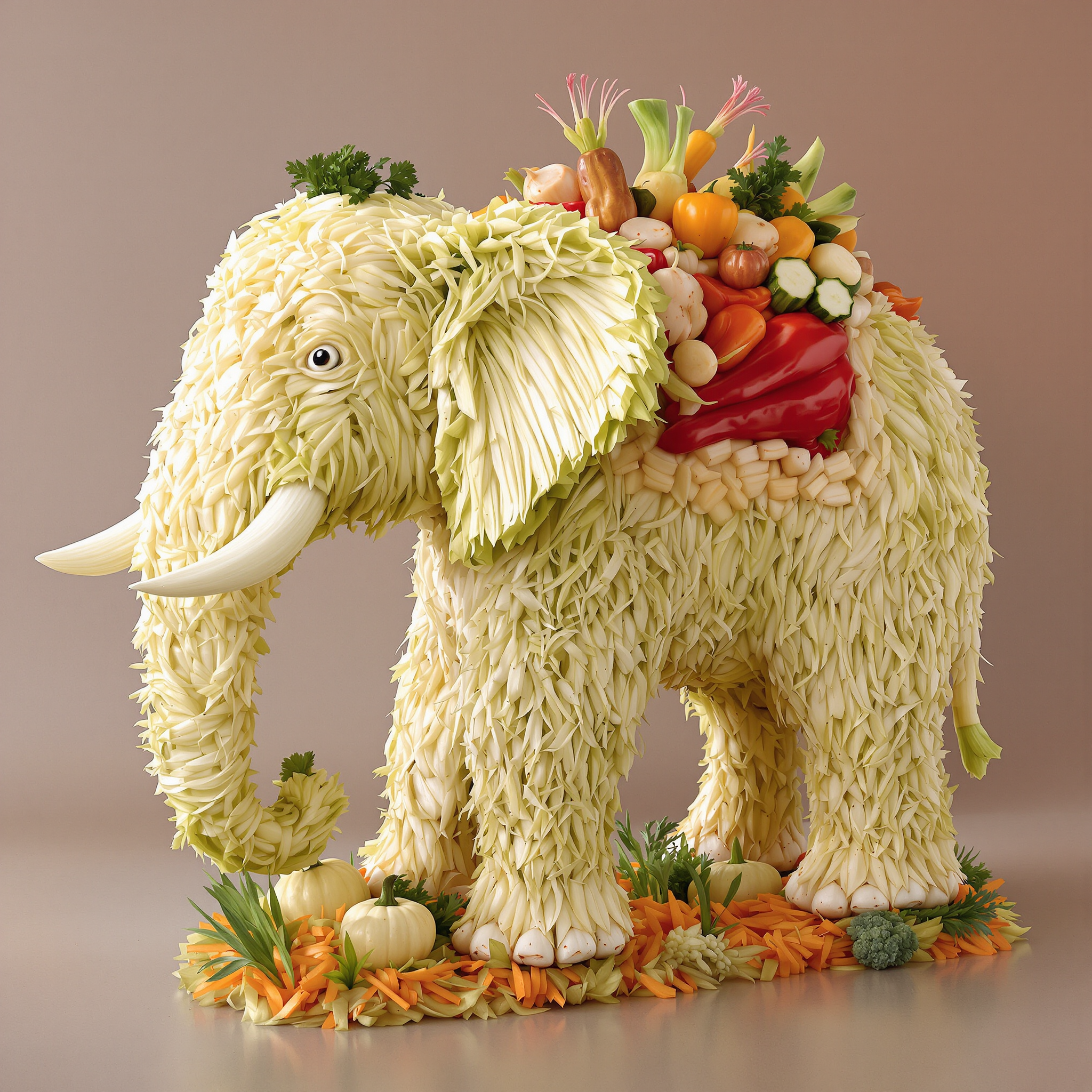
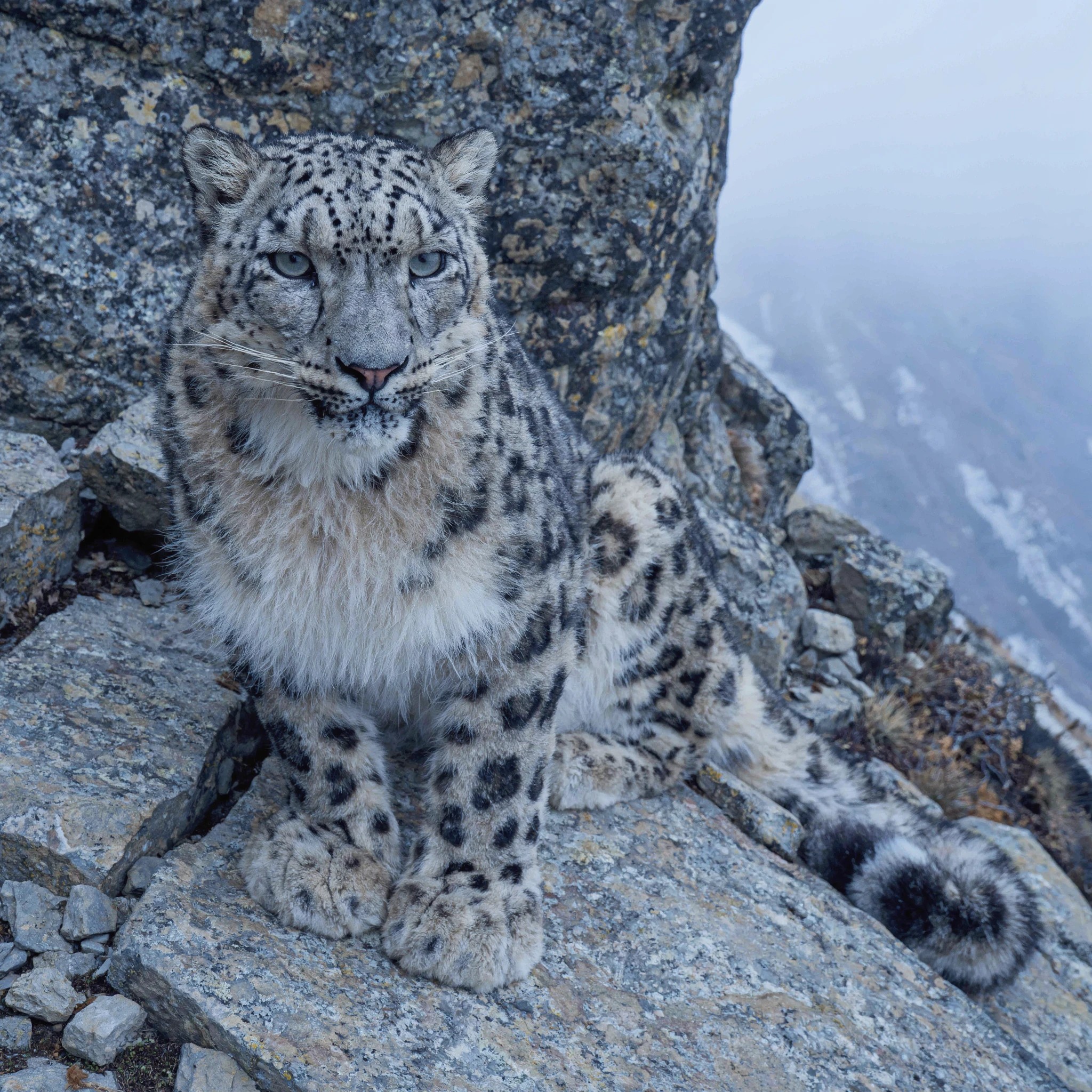

The Pixel Dojo Advantage
Why PixelDojo outperforms other options for consistent character image generation:
| Others | Pixel Dojo |
|---|---|
| Traditional Manual Design | Automates the process, reducing time and effort while ensuring consistency. |
| Generic AI Tools | Offers specialized features like multi-image reference input for precise character consistency. |
| Stock Images | Provides unique, customizable images tailored to your specific character designs. |
Loved by creators on PixelDojo
Real feedback from people using PixelDojo, pulled from our in-product surveys.
super easy to use
it's very easy to use
Practically every Ai suite in one place? Who wouldn't?
versatile menu of tools
Best AI tool availble the suite is rad
Versatility quality, value, ROI, innovation
Explore more AI tools on PixelDojo
AI Tools
Compare & Switch
- Best AI Image Generators
- Best AI Video Generators
- Midjourney Alternatives
- Civitai Alternatives
- Runway Alternatives
- Leonardo Alternatives
- Pika Alternatives
- Luma Alternatives
- Magnific Alternatives
- Veo Alternatives
- Flux Alternatives
- Freepik Alternatives
- Seedance Alternatives
- Seedream Alternatives
- Pixverse Alternatives
- GPT Image Alternatives
- Synthesia Alternatives
- Playground Alternatives
- NightCafe Alternatives
- Canva AI Alternatives
- ElevenLabs Alternatives
- ComfyUI Alternatives
- Fal Alternatives
- Replicate Alternatives
Common Questions
Everything you need to know about WAN 2.7 appearance consistency
How does PixelDojo ensure consistent character appearances in generated images?
PixelDojo's WAN 2.7 tool allows users to upload multiple reference images, guiding the AI to replicate character features accurately across different scenes.
Can I edit the generated images if I need minor adjustments?
Yes, PixelDojo provides editing tools that enable you to make precise adjustments to the generated images, ensuring they meet your exact requirements.
Is there a limit to the number of images I can generate with consistent characters?
No, you can generate as many images as needed, maintaining character consistency throughout your project.
Do I need prior experience with AI tools to use PixelDojo's WAN 2.7?
No, PixelDojo's interface is user-friendly, designed for both beginners and professionals to create consistent character images effortlessly.
What file formats are supported for uploading reference images?
PixelDojo supports common image formats such as JPG, JPEG, and PNG for uploading reference images.
Can I use PixelDojo's WAN 2.7 for commercial projects?
Yes, images generated using PixelDojo's tools can be used for both personal and commercial projects, adhering to our terms of service.