WAN 2.7 multi shot prompt control AI Generator

Imagine bringing your creative visions to life through cinematic multi-shot videos without the need for complex equipment or extensive editing skills. With WAN 2.7's advanced AI capabilities, you can effortlessly transform simple prompts into dynamic, high-quality videos that captivate your audience.
Join over 500,000 creators who have generated more than 10 million videos using WAN 2.7's cutting-edge AI technology.
Why Choose Pixel Dojo for WAN 2.7 multi shot prompt control
Professional-quality results with cutting-edge AI technology
Effortless Multi-Shot Video Creation
Generate cohesive multi-shot videos from simple text prompts, streamlining your storytelling process.
Enhanced Visual Consistency
Maintain character and scene consistency across shots, ensuring a professional and polished final product.
Intuitive Prompt Control
Direct camera movements and scene transitions using natural language, giving you precise creative control without technical complexity.
How It Works
Creating cinematic multi-shot videos with WAN 2.7 is a straightforward process that empowers you to bring your ideas to life effortlessly.
Step 1: Input Your Prompt
Describe your desired scene using natural language. For example, 'A serene sunset over a mountain range with birds flying across the sky.'
Step 2: Select Multi-Shot Option
Choose the multi-shot generation feature to enable WAN 2.7 to create a sequence of shots that tell a cohesive story.
Step 3: Generate and Review
Click 'Generate' to let WAN 2.7 create your video. Review the output and make any necessary adjustments to refine your final product.



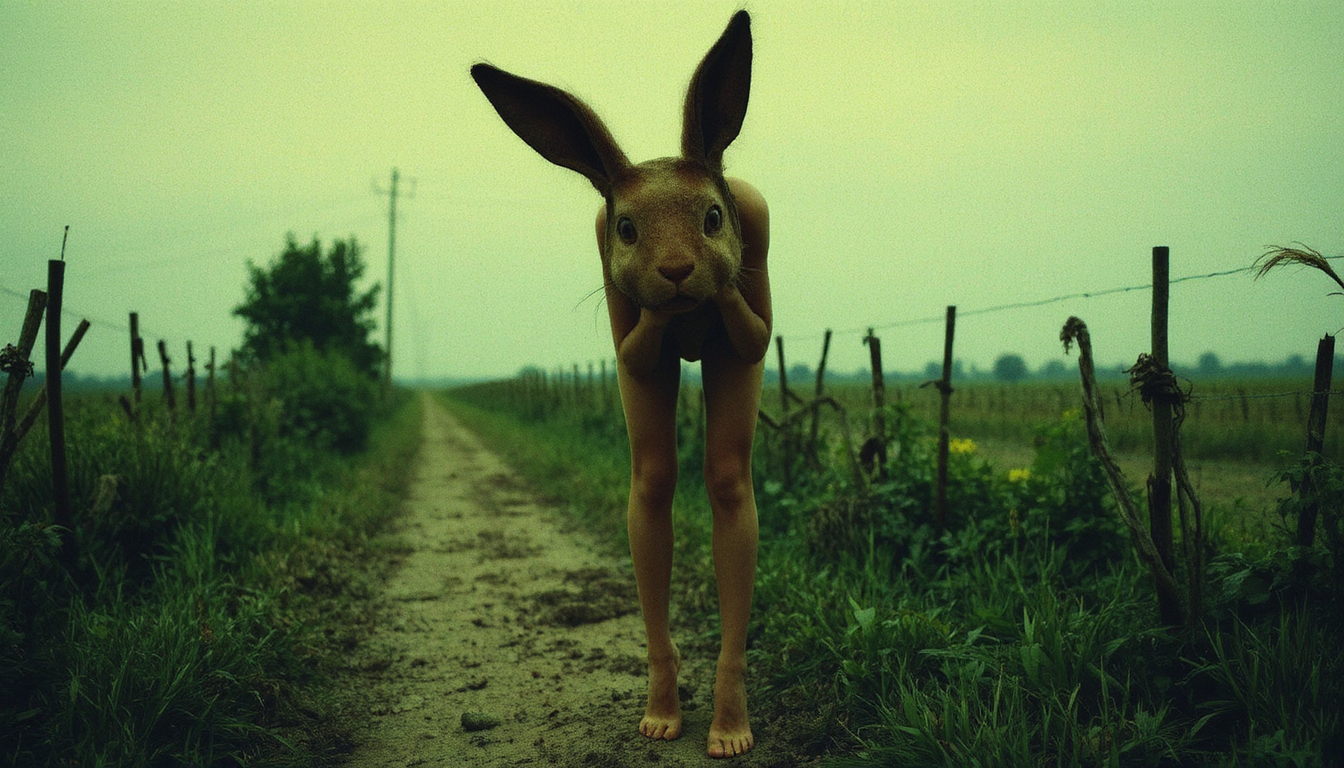





The Pixel Dojo Advantage
Discover how WAN 2.7 stands out in the realm of AI video generation, offering unparalleled advantages over traditional methods.
| Others | Pixel Dojo |
|---|---|
| Traditional Video Production | Eliminates the need for expensive equipment and extensive editing, making high-quality video creation accessible to all. |
| Generic AI Video Tools | Provides advanced multi-shot capabilities and intuitive prompt control, offering greater creative freedom and precision. |
| Manual Video Editing | Automates the video creation process, significantly reducing time and effort while maintaining professional quality. |
Loved by creators on PixelDojo
Real feedback from people using PixelDojo, pulled from our in-product surveys.
I really like how the site is kept up to date, and the leaderboard (where I'm currently #11 most popular artist)
This is the best image generator I've used so far. Well done!
es facil de comprender asi uno no sea programador
amazing web site
phenomenal site. would highly recommend
Amazing features, easy to use, privacy
Explore more AI tools on PixelDojo
AI Tools
Compare & Switch
- Best AI Image Generators
- Best AI Video Generators
- Midjourney Alternatives
- Civitai Alternatives
- Runway Alternatives
- Leonardo Alternatives
- Pika Alternatives
- Luma Alternatives
- Magnific Alternatives
- Veo Alternatives
- Flux Alternatives
- Freepik Alternatives
- Seedance Alternatives
- Seedream Alternatives
- Pixverse Alternatives
- GPT Image Alternatives
- Synthesia Alternatives
- Playground Alternatives
- NightCafe Alternatives
- Canva AI Alternatives
- ElevenLabs Alternatives
- ComfyUI Alternatives
- Fal Alternatives
- Replicate Alternatives
Common Questions
Everything you need to know about WAN 2.7 multi shot prompt control
How does WAN 2.7's multi-shot feature enhance video storytelling?
WAN 2.7's multi-shot feature automatically breaks down your prompt into a sequence of shots, creating a cohesive narrative flow that enhances storytelling and viewer engagement.
Can I control camera movements and angles in WAN 2.7?
Yes, WAN 2.7 allows you to direct camera movements and angles using natural language prompts, giving you precise control over the visual composition of your videos.
Is WAN 2.7 suitable for beginners with no video editing experience?
Absolutely. WAN 2.7 is designed with an intuitive interface that enables users of all skill levels to create professional-quality videos without prior editing experience.
What output resolutions are available in WAN 2.7?
WAN 2.7 supports video generation up to 4K resolution, ensuring your videos are crisp and suitable for various platforms and purposes.
Can I use WAN 2.7 for commercial projects?
Yes, videos created with WAN 2.7 can be used for commercial purposes, making it an excellent tool for marketing campaigns, advertisements, and more.
How long does it take to generate a video with WAN 2.7?
WAN 2.7 is optimized for speed, typically generating videos in seconds, allowing for rapid prototyping and iteration.