wan 3.0 cinematic video
Generated on PixelDojo. Produced by PixelDojo's generation pipeline.
Imagine producing breathtaking cinematic videos that rival professional film productions—complete with sweeping camera movements, immersive synchronized audio, consistent characters, and compelling stories that unfold over a full 30 seconds. You no longer need expensive cameras, lighting crews, sound stages, or weeks of post-production. With PixelDojo's WAN 3.0 cinematic video tools, you simply describe your vision or upload a reference image and watch as your ideas transform into polished, ready-to-share films, ads, product stories, and social content. You achieve Hollywood-level results that captivate audiences, boost engagement, and drive conversions for your brand or personal projects. Pair WAN 3.0 with our full suite including Flux.2 Studio for stunning stills, Consistent Characters for series work, Video Upscaler for 4K polish, and WAN 2.7 Video Edit for refinements. Thousands of creators already use these 40+ cutting-edge AI tools daily. Cancel anytime and start creating the cinematic content that sets you apart.
Real video examples generated on PixelDojo
Every example below was produced on PixelDojo. Hover to see the prompt.
W-cinematic
image-to-video
Gv-cinematic
image-to-video
Pv-cinematic
image-to-video
Sd-cinematic
image-to-video

Wan-cinematic
image-to-image
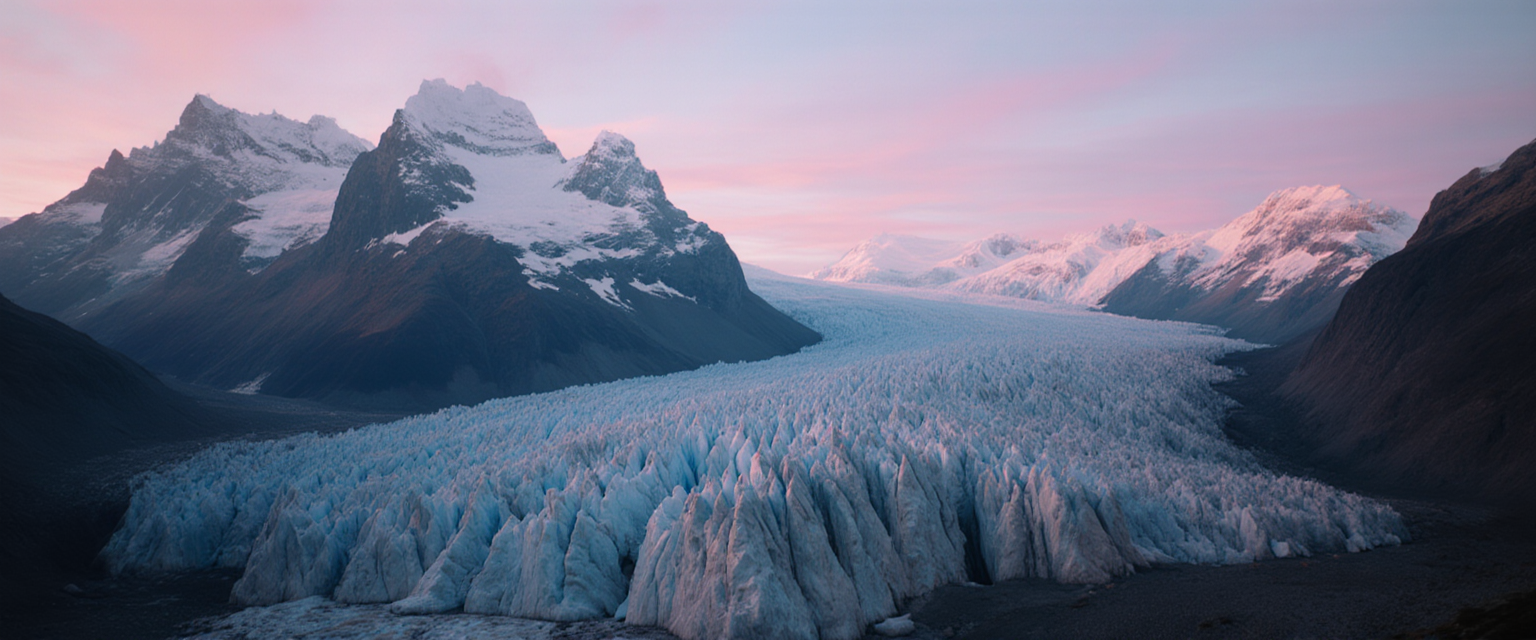
Fs-cinematic
image-to-image
Models you can run on PixelDojo for wan 3.0 cinematic video
Switch models without switching tools. Each one runs in the same PixelDojo studio.
What you can do with wan 3.0 cinematic video on PixelDojo
Cinematic camera language
We generate clips with controlled framing, movement, and pacing so shots read like planned film coverage rather than random motion.
Story-ready scene continuity
We keep characters, lighting, and locations more consistent across takes so you can assemble a sequence without restarting the look each time.
Prompt-driven video drafts
We turn a written brief into short cinematic video you can iterate on, refine, and export for editing.
Style and mood control
We follow genre, color, and atmosphere cues so the output matches the tone you specify for trailers, spots, and narrative pieces.
Loved by thousands of creators worldwide who have generated over 4 million images and videos. 1 million+ videos created on PixelDojo. 40+ professional AI tools in one subscription with commercial rights included.
Why Choose Pixel Dojo for wan 3.0 cinematic video
Professional-quality results with cutting-edge AI technology
Craft Complete 30-Second Cinematic Stories Instantly
You produce full narrative videos with beginning, middle, and end plus native dialogue, ambient sound, and music in a single generation. No more stitching clips. Your ads, short films, and product demos feel professionally paced and emotionally engaging right out of the box.
Lock in Character Consistency Across Every Shot
You maintain the exact same faces, outfits, and details throughout multi-shot sequences or entire series. Combined with WAN Video Character Swap and Consistent Characters tools, your branded content and storytelling stay cohesive and professional every time.
Direct Cinematic Camera Moves Like a Film Pro
You specify push-ins, pull-backs, pans, orbits, and tracking shots that feel intentional and cinematic. Your videos gain that expensive film look with dynamic movement, perfect lighting, and shallow depth of field—without any physical equipment or crew.
How It Works
Creating professional wan 3.0 cinematic video on PixelDojo takes just minutes. You combine the latest WAN 3.0 model with our image generators, editors, and enhancers for complete creative control from idea to finished masterpiece.
Step 1: Choose Your Tool
Head to Generate Videos and select WAN 3.0 for native 30-second cinematic clips with audio. Start from text, or first create a hero image in Flux.2 Studio, Krea Image, or Seedream 5, then use WAN Reference to Video or WAN 2.6 Video. For characters, begin in Consistent Characters or Ideogram Character.
Step 2: Enter Your Prompt
Describe your scene in detail: subject, action, environment, lighting, mood, camera movement (slow dolly-in, orbit, tracking), and audio (dialogue, rain, music). Upload up to multiple reference images or even documents. Use Thinking Mode for complex stories. Example: 'Cinematic golden hour shot of a lone explorer on a misty mountain ridge, slow push-in to their determined face, wind howling, orchestral swell.'
Step 3: Customize & Download
Choose 1080p or higher, duration up to 30 seconds, and generate. Then refine with WAN 2.7 Video Edit, add captions via Video Autocaption, analyze with Video Analyzer, merge clips, extract frames, or upscale to 4K with Video Upscaler and FLUX Video Upscale. Download instantly with full commercial rights.
The Pixel Dojo Advantage
Why PixelDojo outperforms other options for wan 3.0 cinematic video generation
| Others | Pixel Dojo |
|---|---|
| Traditional cinematic video production | You skip the massive costs, location scouting, crews, and months of work. Generate complete 30-second cinematic videos with professional camera work and audio in minutes instead of weeks. |
| Generic AI tools | You get specialized WAN 3.0 plus 40+ complementary tools like character consistency, video editing, upscaling, and image-to-video workflows all in one place with superior control and quality. |
| Manual photo and video editing | You eliminate hours of tedious frame-by-frame work. WAN 3.0 plus our editors like Inpainting, Style Transfer, and Video Reframe deliver cinematic results automatically while you focus on creativity. |
Loved by creators on PixelDojo
Real feedback from people using PixelDojo, pulled from our in-product surveys.
Lots of different tools. It's easy to purchase more credits.
Amazing performance!
Excellent website for creating all types of media
Very eay to use, works well to train SDXL loras.
The amazing tools
Top notch quality and strong prompt adherence.
Explore more AI tools on PixelDojo
AI Tools
Compare & Switch
- Best AI Image Generators
- Best AI Video Generators
- Midjourney Alternatives
- Civitai Alternatives
- Runway Alternatives
- Leonardo Alternatives
- Pika Alternatives
- Luma Alternatives
- Magnific Alternatives
- Veo Alternatives
- Flux Alternatives
- Freepik Alternatives
- Seedance Alternatives
- Seedream Alternatives
- Pixverse Alternatives
- GPT Image Alternatives
- Synthesia Alternatives
- Playground Alternatives
- NightCafe Alternatives
- Canva AI Alternatives
- ElevenLabs Alternatives
- ComfyUI Alternatives
- Fal Alternatives
- Replicate Alternatives
Common Questions
Everything you need to know about wan 3.0 cinematic video
How do I create professional wan 3.0 cinematic video with PixelDojo?
Select WAN 3.0 in Generate Videos, enter a detailed prompt covering subject, action, lighting, camera moves like orbit or push-in, and desired audio. Upload references from Flux.2 Studio or Consistent Characters. Generate your 30-second clip then enhance with Video Upscaler, WAN 2.7 Video Edit, and Video Autocaption for a finished cinematic piece ready for any platform.
What makes WAN 3.0 the best for cinematic video generation on PixelDojo?
You get native 30-second generation with synchronized audio, strong character consistency, precise cinematic camera control, and multimodal inputs including images and documents. Combined with PixelDojo's 40+ tools like Marketing Studio, Character Sheets, and FLUX Video Upscale, you produce higher-quality, more controllable cinematic content than standalone options.
Can I generate 30 second cinematic videos with native audio using WAN 3.0?
Yes. WAN 3.0 on PixelDojo creates complete 30-second videos in one pass at 1080p with dialogue, ambient sound, and music generated together. You describe the audio in your prompt and get a polished cinematic result you can immediately caption, edit, or upscale using our Video Autocaption and Video Upscaler tools.
How to keep characters consistent in WAN 3.0 cinematic videos?
Start with Consistent Characters or Ideogram Character to lock in your subject, then feed those images as references into WAN 3.0 or WAN Reference to Video. Use WAN Video Character Swap for existing clips. PixelDojo's tools ensure faces, clothing, and details stay identical across shots and even multiple videos for series or branded campaigns.
What are the best prompts for WAN 3.0 cinematic video generation?
Structure prompts as a shot brief: subject and action first, then setting and lighting, specific camera movement (slow tracking shot, dramatic orbit), mood, and audio details. Example: 'A stylish woman in a red dress walking through rain-soaked neon streets at night, slow dolly-in to close-up, cinematic lighting, rain sounds and distant jazz.' Test variations easily on PixelDojo and refine with our editors.
How can I edit and enhance my WAN 3.0 cinematic videos on PixelDojo?
After generation, use WAN 2.7 Video Edit or Grok Video Edit for targeted changes, Video Autocaption for subtitles, Video Analyzer for insights, Merge Videos to combine clips, Extract Frame for stills, and Video Upscaler or FLUX Video Upscale for stunning 4K quality. All tools work together seamlessly so your cinematic videos look even more professional.