wan 3.0 free AI Generator
Generated on PixelDojo. Produced by PixelDojo's generation pipeline.
You want professional sequential images and complete 30-second stories without cameras, studios, or editing software. WAN 3.0 on PixelDojo delivers exactly that. Describe a scene, upload a product photo, or even drop in a document, and watch PixelDojo turn it into a matching set of up to 12 images or a full cinematic video with native audio already synced. Marketers launch scroll-stopping ads the same afternoon. Storytellers keep every character identical across an entire series. Educators convert slide decks into engaging visual explainers. All of this happens inside one workspace that already includes WAN Image, WAN 2.7, and dozens of complementary tools. You keep full commercial rights, generate as much as your credits allow, and cancel whenever you like. The result is finished assets you can post, sell, or present today instead of next month.
Real video examples generated on PixelDojo
Every example below was produced on PixelDojo. Hover to see the prompt.
W-cinematic
image-to-video
W-vertical
image-to-video
Gv-vertical
image-to-video
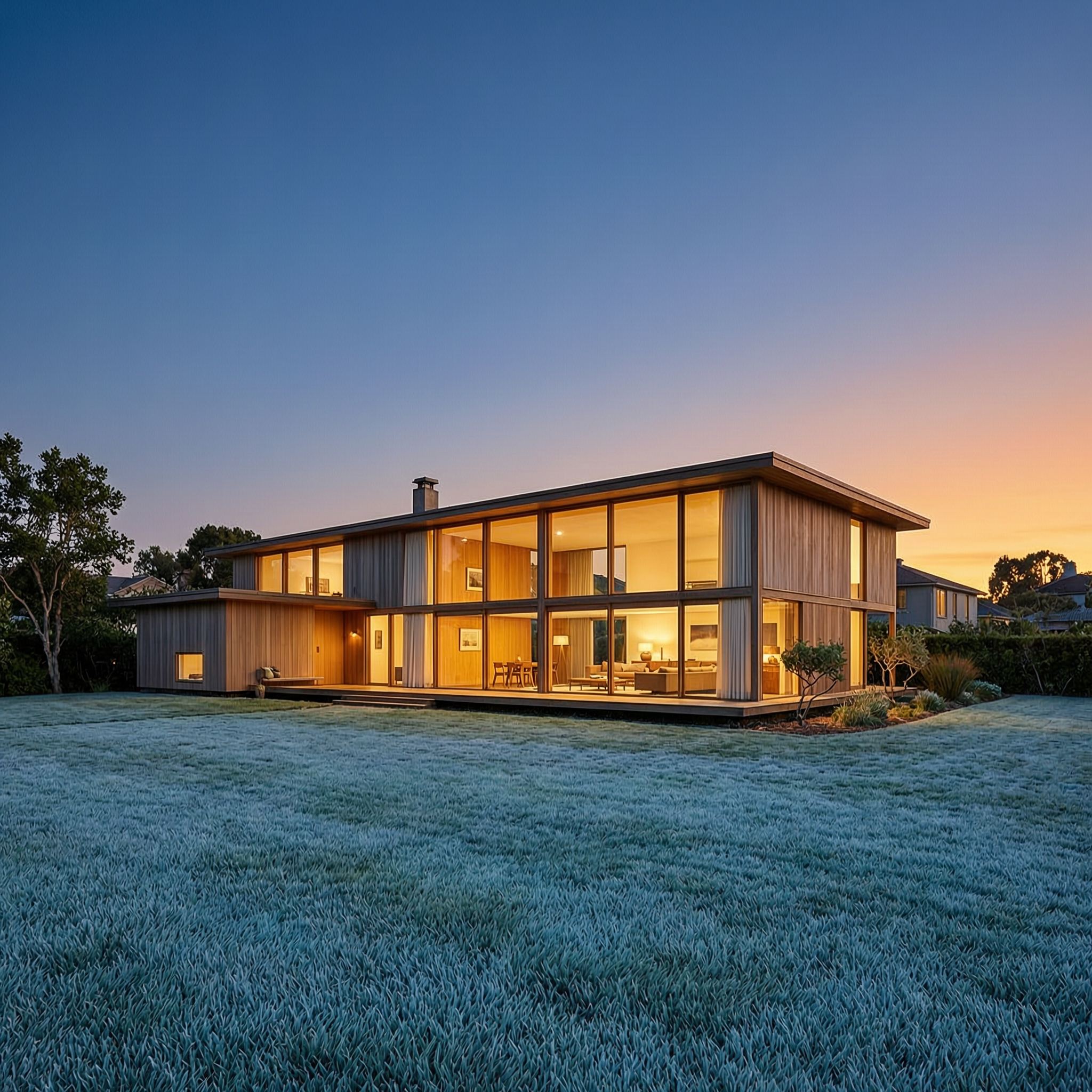
Wan-architecture
image-to-image

Wan-cinematic
image-to-image

Wan-food
image-to-image
Models you can run on PixelDojo for wan 3.0 free
Switch models without switching tools. Each one runs in the same PixelDojo studio.
What you can do with wan 3.0 free on PixelDojo
Free Wan 3.0 Access
We give you Wan 3.0 video generation on PixelDojo without a paid plan for core use. You can start from a prompt and iterate in the same workspace.
Text to Video Drafts
Describe the scene, motion, and style, then generate short clips you can refine. We keep the controls simple so you can try multiple takes quickly.
Image Guided Motion
Upload a still and we animate it with Wan 3.0 so the composition stays closer to your reference. Useful when you already have a key frame or product shot.
Export Ready Clips
Download generated videos in common formats for social posts, storyboards, and client reviews. You can keep versions organized in your PixelDojo library.
Loved by thousands of creators worldwide with 4M+ creations and a 4.9/5 rating. 40+ cutting-edge AI tools including WAN 3.0, WAN Image, and WAN 2.7 Video power every project.
Why Choose Pixel Dojo for wan 3.0 free
Professional-quality results with cutting-edge AI technology
Tell Complete Stories in One Generation
You receive a coherent sequence of up to 12 images or a native 30-second video that already contains dialogue, ambient sound, and perfect character consistency. No more stitching clips or hunting for matching stills. Your product launch, short film, or lesson plan arrives ready to publish.
Use Any Reference You Already Have
Drop in photos, existing videos, audio clips, PDFs, spreadsheets, or even a webpage URL. WAN 3.0 on PixelDojo reads them all and locks the look, motion, and voice you specified. You stay in control of branding and likeness without starting from scratch every time.
Ship Commercial Work the Same Day
Every file you download carries full commercial rights. Combine WAN 3.0 output with PixelDojo’s Background Remover, Reality Polisher, or Video Upscaler and walk away with client-ready ads, social posts, or course modules in minutes instead of days.
How It Works
Creating with WAN 3.0 on PixelDojo takes three straightforward actions. You stay inside one dashboard the entire time and never leave to hunt for extra software.
Step 1: Choose Your Tool
Log into PixelDojo and open the Generate Videos or Generate Images section. Select WAN 3.0 for full 30-second clips with audio or WAN Image / WAN 2.7 for rapid sequential stills. The interface instantly shows reference upload slots so you can attach up to 20 assets before you even type a word.
Step 2: Enter Your Prompt
Type a natural description such as “the woman from Image 1 walks through the forest in Image 2 while explaining the product, camera slowly pushes in, warm sunset lighting.” Add any extra documents or audio. PixelDojo automatically names your references so the model follows them exactly. Hit generate and watch the preview appear in seconds.
Step 3: Customize & Download
Review the sequence or video, tweak lighting or camera angle with one-click tools like Change Camera Angle or Magic Lighting, then download in 1080p or upscale further. Everything stays inside your PixelDojo library so you can reuse the same character or style tomorrow without re-uploading.
The Pixel Dojo Advantage
Why PixelDojo outperforms other options for WAN 3.0 image and video generation
| Others | Pixel Dojo |
|---|---|
| Traditional [category] creation | You skip location scouting, actors, and post-production. A single prompt plus your existing photos produces a complete sequential series or 30-second video with audio already mixed. |
| Generic AI tools | You get true omni-reference support for documents and webpages plus native 30-second duration. Other platforms force you to stitch short clips and lose character consistency. |
| Manual photo editing | You generate an entire matching set of images or a moving story in the time it used to take to retouch one still. PixelDojo’s WAN 3.0 plus built-in editors finish the job automatically. |
Loved by creators on PixelDojo
Real feedback from people using PixelDojo, pulled from our in-product surveys.
You keep adding to it to stay up to date and that is GOLD.
very easy to use and good support
Very easy to use
super easy to use
it's very easy to use
Practically every Ai suite in one place? Who wouldn't?
Explore more AI tools on PixelDojo
AI Tools
Compare & Switch
- Best AI Image Generators
- Best AI Video Generators
- Midjourney Alternatives
- Civitai Alternatives
- Runway Alternatives
- Leonardo Alternatives
- Pika Alternatives
- Luma Alternatives
- Magnific Alternatives
- Veo Alternatives
- Flux Alternatives
- Freepik Alternatives
- Seedance Alternatives
- Seedream Alternatives
- Pixverse Alternatives
- GPT Image Alternatives
- Synthesia Alternatives
- Playground Alternatives
- NightCafe Alternatives
- Canva AI Alternatives
- ElevenLabs Alternatives
- ComfyUI Alternatives
- Fal Alternatives
- Replicate Alternatives
Common Questions
Everything you need to know about wan 3.0 free
How do I generate free WAN 3.0 images and videos on PixelDojo?
Sign up, receive starter credits, and open WAN 3.0 or WAN Image. Upload any references you have, write a simple prompt, and generate. Your first sequential image set or short video is ready in under a minute. Additional credits are inexpensive and you can cancel the plan at any time.
What are the latest WAN 3.0 techniques for sequential image generation?
Use the sequential storytelling mode to request up to 12 images that share the exact same character, lighting, and style. Reference a single hero photo plus a document that lists the story beats. PixelDojo’s WAN 3.0 automatically maintains identity and composition so every frame looks like it belongs to the same campaign.
Can I use WAN 3.0 free for commercial projects on PixelDojo?
Yes. Every image and video you create carries full commercial rights from the first generation. Combine WAN 3.0 output with PixelDojo’s Marketing Studio or Character Studio and deliver client work the same day without extra licensing steps.
How does WAN 3.0 handle documents and webpages as references?
Simply paste a URL or upload a PDF, slide deck, or spreadsheet. WAN 3.0 on PixelDojo parses the content and turns key facts, product shots, or data points into a visual sequence or narrated video. You no longer need to rewrite briefs into prompts.
What resolution and length can I expect from free WAN 3.0 generations?
You receive native 1080p video up to 30 seconds with synchronized audio or high-resolution sequential images. PixelDojo also lets you upscale further with P-Image Upscale or Video Upscaler so the files are ready for any platform.
Is there a difference between WAN 3.0 and earlier WAN versions on PixelDojo?
WAN 3.0 doubles the native duration to 30 seconds, adds document and webpage understanding, and generates audio in the same pass. You still have instant access to WAN 2.7 and WAN Image for faster stills, all inside the same credit pool so you can switch models without extra cost.