wan 3.0 playground AI Generator
Generated on PixelDojo. Produced by PixelDojo's generation pipeline.
You can now produce complete 30-second cinematic stories that hold attention from the first frame to the last—complete with natural motion, locked character identity and perfectly synced audio—without a camera, crew or editing timeline. PixelDojo’s WAN 3.0 Playground lets you start from a simple description, a product photo, a slide deck or even a webpage and receive a polished video ready for ads, explainers, social series or brand films. Marketers turn quarterly reports into watchable campaign clips, creators keep the same hero looking identical across an entire scene, and businesses convert existing documents into engaging visual stories that get shared. Pair WAN 3.0 with Marketing Studio for campaign variations, Film Studio for longer narratives or Flux.2 Studio and Seedream 5 to generate perfect reference images first. Everything lives in one workspace with 40+ cutting-edge AI tools, loved by thousands of creators worldwide. Cancel anytime and start creating today.
Real video examples generated on PixelDojo
Every example below was produced on PixelDojo. Hover to see the prompt.
W-product
image-to-video
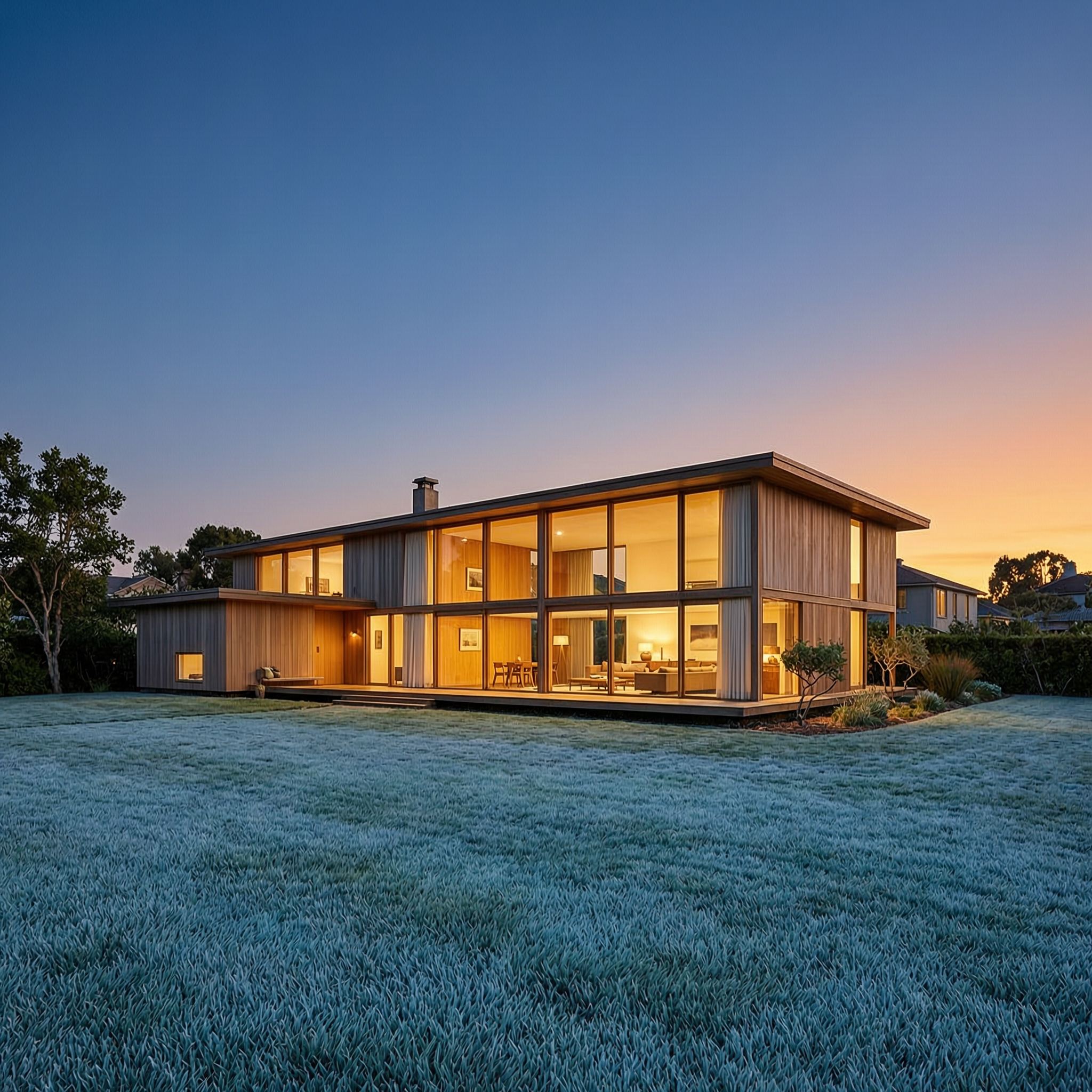
Wan-architecture
image-to-image

Wi-landscape
image-to-image
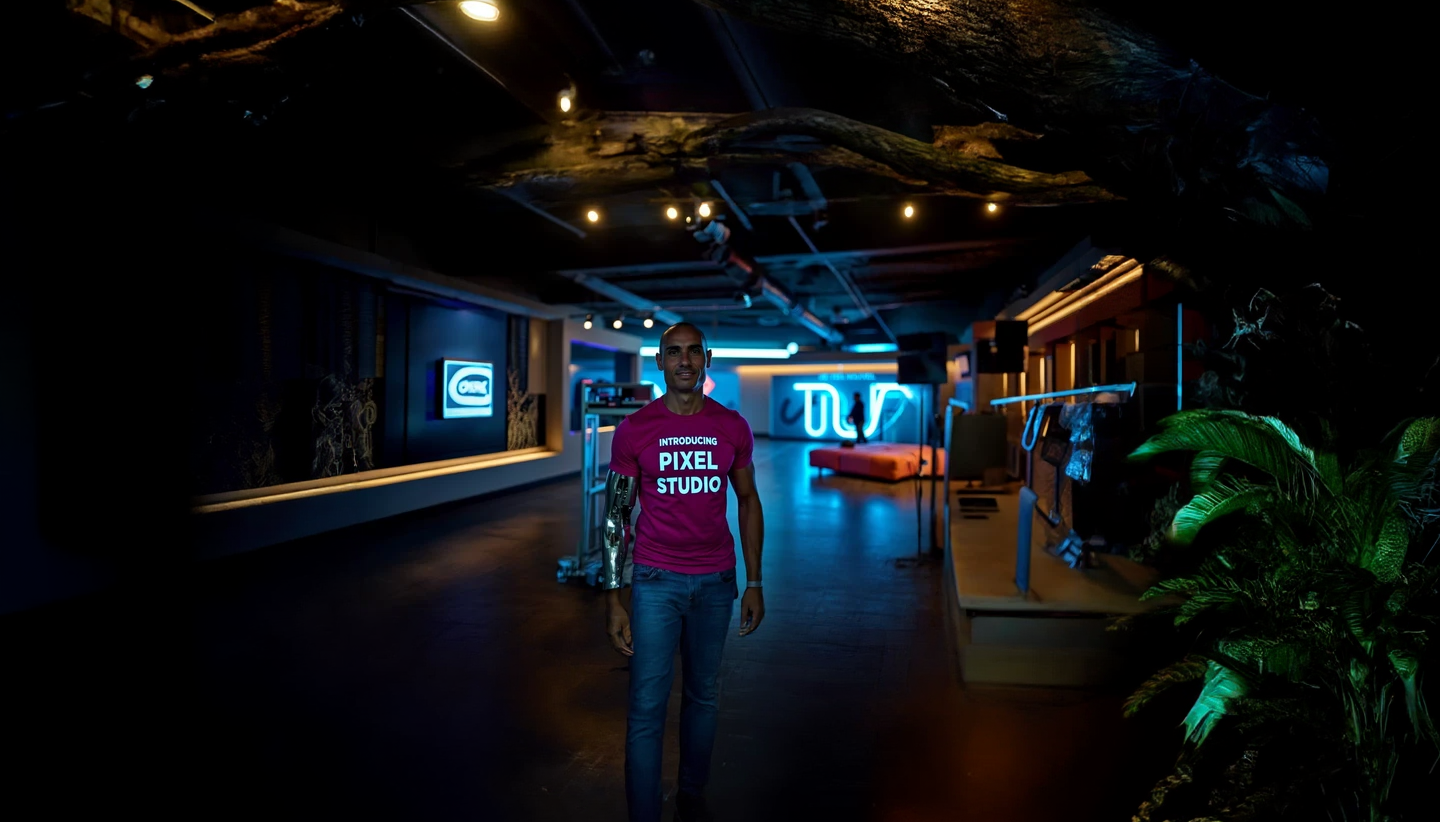
wan 3.0 playground on PixelDojo
stable-diffusion
Time-lapse style clouds rolling over a desert mesa at sunset
flux-3-video
Create a realistic
image-to-video
Models you can run on PixelDojo for wan 3.0 playground
Switch models without switching tools. Each one runs in the same PixelDojo studio.
What you can do with wan 3.0 playground on PixelDojo
Wan 3.0 Video Playground
We give you a dedicated playground to generate video with Wan 3.0 from text or still frames. You can try prompts, compare takes, and keep the clips you want to use.
Text And Image Inputs
Start from a written prompt or an image and we run Wan 3.0 to produce short video. You stay in control of subject, motion, and look without leaving the playground.
Iterate Without Leaving
Regenerate, tweak prompts, and review outputs in one place. We keep your generations organized so you can refine a shot instead of starting over each time.
Creator-Ready Exports
Download the clips you generate and use them in edits, social posts, or storyboards. We focus on straightforward output so you can move from playground to production work.
Loved by thousands of creators worldwide who produce professional videos daily. 40+ cutting-edge AI tools in one platform, commercial-use license included, cancel anytime. Real results: consistent 30-second takes that previously required hours of stitching and post-production.
Why Choose Pixel Dojo for wan 3.0 playground
Professional-quality results with cutting-edge AI technology
Deliver Complete 30-Second Stories in One Generation
You get a full cinematic take with beginning, middle and end plus native dialogue, music and sound effects already mixed—no silent clips or extra audio steps. Launch ads, product demos and social content that feel studio-made and convert viewers.
Lock Characters and Products Across Every Frame
Upload references created in WAN Image, Flux.2 Studio or Seedream 5 and WAN 3.0 holds faces, outfits, logos and sets rock-solid for the entire 30 seconds. Your brand hero never drifts, so series and multi-shot sequences stay on-model.
Turn Documents and Webpages Straight Into Video
Feed a PDF, slide deck, spreadsheet or live URL and watch WAN 3.0 read the content then build a sequenced, narrated video. Reports become explainers, product pages become launch films—zero retyping required.
How It Works
You go from idea to finished 30-second video in three simple steps inside PixelDojo. No technical knowledge or timeline editing needed—just describe the story and let WAN 3.0 plus supporting tools do the rest.
Step 1: Choose Your Tool
Open PixelDojo, go to Generate Videos and select WAN 3.0. For extra character lock-in add WAN Reference to Video; for campaign-ready assets open Marketing Studio at the same time. Create or upload first-frame images with Flux.2 Studio, Seedream 5 or Image to Image so identity is locked before you write a word. You can also drop a PDF or webpage URL directly.
Step 2: Enter Your Prompt
Write a director-style brief: subject + continuous action + scene + camera move + audio cues. For long takes split into numbered stages with visible end states (empty bench, product in hand, door closed). Bind each reference: “@Image 1 defines the hero’s face and jacket. Ignore the original background.” Include sound: rain bed, dialogue, music swell. WAN 3.0 generates picture and audio together.
Step 3: Customize & Download
Preview the 30-second clip, then refine with WAN 2.7 Video Edit, Kling Video Edit or Video Autocaption. Upscale with FLUX Video Upscale or Clarity Pro if needed. Export commercially licensed files ready for ads, social or presentations. Iterate instantly with the same references so every version stays consistent.
The Pixel Dojo Advantage
Why PixelDojo outperforms other options for WAN 3.0 playground video generation
| Others | Pixel Dojo |
|---|---|
| Traditional video production | You skip crews, locations, lighting setups and days of editing. One prompt plus references delivers a finished 30-second clip with audio in minutes instead of weeks. |
| Generic AI tools | PixelDojo gives you WAN 3.0 plus 40+ complementary models (Flux.2 Studio, Seedream 5, Marketing Studio, Film Studio) in one workspace so you generate references, lock characters, edit and upscale without switching platforms. |
| Manual photo and video editing | No more stitching short clips or adding sound later. WAN 3.0 produces one continuous take with native audio and rock-solid consistency; you simply download and publish. |
Loved by creators on PixelDojo
Real feedback from people using PixelDojo, pulled from our in-product surveys.
awesome functionality, UX, constant flood of improvements, discord interactivity
Awesome site with so many features
Love how I can almost create anything
The Flux Pro Ultra is just amazing!
Very easy to use, and they have fast wan 2.2 video generation with custom loras available.
The overall quality of the site and it's amazing variety of tools. The continued updates of the UI. The unbelievable level of tech support.
Explore more AI tools on PixelDojo
AI Tools
Compare & Switch
- Best AI Image Generators
- Best AI Video Generators
- Midjourney Alternatives
- Civitai Alternatives
- Runway Alternatives
- Leonardo Alternatives
- Pika Alternatives
- Luma Alternatives
- Magnific Alternatives
- Veo Alternatives
- Flux Alternatives
- Freepik Alternatives
- Seedance Alternatives
- Seedream Alternatives
- Pixverse Alternatives
- GPT Image Alternatives
- Synthesia Alternatives
- Playground Alternatives
- NightCafe Alternatives
- Canva AI Alternatives
- ElevenLabs Alternatives
- ComfyUI Alternatives
- Fal Alternatives
- Replicate Alternatives
Common Questions
Everything you need to know about wan 3.0 playground
How do I create 30-second cinematic videos with WAN 3.0 playground on PixelDojo?
Select WAN 3.0 from Generate Videos, upload up to ten reference images made in Flux.2 Studio or Seedream 5 (or drop a document/URL), write a staged prompt covering subject, action, camera and audio, then generate. The model returns picture and sound together. Refine with WAN 2.7 Video Edit or Marketing Studio and download a commercially licensed file.
Can WAN 3.0 playground turn my existing PDF or slide deck into a video?
Yes. Upload the document or paste a webpage URL directly into WAN 3.0. The model reads the content, structures the sequence and generates a narrated 30-second video that follows the original information. Perfect for reports, product specs and campaign decks. Combine with Video Autocaption for extra polish.
How does WAN 3.0 playground keep characters consistent across a full 30-second take?
You bind each uploaded image to a specific role (“@Image 1 defines face, hair and clothing”) and state exclusions. WAN 3.0 plus WAN Reference to Video holds identity, wardrobe and props rock-solid. Generate the keyframes first in WAN Image or Ideogram 4 for even tighter control.
Does WAN 3.0 playground include native audio or do I add sound later?
Native audio is generated in the same pass—dialogue, music, room tone and foley arrive already mixed. Describe the sound in your prompt and the clip is ready to publish. Use Video Analyzer or Grok Video Edit if you want to tweak later.
What other PixelDojo tools work best with WAN 3.0 playground?
Create reference images with Flux.2 Studio, Seedream 5, QWEN Image 2 or Ideogram 4. Expand stories in Film Studio, generate campaign variations in Marketing Studio, swap characters with WAN Video Character Swap, upscale with FLUX Video Upscale and add captions with Video Autocaption. All 40+ tools stay in one workspace.
Is there a risk if I try WAN 3.0 playground on PixelDojo?
None. You get 40+ cutting-edge AI tools loved by thousands of creators worldwide, a commercial-use license and the ability to cancel anytime. Start with a single 30-second clip and scale only if you love the results.