wan 3.0 vs wan 2.6
Generated on PixelDojo. Produced by PixelDojo's generation pipeline.
Imagine turning a simple idea into photorealistic images that look like they came from a high-end photoshoot, then instantly bringing those same characters and scenes to life in smooth, cinematic video clips complete with sound. That's the power you unlock on PixelDojo when you compare and combine WAN 3.0 and WAN 2.6. You get professional visuals that stay consistent from still frame to moving story, without any design experience or expensive software. Create product shots that sell, character portraits that feel alive, or social content that stops the scroll. PixelDojo puts WAN 2.6, WAN 2.7, WAN Image, and WAN 3.0 right at your fingertips so you can generate, refine, and export ready-to-use assets in minutes. Thousands of creators already rely on these tools daily because the results look polished and the process stays simple. You focus on your vision while the platform handles the heavy lifting, and you can cancel anytime if it doesn't fit your workflow.
Real video examples generated on PixelDojo
Every example below was produced on PixelDojo. Hover to see the prompt.
W-cinematic
image-to-video
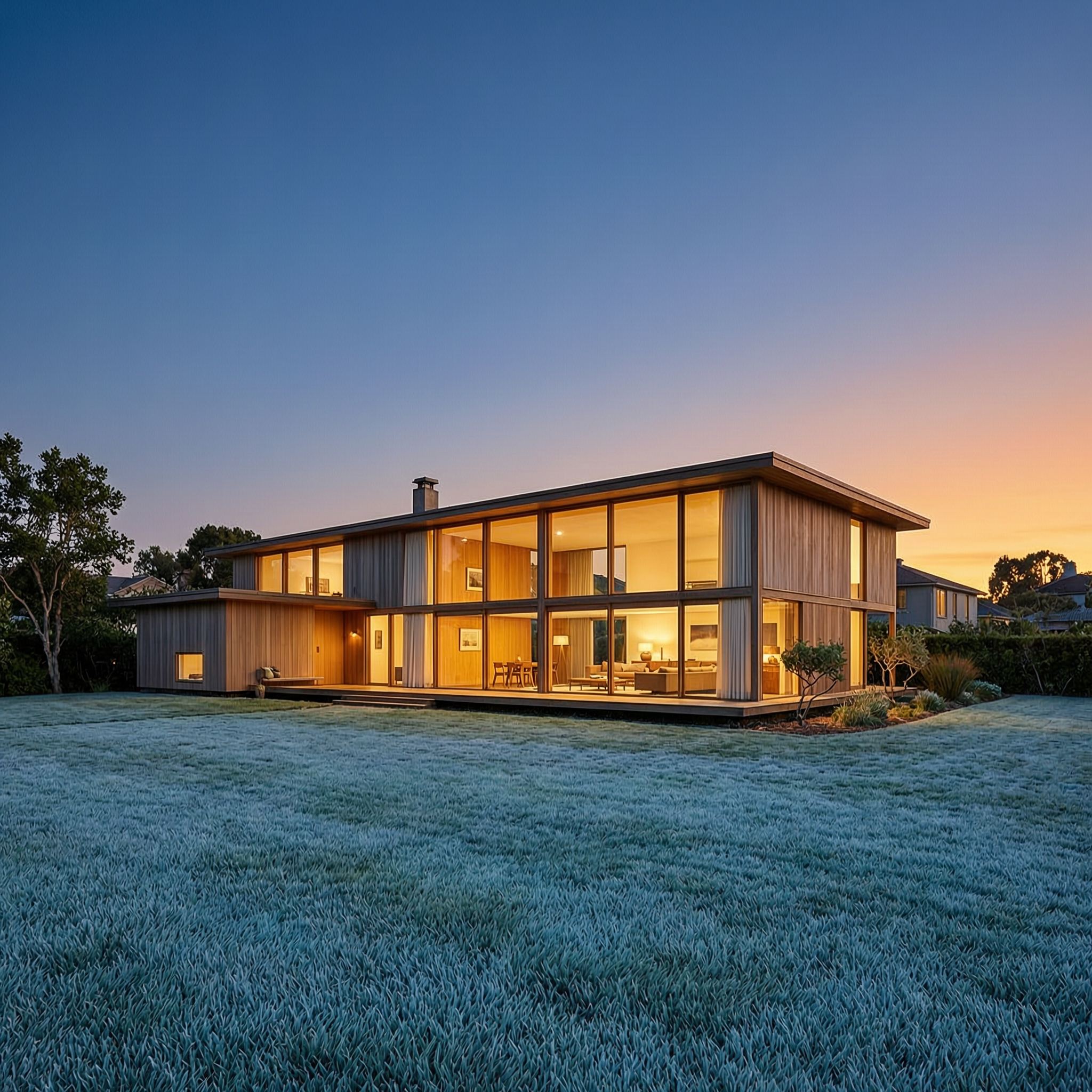
Wan-architecture
image-to-image

Wan-cinematic
image-to-image

Wan-food
image-to-image

Wi-landscape
image-to-image
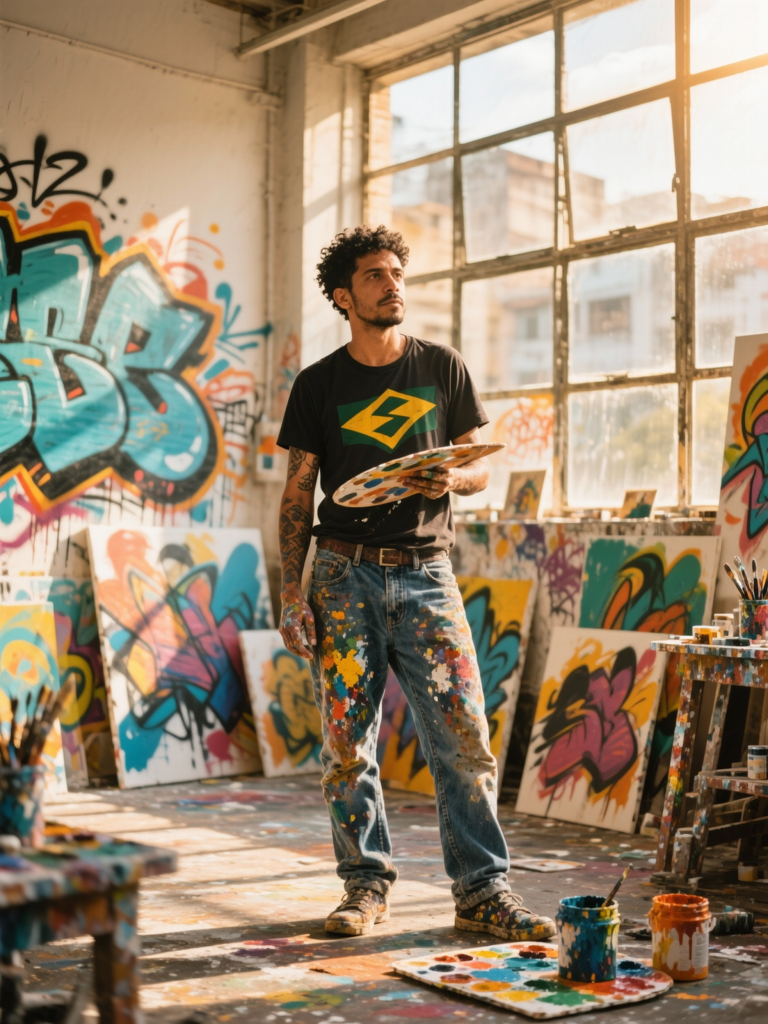
W26-portrait
image-to-image
Models you can run on PixelDojo for wan 3.0 vs wan 2.6
Switch models without switching tools. Each one runs in the same PixelDojo studio.
What you can do with wan 3.0 vs wan 2.6 on PixelDojo
Compare WAN Model Versions
We let you run WAN 3.0 and WAN 2.6 side by side so you can judge motion, detail, and prompt fit before you commit a full render.
Pick The Right Model
We surface both versions in one video workflow so you can choose 3.0 for newer motion behavior or stay on 2.6 when you need a familiar look.
Keep Prompts And Settings
We carry your prompt, aspect ratio, and duration across versions so you can isolate what actually changed between WAN 3.0 and WAN 2.6.
Export The Take You Prefer
We give you downloadable clips from either model so you can keep the cut that matches your project without leaving PixelDojo.
Loved by thousands of creators worldwide. Access 40+ cutting-edge AI tools including WAN 2.6, WAN 3.0, WAN Image, and more. Commercial license included. Cancel anytime.
Why Choose Pixel Dojo for wan 3.0 vs wan 2.6
Professional-quality results with cutting-edge AI technology
Keep Characters Looking Identical Across Every Image and Clip
You lock in a face, outfit, or product once and reuse it everywhere. WAN 2.6 Image and WAN Image give you sharp stills with matching details, then WAN 3.0 and WAN 2.6 Video carry that exact identity into motion with native audio so your brand or story stays recognizable from first frame to last.
Produce Cinematic Quality Images and Videos in Minutes
Skip hours of lighting setups and editing. Enter a location, mood, and action and watch WAN 2.6 deliver atmospheric stills while WAN 3.0 turns them into 30-second stories with camera moves and sound already mixed. You walk away with content that looks expensive and feels professional.
Iterate Fast Then Export Exactly What You Need
Generate variations, tweak with Inpainting or Image to Image, then upscale or convert to video. PixelDojo's WAN tools plus edit features like Background Remover and Smart Resize let you refine until it is perfect and download in the size your project requires, all without leaving the platform.
How It Works
You can go from idea to finished image or video in three straightforward steps using PixelDojo's dedicated WAN tools. No technical knowledge required.
Step 1: Choose Your Tool
Log in and head to Generate Images. Select WAN 2.6 or WAN Image for stills that capture cinematic lighting and precise details, or switch to Generate Videos and pick WAN 3.0 or WAN 2.6 Video when you want motion and native audio. The interface shows credit cost upfront so you always know what you are creating.
Step 2: Enter Your Prompt
Describe the scene, lighting, and subject in natural language. For WAN 2.6 Image add a specific location and time of day to get atmospheric results. For WAN 3.0 include camera movement and dialogue so the model builds a complete 30-second clip with sound. Upload a reference image if you want to lock a character or product look.
Step 3: Customize & Download
Review the result, then use Image to Image, Inpainting, or Style Transfer to make small changes. When it looks right, download the still or send it straight to WAN 3.0 Video for animation. Upscale with P-Image Upscale if you need extra resolution. Everything stays in one workspace so you never lose your flow.
The Pixel Dojo Advantage
Why PixelDojo outperforms other options for WAN 3.0 vs WAN 2.6 image generation
| Others | Pixel Dojo |
|---|---|
| Traditional [category] creation | You skip cameras, studios, and crews. PixelDojo's WAN 2.6 and WAN 3.0 deliver the same polished look in minutes instead of days, with built-in consistency tools that keep every asset on-brand. |
| Generic AI tools | You get specialized WAN 2.6 Image for cinematic stills and WAN 3.0 for longer videos with audio, plus one-click editing like Change Camera Angle and Reality Polisher, all in a single platform instead of jumping between disconnected apps. |
| Manual photo editing | You generate the base image or video first, then refine only what needs changing. Tools like Magic Lighting and Background Remover finish the job faster than starting from a blank canvas or raw footage. |
Loved by creators on PixelDojo
Real feedback from people using PixelDojo, pulled from our in-product surveys.
Trained my Lora super fast. Still working out how to creat content wit it, but I love it so far.
I love this app
It has all the tools I can think of...
deployment rate of splendid features is incredible. Legend
large selection of tools on one platform
the amount you can do on this site
Explore more AI tools on PixelDojo
AI Tools
Compare & Switch
- Best AI Image Generators
- Best AI Video Generators
- Midjourney Alternatives
- Civitai Alternatives
- Runway Alternatives
- Leonardo Alternatives
- Pika Alternatives
- Luma Alternatives
- Magnific Alternatives
- Veo Alternatives
- Flux Alternatives
- Freepik Alternatives
- Seedance Alternatives
- Seedream Alternatives
- Pixverse Alternatives
- GPT Image Alternatives
- Synthesia Alternatives
- Playground Alternatives
- NightCafe Alternatives
- Canva AI Alternatives
- ElevenLabs Alternatives
- ComfyUI Alternatives
- Fal Alternatives
- Replicate Alternatives
Common Questions
Everything you need to know about wan 3.0 vs wan 2.6
What is the difference between WAN 3.0 and WAN 2.6 for image generation on PixelDojo?
WAN 2.6 and WAN Image excel at creating high-quality stills with cinematic lighting and fixed pixel sizes that match your exact needs. WAN 3.0 focuses on turning those stills or new prompts into up to 30-second videos with native audio and stronger character lock. You use both together on PixelDojo so your images stay consistent when they start moving.
How do I create consistent characters with WAN 3.0 vs WAN 2.6?
Start with WAN 2.6 Image or WAN Image and upload a reference photo. The model holds facial features and clothing. Then send the same reference into WAN 3.0 or WAN 2.6 Video. PixelDojo's Consistent Characters and Character Sheets tools make it even easier to reuse the look across multiple generations without starting over.
Can I generate images and then turn them into videos using these WAN models?
Yes. Create your still with WAN 2.6 or WAN Image, then open Generate Videos and choose WAN 3.0 or WAN 2.6 Video. Upload the image as a starting frame. The model animates it while keeping details intact and adds sound automatically. You can also use WAN Reference to Video for extra control.
What prompting techniques work best for WAN 2.6 image generation?
Keep prompts focused on location, time of day, and atmosphere. Phrases like a specific city at golden hour plus lighting details produce the cinematic look WAN 2.6 is known for. PixelDojo's interface even suggests size presets so your output matches social, print, or web needs without extra cropping.
Is there a free way to try WAN 3.0 vs WAN 2.6 on PixelDojo?
You can start creating immediately with the tools available. PixelDojo offers 40+ cutting-edge models including the full WAN family. Credits are shown before each generation so you stay in control, and you can cancel your plan at any time if you decide it is not the right fit.
How does PixelDojo help me edit WAN 3.0 and WAN 2.6 results after generation?
After you generate, jump straight into Edit Images with Inpainting, Style Transfer, or Magic Lighting. For video you can use WAN 2.7 Video Edit or Video Autocaption. Everything stays connected so you refine the exact output you just created instead of exporting and starting over in another program.