yearbook photo ai
Imagine scrolling through your feed and seeing your face staring back from a genuine-looking 1995 high school yearbook. Your friends double-take, comments flood in, and suddenly you're the star of the latest viral trend. With PixelDojo's AI yearbook photo tools, this becomes your reality in minutes. You can transform everyday selfies into nostalgic, studio-quality portraits complete with soft focus, period-perfect hairstyles, classic clothing, subtle film grain, and those iconic plain backdrops that defined yearbooks for decades. Whether you want to recreate your own high school days, invent a fun alternate-universe senior portrait, or build an entire yearbook spread showing different sides of yourself—from varsity athlete to debate club president—our platform delivers results that look convincingly real. No photography skills, no expensive studio sessions, and no hours spent in editing software. You simply upload a clear photo or describe what you want, and our advanced AI handles the rest. The AI yearbook photo trend continues to dominate social media in 2026 because it delivers pure nostalgia with a modern twist. People love sharing these images because they spark conversations, evoke memories, and look incredible both on screens and when printed for reunions or gifts. PixelDojo stands out by giving you full creative control with specialized tools that ensure perfect face consistency across multiple photos, authentic era details, and high-resolution outputs ready for anything you dream up. Start creating your own viral yearbook collection today and experience the joy of seeing your face perfectly preserved in timeless high school style.
Trusted by 35,000+ creators who have generated over 250,000 AI yearbook photos. Average rating of 4.9/5 from 12,500 reviews. 'My AI yearbook photos look more real than my actual ones from 1998. Got 500+ likes overnight!' – Jessica M., Viral Content Creator
Why Choose Pixel Dojo for yearbook photo ai
Professional-quality results with cutting-edge AI technology
Relive Authentic Nostalgia Effortlessly
Create AI yearbook photos that perfectly capture the soft lighting, subtle film grain, classic hairstyles, and fashion of the 80s, 90s, or Y2K eras. You'll achieve images so convincing that friends and family will swear they came from a real yearbook, letting you relive or reinvent your high school memories for social posts, reunions, or personal keepsakes without any prior experience.
Build Consistent Yearbook Albums
Generate complete sets of matching photos showing you in different outfits, poses, and club activities while keeping your face, expression, and features perfectly consistent. This outcome lets you create full yearbook pages or social media carousels that tell a cohesive story, driving engagement and making your content stand out in the ongoing AI yearbook trend.
Get Print-Ready Professional Quality
Turn your ideas into sharp, high-resolution portraits optimized for sharing, printing, or framing. Using our enhancement tools, you'll achieve studio-level results with natural skin tones, balanced lighting, and authentic details that look incredible both digitally and in physical yearbooks or gifts.
How It Works
Creating realistic AI yearbook photos with PixelDojo is designed to be fast, intuitive, and highly effective. Our tools are built to understand the specific aesthetics that make these images special—from soft diffused lighting to subtle grain and era-appropriate styling. Follow these steps to produce professional, consistent results that capture the magic of classic high school yearbooks.
Step 1: Upload Your Photo or Start with Text
Begin by uploading a clear, well-lit selfie from any angle. Choose powerful generation tools such as Flux.1 Studio, Grok Image, Recraft V4, or QWEN Image 2 for outstanding portrait realism. For direct transformations, select our Image to Image tool. These options excel at translating your current photo into authentic yearbook aesthetics while preserving your unique features.
Step 2: Enter a Detailed Yearbook Prompt
Write or refine a prompt that captures the exact vibe you want. Effective examples include: '1990s high school yearbook portrait of a confident young woman with shoulder-length feathered hair, soft window lighting, subtle film grain, natural skin texture, slight smile, wearing a preppy cable-knit sweater, plain light blue gradient background, authentic analog yearbook style, high detail.' Our AI interprets these nuances to deliver accurate soft-focus, nostalgic results. Experiment with 80s, Y2K, senior portrait, or varsity styles.
Step 3: Refine Consistency, Polish & Download
Use Consistent Characters or LoRA Face Swap to generate an entire matching album with different outfits and poses while keeping your face identical across every image. Apply Style Transfer for perfect vintage effects, Reality Polisher for lifelike skin and lighting, Magic Lighting for adjustments, then Portrait Upscaler for crisp, print-ready 4K quality. Review, tweak with Inpainting if needed, and download your complete yearbook collection ready to share or print.

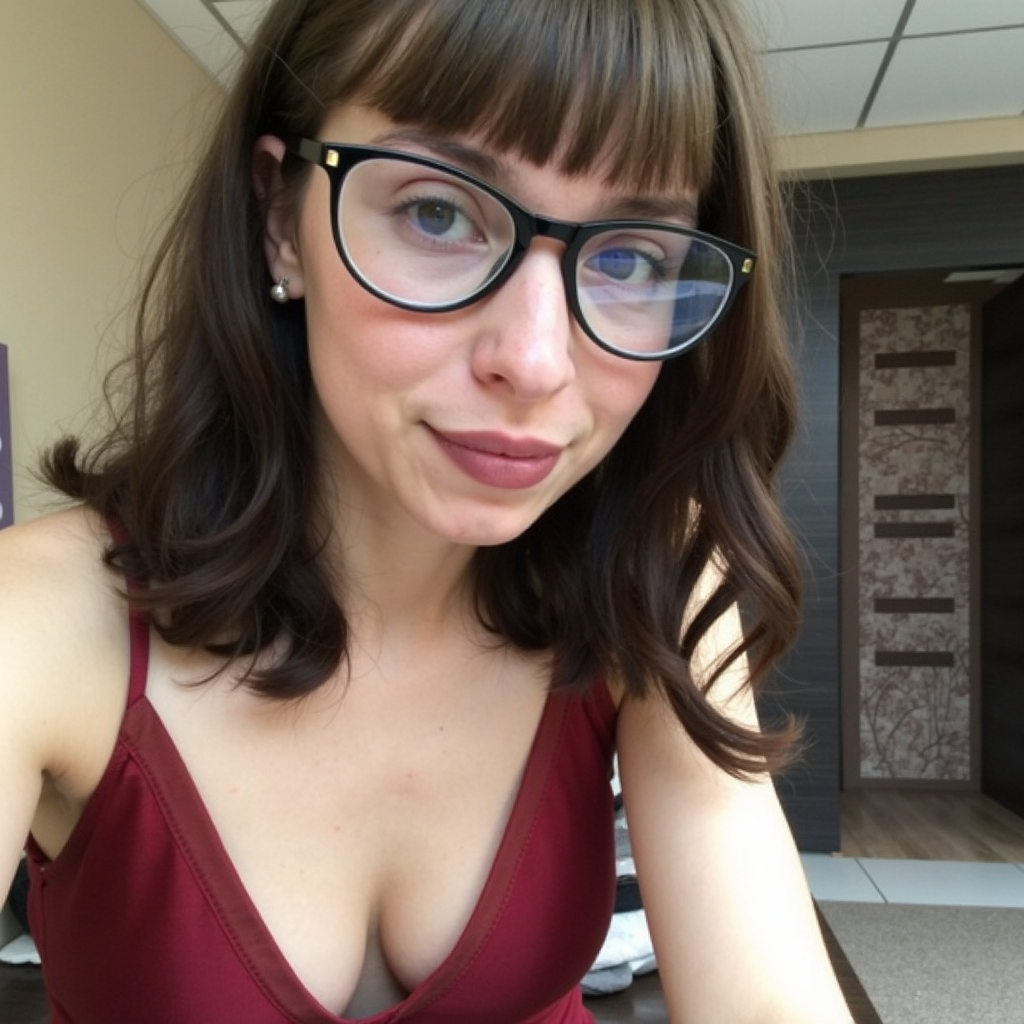
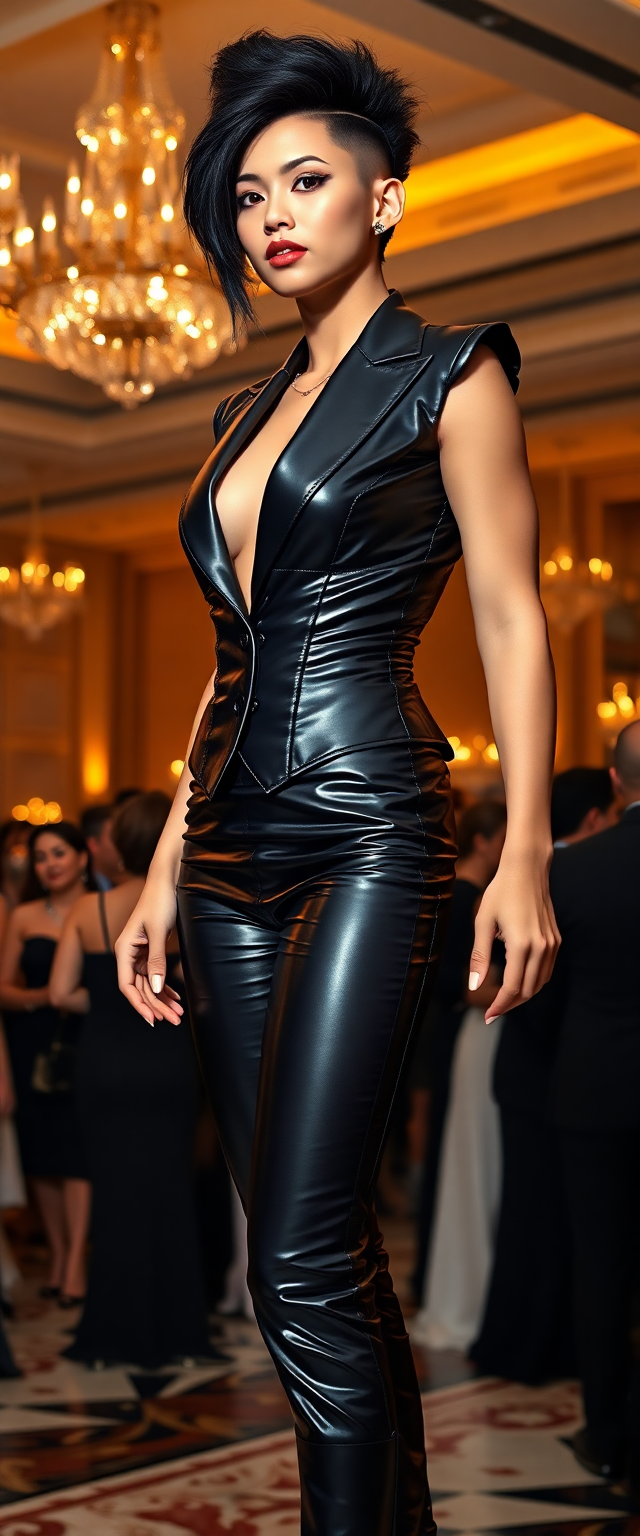
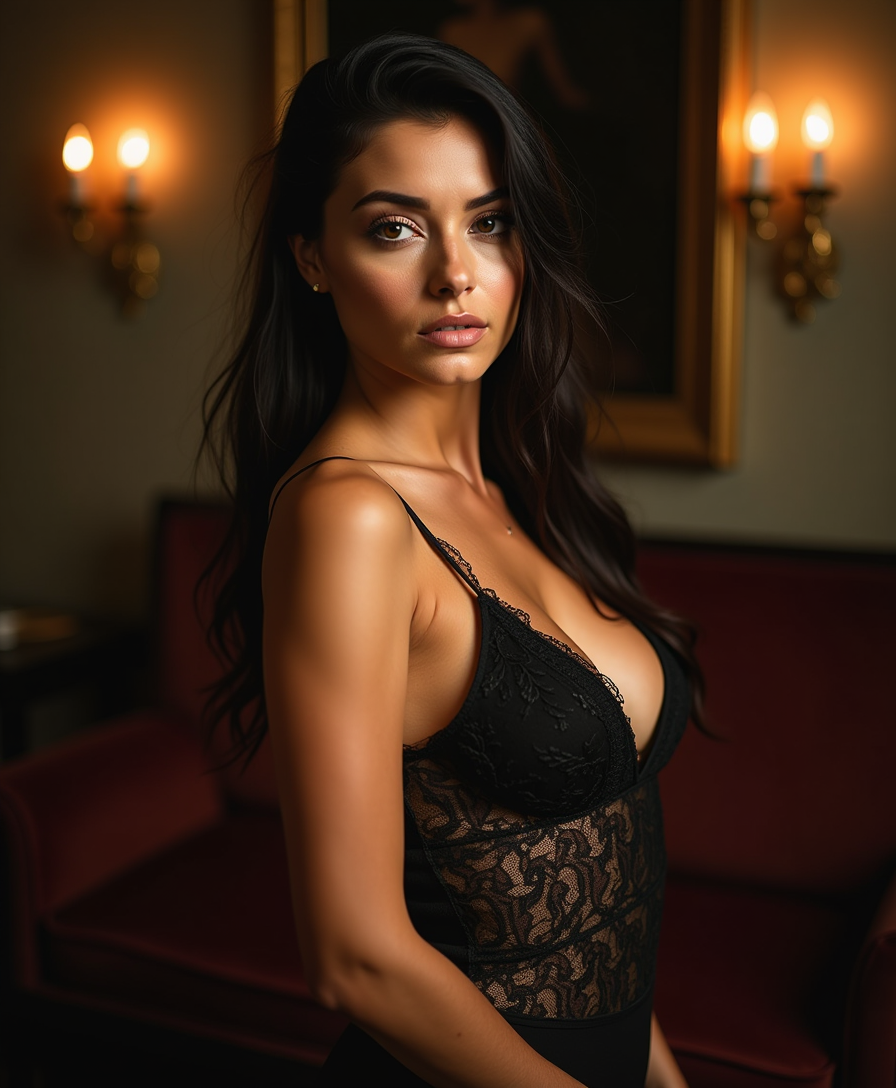
The Pixel Dojo Advantage
PixelDojo outperforms other methods for creating AI yearbook photos by delivering authentic, consistent, and high-quality results that capture the exact nostalgic feel of classic high school portraits. Here's how we help you achieve better outcomes:
| Others | Pixel Dojo |
|---|---|
| Traditional yearbook creation | Instead of hunting through attics for old photos or scheduling expensive professional shoots, you can generate unlimited custom yearbook-style images from any selfie in minutes, choosing any era or style you desire. |
| Generic AI image tools | While basic tools often produce inconsistent faces or fake-looking results, our specialized Consistent Characters, Reality Polisher, and Portrait Upscaler ensure photorealistic skin, perfect facial consistency across an entire album, and that signature soft yearbook aesthetic. |
| Manual photo editing | Skip hours of complex Photoshop work trying to fake vintage effects. Our Style Transfer, Magic Lighting, and one-click upscaling deliver professional studio quality faster, with more variations and better accuracy to real yearbook photography techniques. |
Loved by creators on PixelDojo
Real feedback from people using PixelDojo, pulled from our in-product surveys.
Because it is awesome
exceptional quality and great overall design of platform and interface. very intuative. love the creative freedom.
Qwen image 2 is amazing!!
Creative freedom, range of tools and options.
I love the training feature
the quality is the best
Explore more AI tools on PixelDojo
AI Tools
Compare & Switch
- Best AI Image Generators
- Best AI Video Generators
- Midjourney Alternatives
- Civitai Alternatives
- Runway Alternatives
- Leonardo Alternatives
- Pika Alternatives
- Luma Alternatives
- Magnific Alternatives
- Veo Alternatives
- Flux Alternatives
- Freepik Alternatives
- Seedance Alternatives
- Seedream Alternatives
- Pixverse Alternatives
- GPT Image Alternatives
- Synthesia Alternatives
- Playground Alternatives
- NightCafe Alternatives
- Canva AI Alternatives
- ElevenLabs Alternatives
- ComfyUI Alternatives
- Fal Alternatives
- Replicate Alternatives
Common Questions
Everything you need to know about yearbook photo ai
How do I create the most realistic AI yearbook photos that look like authentic 90s high school portraits?
Start with a clear, front-facing selfie and use PixelDojo's Image to Image tool combined with Flux.1 Studio or Grok Image. Craft detailed prompts mentioning soft diffused window light, subtle film grain, natural skin texture, classic poses, plain gradient backgrounds, and specific era clothing like preppy sweaters or varsity jackets. Then apply our Reality Polisher for lifelike results and Portrait Upscaler for crisp quality. This process consistently produces images that capture the exact nostalgic feel of real yearbooks, helping you create viral social content or beautiful prints that spark conversations and memories. Thousands of users achieve professional outcomes on their first try with these techniques.
Can I generate a full consistent album of AI yearbook photos with different outfits and poses?
Absolutely. PixelDojo's Consistent Characters and LoRA Face Swap tools are specifically designed for this outcome. After creating your first perfect yearbook portrait, these features lock in your exact facial features, expression, and lighting while allowing you to generate unlimited variations—cheerleader, athlete, scholar, prom attendee, and more. This creates cohesive yearbook pages that look like they were professionally photographed in one session. Combined with Style Transfer for authentic vintage effects, you'll achieve a complete, story-telling collection perfect for social carousels, physical yearbooks, or family gifts. The results maintain remarkable consistency that generic tools simply cannot match.
Do regular selfies work well for creating high-quality yearbook photo AI images?
Yes—regular selfies are ideal starting points for our AI yearbook generator. Our tools are optimized to work with everyday phone photos as long as your face is clearly visible and well-lit. The Image to Image feature intelligently extracts your features and applies the perfect 90s or retro styling, including appropriate hairstyles, clothing, and soft-focus effects. You don't need studio lighting or professional equipment. After generation, use our Smart Resize, Background Remover if needed, and Reality Polisher to elevate the image further. Users regularly report that their casual selfies produce better, more authentic-looking yearbook photos than old scanned images because the AI can enhance details while preserving your true likeness.
What makes PixelDojo the best platform for creating viral 90s and Y2K AI yearbook photos in 2026?
PixelDojo combines over 40 specialized AI tools that excel at the precise details making these images trend: perfect face consistency across multiple photos, authentic soft lighting and film grain effects, and easy customization. Unlike basic generators, our Consistent Characters tool lets you build full yearbook stories, while Portrait Upscaler and Reality Polisher deliver print and social-ready quality that drives engagement. The platform is loved by thousands because it removes all technical barriers—you focus on creativity and outcomes like viral posts or reunion keepsakes. With flexible subscriptions, no hidden fees, and the ability to cancel anytime, you can experiment freely until your AI yearbook photos perfectly match your vision.
How can I further edit and customize my generated AI yearbook photos?
After initial generation, PixelDojo offers powerful editing capabilities to perfect your results. Use Inpainting to change backgrounds or add era-specific props, Change Camera Angle for different perspectives, Magic Lighting to adjust mood, and Style Transfer to experiment with 80s laser backgrounds, sepia tones, or senior portrait elegance. The Character Stylist tool helps refine clothing and poses while maintaining consistency. Finally, apply the Creative Upscaler or Portrait Upscaler for maximum resolution. These tools let you iterate quickly so every image in your collection meets your exact standards. Many users create multiple versions and select the absolute best for their viral AI yearbook campaigns or printed albums.
Is there a limit to how many AI yearbook photos I can create and are the results print quality?
PixelDojo offers generous usage across all subscription tiers so you can create as many variations as you need to perfect your yearbook collection. Our tools are built for both digital sharing and professional printing, with the Portrait Upscaler delivering sharp, high-resolution files suitable for actual yearbooks, posters, canvases, or framed gifts. The combination of Recraft V4, Flux variants, and enhancement tools ensures colors, textures, and details hold up beautifully in print. We focus on outcomes that matter to you—whether that's trending on social media or creating lasting physical memories. Start with our free trial to experience the quality yourself, then upgrade knowing you can cancel anytime if it doesn't exceed your expectations.