ai art from photo
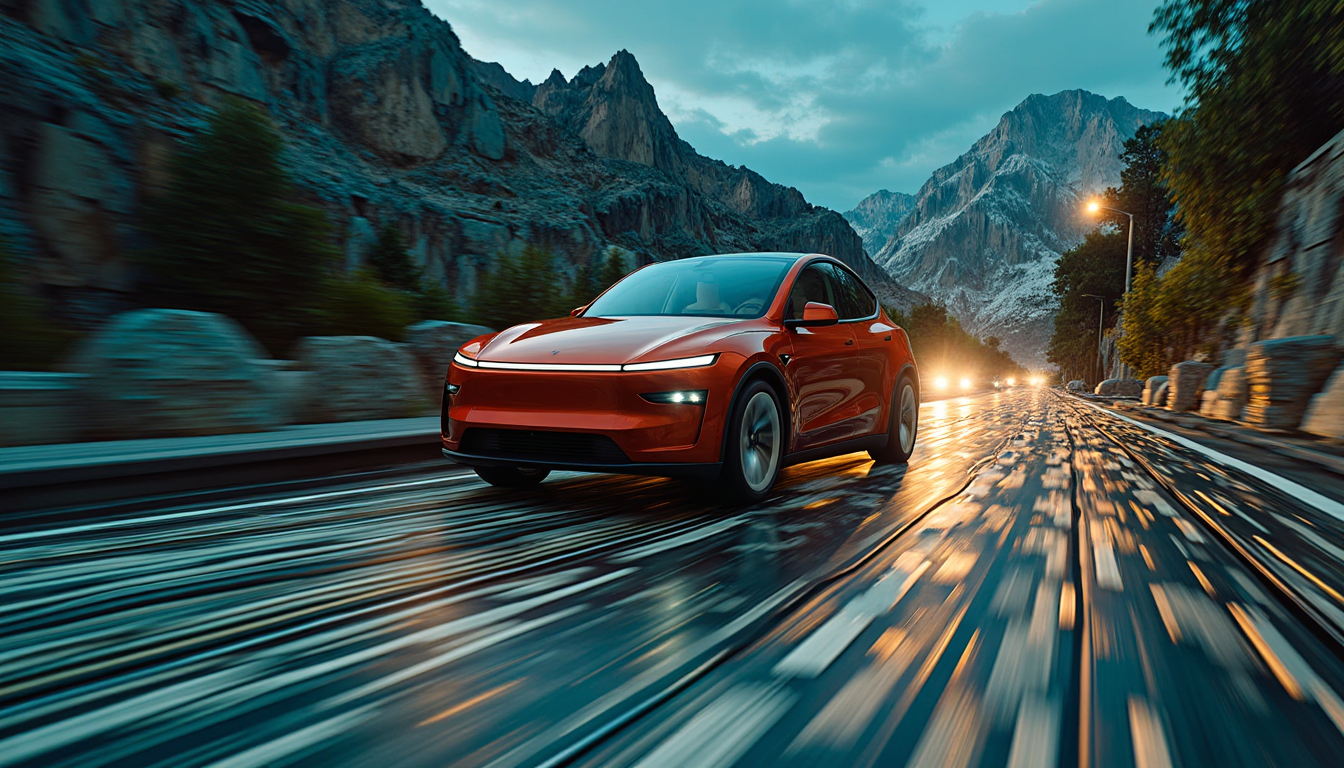
Imagine transforming your everyday photos into mesmerizing works of art with just a few clicks. With PixelDojo's AI-powered tools, you can effortlessly convert your images into stunning AI-generated masterpieces, unlocking a new realm of creativity without the need for advanced design skills.
Join over 10,000 creators who have generated more than 1 million images using PixelDojo's AI tools. Rated 4.8/5 by our satisfied users.
Why Choose Pixel Dojo for ai art from photo
Professional-quality results with cutting-edge AI technology
Effortless Creativity
Convert your photos into unique AI art without any prior design experience.
Time-Saving Solutions
Quickly produce captivating visuals for personal or professional projects, reducing the time spent on manual editing.
Endless Customization
Tailor your AI-generated art with various styles and adjustments to match your vision.
How It Works
Creating AI art from your photos with PixelDojo is a simple three-step process:
Step 1: Choose Your Tool
Select from PixelDojo's suite of AI tools, such as Flux Studio or Imagen 4, to begin your transformation.
Step 2: Upload Your Photo
Upload the photo you wish to transform into AI art. Ensure the image is clear for optimal results.
Step 3: Customize & Download
Apply desired styles, make adjustments, and download your AI-generated artwork.
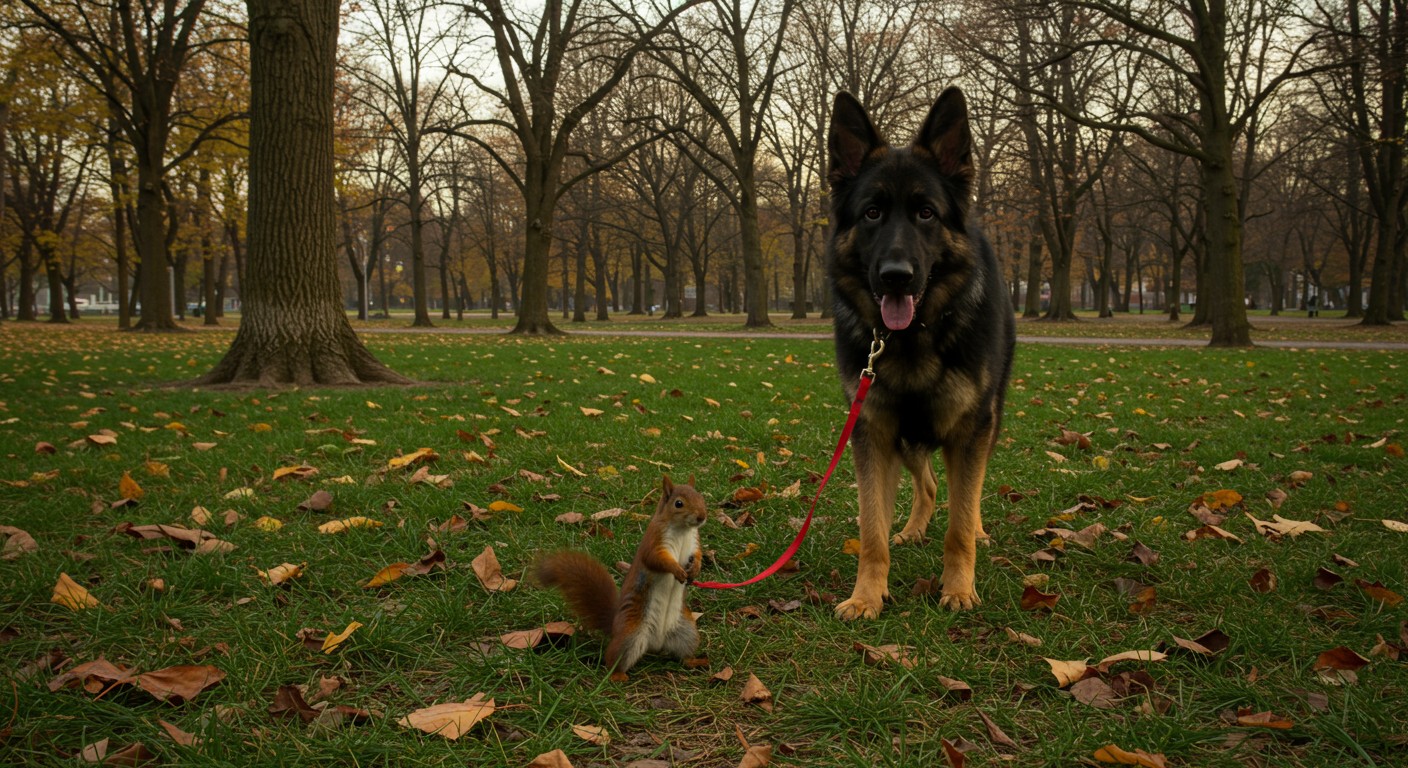
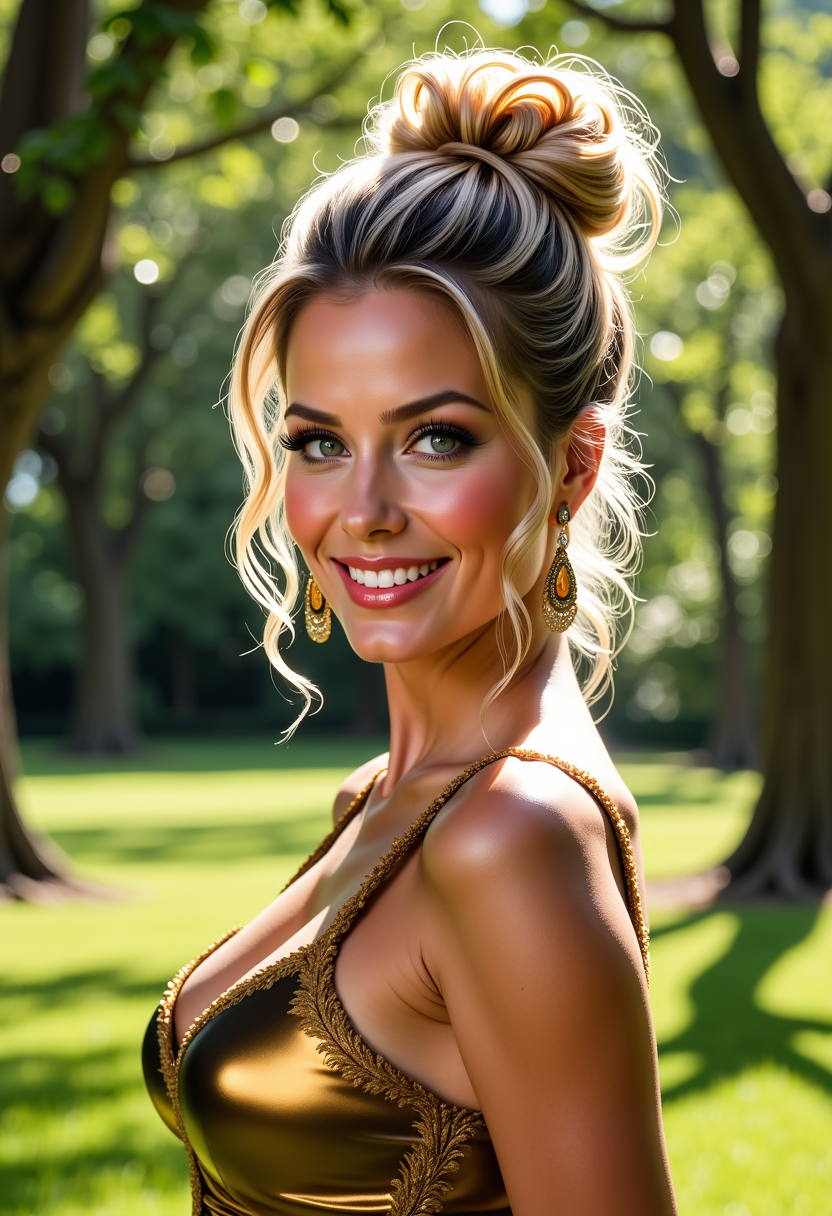
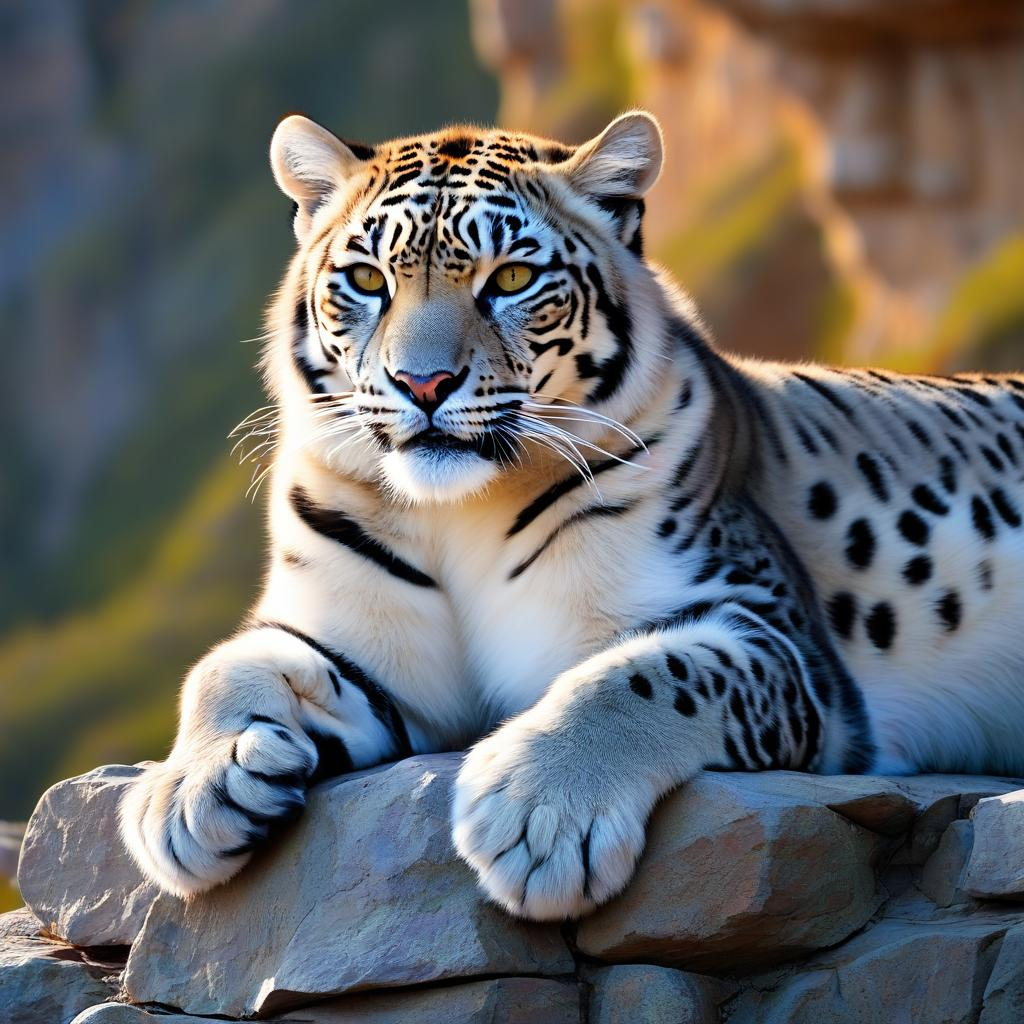
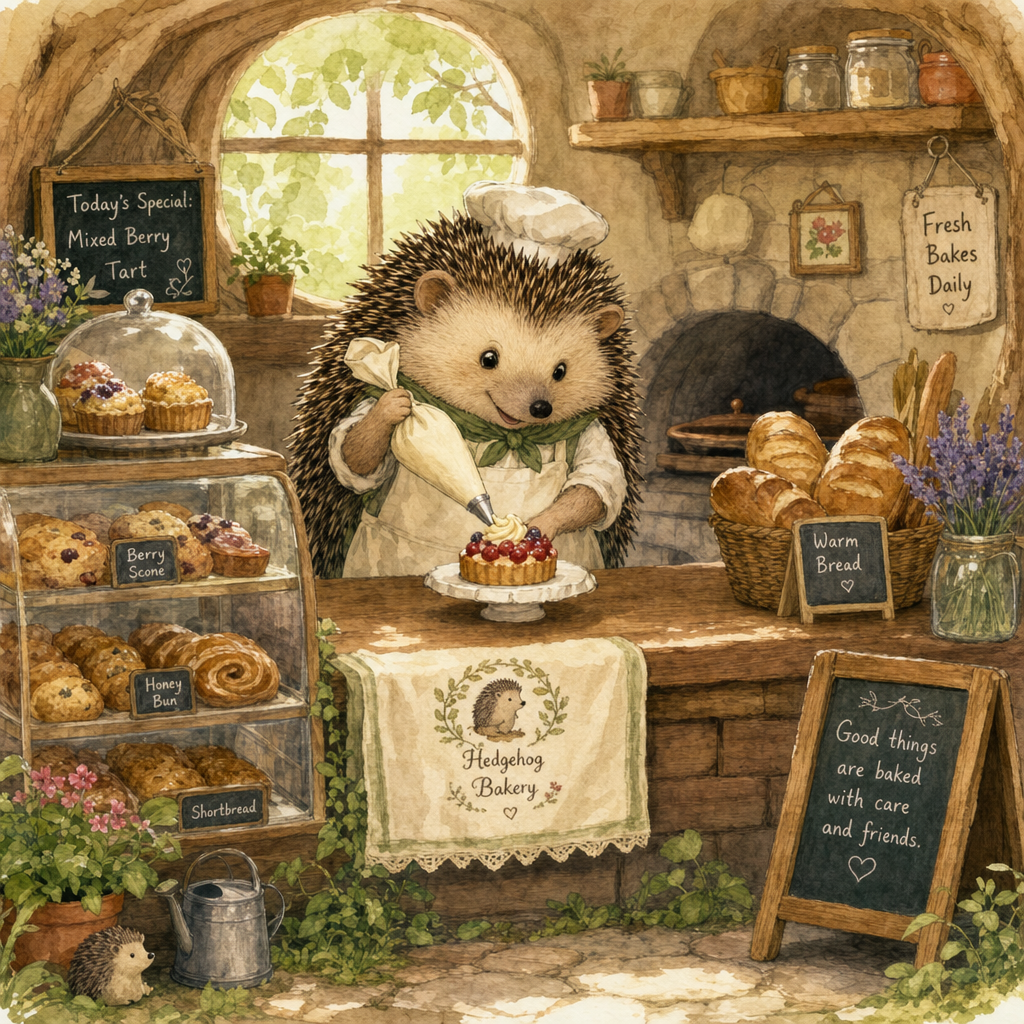
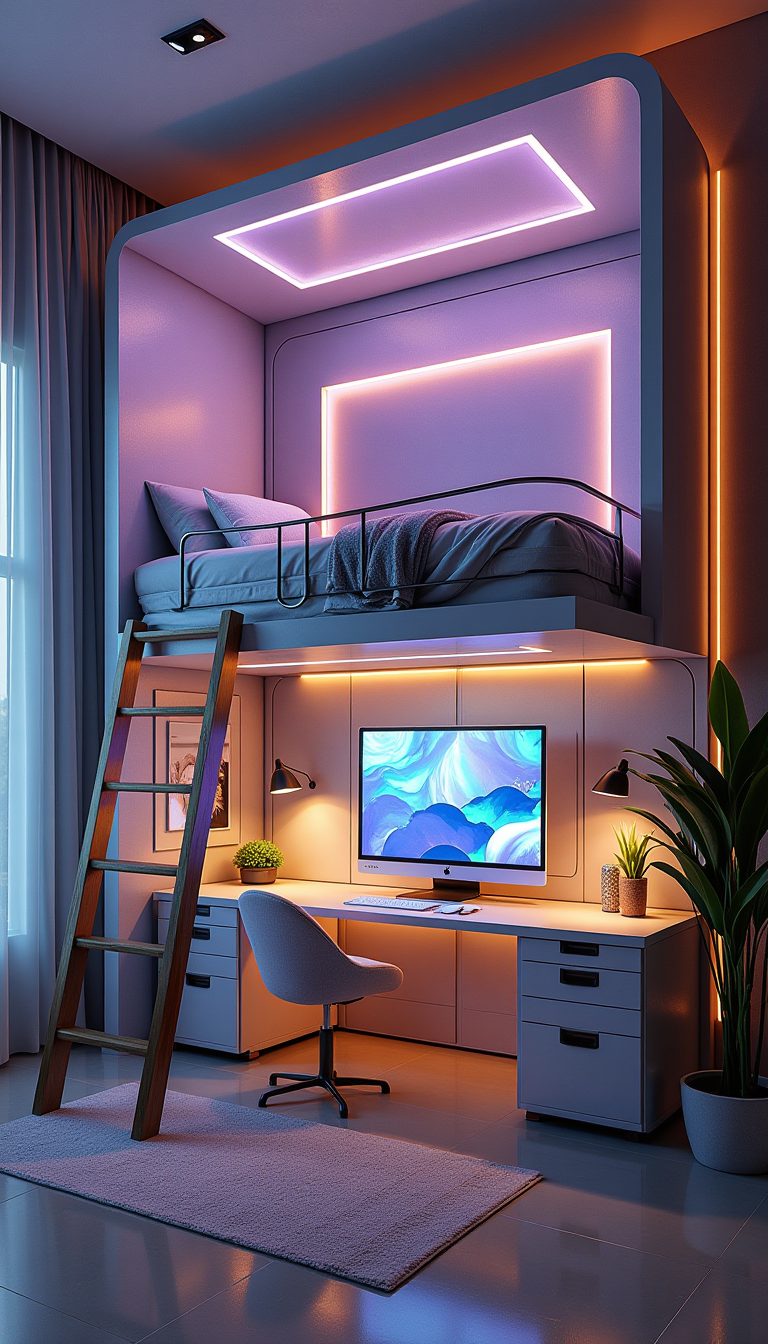
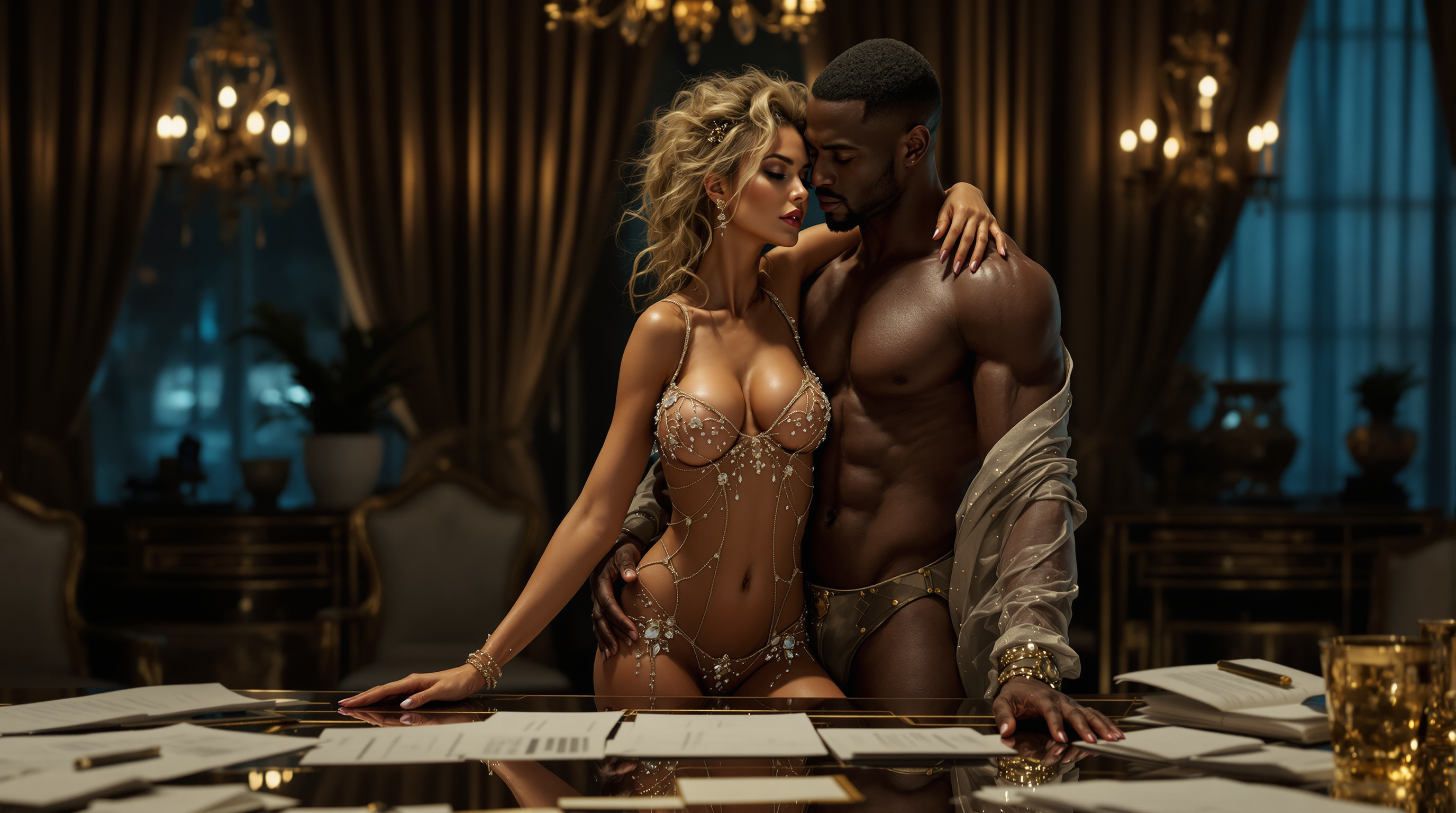
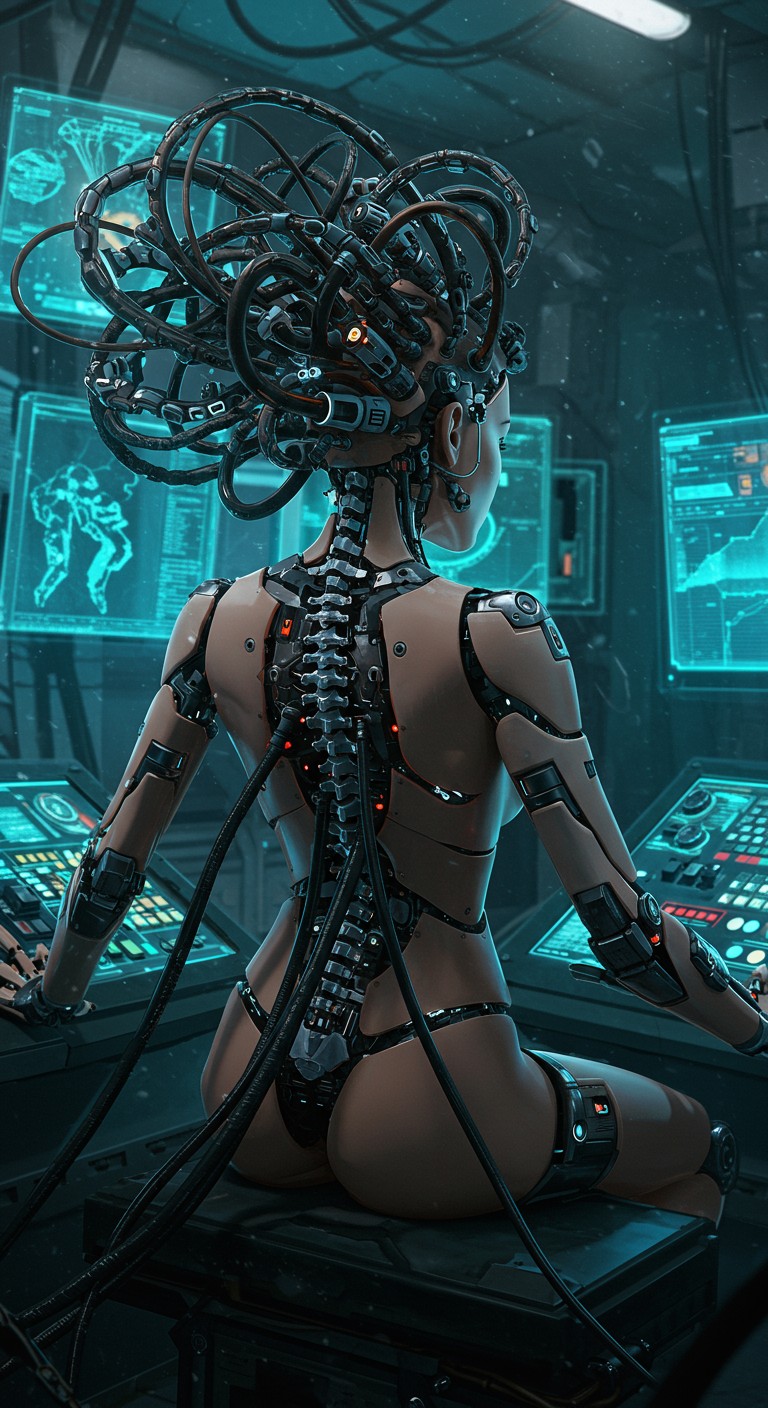
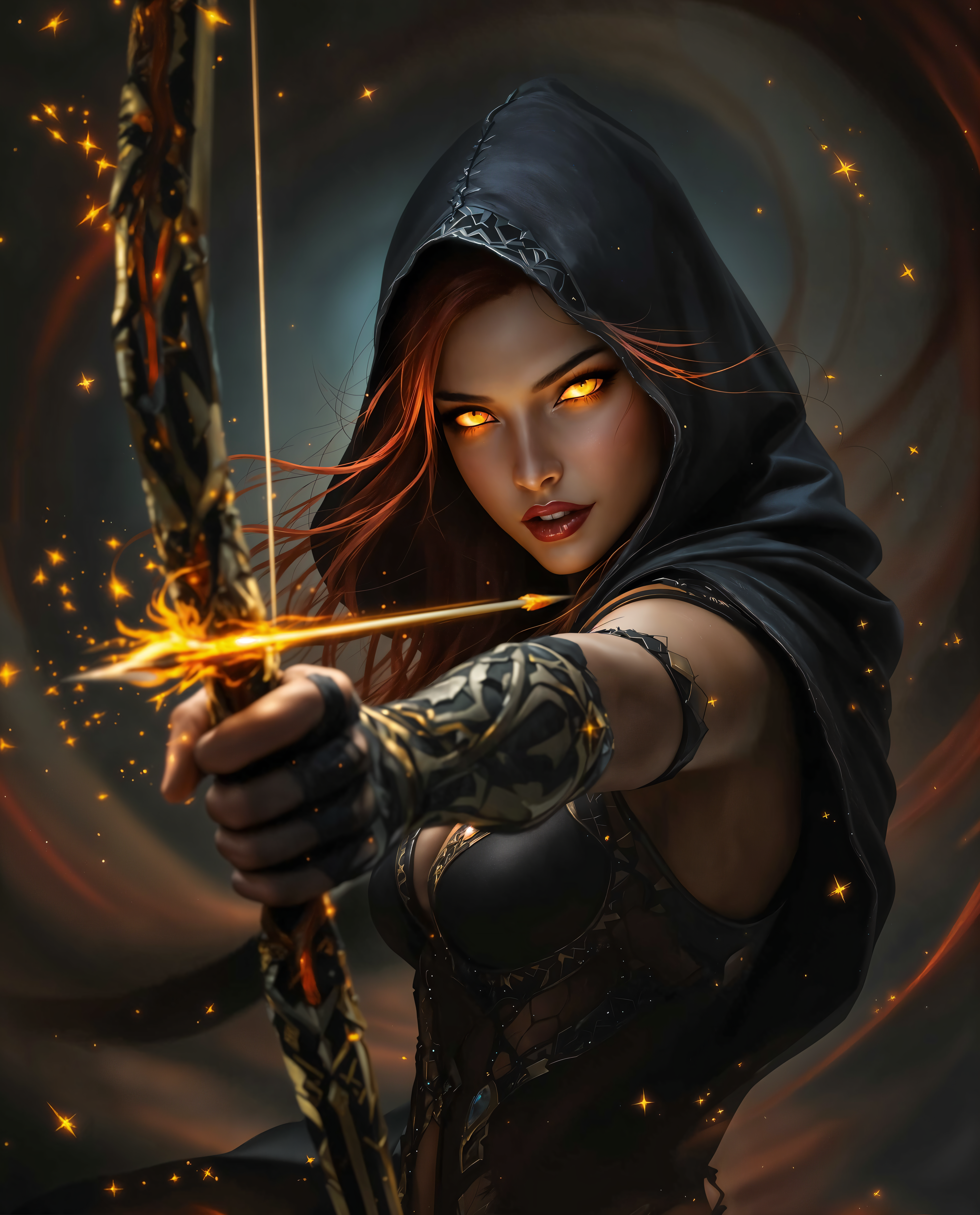
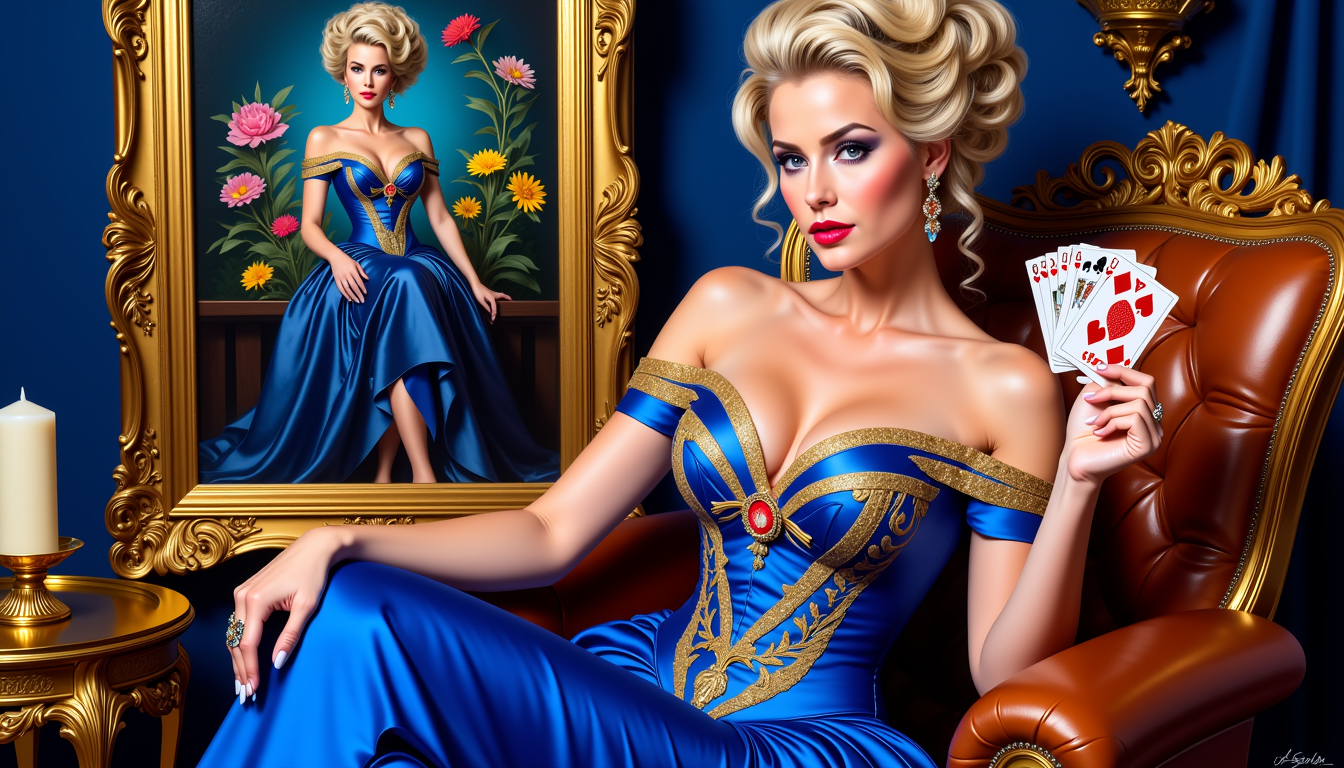
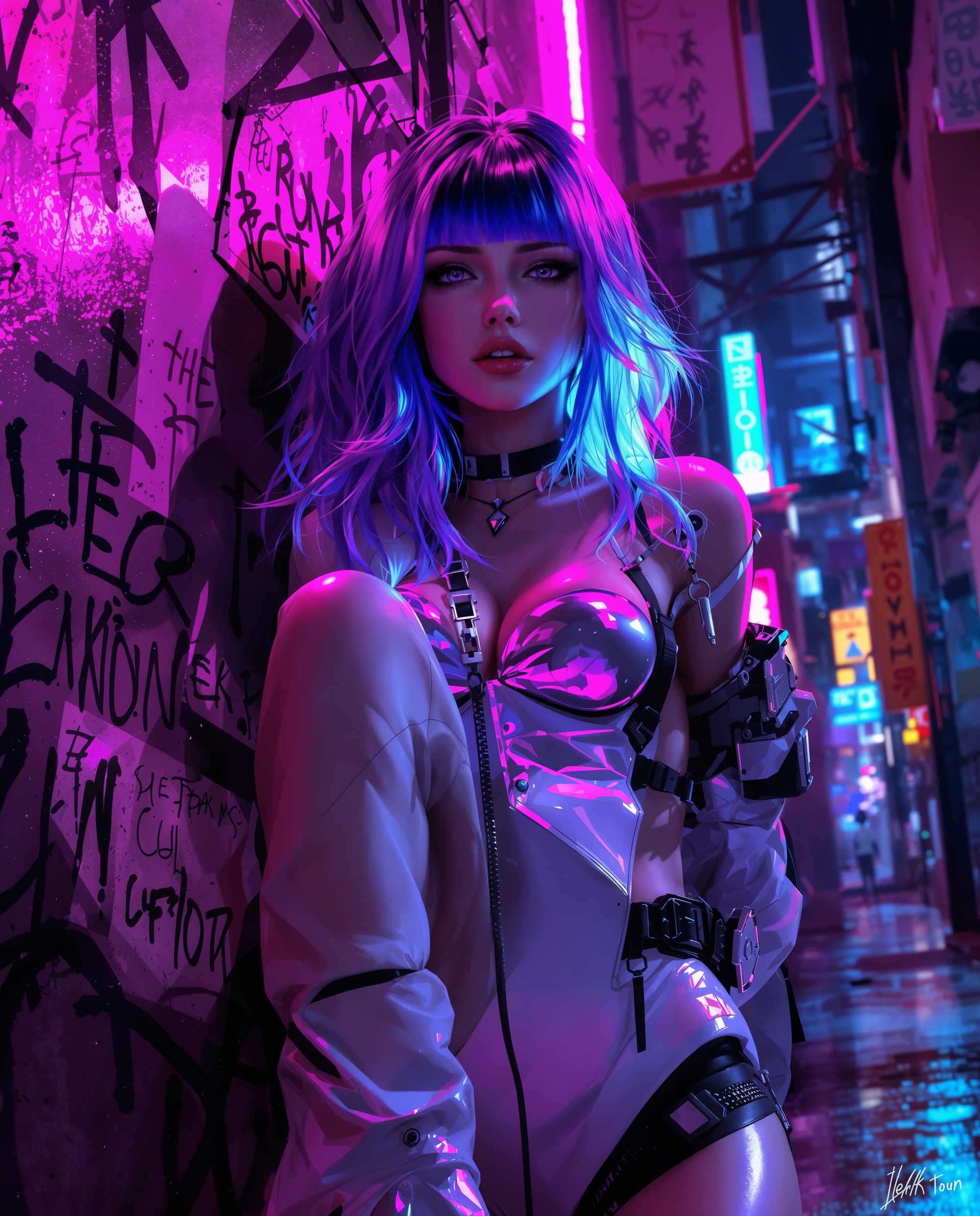
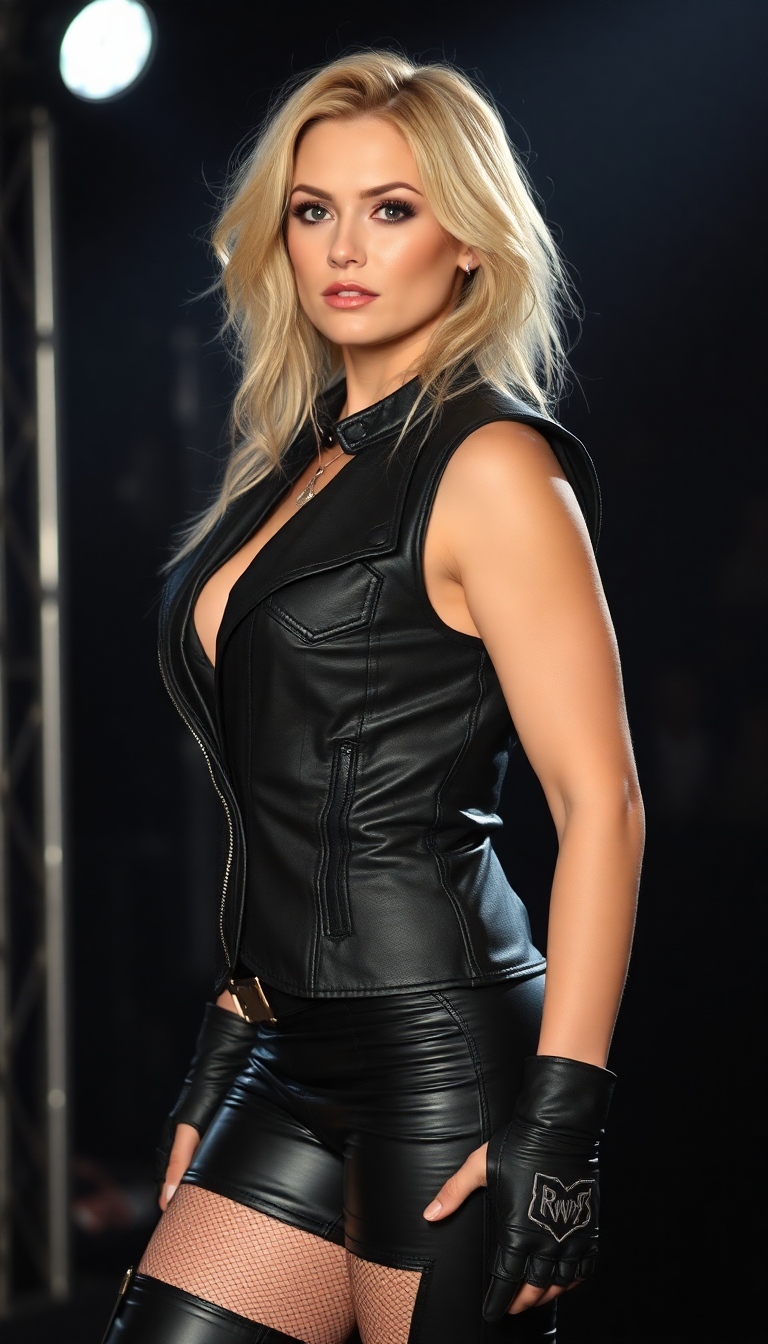
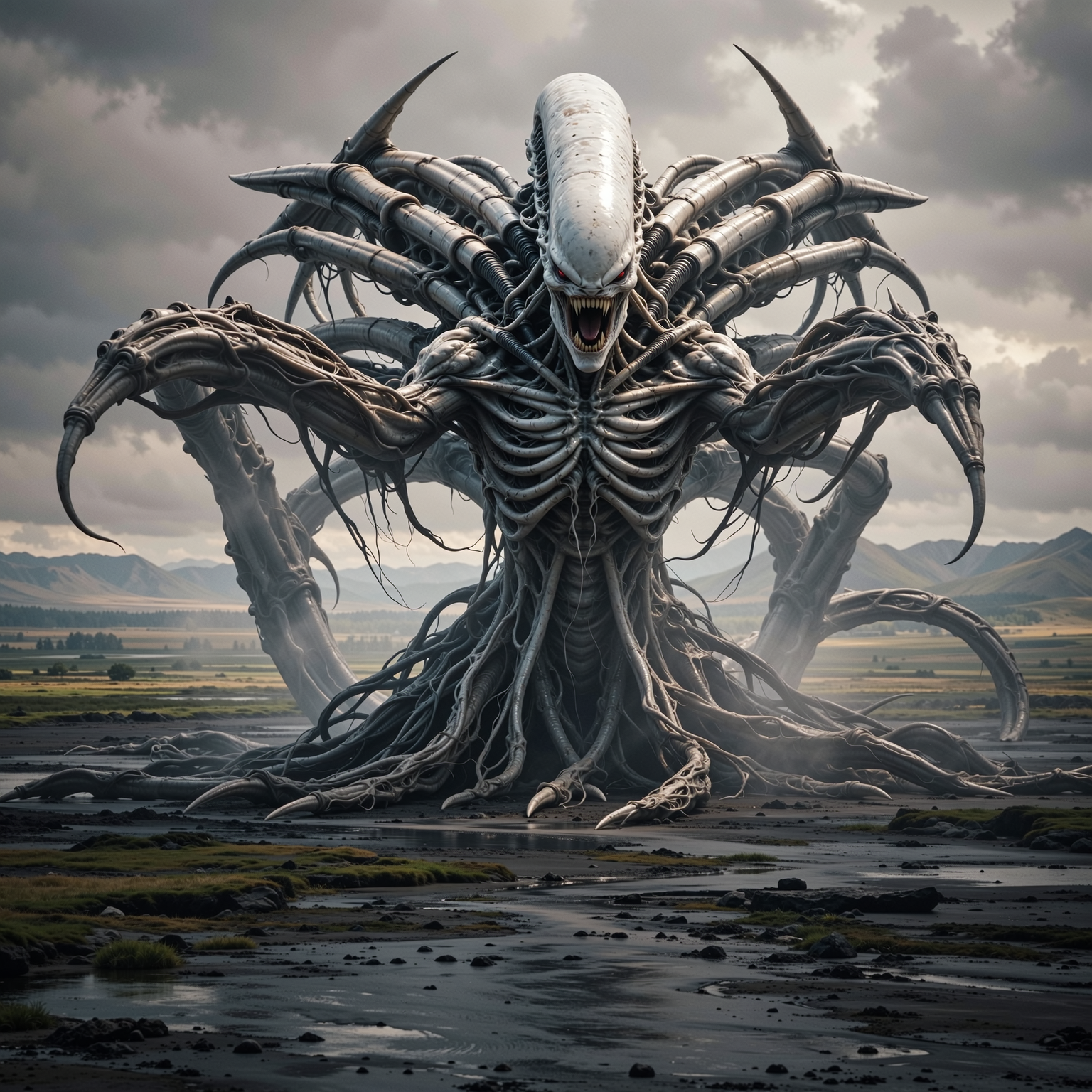

![Create an image of [Marvin the Martian] as a fairy. He is wearing a a white tutu. The wings and the tutu and the toe shoes are light pink. Show a ballet studio with bars in the background.](https://cdn.pixeldojo.ai/cdn-cgi/image/f=auto,q=90,w=3840/pixeldojo/generated-images/1734486222157-7m25zu639.png)
The Pixel Dojo Advantage
Why PixelDojo outperforms other options for transforming photos into AI art:
| Others | Pixel Dojo |
|---|---|
| Traditional Photo Editing | Eliminates the need for complex software and extensive editing skills. |
| Generic AI Tools | Offers a comprehensive suite of over 40 specialized AI tools tailored for diverse creative needs. |
| Manual Illustration | Significantly reduces the time and effort required to produce high-quality visuals. |
Loved by creators on PixelDojo
Real feedback from people using PixelDojo, pulled from our in-product surveys.
awesome functionality, UX, constant flood of improvements, discord interactivity
Awesome site with so many features
Love how I can almost create anything
The Flux Pro Ultra is just amazing!
Very easy to use, and they have fast wan 2.2 video generation with custom loras available.
The overall quality of the site and it's amazing variety of tools. The continued updates of the UI. The unbelievable level of tech support.
Explore more AI tools on PixelDojo
AI Tools
Compare & Switch
- Best AI Image Generators
- Best AI Video Generators
- Midjourney Alternatives
- Civitai Alternatives
- Runway Alternatives
- Leonardo Alternatives
- Pika Alternatives
- Luma Alternatives
- Magnific Alternatives
- Veo Alternatives
- Flux Alternatives
- Freepik Alternatives
- Seedance Alternatives
- Seedream Alternatives
- Pixverse Alternatives
- GPT Image Alternatives
- Synthesia Alternatives
- Playground Alternatives
- NightCafe Alternatives
- Canva AI Alternatives
- ElevenLabs Alternatives
- ComfyUI Alternatives
- Fal Alternatives
- Replicate Alternatives
Common Questions
Everything you need to know about ai art from photo
How does PixelDojo's AI art from photo feature work?
PixelDojo utilizes advanced AI models to analyze your uploaded photo and apply selected artistic styles, transforming it into a unique piece of AI-generated art.
Do I need any design experience to use PixelDojo?
No, PixelDojo is designed for users of all skill levels. Our intuitive interface allows anyone to create stunning AI art without prior design experience.
Can I customize the generated AI art?
Yes, after generating your AI art, you can use our customization options to adjust various aspects to match your vision.
What types of photos work best for AI transformation?
High-resolution photos with clear subjects yield the best results when transformed into AI art.
Is there a limit to the number of photos I can transform?
PixelDojo offers various subscription plans to suit different needs, with options for unlimited transformations.
How does PixelDojo ensure the quality of AI-generated art?
PixelDojo employs state-of-the-art AI models and continuous optimization to deliver high-resolution, detailed AI art that meets professional standards.