krea AI Generator
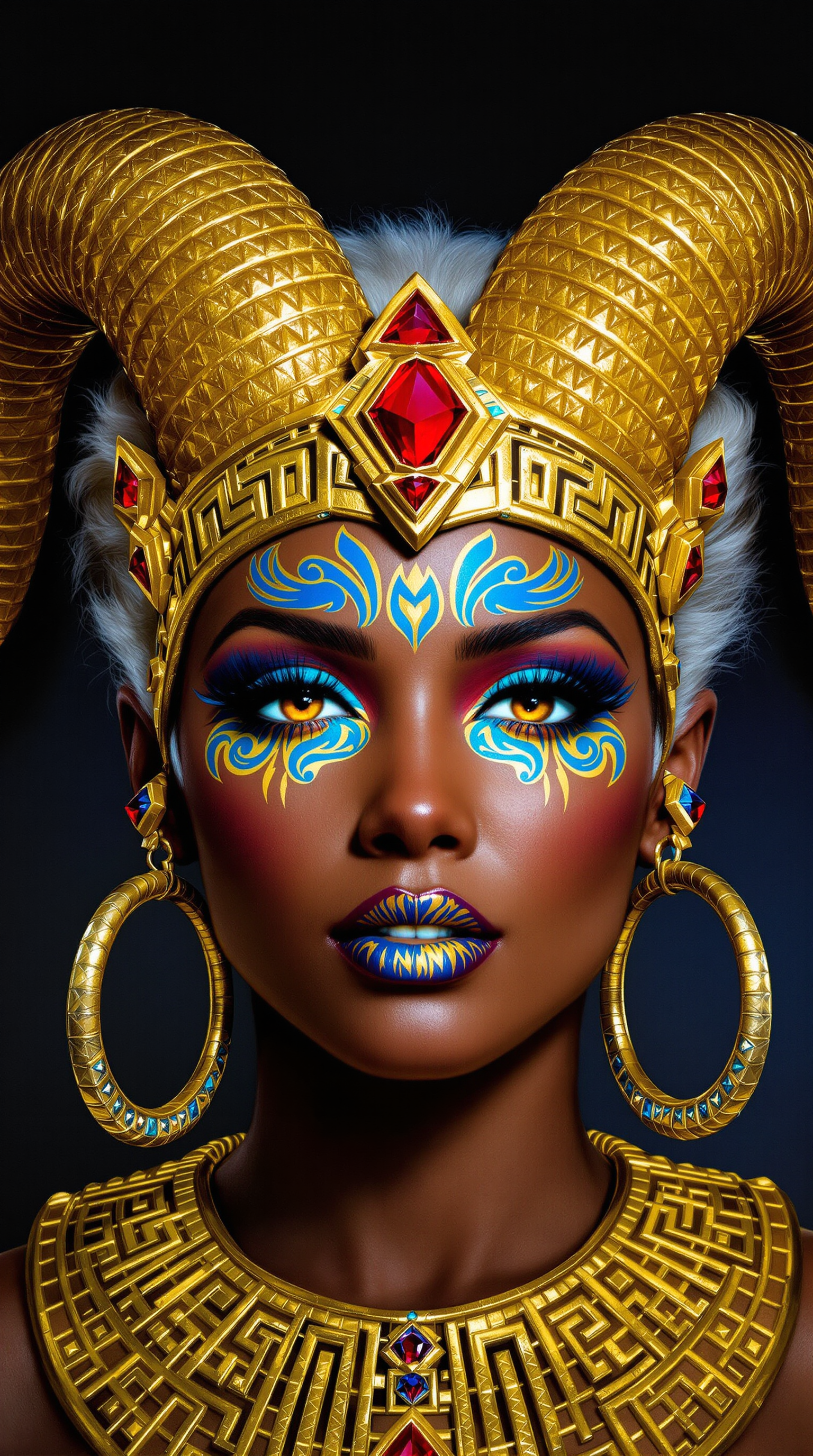
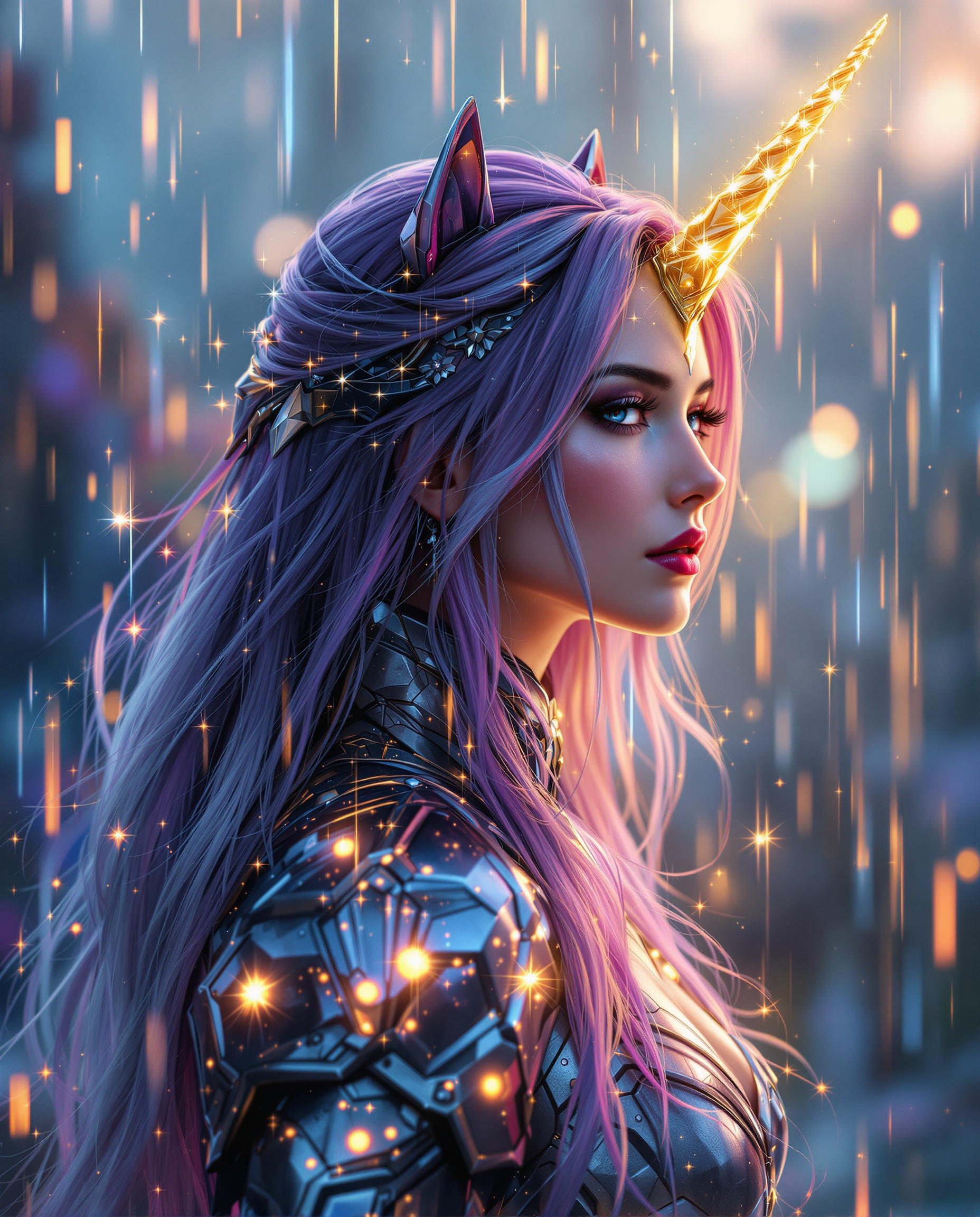
Imagine turning your wildest creative visions into gallery-worthy images in seconds. With PixelDojo's Krea Image tool, you achieve precise aesthetic control, stunning visual consistency, and professional results that captivate audiences. Whether crafting cinematic scenes, intricate illustrations, or brand-perfect visuals, you get exactly the look you want without endless trial and error. Focus on your ideas while PixelDojo handles the magic, delivering outputs that feel handcrafted by top artists.
Join over 50,000 creators who have generated 2.5 million+ Krea images on PixelDojo. Rated 4.9/5 by users for quality and ease. Trusted by professional designers and marketers worldwide for consistent, high-impact results.
Why Choose Pixel Dojo for krea
Professional-quality results with cutting-edge AI technology
Perfect Style Control Every Time
Guide every aesthetic detail from color palettes to textures using Krea Image's advanced references. You create cohesive brand visuals or artistic series that match your exact vision without rewriting prompts.
Lightning-Fast Professional Results
Generate high-resolution Krea-style images in just seconds. Iterate rapidly on concepts, refine in real-time, and produce client-ready artwork faster than traditional methods allow.
Creative Freedom Without Limits
Explore endless styles from photorealistic to experimental art. You push boundaries with moodboards and references, achieving unique, non-generic outputs that stand out in any portfolio or campaign.
How It Works
Creating stunning Krea images on PixelDojo is simple and intuitive. Access the dedicated Krea Image tool and follow these steps to bring your ideas to life.
Step 1: Choose Your Tool
Log into PixelDojo and select the Krea Image generator from the Generate Images section. This tool specializes in Krea 2-style aesthetics with built-in style transfer capabilities.
Step 2: Enter Your Prompt
Describe your scene in detail or upload style references and moodboards. Use natural language for lighting, composition, and mood to leverage Krea Image's strength in aesthetic guidance.
Step 3: Customize & Download
Adjust sliders for style intensity or creativity if needed, generate multiple variations instantly, then upscale or edit with tools like Reality Polisher or Style Transfer before downloading in high resolution.

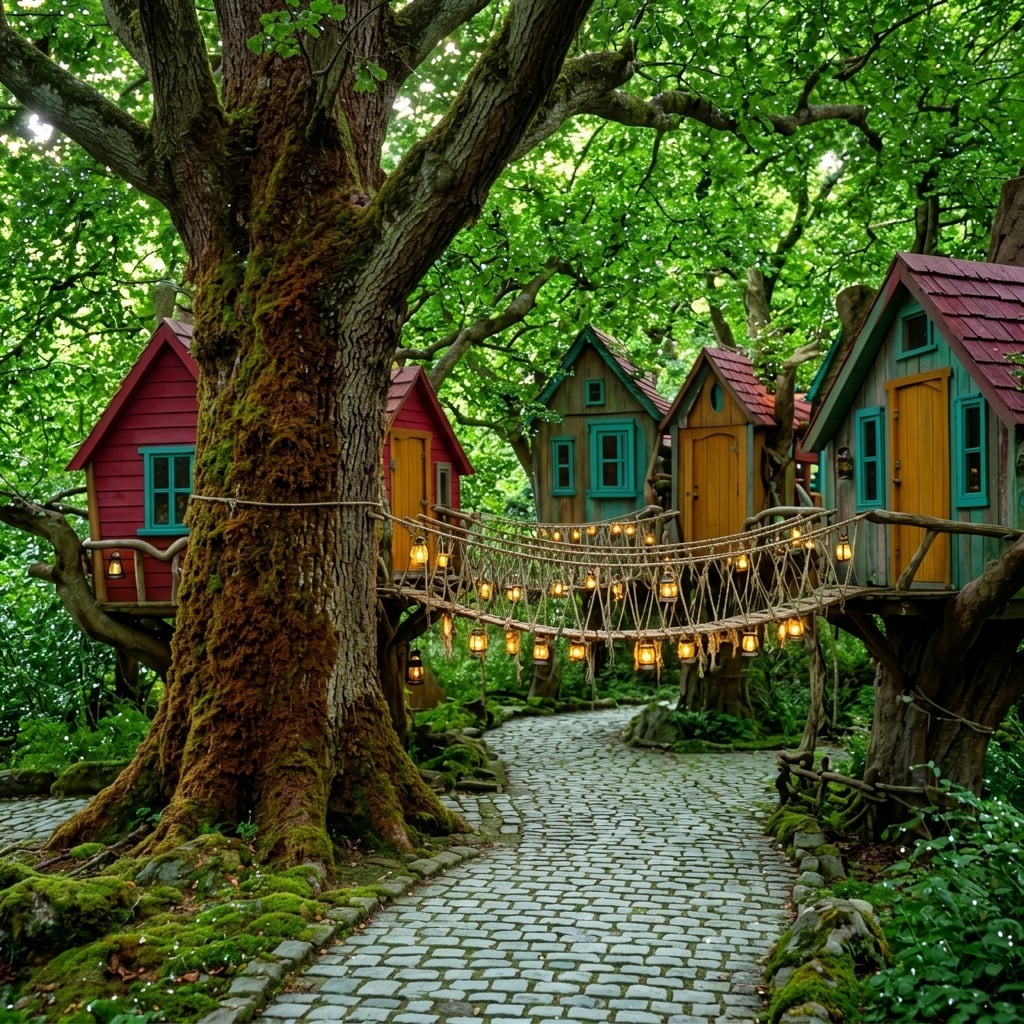
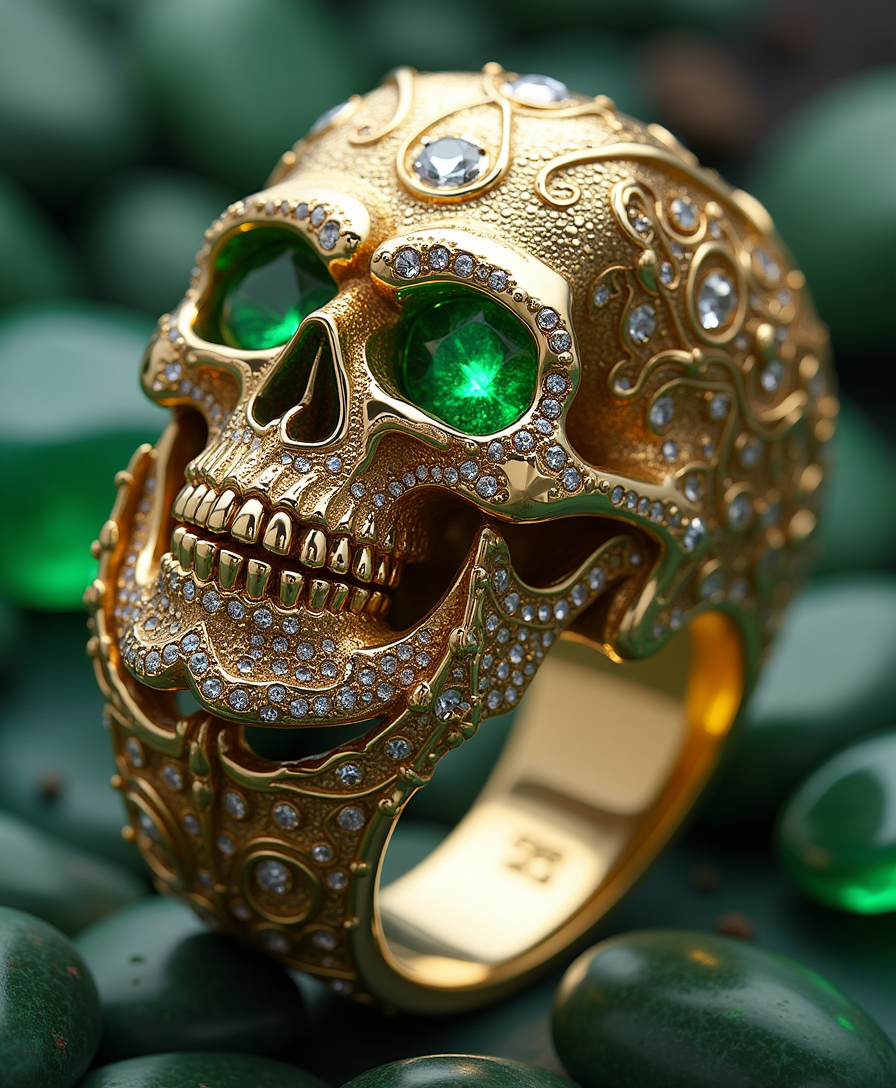
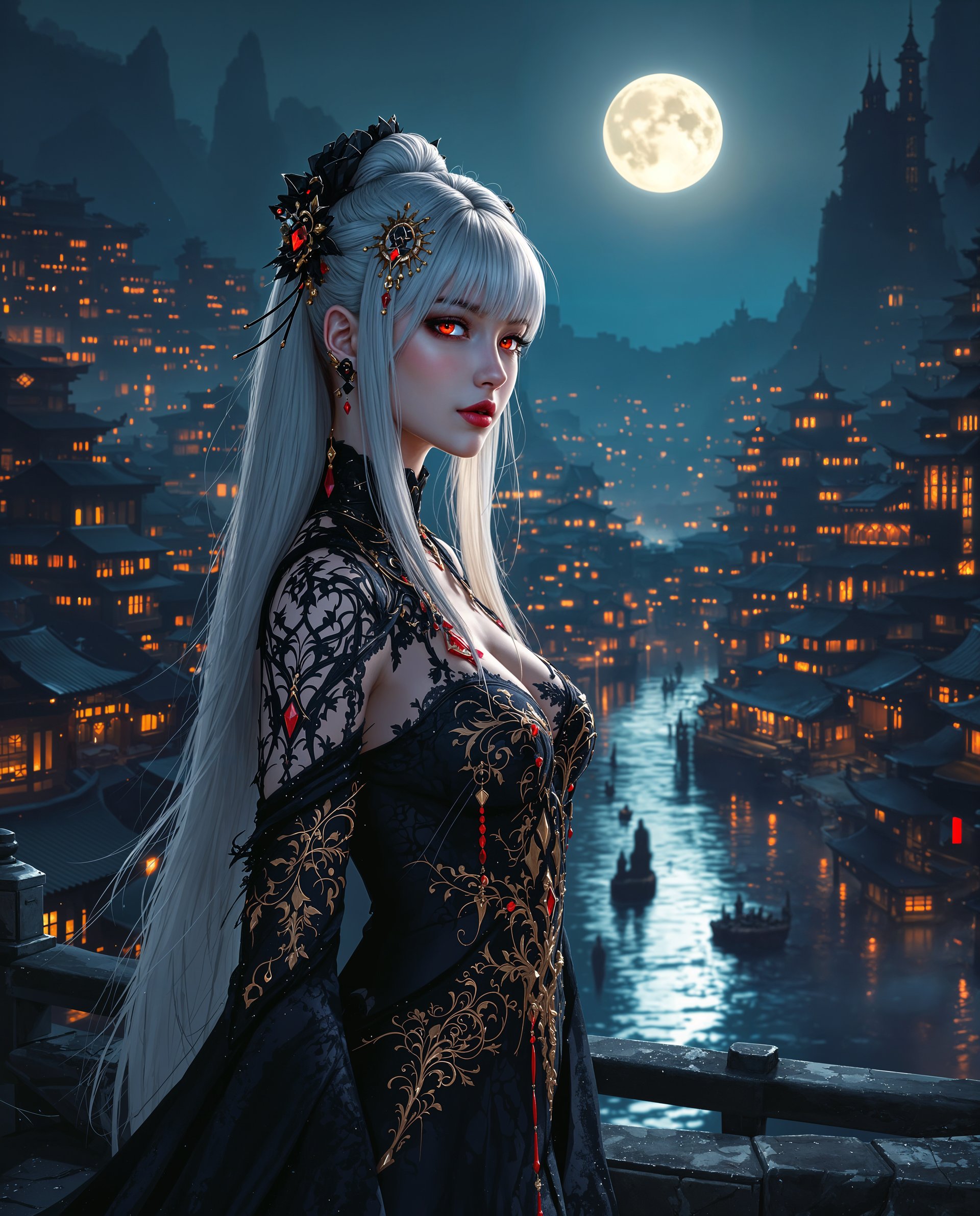
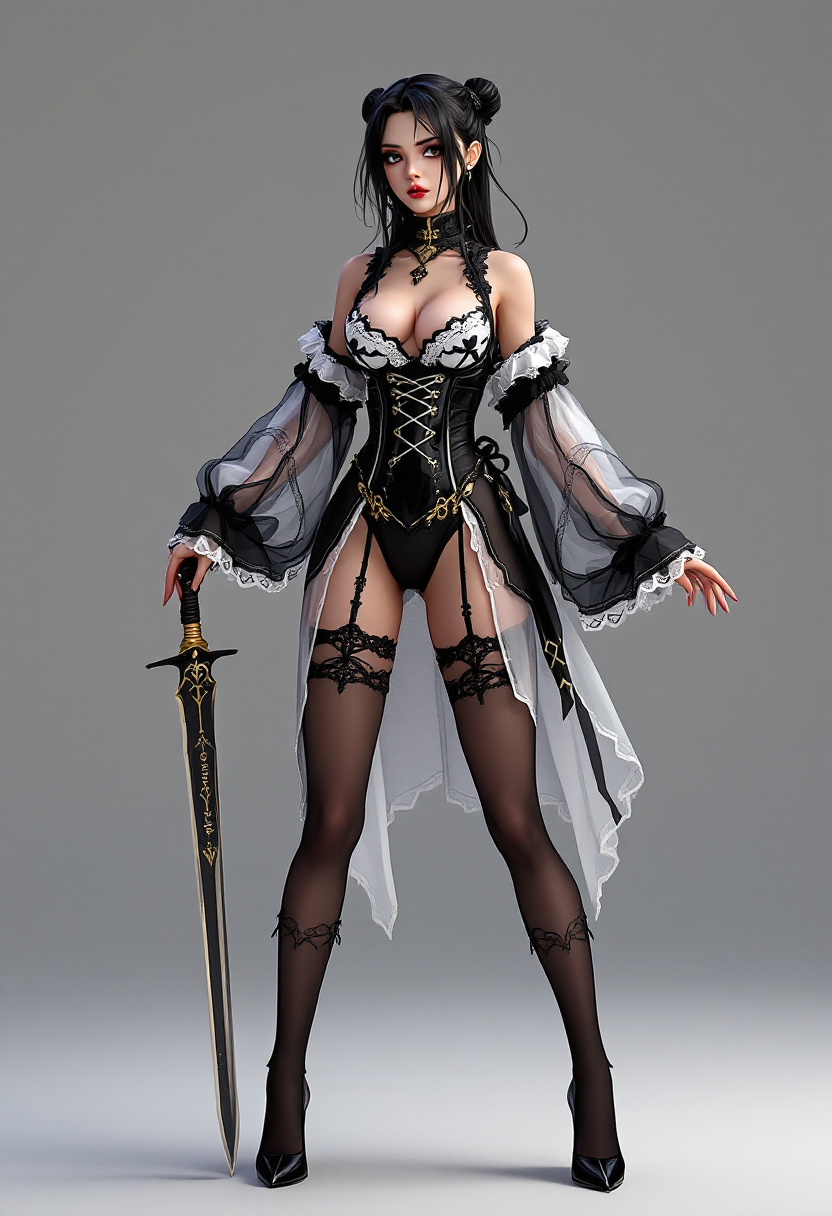
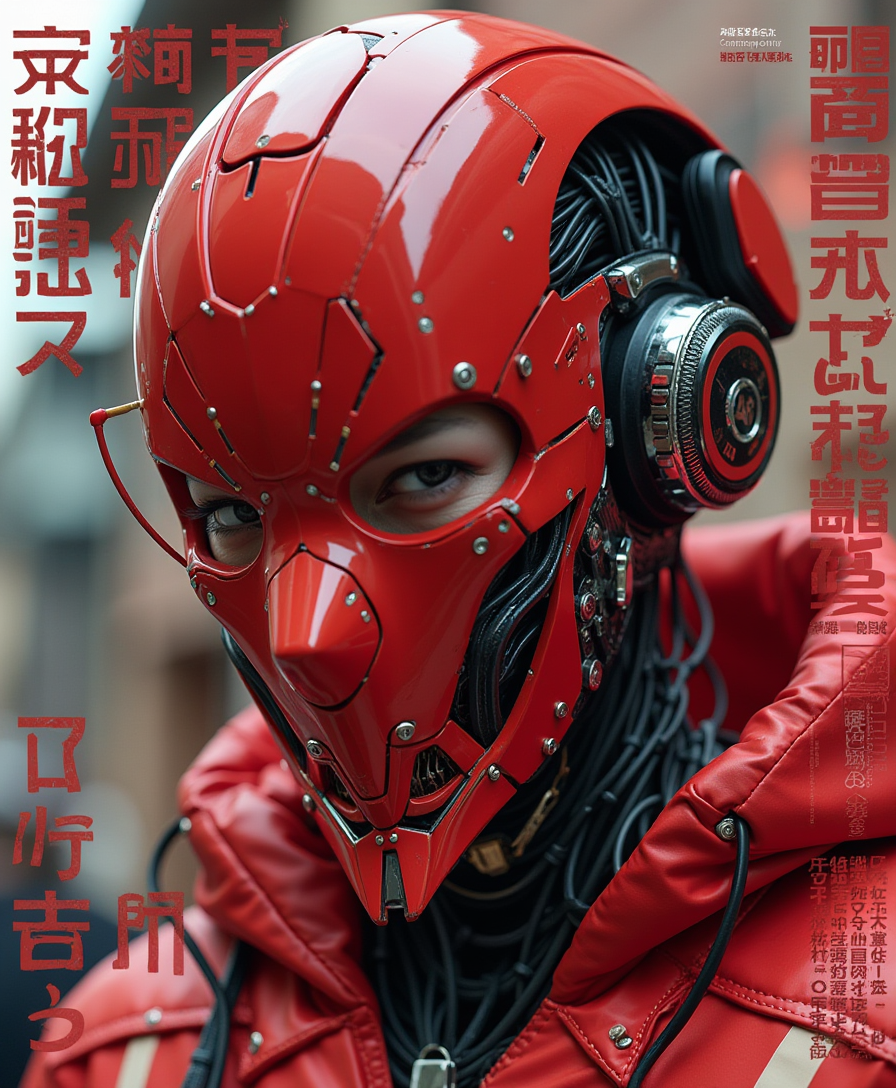
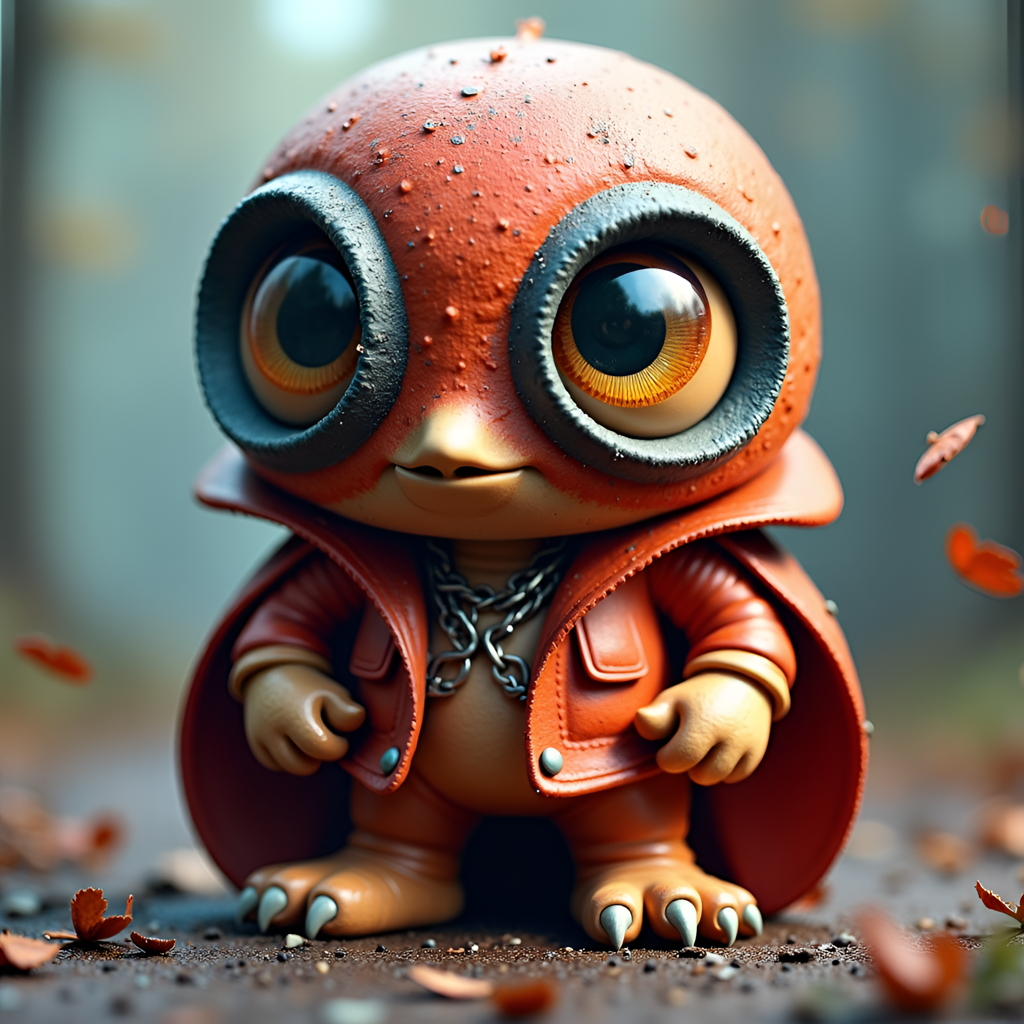
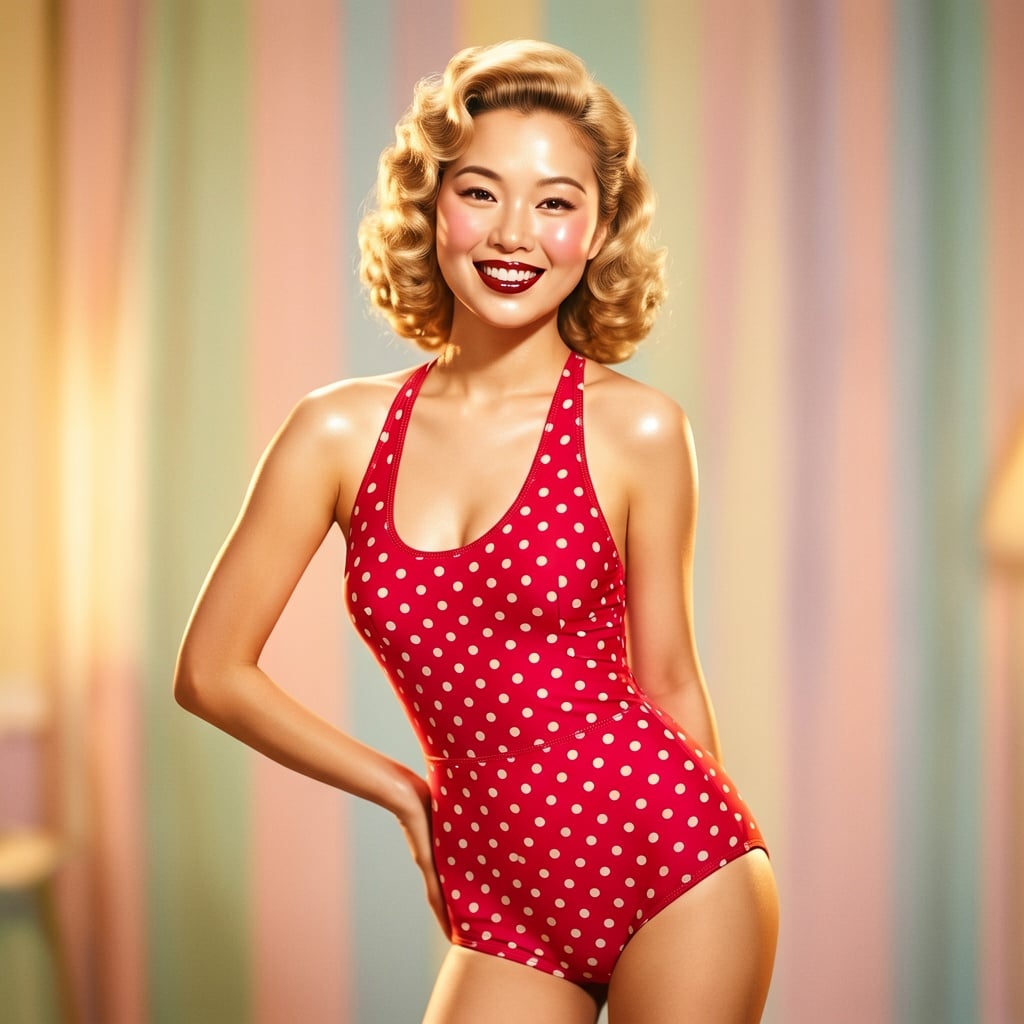
The Pixel Dojo Advantage
Why PixelDojo outperforms other options for Krea image generation
| Others | Pixel Dojo |
|---|---|
| Traditional Krea creation | Access Krea Image instantly in one platform without subscriptions to multiple services or complex setups |
| Generic AI tools | Specialized Krea Image delivers superior style fidelity and aesthetic polish that generic models can't match consistently |
| Manual photo editing | AI-powered style references and real-time refinements save hours while producing more creative and consistent results |
Loved by creators on PixelDojo
Real feedback from people using PixelDojo, pulled from our in-product surveys.
amazing web site
phenomenal site. would highly recommend
Amazing features, easy to use, privacy
the number of options, and especially the quick response to questions on Discord
Love you guys!!
Trained my Lora super fast. Still working out how to creat content wit it, but I love it so far.
Explore more AI tools on PixelDojo
AI Tools
Compare & Switch
- Best AI Image Generators
- Best AI Video Generators
- Midjourney Alternatives
- Civitai Alternatives
- Runway Alternatives
- Leonardo Alternatives
- Pika Alternatives
- Luma Alternatives
- Magnific Alternatives
- Veo Alternatives
- Flux Alternatives
- Freepik Alternatives
- Seedance Alternatives
- Seedream Alternatives
- Pixverse Alternatives
- GPT Image Alternatives
- Synthesia Alternatives
- Playground Alternatives
- NightCafe Alternatives
- Canva AI Alternatives
- ElevenLabs Alternatives
- ComfyUI Alternatives
- Fal Alternatives
- Replicate Alternatives
Common Questions
Everything you need to know about krea
How do I create Krea style images with PixelDojo's Krea Image tool?
Simply select Krea Image in the Generate Images section, enter a detailed prompt describing your desired aesthetic, and optionally upload style references. PixelDojo's Krea Image leverages advanced style transfer to deliver precise, high-quality results matching Krea 2 aesthetics in seconds.
What makes PixelDojo's Krea Image better than other Krea generators?
PixelDojo integrates Krea Image alongside 40+ tools like Flux.2 Studio and Ideogram 4, allowing seamless workflows from generation to editing with Reality Polisher or Style Transfer. You get fast iterations, consistent quality, and easy access without juggling platforms.
Can I use style references for Krea image generation on PixelDojo?
Yes! Upload reference images or moodboards directly into the Krea Image tool to guide colors, textures, lighting, and composition. This feature ensures your outputs maintain the exact visual language you want across multiple generations.
How fast can I generate Krea images using PixelDojo?
With Krea Image, generations complete in seconds, similar to Krea 2 Turbo speeds. You can produce multiple variations rapidly, refine with edits like Magic Lighting or Inpainting, and upscale to 4K-ready files instantly.
Is PixelDojo suitable for professional Krea image projects?
Absolutely. Thousands of designers and marketers use PixelDojo's Krea Image for client work, brand campaigns, and artistic portfolios. Features like Consistent Characters and Character Sheets extend Krea capabilities for series and character-driven projects.
What if I'm new to Krea image generation techniques?
PixelDojo makes it beginner-friendly with intuitive prompts and helpful presets. Start with simple descriptions, experiment with references, and explore tutorials in-app. Our support and community help you master advanced style control quickly.