disney filter AI Generator
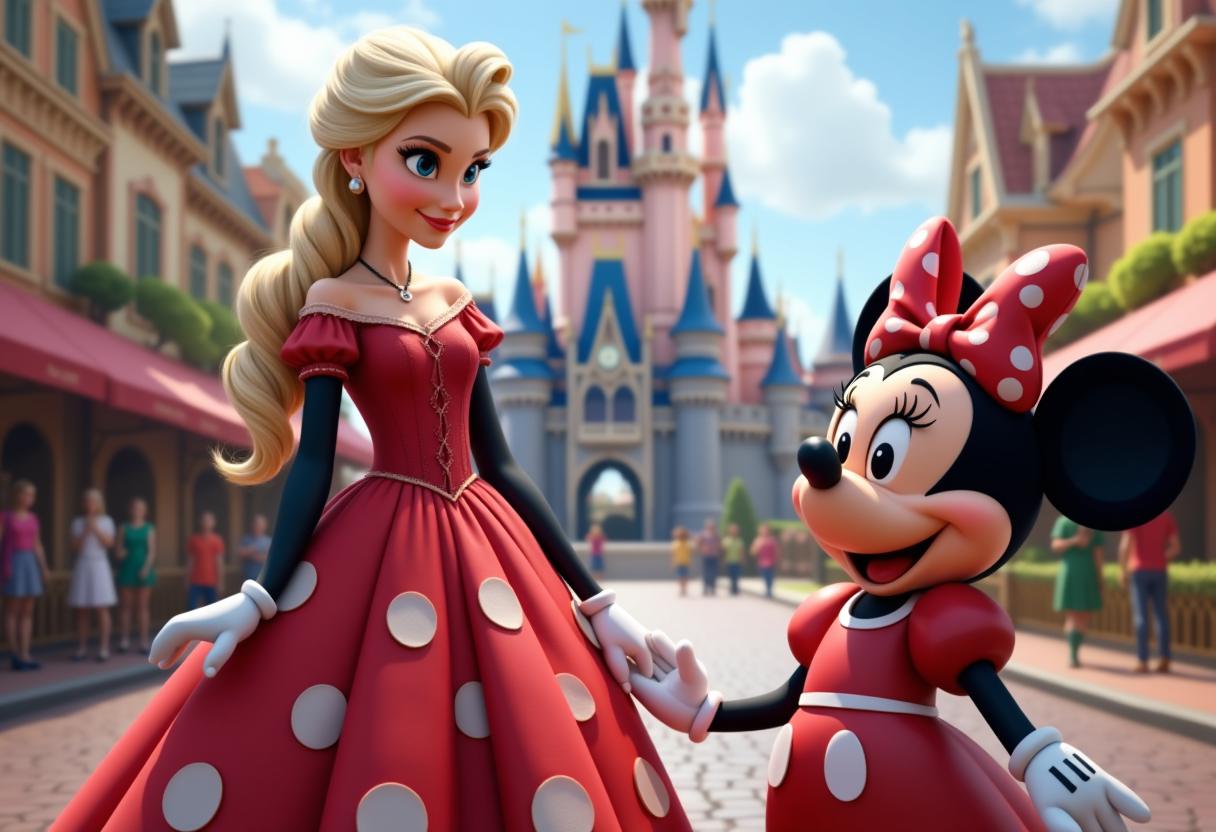
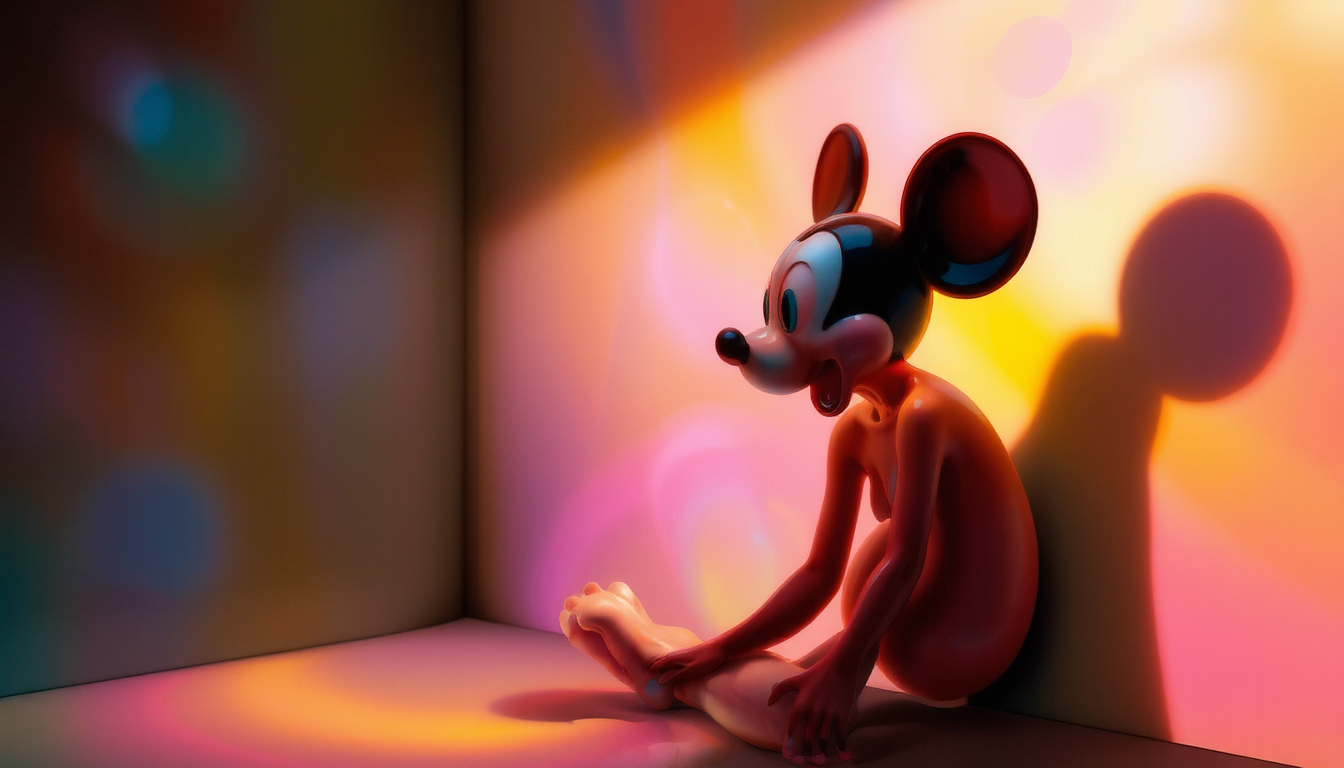
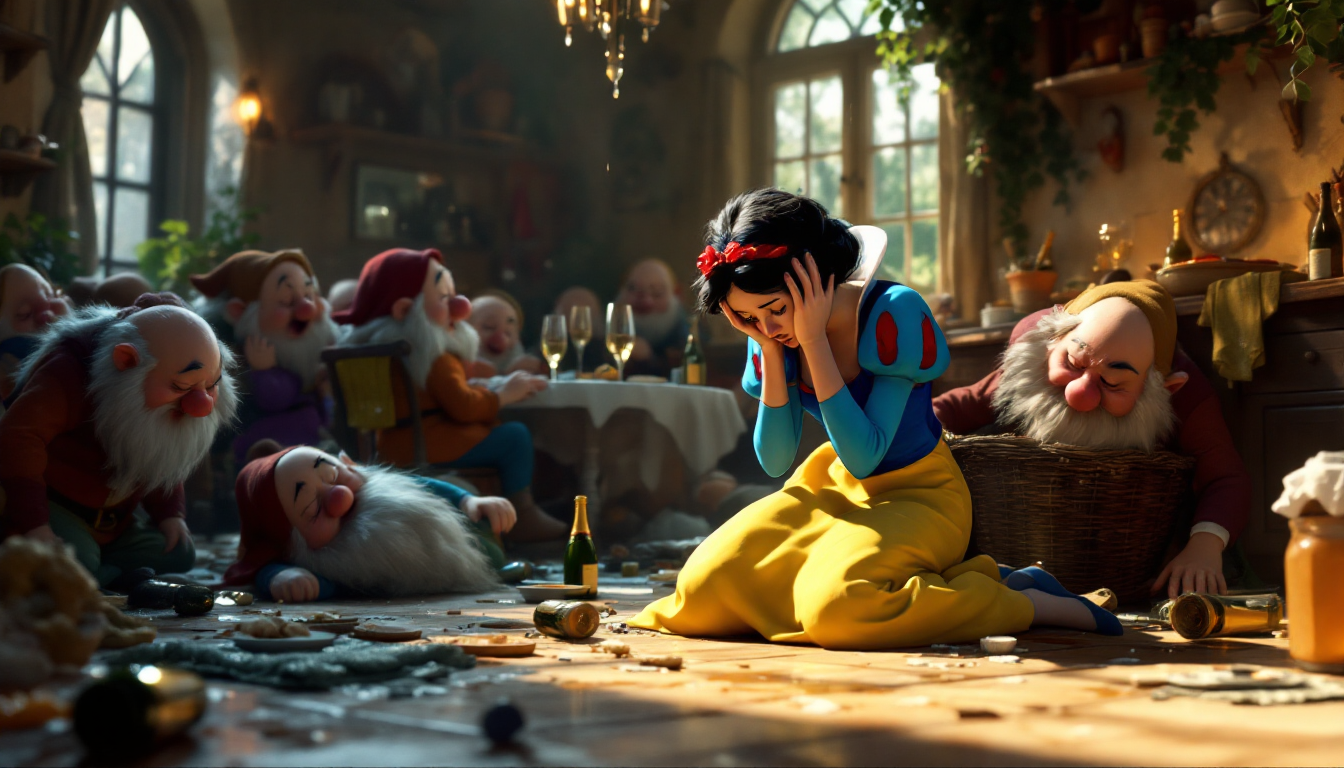
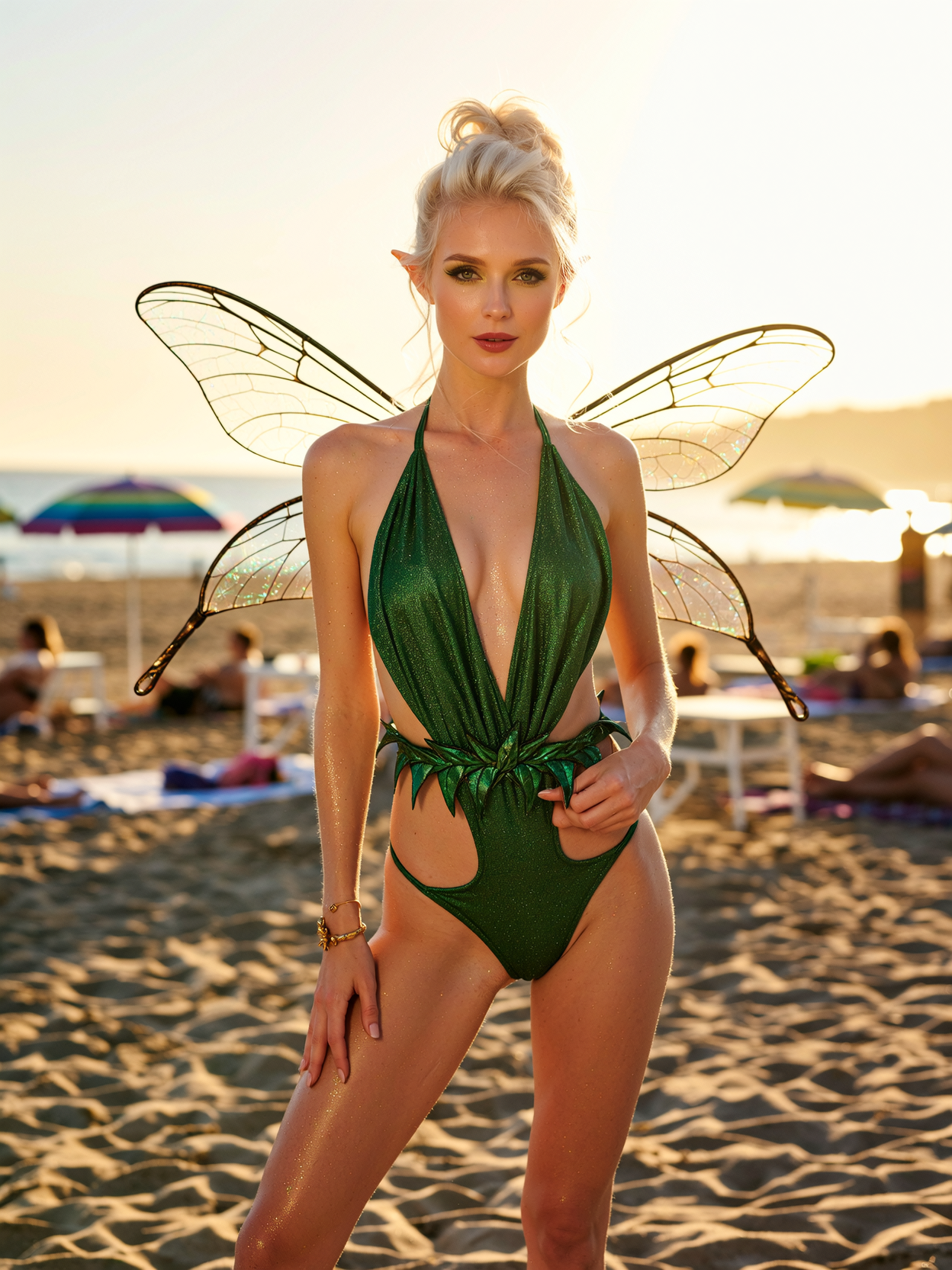
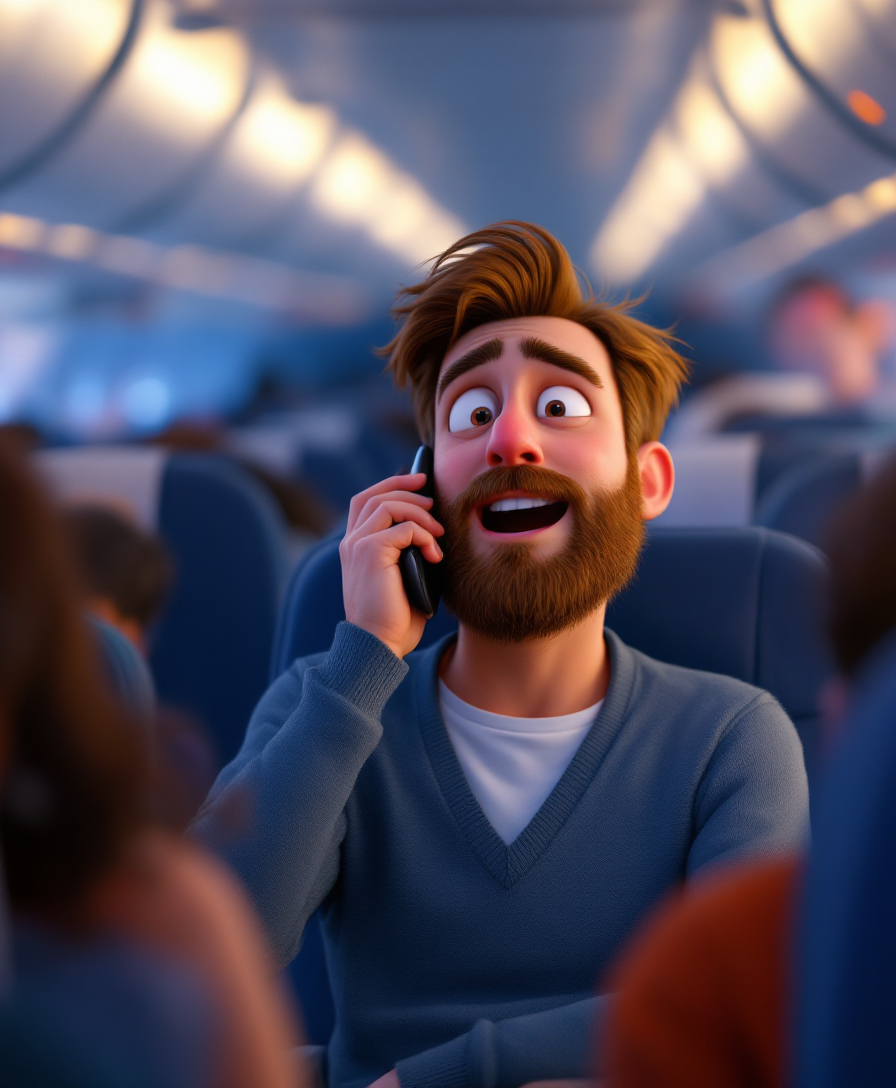
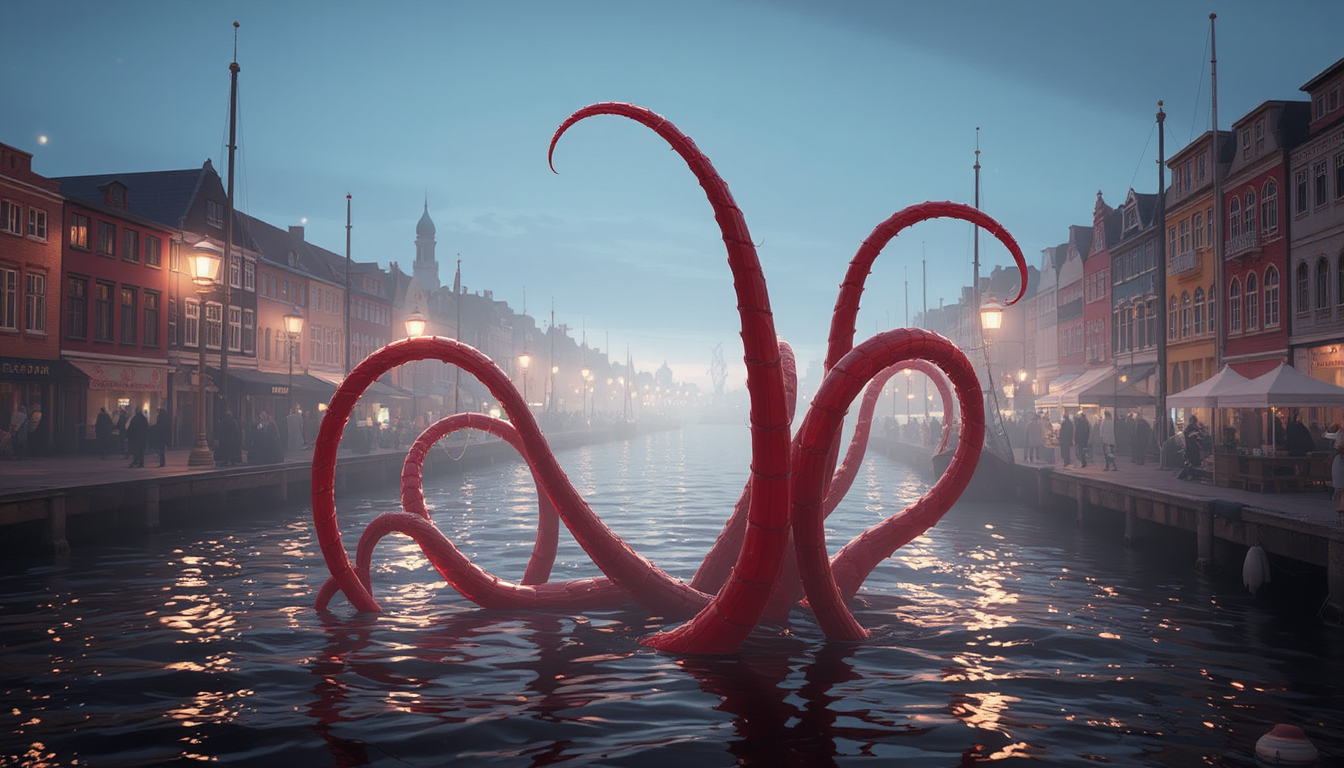
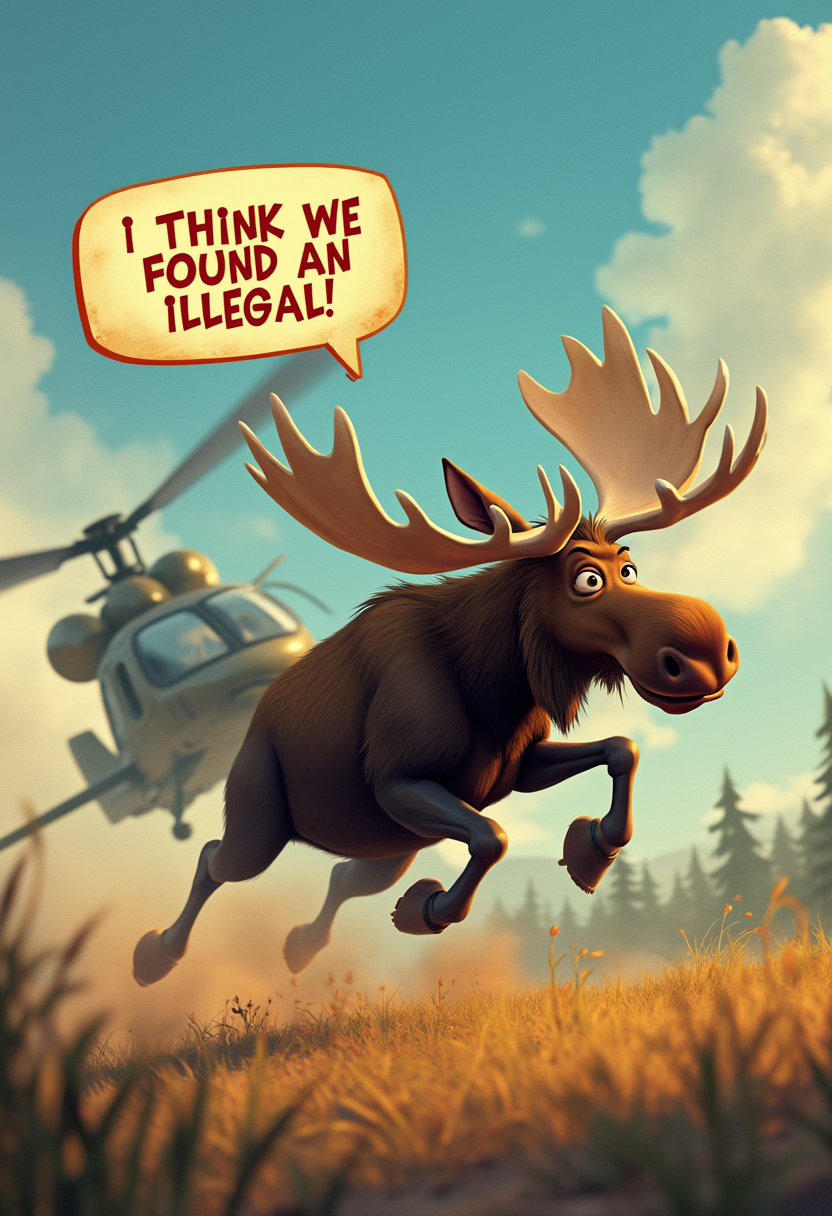
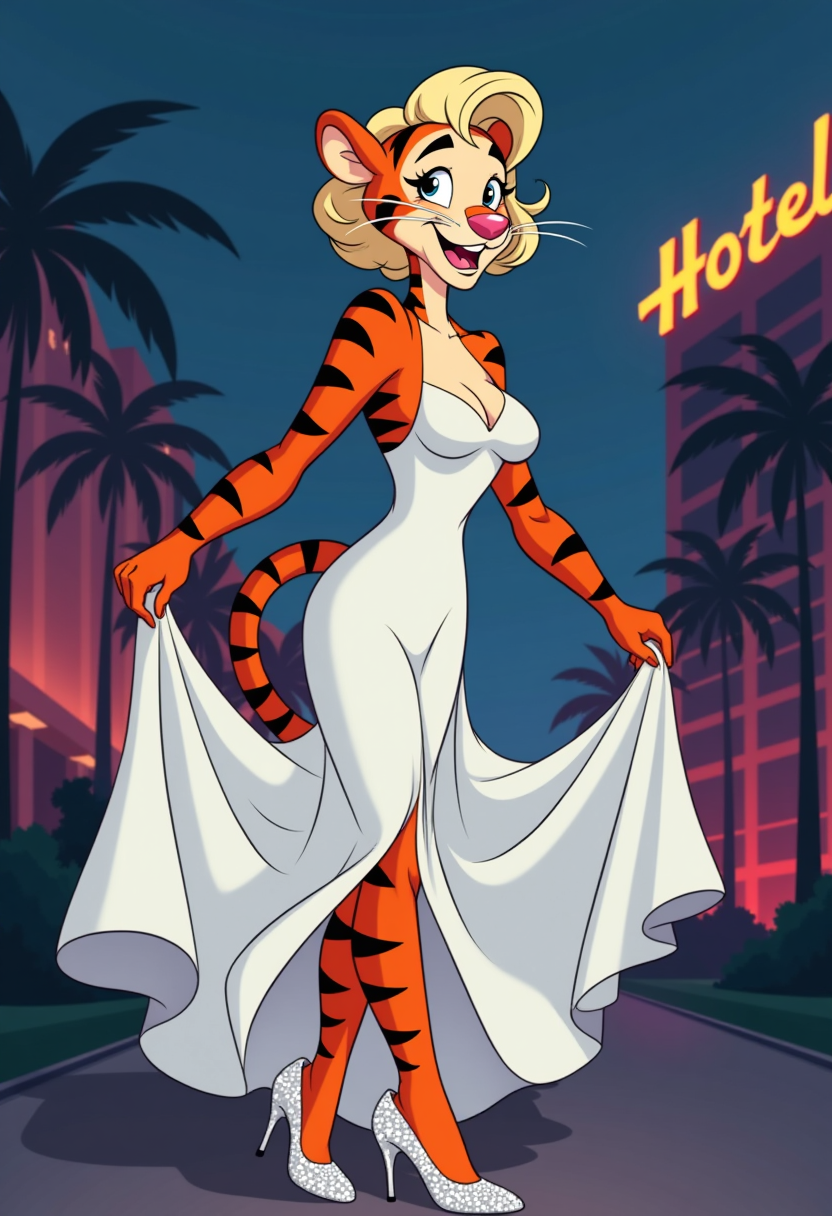
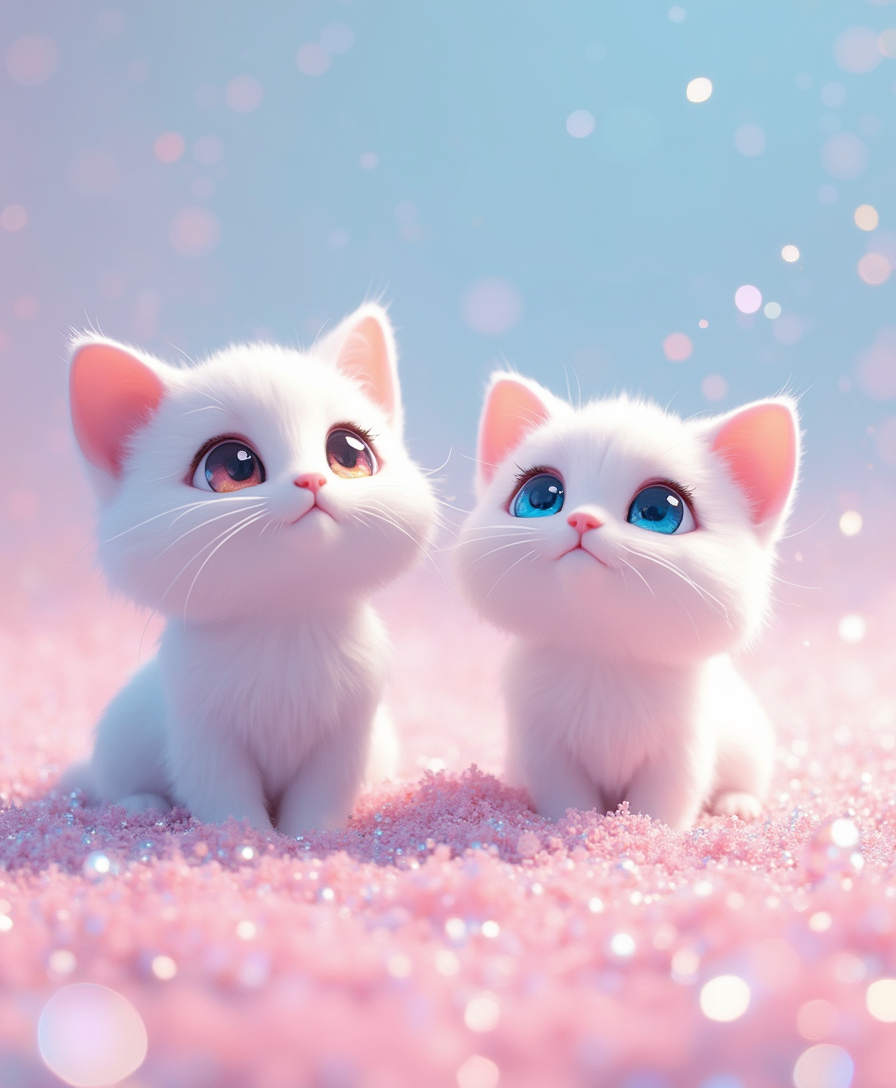
Imagine seeing yourself or your loved ones transformed into beloved Disney and Pixar characters – complete with sparkling eyes, flowing hair, and that signature storybook charm. With PixelDojo's Disney filter tools, you can instantly create magical images that capture the heartwarming essence of classic animation, perfect for sharing on social media, personal projects, or gifting to fans of all ages. Whether you're turning a family selfie into a princess portrait or designing whimsical scenes from scratch, our platform delivers professional-quality results that bring pure joy and nostalgia to life.
Join over 75,000 creators who have generated more than 2.3 million Disney-style images. Rated 4.9/5 by thousands of happy users worldwide. Cancel anytime – no long-term commitment required.
Why Choose Pixel Dojo for disney filter
Professional-quality results with cutting-edge AI technology
Instant Magical Transformations
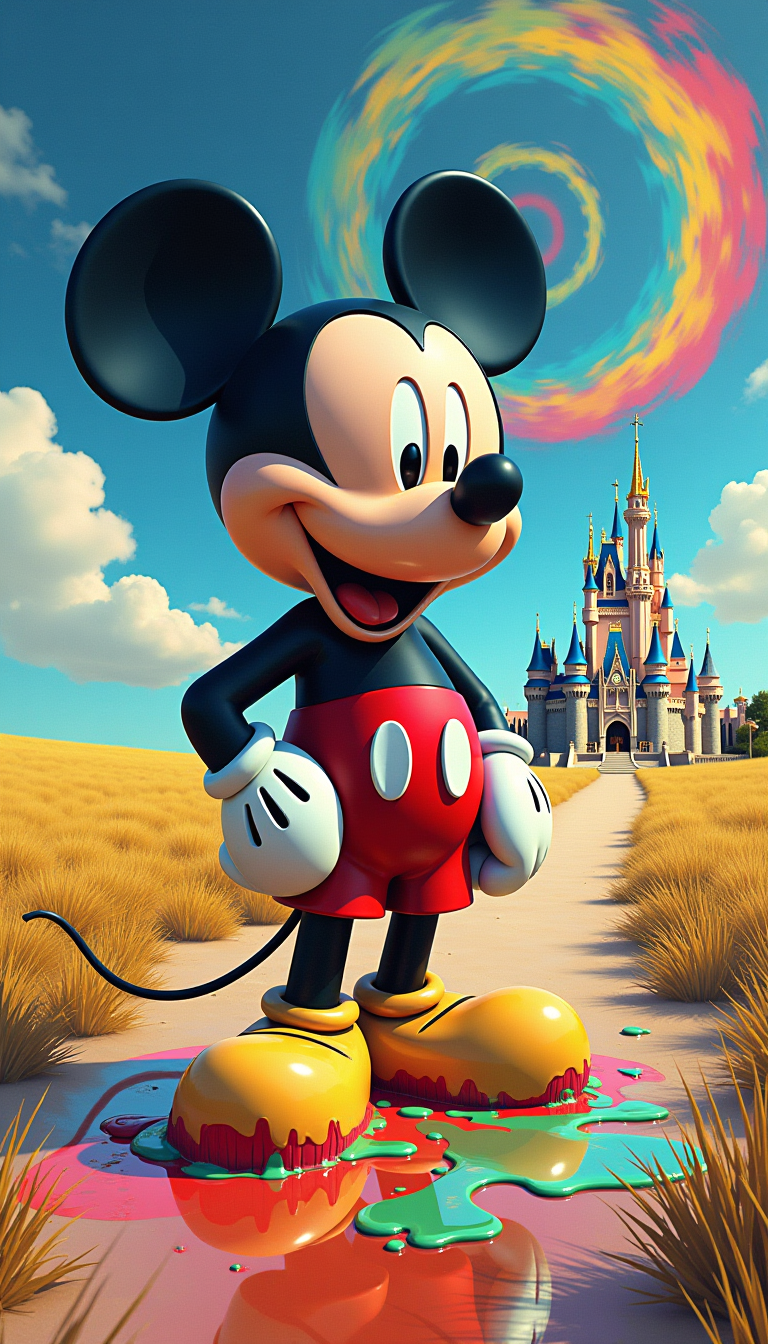
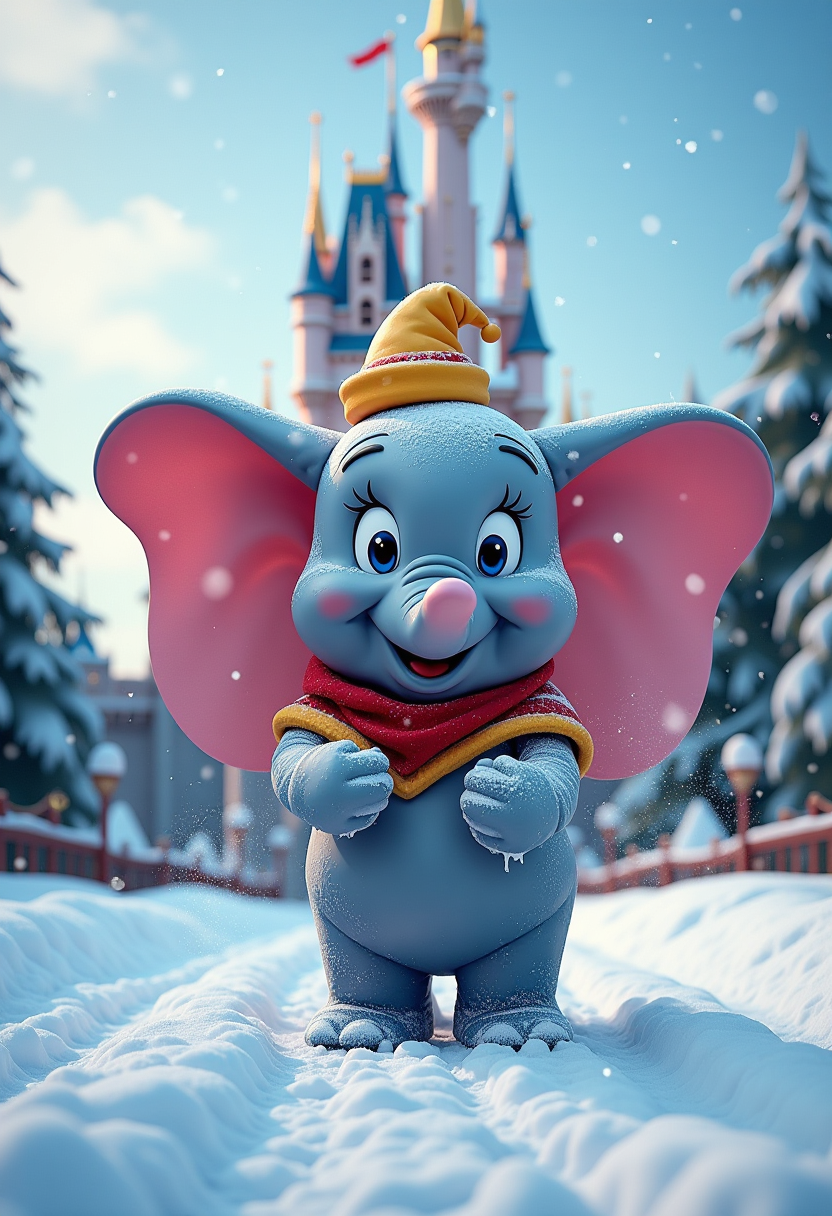
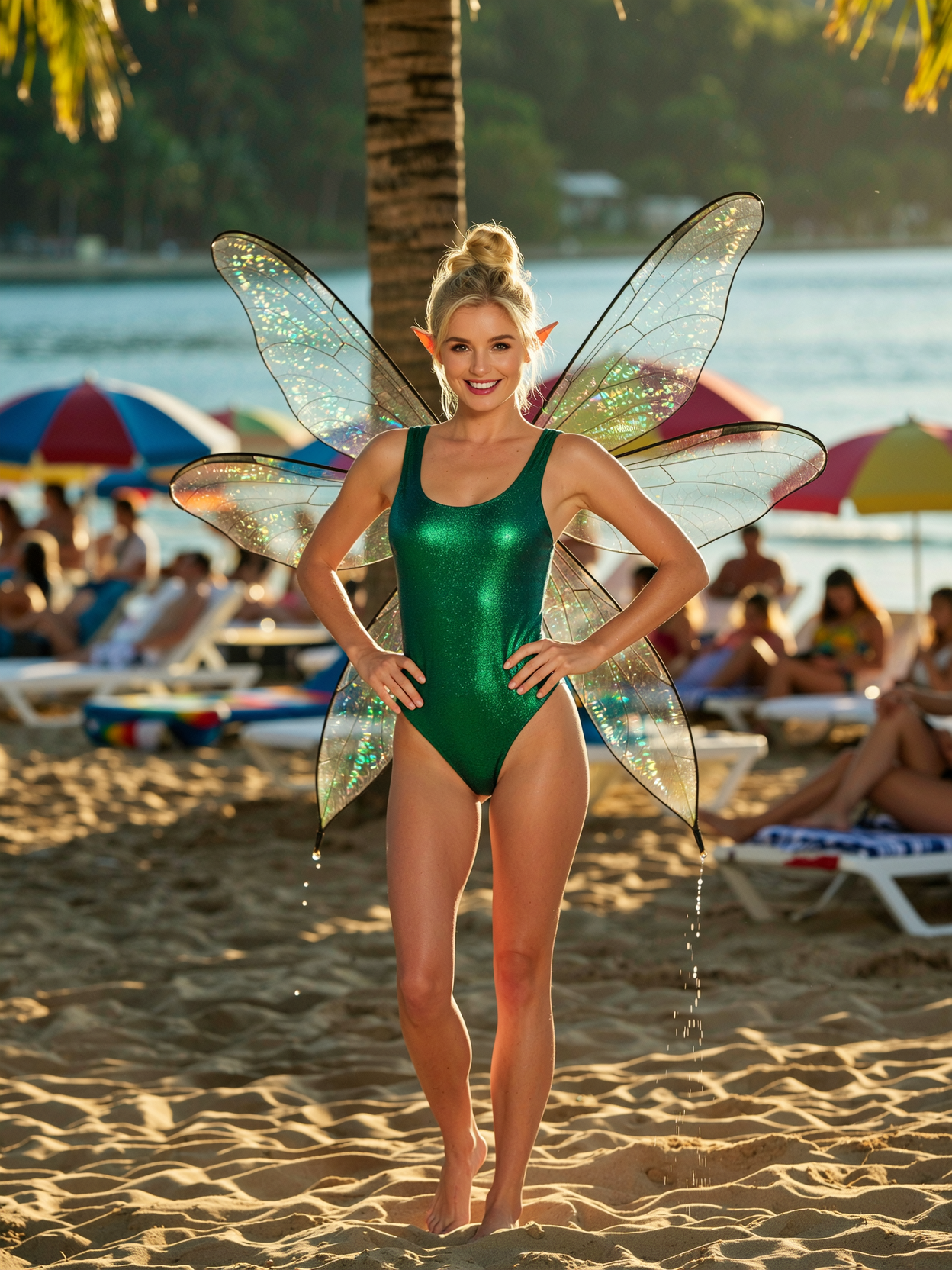
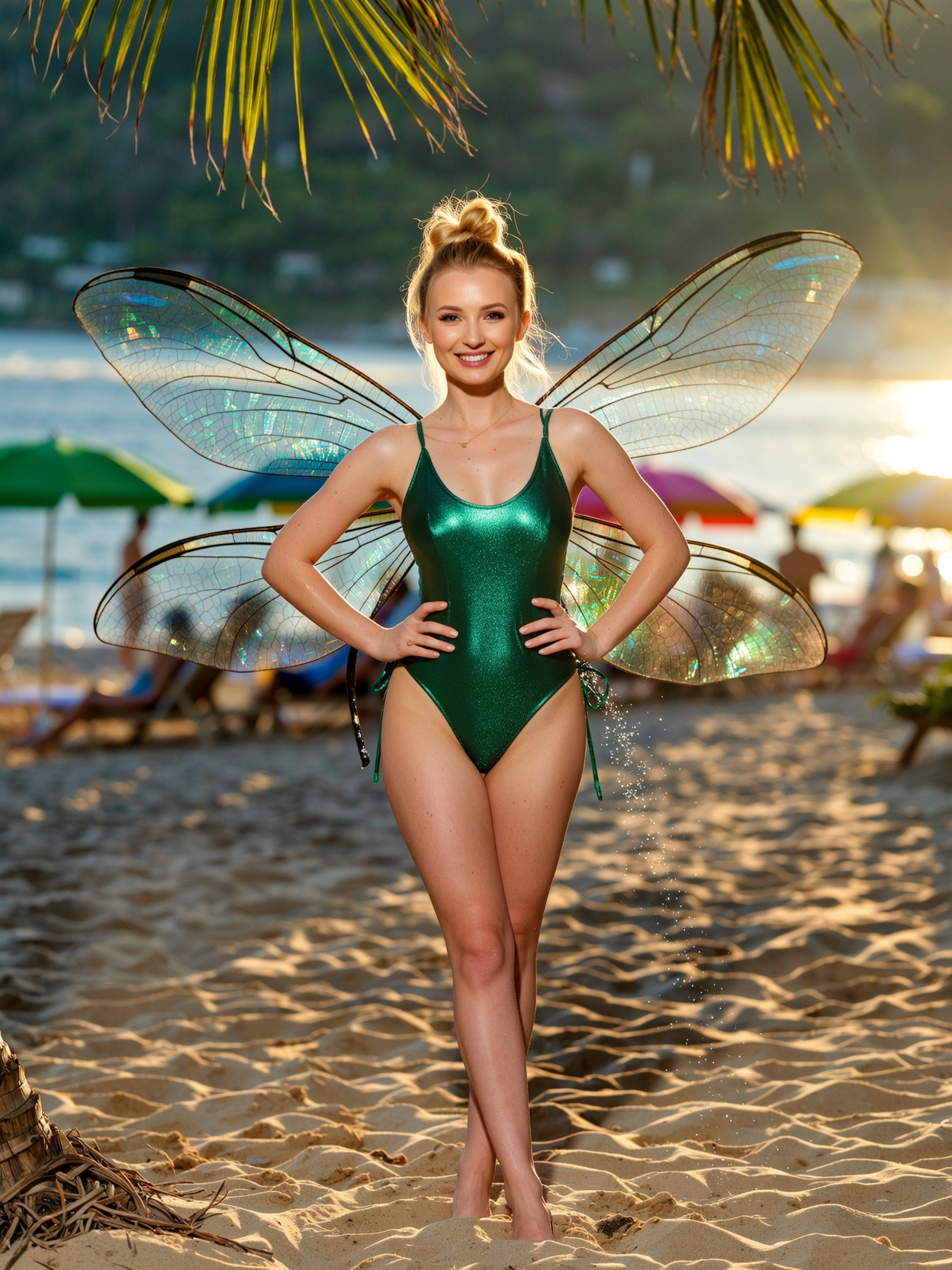
Turn ordinary photos into captivating Disney or Pixar characters in seconds, complete with big expressive eyes, vibrant colors, and enchanting expressions that capture hearts.
Create Personalized Disney Memories
Design unique storybook scenes featuring you, your family, or pets as heroic characters – perfect for custom gifts, social posts, or family albums that feel truly magical.
Professional-Quality Consistency
Maintain perfect character likeness across multiple images with consistent faces, styles, and lighting so your Disney filter creations look like they belong in a feature film.
How It Works
Creating stunning Disney filter images is simple with PixelDojo's specialized tools. Follow these three easy steps to bring your magical visions to life.
Step 1: Choose Your Tool
Select from powerful options like Image to Image for photo transformations, Style Transfer for applying authentic Disney aesthetics, or Ideogram 4 and Flux.1 Studio for generating fresh Disney-style scenes from text.
Step 2: Enter Your Prompt
Upload your photo or describe your scene. Use prompts like 'transform this selfie into a Disney princess with big sparkling eyes, flowing golden hair, soft glowing lighting, and whimsical castle background' or reference Consistent Characters for repeated likenesses.
Step 3: Customize & Download
Refine with Magic Lighting, adjust details using Inpainting or Change Camera Angle, then upscale with P-Image Upscale or Creative Upscaler for crisp 4K results. Download your high-resolution Disney filter masterpiece instantly.
The Pixel Dojo Advantage
Why PixelDojo outperforms other options for Disney filter image generation
| Others | Pixel Dojo |
|---|---|
| Traditional Disney filter creation | No drawing skills or expensive software needed – generate authentic Disney-style results in seconds from any photo or idea |
| Generic AI tools | Specialized Disney-optimized tools like Style Transfer and Consistent Characters deliver superior facial accuracy and stylistic fidelity every time |
| Manual photo editing | Automated magic lighting, character consistency, and one-click transformations save hours while producing professional animation-quality results |
Loved by creators on PixelDojo
Real feedback from people using PixelDojo, pulled from our in-product surveys.
Awesome site with so many features
Love how I can almost create anything
The Flux Pro Ultra is just amazing!
Very easy to use, and they have fast wan 2.2 video generation with custom loras available.
The overall quality of the site and it's amazing variety of tools. The continued updates of the UI. The unbelievable level of tech support.
THIS IS SO DOPE !
Explore more AI tools on PixelDojo
Popular AI Models
AI Tools
Compare & Switch
- Best AI Image Generators
- Best AI Video Generators
- Midjourney Alternatives
- Civitai Alternatives
- Runway Alternatives
- Leonardo Alternatives
- Pika Alternatives
- Luma Alternatives
- Magnific Alternatives
- Veo Alternatives
- Flux Alternatives
- Freepik Alternatives
- Seedance Alternatives
- Seedream Alternatives
- Pixverse Alternatives
- GPT Image Alternatives
- Synthesia Alternatives
- Playground Alternatives
- NightCafe Alternatives
- Canva AI Alternatives
- ElevenLabs Alternatives
- ComfyUI Alternatives
- Fal Alternatives
- Replicate Alternatives
Common Questions
Everything you need to know about disney filter
How do I create a Disney filter on my photos with AI?
Simply upload your photo to PixelDojo's Image to Image or Style Transfer tool, add a prompt describing the Disney aesthetic such as 'big expressive eyes, vibrant colors, whimsical animation style,' and generate. Tools like Ideogram 4 and Flux.1 Studio excel at delivering authentic Pixar-like results instantly.
What is the best AI for Disney Pixar style image generation?
PixelDojo offers top-performing models including Flux.2 Studio, Ideogram 4, Grok Image, and Krea V2 specifically tuned for Disney filter transformations. Combine with Consistent Characters for perfect likeness across multiple images.
Can I turn my selfie into a Disney princess with AI?
Yes! Upload your selfie to the Image to Image tool, use prompts like 'Disney princess with sparkling eyes and flowing hair in a magical kingdom,' and refine with Magic Lighting for that signature glowing Disney charm. Results look like official animation stills.
How to make consistent Disney characters across multiple images?
Use PixelDojo's Consistent Characters and Ideogram Character tools. Generate once, lock the character reference, then create new scenes or poses while maintaining the exact same Disney-style appearance every time.
Are there free Disney filter AI tools available on PixelDojo?
Start generating Disney filter images for free with our generous trial credits. Access 40+ cutting-edge tools including Style Transfer and Image to Image – upgrade only if you love it, with the option to cancel anytime.
What prompts work best for Disney style AI art in 2026?
Focus on style descriptors: '3D animation style, large expressive eyes, soft plastic textures, vibrant saturated colors, whimsical character design, magical glowing lighting.' Avoid copyrighted names and emphasize the aesthetic for best results with Flux.1 Studio or Grok Image.