AI background remover AI Generator
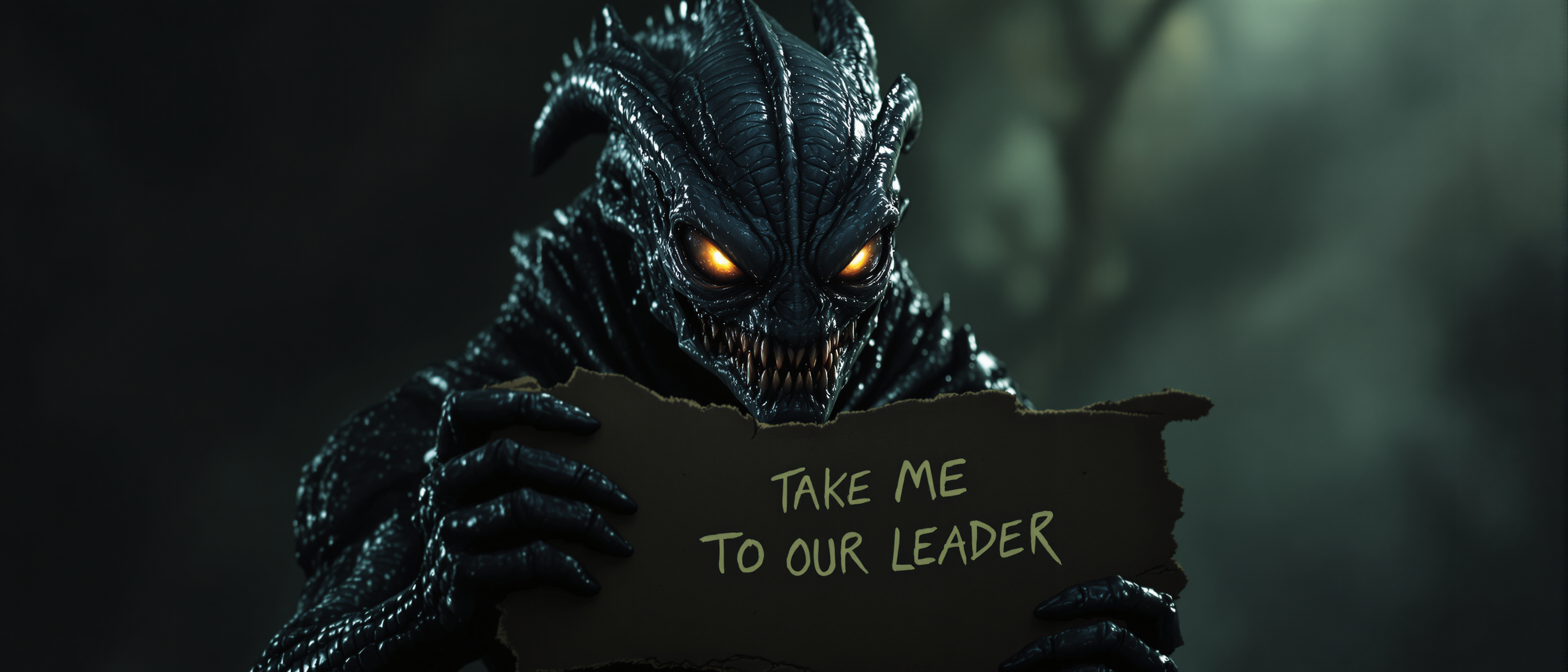
Elevate your visual content by effortlessly removing backgrounds from your images using PixelDojo's AI Background Remover. Whether you're a marketer aiming to create compelling ads, a designer seeking clean visuals, or a content creator enhancing your portfolio, our AI-powered tools deliver professional results in seconds, saving you time and effort.
Join over 10,000 satisfied users who have transformed their images with PixelDojo's AI Background Remover, achieving a 98% satisfaction rate.
Why Choose Pixel Dojo for AI background remover
Professional-quality results with cutting-edge AI technology
Save Time with Instant Background Removal
Eliminate hours of manual editing by removing backgrounds in seconds, allowing you to focus on creativity and strategy.
Achieve Professional-Quality Images
Utilize advanced AI algorithms to produce clean, precise, and high-quality images suitable for any professional application.
Enhance Creativity with Versatile Applications
Seamlessly integrate your subject into various backgrounds, enabling endless creative possibilities for marketing, design, and content creation.
How It Works
Creating stunning, background-free images with PixelDojo is simple and intuitive. Follow these steps to transform your visuals:
Step 1: Upload Your Image
Select the 'Background Remover' tool and upload the image you wish to edit. Our AI will automatically detect the subject and background.
Step 2: Preview and Adjust
Review the AI-generated preview. Use the refinement tools to adjust edges or restore any details as needed for perfection.
Step 3: Download and Use
Once satisfied, download your new image with a transparent background, ready for use in your projects.


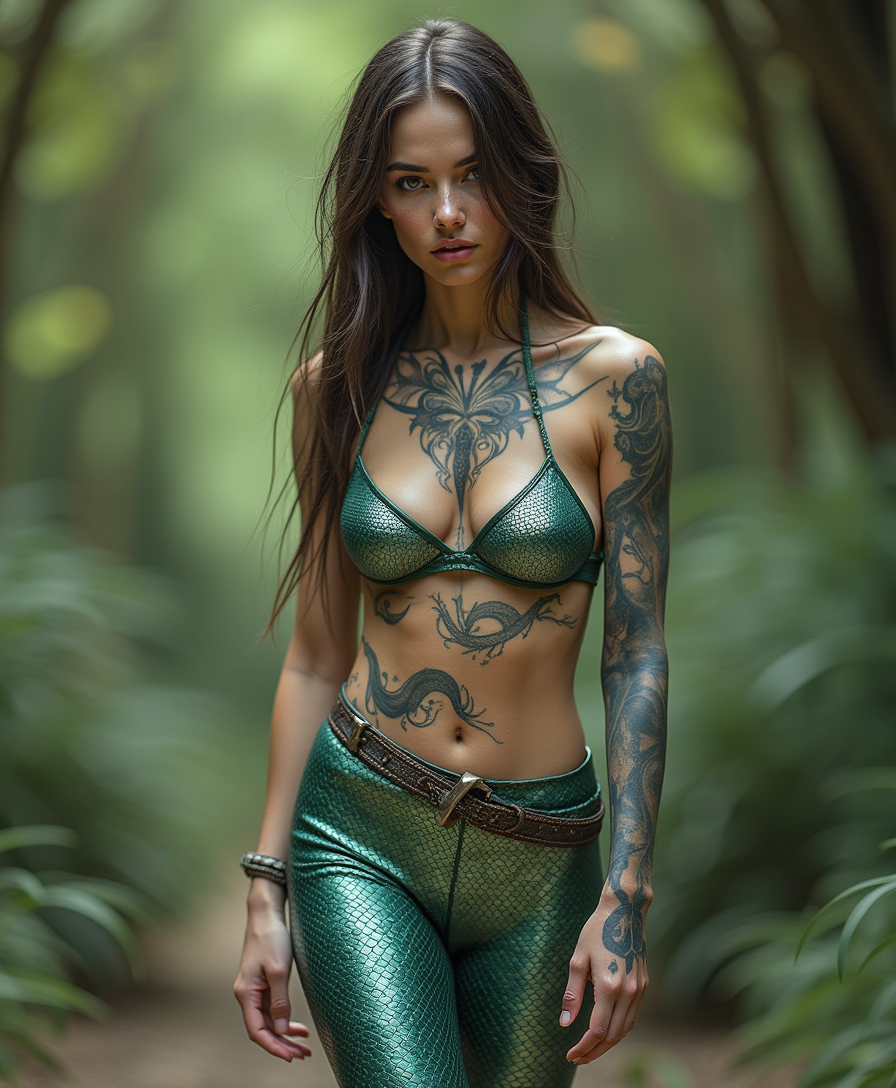


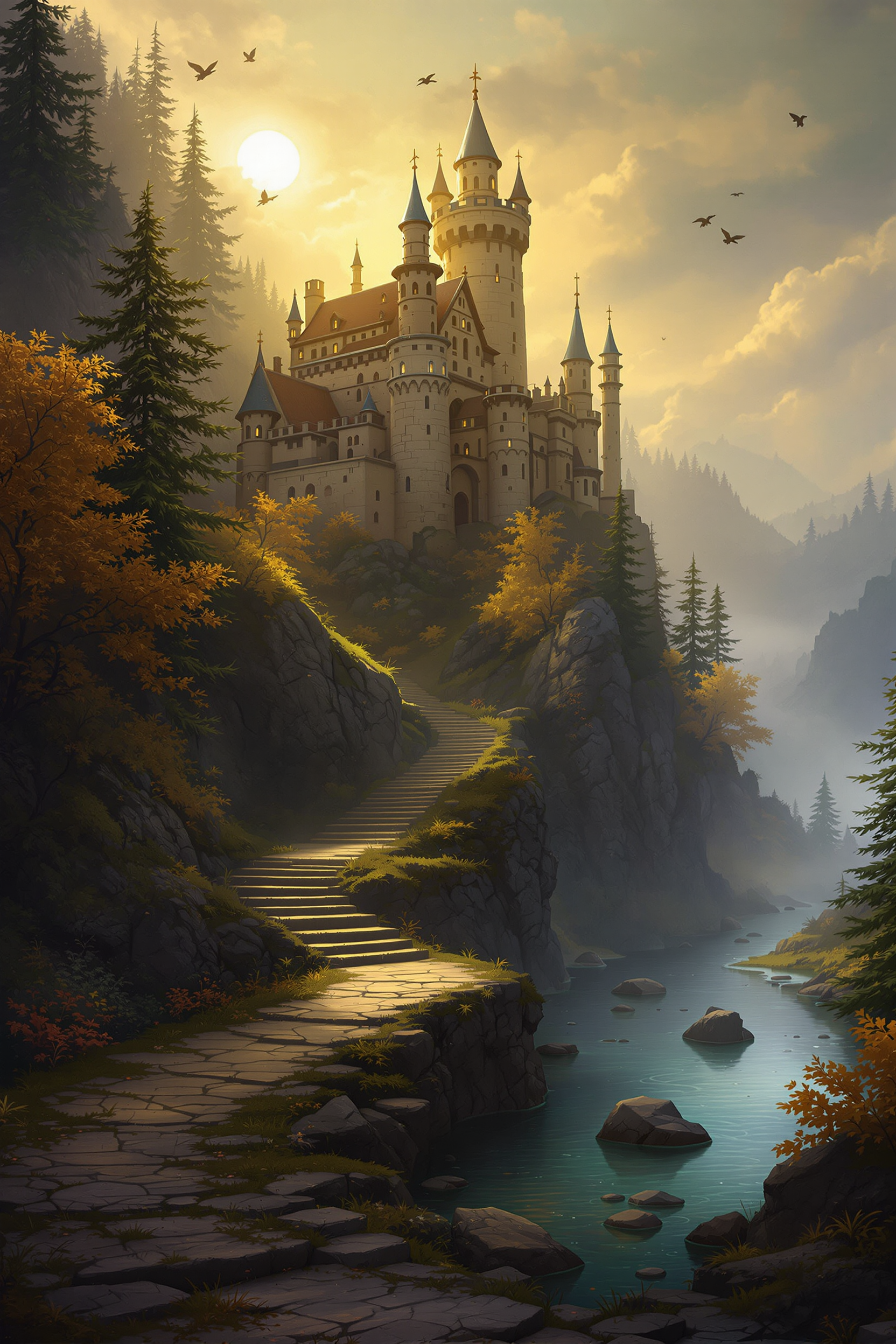
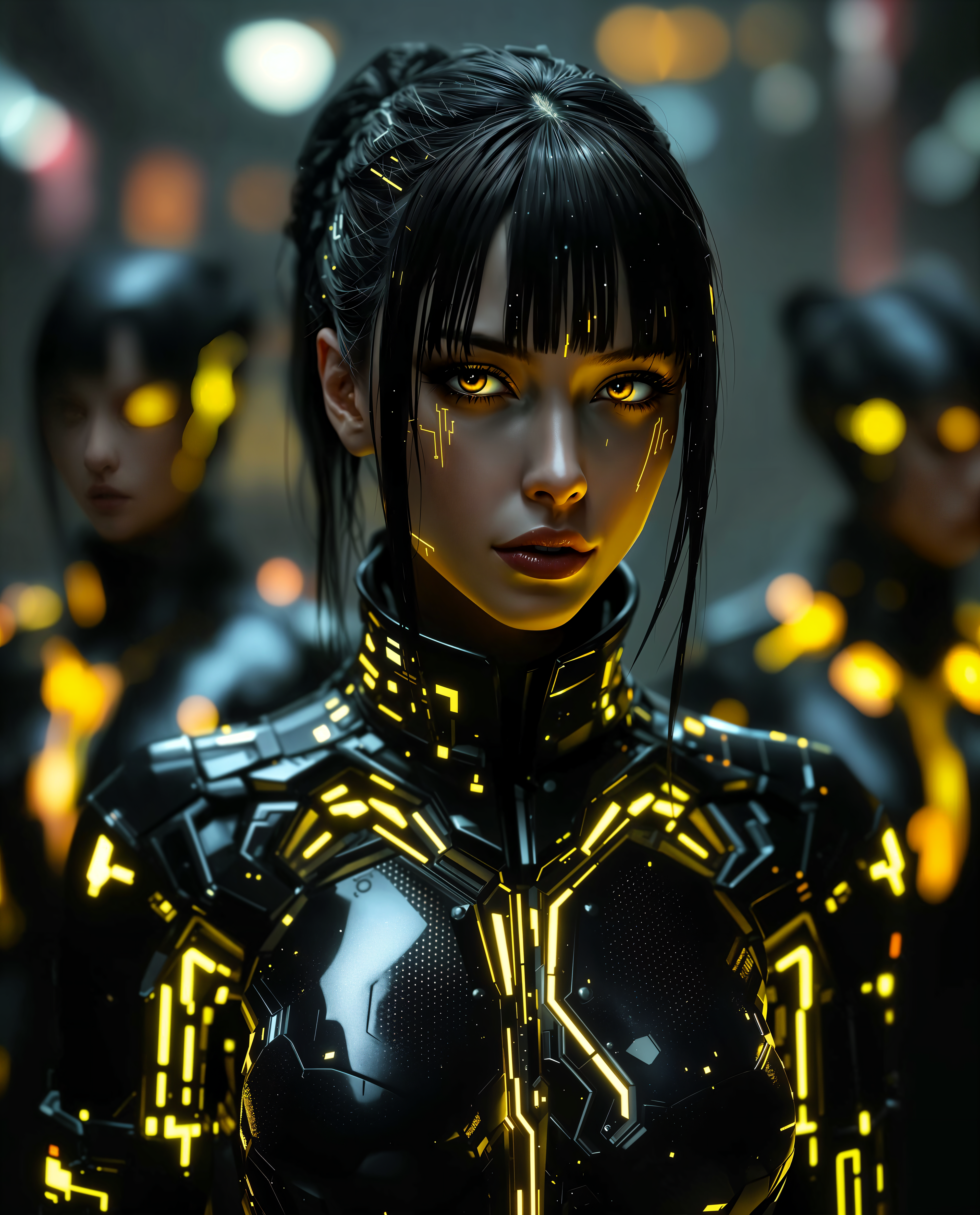








The Pixel Dojo Advantage
Discover how PixelDojo's AI Background Remover stands out from other background removal methods:
| Others | Pixel Dojo |
|---|---|
| Manual Background Removal | Significantly reduces editing time and eliminates the need for advanced technical skills. |
| Generic AI Tools | Offers superior precision and customization options tailored to diverse creative needs. |
| Outsourcing to Professionals | Provides a cost-effective solution without compromising on quality or turnaround time. |
Loved by creators on PixelDojo
Real feedback from people using PixelDojo, pulled from our in-product surveys.
I’ve been using PixelDojo for around 8 months now and it’s always worked wonderfully while constantly adding features.
The site is easy to navigate and use.
All the tools, readily available and easy to understand
You guys, the LORA training is the BEST in the space right now, great job with that!
Tons of variety. Ease of use. Tools for beginners and advance users.
easiest workflow to get best output image or video
Explore more AI tools on PixelDojo
AI Tools
Compare & Switch
- Best AI Image Generators
- Best AI Video Generators
- Midjourney Alternatives
- Civitai Alternatives
- Runway Alternatives
- Leonardo Alternatives
- Pika Alternatives
- Luma Alternatives
- Magnific Alternatives
- Veo Alternatives
- Flux Alternatives
- Freepik Alternatives
- Seedance Alternatives
- Seedream Alternatives
- Pixverse Alternatives
- GPT Image Alternatives
- Synthesia Alternatives
- Playground Alternatives
- NightCafe Alternatives
- Canva AI Alternatives
- ElevenLabs Alternatives
- ComfyUI Alternatives
- Fal Alternatives
- Replicate Alternatives
Common Questions
Everything you need to know about AI background remover
How does PixelDojo's AI Background Remover work?
Our tool uses advanced AI algorithms to automatically detect and separate the subject from the background, providing a clean, transparent image ready for your projects.
Can I edit multiple images at once?
Yes, PixelDojo supports batch processing, allowing you to remove backgrounds from multiple images simultaneously, saving you even more time.
Is any technical expertise required to use the tool?
Not at all. Our user-friendly interface is designed for individuals of all skill levels, making background removal accessible and straightforward.
What file formats are supported?
PixelDojo supports a wide range of image formats, including JPEG, PNG, and TIFF, ensuring compatibility with your existing files.
Can I replace the background with a new one?
Absolutely. After removing the original background, you can easily add a new background of your choice to create the desired effect.
Is there a free trial available?
Yes, we offer a free trial so you can experience the benefits of our AI Background Remover before committing to a subscription.