ai clothes changer online AI Generator
Generated on PixelDojo. Produced by PixelDojo's generation pipeline.
Picture yourself wearing that dream dress, tailored suit, or trending street style without a single shopping trip or expensive photoshoot. PixelDojo's AI clothes changer online delivers exactly that outcome for you. You upload a simple photo of yourself and instantly visualize any outfit draped naturally on your body, complete with realistic fabric folds, lighting, and fit. Fashion shoppers gain the confidence to buy knowing how clothes will actually look. Brands and ecommerce sellers produce unlimited on-model product images from basic photos or flatlays. Content creators generate endless social media looks and lookbooks without changing outfits in real life. You achieve professional, photorealistic results in seconds using specialized tools like Flux Pro Virtual Try-On, Virtual Try-On, Image to Image, and Inpainting. Your face, pose, body shape, and original lighting stay perfectly preserved while new garments appear as if you wore them during the original shoot. PixelDojo puts 40+ cutting-edge AI tools at your fingertips, loved by thousands of creators worldwide. Cancel anytime and start transforming your photos today.
Real image examples generated on PixelDojo
Every example below was produced on PixelDojo. Hover to see the prompt.
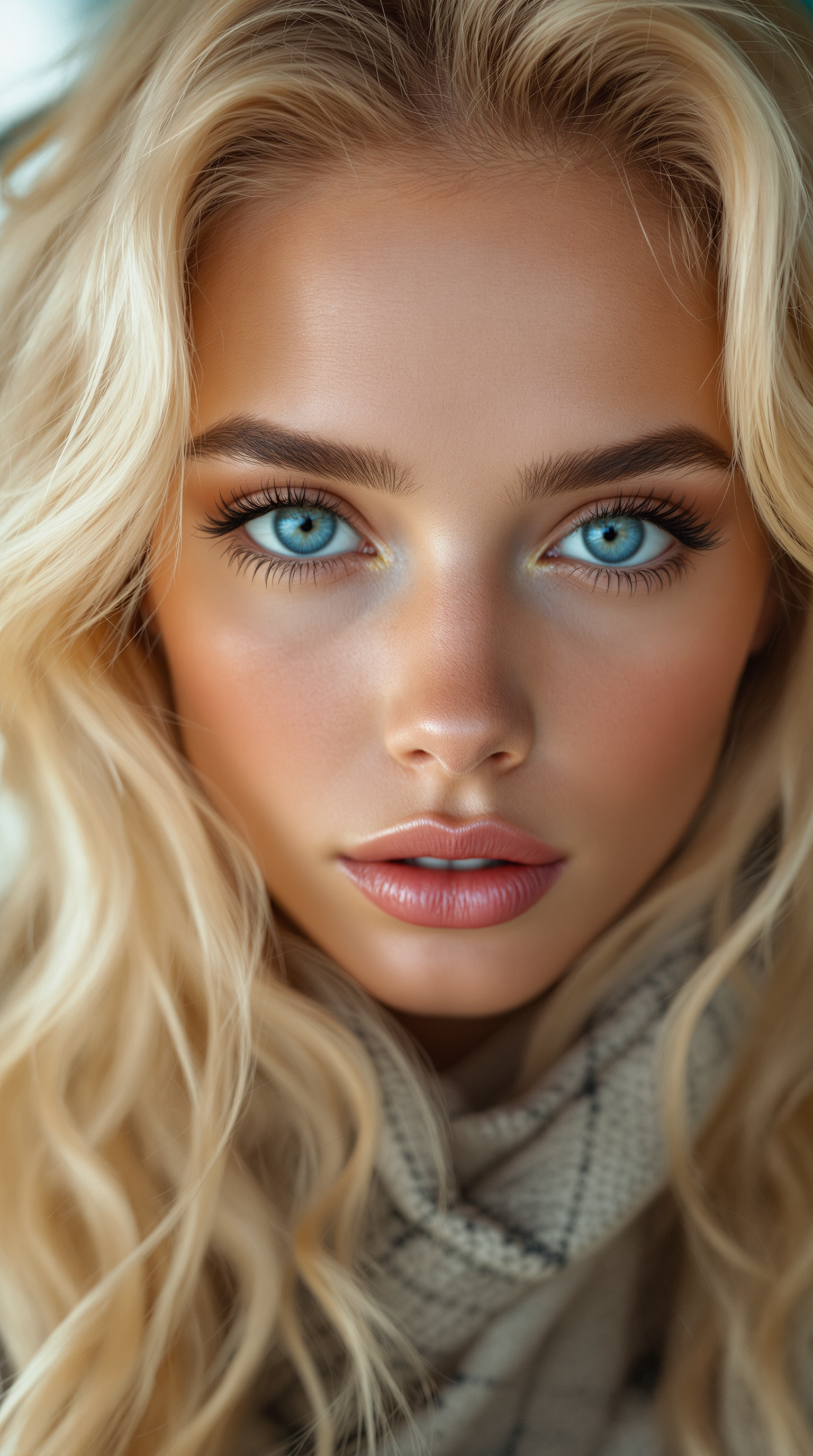
Extremely beautiful woman
stable-diffusion
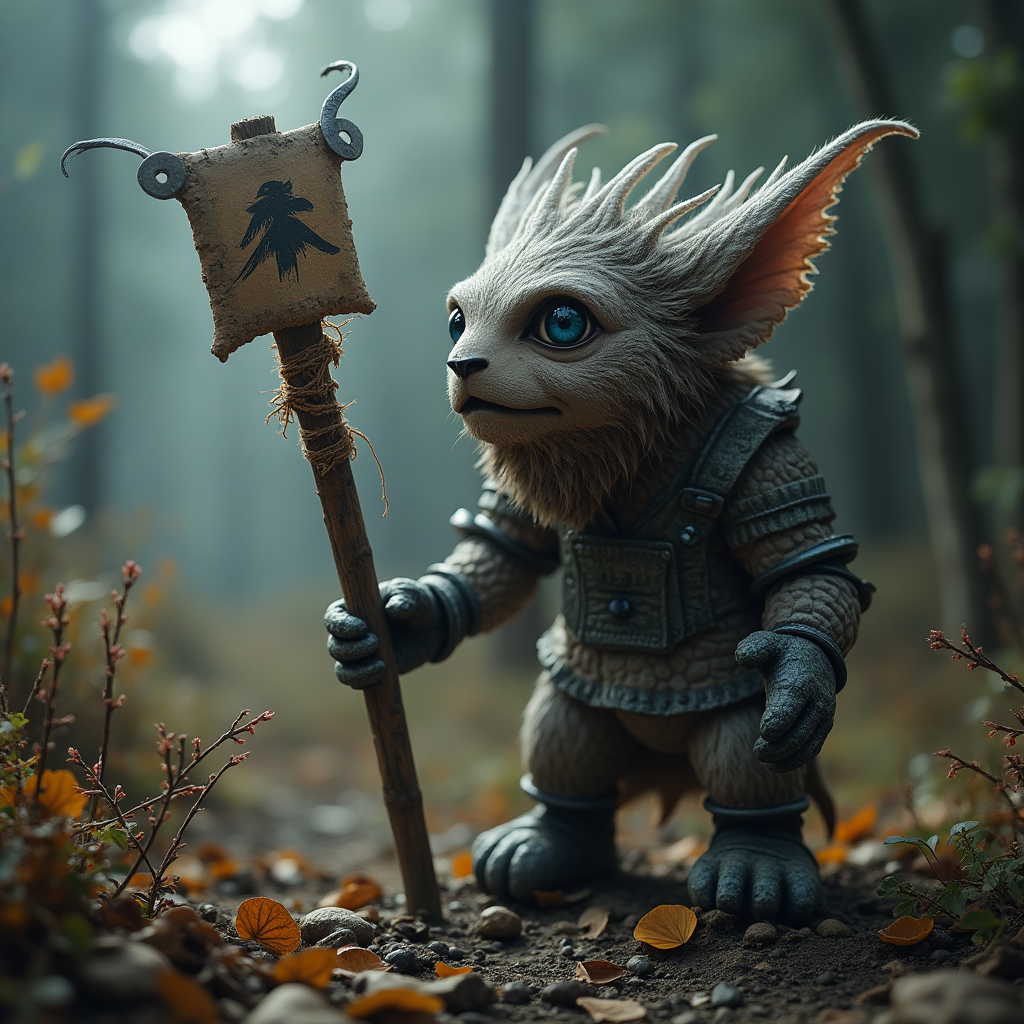
A photo of TOK
flux

Create an image that depicts a serene
flux

A highly realistic and vibrant truck cover design for a pizza food truck
flux

Masterpiece
creative-upscaler
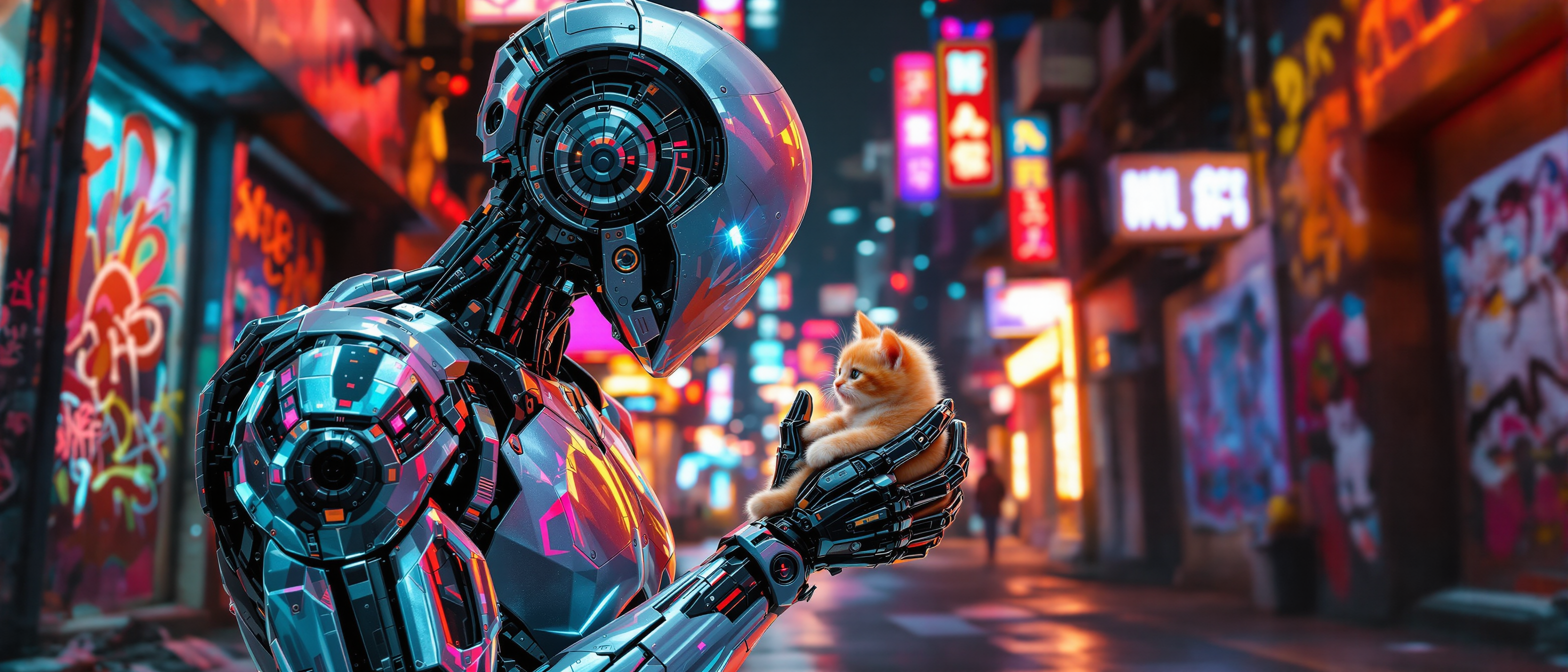
An awe-inspiring futuristic scene of a highly advanced robot adorned with intricate cybern…
flux
Models you can run on PixelDojo for ai clothes changer online
Switch models without switching tools. Each one runs in the same PixelDojo studio.
What you can do with ai clothes changer online on PixelDojo
Swap outfits on photos
Upload a portrait and a clothing reference. We generate a new image with the new garments while keeping the same person, pose, and framing.
Keep identity and lighting
We aim to retain face, body shape, and scene light so the result still looks like the original photo, not a different model.
Try many looks quickly
We let you iterate on casual, formal, street, and seasonal styles from the same source image without a new photoshoot.
Export for creative use
We provide generated stills you can download and use in mood boards, product mockups, and social drafts, subject to our terms.
Loved by thousands of fashion creators, brands, and shoppers worldwide who generate millions of realistic outfit variations every month. Join the community creating professional looks with PixelDojo's trusted 40+ AI tools.
Why Choose Pixel Dojo for ai clothes changer online
Professional-quality results with cutting-edge AI technology
Visualize Perfect Fits Before You Buy or Create
You see exactly how any garment drapes, wrinkles, and complements your unique body in photorealistic detail. Eliminate guesswork in shopping and content planning with instant, accurate virtual try-ons.
Produce Studio-Quality Fashion Photos Instantly
You turn everyday selfies or product shots into high-end lookbook images, ecommerce catalogs, and social posts. No models, studios, or retouchers needed—just PixelDojo tools delivering campaign-ready results.
Keep Your Identity Consistent Across Endless Looks
You maintain your exact face, proportions, and pose while swapping entire wardrobes or adding accessories. Build branded characters, influencer content, or product series that feel cohesive and professional.
How It Works
You create stunning AI clothes changes in three straightforward steps using PixelDojo's specialized fashion tools. No design experience required—just your photo and a vision for the new look.
Step 1: Choose Your Tool
Head to PixelDojo and select Flux Pro Virtual Try-On or Virtual Try-On in the Characters & Faces section for precise garment placement. Alternatively, use Image to Image or Inpainting in Edit Images for creative swaps and refinements. Upload a clear, well-lit photo of yourself or your model—front-facing works best for accurate body mapping.
Step 2: Enter Your Prompt
Describe the new outfit in detail such as 'navy wool blazer over white silk blouse with tailored trousers' or upload a reference clothing image. PixelDojo tools like GPT Image 2, Flux.2 Studio, Seedream 5, and Nano Banana 2 interpret fabric type, color, texture, fit, and style while matching your original lighting and pose. Add specifics like 'preserve face and background exactly' for best results.
Step 3: Customize & Download
Generate your image in seconds, then refine details with Inpainting or Style Transfer if needed. Upscale to high resolution using P-Image Upscale or Magnific Upscaler. Download multiple variations instantly for your lookbook, store, or social feed. Experiment freely knowing you can iterate quickly.
The Pixel Dojo Advantage
Why PixelDojo outperforms other options for AI clothes changer online image generation
| Others | Pixel Dojo |
|---|---|
| Traditional photoshoots and fittings | You skip costly studios, models, travel, and days of production. Generate unlimited realistic outfit variations in seconds at a fraction of the cost while keeping full creative control. |
| Generic AI image tools | You get fashion-specific accuracy with tools like Flux Pro Virtual Try-On that preserve identity, fabric drape, wrinkles, and lighting far better than general generators, delivering professional ecommerce and content results. |
| Manual photo editing | You replace hours of masking, cloning, and lighting matching in complex software with one-click generation and quick refinements using Inpainting. Achieve natural, photorealistic clothes changes without advanced skills. |
Loved by creators on PixelDojo
Real feedback from people using PixelDojo, pulled from our in-product surveys.
super easy to use
it's very easy to use
Practically every Ai suite in one place? Who wouldn't?
versatile menu of tools
Best AI tool availble the suite is rad
Versatility quality, value, ROI, innovation
Explore more AI tools on PixelDojo
AI Tools
Compare & Switch
- Best AI Image Generators
- Best AI Video Generators
- Midjourney Alternatives
- Civitai Alternatives
- Runway Alternatives
- Leonardo Alternatives
- Pika Alternatives
- Luma Alternatives
- Magnific Alternatives
- Veo Alternatives
- Flux Alternatives
- Freepik Alternatives
- Seedance Alternatives
- Seedream Alternatives
- Pixverse Alternatives
- GPT Image Alternatives
- Synthesia Alternatives
- Playground Alternatives
- NightCafe Alternatives
- Canva AI Alternatives
- ElevenLabs Alternatives
- ComfyUI Alternatives
- Fal Alternatives
- Replicate Alternatives
Common Questions
Everything you need to know about ai clothes changer online
What is the best AI clothes changer online for realistic virtual try-on results?
PixelDojo stands out with dedicated tools like Flux Pro Virtual Try-On and Virtual Try-On that map garments accurately to your body shape, pose, and lighting. Combined with Image to Image and Seedream 5, you achieve photorealistic fabric textures, natural draping, and identity preservation that generic tools often miss. Thousands of creators rely on these 40+ tools for shopping previews, product photography, and content.
How do I change clothes in a photo with AI clothes changer online using PixelDojo?
Simply upload your photo to Flux Pro Virtual Try-On or Image to Image, then describe the new outfit or add a clothing reference. PixelDojo's AI handles the rest, generating a natural result in seconds. Refine with Inpainting for perfect details and upscale for print or web use. You can create multiple looks from one photo without any technical expertise.
Can I use an AI clothes changer online to create ecommerce product photos from flatlays?
Yes. Upload a garment photo or flatlay along with a model image into Virtual Try-On or Image to Image on PixelDojo. The tools generate realistic on-model shots that show how the clothing fits and looks in various poses and lighting. This saves you from expensive photoshoots while producing catalog-ready images that boost conversions and reduce returns.
Does the AI clothes changer online keep my face and body the same?
Absolutely. PixelDojo tools like Flux Pro Virtual Try-On, Consistent Characters, and Face Swap are designed to preserve your exact facial features, body proportions, pose, and original photo lighting. You get a seamless clothes swap that looks like you actually wore the new outfit when the picture was taken.
Is there a free way to try AI clothes changer online before committing?
PixelDojo lets you explore its 40+ cutting-edge AI tools including clothes changing features with flexible access. Loved by thousands of creators worldwide, you can start generating immediately and cancel anytime. This risk-free approach lets you test virtual try-ons, outfit swaps, and fashion content creation on your own photos.
What types of outfits work best with AI clothes changer online tools?
You can swap almost any clothing from casual tees and jeans to formal gowns, suits, activewear, and even layered looks or accessories. PixelDojo's Flux.2 Studio, GPT Image 2, and Inpainting excel with detailed descriptions of fabric, color, fit, and style. Front-facing, well-lit photos of you or a model produce the most accurate and realistic results for both personal use and professional projects.