ai clothes remove AI Generator
Transform your photos effortlessly with PixelDojo's AI clothes remover tools. You can quickly edit clothing elements in images to create polished, professional-looking results for fashion design, e-commerce visuals, or creative projects. Achieve natural outcomes that save time and deliver exactly what you need.
Over 75,000 creators use PixelDojo daily for precise image edits. 4.9/5 average rating with thousands of 5-star reviews. Trusted by designers and marketers worldwide.
Why Choose Pixel Dojo for ai clothes remove
Professional-quality results with cutting-edge AI technology
Lightning-Fast Clothing Edits
Remove or replace clothing in seconds instead of hours of manual work, letting you iterate on designs and visuals rapidly.
Photorealistic, Natural Results
Generate edits that preserve lighting, skin tones, shadows, and proportions for seamless, believable images every time.
Full Creative Control
Fine-tune every detail with prompts and adjustments to match your exact vision for fashion prototypes or artistic edits.
How It Works
Use PixelDojo's powerful editing suite to remove clothing elements from images with just a few clicks and smart prompts.
Step 1: Choose Your Tool
Select the Image to Image or Inpainting tool from the Edit Images section. Upload your photo directly into the interface.
Step 2: Enter Your Prompt
Describe the desired edit, such as 'remove the jacket and generate natural skin texture with matching lighting' or use targeted masking in Inpainting.
Step 3: Customize & Download
Adjust strength, style, or use additional tools like Magic Lighting or Reality Polisher. Preview and download your edited image in high resolution.


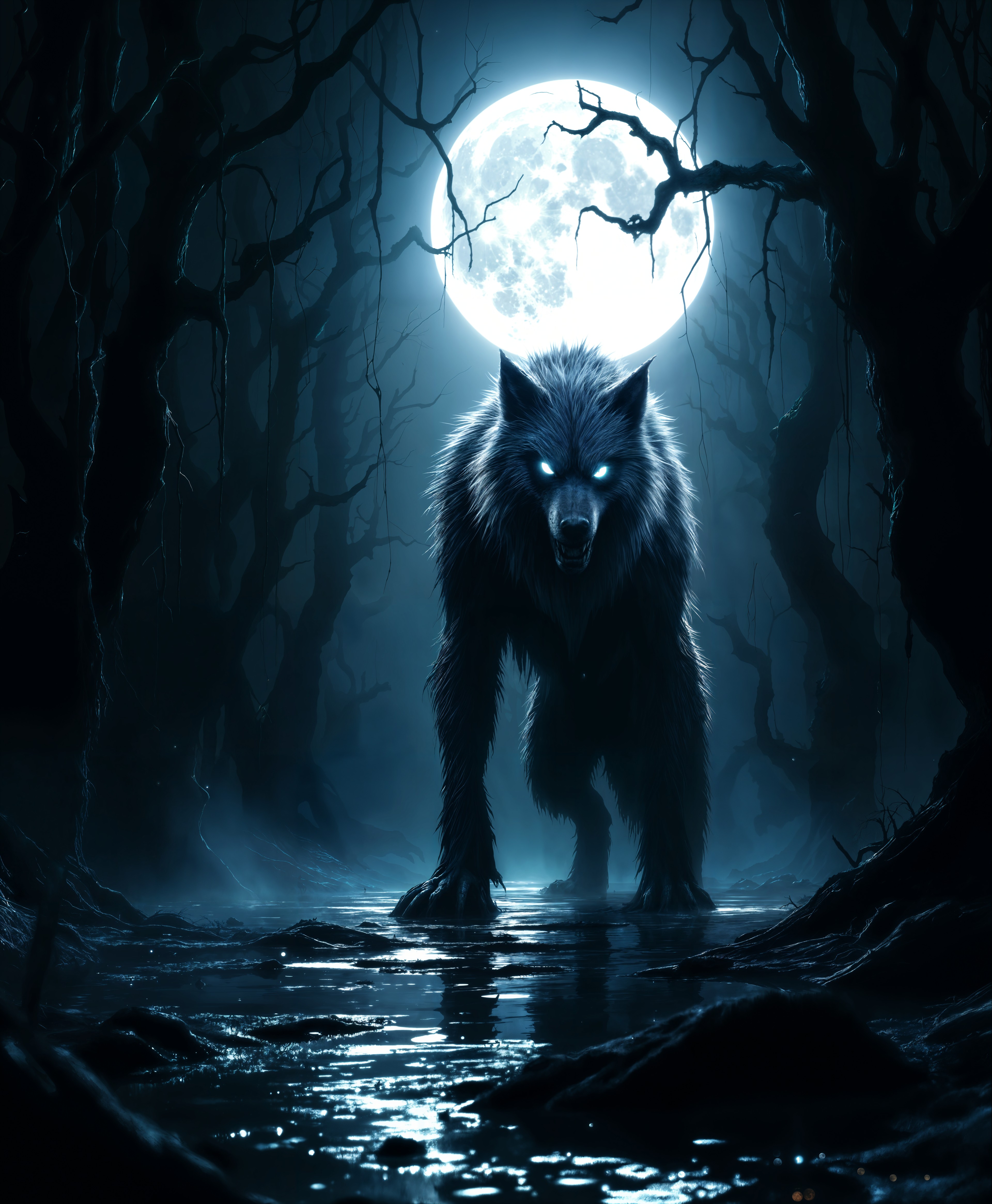



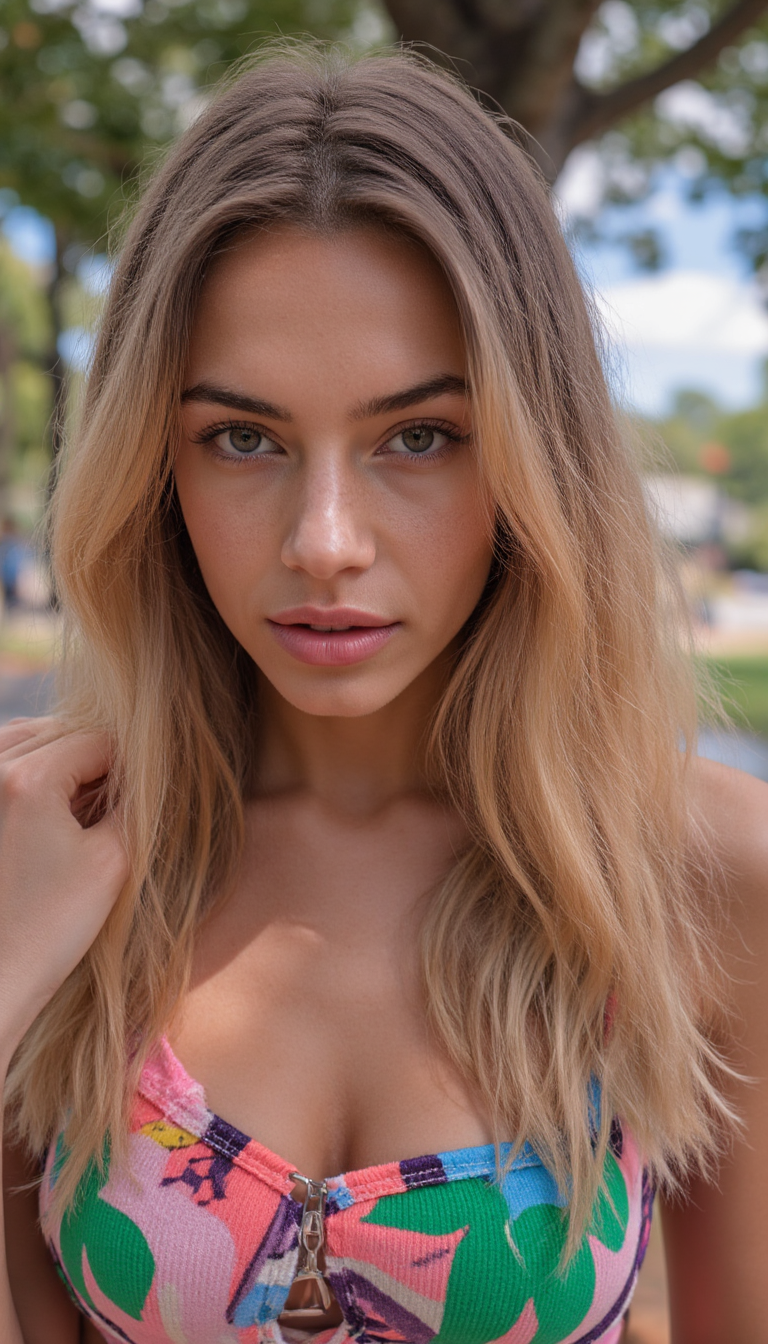
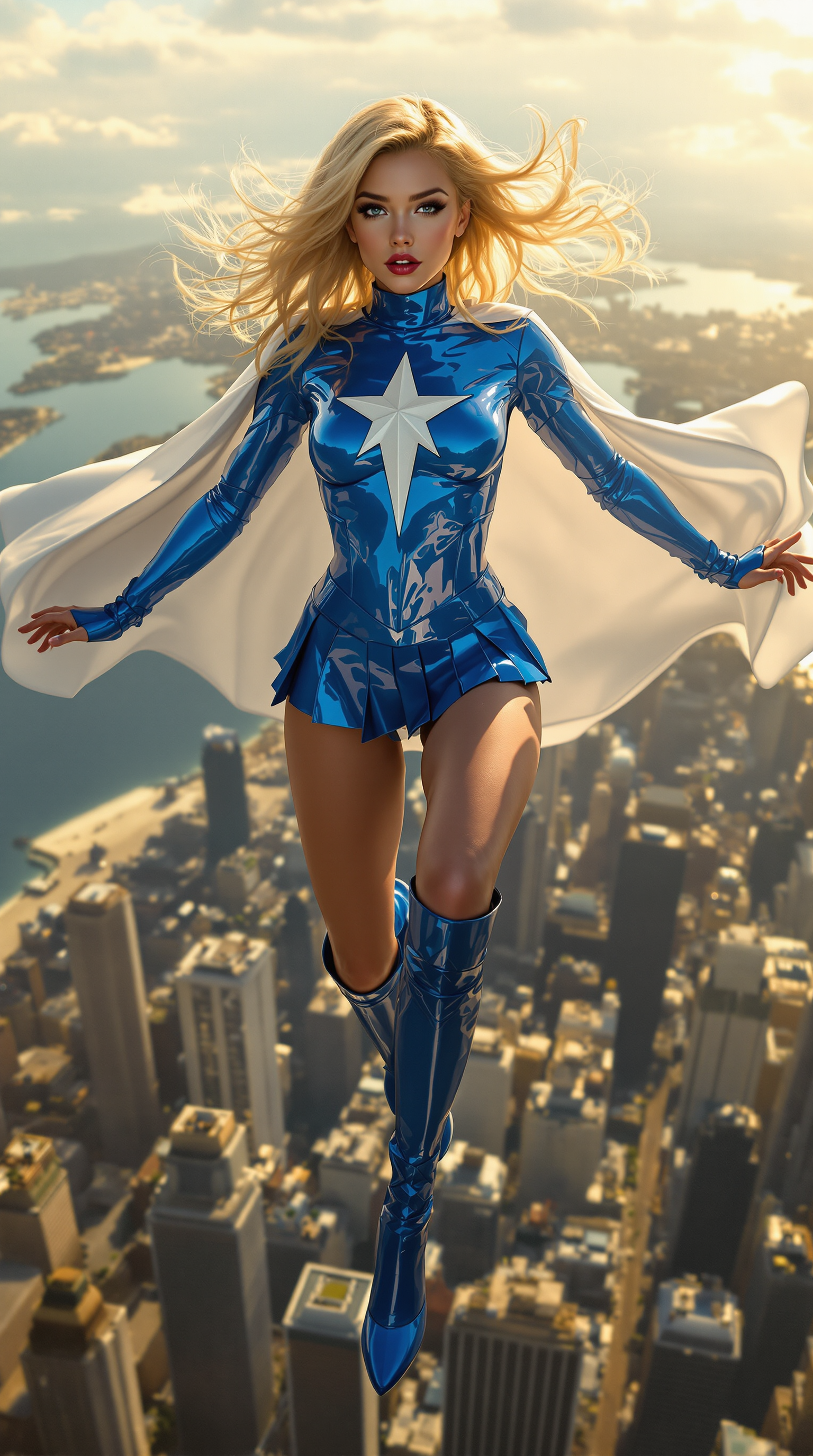
The Pixel Dojo Advantage
Why PixelDojo outperforms other options for AI clothes remove image editing
| Others | Pixel Dojo |
|---|---|
| Traditional photo editing | Complete complex clothing removals in minutes instead of hours of tedious masking and painting |
| Generic AI tools | Specialized editing suite with dedicated Inpainting and Image to Image tools optimized for precise clothing edits |
| Manual photo editing | Consistent, high-quality results without requiring advanced Photoshop skills or expensive software |
Loved by creators on PixelDojo
Real feedback from people using PixelDojo, pulled from our in-product surveys.
super lora download
Great variety of tools to create and modify images and video.
Lots of Tools, and the one time I needed support I got help right away
Easy to use once you get the hang of it
Love it make anything I can think of so far
Great for all your ideas use it encourage more people to use it
Explore more AI tools on PixelDojo
AI Tools
Compare & Switch
- Best AI Image Generators
- Best AI Video Generators
- Midjourney Alternatives
- Civitai Alternatives
- Runway Alternatives
- Leonardo Alternatives
- Pika Alternatives
- Luma Alternatives
- Magnific Alternatives
- Veo Alternatives
- Flux Alternatives
- Freepik Alternatives
- Seedance Alternatives
- Seedream Alternatives
- Pixverse Alternatives
- GPT Image Alternatives
- Synthesia Alternatives
- Playground Alternatives
- NightCafe Alternatives
- Canva AI Alternatives
- ElevenLabs Alternatives
- ComfyUI Alternatives
- Fal Alternatives
- Replicate Alternatives
Common Questions
Everything you need to know about ai clothes remove
How does the AI clothes remover work on PixelDojo?
PixelDojo's AI clothes remover uses Image to Image and Inpainting tools. Upload your image, describe the edit in natural language, and the AI generates realistic replacements while preserving lighting and details.
Can I remove clothes from images for fashion design projects?
Yes, many designers use PixelDojo to test outfit variations, remove clothing layers for prototyping, or create clean product visuals quickly and affordably.
What AI tools does PixelDojo offer specifically for clothing edits?
Use Image to Image for full transformations, Inpainting for targeted removal, Background Remover for clean cutouts, and Reality Polisher for final touch-ups to ensure natural skin and fabric results.
Is the AI clothes remove feature easy for beginners?
Absolutely. The intuitive interface guides you through uploading, prompting, and downloading. No technical expertise needed – just describe what you want to change.
How realistic are the results from PixelDojo's AI clothes remover?
Extremely realistic. Advanced models handle skin tones, shadows, and proportions accurately, producing professional-grade edits suitable for e-commerce, portfolios, and marketing materials.
Can I try the AI clothes remover for free before subscribing?
Yes, start with free credits on PixelDojo to test the tools. Enjoy access to 40+ AI models with the option to cancel anytime if it doesn't meet your needs.