ai depth map AI Generator
Imagine transforming your flat, two-dimensional images into captivating 3D visuals that draw viewers into the scene. With PixelDojo's AI depth map tools, you can effortlessly add depth and realism to your images, making them more engaging and lifelike. Whether you're a photographer, designer, or content creator, our advanced AI technology empowers you to elevate your visuals without the need for complex software or technical expertise.

AI Generated
Get Started TodayResults in seconds50+ AI models

Join over 10,000 creators who trust PixelDojo for their AI image generation needs. Rated 4.8/5 based on 2,500+ reviews.

Why Choose Pixel Dojo for ai depth map

Professional-quality results with cutting-edge AI technology

Enhance Visual Realism

Add depth and dimension to your images, making them more lifelike and engaging.

Simplify 3D Content Creation

Generate 3D effects from 2D images without the need for specialized equipment or software.

Save Time and Effort

Quickly produce depth-enhanced images, streamlining your creative workflow.

How It Works

Creating depth-aware images with PixelDojo is a straightforward process. Follow these simple steps to transform your 2D images into stunning 3D visuals.

1

Step 1: Choose Your Tool

Select 'Flux Depth' from PixelDojo's suite of AI tools to begin your depth map generation.

2

Step 2: Upload Your Image

Upload the 2D image you wish to enhance. Ensure the image is of high quality for optimal results.

3

Step 3: Generate and Download

Click 'Generate' to process your image. Once complete, preview and download your depth-enhanced image.

Community ai depth map Gallery

Real examples created by our community

Loading video...
Loading video...
 (Core description: spirited teenage cyber-ninja vaulting from a crimson katana-mecha amid moonlit Neo-Tokyo skyline), (Style keywords: dynamic anime cel-shaded ultrachromatic, style raw), (Medium: hand-inked 2D animation frame with digital paint-over) inspired by (Art movement Ukiyo-e futurism) and (Visual treatment kinetic speed-line smear frames), (Key materials: carbon-fiber armor plates, neon signage reflections, slick rain-soaked rooftop tiles, holographic kanji sparks, drifting sakura petals), (Emotion / Narrative: electric rush of youthful heroism), (Lighting & Atmosphere: top-left lunar key light, magenta rim flare, swirling misty rain, high contrast, printable shadow detail), (Composition & Perspective: low Dutch angle close-up, 24 mm lens exaggeration, neg-space upper right for title text, layered depth with parallax shards), (Color Control: dominant #e11d48 neon crimson, accent #38bdf8 electric cyan, support #fde047 pastel gold, sRGB gamut, ultrachromatic boost but clamp violet/purple shift), (Background & Environment: soaring neon billboards and silhouetted high-rises receding into hazy night), (Additional elements / textures: subtle film-grain overlay), (Technical-capture: virtual Canon EOS R5 emulation, ISO 160, f/2.8, 1/60 s, 35 mm prime, HDR blend), (Post-processing: Clip Studio Paint cel-shade layers, Photoshop overlay blend, selective cyan-crimson grade, vignette 10 %), (Resolution & Quality: 124 K, 300 dpi, ultra-sharp, 64-bit depth), (Negative: --no watermark --no lens-flare)
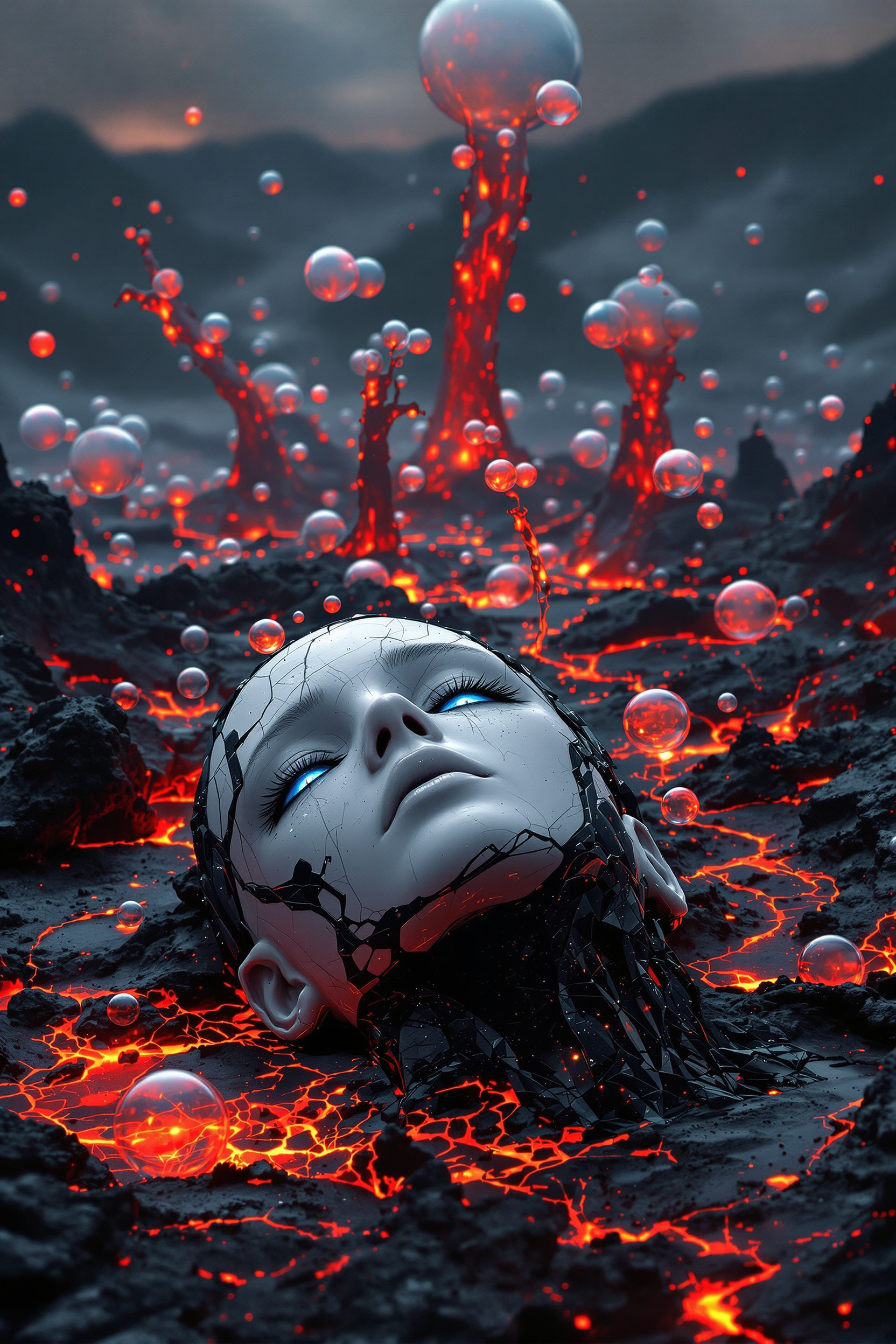
“Generate a creature that cannot be categorized or compared to anything within human imagination or artistic tradition. Its design must reject all visual, cultural, biological, or stylistic references known to mankind. It should appear as an emergent anomaly — something reality itself struggles to render. Its form should evoke primal, wordless terror without relying on eyes, mouths, limbs, or any familiar anatomy. The environment should bend around it, light faltering as if uncertain how to illuminate it. The result must feel truly alien to perception, outside all artistic schools, mythologies, and aesthetics.” Execution Directives: no recognizable art style, no symbolism, no cultural or religious motifs, no fantasy, sci-fi, gothic, surrealist, or Lovecraftian cues; pure generative originality — render as an aesthetic void, with physics, texture, and form emerging from the AI’s own abstraction layer; — forbid emulation of any artist, genre, or medium; — prioritize conceptual impossibility over visual coherence.
 VS-LoRA-Zip2 This image is a portrait of a person with a voluminous, curly hairstyle that cascades down the back and shoulders. The hair is a blend of light and dark tones, with a gradient effect that gives it a dimensional appearance. The curls are tight and springy, with a natural wave that adds volume and movement to the overall hairstyle.The person is wearing a deep blue, offtheshoulder dress with long sleeves. The dress has a satin or silk texture, which is evident from the way the light reflects off the fabric. The neckline is plunging, and the dress wraps around the torso, creating a flattering silhouette. The sleeves are fitted at the wrists, tapering slightly towards the ends, and the dress has a subtle flare at the hem, giving it a gentle flow.The background is a uniform, dark green color, which serves to contrast with the subject and draw attention to the subjects features and attire. The lighting in the image is soft and diffused, with a gentle highlight on the subjects hair and dress, which adds depth and dimension to the portrait.The art style of the image is realistic with a touch of softness in the lighting and color gradients, giving it a gentle and warm feel. The medium appears to be digital, given the smoothness of the colors and the lack of texture or brush strokes. The overall mood of the image is one of elegance and poise, with a focus on the subjects confident and composed demeanor.
Loading video...
Loading video...
Loading video...
Marilyn Monroe VS-LoRA-Zip2
Loading video...
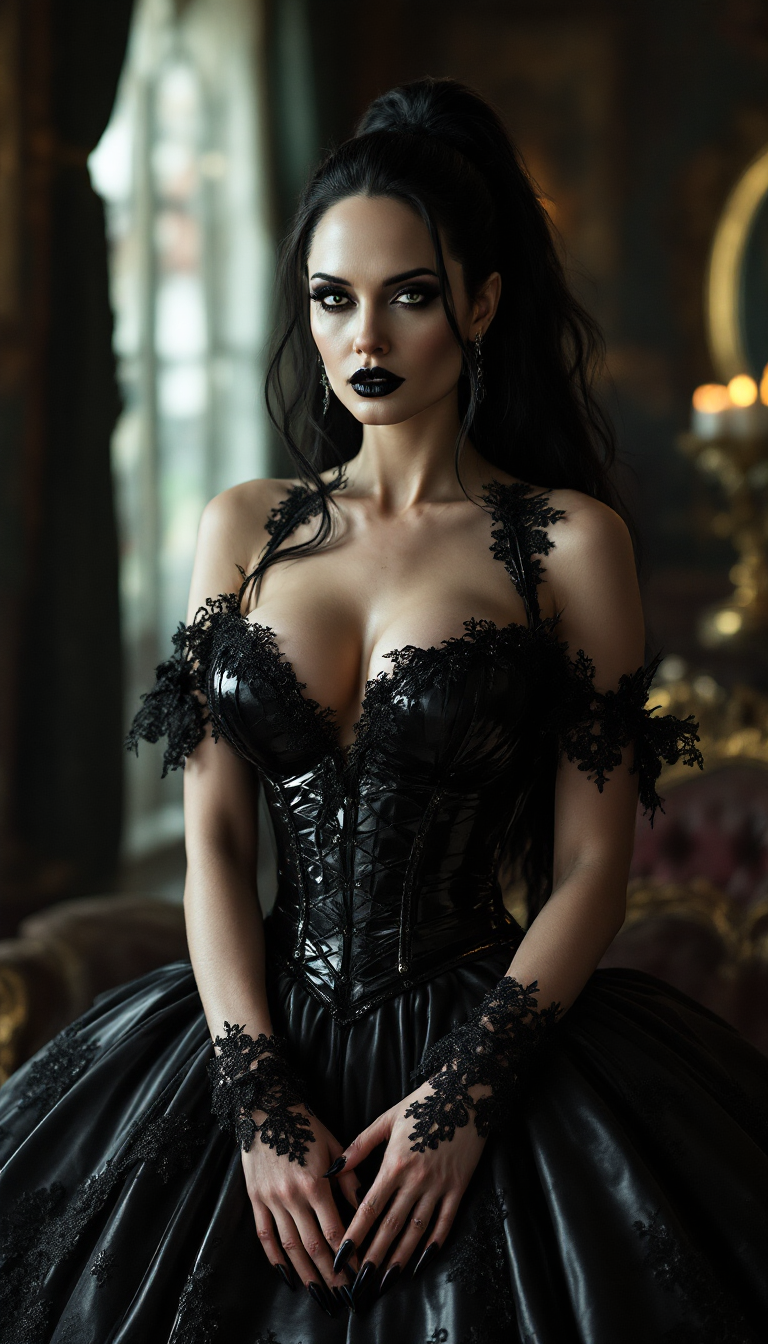
A poised pale vampire queen with black hair cascading in thick heavy waves around her shoulders stands regally in a dimly lit medieval throne room, her dark black makeup accentuating piercing eyes, shiny black lips, and nails, while a shiny black latex dog collar adorns her neck. She wears a shiny black snakeskin latex corset embracing her large 44DD breasts, captured in photorealistic detail with dramatic candlelight casting long shadows on ancient stone walls, high-resolution cinematic style, DSLR photo with shallow depth of field and 8K ultra-detailed textures.
masterpiece, best quality, highres, sharp image, more detail, masterpiece, best quality, highres, sharp image, more detail <lora:more_details:0.5> <lora:SDXLrender_v2.0:1>
A seductive woman with curly shoulder-length platinum blonde hair stands confidently on a dimly lit urban street corner at night, illuminated by vibrant neon signs reflecting off her shiny white latex corset, dangerously high mini latex skirt, and thigh-high boots with 6-inch stiletto heels. A rhinestone collar around her neck blinks softly, its tiny tag reading “BAD GIRL” in glittering detail. Captured in a high-resolution DSLR photo with cinematic neon glow, shallow depth of field, and glossy textures emphasizing her rebellious allure.
Loading video...
Loading video...
Loading video...
his shirt is red
Create a semi-realistic, digitally-illustrated avatar of a professional female analytics expert, styled to match a business executive portrait. She should be wearing a dark, modern business suit with a white shirt, and exude confidence and expertise through a calm, approachable smile. Glasses are encouraged to emphasize intelligence and a data-driven persona.

Incorporate strong branding for Google Analytics by adding a distinctive orange accent—such as an orange lapel pin, brooch, or glasses frame, using the Google Analytics orange (#FF9900)—that remains visible even when the image is reduced to icon size. The background should be a softly blurred modern office or data-driven workspace, with faint hints of charts or analytics graphics in soft hues to signal her analytics expertise but not distract from the subject.

The art style should be crisp and polished, with realistic proportions but stylized enough for high recognizability and clarity at small (icon) scale. Lighting should be bright and even, for a clean, inviting look. Prioritize strong contrast, bold shapes, and simple elements so her face and the orange branding detail stay clear in chat icon format.

Start Creating Depth-Aware Images Today

40+ cutting-edge AI tools, loved by thousands of creators worldwide, cancel anytime, try it today

The Pixel Dojo Advantage

Why PixelDojo outperforms other options for AI depth map generation

OthersPixel Dojo
Traditional 3D ModelingEliminates the need for complex 3D modeling software and extensive training.
Manual Depth MappingAutomates the depth mapping process, saving hours of manual work.
Generic AI ToolsSpecifically designed for depth map generation, ensuring higher accuracy and better results.

Loved by Creators

See what our community says about ai depth map

"PixelDojo's Flux Depth transformed my photography portfolio by adding stunning 3D effects effortlessly."

Jane Doe

Professional Photographer

"As a graphic designer, integrating depth maps into my projects has never been easier thanks to PixelDojo."

John Smith

Graphic Designer

Common Questions

Everything you need to know about ai depth map AI generation

How does PixelDojo's AI depth map tool enhance my images?

PixelDojo's Flux Depth analyzes your 2D images and generates depth maps, adding a three-dimensional effect that enhances realism and engagement.

Do I need prior experience with 3D modeling to use PixelDojo's tools?

No, PixelDojo's tools are designed for users of all skill levels, allowing you to create depth-enhanced images without any prior 3D modeling experience.

Can I use PixelDojo's depth map tool for commercial projects?

Yes, images created with PixelDojo can be used for both personal and commercial projects, adhering to our terms of service.

What image formats are supported by PixelDojo's Flux Depth?

Flux Depth supports common image formats such as JPEG and PNG for both input and output.

Is there a limit to the number of images I can process with PixelDojo?

PixelDojo offers various subscription plans to suit different needs, with higher-tier plans providing greater processing limits.

How long does it take to generate a depth-enhanced image?

Processing times vary depending on image complexity, but most images are processed within a few seconds to a minute.

Ready to create amazing depth-aware images?

Ready to Create Amazing ai depth map Images?

Join thousands of creators using AI to bring their ideas to life

Help & Support

AI Online

How can we help?

Ask about features, troubleshooting, or get support. Check Discord for service announcements first.

✨ Features🛠️ Troubleshooting👤 Account
🚀

Quick Start

Popular features

📚

Learn More

Advanced tips

💡

Best Practices

Get better results