ai drawings AI Generator
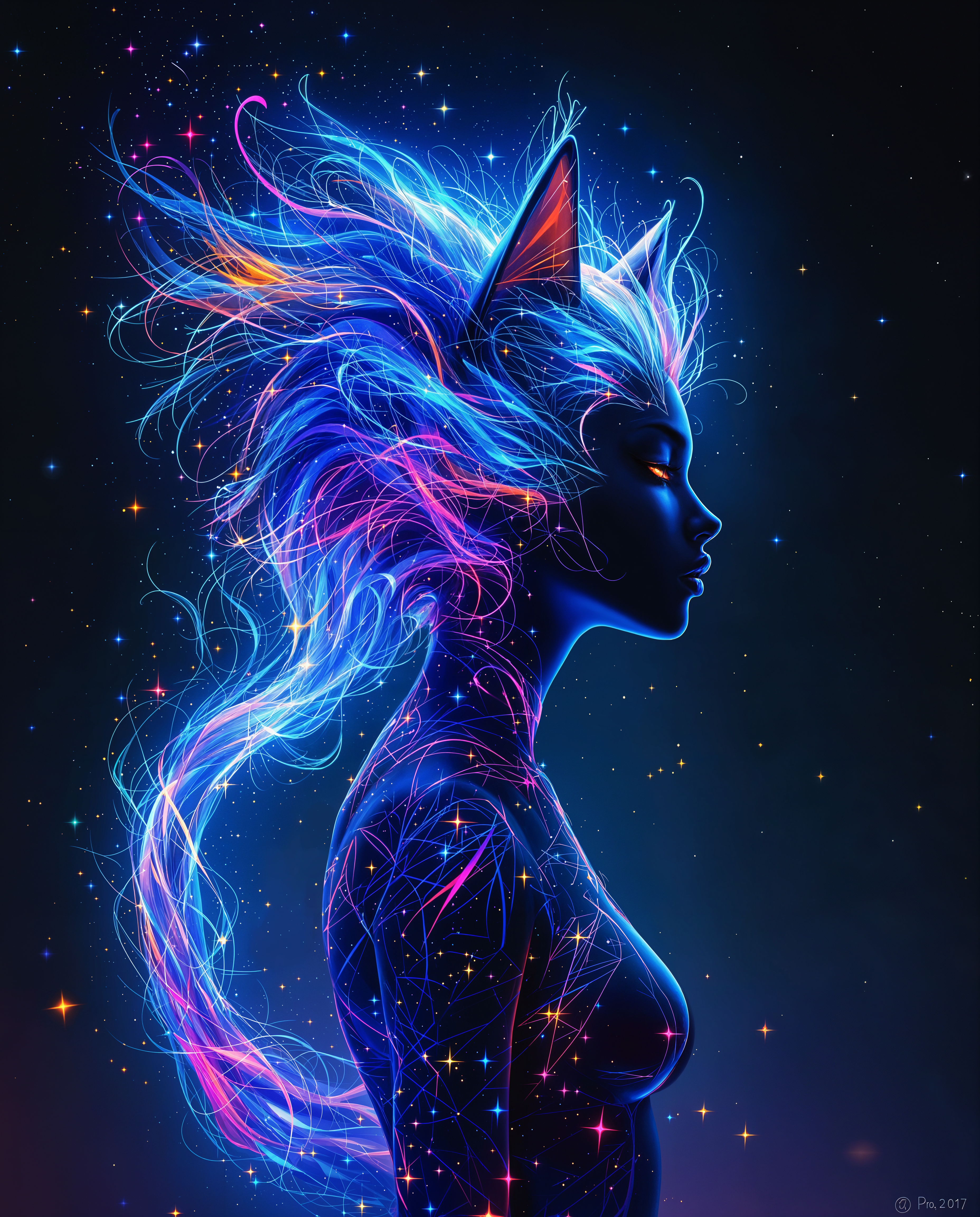
Imagine turning any idea into a beautiful, professional-quality drawing in under a minute. With PixelDojo, you can create stunning AI drawings that look like they were crafted by a skilled artist—without picking up a pencil or spending years learning techniques. Whether you need quick concept sketches for your next project, intricate pencil-style illustrations for personal projects, or consistent character designs for stories and brands, PixelDojo delivers polished results that capture exactly what you envision. Focus on your creative vision while advanced AI handles the execution, giving you the freedom to iterate rapidly and produce work that stands out.
Over 75,000 creators have generated more than 2.5 million AI drawings using PixelDojo. Rated 4.9/5 by thousands of users worldwide. Trusted by freelancers, designers, and storytellers who value speed, quality, and creative control.
Why Choose Pixel Dojo for ai drawings
Professional-quality results with cutting-edge AI technology
Professional Results Without Artistic Training
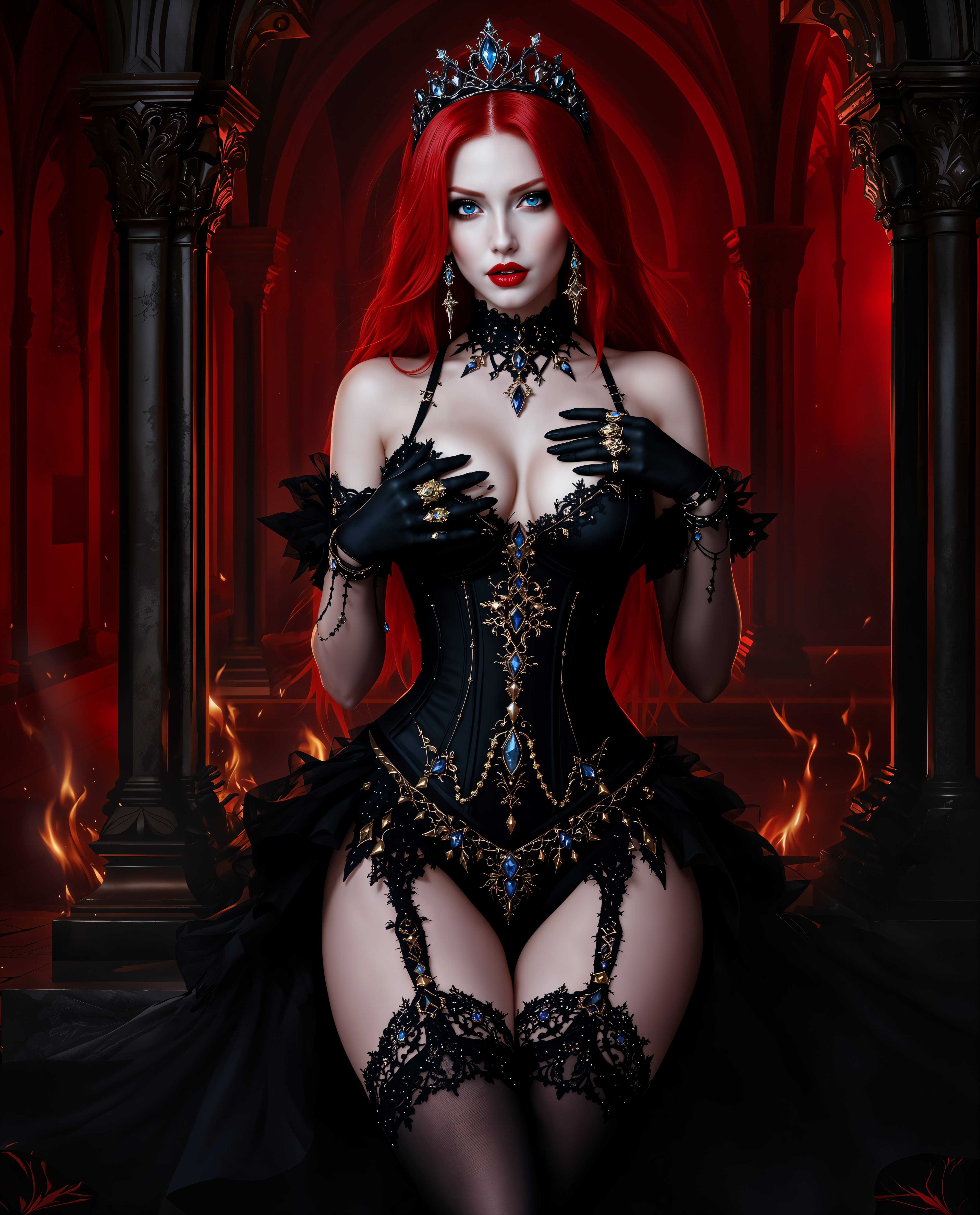
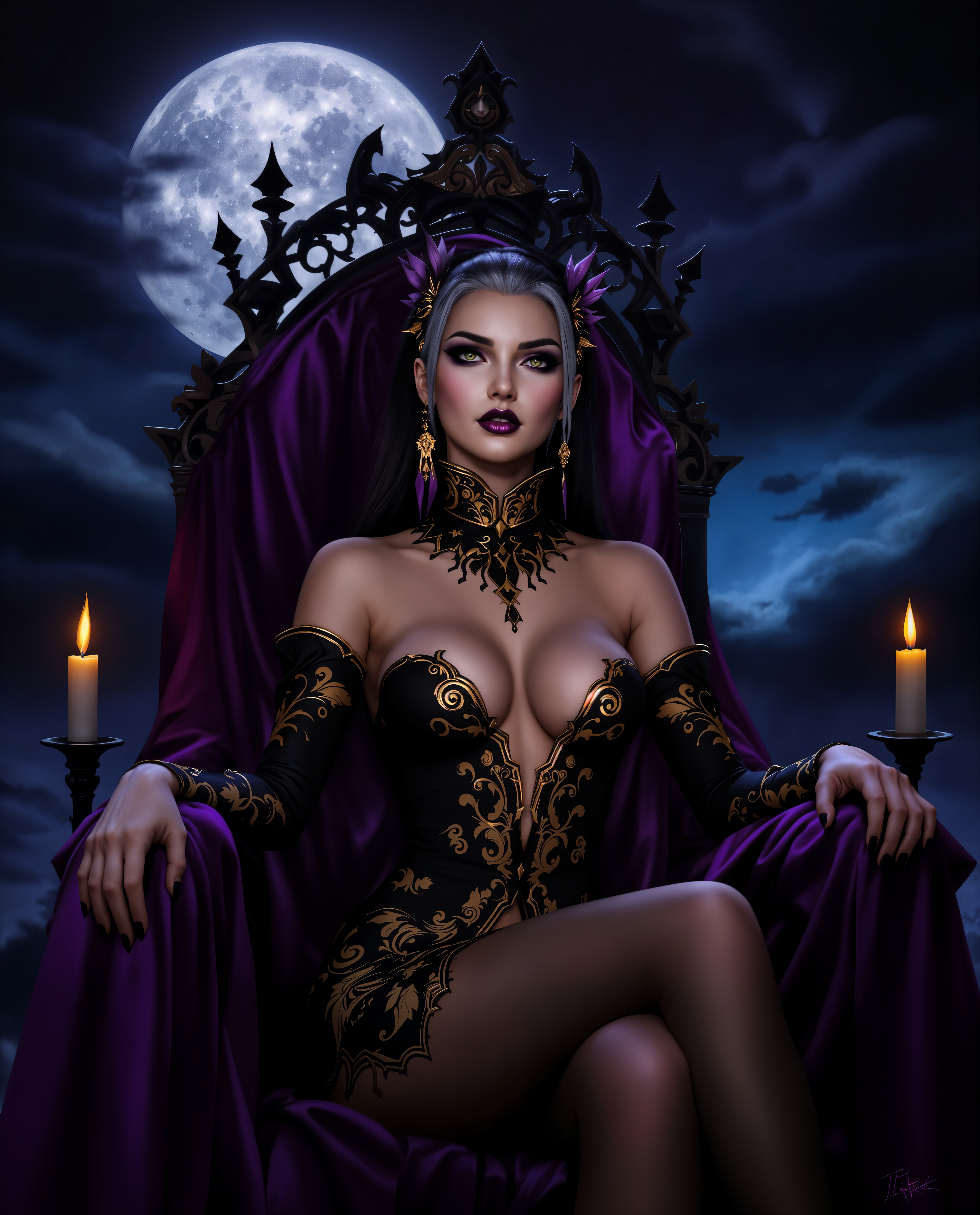
Produce gallery-worthy pencil sketches, detailed digital illustrations, and expressive concept art that rivals hand-drawn work. Achieve intricate line work, shading, and composition instantly, empowering you to bring ideas to life regardless of your drawing experience.
Rapid Iteration and Unlimited Experimentation
Test dozens of styles, angles, and compositions in the time it takes to sketch one version manually. Refine lighting, add textures, or shift from realistic to stylized drawings effortlessly, accelerating your creative workflow and sparking new ideas.
Perfect Consistency for Characters and Series
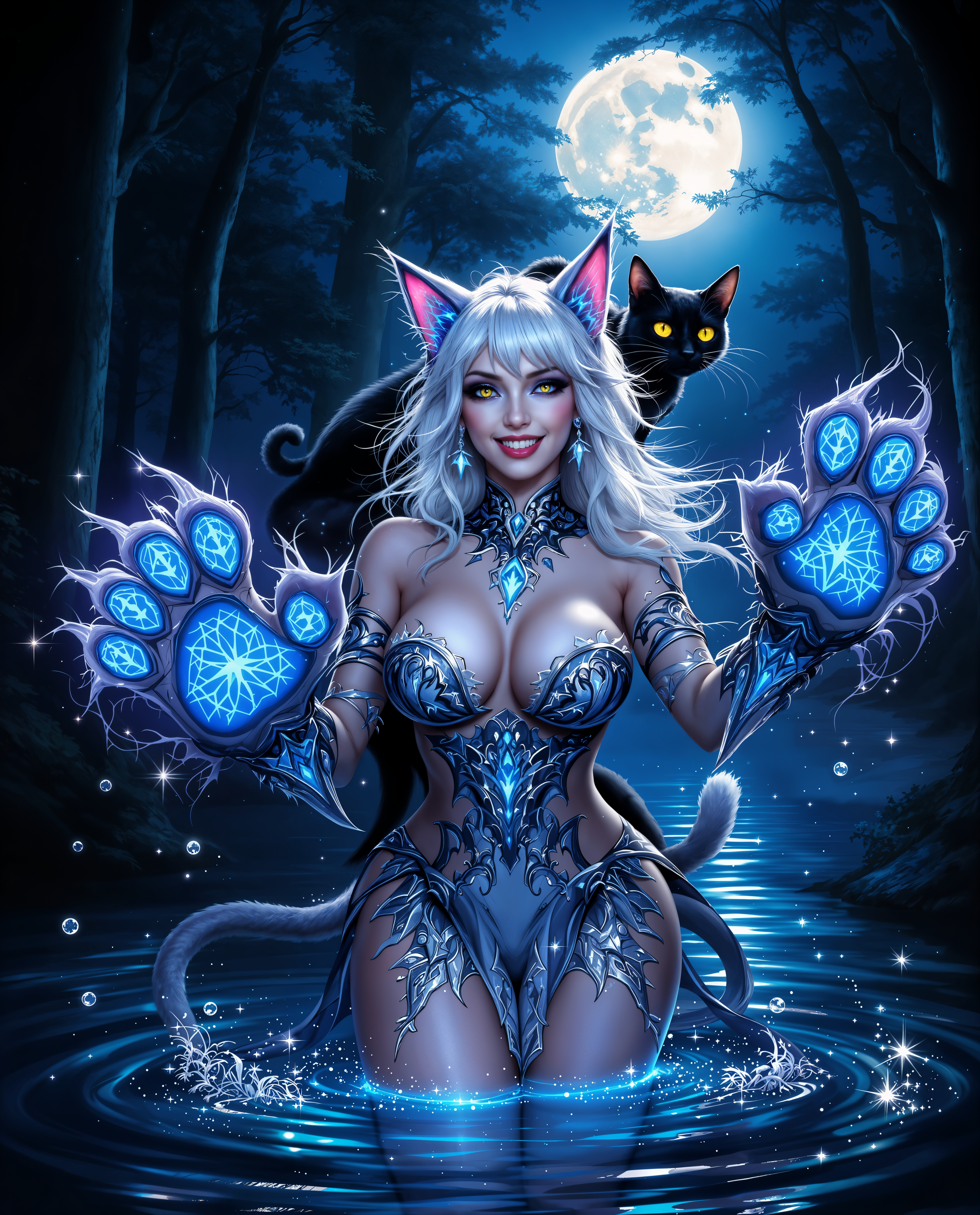
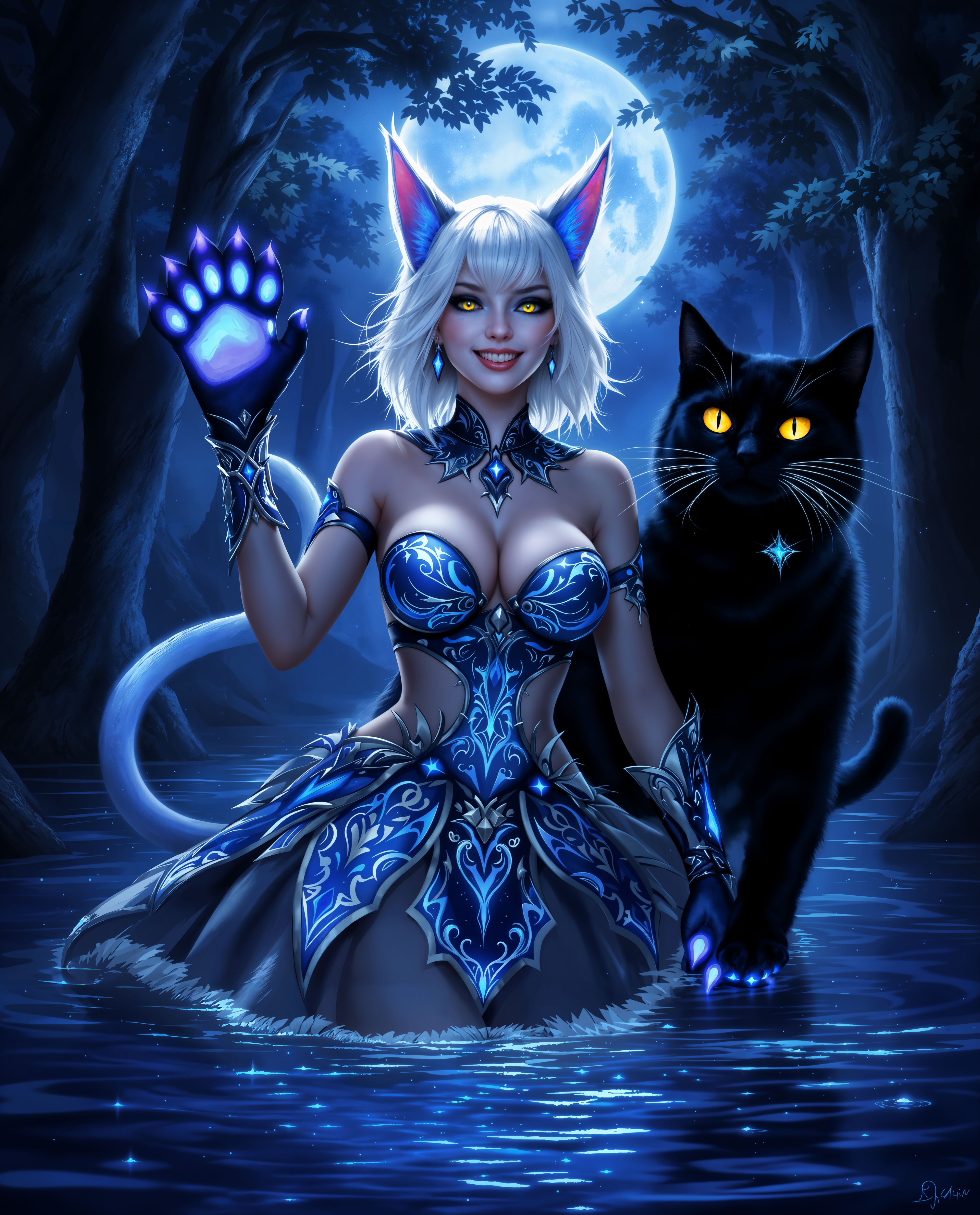
Generate entire collections of drawings featuring the same characters with matching features, outfits, and expressions. Ideal for building visual stories, brand assets, or sequential illustrations where every piece feels cohesive and professional.
How It Works
Creating beautiful AI drawings with PixelDojo is simple and intuitive. Choose from specialized tools, describe your vision in natural language, and refine with powerful editing features to achieve exactly the look you want.
Step 1: Choose Your Tool
Select from powerful image generation options like Flux.2 Studio for highly detailed artistic renders, Ideogram 4 for crisp text-integrated illustrations, Recraft V4.1 for clean vector-style drawings, PonyXL for expressive character work, or SDXL for versatile sketch and concept art styles. These tools excel at producing drawing-like outputs with natural line work and shading.
Step 2: Enter Your Prompt
Describe your drawing in plain language: the subject, desired style (pencil sketch, ink illustration, digital concept art), mood, lighting, and any specific details. For example: 'detailed pencil sketch of a wise old wizard in a forest, intricate line work, soft shading, fantasy style.' Add references or choose aspect ratios for perfect composition.
Step 3: Customize & Download
Review your initial results and use editing tools like Style Transfer to switch between sketch and painted looks, Image to Image to refine from a rough concept, Consistent Characters to lock in faces across variations, or Magic Lighting for dramatic effects. Upscale with Portrait Upscaler or Creative Upscaler for print-ready quality, then download in your preferred format.
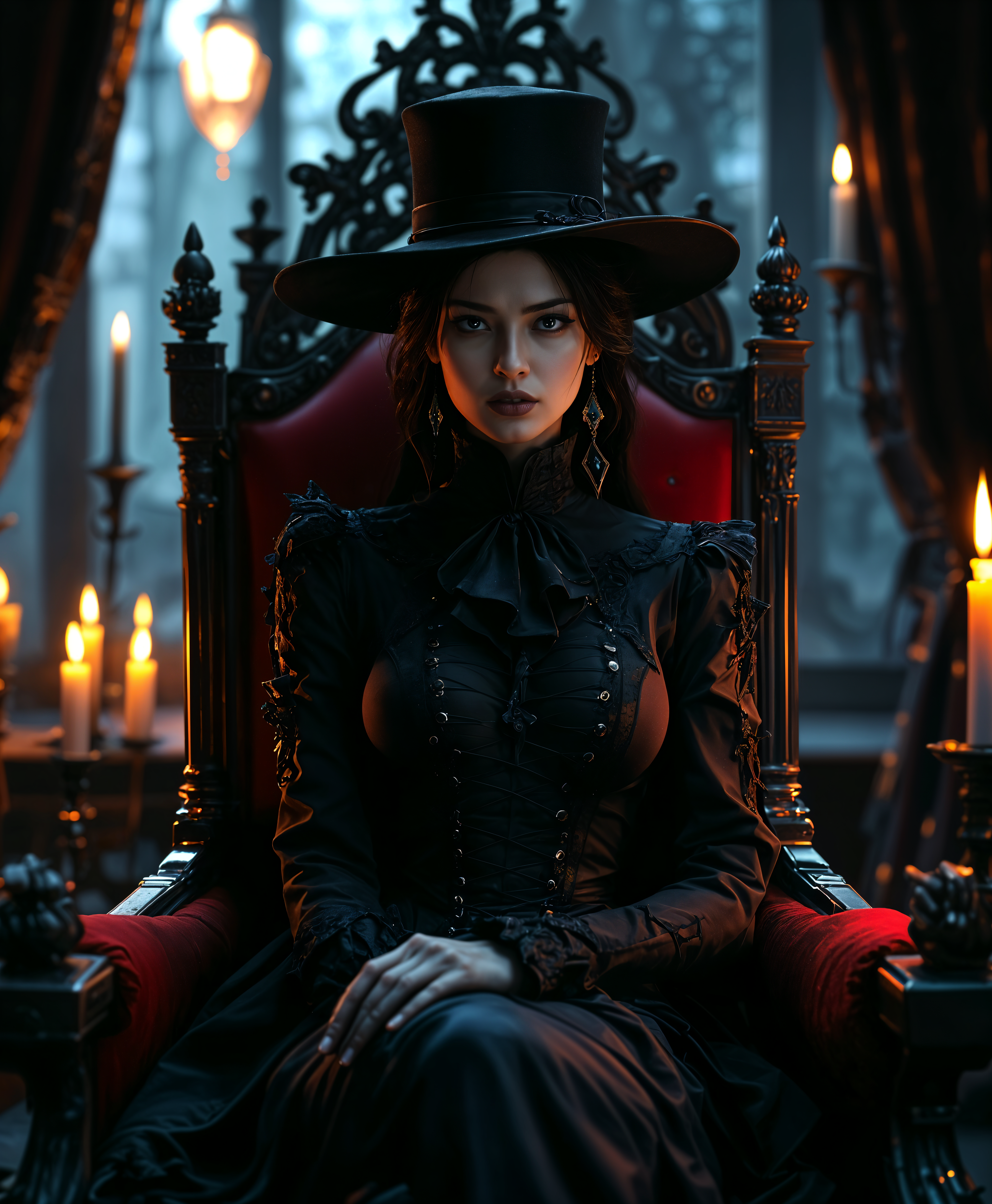
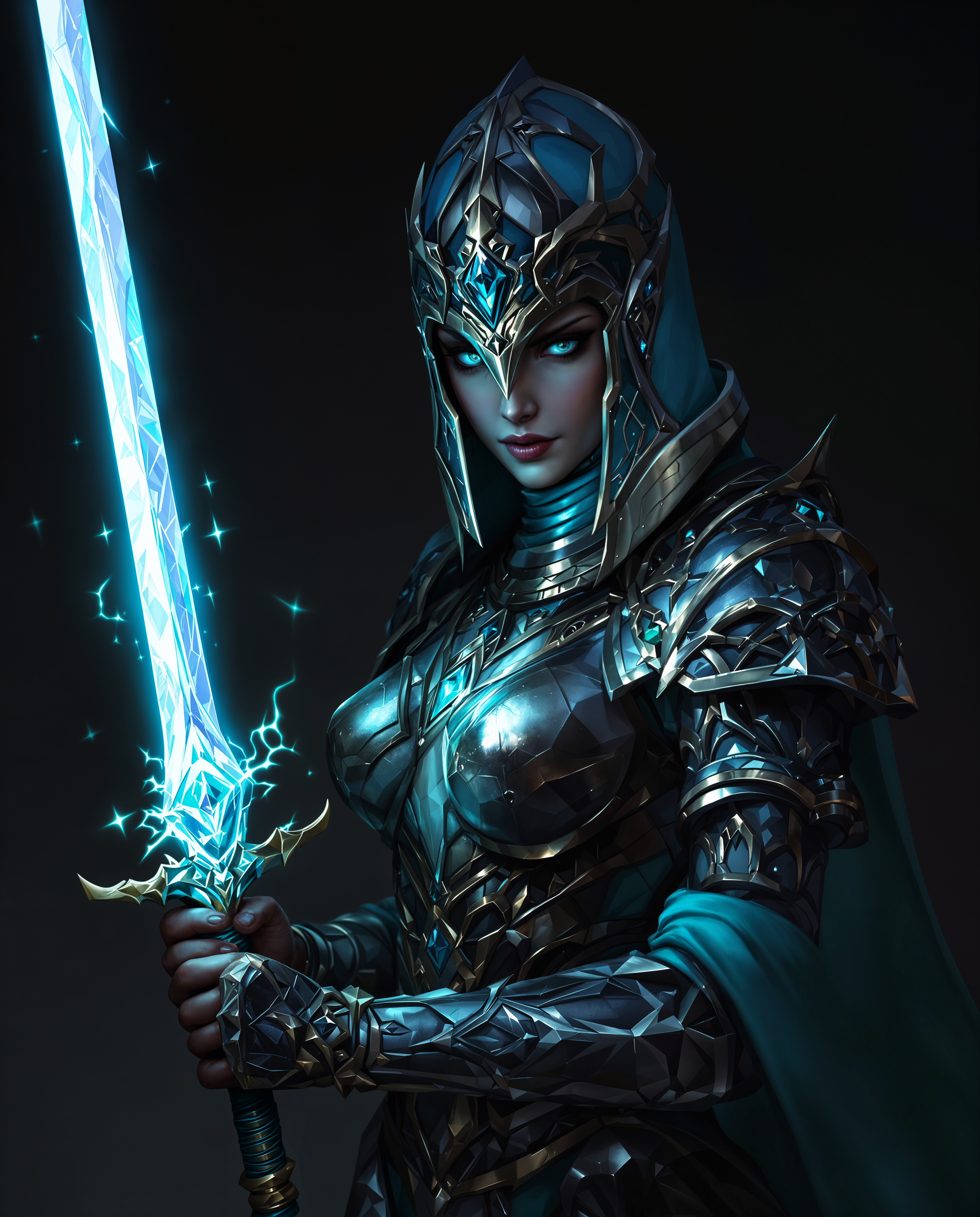
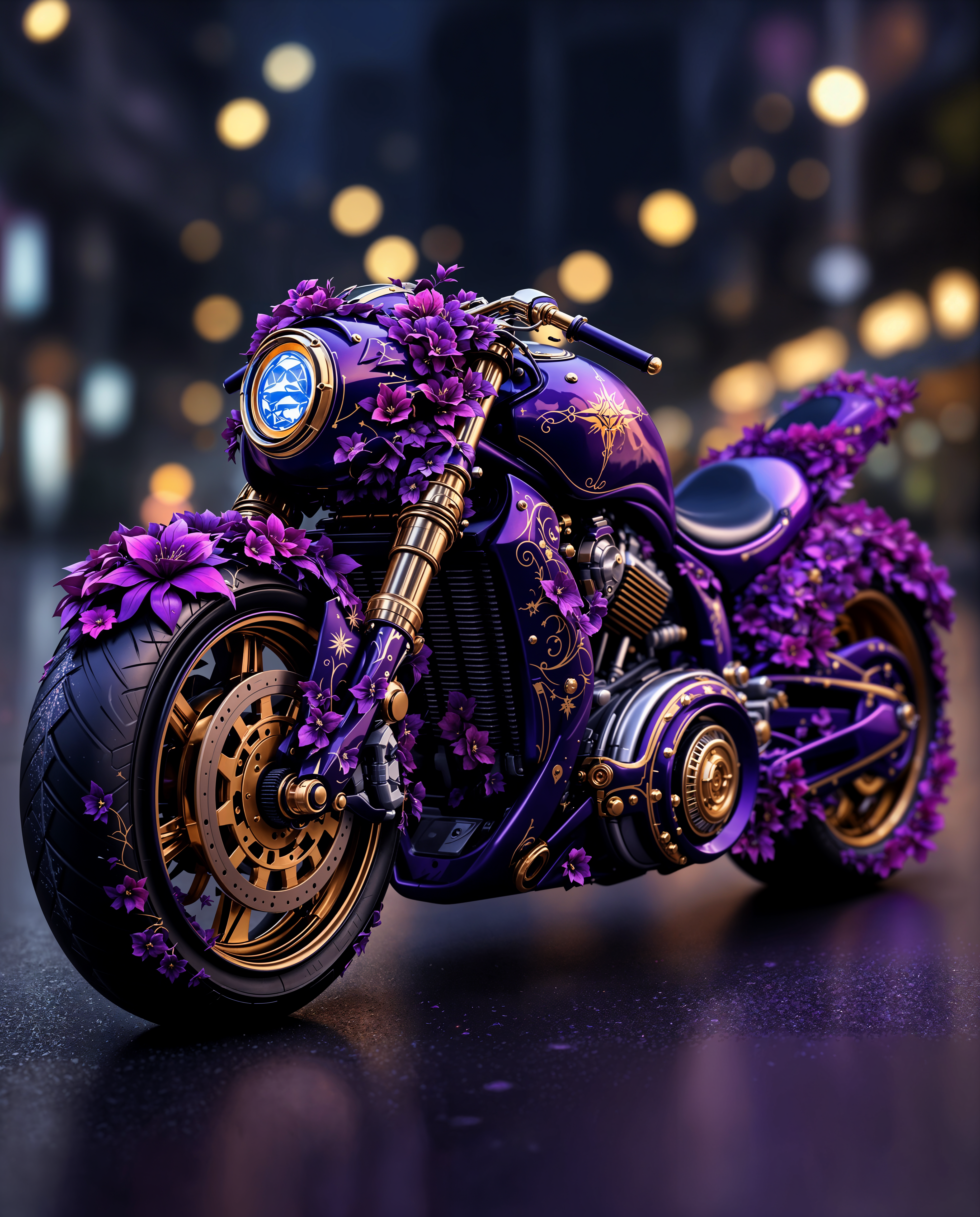
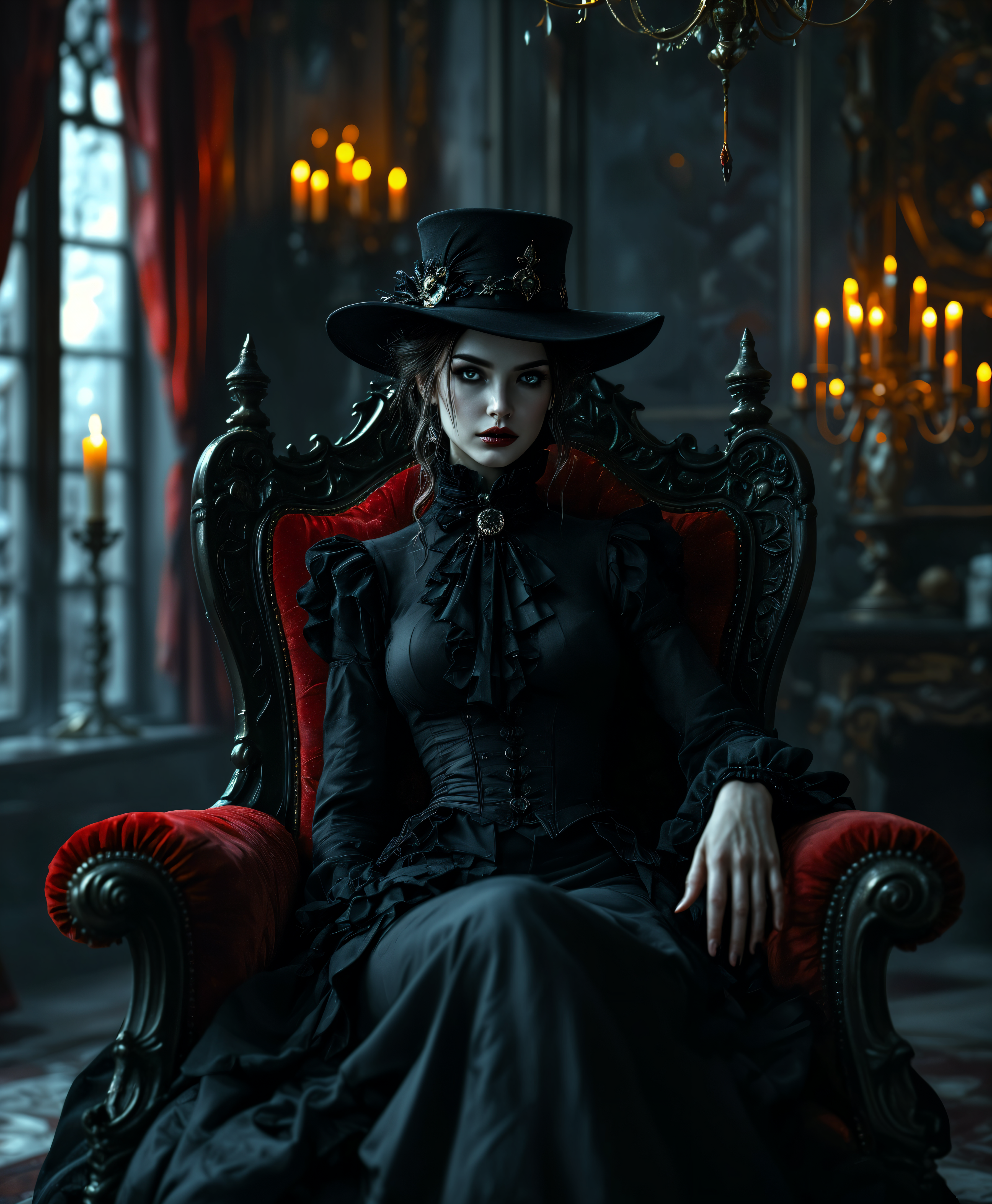
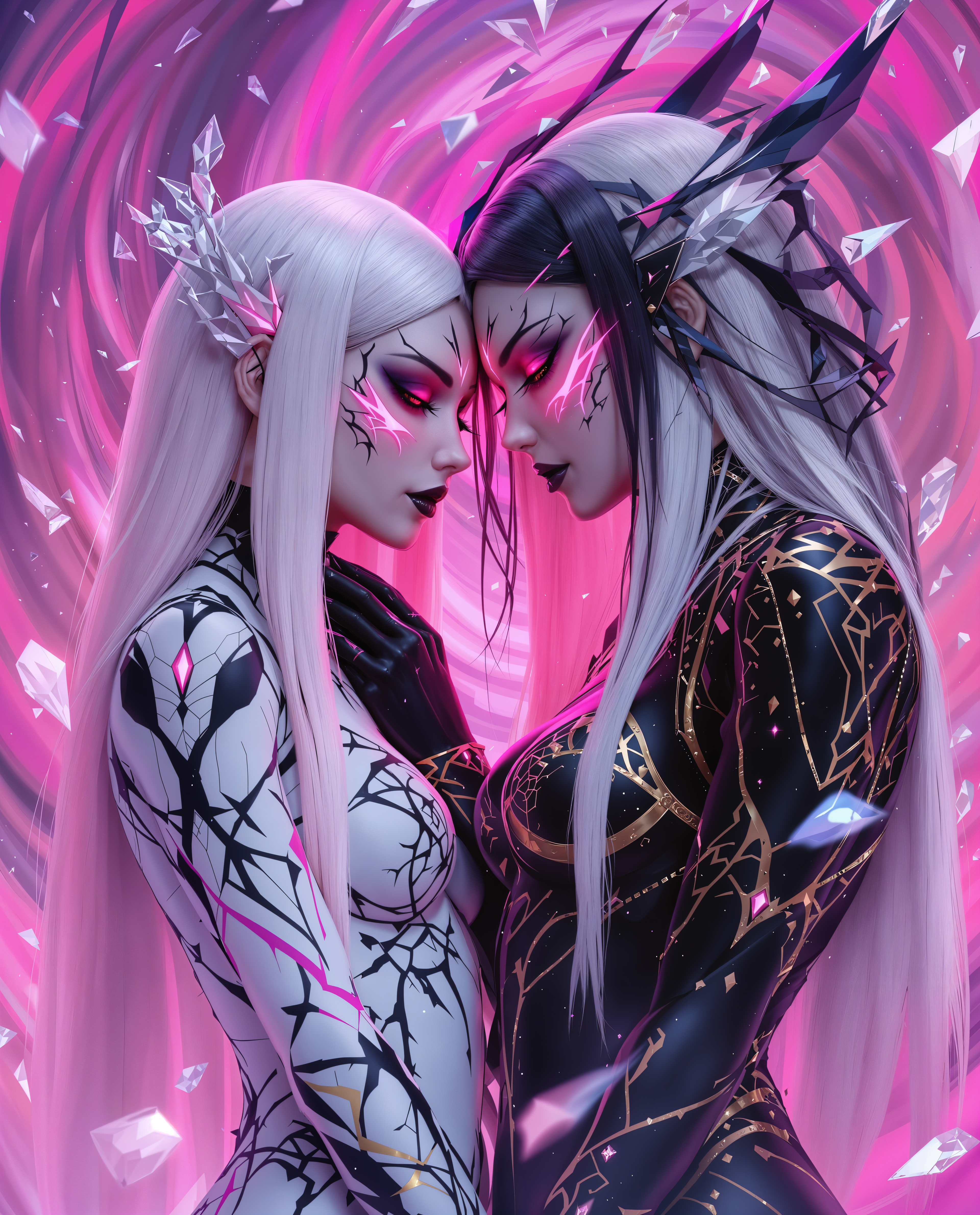
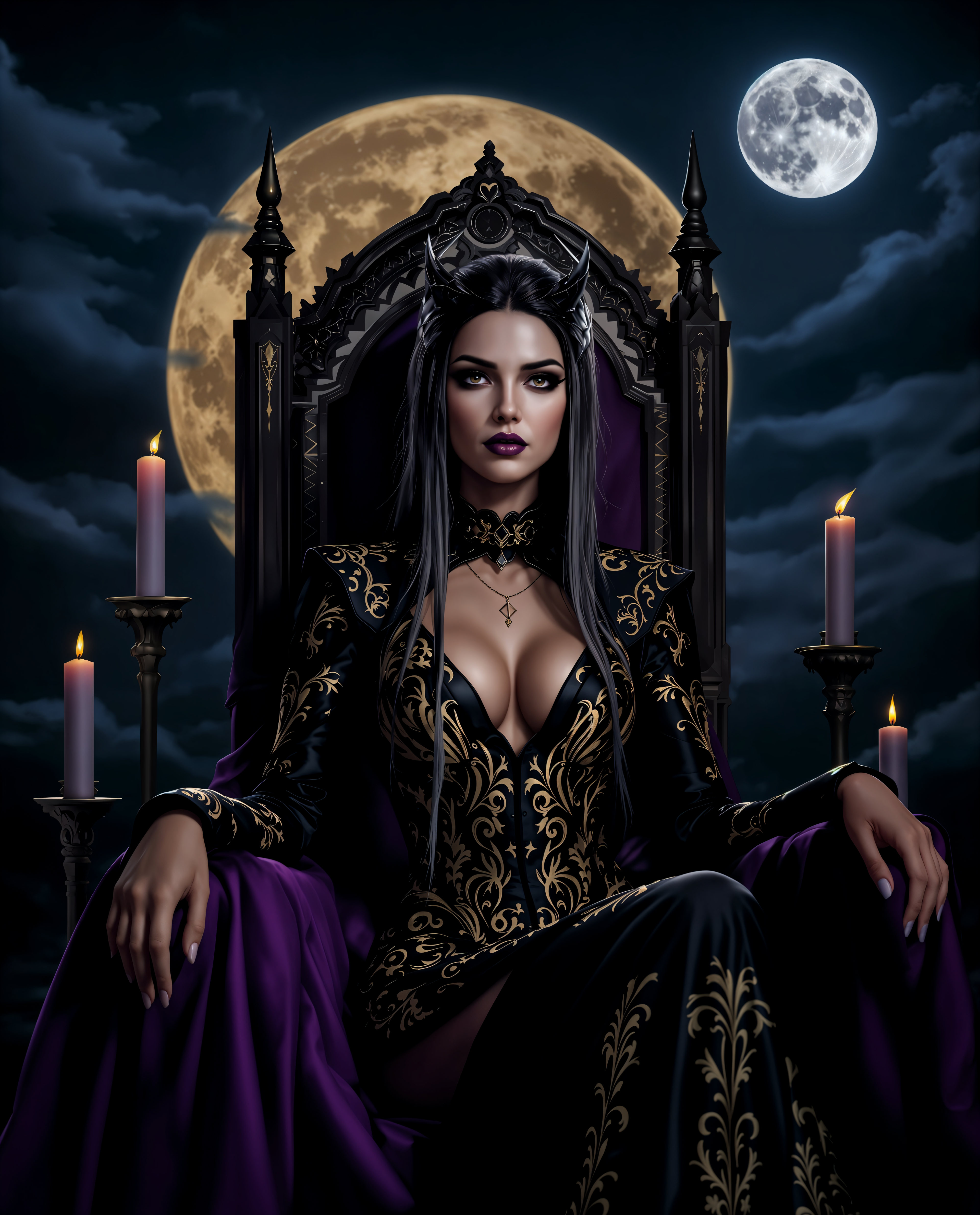
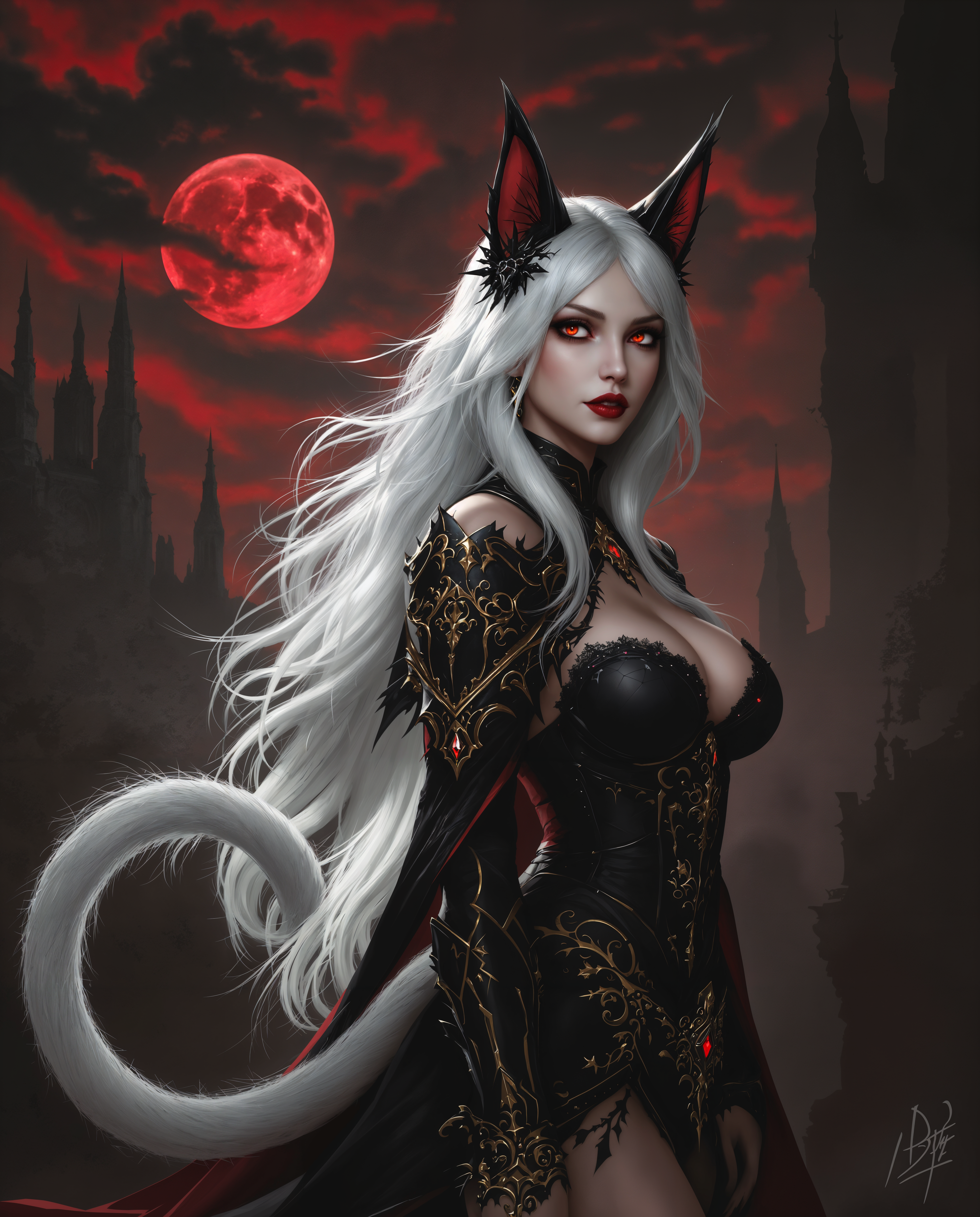
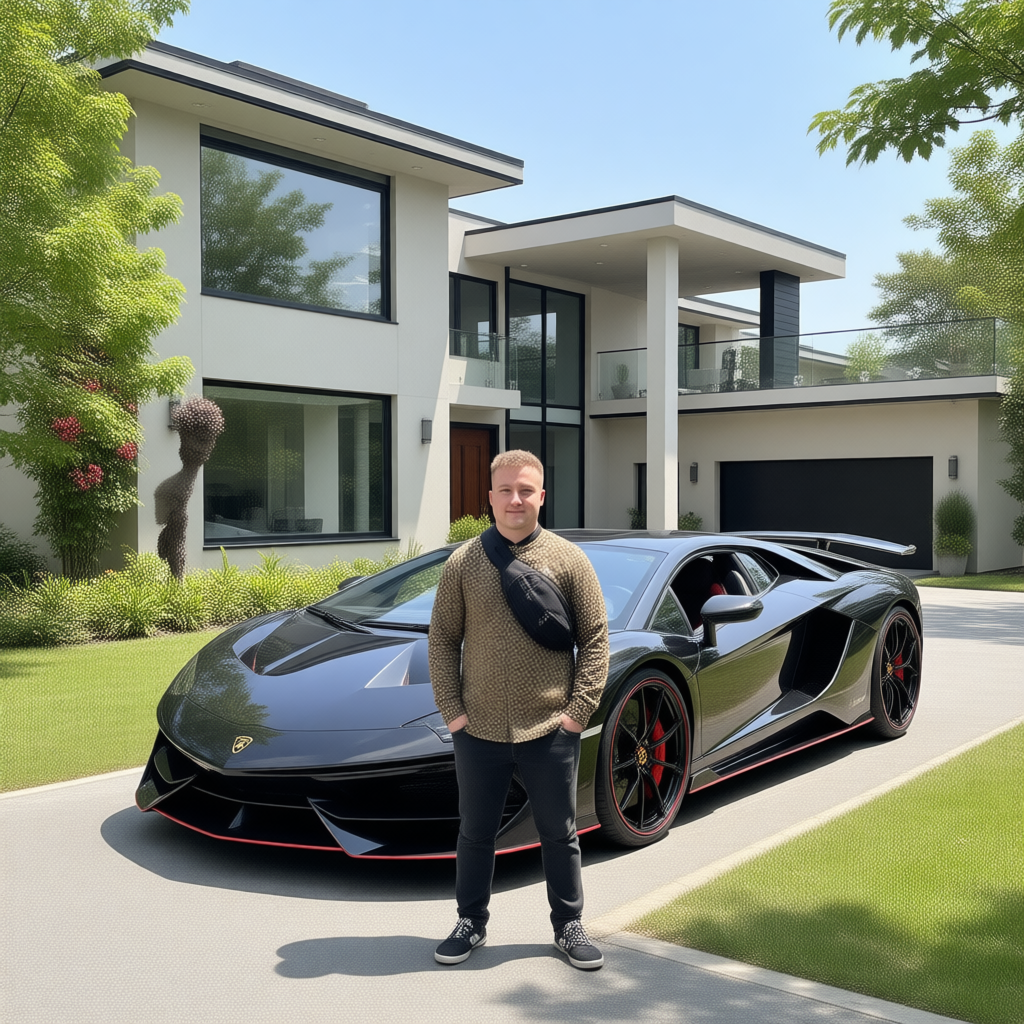
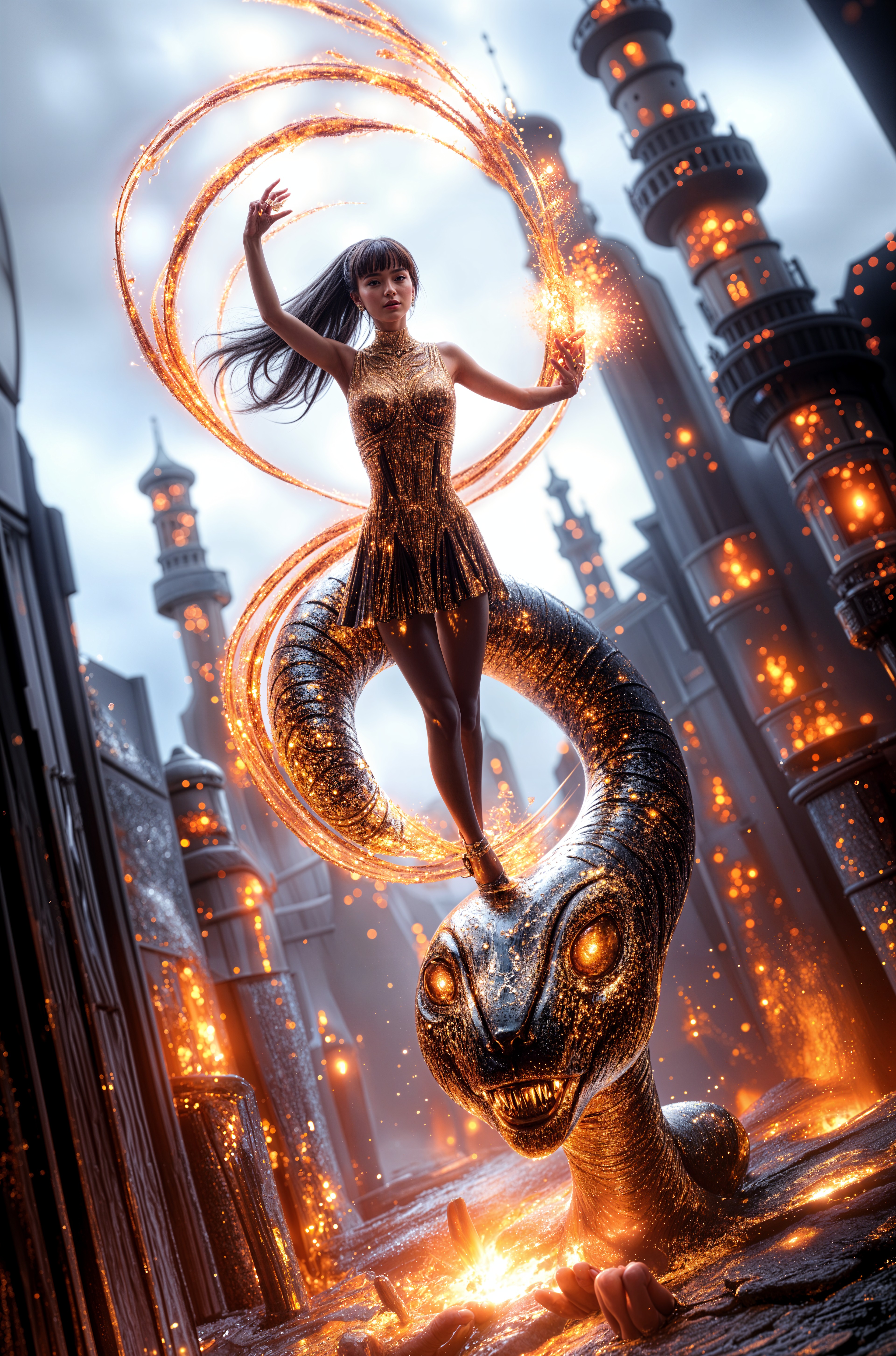
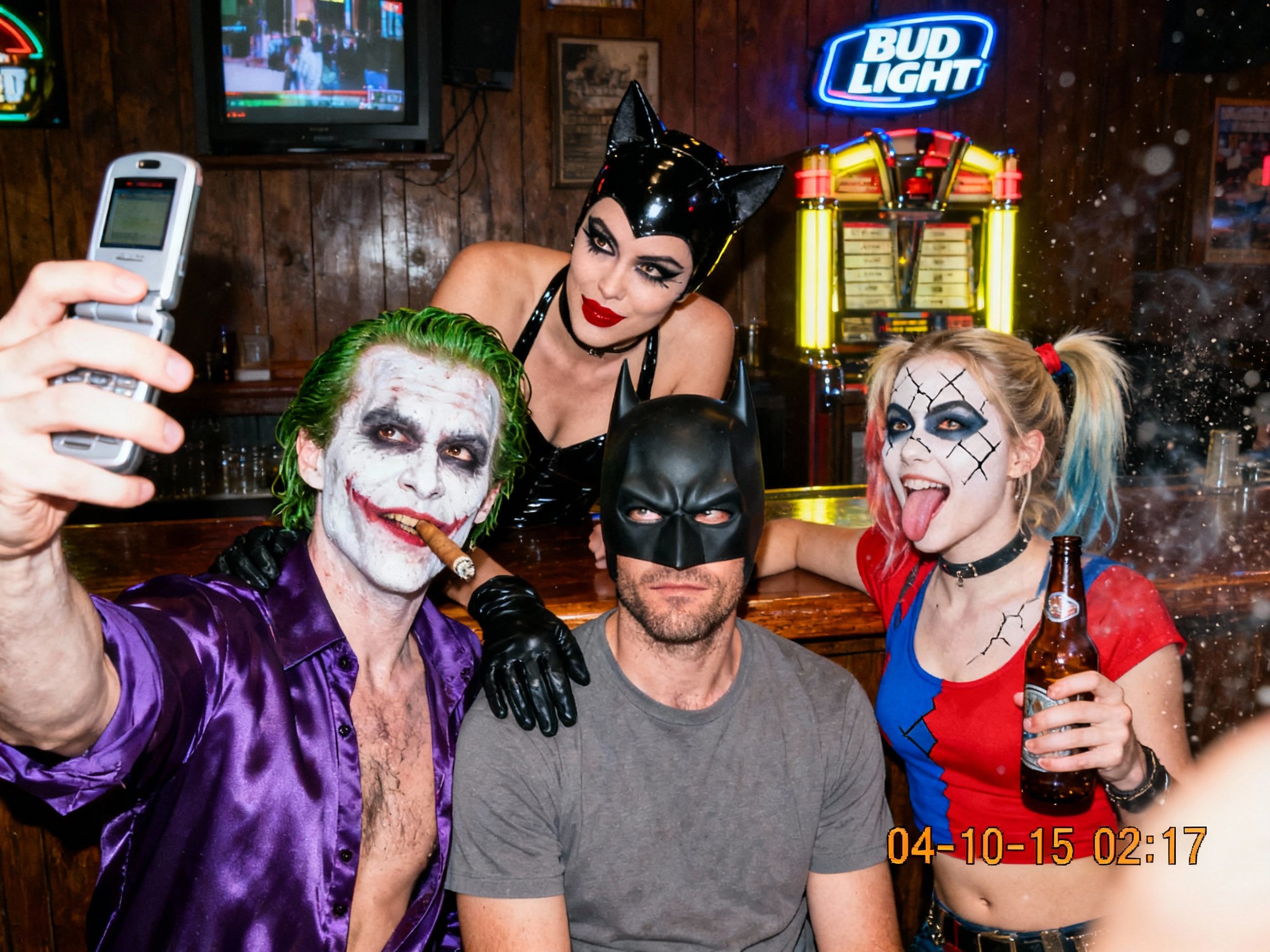
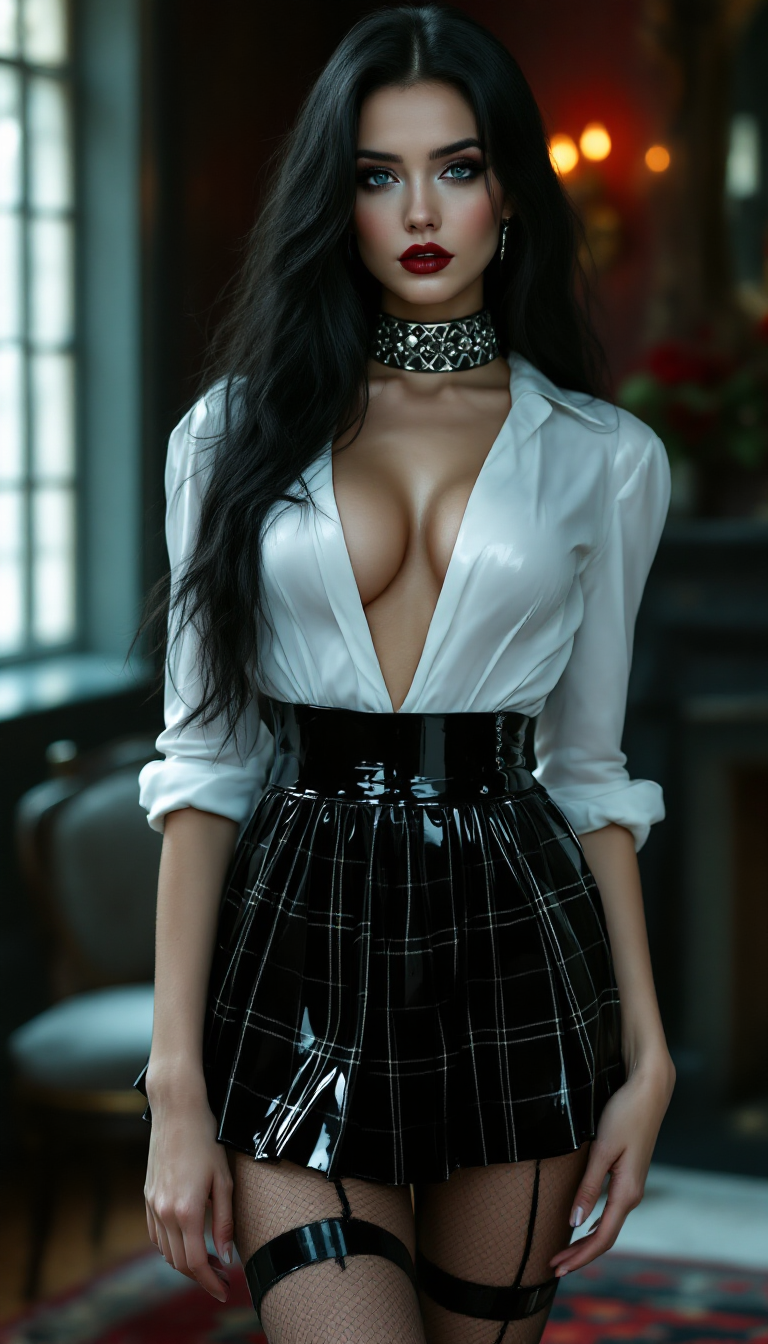
The Pixel Dojo Advantage
Why PixelDojo outperforms other options for AI drawings creation
| Others | Pixel Dojo |
|---|---|
| Traditional drawing creation | Eliminate the steep learning curve and time investment—generate intricate, professional drawings in seconds instead of hours or days, while maintaining full creative control through easy iterations. |
| Generic AI tools | Access a curated suite of 40+ specialized models and editing features optimized for artistic drawing styles, character consistency, and sketch refinement rather than generic outputs. |
| Manual photo editing | Skip tedious layer work and manual adjustments—AI-powered tools like Inpainting, Style Transfer, and Smart Resize handle refinements intelligently so you focus on creativity, not technical editing. |
Loved by creators on PixelDojo
Real feedback from people using PixelDojo, pulled from our in-product surveys.
Love how I can almost create anything
The Flux Pro Ultra is just amazing!
Very easy to use, and they have fast wan 2.2 video generation with custom loras available.
The overall quality of the site and it's amazing variety of tools. The continued updates of the UI. The unbelievable level of tech support.
THIS IS SO DOPE !
I have already recommended it to friends
Explore more AI tools on PixelDojo
AI Tools
Compare & Switch
- Best AI Image Generators
- Best AI Video Generators
- Midjourney Alternatives
- Civitai Alternatives
- Runway Alternatives
- Leonardo Alternatives
- Pika Alternatives
- Luma Alternatives
- Magnific Alternatives
- Veo Alternatives
- Flux Alternatives
- Freepik Alternatives
- Seedance Alternatives
- Seedream Alternatives
- Pixverse Alternatives
- GPT Image Alternatives
- Synthesia Alternatives
- Playground Alternatives
- NightCafe Alternatives
- Canva AI Alternatives
- ElevenLabs Alternatives
- ComfyUI Alternatives
- Fal Alternatives
- Replicate Alternatives
Common Questions
Everything you need to know about ai drawings
How do I generate high-quality AI drawings using PixelDojo's specialized tools?
Start by selecting a drawing-focused model such as Flux.2 Studio or Ideogram 4 in the Generate Images section. Craft a clear prompt describing your subject, style (e.g., 'pencil sketch' or 'ink illustration'), composition, and mood. Generate multiple variations, then refine using Image to Image for base adjustments, Style Transfer to experiment with artistic looks, or Consistent Characters to maintain features across a series. Download high-resolution files ready for any use. This workflow lets you produce professional results quickly and consistently.
What are the best prompts for creating realistic pencil sketch AI drawings?
Effective prompts include specific descriptors like 'highly detailed graphite pencil sketch,' 'soft cross-hatching shading,' 'subtle paper texture,' 'natural line variation,' and references to lighting or perspective. Combine with your subject: 'realistic pencil portrait of a young woman with flowing hair, gentle shadows, on textured paper.' PixelDojo's tools like Flux.2 Studio and Recraft V4.1 respond exceptionally well to these details, delivering authentic hand-drawn appearances without manual effort.
Can I create consistent character AI drawings across multiple images with PixelDojo?
Absolutely. Use the Consistent Characters feature alongside models like PonyXL or Ideogram 4 to lock in facial features, body proportions, and clothing details. Generate a reference image first, then reference it in subsequent prompts or use the dedicated character tools. This ensures your characters remain recognizable whether you're creating a story sequence, brand illustrations, or concept sheets—saving hours compared to redrawing by hand.
How to turn my rough sketches into polished AI drawings with PixelDojo?
Upload your hand-drawn or rough digital sketch using the Image to Image tool or dedicated sketch-to-image workflows. Pair it with a detailed prompt describing the desired finish (e.g., 'refine this sketch into a clean digital illustration with vibrant colors and sharp lines'). Apply Style Transfer for artistic enhancements, Inpainting to fix or add elements, and Upscalers like Creative Upscaler for crisp details. The result transforms your initial idea into a professional drawing while preserving your original composition and intent.
Is PixelDojo good for generating anime style AI drawings and illustrations?
Yes—tools like PonyXL, Flux.2 Studio, and WAN Image excel at anime, manga, and stylized illustration aesthetics. Prompt with specifics such as 'clean anime line art,' 'big expressive eyes,' 'dynamic action pose,' or 'detailed cel-shaded illustration.' Combine with Character Stylist or Pose Control for precise results. Creators use these to produce everything from fan art to original character designs with consistent quality and expressive details.
What editing tools does PixelDojo offer for refining AI generated drawings?
PixelDojo provides a complete suite including Style Transfer for switching between sketch, ink, or painted finishes; Inpainting and Outpainting to add or expand elements seamlessly; Magic Lighting and Change Camera Angle for dramatic adjustments; Background Remover for clean compositions; and Smart Resize or Portrait Upscaler for optimal output. Video tools aren't needed here, but image-specific editors like Reality Polisher ensure every drawing looks polished and professional before you download or share.