ai enhance AI Generator
Generated on PixelDojo. Produced by PixelDojo's generation pipeline.
You no longer have to settle for blurry vacation shots, faded family albums, or soft AI-generated art that fails to impress. With PixelDojo's AI enhance capabilities, you instantly transform ordinary images into crisp, professional-grade visuals that look like they were captured with high-end equipment. Restore lost details in old photos so they feel alive again, enlarge tiny files into 8K-ready masterpieces for prints and large displays, and give your marketing assets the polished finish that drives more clicks and conversions. Skip the hours spent in traditional software and achieve natural textures, balanced lighting, and noise-free results that preserve authenticity while boosting quality. Whether you are a photographer preparing client galleries, a marketer creating social content, or someone reviving precious memories, you gain print-ready outcomes that stand out. PixelDojo puts the latest enhancement power at your fingertips so you focus on creativity instead of technical struggles, delivering images that look stunning on any screen or canvas.
Real image examples generated on PixelDojo
Every example below was produced on PixelDojo. Hover to see the prompt.
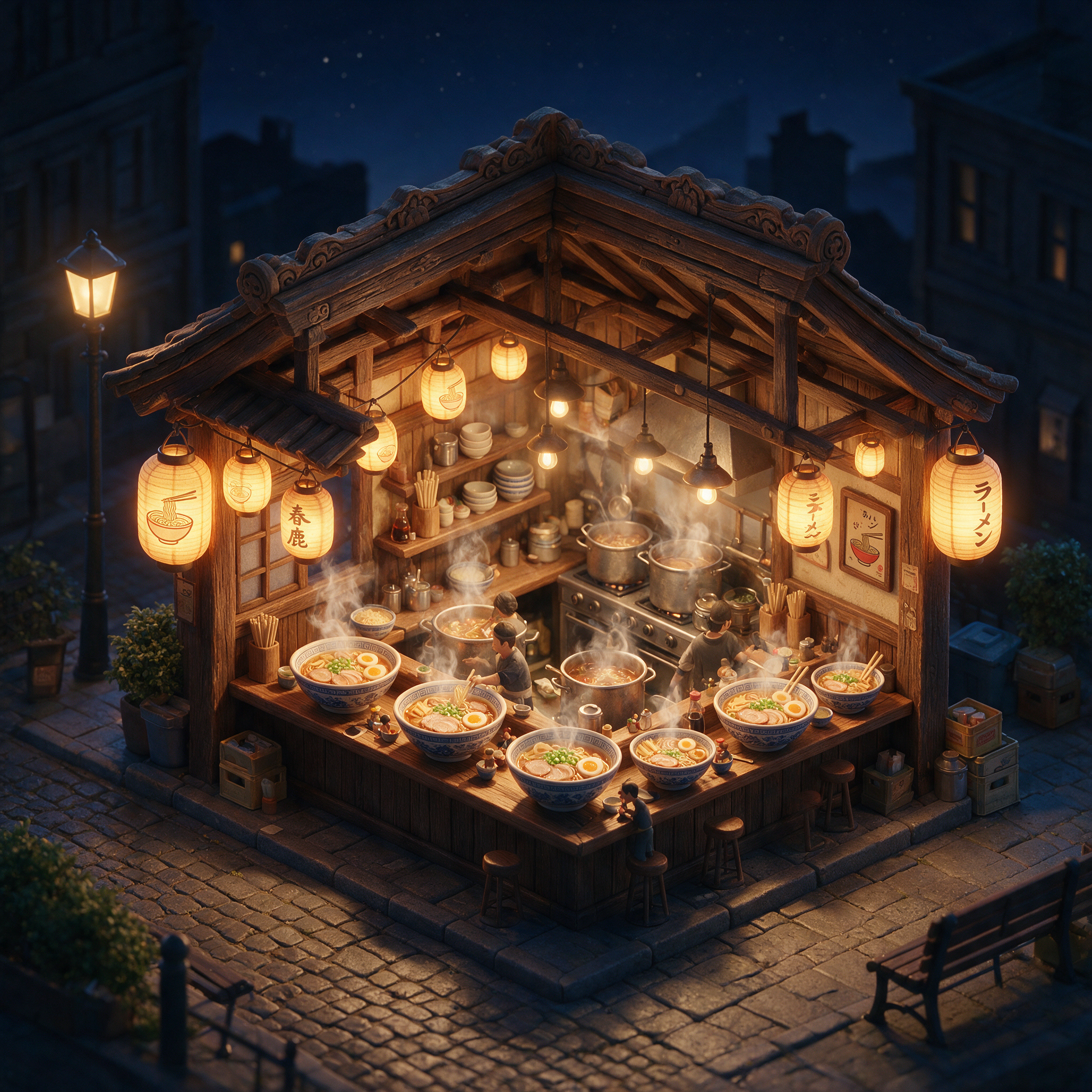
Isometric 3D render of a cozy ramen shop at night
seedream-5
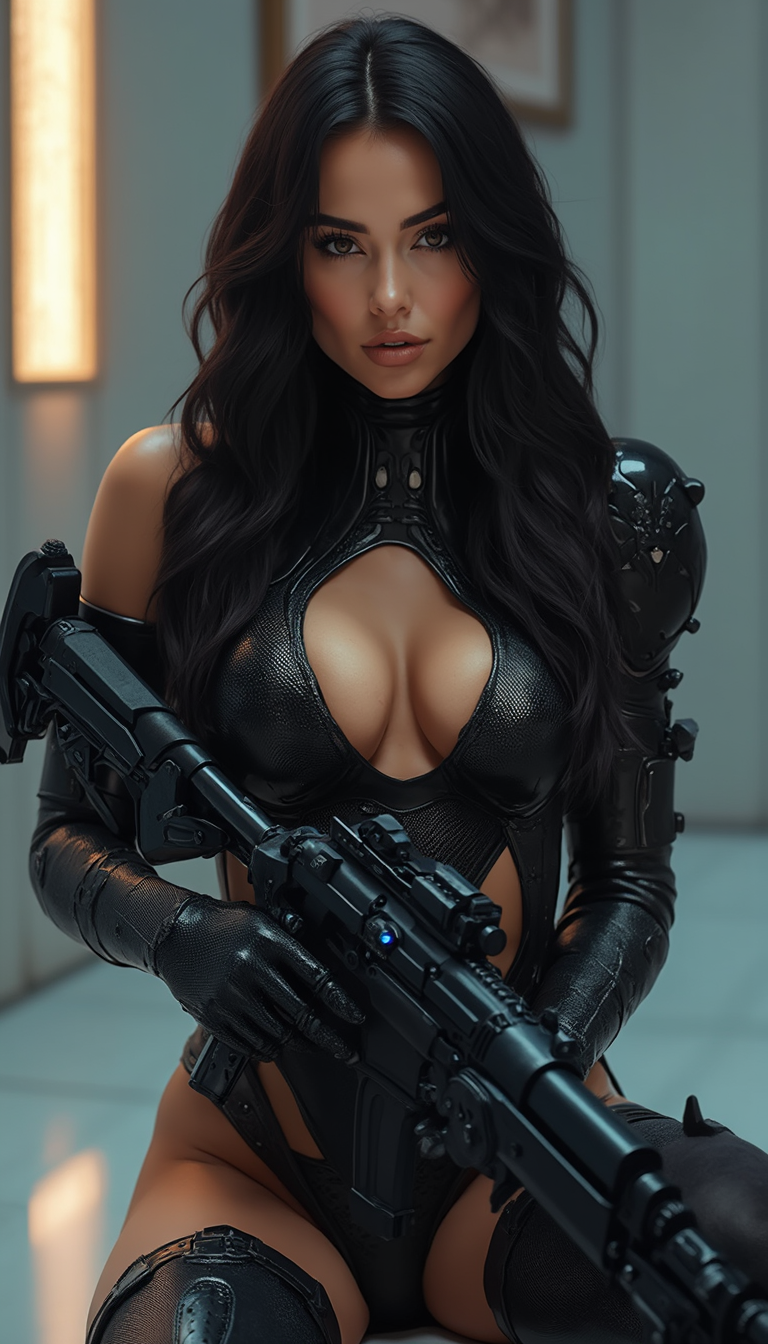
A breathtakingly beautiful and eye-catching 25-year-old babe
flux
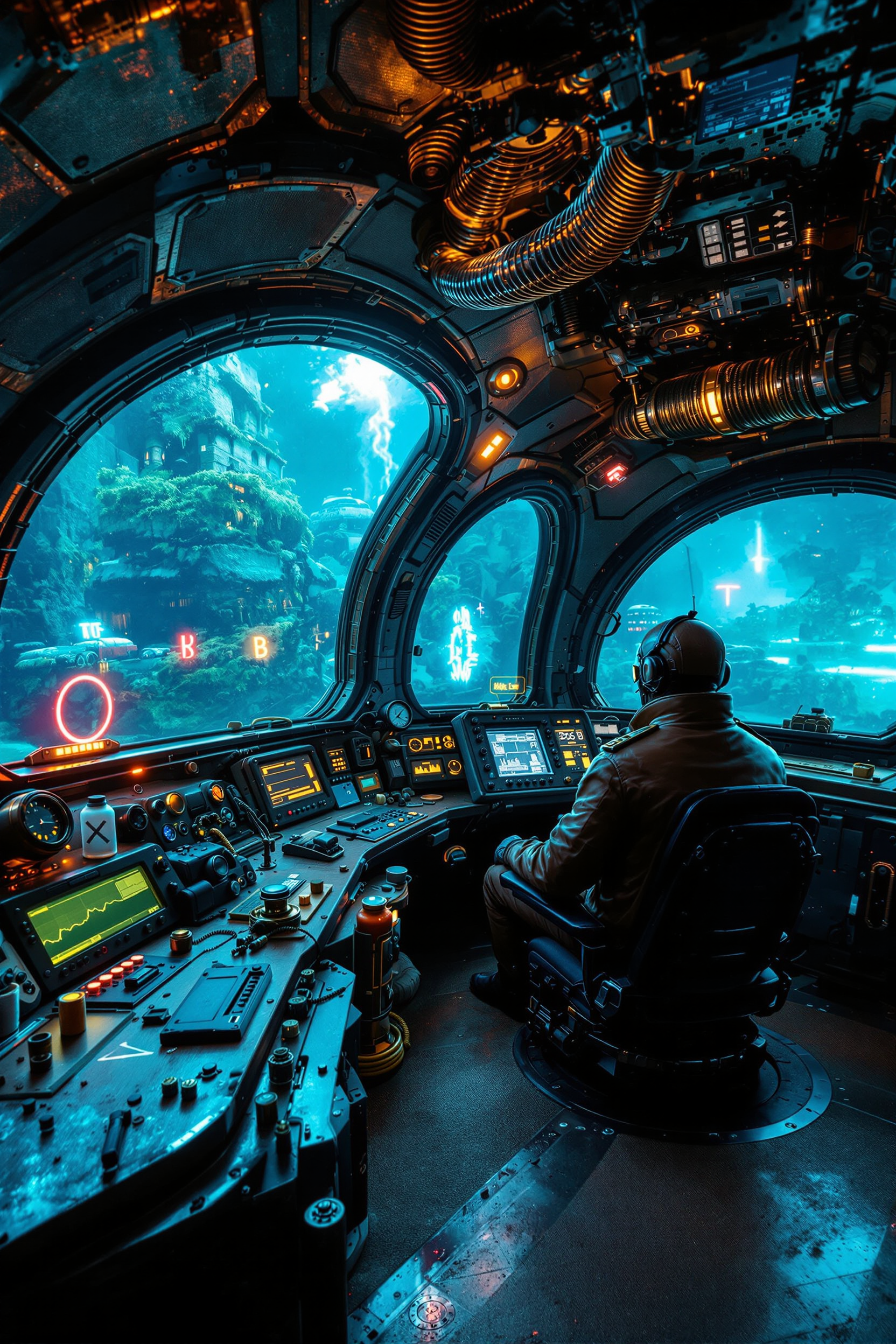
Illuminated Interior of a post-apocalyptic steampunk bathyscaphe with large
flux
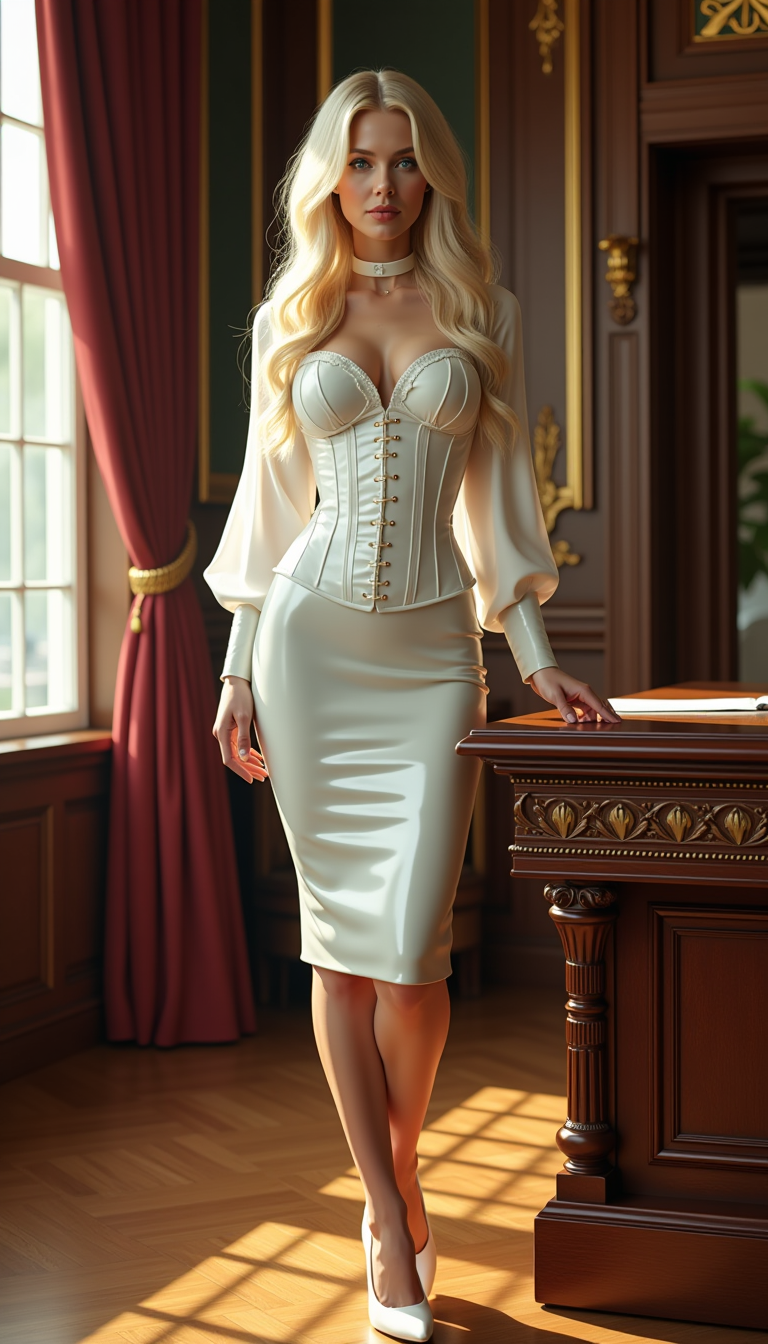
A striking portrait of a woman with pale blonde hair cascading down her back in long
flux
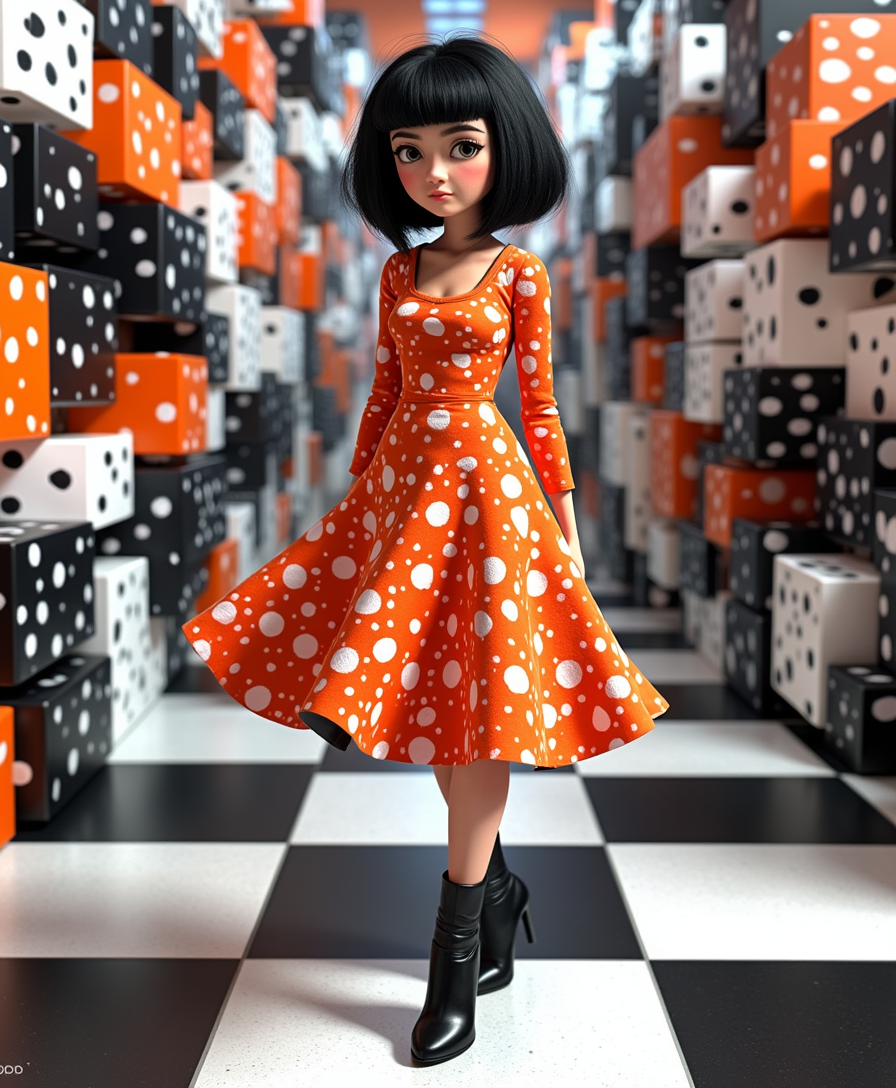
This image is a striking example of surrealism
flux-studio
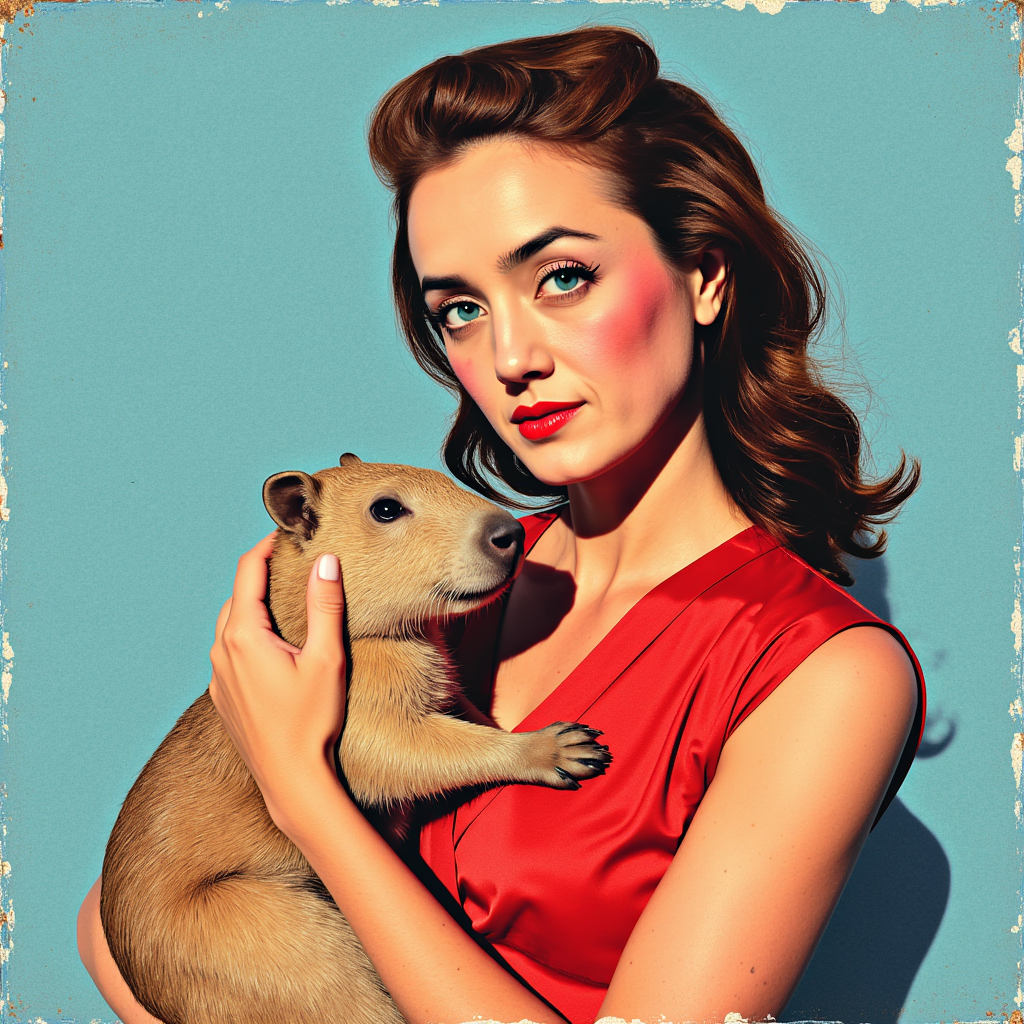
A photo of ALEMAP woman
flux
Models you can run on PixelDojo for ai enhance
Switch models without switching tools. Each one runs in the same PixelDojo studio.
What you can do with ai enhance on PixelDojo
Upscale With Extra Detail
You can enlarge generated or uploaded images while adding sharper textures and cleaner edges. We keep the original composition so the result still matches your source.
Clarify Faces And Fine Elements
You restore softness, grain, and muddy small objects in AI art. We help faces, jewelry, text, and hands read more clearly for posts and print.
Prompt Guided Image Refinement
You enhance a still instead of regenerating from scratch. We apply targeted prompt edits for lighting, materials, and extra definition.
Match Look Across A Set
You reuse the same enhance settings on variants or frames. We keep style, color, and character appearance aligned from image to image.
Trusted by thousands of creators worldwide who enhance over 50,000 images monthly. Users report 4.9/5 satisfaction for natural results and time savings, with many turning hobby photos into professional portfolios overnight.
Why Choose Pixel Dojo for ai enhance
Professional-quality results with cutting-edge AI technology
Unlock Print-Ready Quality Without Studio Gear
You enlarge small or compressed photos up to 8x while recovering realistic textures, sharp edges, and fine details that traditional resizing destroys. Your images become suitable for large posters, canvas prints, or high-resolution web use, giving you professional output that commands attention and higher perceived value.
Revive Faded Memories in Seconds
You restore old, damaged, or low-light photos by reducing noise, correcting colors, and reconstructing missing details so family heirlooms look as if they were taken yesterday. Your restored images retain original character while gaining modern clarity, making them perfect for sharing, framing, or digital archives.
Give AI Art and Photos a Professional Edge
You polish generated or captured images with natural skin textures, balanced exposure, and artifact-free sharpness that elevates them from amateur to gallery-worthy. Your content performs better on social platforms and in client work because it looks authentic and high-end without extra editing time.
How It Works
You create stunning enhanced images in three simple steps using PixelDojo's dedicated upscale and enhance tools. No design skills required—just upload, select, and download professional results tailored to your needs.
Step 1: Choose Your Tool
Head to the Upscale & Enhance section and pick the perfect match for your image. Select P-Image Upscale for versatile everyday improvements, Magnific Upscaler when you want creative yet realistic detail reconstruction, Clarity Pro for maximum sharpness and clarity on landscapes or products, or Portrait Upscaler to keep faces looking natural and lifelike. Each tool is optimized so you get the best outcome based on your photo type.
Step 2: Enter Your Prompt
Upload your original photo or AI-generated image. Add a simple guiding prompt such as 'enhance details, reduce noise, natural lighting, 4K resolution, preserve original colors' to direct the AI toward your vision. The system analyzes your file and applies intelligent reconstruction so you see improved sharpness, textures, and overall quality immediately.
Step 3: Customize & Download
Fine-tune scale factor from 2x to 8x, adjust noise reduction and texture strength, then preview the enhanced version in real time. Once satisfied, download your high-resolution file ready for print, web, or further editing. You can iterate quickly if needed, ensuring every image meets your exact standards.
The Pixel Dojo Advantage
Why PixelDojo outperforms other options for AI enhance image generation so you get superior results faster and with less effort
| Others | Pixel Dojo |
|---|---|
| Traditional photo editing software | You skip complex layers, filters, and hours of manual work. PixelDojo delivers consistent professional enhancements in seconds using dedicated tools like Magnific Upscaler and Clarity Pro that automatically recover details traditional methods cannot match. |
| Generic AI tools | You access specialized enhance options including Portrait Upscaler and Creative Upscaler instead of one-size-fits-all processing. This means natural skin, accurate textures, and print-ready resolution tailored to your image rather than generic over-sharpening or artifacts. |
| Manual photo editing | You eliminate guesswork and skill barriers. PixelDojo's P-Image Upscale and Reality Polisher handle noise, lighting, and reconstruction automatically so you achieve expert-level results every time without needing years of experience. |
Loved by creators on PixelDojo
Real feedback from people using PixelDojo, pulled from our in-product surveys.
Love you guys!!
Trained my Lora super fast. Still working out how to creat content wit it, but I love it so far.
I love this app
It has all the tools I can think of...
deployment rate of splendid features is incredible. Legend
large selection of tools on one platform
Explore more AI tools on PixelDojo
AI Tools
Compare & Switch
- Best AI Image Generators
- Best AI Video Generators
- Midjourney Alternatives
- Civitai Alternatives
- Runway Alternatives
- Leonardo Alternatives
- Pika Alternatives
- Luma Alternatives
- Magnific Alternatives
- Veo Alternatives
- Flux Alternatives
- Freepik Alternatives
- Seedance Alternatives
- Seedream Alternatives
- Pixverse Alternatives
- GPT Image Alternatives
- Synthesia Alternatives
- Playground Alternatives
- NightCafe Alternatives
- Canva AI Alternatives
- ElevenLabs Alternatives
- ComfyUI Alternatives
- Fal Alternatives
- Replicate Alternatives
Common Questions
Everything you need to know about ai enhance
How does AI enhance improve low resolution photos for professional printing?
You upload your small or compressed image to PixelDojo and select tools like P-Image Upscale or Magnific Upscaler. The AI reconstructs missing details, sharpens edges, and enlarges up to 8K while keeping textures natural. Your output is print-ready with no blur or pixelation, perfect for posters, books, or large displays. Thousands of users already produce gallery-quality prints this way, saving both time and money compared to reshooting.
Can I restore old damaged family photos using AI enhance on PixelDojo?
Yes, you simply upload faded, scratched, or noisy vintage photos and choose Portrait Upscaler or Clarity Pro. The system reduces grain, corrects colors, and rebuilds lost details so faces and scenes look vibrant again. You preserve the original mood while gaining modern clarity, making it easy to create digital albums or physical reprints that family members will treasure.
What makes PixelDojo's AI image enhancer better for AI-generated art?
You take soft or artifact-heavy generated images and run them through Creative Upscaler or Magnific Upscaler. These tools add realistic micro-details, natural lighting, and sharpness without over-processing. Your art looks more professional and marketable, whether for social posts, prints, or client presentations, giving you a competitive edge with minimal extra work.
Is there a way to enhance photos while keeping skin and textures looking natural?
Absolutely. You use Portrait Upscaler specifically designed for faces and people. It improves resolution and clarity while protecting natural skin texture, pores, and lighting so results never look plastic. Combined with Reality Polisher, you get authentic, high-end portraits that clients and audiences love.
How fast can I get high-quality enhanced images with PixelDojo tools?
You typically receive results in under a minute after uploading. Select your tool, add a brief prompt if desired, and download. This speed lets you process entire batches of photos for events, products, or content calendars without delays, keeping your workflow efficient and productive.
Do I need design experience to use AI enhance features effectively?
No experience required. PixelDojo's interface guides you through choosing P-Image Upscale, Clarity Pro, or other enhance tools, uploading, and downloading. Built-in previews and simple adjustments mean anyone can produce professional results immediately. Join thousands of creators who started with zero skills and now deliver stunning enhanced images daily.