ai face changer AI Generator
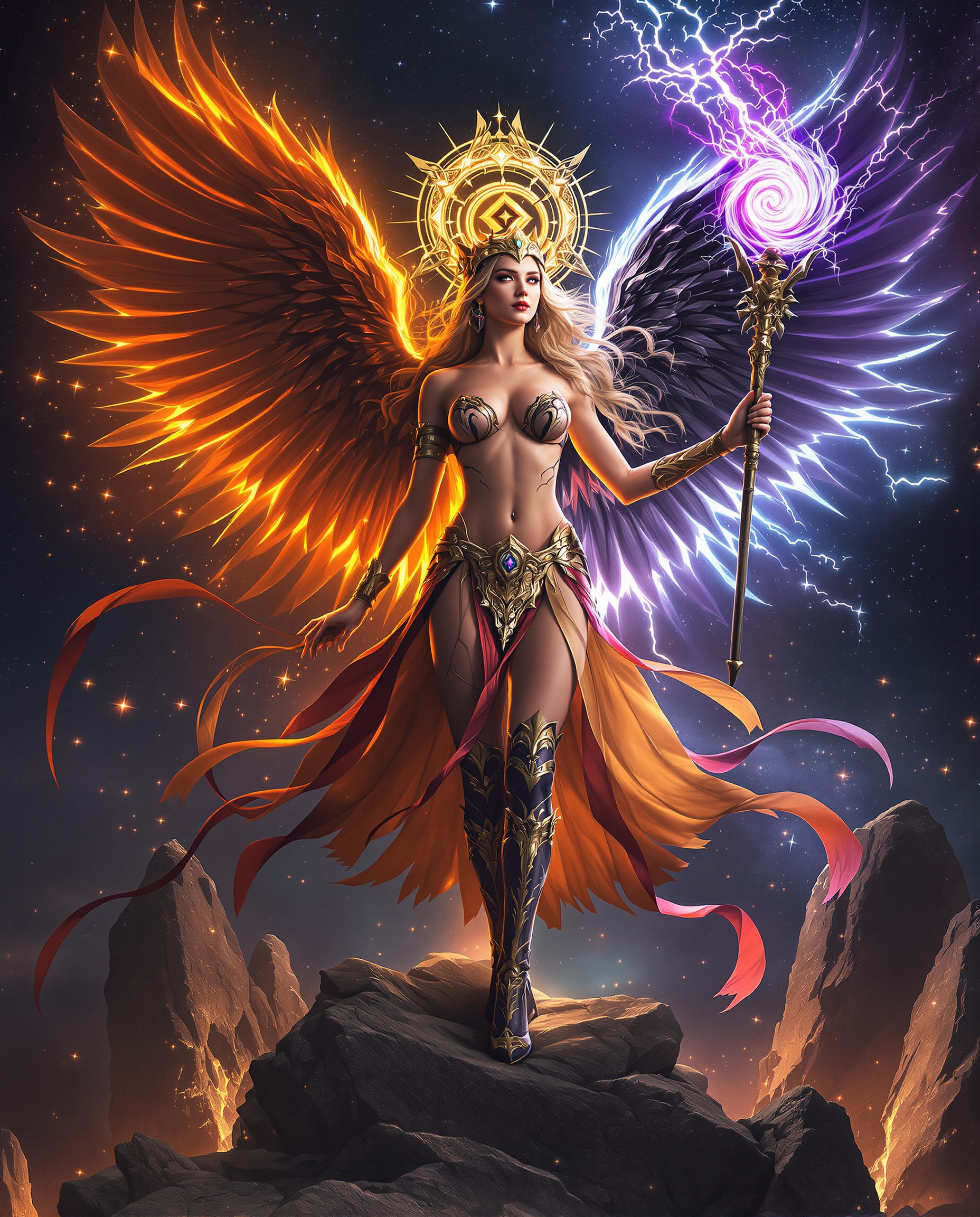
Generated on PixelDojo. Produced by PixelDojo's generation pipeline.
What if you could instantly morph your selfie into a vintage film star, switch features with a celebrity, or bring a childhood photo to life—all in minutes? PixelDojo’s AI Face Changer tools let you reimagine portraits and videos with unbelievable realism. Whether you're a creator, marketer, or just want fun transformations, you'll get lifelike results that feel like magic—not just filters.
Real image examples generated on PixelDojo
Every example below was produced on PixelDojo. Hover to see the prompt.
A stunning realistic photo photograph of a female real person in a highly detailed realist…
flux
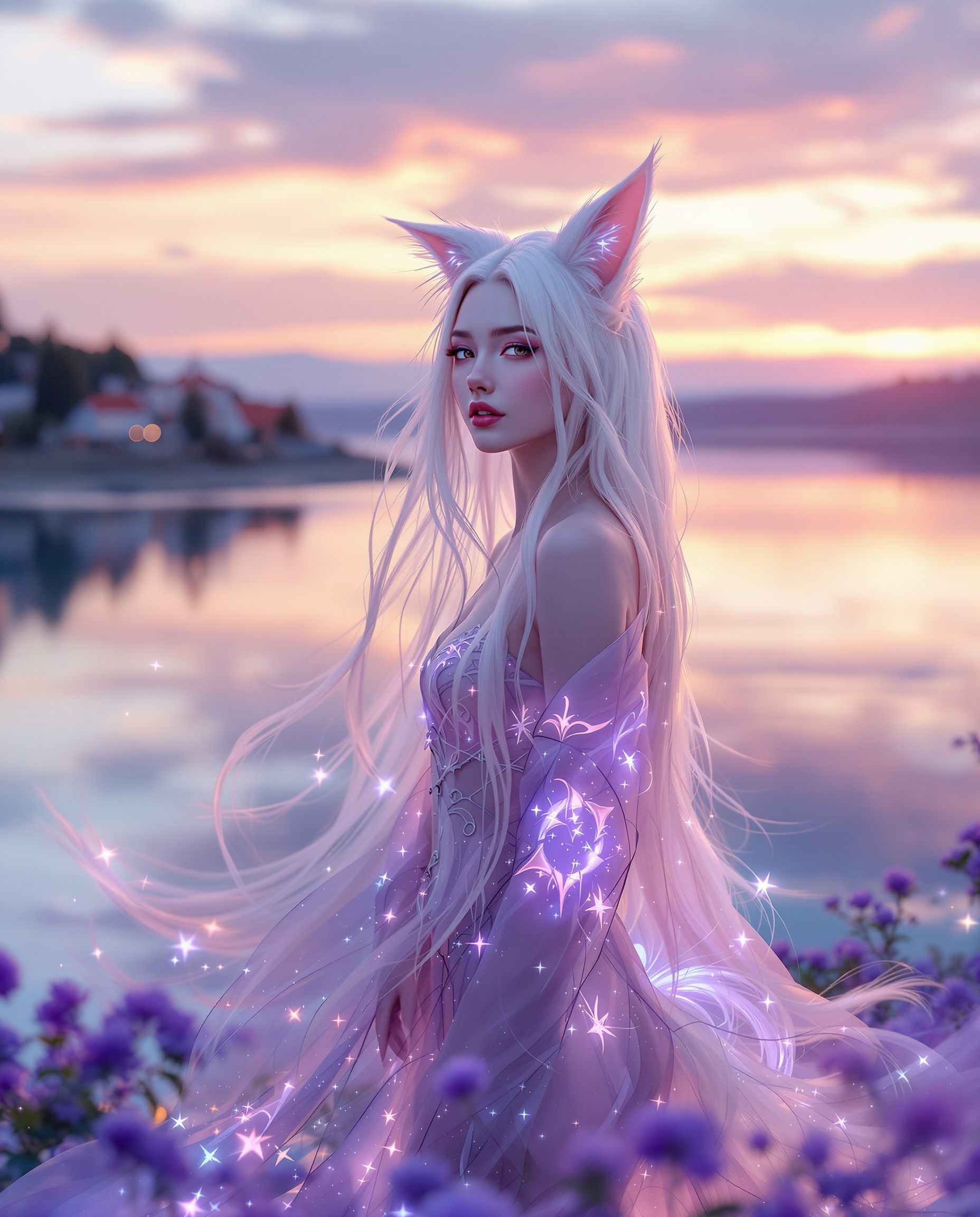
A stunning DSLR photo captures a white-haired humanoid kitsune with foxlike ears and a flo…
flux

A photo of Marilyn Monroe
flux
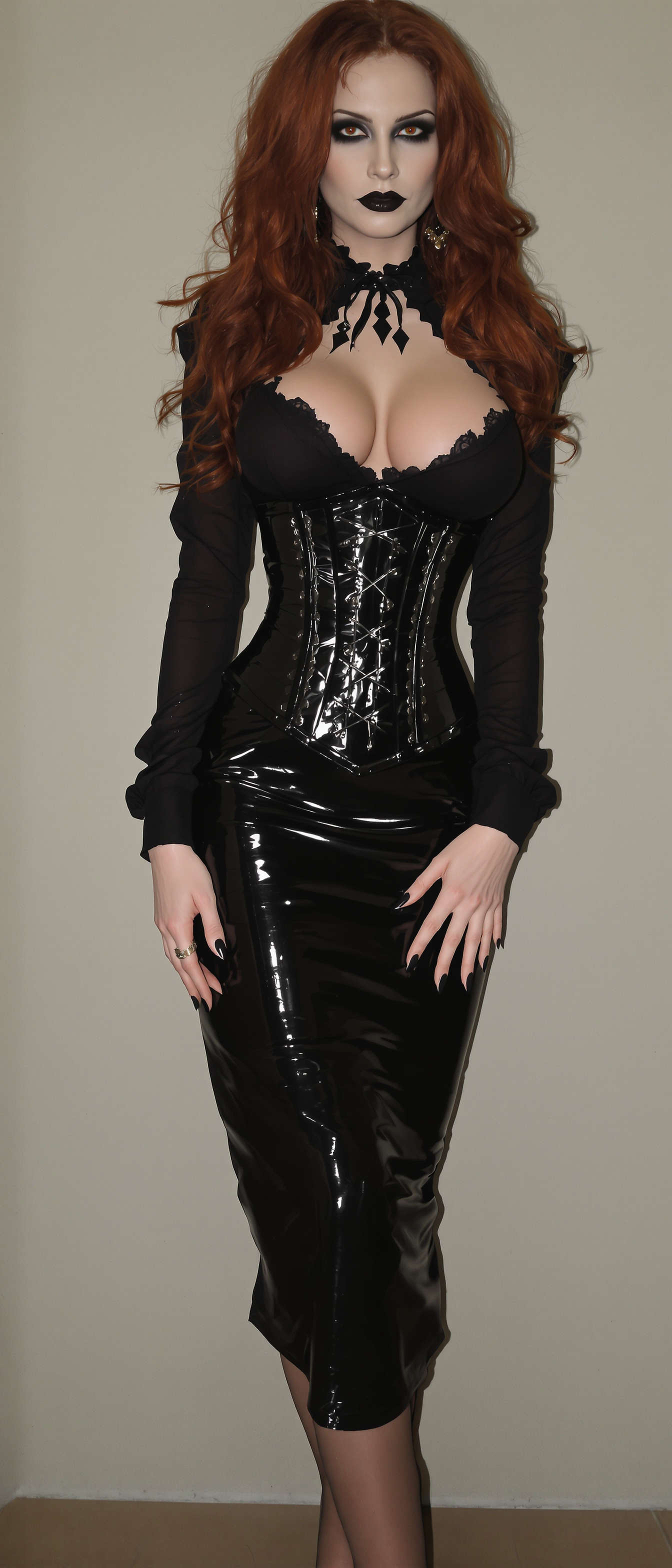
A pale vampire queen stands poised
stable-diffusion
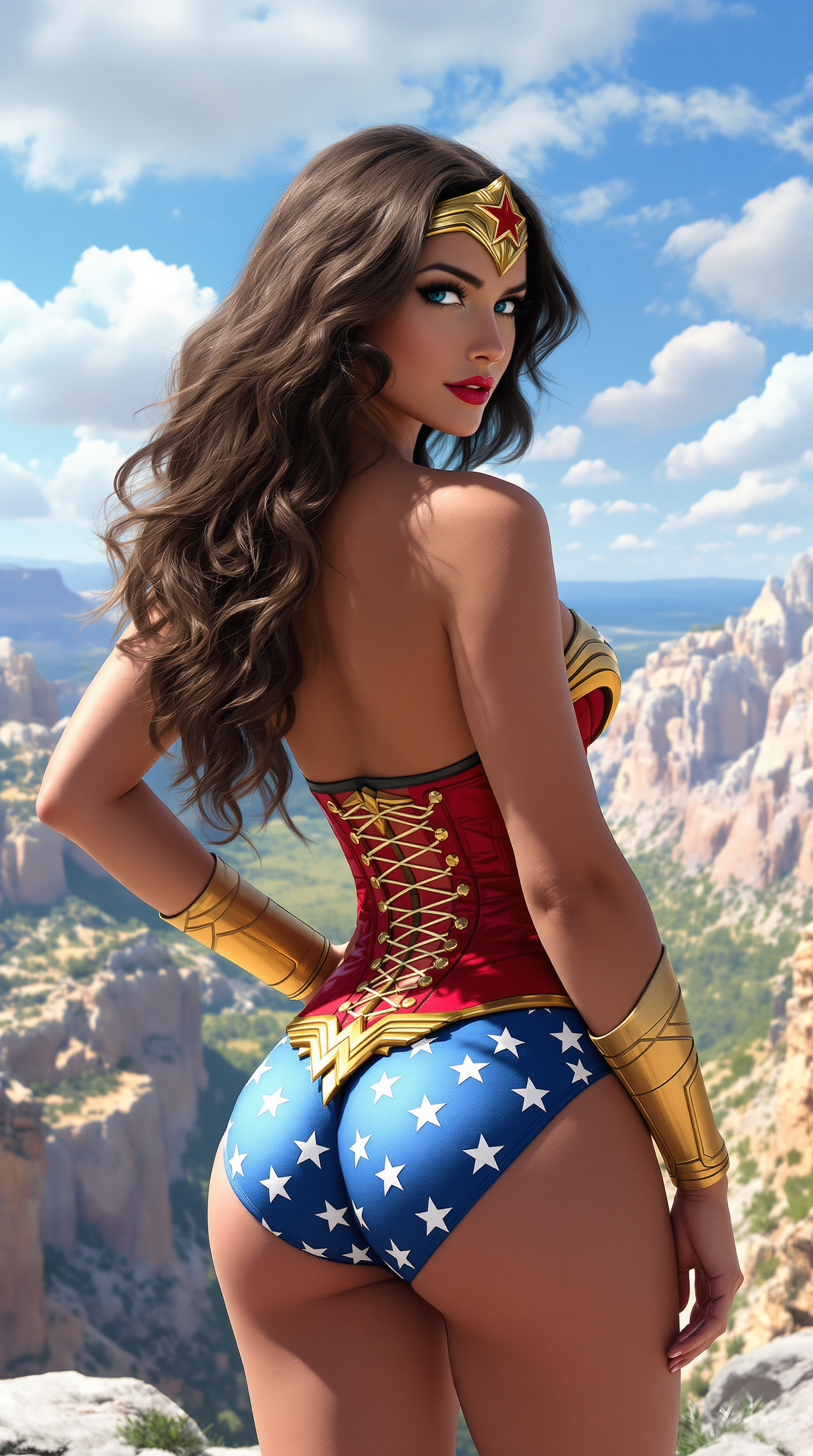
A highly detailed digital painting of a stunningly beautiful woman embodying Wonder Woman
flux
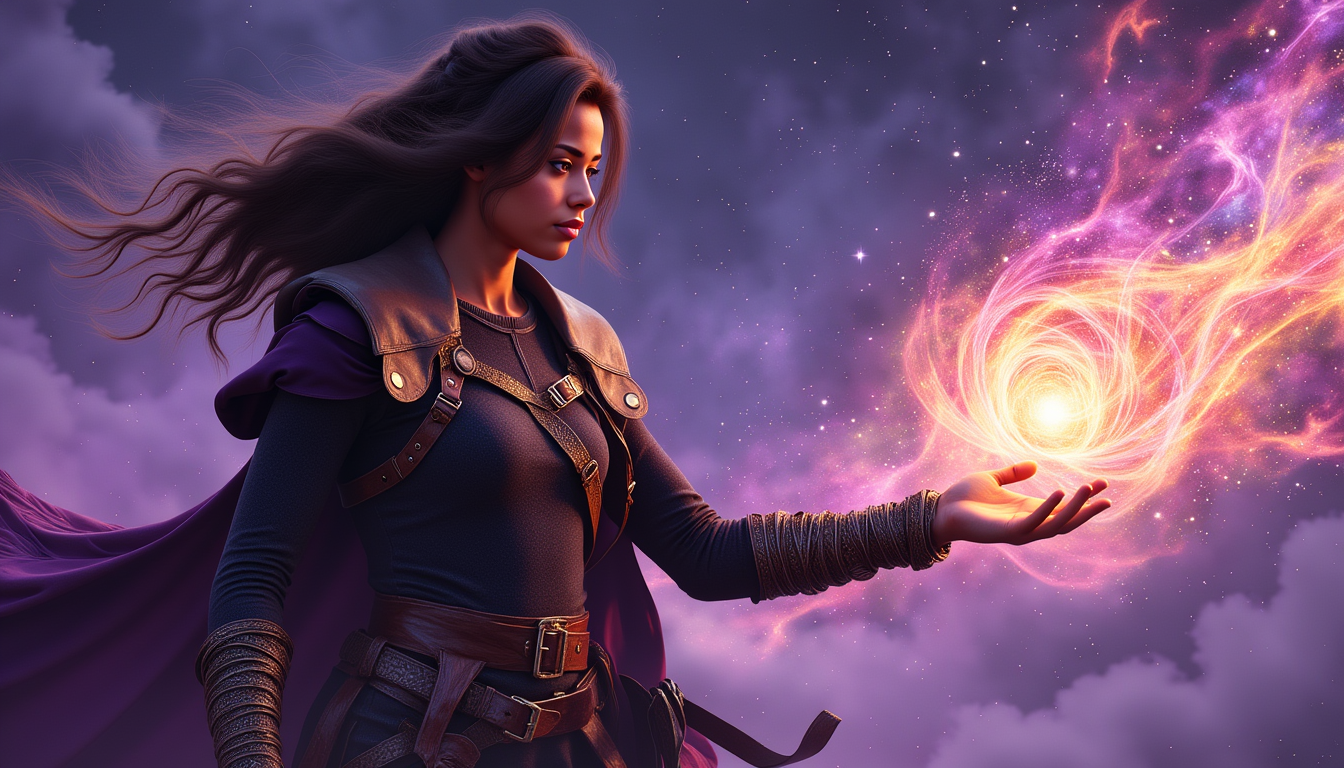
Ella-Forspoken-LoRA12
flux
Models you can run on PixelDojo for ai face changer
Switch models without switching tools. Each one runs in the same PixelDojo studio.
What you can do with ai face changer on PixelDojo
Face Swap from Reference
Creators upload a source face and target image. We apply the face to the new subject while matching lighting and pose.
Multiple Face Replacement
We support face changes in group photos. Creators choose individual faces to update within the same image.
Style Consistent Face Changes
Creators modify faces while preserving overall image style. We keep artistic elements intact during edits.
Real Time Preview Updates
We show face change results as parameters adjust. Creators refine the output before generating the final image.
Trusted by 200,000+ creators • 4.9★ average rating • Featured in Designer Today & Creative Monthly • 1M+ images generated last month
Why Choose Pixel Dojo for ai face changer
Professional-quality results with cutting-edge AI technology
Realistic Transformations You’ll Love
Swap, enhance, or stylize faces so realistically that no one can tell it wasn’t originally yours—capturing expressions, lighting & identity with precision.
Save Hours, Look Instantly Amazing
Forget tedious editing. With tools like Image to Image, Inpainting & REVE Image, you go from concept to finished portrait in under 5 minutes.
Stay Safe & Ethical with Face Swaps
We require consent, protect your privacy, and add watermarks on shared content—so you can explore creative face transformations responsibly.
How It Works
Here’s exactly how you can achieve stunning face-changer results using PixelDojo:
Step 1: Choose Your Tool
Start by selecting what kind of face change you want. For swapping faces, try Create Images tools like Flux, Google Nano Banana, REVE Image or Deere-style like ImagineArt 1.0. Want to tweak an existing photo? Use Edit Images tools like Style Transfer, Inpainting, Outpainting or Image to Image.
Step 2: Enter Your Prompt or Upload
Write what you want: “swap this face with that person”, “make me look 20 years older”, “vintage Hollywood lighting”, or upload both source & target images. Use Seedream 4 or SDXL to generate or modify identity. Edit lighting or background afterward if needed.
Step 3: Customize & Download
Refine details: adjust expressions, touch up style via Material Transfer or Magic Lighting, remove unwanted parts via Inpainting, then export in high quality. You control every layer until it feels perfect.
The Pixel Dojo Advantage
Why PixelDojo outperforms other face changer options:
| Others | Pixel Dojo |
|---|---|
| Traditional Photoshop or manual retouching | Get realism without needing years of photo-editing skill or complex masking—PixelDojo delivers pro-level results in minutes. |
| Generic AI face swap apps | We give you full creative control: pose, style, expression, lighting & mood—not just fixed filters or limited scenes. |
| Video deepfake tools that feel unsafe | Our tools include consent and ethical guardrails, watermarking, and editing so you’re always in control of your content. |
Loved by creators on PixelDojo
Real feedback from people using PixelDojo, pulled from our in-product surveys.
easiest workflow to get best output image or video
awesome functionality, UX, constant flood of improvements, discord interactivity
Awesome site with so many features
Love how I can almost create anything
The Flux Pro Ultra is just amazing!
Very easy to use, and they have fast wan 2.2 video generation with custom loras available.
Explore more AI tools on PixelDojo
AI Tools
Compare & Switch
- Best AI Image Generators
- Best AI Video Generators
- Midjourney Alternatives
- Civitai Alternatives
- Runway Alternatives
- Leonardo Alternatives
- Pika Alternatives
- Luma Alternatives
- Magnific Alternatives
- Veo Alternatives
- Flux Alternatives
- Freepik Alternatives
- Seedance Alternatives
- Seedream Alternatives
- Pixverse Alternatives
- GPT Image Alternatives
- Synthesia Alternatives
- Playground Alternatives
- NightCafe Alternatives
- Canva AI Alternatives
- ElevenLabs Alternatives
- ComfyUI Alternatives
- Fal Alternatives
- Replicate Alternatives
Common Questions
Everything you need to know about ai face changer
Can AI face changer tools truly preserve my identity and expression?
Yes. PixelDojo uses powerful creation tools like SDXL, Grok 2 Image, QWEN Image, and Flux to preserve facial identity, expressions & even micro-details. For example, tools like DynamicFace have shown state-of-the art identity preservation and emotion accuracy in video face swapping tasks. ([arxiv.org](https://arxiv.org/abs/2501.08553?utm_source=openai))
Is face swapping with PixelDojo ethical and legal?
Absolutely. We require that you own or have permission to use both the source and target faces. Our policy protects privacy and avoids misuse. Other platforms are enforcing similar rules due to growing legal concerns. ([programminginsider.com](https://programminginsider.com/ethics-in-ai-face-swapping-what-you-should-know/?utm_source=openai))
How realistic are the results using PixelDojo’s face changer tools?
Results are photo-realistic: you’ll get believable lighting, skin texture, and matching angle. Recent techniques such as blendshape-guided diffusion allow tools to translate expressions and identity with high fidelity. ([arxiv.org](https://arxiv.org/abs/2510.04706?utm_source=openai))
Can I use face changer tools on videos, not just images?
Yes. PixelDojo offers video tools like Runway Gen-4 Video, WAN 2.2 Animate, and Lip Sync to smoothly track and swap faces across frames—preserving motion, speech and expression for polished video effects.
What about misuse and detecting deepfakes?
We include watermarking on shared content, enforce consent, and support educational guides so your creations are clearly marked as edited. The AI community is also developing detection tools like LAMM-ViT for spotting fake faces. ([arxiv.org](https://arxiv.org/abs/2505.07734?utm_source=openai))
Do I need any special skills or software to use PixelDojo’s face changer?
Not at all. Whether you’re a beginner or pro, the tools like ChatGPT Image 1, Seedream 4, or REVE Image come with easy-to-fill prompts, simple sliders & live previews. You don’t need decades of photo-editing experience—just upload, select, tweak, export.