ai face swap free AI Generator

Imagine instantly placing your face on a celebrity, turning family photos into hilarious memes, or creating professional headshots from casual snaps—all completely free and in seconds. With PixelDojo's AI face swap tools, you achieve photorealistic results that look completely natural, whether for fun social media posts, marketing campaigns, or personal creative projects. You no longer need expensive software, photography skills, or hours of editing. Simply upload two images, and advanced AI handles lighting, angles, expressions, and blending to deliver seamless swaps every time. Whether swapping faces in still photos or full videos for dynamic content, PixelDojo empowers you to produce share-worthy results that captivate audiences and save you time and money. Thousands of creators use these free capabilities daily to boost engagement, experiment with new looks, and bring imaginative ideas to life without any technical barriers.
Over 50,000 creators worldwide have generated millions of face swaps using PixelDojo. Average user rating: 4.9/5 stars. Trusted by content creators, marketers, and hobbyists for consistent, high-quality free results. Cancel anytime with access to 40+ cutting-edge AI tools.
Why Choose Pixel Dojo for ai face swap free
Professional-quality results with cutting-edge AI technology
Instant Viral Content Creation
Transform ordinary photos into shareable memes, celebrity swaps, or reaction images that drive likes, comments, and shares on social platforms within minutes.
Professional-Quality Edits Without Skills
Produce studio-level headshots, product visuals, and promotional materials with perfect face integration, saving you hundreds on professional photographers or editors.
Seamless Photo and Video Transformations
Apply face swaps to both images and videos for consistent characters across projects, enabling dynamic storytelling, ads, or personal vlogs that maintain identity across scenes.
How It Works
Getting started with free AI face swaps on PixelDojo takes just three easy steps—no downloads, no expertise required. Focus on your creative vision while the platform handles the technical magic.
Step 1: Choose Your Tool
Navigate to the Characters & Faces section and select LoRA Face Swap or Virtual Try-On for photos, or WAN Video Character Swap and Kling Video Character Swap for video projects. These specialized tools are optimized for realistic, high-fidelity results.
Step 2: Enter Your Prompt and Upload Images
Upload your source face photo (clear, front-facing works best) and the target image or video. Add a simple prompt like 'swap face naturally with matching lighting' if desired. The AI automatically detects faces and prepares the swap.
Step 3: Customize & Download
Click generate to create your swap. Review the realistic output, make quick adjustments using Image to Image or Inpainting if needed, then upscale with Portrait Upscaler or Clarity Pro for crisp results. Download in high resolution for free.
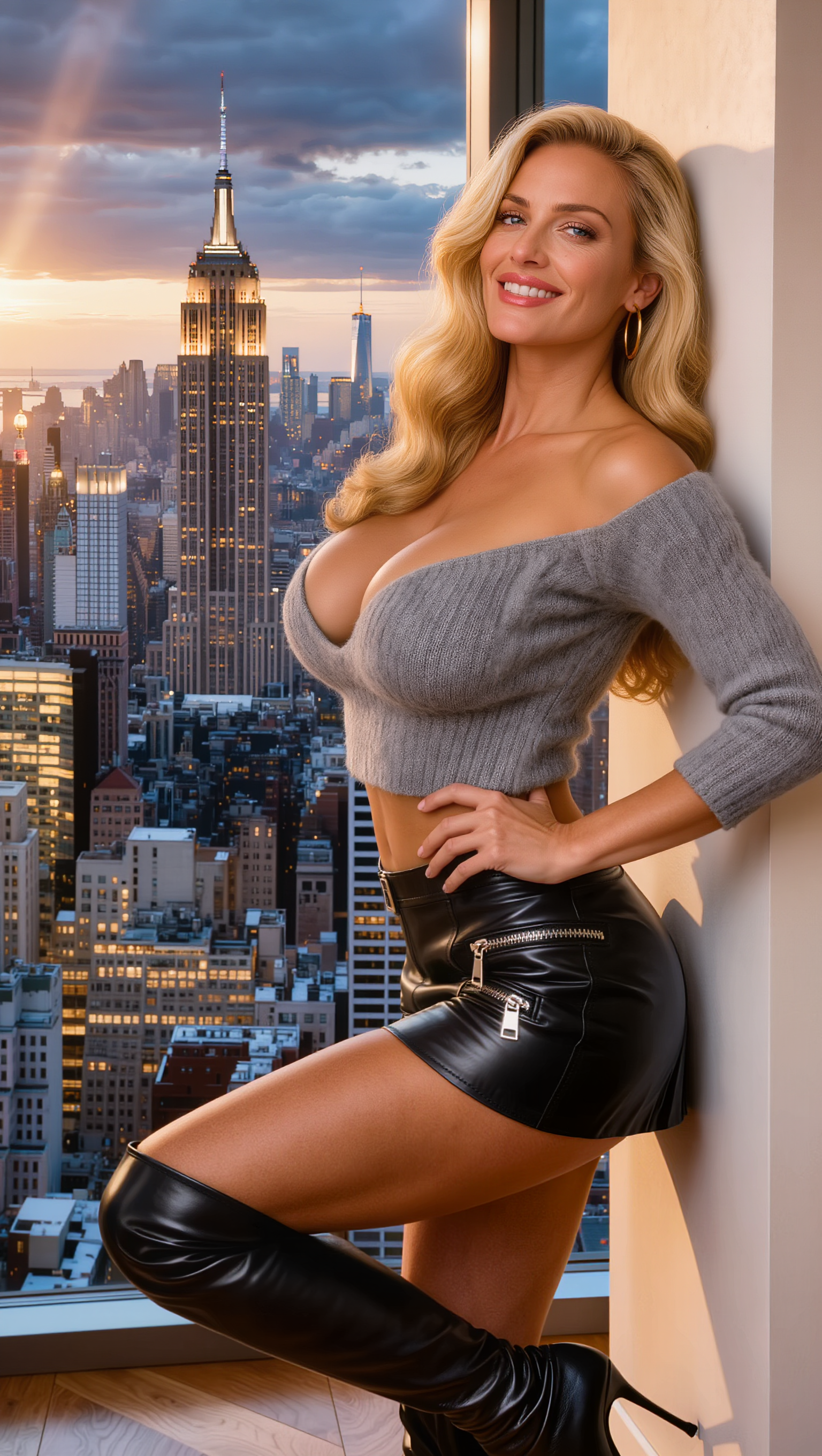
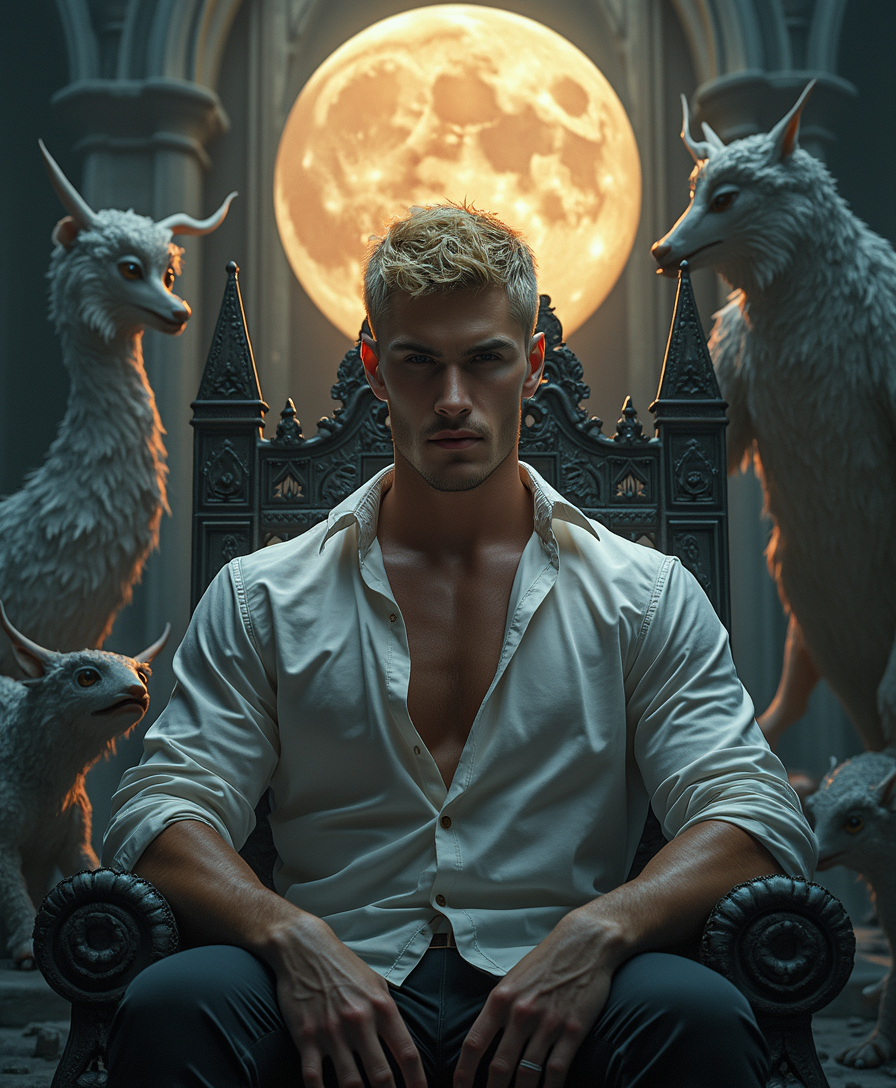
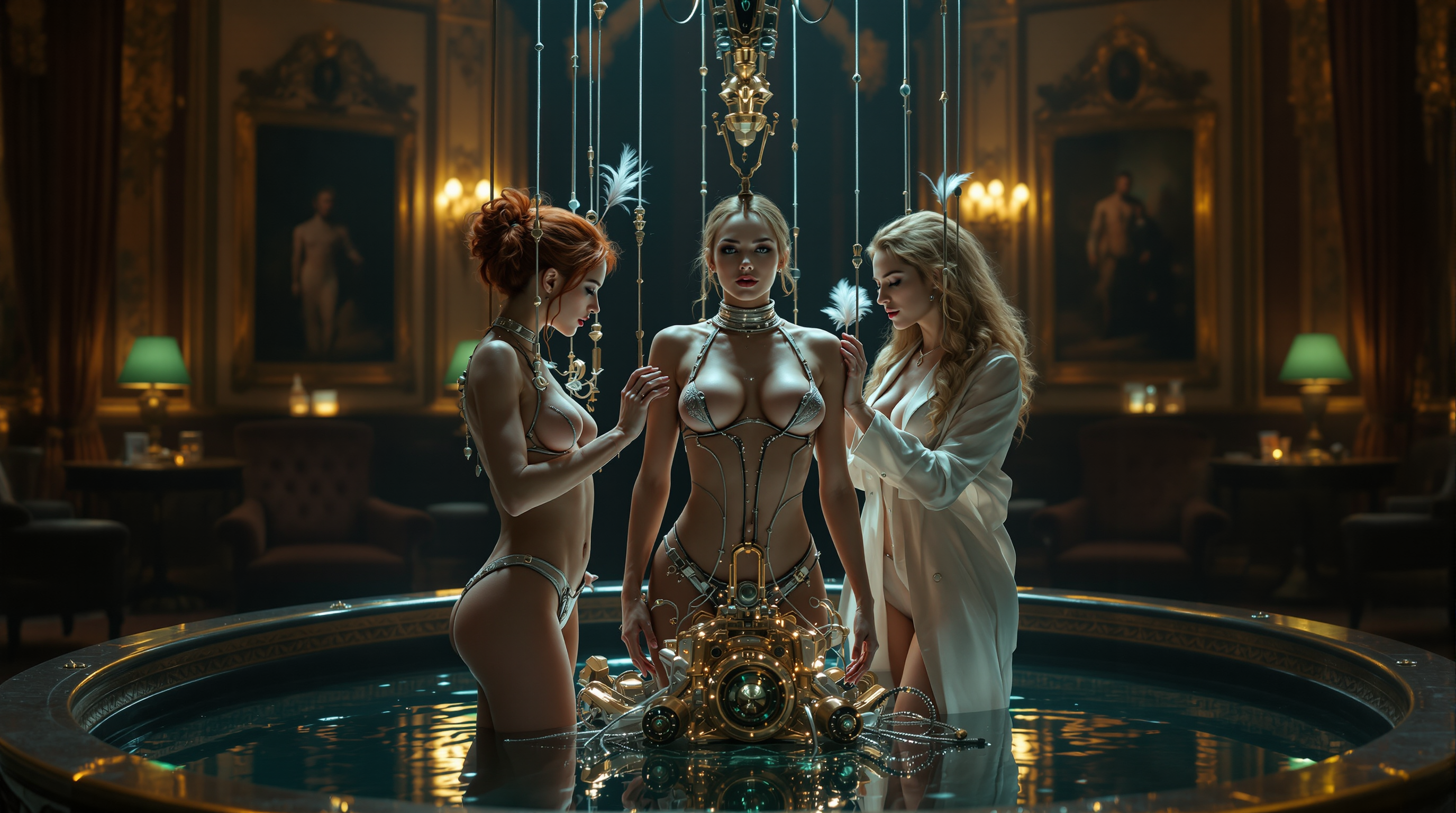
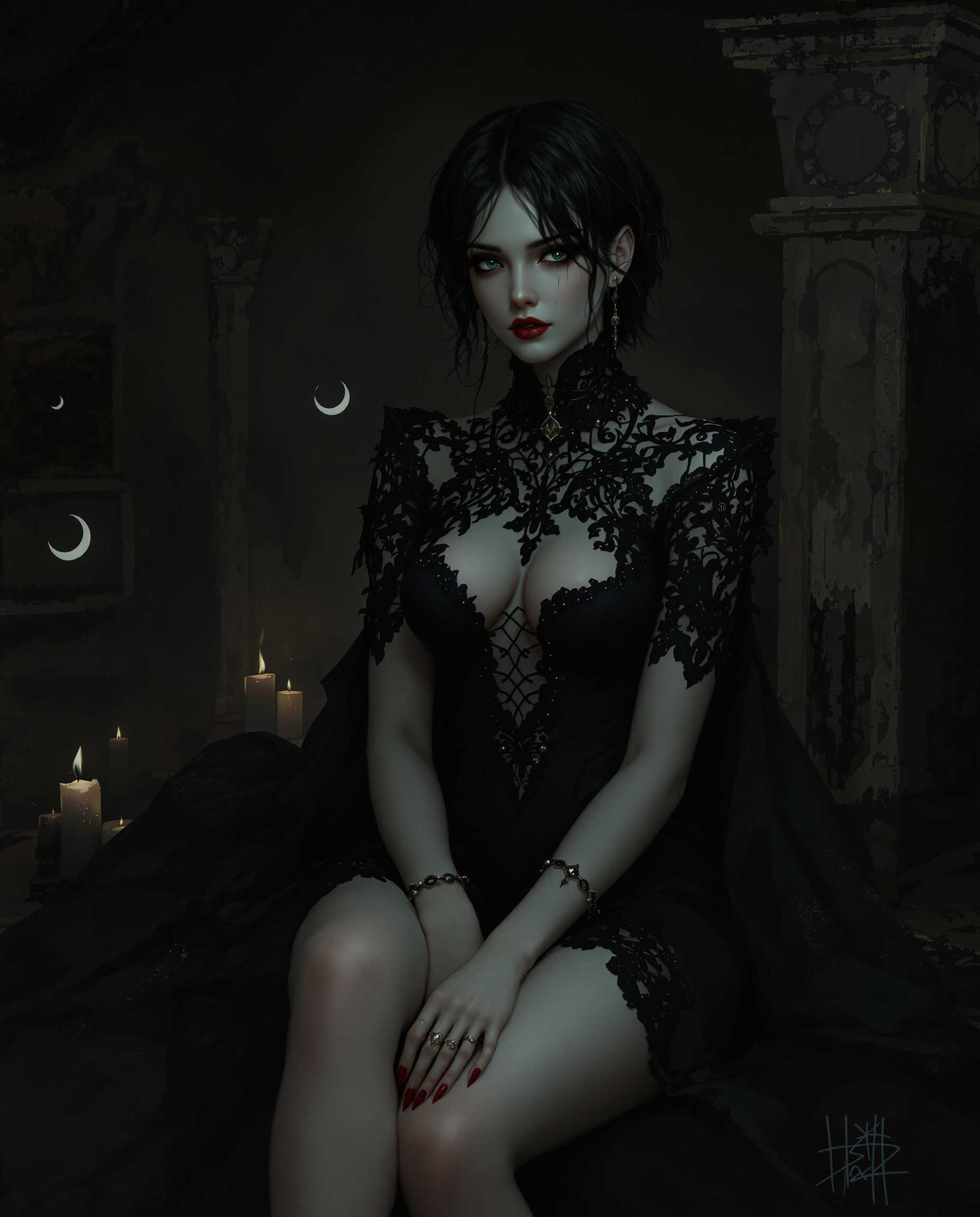
The Pixel Dojo Advantage
Why PixelDojo outperforms other options for free AI face swap image and video generation
| Others | Pixel Dojo |
|---|---|
| Traditional face swap creation | No manual Photoshop work or expensive software—achieve professional blending and lighting matches automatically in seconds instead of hours of tedious editing. |
| Generic AI tools | Dedicated face swap and character consistency tools like LoRA Face Swap and Consistent Characters deliver superior identity preservation and multi-angle accuracy tailored specifically for swaps. |
| Manual photo editing | Eliminate the learning curve and time investment—generate unlimited free swaps with perfect expression and lighting transfer without any artistic or technical experience. |
Loved by creators on PixelDojo
Real feedback from people using PixelDojo, pulled from our in-product surveys.
deployment rate of splendid features is incredible. Legend
large selection of tools on one platform
the amount you can do on this site
all in one place
It is a lot of fun to uae and easy too.
So many different models to try out
Explore more AI tools on PixelDojo
AI Tools
Compare & Switch
- Best AI Image Generators
- Best AI Video Generators
- Midjourney Alternatives
- Civitai Alternatives
- Runway Alternatives
- Leonardo Alternatives
- Pika Alternatives
- Luma Alternatives
- Magnific Alternatives
- Veo Alternatives
- Flux Alternatives
- Freepik Alternatives
- Seedance Alternatives
- Seedream Alternatives
- Pixverse Alternatives
- GPT Image Alternatives
- Synthesia Alternatives
- Playground Alternatives
- NightCafe Alternatives
- Canva AI Alternatives
- ElevenLabs Alternatives
- ComfyUI Alternatives
- Fal Alternatives
- Replicate Alternatives
Common Questions
Everything you need to know about ai face swap free
How to do ai face swap free online with PixelDojo?
Simply visit PixelDojo, go to Characters & Faces, pick LoRA Face Swap or Virtual Try-On, upload your source face and target photo or video, and generate. Results are free with generous daily limits, and you can enhance further with tools like Inpainting or Portrait Upscaler. No signup needed to start creating realistic swaps.
Is ai face swap free on PixelDojo and how many can I make?
Yes, PixelDojo offers free AI face swaps with daily credits included. You can create multiple high-quality swaps per day using LoRA Face Swap and video tools like WAN Video Character Swap. Upgrade options exist for higher volume, but the free tier is robust enough for most creators and hobbyists.
What makes PixelDojo's free ai face swap more realistic than others?
Our specialized tools like Kling Video Character Swap and Flux Pro Virtual Try-On use advanced techniques for perfect lighting, angle, and expression matching. Combined with options like Reality Polisher and Character Stylist, you get photorealistic results that maintain consistency across photos and videos.
Can I do free ai face swap on videos with PixelDojo?
Absolutely. Use WAN Video Character Swap, Kling Video Character Swap, or P Video Avatar to swap faces in videos seamlessly. These tools preserve motion, lip sync potential, and identity across frames for professional-looking video content without any cost on the free plan.
How to get the best results with free ai face swap techniques?
Start with clear, well-lit source photos of the face you want to use. Choose front or three-quarter angles for targets. After generating with LoRA Face Swap, refine using Magic Lighting or Style Transfer. For videos, leverage Consistent Characters to maintain the swapped face across multiple clips.
Are there any limits or watermarks on PixelDojo free ai face swap?
PixelDojo's free face swaps come without watermarks on core outputs. Daily limits apply to encourage fair use, but you get plenty of generations. Access to 40+ tools including upscalers and editors is included, and you can cancel premium upgrades anytime.