kera AI Generator
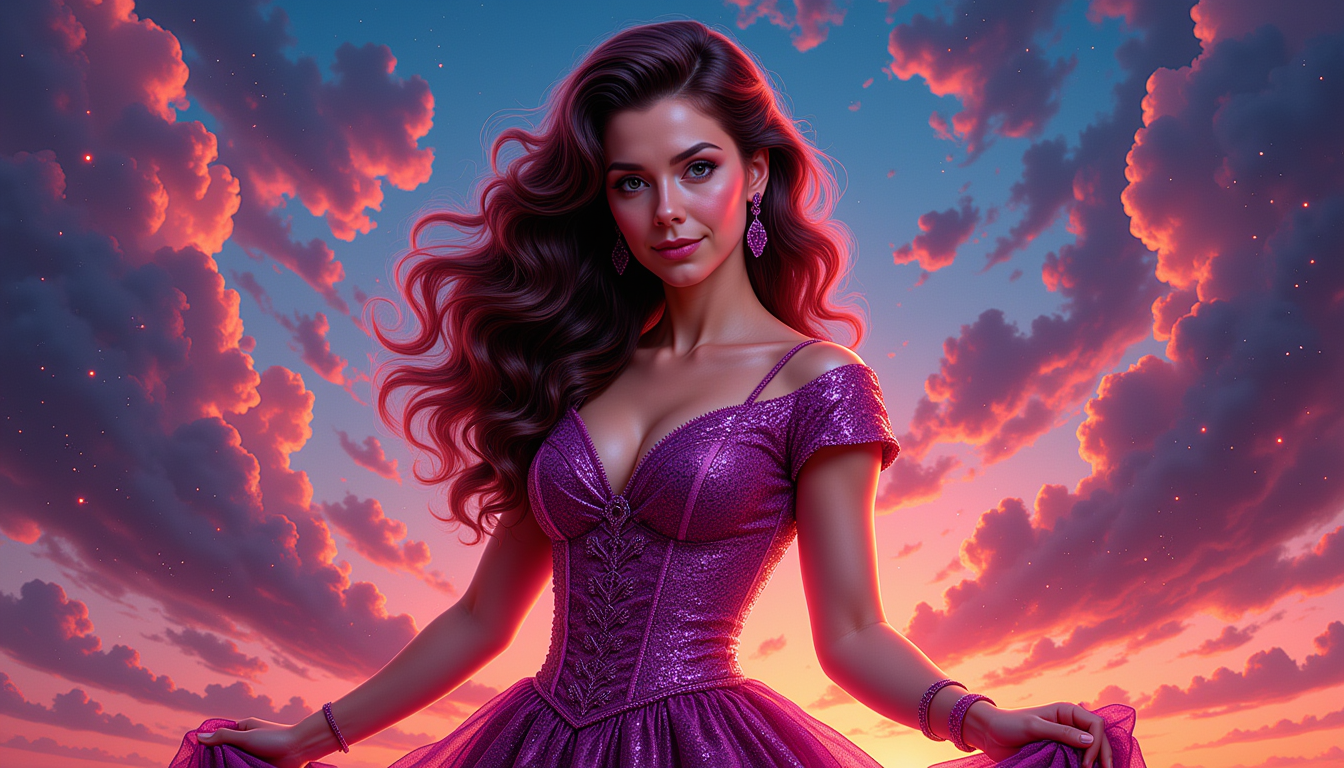
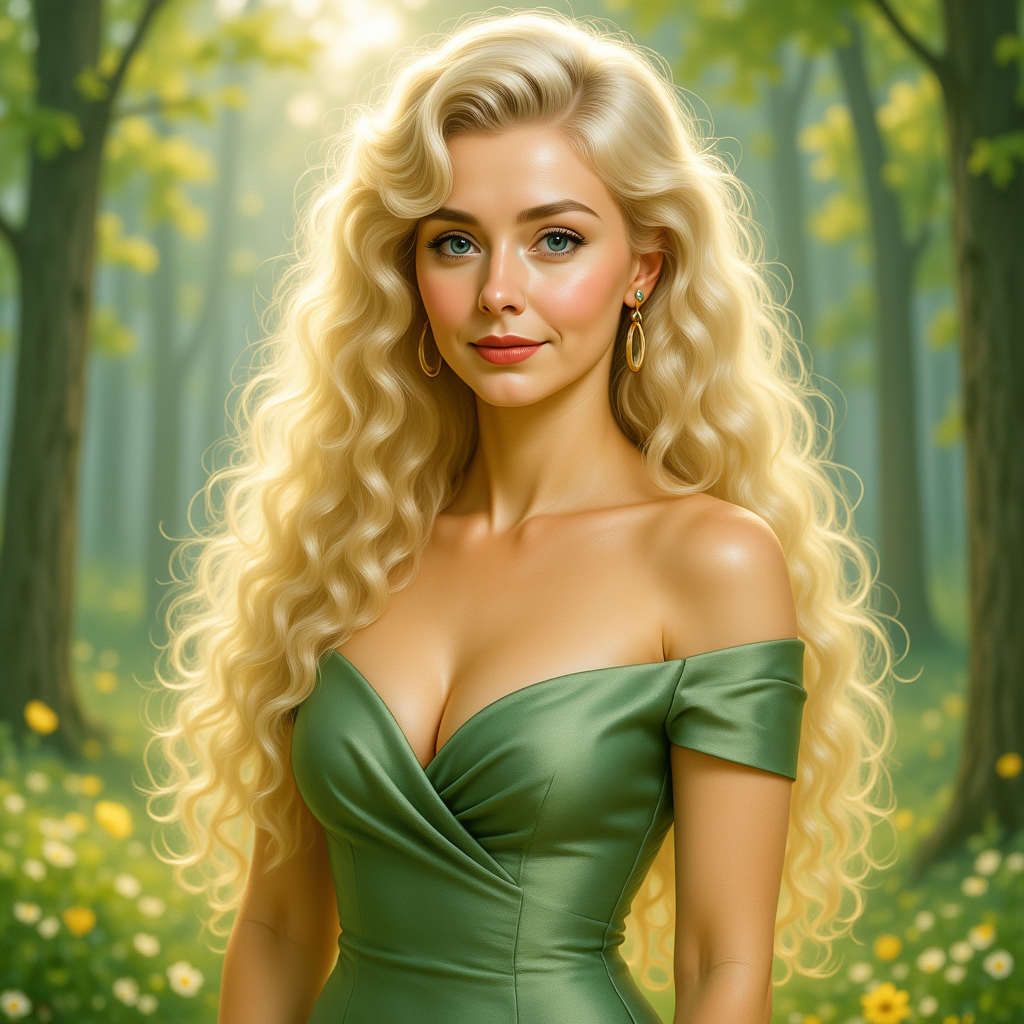
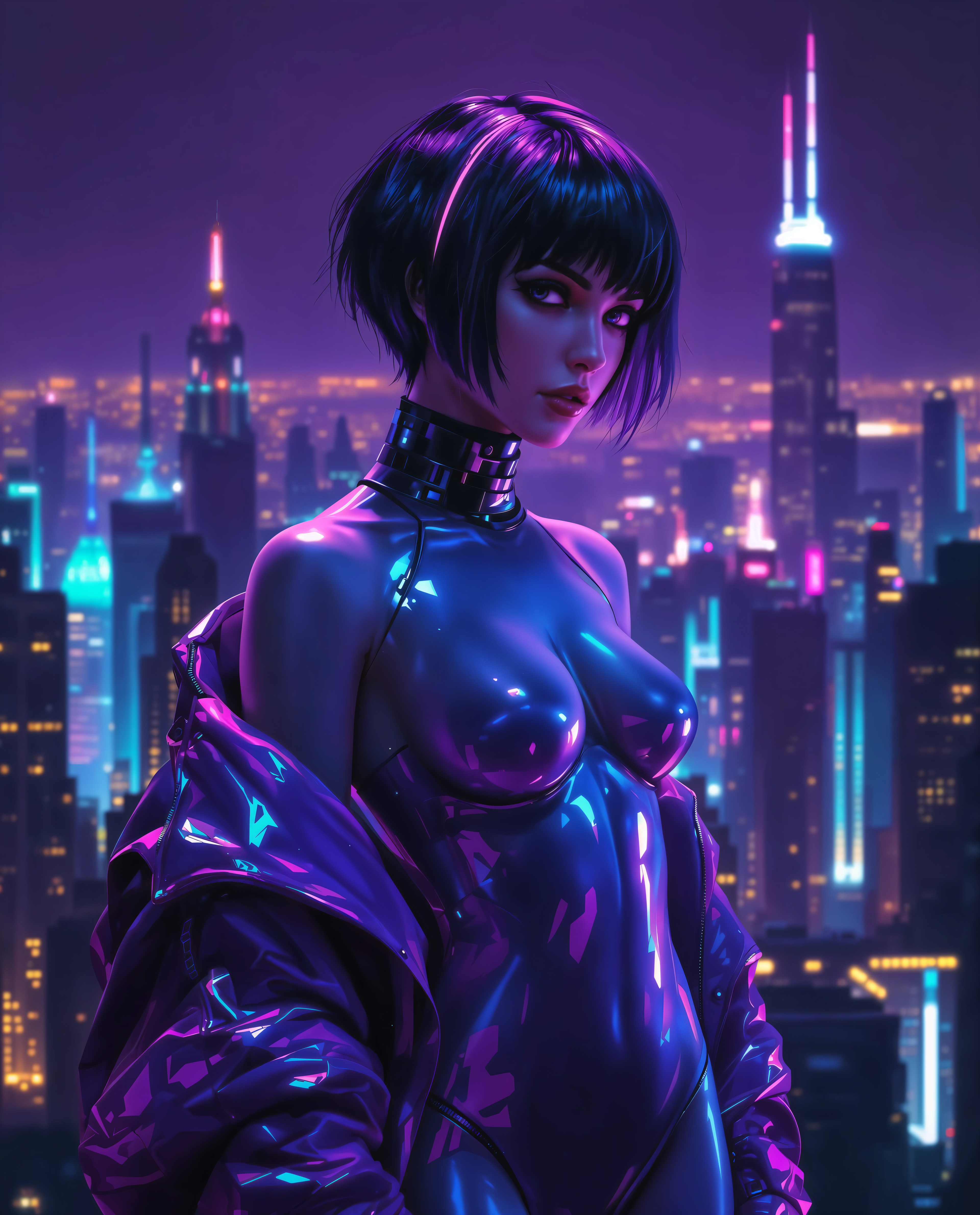
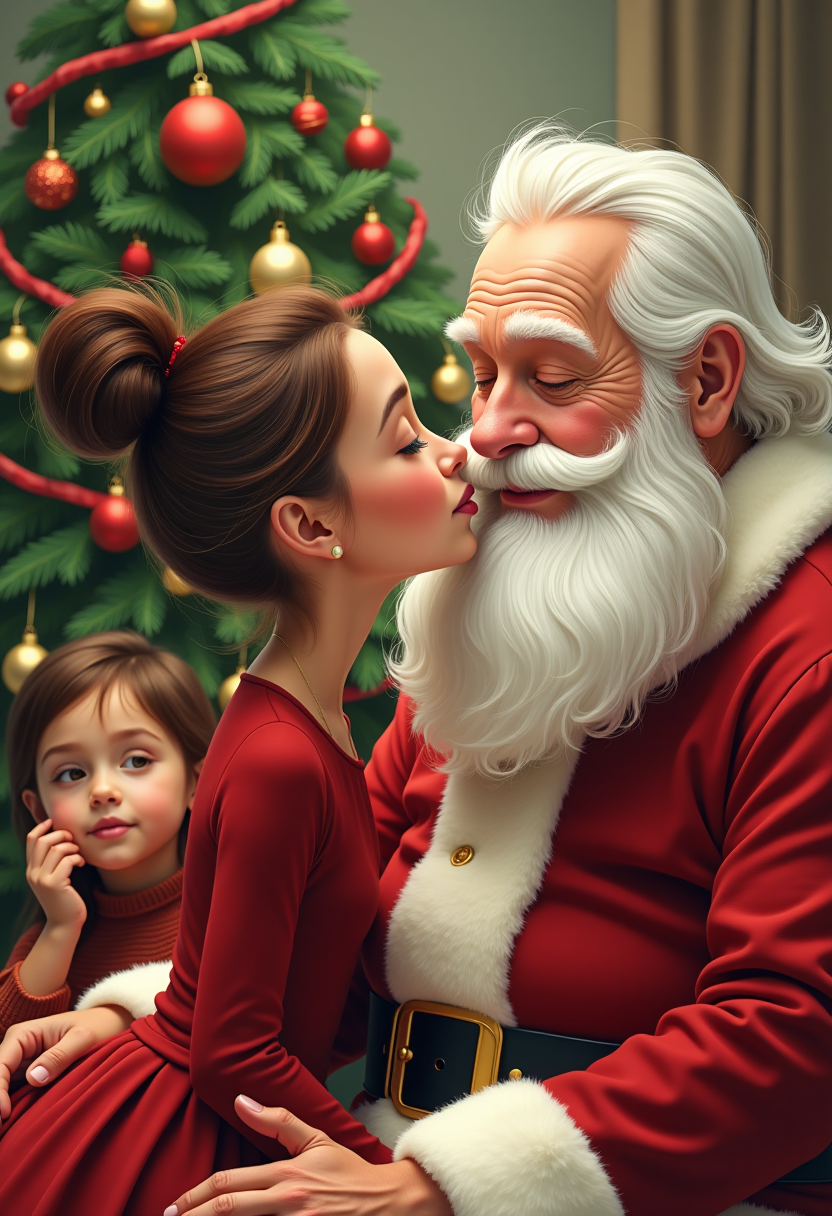
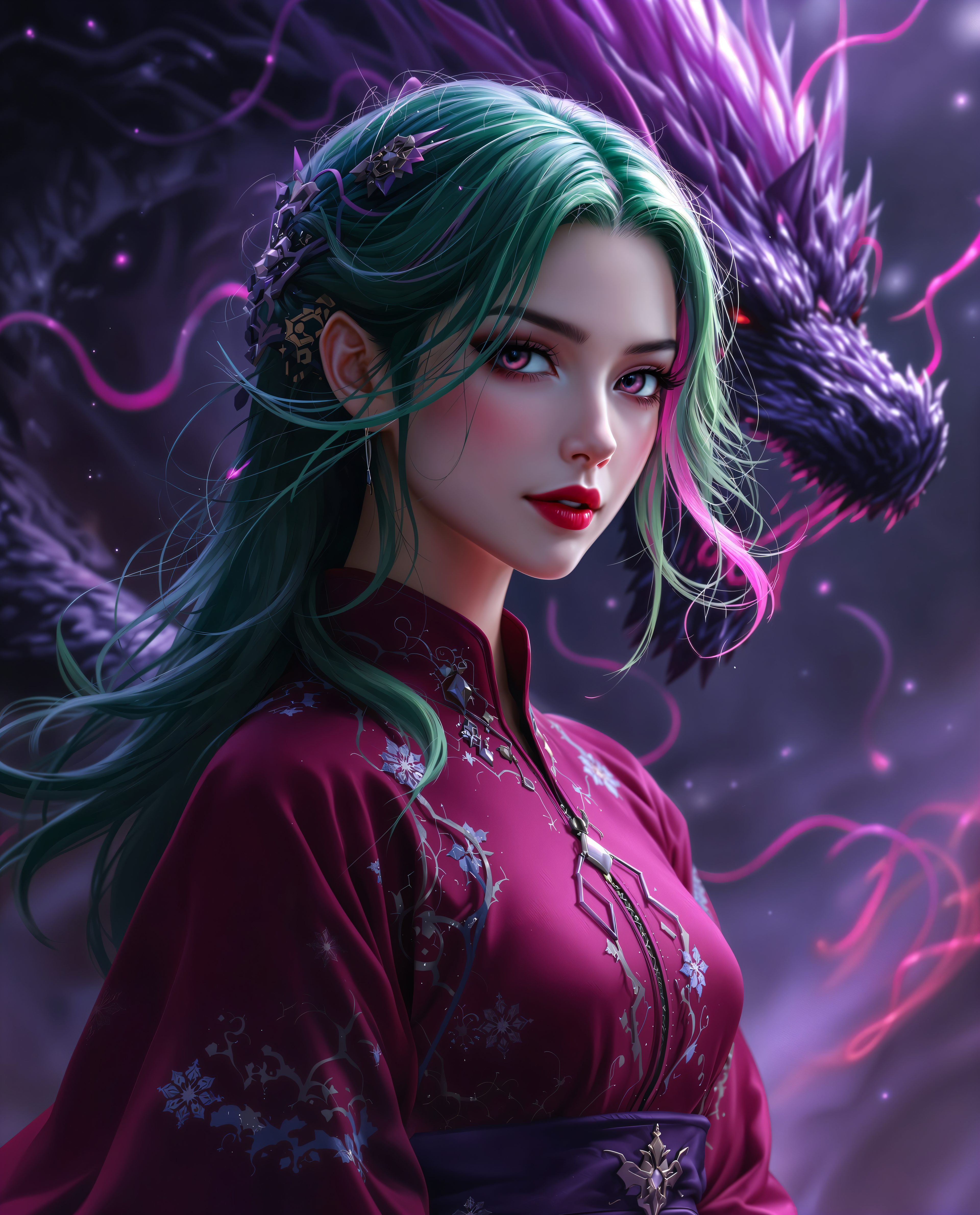
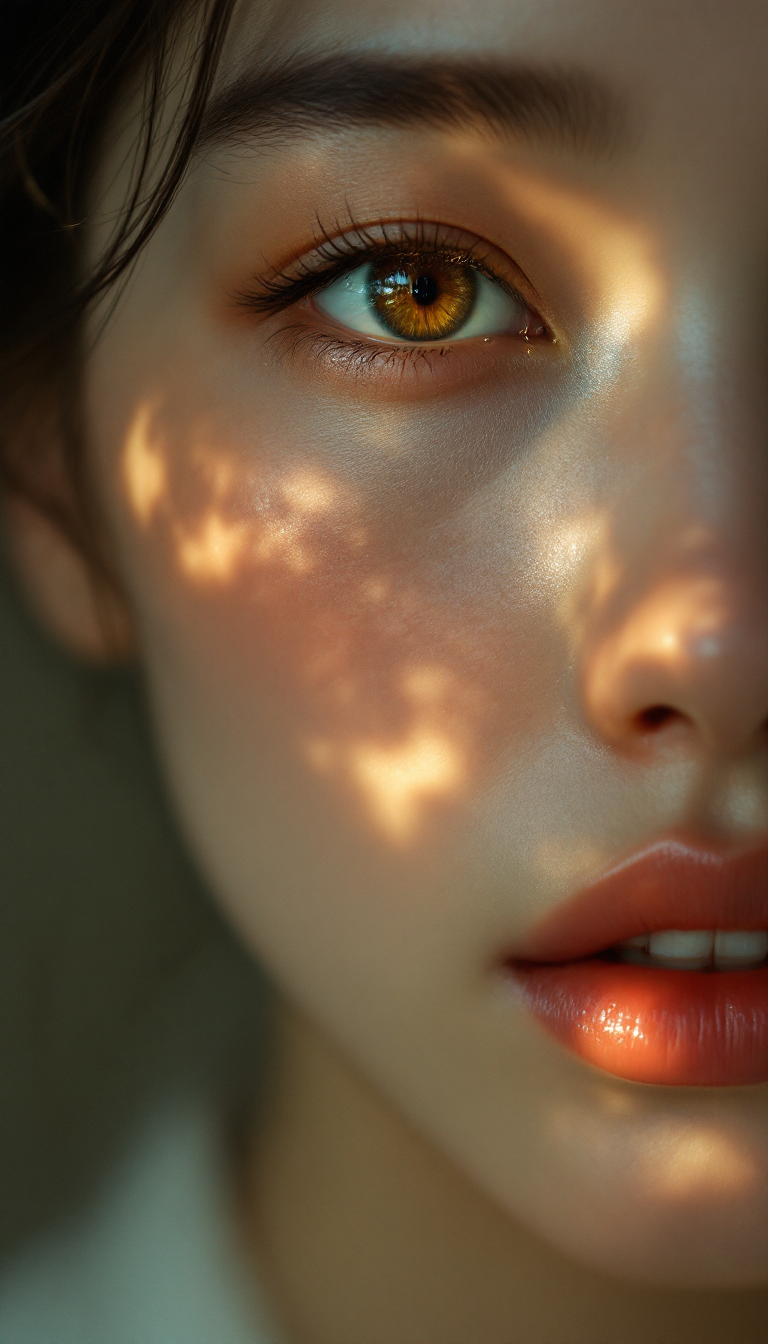
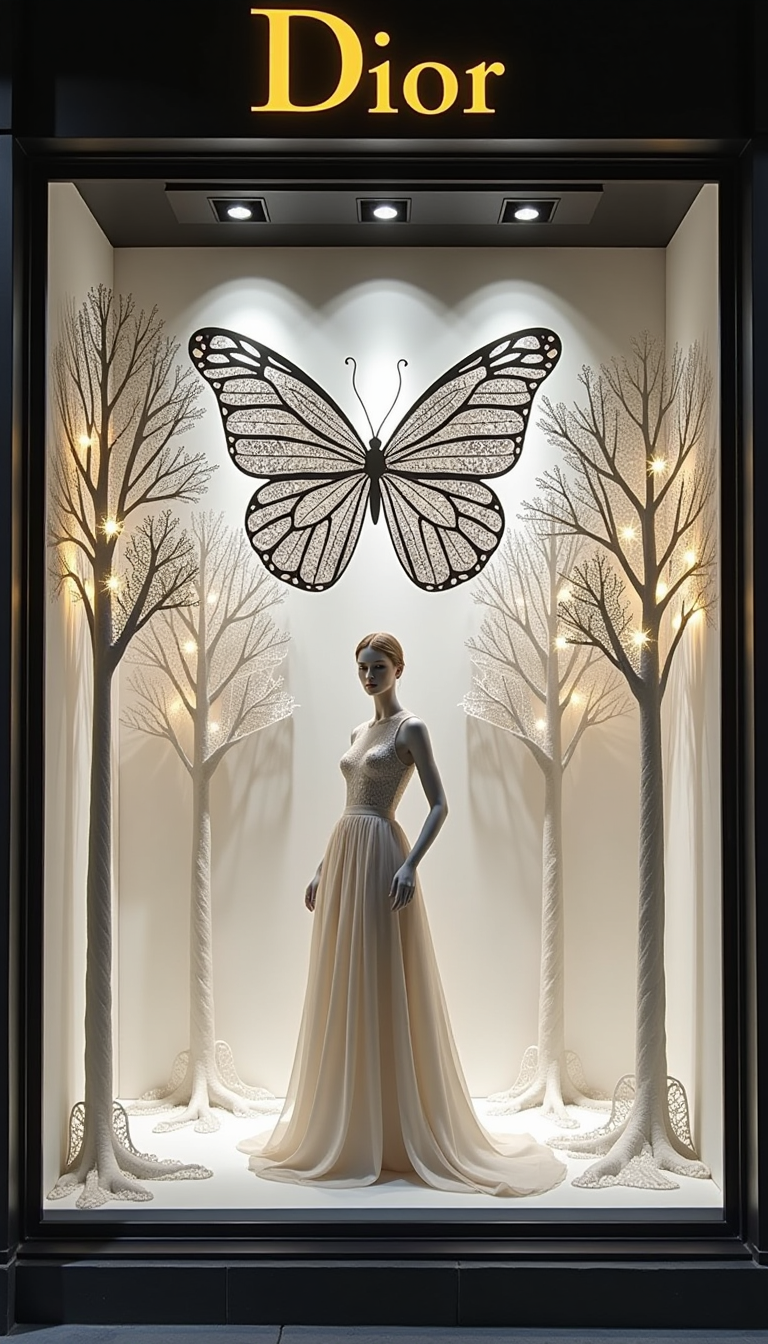
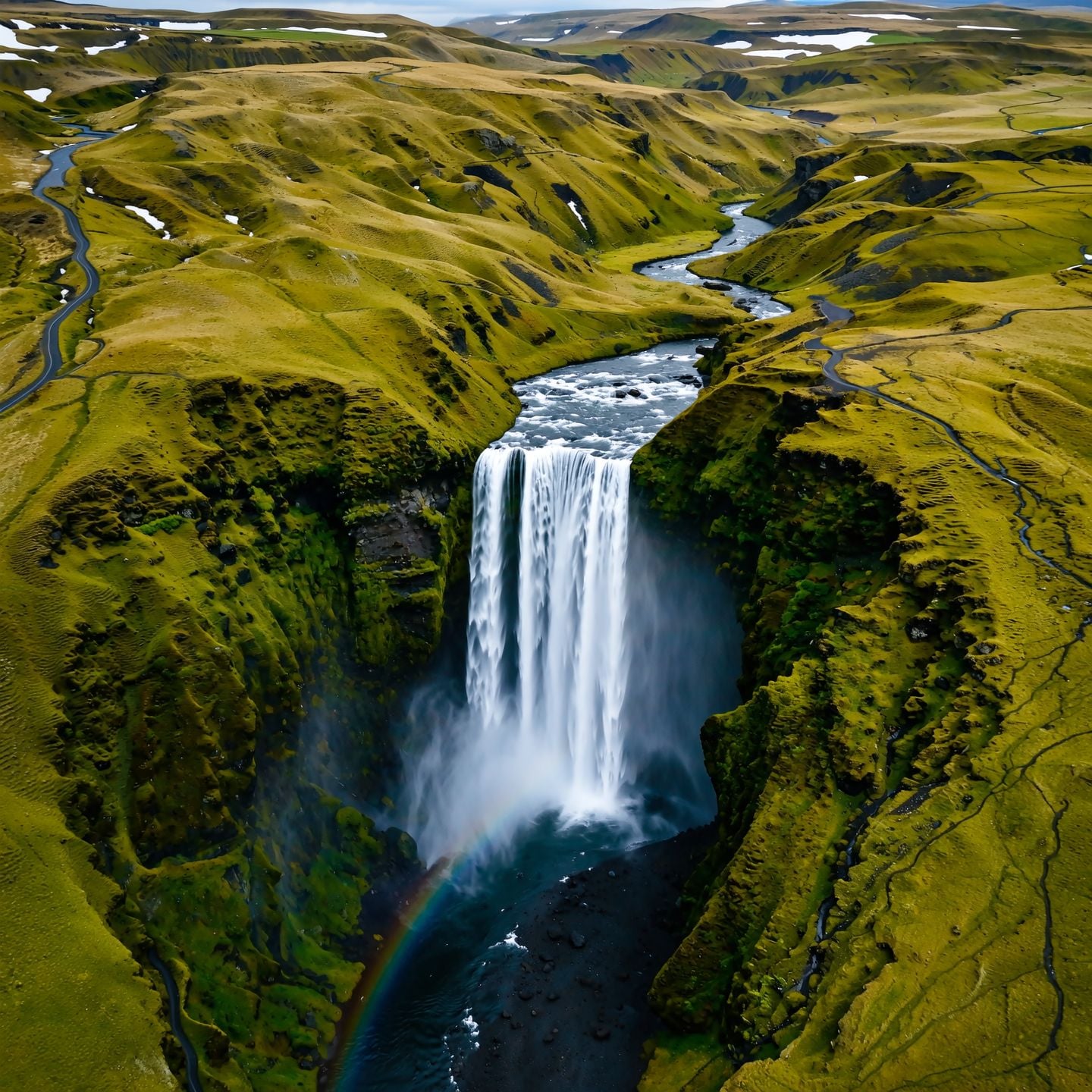
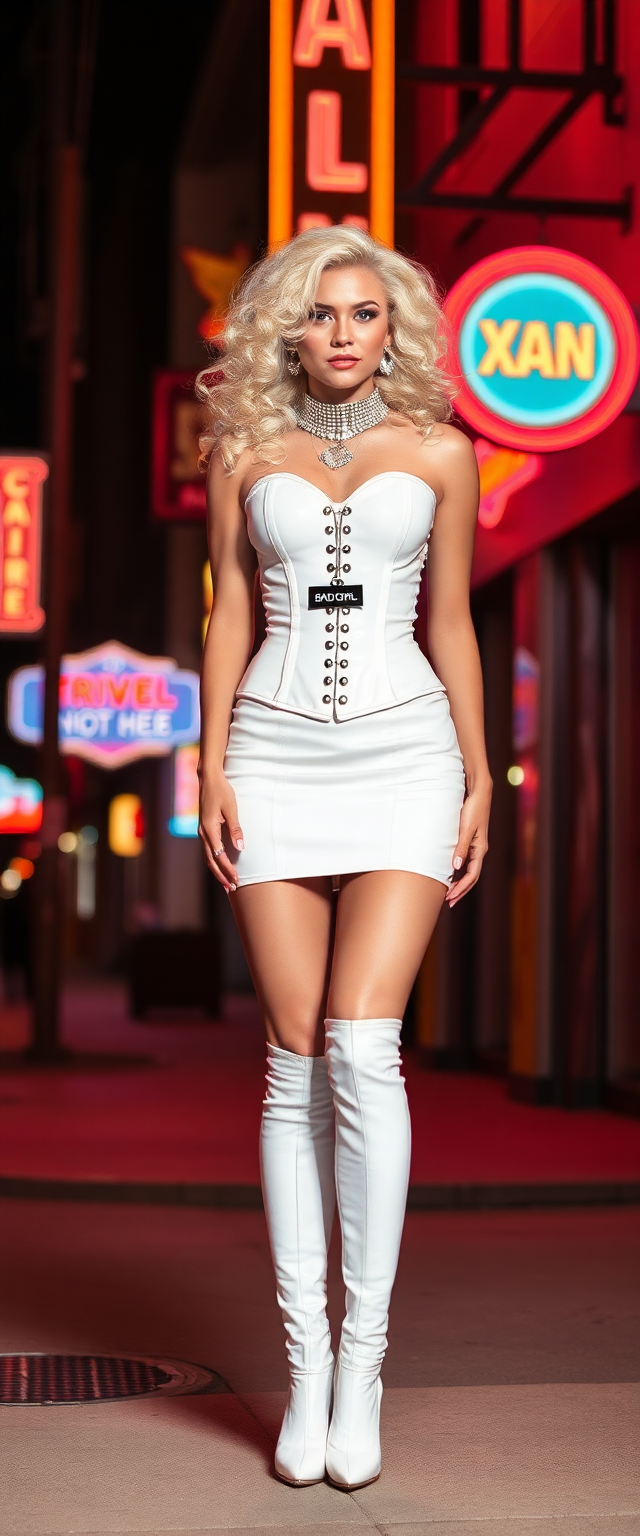
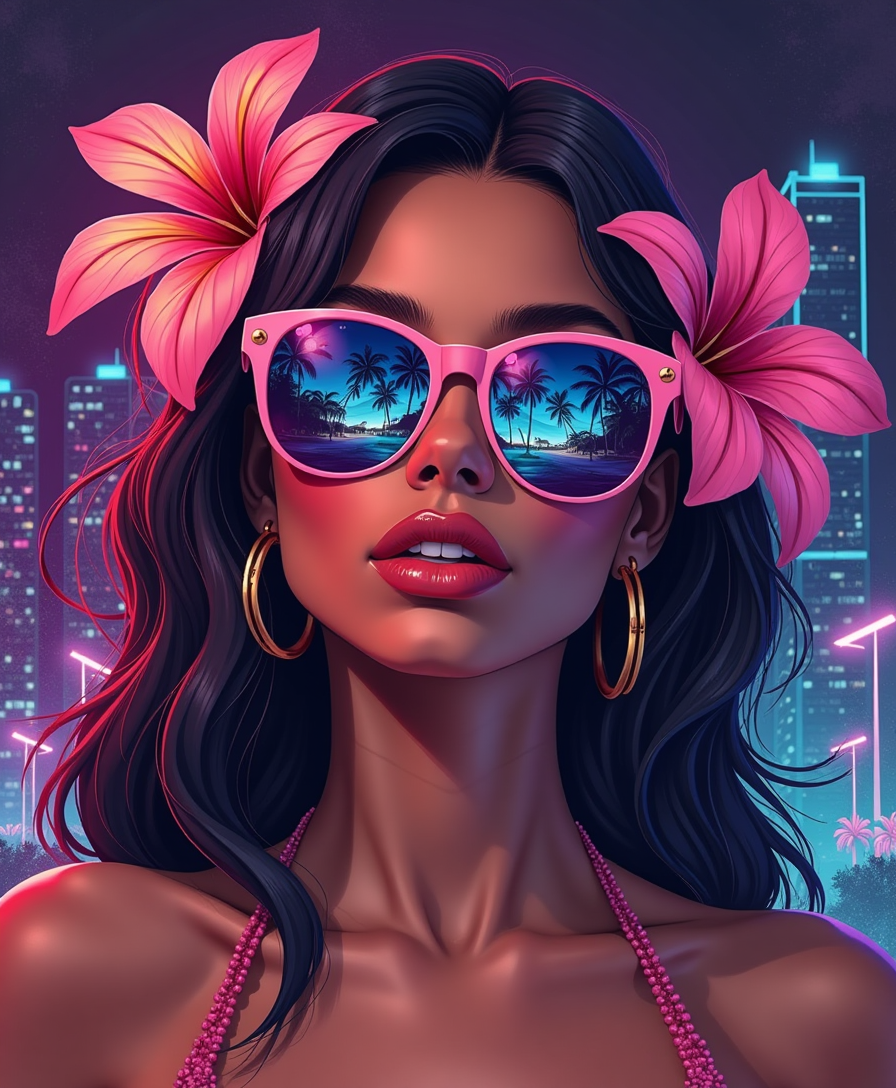
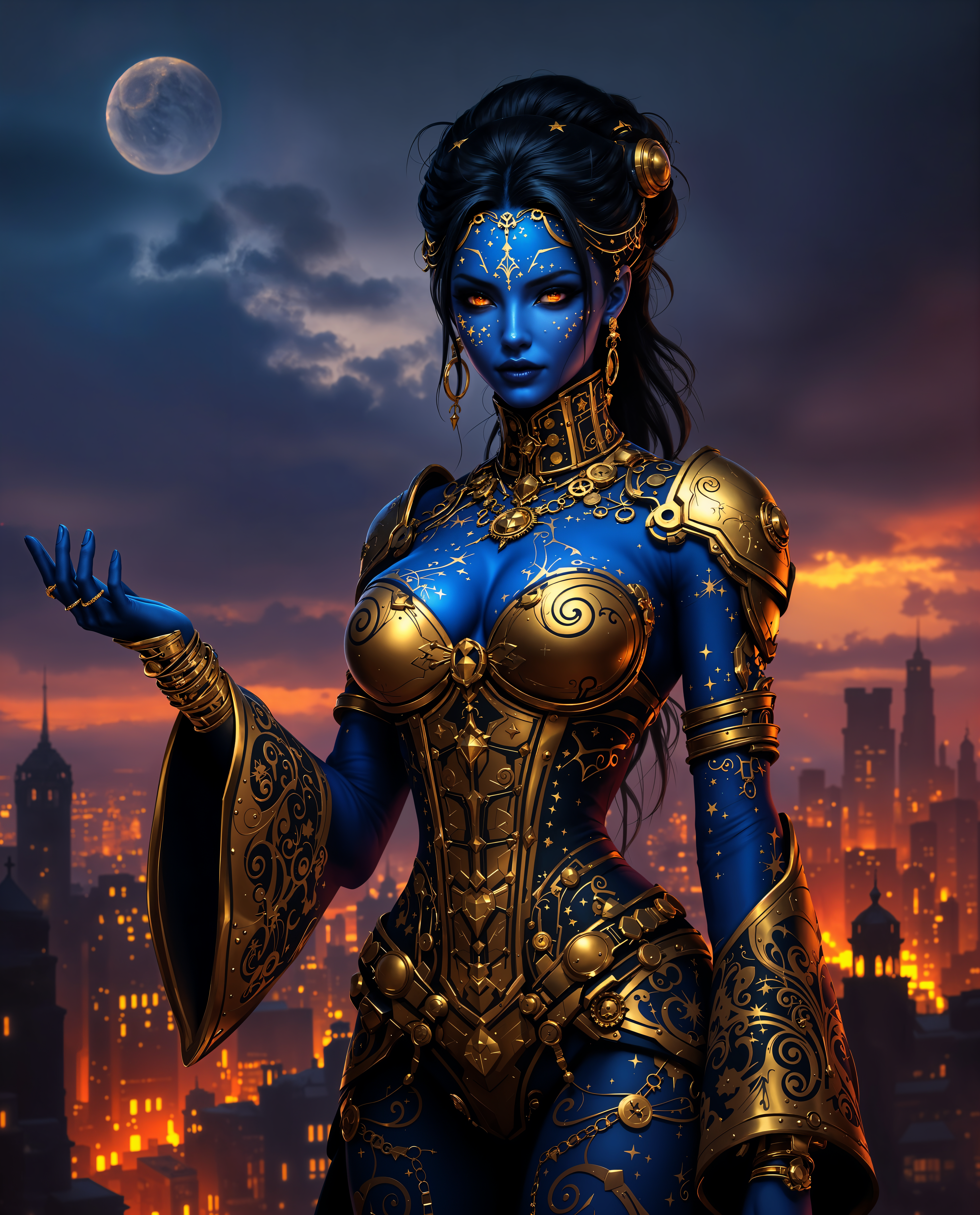
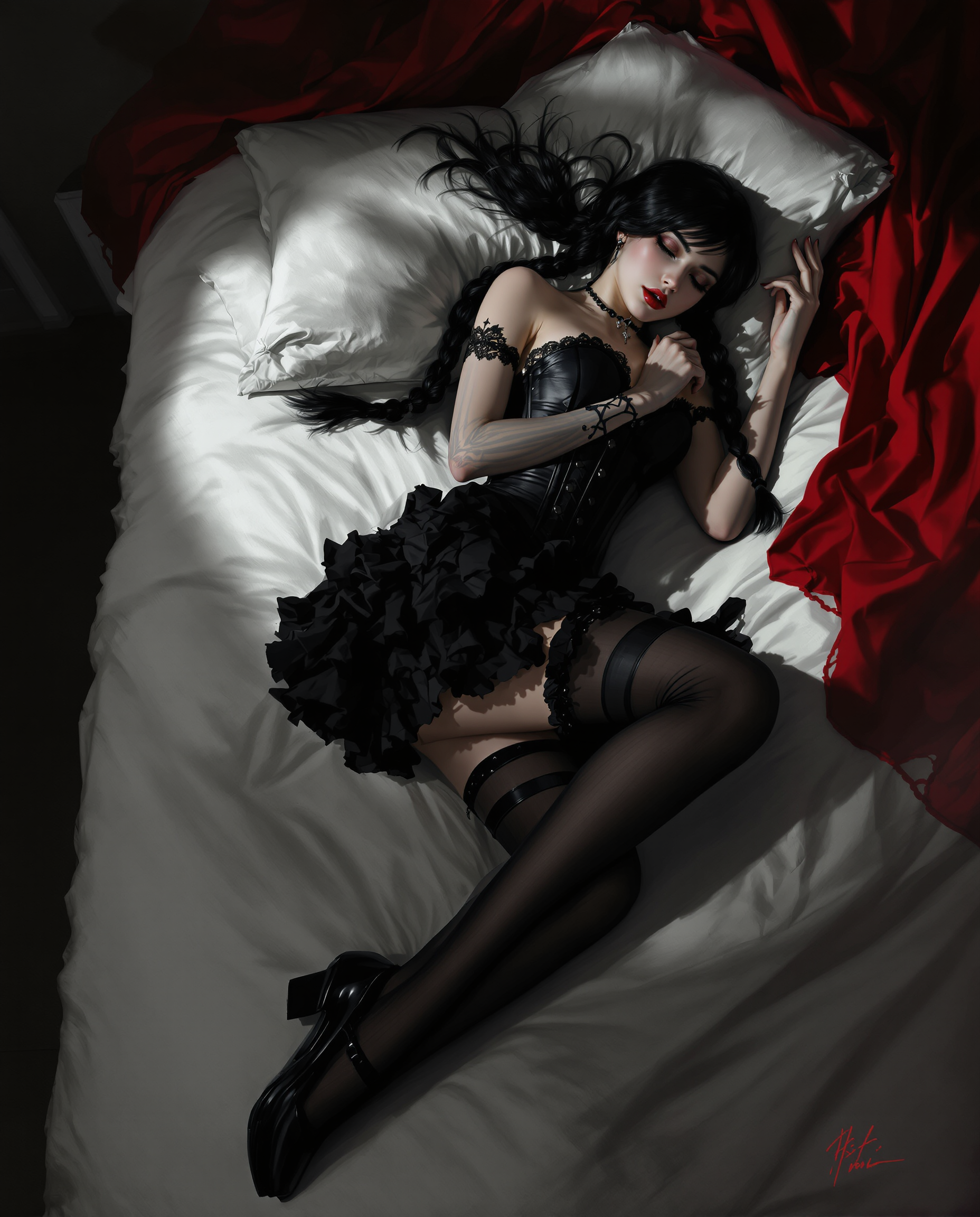
Unlock the power of Krea image generation and transform your creative ideas into stunning, style-consistent visuals that captivate audiences. With PixelDojo's dedicated Krea Image tool, you can achieve professional-grade results that match your exact aesthetic vision—whether crafting cinematic portraits, intricate illustrations, or brand-aligned marketing assets. Experience rapid iteration, precise style references, and breathtaking detail that elevates your projects from concept to polished masterpiece in moments, empowering you to produce work that stands out in today's competitive creative landscape.
Over 75,000 creators trust PixelDojo for Krea-style image generation, producing more than 3.2 million images this year alone. Rated 4.9/5 by thousands of users worldwide, our platform delivers consistent, high-quality outcomes loved by designers, marketers, and artists who return daily for reliable results.
Why Choose Pixel Dojo for kera
Professional-quality results with cutting-edge AI technology
Master Precise Style Consistency Across Projects
Maintain flawless brand aesthetics or artistic vision in every generation using Krea Image's advanced reference capabilities, ensuring your visuals feel cohesive and professional without endless manual tweaks.
Produce High-Impact Visuals in Record Time
Generate photorealistic or artistic Krea-style images with incredible speed and detail, allowing you to iterate concepts rapidly and meet tight deadlines while delivering exceptional quality that impresses clients and viewers.
Unlock Creative Freedom with Effortless Refinement
Experiment boldly with styles, compositions, and moods using intuitive controls and complementary tools like Style Transfer or Image to Image, turning rough ideas into refined masterpieces that perfectly capture your intent.
How It Works
Creating captivating Krea-style images is simple and intuitive with PixelDojo. Leverage our specialized Krea Image tool alongside powerful editors for complete creative control from prompt to final download.
Step 1: Choose Your Tool
Navigate to Generate Images and select the Krea Image tool for authentic Krea 2-inspired results. For variations, explore Flux.2 Studio or Ideogram 4 to complement your workflow with additional aesthetic options.
Step 2: Enter Your Prompt
Describe your vision in detail—include subject, lighting, mood, and any style references. Upload reference images via Image to Image or Style Transfer for precise aesthetic guidance, mimicking Krea's signature moodboard approach.
Step 3: Customize & Download
Adjust parameters for intensity or composition, apply edits like Magic Lighting or Reality Polisher, then upscale with P-Image Upscale or Creative Upscaler. Download your high-resolution Krea-style masterpiece ready for any use.

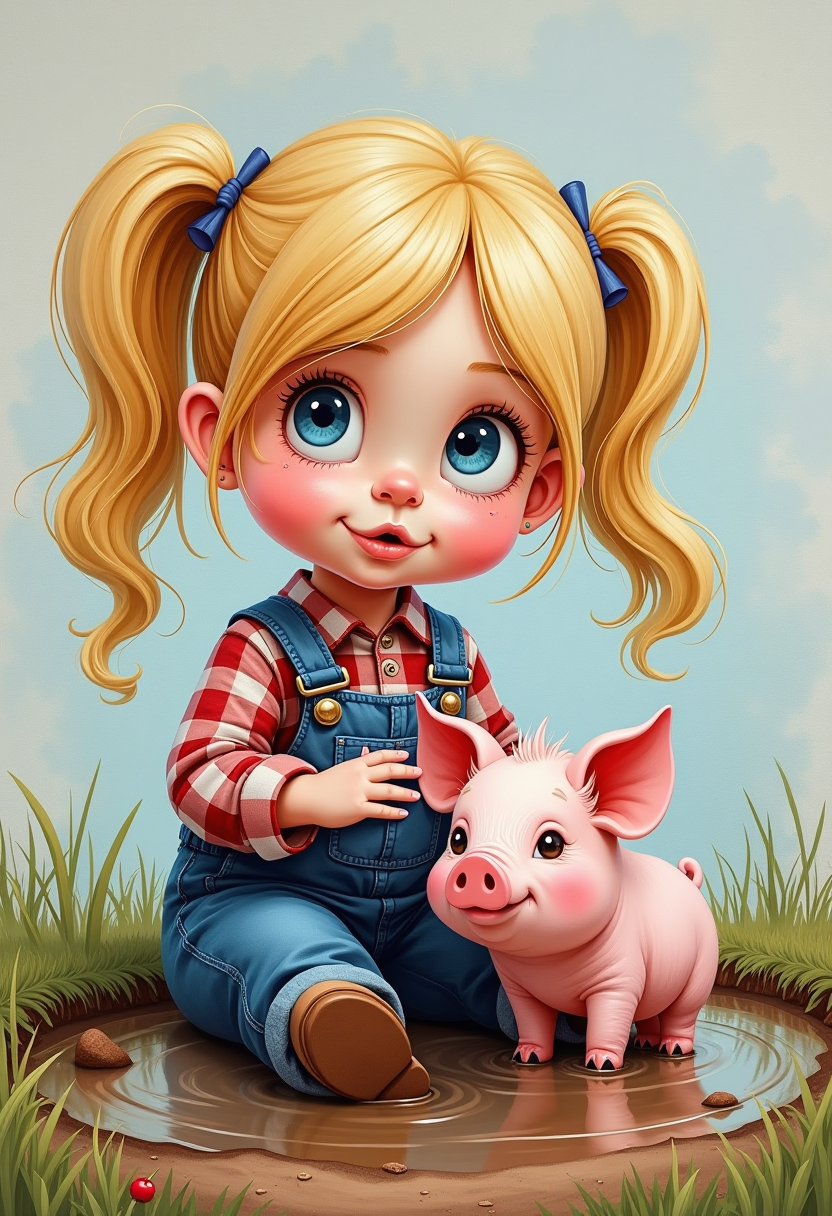
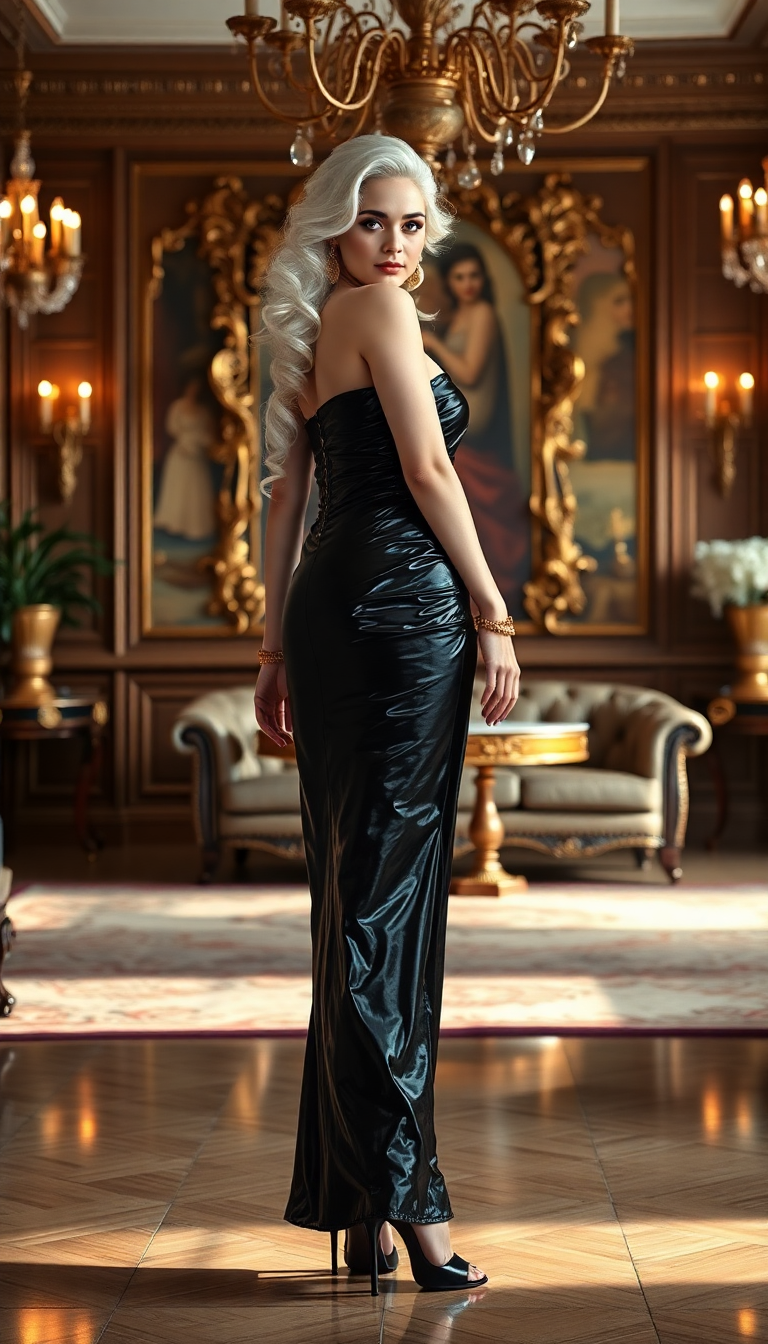
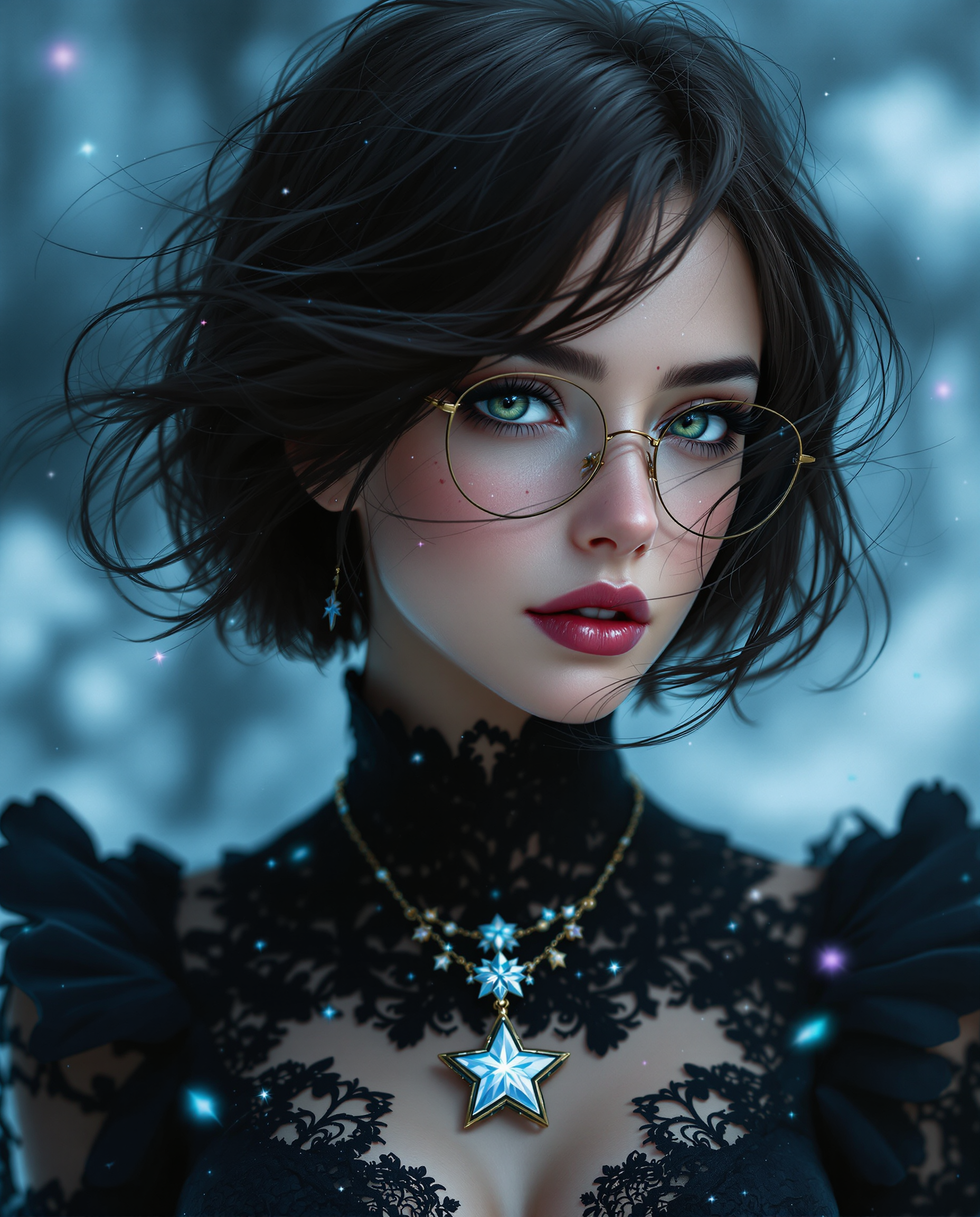
The Pixel Dojo Advantage
Why PixelDojo outperforms other options for Krea image generation
| Others | Pixel Dojo |
|---|---|
| Traditional Krea creation | Access Krea Image instantly without subscriptions or learning curves—generate consistent, reference-driven results faster than manual setup on other platforms |
| Generic AI tools | Dedicated Krea Image tool plus 40+ specialized models deliver superior style fidelity and creative control tailored for professional aesthetics, not generic outputs |
| Manual photo editing | AI-powered style transfer, references, and real-time refinements replace hours of tedious editing with instant, high-quality Krea-style transformations |
Loved by creators on PixelDojo
Real feedback from people using PixelDojo, pulled from our in-product surveys.
amazing web site
phenomenal site. would highly recommend
Amazing features, easy to use, privacy
the number of options, and especially the quick response to questions on Discord
Love you guys!!
Trained my Lora super fast. Still working out how to creat content wit it, but I love it so far.
Explore more AI tools on PixelDojo
AI Tools
Compare & Switch
- Best AI Image Generators
- Best AI Video Generators
- Midjourney Alternatives
- Civitai Alternatives
- Runway Alternatives
- Leonardo Alternatives
- Pika Alternatives
- Luma Alternatives
- Magnific Alternatives
- Veo Alternatives
- Flux Alternatives
- Freepik Alternatives
- Seedance Alternatives
- Seedream Alternatives
- Pixverse Alternatives
- GPT Image Alternatives
- Synthesia Alternatives
- Playground Alternatives
- NightCafe Alternatives
- Canva AI Alternatives
- ElevenLabs Alternatives
- ComfyUI Alternatives
- Fal Alternatives
- Replicate Alternatives
Common Questions
Everything you need to know about kera
How to create Krea style images with AI image generators?
Simply select PixelDojo's Krea Image tool, craft a detailed prompt with style references or upload moodboard-style images, and generate. Our platform replicates Krea's aesthetic focus through precise controls, delivering consistent, high-fidelity results that match professional standards effortlessly.
What makes PixelDojo's Krea Image tool different for style references?
PixelDojo integrates Krea Image with complementary features like Style Transfer and Image to Image, allowing seamless multi-reference blending and strength adjustments. This produces Krea 2-like outcomes with exceptional control over color palettes, textures, and compositions for brand-perfect visuals.
Can I generate Krea 2 style images quickly for client projects?
Yes—PixelDojo's Krea Image delivers fast generations with built-in upscalers like Magnific Upscaler and Clarity Pro. Combine with Generative Sliders equivalents via editing tools to refine intensity and movement, producing client-ready Krea-style assets in minutes, not hours.
How do I maintain consistent aesthetics across multiple Krea images?
Use reference uploads and style presets in Krea Image, then apply Character Stylist or Consistent Characters for recurring elements. PixelDojo's workflow ensures visual cohesion across series, ideal for campaigns, storyboards, or portfolios requiring unified Krea aesthetics.
Is PixelDojo suitable for beginners wanting Krea image generation?
Absolutely. Our intuitive interface guides you through prompts and references with Krea Image, while helpful examples and one-click enhancements like Background Remover make professional results accessible. Thousands of new creators achieve stunning outcomes on their first try.
What advanced techniques work best with PixelDojo for Krea-style art?
Combine Krea Image prompts with moodboard references, iterative Style Transfer edits, and post-processing via Reality Polisher or Video Upscaler for hybrid projects. This mirrors latest Krea trends like generative sliders and real-time refinement for dynamic, high-impact creations.