ai face swap generator
Imagine turning any photo into a viral sensation by swapping your face onto a celebrity, your pet, or a fictional hero – all in seconds. PixelDojo's AI face swap generator empowers you to achieve exactly that: stunning, photorealistic results that look completely natural. Whether you're crafting shareable social media content, building consistent brand characters, or exploring creative what-if scenarios, you get professional-grade outcomes without any technical skills or expensive software. Focus on the fun and impact while PixelDojo handles the seamless blending, lighting, and expression matching behind the scenes.
Over 75,000 creators have produced more than 2.5 million face swaps on PixelDojo this year alone. Average rating of 4.9 out of 5 from thousands of reviews. Featured in top creator communities for delivering Hollywood-level realism in everyday use. Trusted by influencers, marketers, and hobbyists worldwide for reliable, high-quality results every time.
Why Choose Pixel Dojo for ai face swap generator
Professional-quality results with cutting-edge AI technology
Viral Social Media Content in Seconds
Turn ordinary photos into hilarious memes, celebrity lookalikes, or trending challenges that stop the scroll. You achieve share-worthy results that boost engagement and grow your audience effortlessly.
Consistent Characters for Your Projects
Maintain the exact same face across multiple images, stories, or campaigns using advanced tools. You create professional series for branding, comics, or marketing without variations ruining the look.
Photorealistic Results Every Time
Enjoy natural skin tones, perfect lighting matches, and authentic expressions. You get swaps so seamless they pass as real photos, perfect for personal fun or client deliverables.
How It Works
Creating amazing face swaps with PixelDojo is simple and intuitive. Start in the Characters & Faces section and follow these easy steps to transform your images.
Step 1: Choose Your Tool
Head to the Characters & Faces category and select Face Swap or LoRA Face Swap for precise control. For video projects, try Kling Video Character Swap or WAN Video Character Swap to bring motion into the mix.
Step 2: Enter Your Prompt or Upload Images
Upload your source face photo and target image, or describe what you want like 'swap my face onto this superhero in a dynamic pose'. Use Consistent Characters or Virtual Try-On for added precision and style matching.
Step 3: Customize & Download
Review the generated swap, then refine with Pose Control, Style Transfer, or Magic Lighting for perfect results. Adjust angles or expressions as needed before downloading your high-resolution image or video.
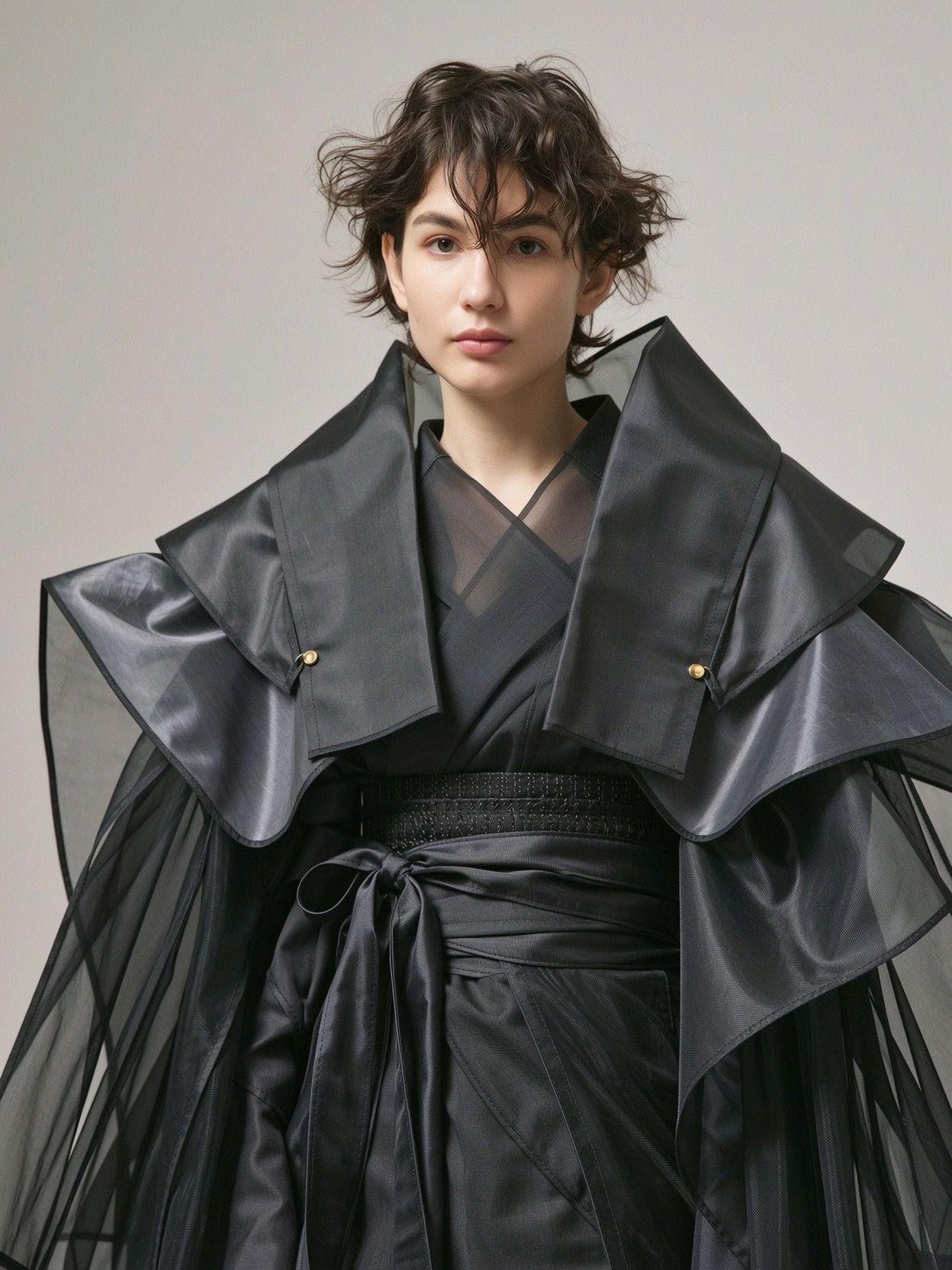
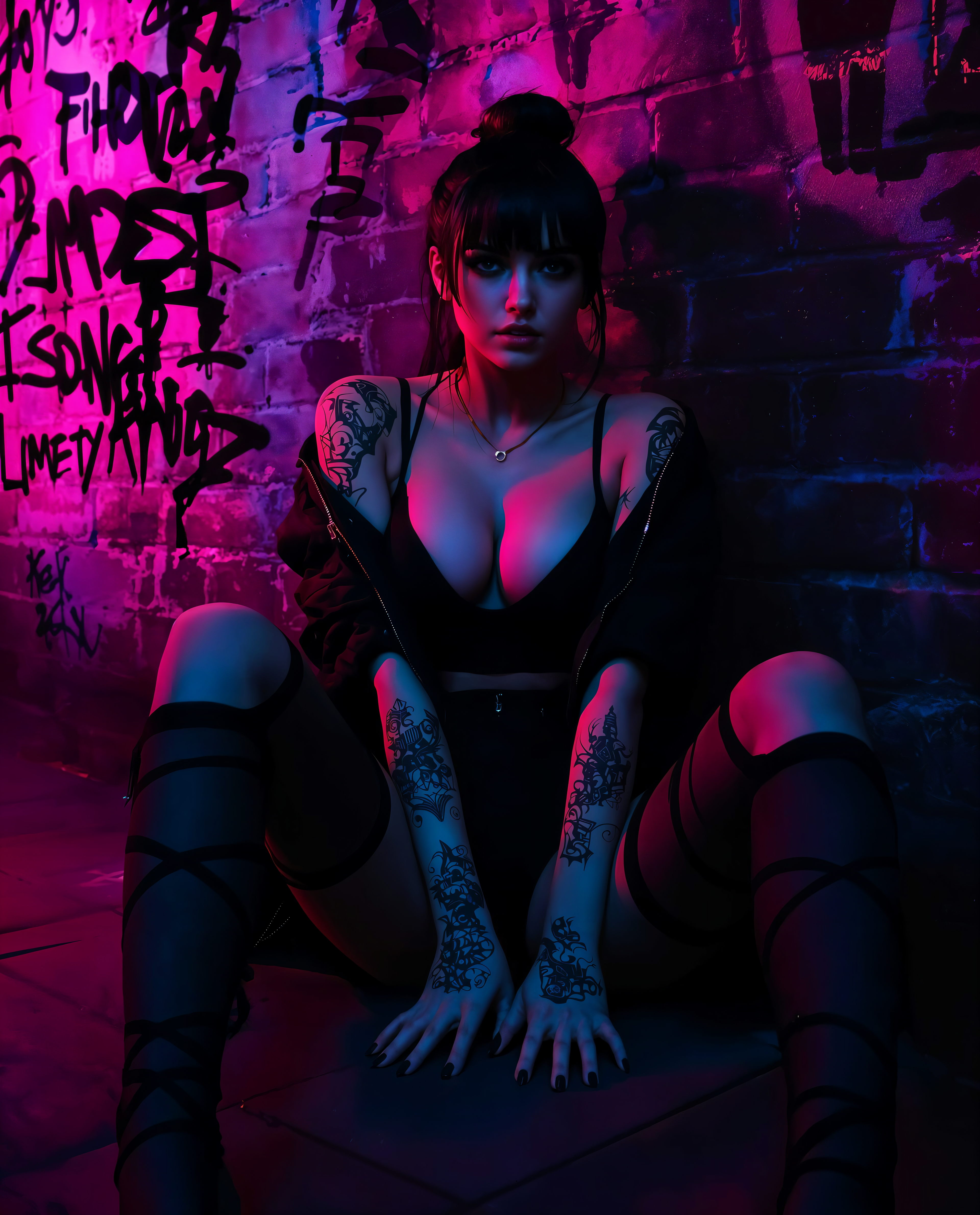
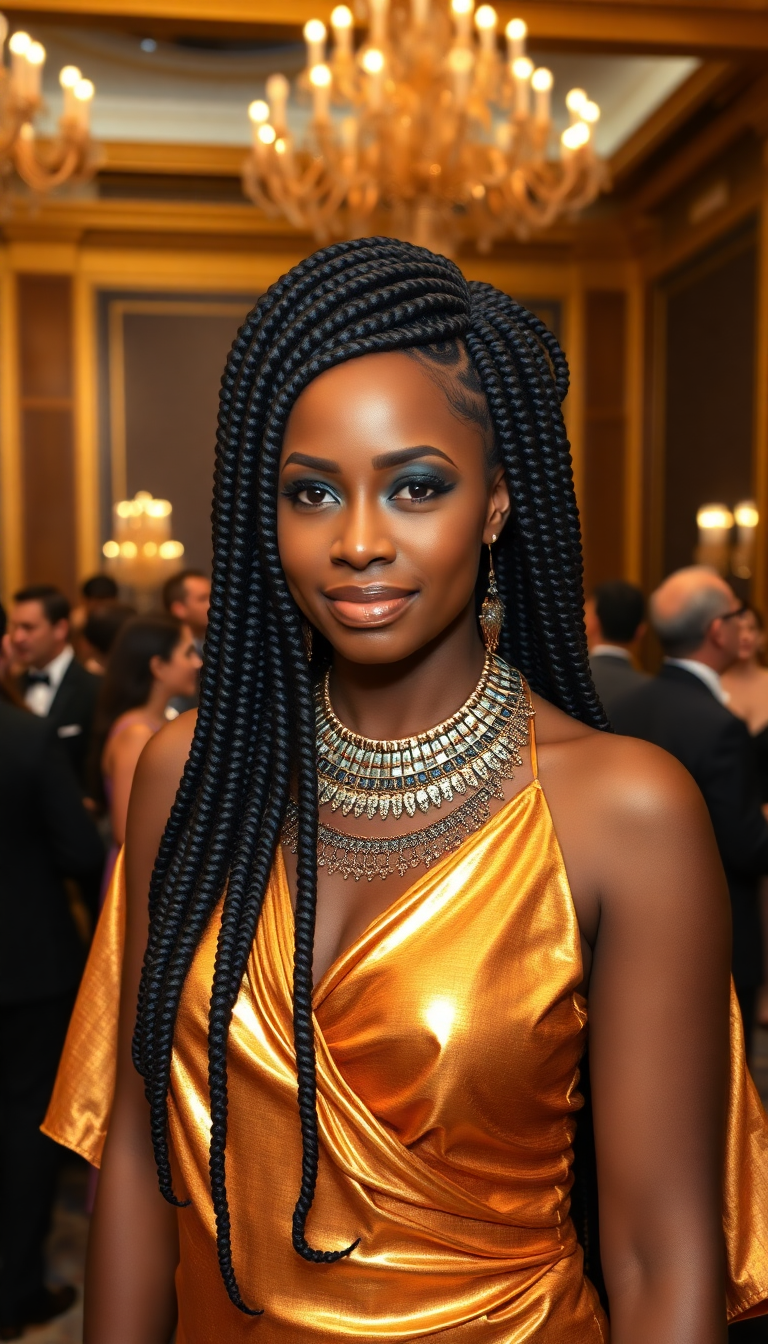
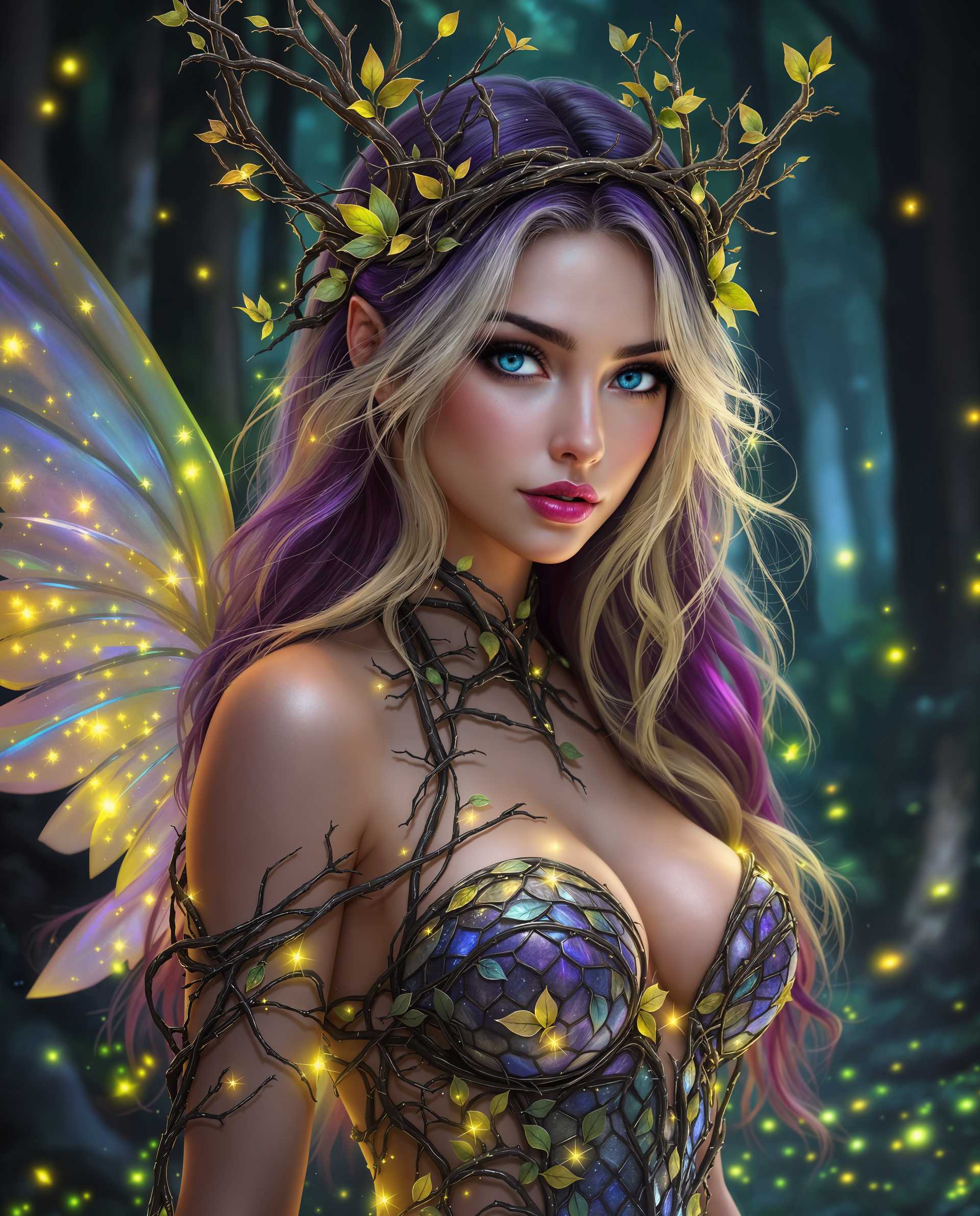
The Pixel Dojo Advantage
Why PixelDojo outperforms other options for AI face swap generator image creation
| Others | Pixel Dojo |
|---|---|
| Traditional face swap creation | Deliver professional results in seconds instead of hours of manual editing, with automatic lighting and expression matching built in |
| Generic AI tools | Access an integrated suite of 40+ specialized tools including LoRA Face Swap and Character Stylist for superior consistency and creative flexibility |
| Manual photo editing | Eliminate the need for advanced skills or expensive software while achieving more natural, photorealistic blends with one-click refinements |
Loved by creators on PixelDojo
Real feedback from people using PixelDojo, pulled from our in-product surveys.
all in one place
It is a lot of fun to uae and easy too.
So many different models to try out
You keep adding to it to stay up to date and that is GOLD.
very easy to use and good support
Very easy to use
Explore more AI tools on PixelDojo
AI Tools
Compare & Switch
- Best AI Image Generators
- Best AI Video Generators
- Midjourney Alternatives
- Civitai Alternatives
- Runway Alternatives
- Leonardo Alternatives
- Pika Alternatives
- Luma Alternatives
- Magnific Alternatives
- Veo Alternatives
- Flux Alternatives
- Freepik Alternatives
- Seedance Alternatives
- Seedream Alternatives
- Pixverse Alternatives
- GPT Image Alternatives
- Synthesia Alternatives
- Playground Alternatives
- NightCafe Alternatives
- Canva AI Alternatives
- ElevenLabs Alternatives
- ComfyUI Alternatives
- Fal Alternatives
- Replicate Alternatives
Common Questions
Everything you need to know about ai face swap generator
How to create realistic AI face swaps with PixelDojo's face swap generator?
Simply navigate to the Characters & Faces section, choose the Face Swap tool, upload a clear source face and target image, and generate. For even better consistency, use LoRA Face Swap or Consistent Characters. PixelDojo automatically handles lighting, skin tones, and expressions for photorealistic results you can refine further with Pose Control or Magic Lighting.
What makes PixelDojo's LoRA Face Swap better for consistent character creation?
LoRA Face Swap trains on your specific face for highly accurate, repeatable results across multiple generations. Combine it with Consistent Characters and Character Stylist to build entire series of images or videos where the swapped face stays identical, perfect for storytelling, branding, or professional projects.
Can I use PixelDojo AI face swap generator for video content too?
Yes! Beyond images, use Kling Video Character Swap, WAN Video Character Swap, or Happy Horse Reference tools to swap faces in videos while preserving motion, expressions, and lip sync. This lets you create talking head videos, dynamic memes, or branded content with seamless face replacements.
Is PixelDojo's AI face swap generator safe and ethical to use?
PixelDojo emphasizes responsible use with clear guidelines for consent and disclosure. Always use images you have rights to or have permission for. The platform focuses on creative and fun applications like memes, virtual try-ons, and personal projects while encouraging ethical practices.
How does PixelDojo handle different angles and lighting in face swaps?
Advanced models in tools like Face Swap and Virtual Try-On analyze and match head angles, lighting direction, and shadows automatically. For extra control, apply Pose Control or Change Camera Angle after generation to perfect any viewpoint while keeping the swap looking natural and realistic.
What are the best prompts for high-quality results with PixelDojo AI face swap?
Use descriptive prompts like 'photorealistic face swap with natural lighting and matching skin tone' or specify details such as 'swap face onto this person in a professional headshot, front view, even lighting'. Pair with high-quality source photos for the best outcomes using Face Swap or LoRA Face Swap tools.