photo enhancer online
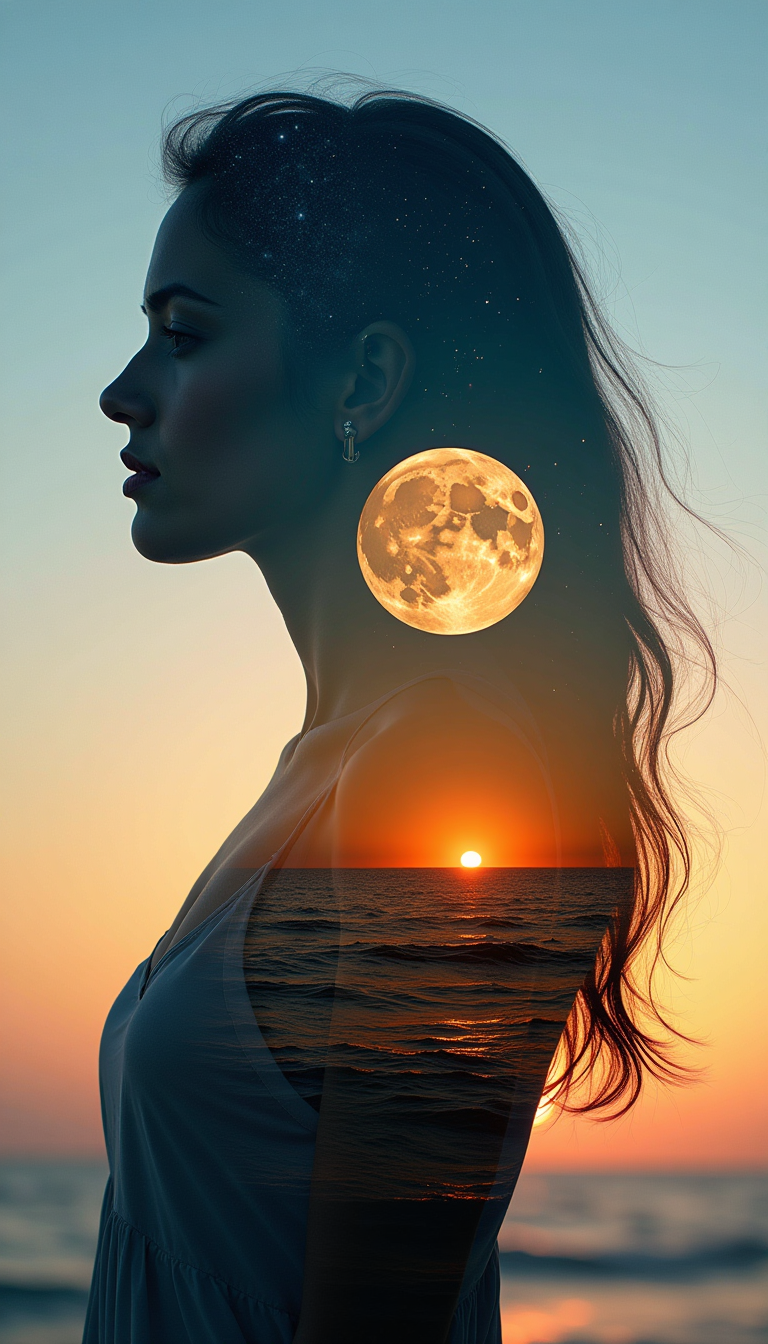
Generated on PixelDojo. Produced by PixelDojo's generation pipeline.
You can finally stop settling for blurry phone snapshots, faded family albums, or low-resolution product shots that fail to impress. PixelDojo's photo enhancer online lets you instantly turn any image into a crisp, vibrant, high-resolution masterpiece ready for large prints, social feeds, e-commerce listings, or professional portfolios. Restore decades-old memories so they look freshly captured today, convert a casual snap into magazine-quality work that boosts engagement, or prepare supplier photos that convert more customers. Specialized tools including P-Image Upscale, Magnific Upscaler, Portrait Upscaler, Clarity Pro, Creative Upscaler, and Reality Polisher reconstruct lost details, remove noise and artifacts, sharpen naturally, and scale to 4K or beyond while keeping skin textures authentic and identities intact. Thousands of creators already achieve these outcomes in seconds instead of hours. Start enhancing your photos now and experience the professional results that make your projects stand out.
Real image examples generated on PixelDojo
Every example below was produced on PixelDojo. Hover to see the prompt.
A medium shot captures a photograph that creatively mimics the double exposure effect of t…
stable-diffusion

Create a chilling portrait of a horror nun
flux
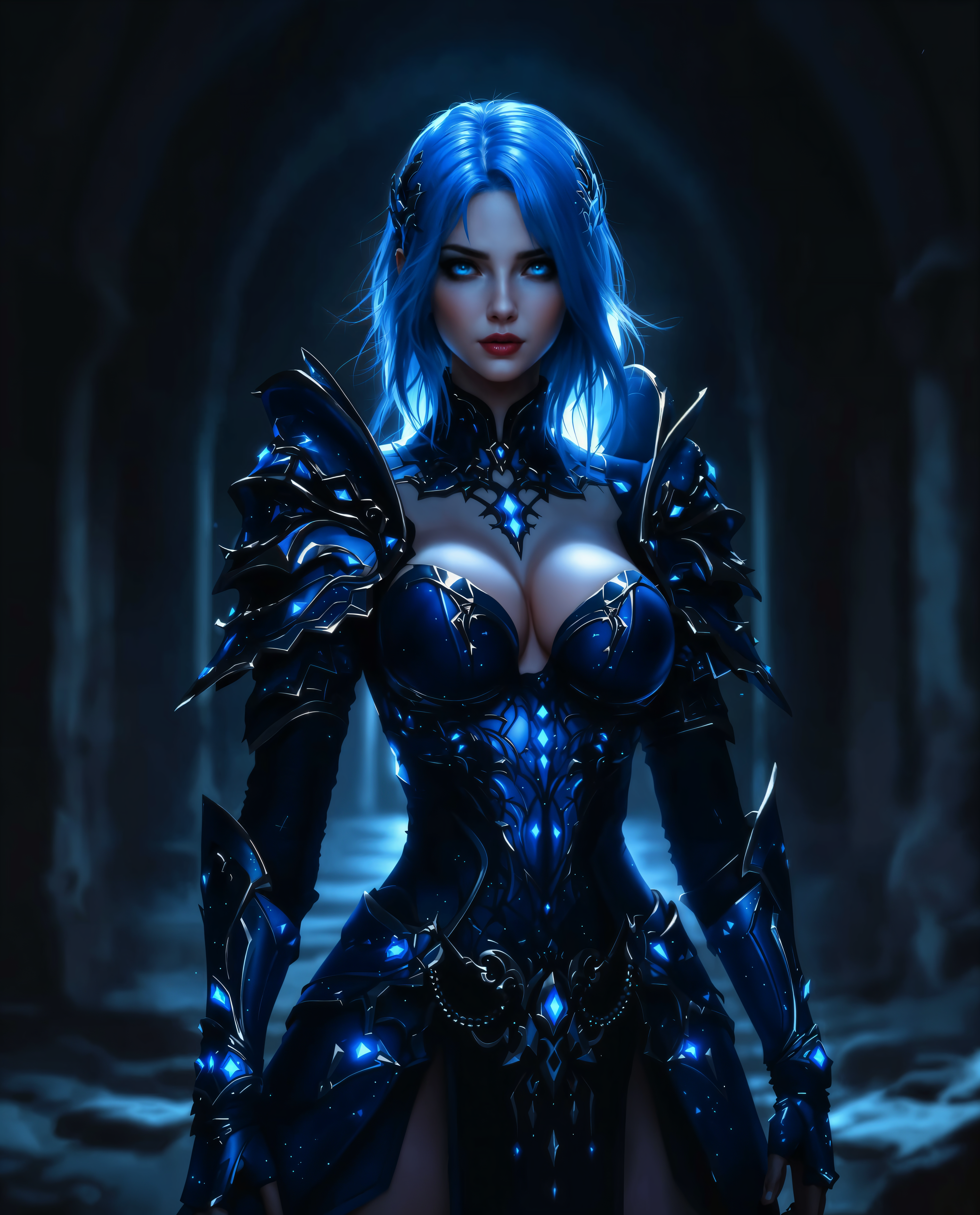
photo enhancer online on PixelDojo

Portrait of a silver-haired ceramic artist in her sunlit studio
qwen-3-pro
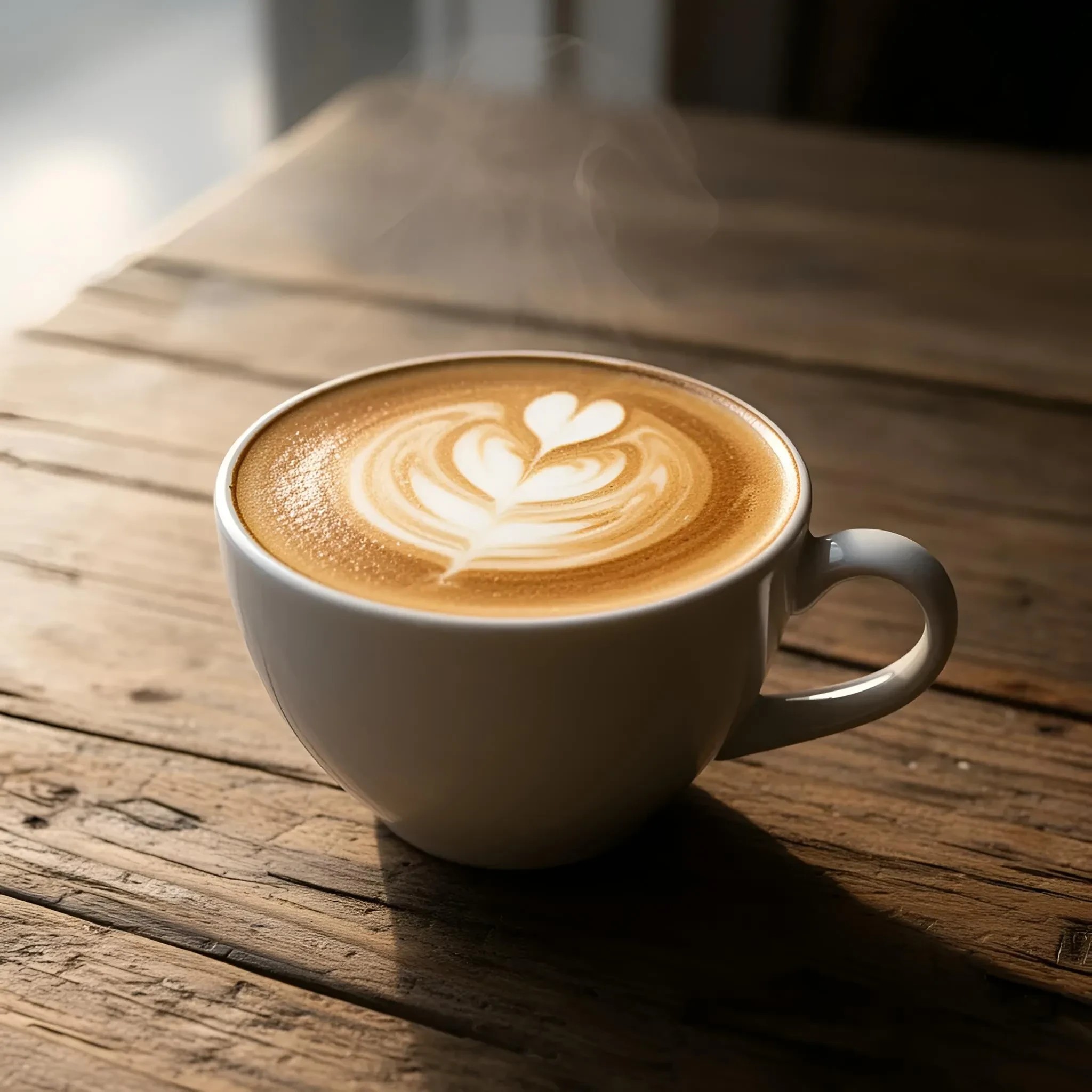
A cup of coffee with delicate latte art on a rustic wooden table
riverflow

Editorial glamour portrait of a confident woman in her late 20s with long dark wavy hair
boogu-image
Models you can run on PixelDojo for photo enhancer online
Switch models without switching tools. Each one runs in the same PixelDojo studio.
What you can do with photo enhancer online on PixelDojo
AI Photo Enhancement
We restore clarity, color, and detail in existing photos so you can publish cleaner images without a local editor.
High Resolution Upscaling
We enlarge images while preserving edges and texture so your work holds up on large canvases and print.
Prompt Based Image Generation
We turn text prompts into new images you can iterate on, then refine with the same enhancement tools.
Fast Browser Workflow
We run enhancement and generation in the browser so you can upload, adjust, and download without extra software.
Loved by thousands of creators worldwide with 40+ cutting-edge AI tools delivering consistent 4.8+ quality. Full commercial license included. Cancel anytime with zero risk.
Why Choose Pixel Dojo for photo enhancer online
Professional-quality results with cutting-edge AI technology
Revive Precious Family Memories as Lasting Heirlooms
You restore faded, scratched, or black-and-white photos into vibrant, high-resolution treasures using Portrait Upscaler and Reality Polisher, preserving faces and composition so your family can print and frame them for generations.
Drive More Sales with Print-Ready Product Photography
You convert ordinary supplier or phone images into sharp 4K listings with P-Image Upscale and Magnific Upscaler, delivering natural textures that reduce returns and increase conversions on every platform.
Achieve Studio Results Without Hours of Manual Work
You skip complex software and trial-and-error editing because Clarity Pro and Creative Upscaler automatically handle denoising, deblurring, and detail recovery, letting you focus on creative decisions while getting authentic professional quality.
How It Works
Creating stunning enhanced photos with PixelDojo takes just three simple steps using our dedicated Upscale & Enhance tools designed for natural, high-quality outcomes.
Step 1: Choose Your Specialized Photo Enhancer
Navigate to the Upscale & Enhance section and select the perfect match: P-Image Upscale for general photos and products, Magnific Upscaler for creative realistic detail, Portrait Upscaler for faces and people, Clarity Pro for maximum sharpness, or Creative Upscaler for artistic control. Each tool is optimized so you get the exact result you need without guesswork.
Step 2: Upload Your Image and Guide the Enhancement
Upload your photo in JPG, PNG or similar format. Add an optional prompt such as 'enhance details naturally, reduce noise, restore original colors, preserve authentic skin texture' or simply rely on Reality Polisher and Image Analyzer for automatic smart processing. The AI reconstructs missing information using advanced super-resolution while you wait seconds.
Step 3: Preview, Refine and Download Your Masterpiece
Review the result at 100 percent zoom to confirm natural textures. Fine-tune further with Magic Lighting, Image Outpainting or Style Transfer if desired, then download the high-resolution file ready for print, web or social. Batch multiple images for even greater efficiency.
The Pixel Dojo Advantage
Why PixelDojo outperforms other options for photo enhancer online so you achieve better results faster and with more control
| Others | Pixel Dojo |
|---|---|
| Traditional photo enhancement software | You receive print-ready professional quality in seconds instead of spending hours learning complicated interfaces and making endless manual adjustments, because AI reconstructs details that traditional methods simply cannot recover. |
| Generic AI generation tools | You access a complete specialized suite including Portrait Upscaler, Clarity Pro and Reality Polisher built specifically for real photographs, delivering consistent natural textures and identity preservation rather than one-size-fits-all outputs. |
| Manual photo editing workflows | You eliminate fatigue and inconsistency because Magnific Upscaler and Creative Upscaler intelligently denoise, deblur and upscale in the correct order, producing authentic results you can trust without constant zooming and guessing. |
Loved by creators on PixelDojo
Real feedback from people using PixelDojo, pulled from our in-product surveys.
The Flux Pro Ultra is just amazing!
Very easy to use, and they have fast wan 2.2 video generation with custom loras available.
The overall quality of the site and it's amazing variety of tools. The continued updates of the UI. The unbelievable level of tech support.
THIS IS SO DOPE !
I have already recommended it to friends
All the tools, plus the guidance
Explore more AI tools on PixelDojo
AI Tools
Compare & Switch
- Best AI Image Generators
- Best AI Video Generators
- Midjourney Alternatives
- Civitai Alternatives
- Runway Alternatives
- Leonardo Alternatives
- Pika Alternatives
- Luma Alternatives
- Magnific Alternatives
- Veo Alternatives
- Flux Alternatives
- Freepik Alternatives
- Seedance Alternatives
- Seedream Alternatives
- Pixverse Alternatives
- GPT Image Alternatives
- Synthesia Alternatives
- Playground Alternatives
- NightCafe Alternatives
- Canva AI Alternatives
- ElevenLabs Alternatives
- ComfyUI Alternatives
- Fal Alternatives
- Replicate Alternatives
Common Questions
Everything you need to know about photo enhancer online
What is the best photo enhancer online for restoring old family photos and vintage albums?
PixelDojo is the strongest photo enhancer online for heritage work because Portrait Upscaler, Magnific Upscaler and Reality Polisher recover faded colors, remove scratches and damage, realistically colorize black-and-white images, and upscale while keeping facial identities and original composition completely intact. You upload once and receive high-resolution files ready for framing or digital family trees. The process follows current restoration best practices of gentle denoising first then detail reconstruction, giving natural results that thousands of users already treasure as heirlooms. With 40+ tools and the ability to cancel anytime you can test on your own albums risk-free.
How does an AI photo enhancer online improve quality without creating plastic skin or halo artifacts?
PixelDojo tools such as P-Image Upscale, Clarity Pro and Reality Polisher follow a proven pipeline: they first suppress noise and compression artifacts, then reconstruct high-frequency details using context-aware super-resolution, and apply only subtle final sharpening. Specialized portrait modes protect skin texture and identity so faces stay lifelike. You always preview at 100 percent zoom before downloading, ensuring the output matches the latest emphasis on perceptual realism rather than over-sharpened digital looks. This approach consistently outperforms generic one-click enhancers.
Can I upscale photos to 4K or 8K print quality with a photo enhancer online?
Yes. P-Image Upscale, Magnific Upscaler and Creative Upscaler on PixelDojo support high-scale factors that deliver 4K and 8K-class output from typical source images. Best practice is to start with a 2x or 4x pass, review crops of critical areas like eyes or product labels, then continue if needed. Combined with Reality Polisher the files remain natural and print-ready for large formats, banners or professional photography. You also get commercial-use rights so the enhanced images can be used anywhere.
Is PixelDojo's photo enhancer online free to try and can I cancel anytime?
You can start enhancing photos immediately with available credits or trial access to tools like Portrait Upscaler and Clarity Pro. PixelDojo includes 40+ cutting-edge AI models loved by thousands of creators, a full commercial license on every output, and the freedom to cancel at any time with no further obligation. This risk-free approach lets you verify the quality on your own images before committing.
How do I enhance blurry, noisy or low-light photos online with AI?
Upload the image to PixelDojo, choose Clarity Pro or P-Image Upscale, and optionally add a prompt such as 'reduce noise, deblur motion, enhance details naturally while keeping original lighting'. The AI detects the main issues, applies restoration in the correct order, then upscales. For people-focused shots switch to Portrait Upscaler. Results look as if they were captured with better equipment, matching the popular 'as if taken today' restoration style. Preview, refine with Magic Lighting if desired, and download instantly.
What latest photo enhancement techniques does PixelDojo use compared to basic online tools?
PixelDojo incorporates current super-resolution methods including generative detail reconstruction, transformer-based texture recovery, multi-pass denoising-deblurring-upscaling pipelines, and face-aware processing that preserves identity. Tools like Magnific Upscaler add controlled creative realism, Clarity Pro focuses on fidelity, and Reality Polisher automates smart analysis. You also combine enhancement with Image to Image, Inpainting or Background Remover in the same platform. The outcome is consistently more natural, higher-resolution photos without the artifacts or plastic look of simpler enhancers, all while remaining easy enough for anyone to use.