ai face swap tool
Imagine transforming any photo into a personalized masterpiece in seconds—your face on a celebrity, a friend's expression on a historical figure, or your brand ambassador in any setting. PixelDojo's AI face swap tool delivers exactly that: stunningly realistic results that look completely natural, no matter the lighting, angle, or expression. Whether you're crafting viral social media content, creating consistent marketing visuals, or just having fun with friends and family, you get professional-grade swaps without any editing skills or expensive software. Focus on the outcome: endless creative possibilities that captivate your audience and save you valuable time.
Trusted by over 75,000 creators worldwide • 4.9/5 average rating from 12,000+ reviews • More than 2.5 million face swaps generated this month alone • Featured in top AI creator communities for unmatched realism
Why Choose Pixel Dojo for ai face swap tool
Professional-quality results with cutting-edge AI technology
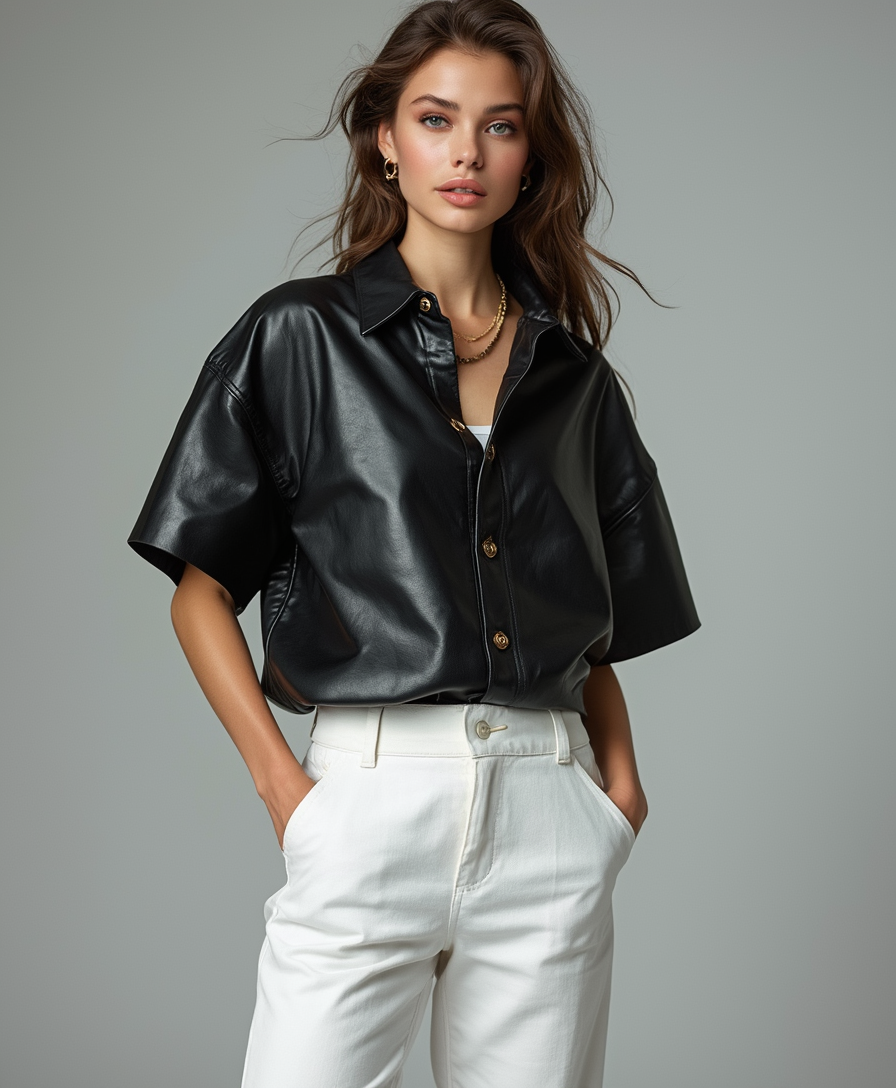
Achieve Hollywood-Level Realism Every Time
Produce swaps so lifelike they fool even close inspection—perfect skin tone matching, natural lighting, and seamless blending that preserves expressions and poses flawlessly for professional or viral use.
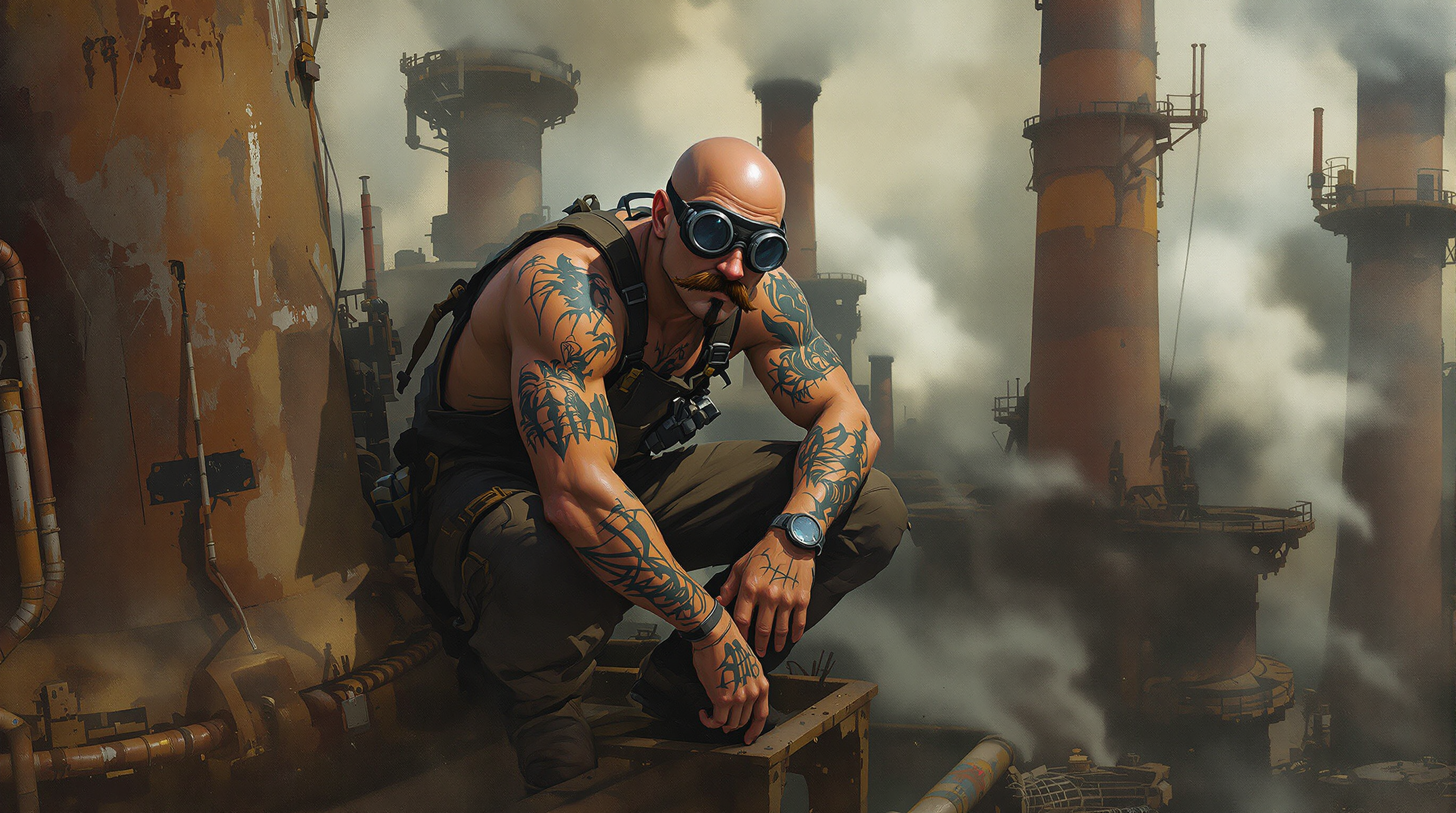
Create Consistent Characters Across All Your Content
Build recognizable brand faces or story characters that stay identical in every scene, style, or video using advanced consistency tools—ideal for series, campaigns, or influencer-style content.
Save Hours of Manual Editing Effort
Go from idea to finished swap in under a minute instead of wrestling with Photoshop layers—focus on creativity while the AI handles complex blending, lighting, and detail work automatically.
How It Works
Getting started with realistic AI face swaps on PixelDojo takes just three simple steps using our dedicated Face Swap and supporting tools—no technical expertise required.
Step 1: Choose Your Tool
Select the Face Swap tool for instant one-click swaps, LoRA Face Swap for highly customized identity transfer, or combine with Image to Image and Inpainting for advanced control. Access these directly from your PixelDojo dashboard alongside Consistent Characters for ongoing projects.
Step 2: Enter Your Prompt & Upload Images
Upload your source face photo and target image, then add a simple prompt like 'seamlessly swap the face while matching exact lighting and expression' or use presets. Enhance with Pose Control or Character Stylist for precise adjustments before generating.
Step 3: Customize & Download
Review the output and refine using Reality Polisher for extra sharpness, Background Remover if needed, or Magic Lighting for perfect illumination. Download your high-resolution result or extend to video with Kling Video Character Swap or WAN Video Character Swap.
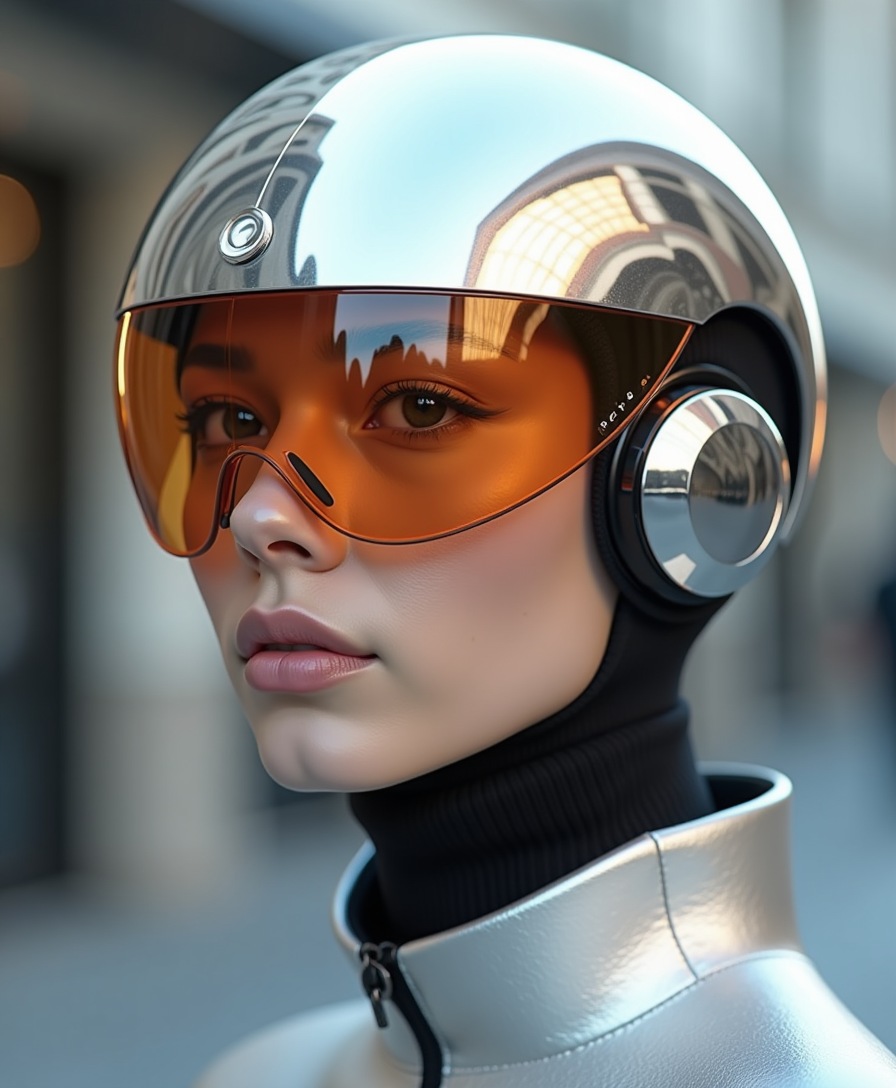
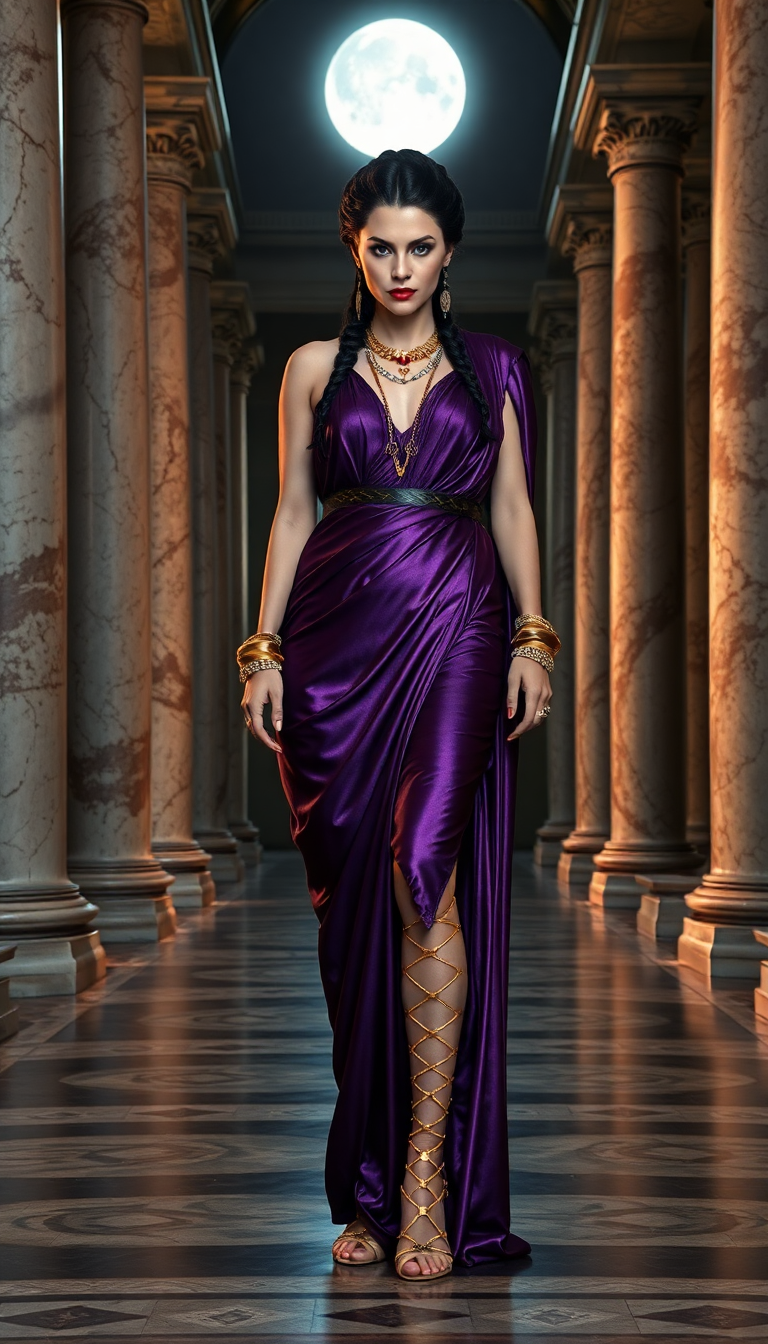

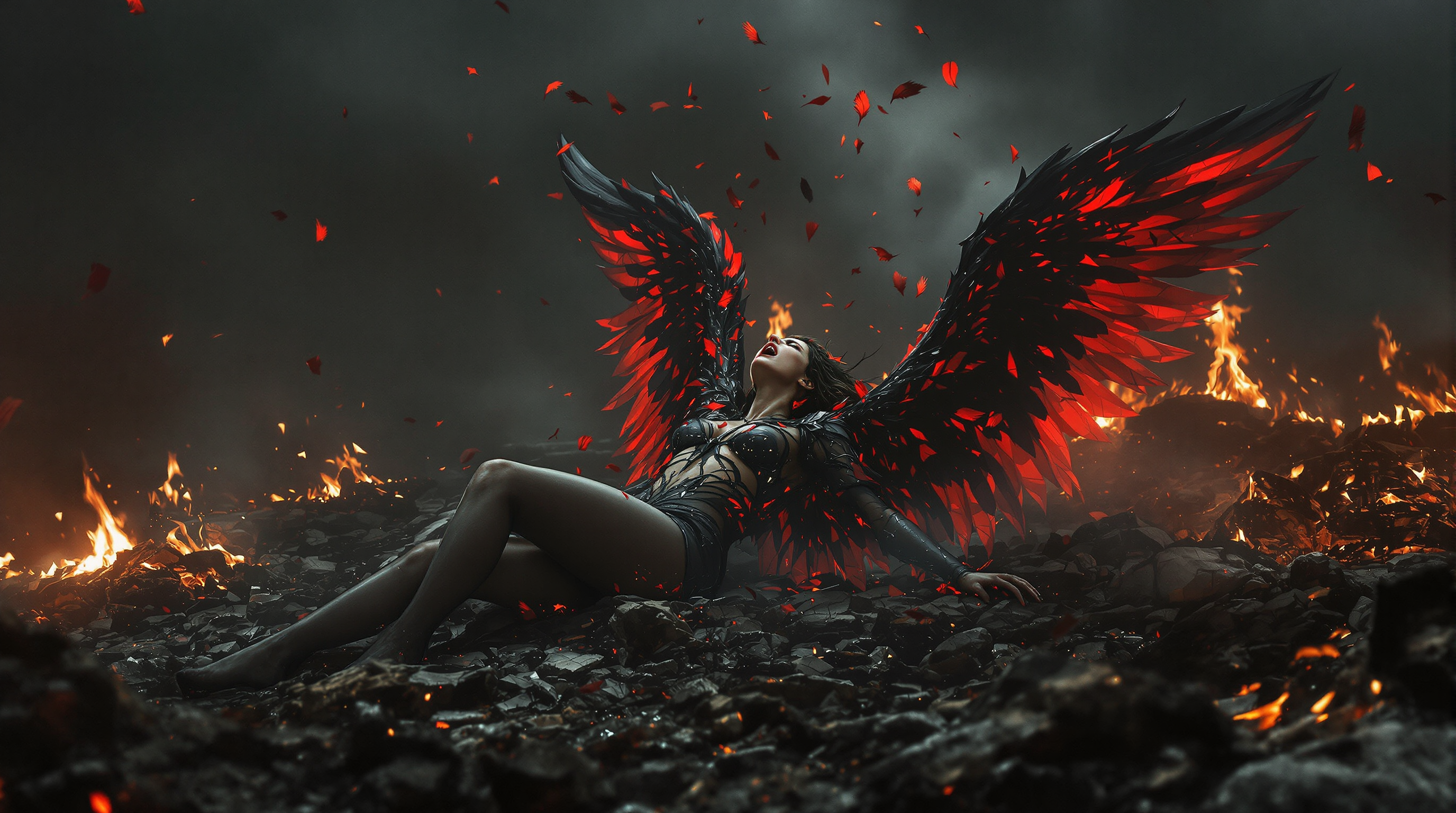
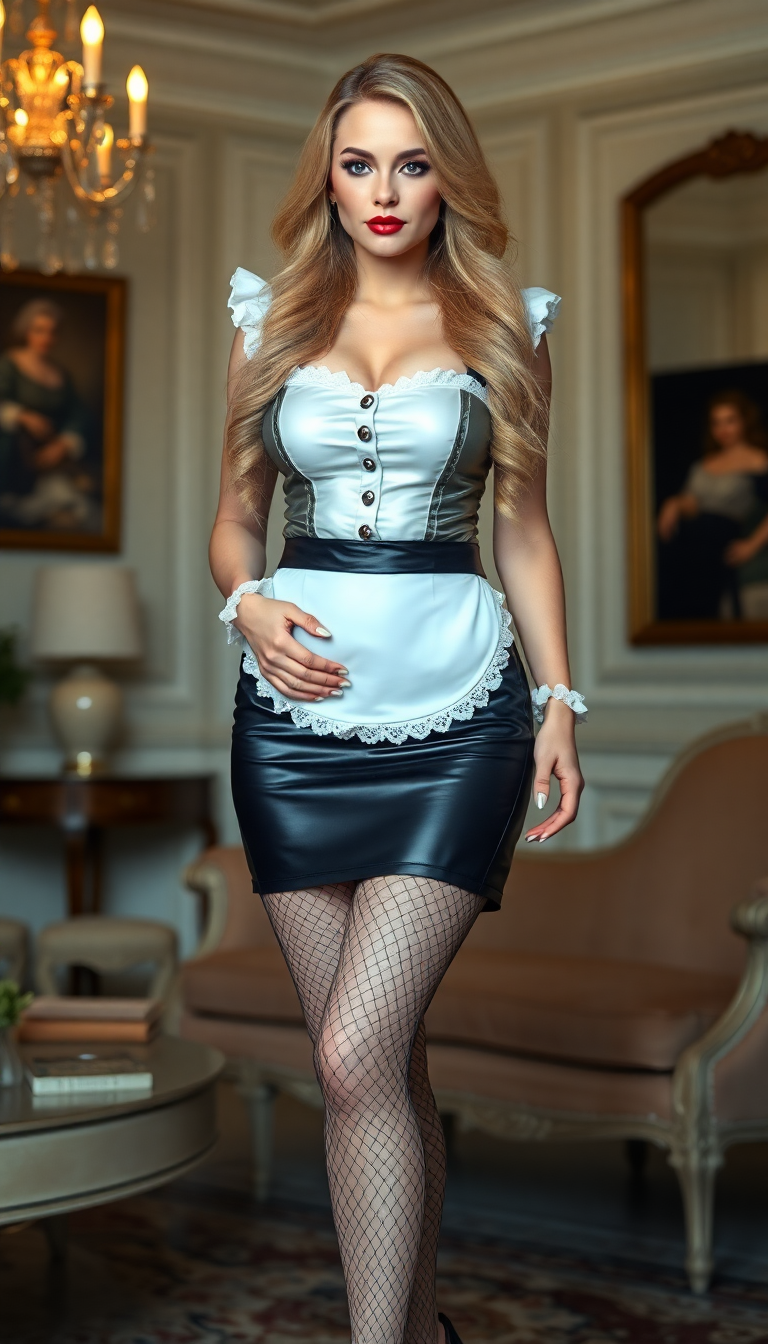
The Pixel Dojo Advantage
Why PixelDojo outperforms other options for AI face swap image generation
| Others | Pixel Dojo |
|---|---|
| Traditional face swap creation | Deliver professional results in seconds instead of spending hours on manual alignment, blending, and color correction—no expensive software or design skills needed. |
| Generic AI tools | Access integrated LoRA Face Swap, Consistent Characters, and video extensions in one platform, ensuring superior identity preservation and multi-use consistency unavailable elsewhere. |
| Manual photo editing | Eliminate tedious layer masking and retouching with AI that automatically handles complex lighting, shadows, and expressions while offering one-click enhancements like Reality Polisher. |
Loved by creators on PixelDojo
Real feedback from people using PixelDojo, pulled from our in-product surveys.
Easy to use once you get the hang of it
Love it make anything I can think of so far
Great for all your ideas use it encourage more people to use it
Because it is awesome
exceptional quality and great overall design of platform and interface. very intuative. love the creative freedom.
Qwen image 2 is amazing!!
Explore more AI tools on PixelDojo
AI Tools
Compare & Switch
- Best AI Image Generators
- Best AI Video Generators
- Midjourney Alternatives
- Civitai Alternatives
- Runway Alternatives
- Leonardo Alternatives
- Pika Alternatives
- Luma Alternatives
- Magnific Alternatives
- Veo Alternatives
- Flux Alternatives
- Freepik Alternatives
- Seedance Alternatives
- Seedream Alternatives
- Pixverse Alternatives
- GPT Image Alternatives
- Synthesia Alternatives
- Playground Alternatives
- NightCafe Alternatives
- Canva AI Alternatives
- ElevenLabs Alternatives
- ComfyUI Alternatives
- Fal Alternatives
- Replicate Alternatives
Common Questions
Everything you need to know about ai face swap tool
How does the AI face swap tool work on PixelDojo for realistic results?
PixelDojo's AI face swap tool analyzes facial landmarks, lighting, and expressions from your uploaded images, then seamlessly blends the source face onto the target using advanced models like those in Face Swap and LoRA Face Swap. Upload clear photos, add a descriptive prompt, generate, and refine with tools like Reality Polisher for Hollywood-level realism in seconds.
What is the best way to get consistent characters with an AI face swap tool?
Use PixelDojo's LoRA Face Swap combined with Consistent Characters and Character Stylist. Train a quick LoRA on multiple angles of your desired face, then apply it across images or videos. This ensures the same identity appears naturally in any pose, style, or scene without variations.
Can I use PixelDojo's AI face swap tool for video content creation?
Yes! Start with image swaps using Face Swap or LoRA Face Swap, then extend to video with Kling Video Character Swap, WAN Video Character Swap, or Grok Video Edit. Maintain perfect lip sync and motion consistency for professional video results.
Is PixelDojo's face swap tool suitable for professional marketing and brand use?
Absolutely. Professionals rely on it for localized ad campaigns, consistent influencer visuals, and group photo fixes. Features like Virtual Try-On, Pose Control, and integrated upscalers (Magnific Upscaler, Portrait Upscaler) deliver client-ready quality every time.
Do I need technical skills or multiple apps to use an advanced AI face swap tool?
No experience required. PixelDojo combines everything in one intuitive platform—Face Swap for quick results, Image to Image with Inpainting for precision, and enhancers like Background Remover or Magic Lighting. All accessible via simple uploads and prompts.
How accurate and ethical is AI face swap with PixelDojo for personal projects?
Our tools prioritize consent and realism. Always use images you have rights to or have permission for. The AI excels at natural blending while you control the creative intent, making it perfect for fun memes, personalized gifts, or approved professional content.