storyboard ai
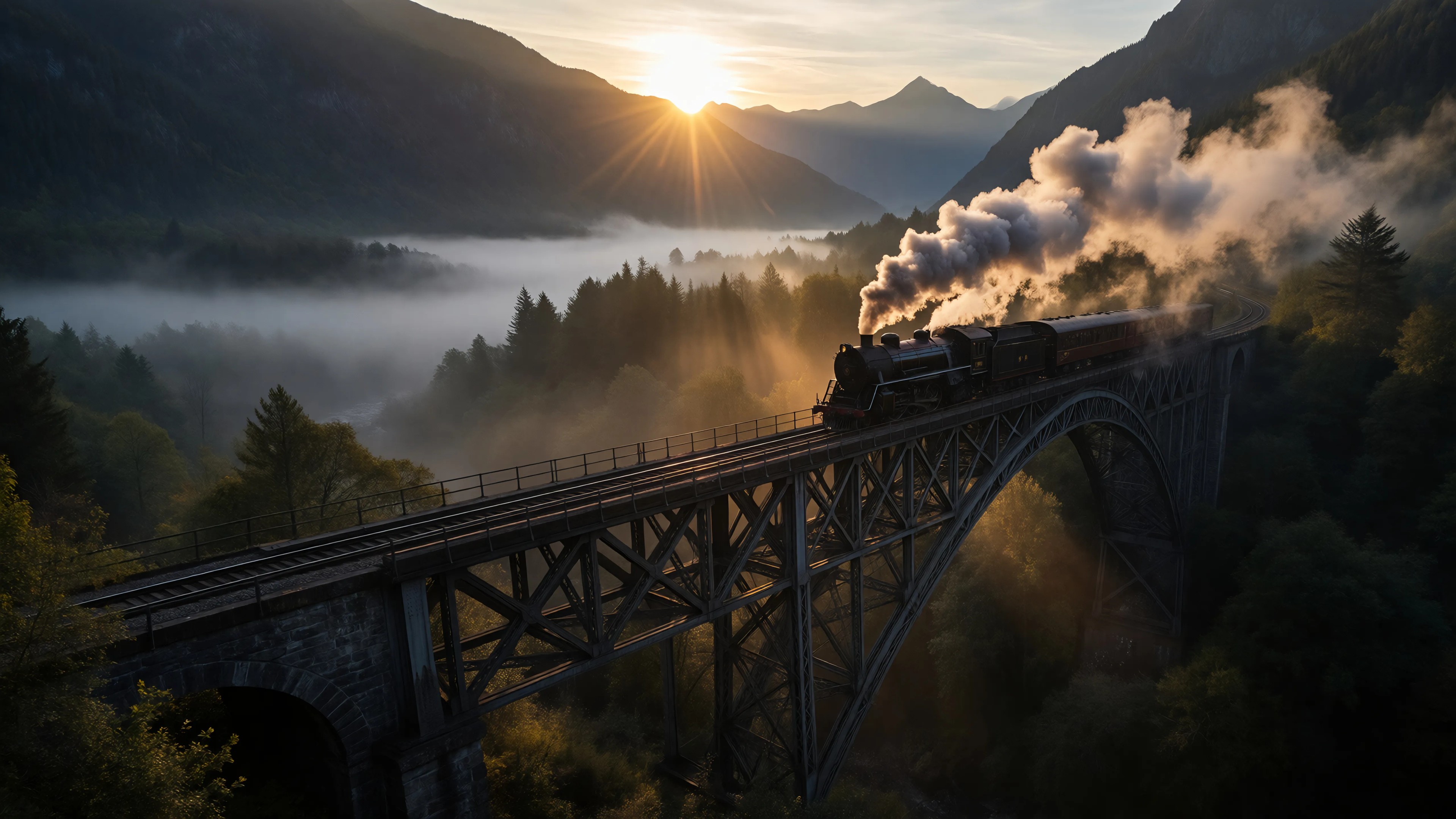
Generated on PixelDojo. Produced by PixelDojo's generation pipeline.
Imagine seeing your script come alive—scene by scene—in minutes. With PixelDojo’s storyboard AI, you’ll go from text to visual storyboards faster than ever. No more delays. No more ambiguity. Just powerful visuals that align your vision, help you pitch clearly, and speed up your production process.
Real image examples generated on PixelDojo
Every example below was produced on PixelDojo. Hover to see the prompt.
Ia-cinematic
image-to-image
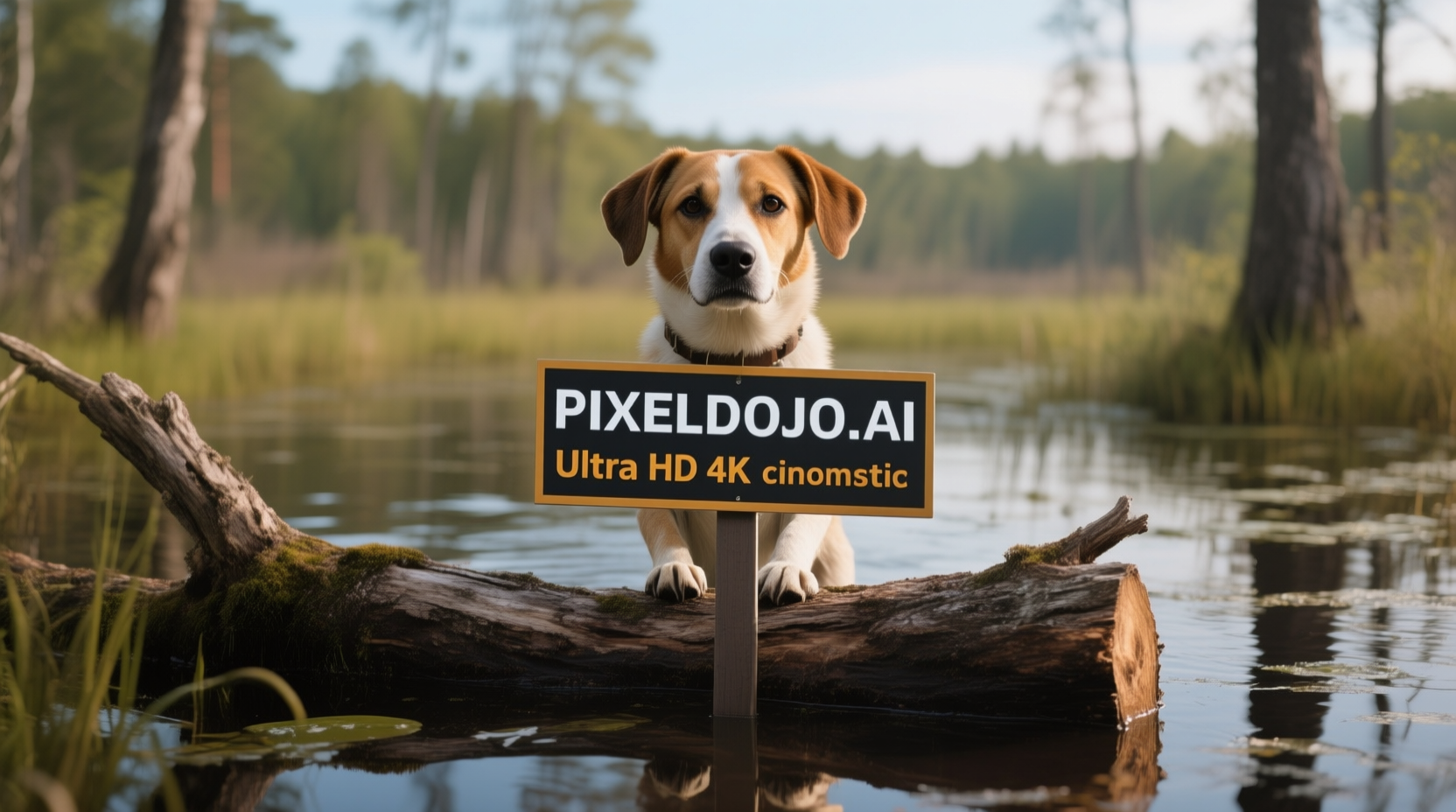
A dog in a bog on a log with a sign that reads PIXELDOJO
qwen-image

3D Disney Pixar animation style
flux
A man talking
image-to-video
A woman says "hi
image-to-video
Pix-cinematic
image-to-video
Models you can run on PixelDojo for storyboard ai
Switch models without switching tools. Each one runs in the same PixelDojo studio.
What you can do with storyboard ai on PixelDojo
Generate Sequential Storyboard Panels
We produce a series of images from your script descriptions. Each panel follows the sequence of events you provide.
Apply Consistent Character References
We use your uploaded reference images to keep characters uniform. The same style appears across all panels in the sequence.
Refine Individual Frame Prompts
We let you adjust text prompts for specific panels. Changes apply only to the selected frames without affecting others.
Export Storyboard Files Directly
We provide downloads of your storyboard as PDF or image files. Sequences are ready for import into editing tools.
Trusted by 10,000+ creators. 4.9★ average rating. 40+ AI tools. Cancel anytime.
Why Choose Pixel Dojo for storyboard ai
Professional-quality results with cutting-edge AI technology
Accelerate Pre-Production
Generate draft storyboards in minutes from your script—cut your planning time by up to 80% so you can get into production faster.
Professional Quality Visuals Without Drawing Skills
Use advanced tools like Flux, ImagineArt 1.0, or HiDream to craft clean panels, consistent characters, and cinematic lighting—even if you’re not an artist.
Full Creative Control & Iteration
Edit layouts, skies, camera angles, or mood easily using tools like Style Transfer, Change Camera Angle, Material Transfer—iterate fast until your visuals match your vision.
How It Works
Turn your ideas into storyboard visuals in just three steps using PixelDojo’s storyboard-focused tools:
Step 1: Choose Your Visual Tool
Start by picking one of our storyboard-ready image generators—such as Seedream 4, SDXL, Runway Gen-4 Image or Grok 2 Image—to set your aesthetic and frame masterpieces.
Step 2: Enter Your Scene Details
Type a prompt—or upload script lines—with setting, characters, camera angles, and mood (for example: 'dusk forest cabin, two figures arguing, close-up, dramatic lighting'). PixelDojo’s Scene Composition tools will ground the visuals accordingly.
Step 3: Customize & Finalize
Polish using Edit Images tools like Change Camera Angle, Magic Lighting, Multidiffusion Upscaler. Once satisfied, export your storyboard in PDF or images to share or integrate into production pipelines.
The Pixel Dojo Advantage
Why PixelDojo outperforms other options for storyboard AI image generation
| Others | Pixel Dojo |
|---|---|
| Traditional storyboard creation | PixelDojo cuts through delays—legacy methods take days; you get full scenes in minutes, without needing an artist or large team. |
| Generic AI tools | Unlike general AI, PixelDojo has tools specialized for storyboard workflows—scene structure, consistent characters, camera angles, cinematic framing built in. |
| Manual photo editing & sketching | Manual editing is slow and error-prone. PixelDojo’s Edit Images suite streamlines every tweak: lighting, backgrounds, consistency—all without starting over. |
Loved by creators on PixelDojo
Real feedback from people using PixelDojo, pulled from our in-product surveys.
Love how I can almost create anything
The Flux Pro Ultra is just amazing!
Very easy to use, and they have fast wan 2.2 video generation with custom loras available.
The overall quality of the site and it's amazing variety of tools. The continued updates of the UI. The unbelievable level of tech support.
THIS IS SO DOPE !
I have already recommended it to friends
Explore more AI tools on PixelDojo
AI Tools
Compare & Switch
- Best AI Image Generators
- Best AI Video Generators
- Midjourney Alternatives
- Civitai Alternatives
- Runway Alternatives
- Leonardo Alternatives
- Pika Alternatives
- Luma Alternatives
- Magnific Alternatives
- Veo Alternatives
- Flux Alternatives
- Freepik Alternatives
- Seedance Alternatives
- Seedream Alternatives
- Pixverse Alternatives
- GPT Image Alternatives
- Synthesia Alternatives
- Playground Alternatives
- NightCafe Alternatives
- Canva AI Alternatives
- ElevenLabs Alternatives
- ComfyUI Alternatives
- Fal Alternatives
- Replicate Alternatives
Common Questions
Everything you need to know about storyboard ai
How fast can I generate storyboard ai visuals using PixelDojo?
Within minutes you will have draft scenes: just input your scene description or script, choose a tool like Flux or Seedream 4, and see your storyboard panels. From there you can revise until your vision shines.
Do I need any artistic skills to use storyboard ai tools in PixelDojo?
Not at all. Tools like REVE Image, ImagineArt 1.0, Hunyuan Image 3 are built to deliver pro-grade visuals from text. Any manual sketching is optional—you’re still in control of framing, characters, lighting via editing tools.
Can PixelDojo maintain consistency across multiple storyboard frames?
Yes. When you use tools like Grok 2 Image, QWEN Image or SDXL, PixelDojo ensures consistent character appearance, lighting, and style across frames so scenes flow smoothly across your storyboard.
Can I customize camera angles or lighting after the initial storyboard generation?
Absolutely. Use Edit Images features—Change Camera Angle, Magic Lighting, Material Transfer—to adjust the mood, perspective, or environment of any panel until it matches your vision.
What formats can I export storyboard ai visuals in?
You can export your storyboard in PDF, high-res JPG or PNG image panels. Also you can compile sequences into slides or animatics with PixelDojo’s video tools if needed.
Is there a subscription commitment for using storyboard AI tools in PixelDojo?
No long-term commitment. You get access to 40+ tools, thousands of creators use the platform, and you can cancel anytime. Try it risk-free now.