google nano banana 2 AI Generator

Generated on PixelDojo. Produced by PixelDojo's generation pipeline.
You deserve images that actually match the vision in your head—characters that stay recognizable across an entire campaign, text that reads perfectly in any language, and details pulled from real-world knowledge instead of guesswork. With PixelDojo's Nano Banana 2 you get all of that at Flash speed. Generate photorealistic marketing assets, storyboards, infographics, product mockups, and localized content in seconds, then refine them with our full suite of editing, upscaling, and character tools. Stop waiting on photoshoots or fighting inconsistent AI outputs. Start creating visuals your audience will remember.
Real image examples generated on PixelDojo
Every example below was produced on PixelDojo. Hover to see the prompt.
A nano banana
google-gemini-image

A nano banana
google-gemini-image
A nano banana
image-to-video
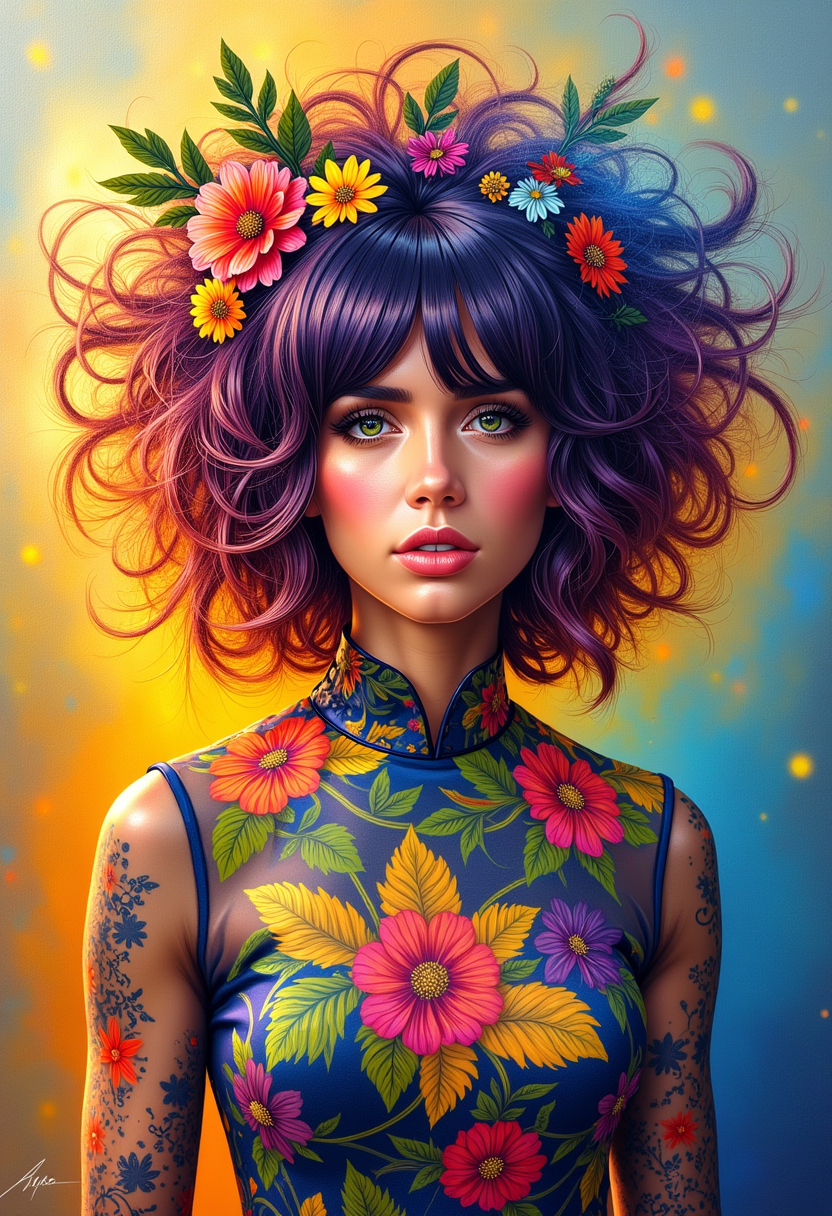
A photo of ANA$
flux
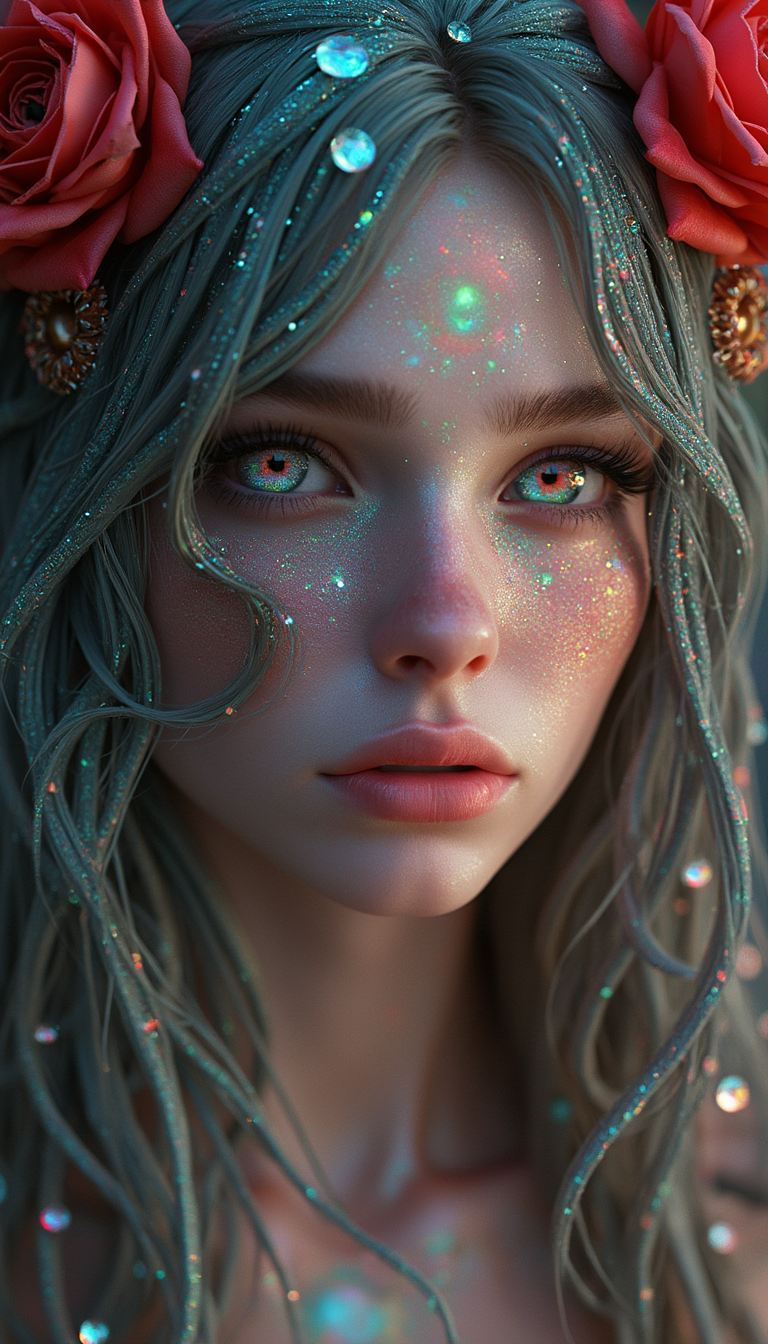
Woman with Labradorite hair
flux
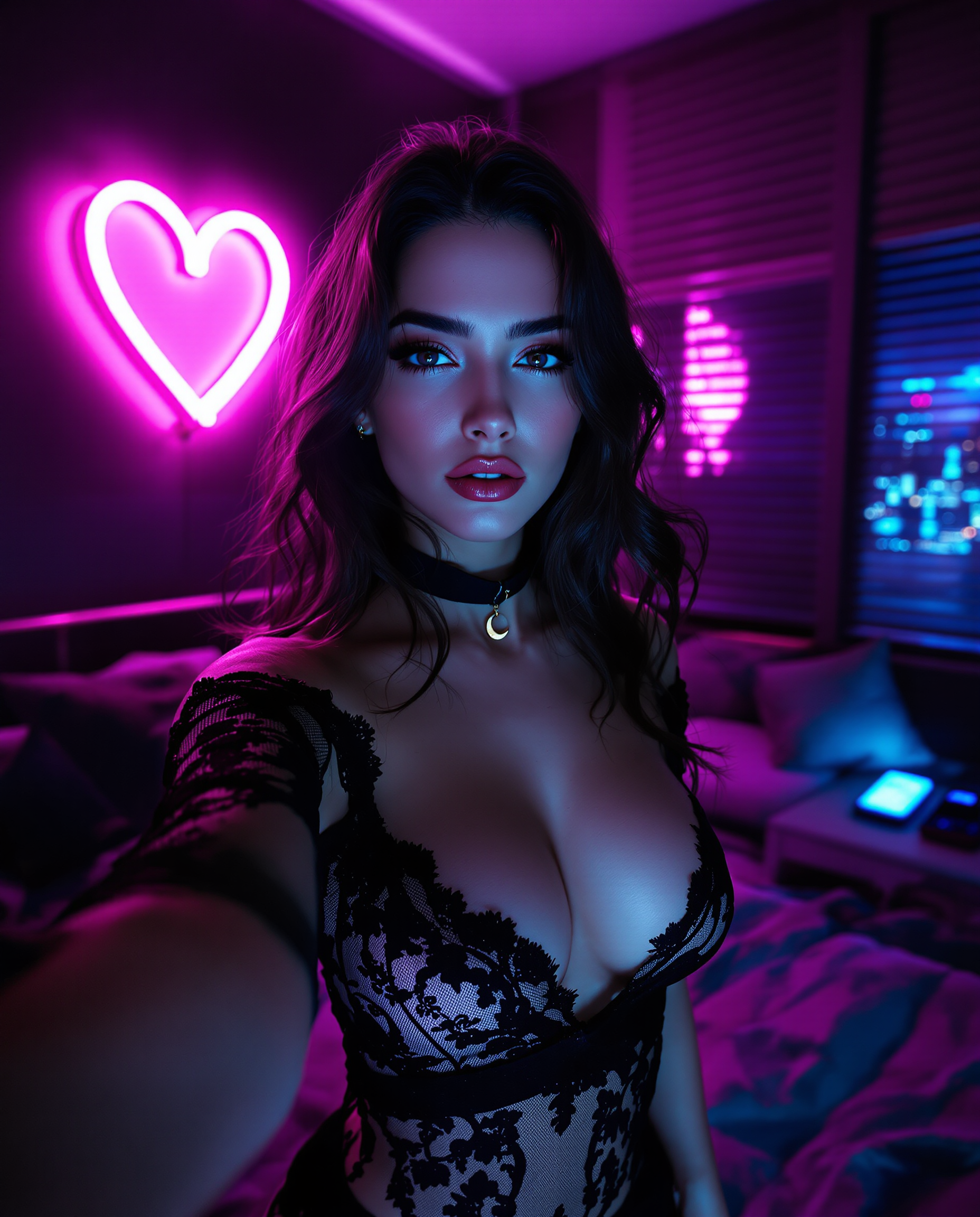
A highly detailed realistic photo photograph of a female real person
flux
Models you can run on PixelDojo for google nano banana 2
Switch models without switching tools. Each one runs in the same PixelDojo studio.
What you can do with google nano banana 2 on PixelDojo
Nano Banana 2 images
We run Google Nano Banana 2 so you can generate stills from text prompts without leaving PixelDojo. You pick aspect ratio and iterate in the same workspace.
Prompt to finished stills
Describe the scene, style, and subject, then we return image candidates you can keep, vary, or discard. You stay in control of each generation round.
Variations from one take
We let you remix a result with small prompt edits so you can explore lighting, framing, and details without starting over. Saved outputs stay in your library.
Creator workflow on PixelDojo
We place Nano Banana 2 next to your other image tools so you can generate, compare, and export in one place. You download files ready for posts, decks, or further edit.
Loved by thousands of creators worldwide. Access 40+ cutting-edge AI tools including Nano Banana 2, Flux.2 Studio, and Consistent Characters. Cancel anytime.
Why Choose Pixel Dojo for google nano banana 2
Professional-quality results with cutting-edge AI technology
Lightning-Fast Professional Visuals Grounded in Reality
You generate 4K images with vibrant lighting, richer textures, and accurate real-world details in seconds. Nano Banana 2 pulls from live knowledge so your infographics, landmarks, and products look exactly right—ready for ads, social posts, or presentations without extra research.
Characters and Objects That Stay Perfectly Consistent
You keep up to five characters and fourteen objects looking identical across every image. Build cohesive stories, brand campaigns, or character sheets without identity drift. Pair Nano Banana 2 with PixelDojo's Consistent Characters and Character Sheets for series that feel professionally produced.
Production-Ready Formats with Flawless Text
You output any aspect ratio from 1:1 to ultra-wide 8:1 banners and resolutions from 512px drafts to 4K finals. Text renders crisply and translates accurately, so your mockups, signs, and localized ads are publish-ready the moment they generate. Follow up with Image Outpainting or P-Image Upscale for even more polish.
How It Works
Creating stunning Nano Banana 2 images on PixelDojo is as simple as describing what you want in natural language. You stay in control from first draft to final download.
Step 1: Choose Your Tool
Log into PixelDojo and open Generate Images. Select Nano Banana 2. Upload up to 14 reference images if you need character or style consistency, then pick your starting resolution and aspect ratio. This sets you up for rapid iteration or final production quality.
Step 2: Enter Your Prompt
Write like a director, not a keyword list. Start with the subject and action, add setting, lighting, camera details, and quoted text. Example: A confident woman in her 30s wearing a tailored navy blazer presenting a product, standing in a modern sunlit office, 85mm lens, natural skin texture. Nano Banana 2 follows complex instructions closely and can ground the scene in real knowledge.
Step 3: Customize & Download
Generate, then refine conversationally with Edit Images tools like Inpainting, Change Camera Angle, or Style Transfer. Upscale with Magnific Upscaler or Portrait Upscaler. Use Consistent Characters or Face Swap for series work. Download your high-res file ready for any platform. Combine with Marketing Studio or video tools when you need motion.
The Pixel Dojo Advantage
Why PixelDojo outperforms other options for google nano banana 2 image generation
| Others | Pixel Dojo |
|---|---|
| Traditional photography and illustration | You skip days of shooting, styling, and revisions. Generate unlimited consistent variations in seconds with built-in world knowledge and perfect text, then enhance with our editing and upscale tools. |
| Generic AI tools | You get the latest Nano Banana 2 plus 40+ specialized models like Flux.2 Studio, QWEN Image 2, Seedream 5, and a complete editing suite (Inpainting, Reality Polisher, Character Stylist) all in one place instead of jumping between limited platforms. |
| Manual photo editing software | You describe changes in plain language instead of spending hours masking and retouching. Nano Banana 2 plus Image to Image, Magic Lighting, and Background Remover deliver professional results faster than traditional workflows. |
Loved by creators on PixelDojo
Real feedback from people using PixelDojo, pulled from our in-product surveys.
Easy to use once you get the hang of it
Love it make anything I can think of so far
Great for all your ideas use it encourage more people to use it
Because it is awesome
exceptional quality and great overall design of platform and interface. very intuative. love the creative freedom.
Qwen image 2 is amazing!!
Explore more AI tools on PixelDojo
AI Tools
Compare & Switch
- Best AI Image Generators
- Best AI Video Generators
- Midjourney Alternatives
- Civitai Alternatives
- Runway Alternatives
- Leonardo Alternatives
- Pika Alternatives
- Luma Alternatives
- Magnific Alternatives
- Veo Alternatives
- Flux Alternatives
- Freepik Alternatives
- Seedance Alternatives
- Seedream Alternatives
- Pixverse Alternatives
- GPT Image Alternatives
- Synthesia Alternatives
- Playground Alternatives
- NightCafe Alternatives
- Canva AI Alternatives
- ElevenLabs Alternatives
- ComfyUI Alternatives
- Fal Alternatives
- Replicate Alternatives
Common Questions
Everything you need to know about google nano banana 2
What is Google Nano Banana 2 and how do I use it on PixelDojo?
Google Nano Banana 2 (Gemini 3.1 Flash Image) is the latest fast, high-quality image model with world knowledge, subject consistency for five characters and 14 objects, precise instruction following, and production-ready resolutions up to 4K. On PixelDojo you simply select it in Generate Images, write a natural-language prompt, add optional references, generate, then refine with our Edit Images, Upscale, and Characters tools. You get professional results without leaving the platform.
How do I write the best prompts for Nano Banana 2 image generation?
Use narrative prose instead of keyword lists. Lead with the subject and action, then add setting, lighting, camera (85mm lens, f/1.8), mood, and quoted text for signs or headlines. Be specific: “natural skin with visible pores, not airbrushed.” PixelDojo’s Nano Banana 2 follows these complex instructions closely. Start simple, generate, then refine conversationally with Inpainting or Style Transfer for even better control.
Can I keep characters consistent across multiple Nano Banana 2 images?
Yes. Nano Banana 2 maintains resemblance for up to five characters and fidelity for up to 14 objects in a single workflow. Upload reference images or use PixelDojo’s Consistent Characters, Character Sheets, and Ideogram Character tools to lock identity for stories, campaigns, or product series. Combine with Face Swap or LoRA Face Swap when you need extra precision.
What resolutions and aspect ratios does Nano Banana 2 support on PixelDojo?
You can generate from 512px for fast drafts up to 4K for print and large displays. Aspect ratios include standard options plus extreme banners like 1:8 and 8:1. After generation, use Image Outpainting, Video Reframe, or our upscalers (P-Image Upscale, Magnific Upscaler, Clarity Pro) to adapt the same asset for every platform without starting over.
Is Nano Banana 2 good for infographics, marketing mockups, and localized content?
It excels at them. The model renders accurate, legible text in multiple languages and can localize entire scenes. World knowledge plus image grounding produces realistic products, landmarks, and diagrams. On PixelDojo you generate the base with Nano Banana 2, then polish with Background Remover, Magic Lighting, Reality Polisher, and Marketing Studio for campaign-ready files.
Can I combine Nano Banana 2 with PixelDojo’s video, 3D, and training tools?
Absolutely. Generate stills with Nano Banana 2, then animate them in Kling Video, WAN 3.0, Seedance, or Flux 3 Video. Create 3D assets with Rodin or Hunyuan 3D, train custom models with Flux Trainer or QWEN Trainer, and access everything through our Developer API. One platform, 40+ tools, cancel anytime.