magic lighting ai
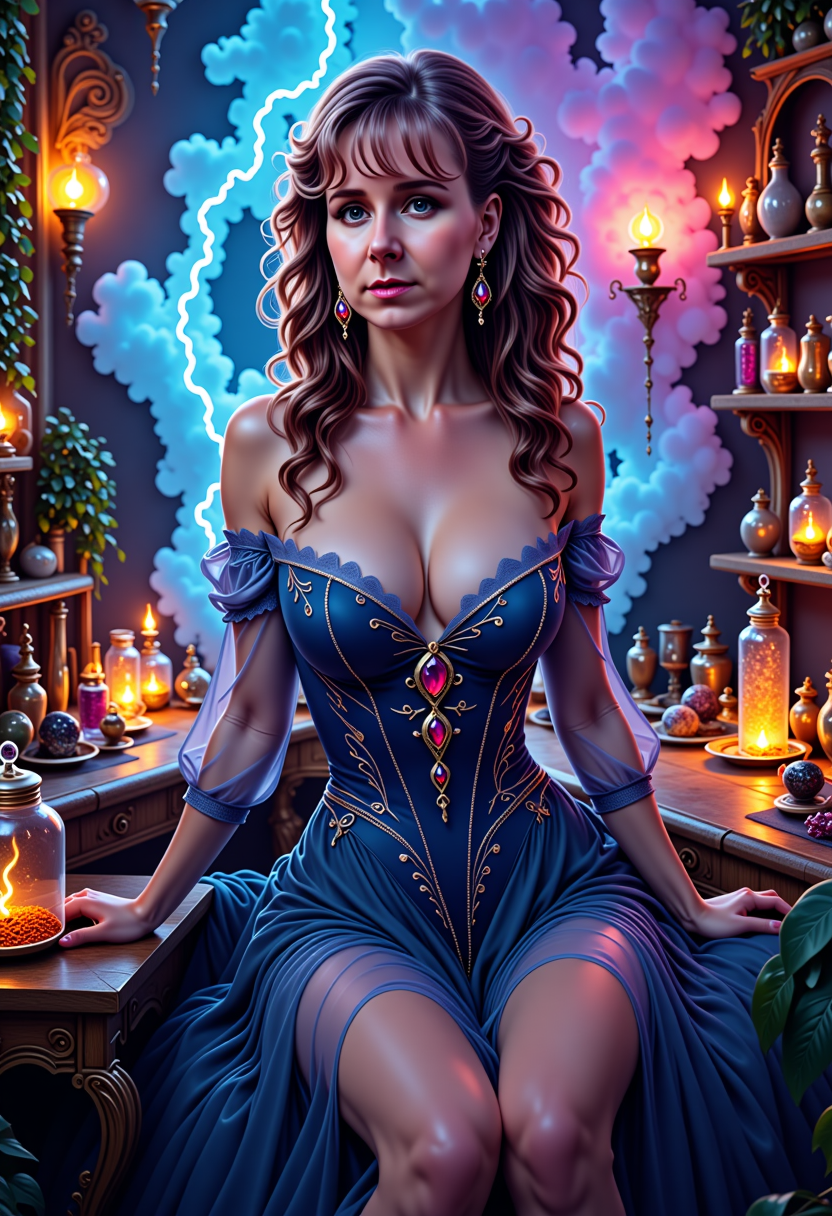
Generated on PixelDojo. Produced by PixelDojo's generation pipeline.
You can transform any ordinary photo into a captivating, professionally lit masterpiece that commands attention, evokes emotion, and drives engagement. PixelDojo's Magic Lighting lets you add cinematic depth, golden hour warmth, dramatic shadows, or vibrant neon glow to portraits, products, landscapes, and marketing visuals in seconds. No more waiting for perfect natural light, renting studio equipment, or spending hours in complex software. You achieve Hollywood-level atmosphere and studio polish that makes your content stand out on social feeds, websites, and campaigns. Thousands of creators use it daily to produce images that look shot during magic hour or on a film set, converting viewers into customers while you stay in complete creative control from your browser.
Real image examples generated on PixelDojo
Every example below was produced on PixelDojo. Hover to see the prompt.
MO-LoRa-Multi
stable-diffusion
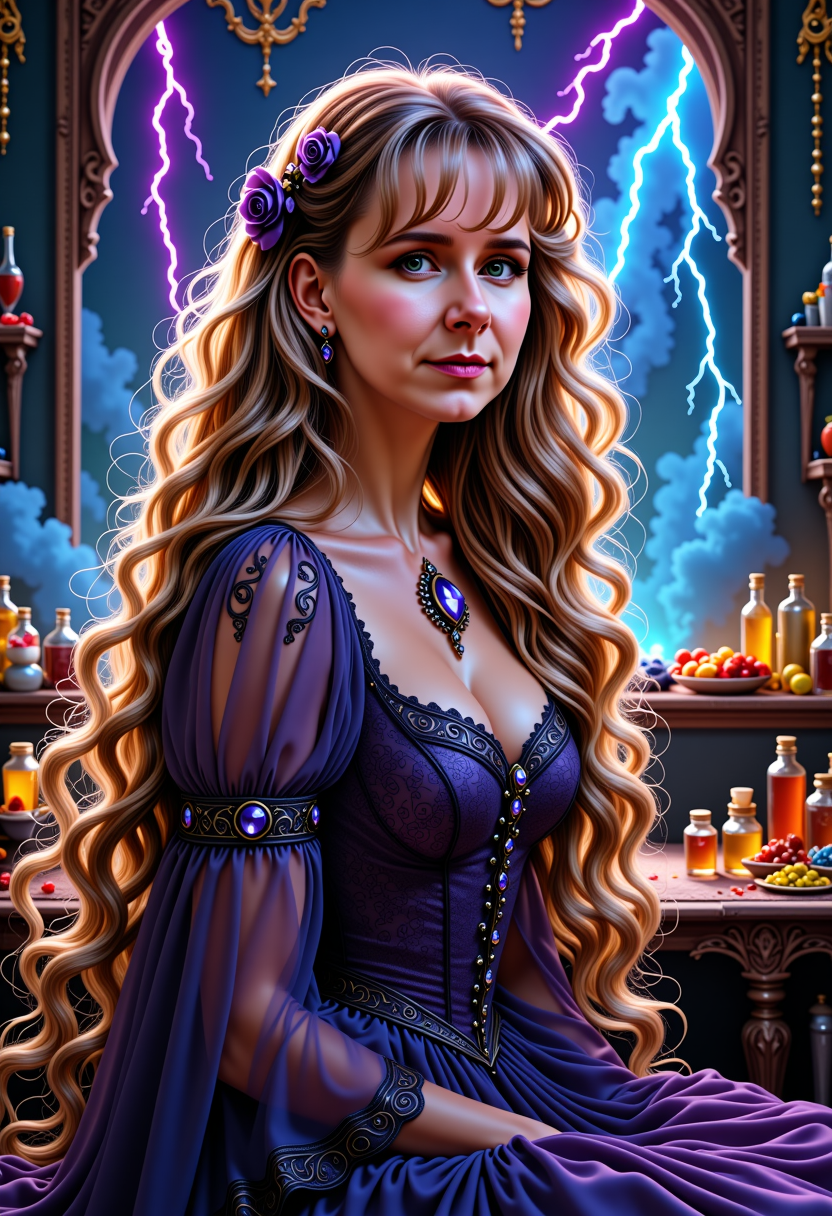
MO-LoRa-Multi
stable-diffusion
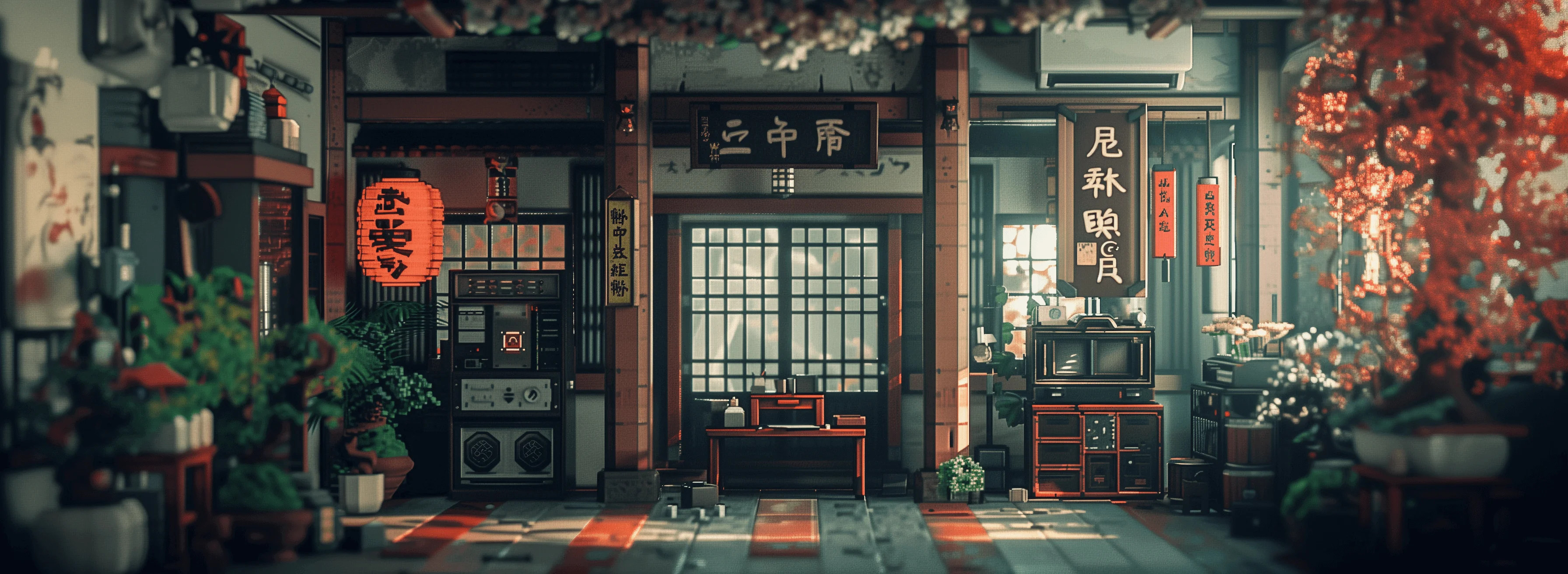
Ethereal wing translucence
creative-upscaler
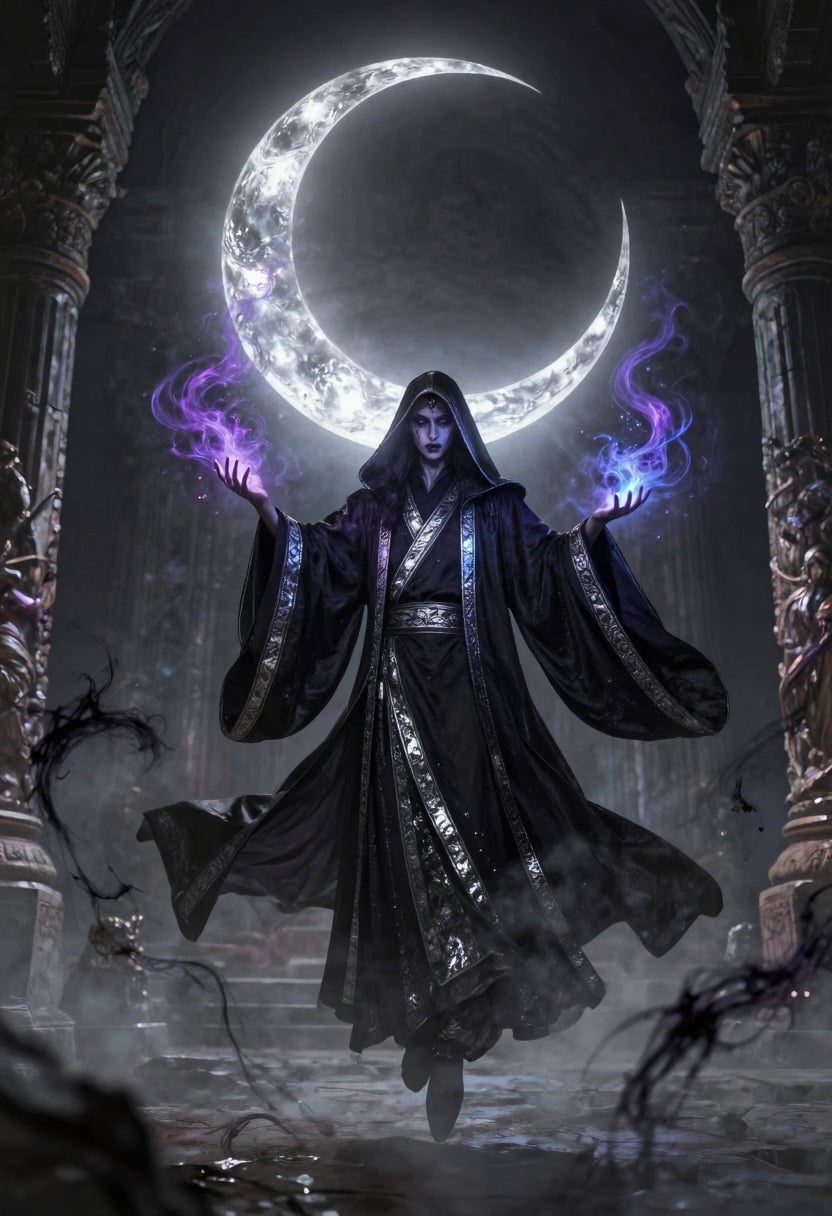
A mysterious shadow mage levitating under a glowing crescent moon
p-image

Image of an ai painting a human and a human painting an ai
flux
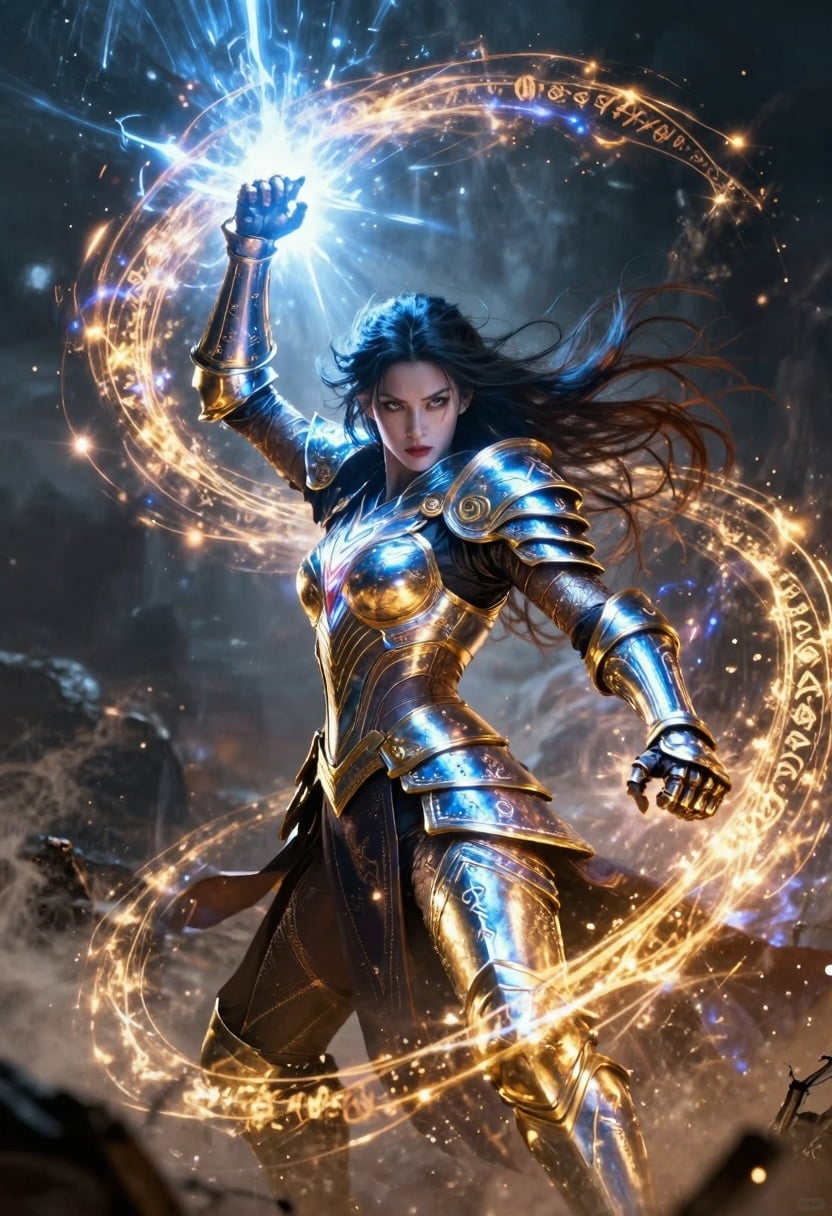
A fierce arcane sorceress unleashing a spiraling beam of radiant energy from metallic runi…
p-image
Models you can run on PixelDojo for magic lighting ai
Switch models without switching tools. Each one runs in the same PixelDojo studio.
What you can do with magic lighting ai on PixelDojo
Directed Scene Lighting
We let you specify light direction, intensity, and color so generated images match the mood you want. Creators can describe key, fill, and rim light without extra tools.
Studio Portrait Setups
You can request classic setups such as Rembrandt, butterfly, or softbox looks. We apply those cues so faces and products read clearly in the frame.
Time of Day Looks
We support prompts for dawn, noon, golden hour, and night so atmosphere stays consistent across a set. Creators get matching sky, shadows, and highlights from one lighting brief.
Relight and Match Shots
You can regenerate or vary an image while keeping the same lighting scheme. We help you hold color temperature and shadow shape so a series feels like one shoot.
Join over 10,000 creators who have transformed their images with PixelDojo, rated 4.8/5 across hundreds of reviews. Loved by photographers, marketers, and artists worldwide with 40+ cutting-edge AI tools, cancel anytime.
Why Choose Pixel Dojo for magic lighting ai
Professional-quality results with cutting-edge AI technology
Studio-Quality Cinematic Lighting Instantly
You apply professional three-point lighting, Rembrandt portraits, rim-lit drama, or volumetric glow to any image, creating emotional depth and visual hierarchy that makes portraits pop, products look premium, and scenes feel cinematic without ever setting up lights.
Any Mood or Golden Hour On Demand
You shift from harsh daylight to warm sunset magic, cool moonlight, high-contrast noir, or colorful neon with simple descriptions, matching any campaign, season, or story while keeping realistic shadows, highlights, and color temperature that feel natural and high-end.
Professional Results in Minutes, Not Days
You skip expensive reshoots, location hunts, and manual masking. Generate a base with Flux.2 Studio or GPT Image 2, relight with Magic Lighting, refine via Style Transfer or Reality Polisher, then upscale with Magnific Upscaler for client-ready assets that convert better and save you countless hours.
How It Works
You create stunning magic lighting images effortlessly by combining PixelDojo generators with the dedicated Magic Lighting editor for precise, physics-aware results that look professionally photographed.
Step 1: Choose Your Tool
Open Generate Images and pick Flux.2 Studio, GPT Image 2, Seedream 5, or Ideogram 4 to create a strong base photo, or go directly to Edit Images and select Magic Lighting. Upload any existing image or generated result. The tool analyzes composition, existing light, and surfaces so you can start relighting immediately with professional control.
Step 2: Enter Your Prompt
Describe the exact lighting you want using natural language such as 'warm golden hour backlight with soft rim light and long shadows', 'dramatic cinematic low-key Rembrandt lighting with volumetric god rays', or 'cool neon glow from camera left with high contrast'. Magic Lighting applies realistic direction, intensity, color temperature, and shadows. Combine with Change Camera Angle, Inpainting, or Background Remover for even stronger composition before lighting.
Step 3: Customize & Download
Fine-tune sliders for light direction, intensity, and warmth. Add Style Transfer for artistic mood, Reality Polisher for extra photorealism, or Image Analyzer for insights. Generate variations, then upscale with P-Image Upscale, Magnific Upscaler, or Clarity Pro. Download high-resolution files or send the result into Kling Video or WAN 2.7 Video to extend your magic lighting into motion. Everything stays in one seamless workflow.
The Pixel Dojo Advantage
Why PixelDojo outperforms other options for magic lighting AI image generation
| Others | Pixel Dojo |
|---|---|
| Traditional studio photography and lighting setups | You get equivalent cinematic, golden hour, and dramatic results in seconds instead of hours of equipment setup, location scouting, and waiting for perfect conditions, at a tiny fraction of the cost and available 24/7. |
| Generic AI tools without dedicated lighting control | PixelDojo’s Magic Lighting plus specialized generators like Flux.1 Studio, QWEN Image 2, Recraft V4.1, and editors such as Image to Image and Style Transfer deliver precise, consistent, physically plausible lighting that generic all-in-one tools cannot match. |
| Manual photo editing in traditional software | You achieve realistic light transport, automatic matching shadows and reflections, and complete mood changes that would require expert-level masking and hours of work, all automated, reversible, and backed by 40+ tools you can cancel anytime. |
Loved by creators on PixelDojo
Real feedback from people using PixelDojo, pulled from our in-product surveys.
The overall quality of the site and it's amazing variety of tools. The continued updates of the UI. The unbelievable level of tech support.
THIS IS SO DOPE !
I have already recommended it to friends
All the tools, plus the guidance
Excellent tools. Ease of use. Well thought out interface. Wide variety of AI tools and features which are up to date with more added each month
I really like how the site is kept up to date, and the leaderboard (where I'm currently #11 most popular artist)
Explore more AI tools on PixelDojo
Popular AI Models
AI Tools
Compare & Switch
- Best AI Image Generators
- Best AI Video Generators
- Midjourney Alternatives
- Civitai Alternatives
- Runway Alternatives
- Leonardo Alternatives
- Pika Alternatives
- Luma Alternatives
- Magnific Alternatives
- Veo Alternatives
- Flux Alternatives
- Freepik Alternatives
- Seedance Alternatives
- Seedream Alternatives
- Pixverse Alternatives
- GPT Image Alternatives
- Synthesia Alternatives
- Playground Alternatives
- NightCafe Alternatives
- Canva AI Alternatives
- ElevenLabs Alternatives
- ComfyUI Alternatives
- Fal Alternatives
- Replicate Alternatives
Common Questions
Everything you need to know about magic lighting ai
What is magic lighting AI and how can it transform my photos with PixelDojo?
Magic lighting AI through PixelDojo’s dedicated Magic Lighting tool lets you relight any uploaded or generated image with professional cinematic effects including golden hour glow, dramatic chiaroscuro, rim lighting, neon atmospheres, and volumetric rays. You simply describe the desired light or use presets, and the system adds realistic shadows, highlights, color temperature, and depth. Combined with generators like GPT Image 2 or Flux.2 Studio and finishers like Reality Polisher, you turn ordinary photos into scroll-stopping, conversion-ready visuals that look shot by a cinematographer.
How do I apply golden hour lighting effects to existing images using AI?
Upload your photo to Magic Lighting in Edit Images and prompt ‘warm golden hour sunlight from behind the subject, soft rim lighting, long atmospheric shadows, and amber color temperature’. PixelDojo instantly recreates the magical late-afternoon look with natural falloff and glow. For best results generate a clean base first with Seedream 5 or ImagineArt, remove distracting backgrounds, then relight. It works on portraits, products, and landscapes regardless of original lighting and takes seconds instead of waiting for sunset.
Can I create cinematic dramatic lighting and Rembrandt portraits with Magic Lighting AI?
Yes. You achieve Hollywood-style portraits featuring Rembrandt triangles, split lighting, high-contrast chiaroscuro, or rim-lit silhouettes that sculpt faces and add emotional intensity. After generating with Kling Image, WAN Image, or Flux.1 Studio, apply Magic Lighting then refine identity with Consistent Characters or Face Swap if needed. The tool handles subsurface scattering on skin and realistic catchlights automatically so your portraits look expensive and professional.
What are the current trends in AI magic lighting techniques for images?
Creators now focus on physics-aware directional lighting, mixed natural and practical sources, volumetric god rays, precise color temperature control, and seamless still-to-video extension. PixelDojo makes these trends accessible: use Magic Lighting for stills then feed results into Kling Video, Seedance 2.5, or WAN 2.7 Video for moving cinematic sequences. Marketing teams especially love the ability to produce consistent, premium-looking content that feels alive and high-budget without extra production.
Is PixelDojo Magic Lighting better than traditional photo editing for professional results?
Yes. You receive photorealistic light behavior including accurate shadows, reflections, and mood shifts that would take hours of expert masking and layering. Access 40+ complementary tools such as Inpainting, Style Transfer, Image Outpainting, and Magnific Upscaler in one platform. Thousands of photographers and marketers already rely on it for client work because results are consistent, fast, and you can cancel anytime if it no longer fits your workflow.
How can I use Magic Lighting AI for product photography and high-converting marketing images?
Upload product shots, apply studio three-point lighting, dramatic spotlights, or lifestyle golden hour via Magic Lighting, then polish with Reality Polisher and upscale. Generate extra angles or variations with P-Image Ideogram or Bria 3.2. Pair with Marketing Studio and Consistent Characters for on-brand campaigns. The resulting images look premium, emotionally engaging, and convert better because they have the depth and atmosphere of professional commercial photography.