dress changer ai
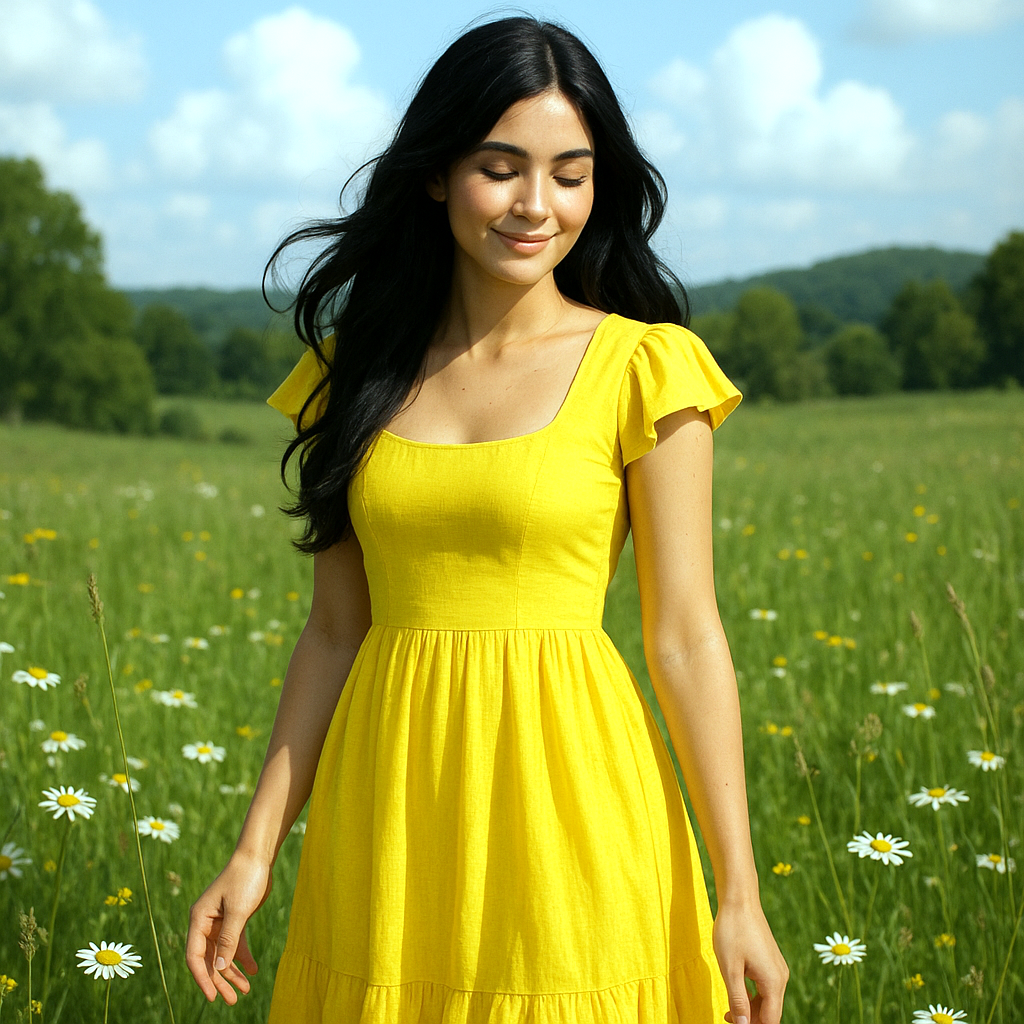
Generated on PixelDojo. Produced by PixelDojo's generation pipeline.
Imagine effortlessly transforming your photos by changing outfits with just a few clicks. With PixelDojo's AI Dress Changer, you can explore new styles, visualize different looks, and create stunning images without the need for physical wardrobe changes. Whether you're a fashion enthusiast, content creator, or simply looking to refresh your photos, our AI-powered tools make it easy and fun.
Real image examples generated on PixelDojo
Every example below was produced on PixelDojo. Hover to see the prompt.
Make her dress yellow and her hair black
stable-diffusion
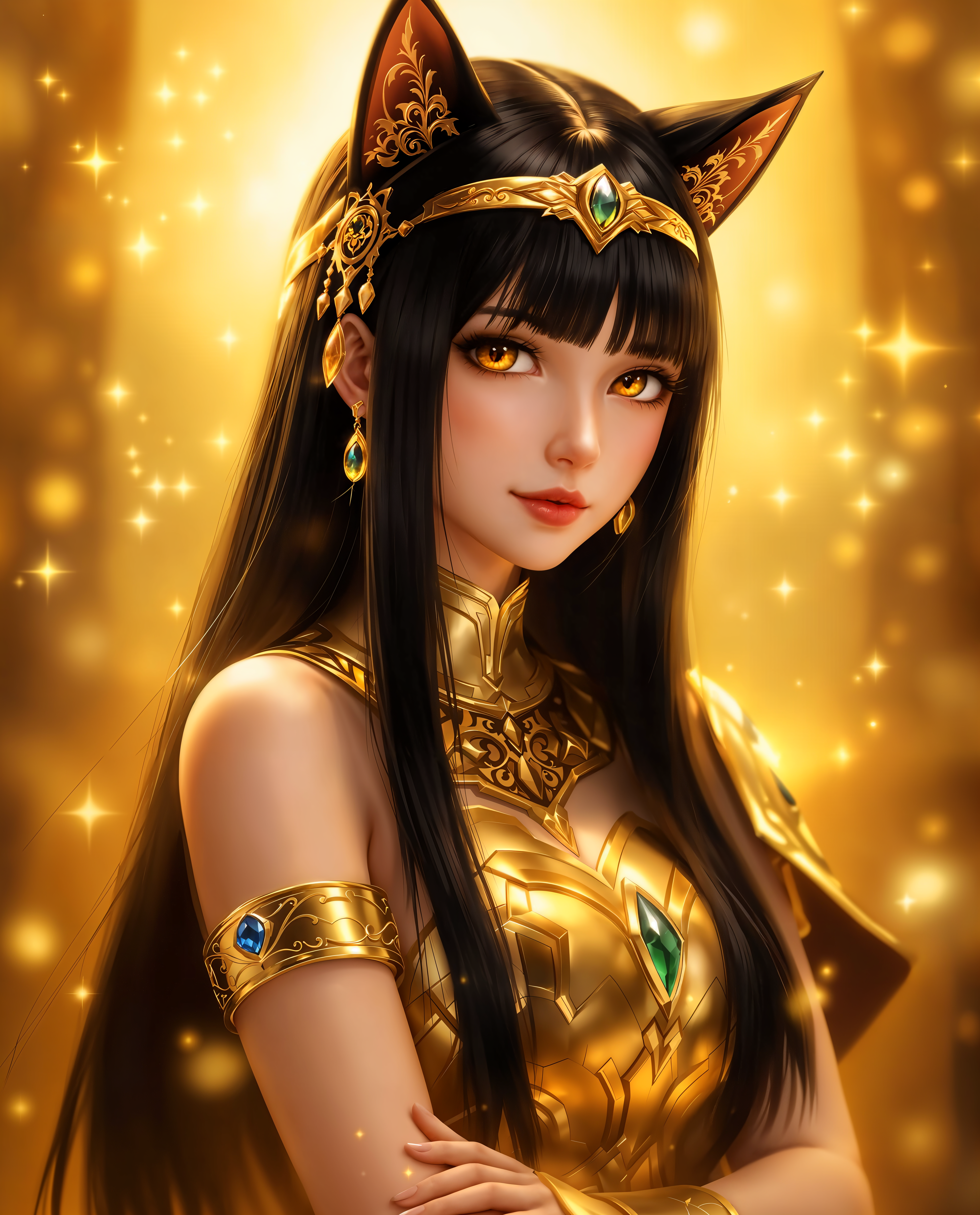
dress changer ai on PixelDojo
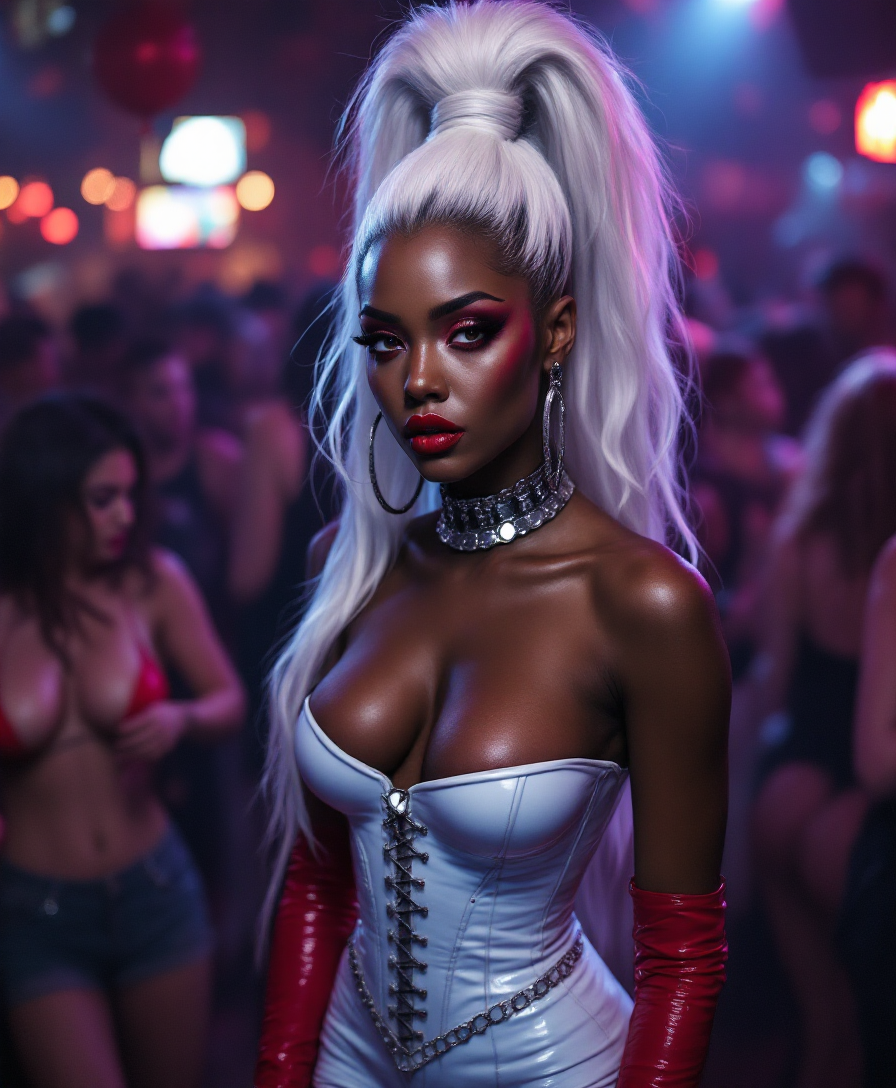
"SHOT COMPOSITION": "Capture a medium shot with a 50mm lens on a Sony A7S III camera
stable-diffusion
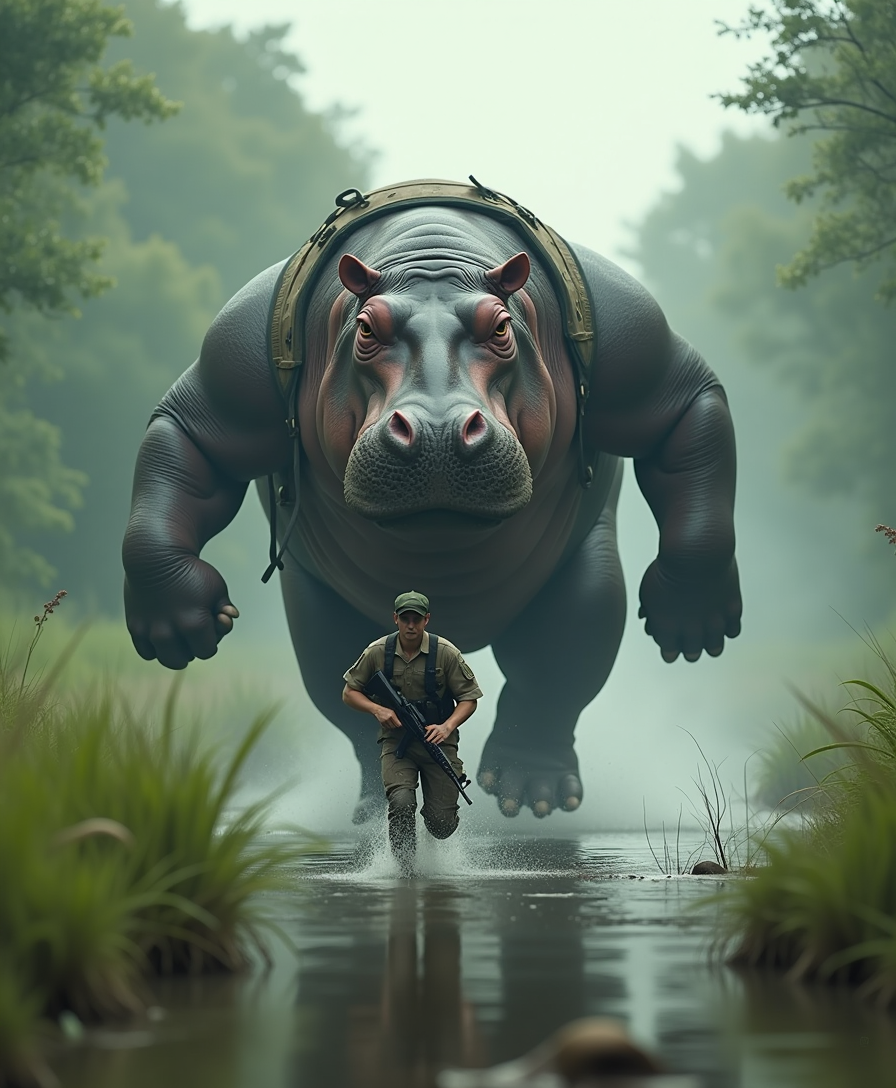
Hyper-realistic cinematic image in 8K
flux
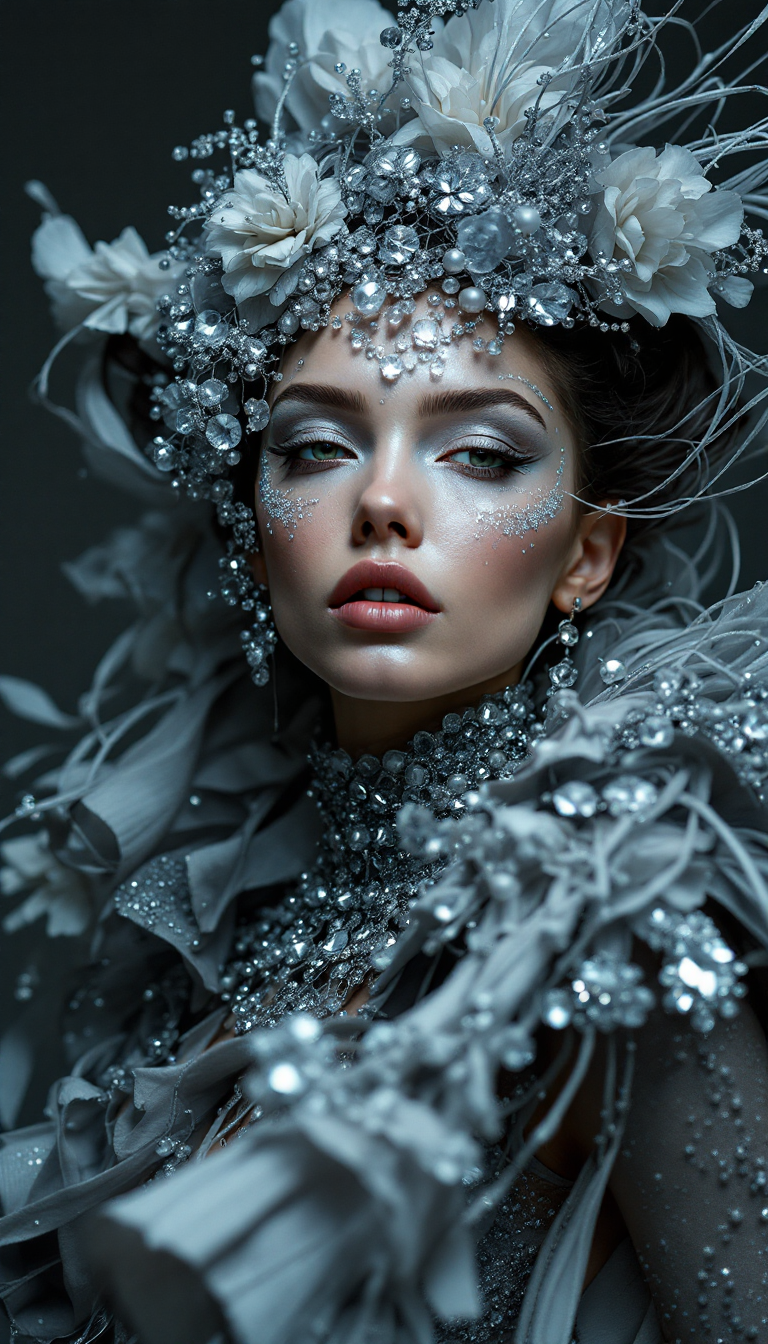
Top avant-garde fashion model shot
flux
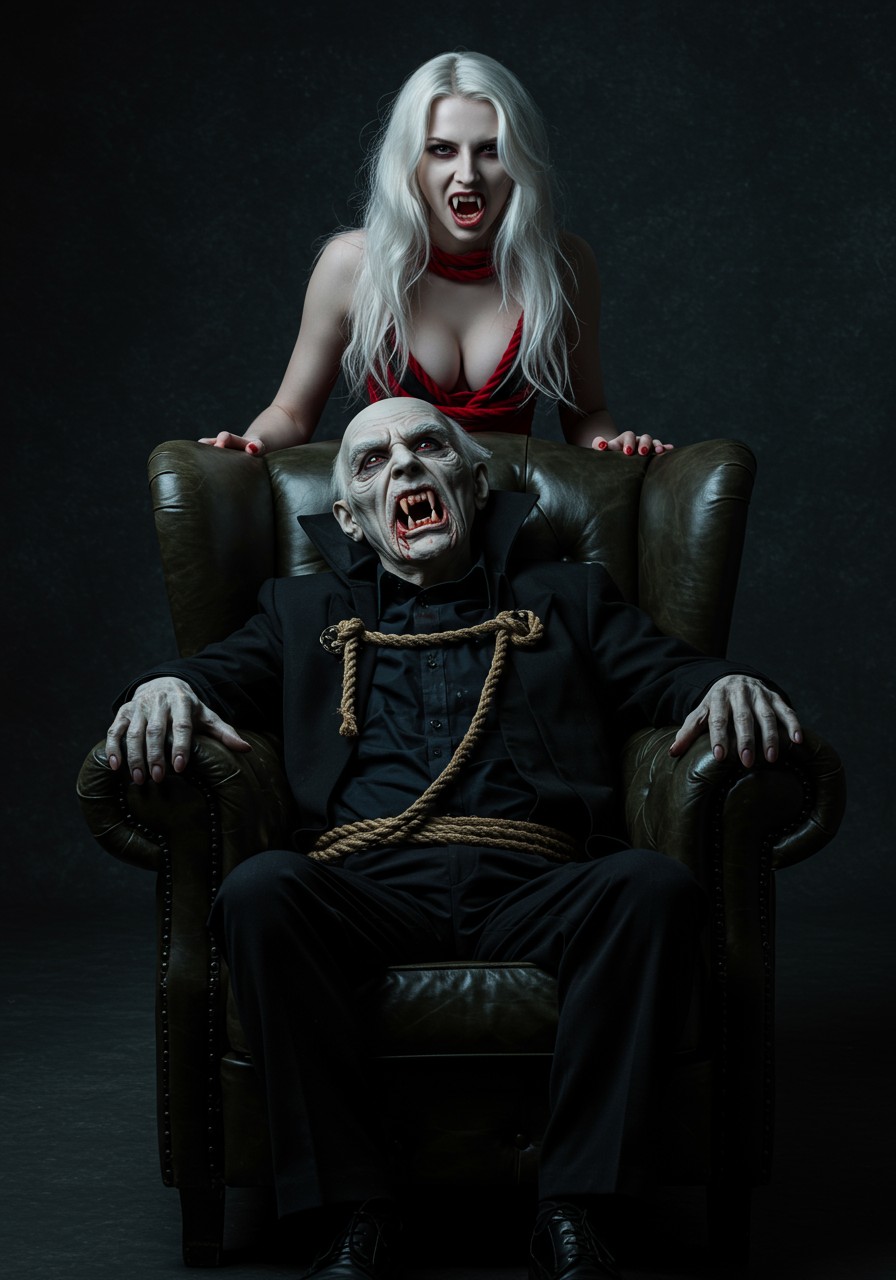
Cinematic dark photography
imagen
Models you can run on PixelDojo for dress changer ai
Switch models without switching tools. Each one runs in the same PixelDojo studio.
What you can do with dress changer ai on PixelDojo
Replace Outfits in Photos
We let you upload an image and apply new clothing styles through text prompts.
Keep Pose and Face
We maintain the subject's original pose and facial details in the edited output.
Generate Multiple Variations
We produce several dress options from a single source image for review.
Use Detailed Style Prompts
We support custom text instructions to define specific garment designs and fabrics.
Join over 10,000 satisfied users who have transformed their photos with PixelDojo's AI Dress Changer. Rated 4.9/5 based on 2,000+ reviews.
Why Choose Pixel Dojo for dress changer ai
Professional-quality results with cutting-edge AI technology
Explore Endless Styles
Try on various outfits virtually to find the perfect look for any occasion.
Save Time and Effort
Avoid the hassle of physical outfit changes and photoshoots.
Enhance Your Content
Create diverse and engaging visuals for social media, portfolios, or personal projects.
How It Works
Creating stunning images with new outfits is simple with PixelDojo's AI Dress Changer. Follow these steps to get started:
Step 1: Upload Your Photo
Choose a clear, full-body photo where the outfit is visible. This will serve as the base for your transformation.
Step 2: Select Your Desired Outfit
Browse through our extensive library of styles or input a custom description to generate a specific look.
Step 3: Generate and Download
Click 'Generate' to let our AI apply the new outfit to your photo. Once satisfied, download the transformed image.
The Pixel Dojo Advantage
Why PixelDojo outperforms other options for AI dress changing:
| Others | Pixel Dojo |
|---|---|
| Traditional Photoshoots | Eliminate the need for multiple outfit changes and costly photoshoots. |
| Generic AI Tools | Benefit from specialized tools designed specifically for realistic outfit transformations. |
| Manual Photo Editing | Achieve professional results without the steep learning curve of complex editing software. |
Loved by creators on PixelDojo
Real feedback from people using PixelDojo, pulled from our in-product surveys.
Prompt updates, strong features, and a community that is always willing to help and hear/act on professional feedback. I've never had a better experience.
user friendly all in one thing
I really like the schedule of AI work performed!
The best tools for IA on the web !
The guy that operates the website is constantly updating it
I’ve been using PixelDojo for around 8 months now and it’s always worked wonderfully while constantly adding features.
Explore more AI tools on PixelDojo
AI Tools
Compare & Switch
- Best AI Image Generators
- Best AI Video Generators
- Midjourney Alternatives
- Civitai Alternatives
- Runway Alternatives
- Leonardo Alternatives
- Pika Alternatives
- Luma Alternatives
- Magnific Alternatives
- Veo Alternatives
- Flux Alternatives
- Freepik Alternatives
- Seedance Alternatives
- Seedream Alternatives
- Pixverse Alternatives
- GPT Image Alternatives
- Synthesia Alternatives
- Playground Alternatives
- NightCafe Alternatives
- Canva AI Alternatives
- ElevenLabs Alternatives
- ComfyUI Alternatives
- Fal Alternatives
- Replicate Alternatives
Common Questions
Everything you need to know about dress changer ai
How does PixelDojo's AI Dress Changer work?
Our AI analyzes your uploaded photo and seamlessly applies the selected outfit, ensuring realistic and natural results.
Can I use my own outfit designs?
Yes, you can upload custom designs or describe specific styles to generate unique outfit transformations.
Is there a limit to the number of photos I can edit?
With our subscription, you have unlimited access to edit as many photos as you like.
Do I need any prior editing experience?
Not at all. Our user-friendly interface makes it easy for anyone to transform their photos without any technical skills.
Can I revert to the original photo after editing?
Yes, your original photo remains unchanged. You can always revert or make additional edits as needed.
Is my data secure with PixelDojo?
Absolutely. We prioritize user privacy and ensure that all uploaded photos are securely processed and stored.