ai faceswapper AI Generator
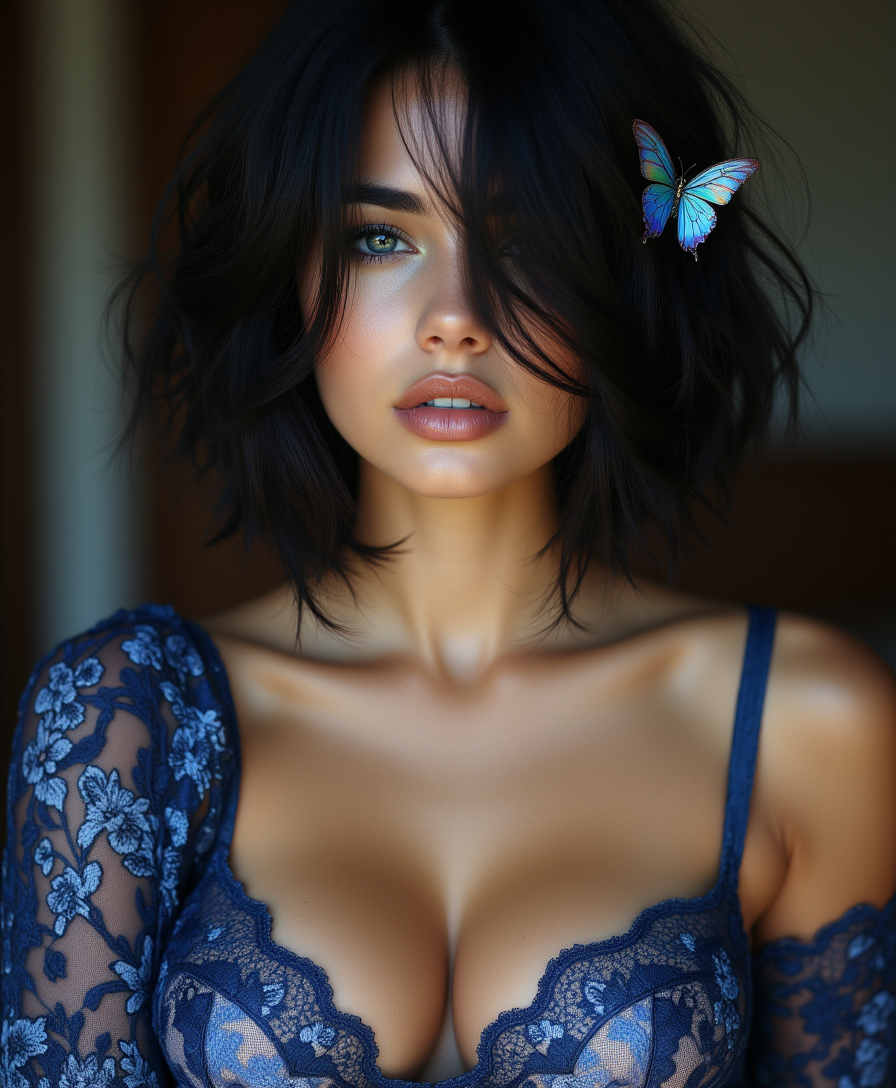
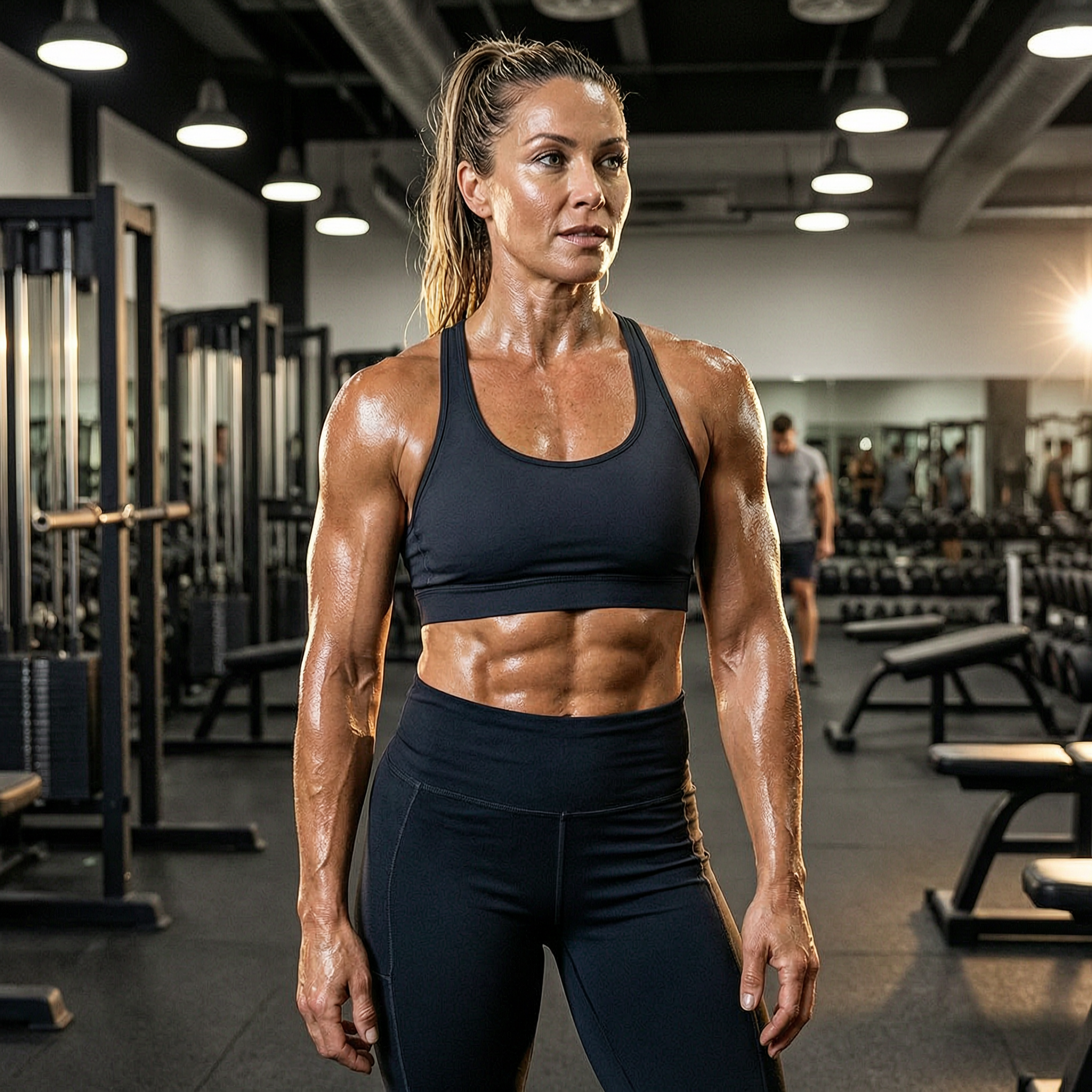
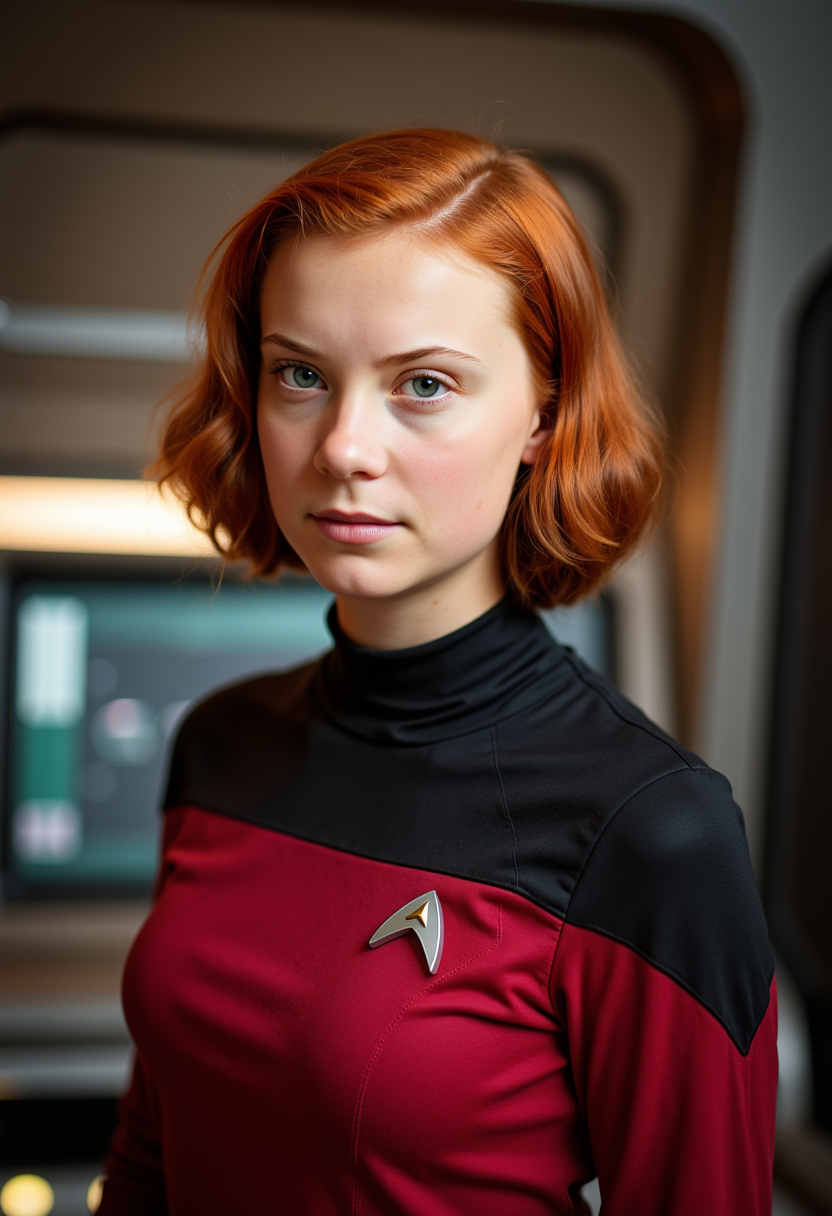
Imagine instantly transforming any photo by swapping faces with celebrities, friends, or even fictional characters while keeping every expression, lighting, and detail perfectly natural. With PixelDojo's AI face swapper, you achieve exactly that—photorealistic results that look like professional edits but take just seconds. Whether you're creating hilarious viral memes for social media, generating personalized avatars for your brand, or producing engaging video content that captivates audiences, PixelDojo empowers you to deliver stunning outcomes without any design experience or expensive software. Focus on the results that matter: more shares, higher engagement, and content that truly stands out.
Over 150,000 creators trust PixelDojo for their face swap projects, generating more than 2 million swaps monthly. Rated 4.9/5 stars from 45,000+ reviews. Featured in top creator communities for delivering Hollywood-level realism every time.
Why Choose Pixel Dojo for ai faceswapper
Professional-quality results with cutting-edge AI technology
Photorealistic Results Every Time
Achieve seamless blends with perfect skin tone matching, natural lighting, and preserved expressions so your swapped faces look completely authentic in any photo or video.
Viral Content Creation Made Simple
Quickly produce share-worthy memes, celebrity swaps, or branded visuals that drive massive engagement on TikTok, Instagram, and YouTube without hiring editors.
Professional Polish for Any Project
Create consistent character appearances for marketing campaigns, personalized headshots, or video productions that elevate your work to the next level effortlessly.
How It Works
PixelDojo makes professional-grade AI face swapping accessible to everyone. Simply choose the right tool, provide your images, and generate stunning results tailored to your vision.
Step 1: Choose Your Tool
Navigate to the Characters & Faces section and select Face Swap or LoRA Face Swap for maximum control and realism. For video projects, try WAN Video Character Swap or Kling Video Character Swap.
Step 2: Enter Your Prompt & Upload Images
Upload your source face image and target photo or video. Add a simple prompt like 'Swap the face naturally while matching skin tone and lighting' to guide the AI for optimal blending.
Step 3: Customize & Download
Fine-tune with Pose Control, Magic Lighting, or Style Transfer if needed. Preview the result, upscale with Portrait Upscaler for extra sharpness, then download your high-quality face-swapped image or video.

The Pixel Dojo Advantage
Why PixelDojo outperforms other options for AI face swapper image and video generation
| Others | Pixel Dojo |
|---|---|
| Traditional face swap creation | No manual masking or hours of editing required—generate professional results in seconds with automatic landmark detection and blending |
| Generic AI tools | Specialized Face Swap and LoRA Face Swap tools deliver superior identity preservation and lighting consistency tailored specifically for faces |
| Manual photo editing | Instant, repeatable swaps with consistent character output across multiple images using Consistent Characters and Virtual Try-On features |
Loved by creators on PixelDojo
Real feedback from people using PixelDojo, pulled from our in-product surveys.
All the tools, readily available and easy to understand
You guys, the LORA training is the BEST in the space right now, great job with that!
Tons of variety. Ease of use. Tools for beginners and advance users.
easiest workflow to get best output image or video
awesome functionality, UX, constant flood of improvements, discord interactivity
Awesome site with so many features
Explore more AI tools on PixelDojo
AI Tools
Compare & Switch
- Best AI Image Generators
- Best AI Video Generators
- Midjourney Alternatives
- Civitai Alternatives
- Runway Alternatives
- Leonardo Alternatives
- Pika Alternatives
- Luma Alternatives
- Magnific Alternatives
- Veo Alternatives
- Flux Alternatives
- Freepik Alternatives
- Seedance Alternatives
- Seedream Alternatives
- Pixverse Alternatives
- GPT Image Alternatives
- Synthesia Alternatives
- Playground Alternatives
- NightCafe Alternatives
- Canva AI Alternatives
- ElevenLabs Alternatives
- ComfyUI Alternatives
- Fal Alternatives
- Replicate Alternatives
Common Questions
Everything you need to know about ai faceswapper
How does PixelDojo's AI faceswapper create such realistic results?
PixelDojo's Face Swap and LoRA Face Swap tools use advanced facial landmark detection combined with intelligent blending techniques to match skin tones, lighting, and expressions perfectly. You simply upload your source and target images, and the AI handles the rest for photorealistic outcomes in seconds.
Can I use PixelDojo AI face swapper for video content creation?
Absolutely! Beyond still images, PixelDojo offers powerful video tools like Kling Video Character Swap, WAN Video Character Swap, and Lip Sync features. Swap faces in videos while preserving natural movements, expressions, and adding realistic lip synchronization for engaging content.
What makes PixelDojo better than other AI face swap tools for consistent characters?
With dedicated tools like Consistent Characters, Ideogram Character, and LoRA Face Swap, PixelDojo lets you maintain the same face identity across multiple photos, videos, and styles. This is perfect for series content, brand campaigns, or storytelling where character consistency matters most.
Is PixelDojo's AI faceswapper suitable for professional marketing and headshots?
Yes! Professionals use PixelDojo's Face Swap combined with Portrait Upscaler, Magic Lighting, and Style Transfer to create polished headshots, campaign visuals, and virtual try-on previews. Achieve studio-quality results without expensive photoshoots or editing teams.
How do I get the best results with PixelDojo AI face swapper?
For optimal outcomes, use high-resolution, well-lit source images with clear facial features. Combine Face Swap with tools like Background Remover or Change Camera Angle for creative control. Many users also apply Reality Polisher for final enhancements and upscale for print-ready quality.
Can beginners create amazing AI face swaps with PixelDojo?
PixelDojo is designed for everyone. The intuitive interface, step-by-step guidance, and one-click tools like Face Swap make it easy for beginners to produce professional results. No prior experience needed—just upload, generate, and download stunning swaps that impress.