Game Asset Concept Art
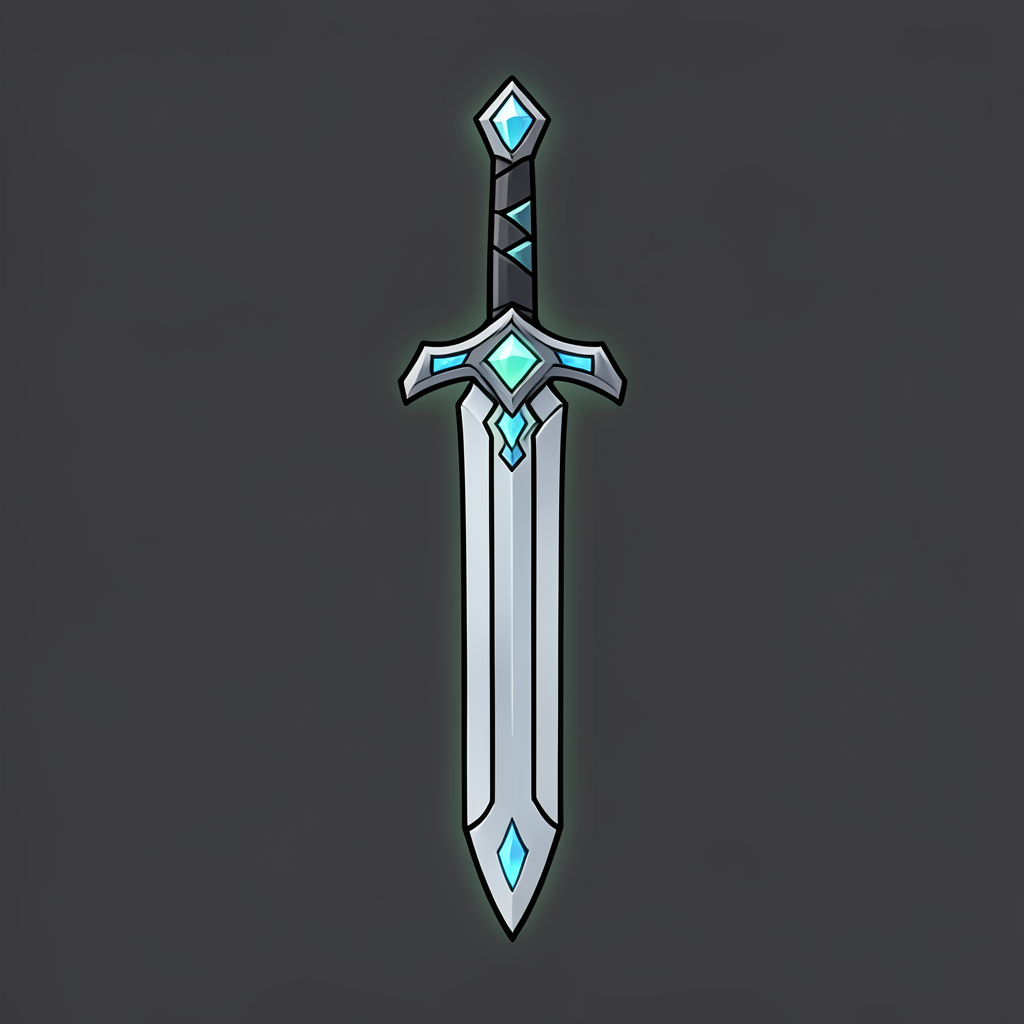
Generated on PixelDojo with Flux 2 Klein 4B. Produced by PixelDojo's generation pipeline.
Describe the object like an inventory icon instead of a scene, then generate a batch of cheap variations before you commit to one. We did this on August 26, 2026 with Flux 2 Klein 4B, the lowest-priced model in the catalog at 0.1 credits, and got back a clean enchanted sword icon in about 22 seconds. Game asset concept art is a volume problem more than a quality problem at the sketch stage: you want ten silhouettes, not one perfect render, so the model and the price both matter more than usual.
The 0.1 credit sword icon, first result kept
Every example below was produced on PixelDojo. Hover to see the prompt.
Concept art of a fantasy RPG game asset: a glowing enchanted sword with a crystal-inlaid hilt, bold clean linework, flat color palette, orthographic inventory icon style, isolated on a plain dark background
Flux 2 Klein 4B
One prompt, one concept, one run on August 26, 2026: Flux 2 Klein 4B, 0.1 credits, about 22 seconds, first result kept.
How It Works
How we ran it, so you can repeat it for your own asset list:
Write the object, not the world around it
Name the item, its material, and the rendering style, and skip the background. Ours read: Concept art of a fantasy RPG game asset: a glowing enchanted sword with a crystal-inlaid hilt, bold clean linework, flat color palette, orthographic inventory icon style, isolated on a plain dark background. Every clause describes the object itself.
Generate a batch on the cheapest model first
We ran the prompt through Flux 2 Klein 4B, the lowest-priced model in the catalog at 0.1 credits per image, and the icon came back in about 22 seconds. At that price, generating ten variants of a weapon or a potion costs 1 credit total, which is what makes silhouette testing practical instead of precious.
Take the winner further if it needs it
A kept concept can go to Creative Upscaler for a larger, sharper version at 0.5 credits, or into the image editor for a background swap or color pass. The cheap first pass is for picking a direction, not for the final file.
Loved by creators on PixelDojo
Real feedback from people using PixelDojo, pulled from our in-product surveys.
Creative freedom, range of tools and options.
I love the training feature
the quality is the best
All the tools needed in one dashboard
Very fair and very broad in tools.
Accurate results
Explore more AI tools on PixelDojo
AI Tools
Compare & Switch
- Best AI Image Generators
- Best AI Video Generators
- Midjourney Alternatives
- Civitai Alternatives
- Runway Alternatives
- Leonardo Alternatives
- Pika Alternatives
- Luma Alternatives
- Magnific Alternatives
- Veo Alternatives
- Flux Alternatives
- Freepik Alternatives
- Seedance Alternatives
- Seedream Alternatives
- Pixverse Alternatives
- GPT Image Alternatives
- Synthesia Alternatives
- Playground Alternatives
- NightCafe Alternatives
- Canva AI Alternatives
- ElevenLabs Alternatives
- ComfyUI Alternatives
- Fal Alternatives
- Replicate Alternatives
Common Questions
Everything you need to know about Game Asset Concept Art
What does one game asset concept cost?
0.1 credits per image on Flux 2 Klein 4B, the lowest-priced model in the catalog. Ten variations of the same item cost about 1 credit.
How fast is it?
Our sword icon came back in about 22 seconds on August 26, 2026, measured from submission to the finished file.
How should I write the prompt?
Describe the object, its material, and the render style, not a scene. Ours read: Concept art of a fantasy RPG game asset: a glowing enchanted sword with a crystal-inlaid hilt, bold clean linework, flat color palette, orthographic inventory icon style, isolated on a plain dark background.
Is a 0.1 credit image good enough to ship, or only for sketching?
Ours came back with clean linework and readable silhouette detail on the first try, good enough for a placeholder or a pitch deck. For a final in-game asset, run the kept concept through Creative Upscaler at 0.5 credits for a larger, sharper file.
Can I generate a whole set of icons in one pipeline?
Yes. Every model in the catalog, including Flux 2 Klein 4B, takes the same API key and the same request shape at POST /api/v1/models/flux-2-klein-4b/run, so scripting a batch across a weapon or item list is one loop over prompts.
What if I need a full illustrated scene instead of an icon?
Switch models rather than the workflow. A higher-tier image model composes fuller environments; the cheap-batch-then-refine pattern still applies, it just costs more per pass.