bytedance ai

Generated on PixelDojo. Produced by PixelDojo's generation pipeline.
Turn your ideas into studio-quality visuals that actually convert. With ByteDance AI on PixelDojo you get Seedream 5 and Seedream 4.5 — models built for photorealistic portraits, fashion campaigns, product shots, infographics, and multilingual posters that look like they came from a professional photoshoot. You no longer wait days for a designer or photographer. You describe what you need, add a few reference photos, and download 4K-ready assets in seconds. Keep the same face, product, or brand style across an entire campaign. Generate text that stays sharp even in Chinese, English, or mixed layouts. PixelDojo puts the latest ByteDance image generation techniques in one place so you can create, edit, and ship faster than ever. Thousands of marketers, e-commerce sellers, and content teams already use these tools to produce high-converting images without the traditional cost or delay.
Real image examples generated on PixelDojo
Every example below was produced on PixelDojo. Hover to see the prompt.
Image of an ai painting a human and a human painting an ai
flux
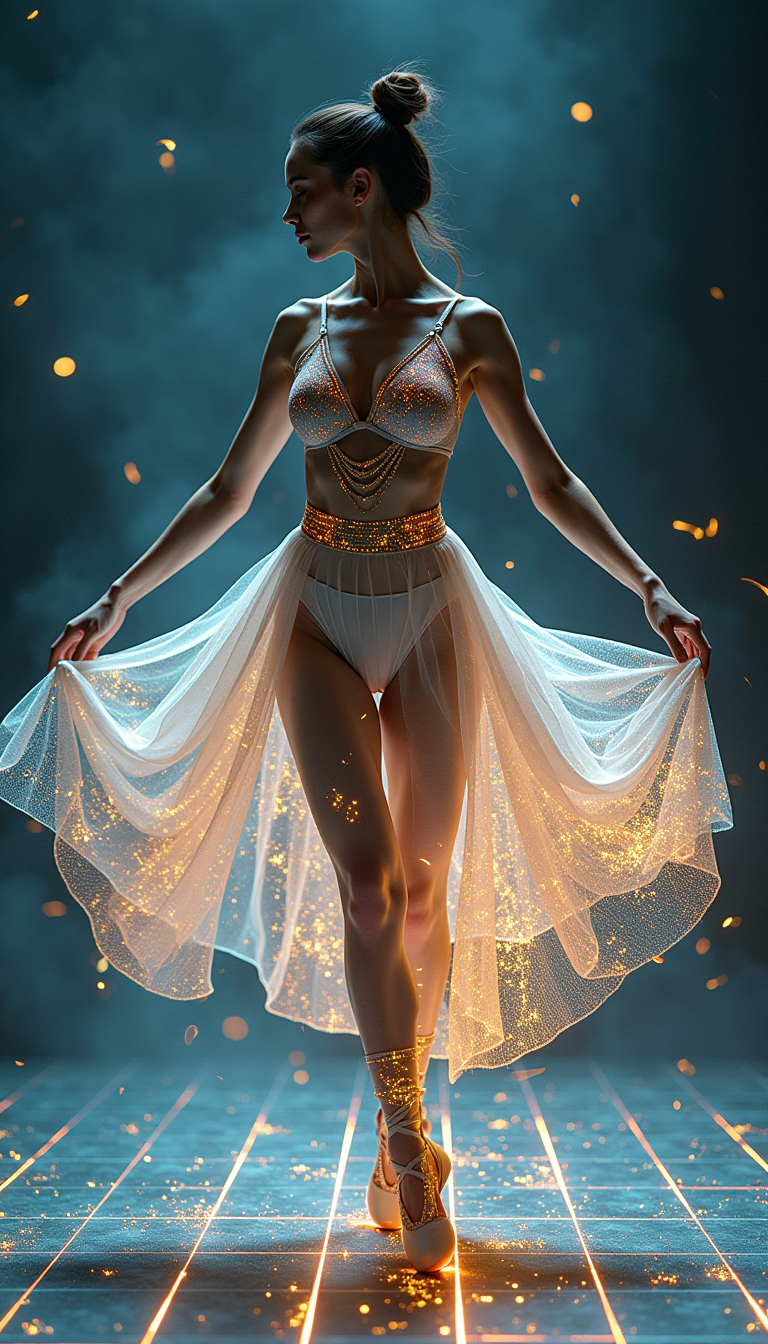
A digital dance goddess
flux

bytedance ai on PixelDojo
flux

A highly detailed
stable-diffusion
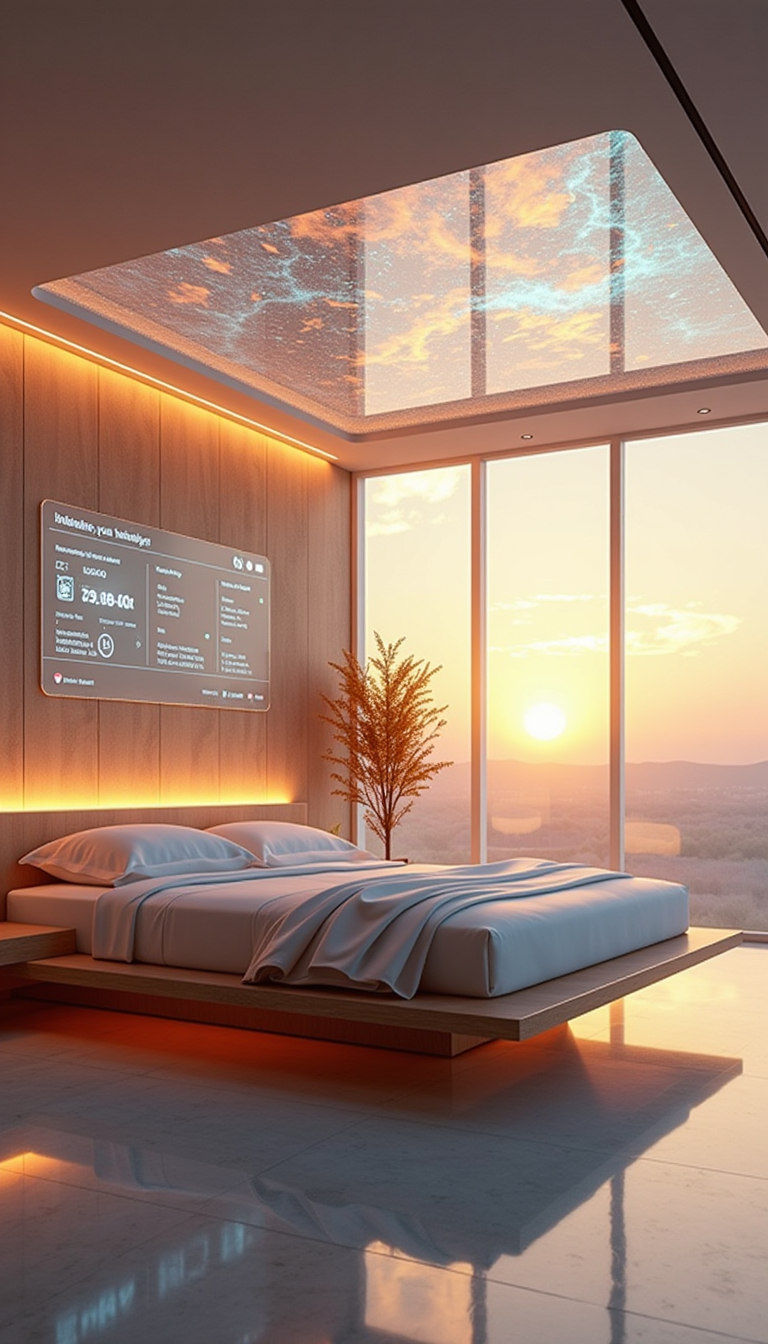
A HD Dynamic 4K Image Of Ultra-realistic futuristic bedroom with a transparent ceiling tha…
stable-diffusion
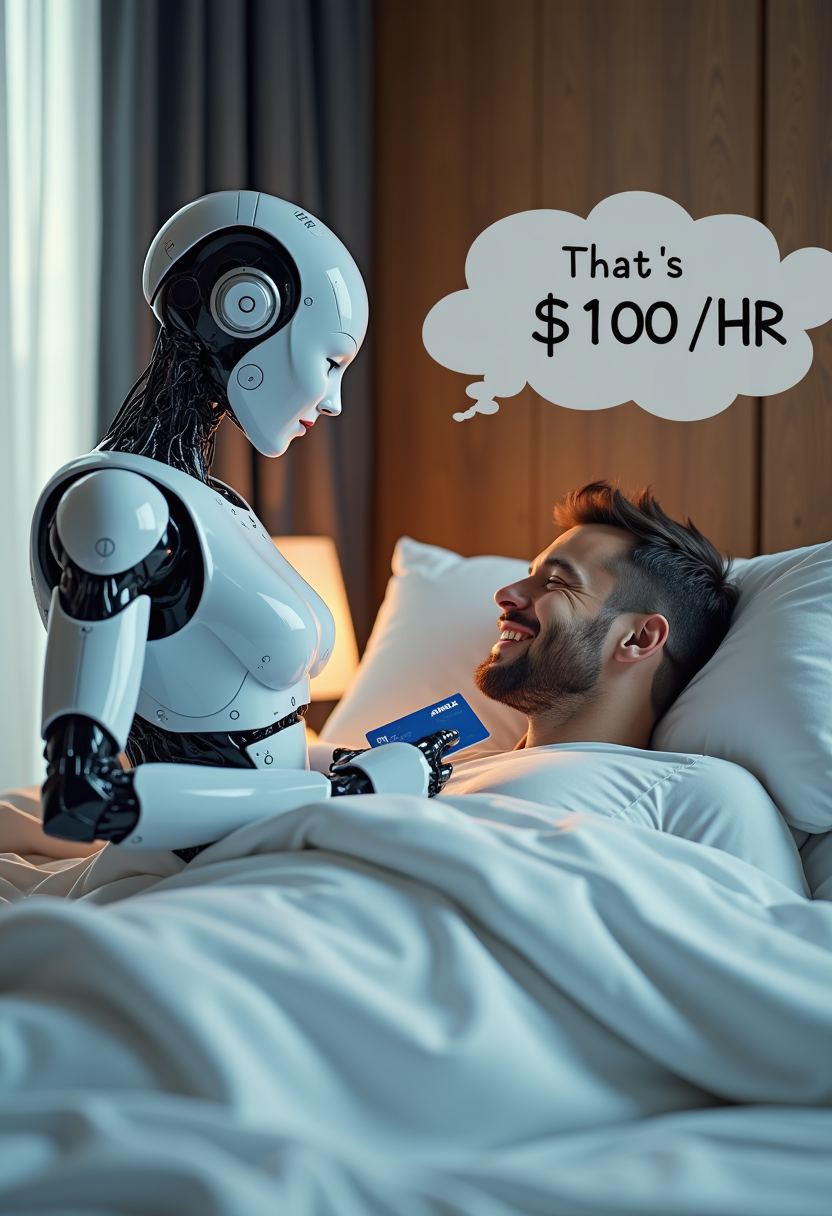
Create image of very beautiful AI robot woman in bed a happy man under the covers
flux
Models you can run on PixelDojo for bytedance ai
Switch models without switching tools. Each one runs in the same PixelDojo studio.
What you can do with bytedance ai on PixelDojo
ByteDance Image Models
We give you access to ByteDance image generation models inside PixelDojo so you can turn prompts into stills without leaving the studio.
Prompt Driven Stills
Describe subject, lighting, and composition and we run ByteDance generation to produce images you can iterate on in the same workspace.
Style And Aspect Control
We let you set style direction and output size so ByteDance generations match the look and crop your project needs.
Iterate In One Place
We keep generations, variations, and downloads together so you can refine ByteDance results and move them into the rest of your PixelDojo workflow.
Loved by thousands of creators worldwide generating millions of images. 4.8-star average from users who switched from slow traditional workflows. 40+ cutting-edge AI tools including Seedream 5, cancel anytime, no long-term contracts.
Why Choose Pixel Dojo for bytedance ai
Professional-quality results with cutting-edge AI technology
Native 4K Photorealism That Sells Products
You get lifelike skin texture, fabric weave, metal reflections, and natural lighting that make e-commerce photos and lifestyle shots look professionally photographed. Seedream 5 and Seedream 4.5 output native 4K so your images stay sharp on large banners, print, and high-DPI screens without extra upscaling steps.
Unbreakable Character and Product Consistency
Upload up to 10 reference images and your character’s face, your product’s exact finish, or your brand’s color palette stay locked across every scene, pose, and campaign. You stop wasting time fixing identity drift and start shipping cohesive storyboards, ads, and social series in one session.
Print-Ready Text, Infographics, and Multilingual Layouts
You create posters, packaging, charts, and dense information graphics with accurate typography in over ten languages. Seedream understands spatial layout and complex instructions so the text stays readable, the data stays correct, and the design looks professionally typeset — ready to use immediately.
How It Works
You create ByteDance AI images on PixelDojo in three straightforward steps using Seedream 5 or Seedream 4.5 together with PixelDojo’s editing and enhancement tools.
Step 1: Choose Your ByteDance Tool
Open Generate Images and select Seedream 5 for the newest reasoning, 4K output, and precision editing, or Seedream 4.5 for proven photorealism and cinematic aesthetics. Both models accept text, images, or mixed inputs so you can start from a prompt or from existing photos.
Step 2: Enter Your Prompt and References
Type a detailed description of the scene, lighting, and style you want. Add one to ten reference images to lock character identity, product details, or composition. Seedream 5 uses its reasoning layer to understand physical constraints and layout so the first result already matches your intent closely.
Step 3: Customize, Enhance, and Download
Use Image to Image, Inpainting, Change Camera Angle, or Style Transfer to refine any area. Then apply P-Image Upscale or Magnific Upscaler for extra sharpness. Download 4K files instantly or send them to Marketing Studio and Consistent Characters for campaign-wide sets. Everything stays inside PixelDojo so you never lose quality or time.
The Pixel Dojo Advantage
Why PixelDojo outperforms other options for ByteDance AI image generation
| Others | Pixel Dojo |
|---|---|
| Traditional photography and design studios | You generate unlimited 4K variations in seconds instead of waiting days and paying thousands for a single shoot. Seedream 5 plus PixelDojo editing tools give you studio lighting, consistent talent, and print-ready files without booking a location or model. |
| Generic AI tools | You get the actual latest ByteDance Seedream 5 and Seedream 4.5 models with native 4K, multi-image reference, unified generate-and-edit, and multilingual text — all in one dashboard alongside 40+ complementary tools like Consistent Characters and Reality Polisher. |
| Manual photo editing and compositing | You describe the change in plain language or sketch it; Seedream 5 plus Inpainting and Image Outpainting handle complex edits, layer-aware replacements, and camera-angle shifts in one pass instead of hours of masking and blending. |
Loved by creators on PixelDojo
Real feedback from people using PixelDojo, pulled from our in-product surveys.
Very easy to use, and they have fast wan 2.2 video generation with custom loras available.
The overall quality of the site and it's amazing variety of tools. The continued updates of the UI. The unbelievable level of tech support.
THIS IS SO DOPE !
I have already recommended it to friends
All the tools, plus the guidance
Excellent tools. Ease of use. Well thought out interface. Wide variety of AI tools and features which are up to date with more added each month
Explore more AI tools on PixelDojo
AI Tools
Compare & Switch
- Best AI Image Generators
- Best AI Video Generators
- Midjourney Alternatives
- Civitai Alternatives
- Runway Alternatives
- Leonardo Alternatives
- Pika Alternatives
- Luma Alternatives
- Magnific Alternatives
- Veo Alternatives
- Flux Alternatives
- Freepik Alternatives
- Seedance Alternatives
- Seedream Alternatives
- Pixverse Alternatives
- GPT Image Alternatives
- Synthesia Alternatives
- Playground Alternatives
- NightCafe Alternatives
- Canva AI Alternatives
- ElevenLabs Alternatives
- ComfyUI Alternatives
- Fal Alternatives
- Replicate Alternatives
Common Questions
Everything you need to know about bytedance ai
What is the best ByteDance AI image generator available right now?
Seedream 5 on PixelDojo currently delivers the strongest combination of photorealism, 4K native output, character consistency, and precision editing. You also have Seedream 4.5 for proven cinematic results. Both sit inside the same PixelDojo workspace so you can switch models, add references, and refine with Inpainting or Style Transfer without leaving the platform.
How do I generate 4K photorealistic images with Seedream 5 on PixelDojo?
Select Seedream 5 in Generate Images, write a detailed prompt, optionally upload up to ten reference photos, and choose 4K output. The model produces native high-resolution files with accurate lighting and texture. You can then run P-Image Upscale or Reality Polisher if you need even more polish, all inside PixelDojo.
Can Seedream AI keep the same character consistent across many images?
Yes. Upload reference images of your character’s face and body; Seedream 5 and Seedream 4.5 lock identity across different poses, lighting, and scenes. Combine this with PixelDojo’s Consistent Characters and Character Sheets tools to build full campaign sets or storyboards that never drift.
Does ByteDance Seedream handle text and infographics well?
Seedream 5 excels at complex layouts, bilingual Chinese-English typography, and turning data or dense instructions into professional infographics. You get readable, correctly spelled text in over ten languages and spatially accurate charts that you can use immediately for posters, packaging, or presentations.
How fast can I create and edit ByteDance AI images on PixelDojo?
Seedream models generate 2K images in seconds and 4K in a short wait. Because generation and editing live in one unified model, you make changes with Inpainting, Change Camera Angle, or Magic Lighting without starting over. PixelDojo’s 40+ tools let you go from idea to download-ready file in a single session.
Is there any risk trying ByteDance AI image generation on PixelDojo?
None. You get access to Seedream 5, Seedream 4.5, and 40+ other cutting-edge tools. Thousands of creators already use the platform. You can cancel anytime with no long-term commitment, so you only pay while you are creating high-converting images.