nano banana pro online AI Generator

Generated on PixelDojo. Produced by PixelDojo's generation pipeline.
You no longer need a professional studio, expensive software or hours of editing to produce images that look like they belong in a magazine or high-end campaign. PixelDojo puts Nano Banana Pro online in your hands so you can turn a simple idea into photorealistic, print-ready visuals in seconds. Marketers create ads with perfectly spelled headlines, educators build accurate infographics that actually teach, and storytellers keep the same character looking identical across dozens of scenes. The result is work that feels intentional, polished and ready to publish. Because everything lives in one platform with 40+ cutting-edge AI tools, you move from concept to finished asset without switching apps. Thousands of creators already rely on PixelDojo every day for these outcomes. Start generating now and experience the difference studio-quality control makes for your projects.
Real image examples generated on PixelDojo
Every example below was produced on PixelDojo. Hover to see the prompt.
A nano banana
google-gemini-image

A nano banana
google-gemini-image
A nano banana
image-to-video

Masterpiece
creative-upscaler

A vampire Jane Woodstocke with almond hazel eyes
stable-diffusion
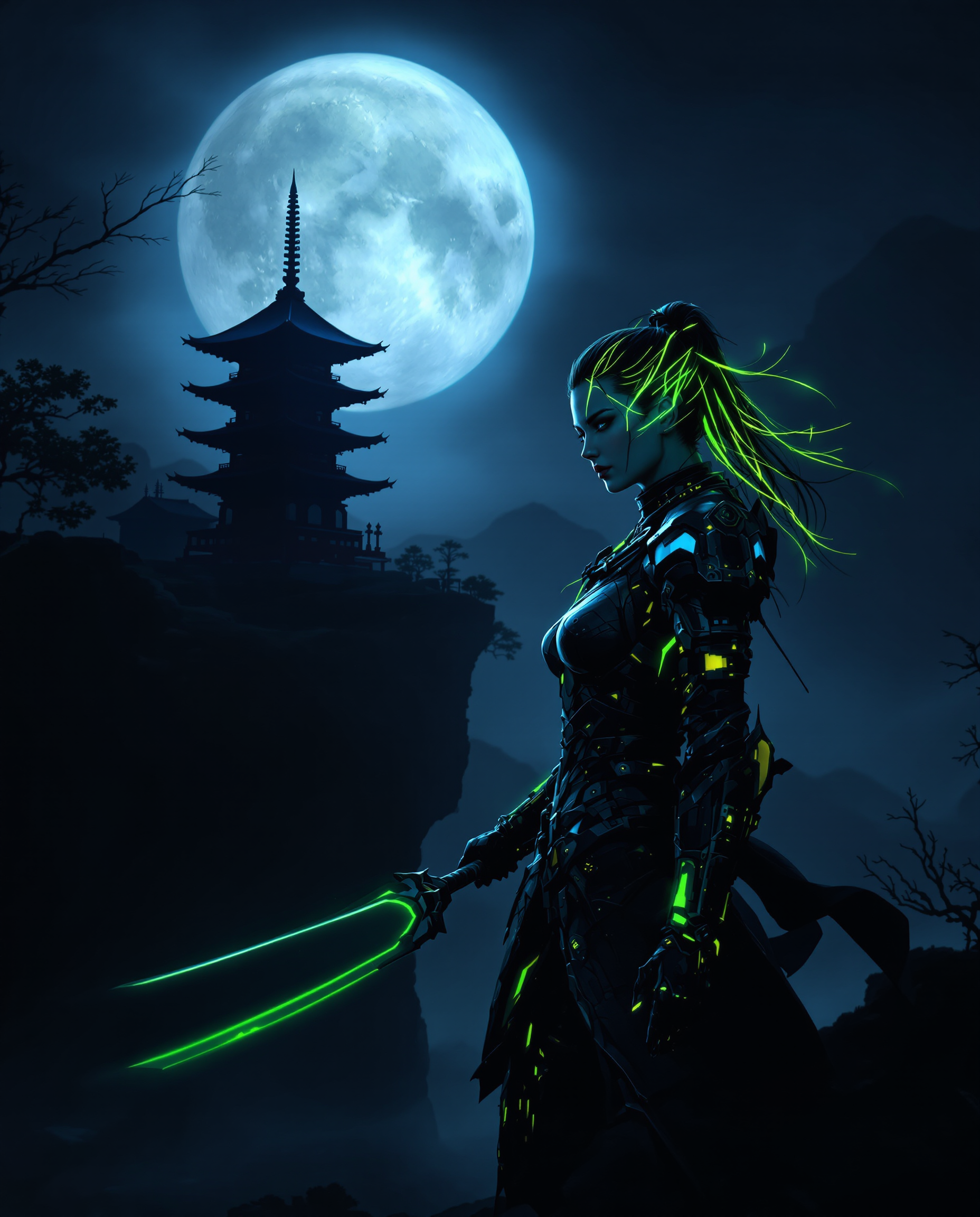
This is a realistic photo photograph of a female real person intricate and atmospheric dig…
flux
Models you can run on PixelDojo for nano banana pro online
Switch models without switching tools. Each one runs in the same PixelDojo studio.
What you can do with nano banana pro online on PixelDojo
Nano Banana Pro Access
Run Nano Banana Pro image generation in the browser. We host the model so you can create without installing local software.
Text Prompt Image Generation
Write a prompt and we return still images based on your description. Iterate on wording and settings until the output fits the brief.
Cloud Based Creation
Generate, review, and download from one online workspace. We keep the pipeline in the cloud so you can work from any device with a browser.
Subject and Style Control
Steer subject, lighting, and composition through detailed prompts. We provide the controls creators use to keep a consistent look across a set of images.
Loved by thousands of creators worldwide who produce millions of professional images monthly. PixelDojo users consistently highlight the jump in quality, text accuracy and speed compared with older methods. 40+ cutting-edge AI tools, cancel anytime.
Why Choose Pixel Dojo for nano banana pro online
Professional-quality results with cutting-edge AI technology
Produce Print-Ready 4K Studio Images in Seconds
You walk away with high-fidelity photographs and designs that look like they were shot by a pro photographer, complete with correct lighting, depth and detail up to 4K resolution so you can use them on websites, social posts or large-format prints without extra work.
Add Perfectly Legible Text and Infographics Instantly
You generate posters, diagrams, product labels and educational graphics where every word, number and heading renders sharp and accurate in multiple languages, eliminating the usual garbled letters that ruin other AI images.
Keep Characters and Brands Perfectly Consistent
You blend up to 14 reference photos while locking the appearance of up to five people or mascots so your brand assets, comic characters or influencer look-alikes stay identical across every new scene you create.
How It Works
Creating professional Nano Banana Pro images on PixelDojo takes three straightforward steps that anyone can follow, even if you have never used AI before.
Step 1: Choose Your Tool
Open PixelDojo and select Nano Banana 2 from the Generate Images section, or pair it with Flux.2 Studio, QWEN Image 2 or Seedream 5 for extra style options. These models give you the reasoning power, 4K output and text accuracy that define Nano Banana Pro results.
Step 2: Enter Your Prompt
Describe exactly what you want in everyday language: the subject, the action, the setting, lighting, camera angle and any text that must appear. The more specific you are about composition and mood, the closer the first result matches your vision.
Step 3: Customize & Download
Fine-tune with PixelDojo’s Edit Images tools such as Change Camera Angle, Magic Lighting, Inpainting or Style Transfer, then upscale with P-Image Upscale or Magnific Upscaler. Download your 4K file ready for any use.
The Pixel Dojo Advantage
Why PixelDojo outperforms other options for nano banana pro image generation
| Others | Pixel Dojo |
|---|---|
| Traditional studio photography or graphic design | You skip the cost of cameras, lighting setups, models and designers and still receive the same polished, high-resolution results in a fraction of the time. |
| Generic AI tools | You get the reasoning, search-grounded accuracy, 4K resolution and flawless text that generic generators miss, plus a full suite of editing and upscaling tools in one place. |
| Manual photo editing software | You replace hours of layer work and masking with simple conversational instructions that instantly change lighting, angle, background or text while keeping everything else intact. |
Loved by creators on PixelDojo
Real feedback from people using PixelDojo, pulled from our in-product surveys.
Practically every Ai suite in one place? Who wouldn't?
versatile menu of tools
Best AI tool availble the suite is rad
Versatility quality, value, ROI, innovation
variety of tools available and prompt tools
A "one-stop-shop" for creators! Thanks!!
Explore more AI tools on PixelDojo
AI Tools
Compare & Switch
- Best AI Image Generators
- Best AI Video Generators
- Midjourney Alternatives
- Civitai Alternatives
- Runway Alternatives
- Leonardo Alternatives
- Pika Alternatives
- Luma Alternatives
- Magnific Alternatives
- Veo Alternatives
- Flux Alternatives
- Freepik Alternatives
- Seedance Alternatives
- Seedream Alternatives
- Pixverse Alternatives
- GPT Image Alternatives
- Synthesia Alternatives
- Playground Alternatives
- NightCafe Alternatives
- Canva AI Alternatives
- ElevenLabs Alternatives
- ComfyUI Alternatives
- Fal Alternatives
- Replicate Alternatives
Common Questions
Everything you need to know about nano banana pro online
What is Nano Banana Pro online and how can I use it on PixelDojo?
Nano Banana Pro online is Google’s Gemini 3 Pro Image model that delivers studio-quality generation and editing with reasoning, perfect text and 4K output. On PixelDojo you access it through Nano Banana 2 and complementary tools like Flux.2 Studio so you can create professional visuals without leaving the platform.
How do I generate 4K images with nano banana pro online?
Select Nano Banana 2 or a similar high-fidelity model, write a detailed prompt that includes the desired aspect ratio and resolution, then use PixelDojo’s P-Image Upscale or Magnific Upscaler after generation. You receive print-ready files that look sharp even at large sizes.
Can I add accurate, readable text to images using nano banana pro?
Yes. Nano Banana Pro is specifically strong at rendering long headlines, paragraphs and multilingual text that stays sharp and correctly spelled. PixelDojo lets you include that text in your original prompt or add it later with editing tools so your posters and infographics look professional.
How do I keep the same character consistent across multiple nano banana pro images?
Upload up to 14 reference photos when you generate with Nano Banana 2, then use PixelDojo’s Consistent Characters and Character Sheets tools. The platform maintains facial features, clothing and style so your mascot or spokesperson looks identical in every new scene.
Is nano banana pro free to try online on PixelDojo?
You can start creating immediately with PixelDojo’s 40+ cutting-edge AI tools. There is no long-term commitment; you can cancel anytime while still enjoying the same studio-quality results that thousands of creators already love.
Which PixelDojo editing tools work best with nano banana pro images?
After generation you can refine results with Image to Image, Inpainting, Change Camera Angle, Magic Lighting, Style Transfer, Background Remover and Reality Polisher. Then upscale with Portrait Upscaler or Clarity Pro for the final professional finish.