nano banana 2 lite online AI Generator

Generated on PixelDojo. Produced by PixelDojo's generation pipeline.
Imagine turning your next marketing campaign, social media calendar, or product launch into a stream of polished, on-brand images without waiting hours or hiring a designer. That’s exactly what Nano Banana 2 Lite online delivers through PixelDojo. You describe the scene in everyday language and watch professional-quality visuals appear in seconds—perfect for rapid A/B testing, daily content, or iterating concepts until they convert. PixelDojo puts Nano Banana 2 right in your browser alongside 40+ other cutting-edge tools, so you stay in one place from first idea to final download. Thousands of marketers, creators, and small-business owners already use it to produce consistent characters, readable headlines inside images, and photorealistic product shots that look like they came from a studio. No technical setup, no steep learning curve—just results you can publish today. Loved by thousands of creators worldwide, PixelDojo lets you cancel anytime, giving you complete freedom to experiment and scale.
Real image examples generated on PixelDojo
Every example below was produced on PixelDojo. Hover to see the prompt.
A nano banana
google-gemini-image

A nano banana
google-gemini-image
A nano banana
image-to-video

Extremely beautiful woman
stable-diffusion
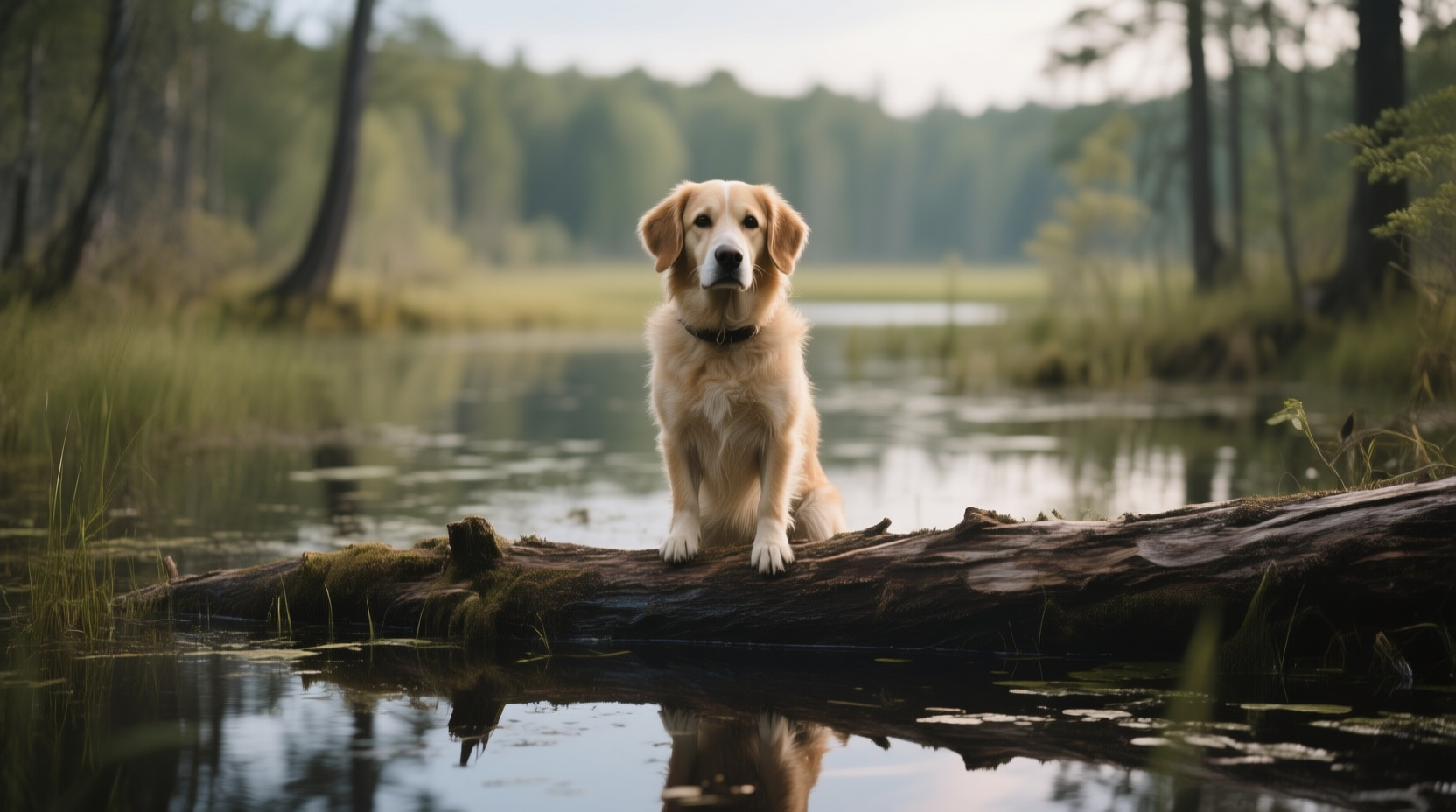
A dog in a bog on a log
qwen-image
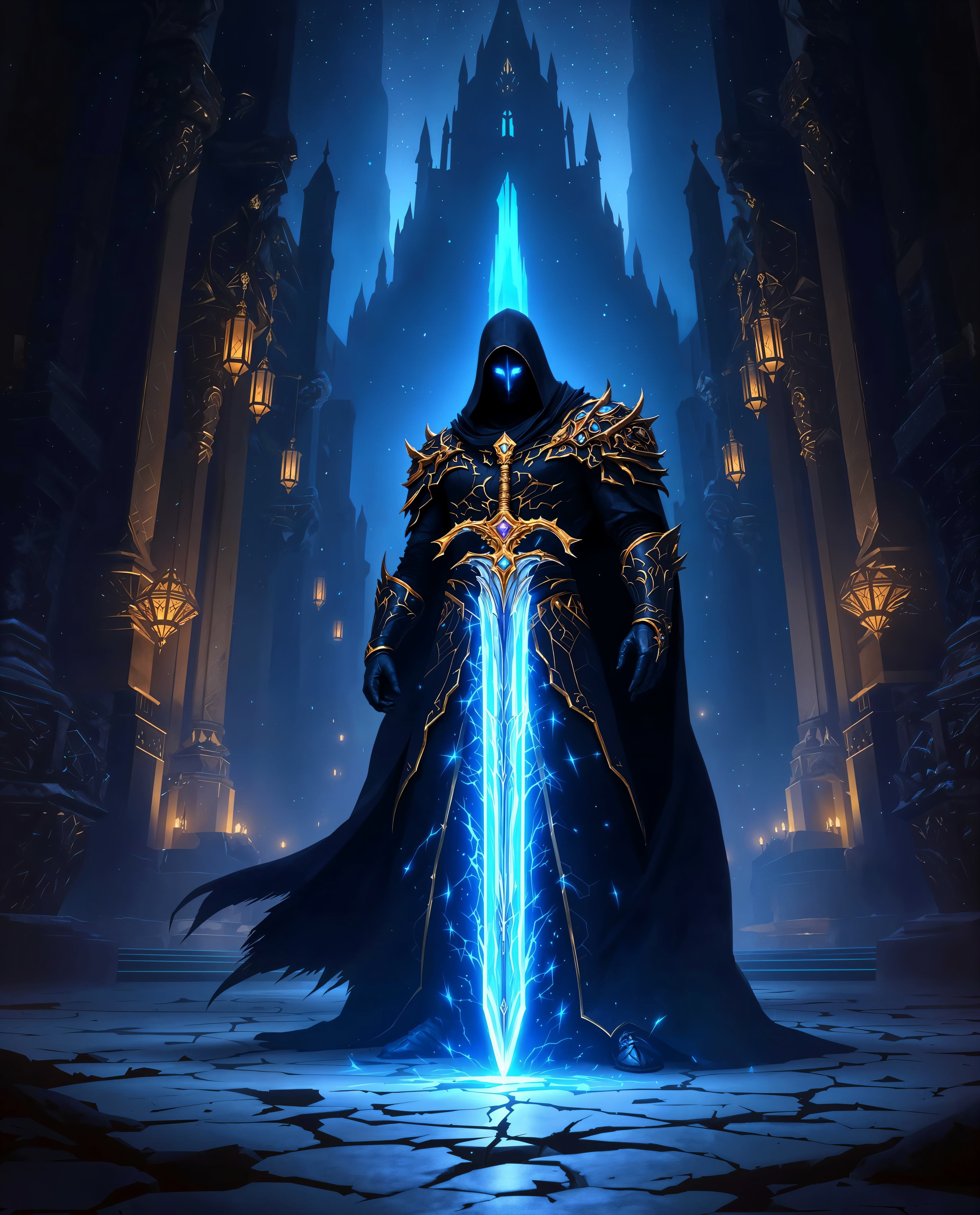
nano banana 2 lite online on PixelDojo
Models you can run on PixelDojo for nano banana 2 lite online
Switch models without switching tools. Each one runs in the same PixelDojo studio.
What you can do with nano banana 2 lite online on PixelDojo
Run Nano Banana 2 Lite
You generate images online with the lite model, no local install required. We host the workflow so you can prompt, preview, and iterate in one place.
Text Prompt Image Drafts
You describe a scene or style and we return still images you can review. Refine the prompt and generate again until the result fits the brief.
Fast Ideation Passes
The lite setup is meant for many quick drafts rather than one heavy render. Use it to explore compositions and variants before you commit to a final look.
Download And Reuse Assets
You export generated images in common formats for editors, decks, and social posts. Keep the files with your project so the rest of the team can work from the same set.
Join thousands of creators who have generated millions of images with PixelDojo’s 40+ AI tools. Users consistently praise the speed and reliability of Nano Banana 2, with an average 4.9 rating for fast, professional output that actually converts.
Why Choose Pixel Dojo for nano banana 2 lite online
Professional-quality results with cutting-edge AI technology
Generate Campaign-Ready Visuals in Seconds
You produce dozens of ad variants, social posts, and product mockups in the time it used to take to brief a designer. Nano Banana 2 Lite on PixelDojo keeps your workflow moving so you can test, refine, and launch while competitors are still waiting.
Keep Characters and Branding Consistent Across Every Image
You maintain the same faces, products, and style from the first draft to the hundredth variation. This lets you build recognizable series, storyboards, and ad sets that feel cohesive and professional without extra editing time.
Create High-Volume Content Without the High Cost
You iterate freely on marketing assets, blog illustrations, and e-commerce listings. PixelDojo’s Nano Banana 2 plus complementary tools like Image to Image and Background Remover let you scale production while staying in control of your budget.
How It Works
Creating Nano Banana 2 Lite images online on PixelDojo is as simple as describing what you want. Follow these three steps to go from idea to downloadable visual in minutes.
Step 1: Choose Your Tool
Log into PixelDojo and open Generate Images. Select Nano Banana 2 from the model list—PixelDojo also gives you instant access to GPT Image 2, Flux.2 Studio, Krea Image, and dozens more so you can switch if you need a different look. Pick your aspect ratio and resolution to match your platform.
Step 2: Enter Your Prompt
Write a natural-language description as if briefing a photographer: subject, action, setting, lighting, and any short text you want inside the image. For even better results, upload one or more reference photos. PixelDojo’s interface lets you add Image to Image or Style Transfer in the same session so you stay in flow.
Step 3: Customize & Download
Review the generated image, then refine it instantly with PixelDojo’s Edit Images tools—Inpainting, Change Camera Angle, Magic Lighting, or Background Remover. Upscale with P-Image Upscale or Magnific Upscaler if you need extra sharpness. Download in the format you need and move on to the next idea.
The Pixel Dojo Advantage
Why PixelDojo outperforms other options for Nano Banana 2 Lite image generation
| Others | Pixel Dojo |
|---|---|
| Traditional image creation | You skip photoshoots, stock libraries, and designer wait times. PixelDojo’s Nano Banana 2 plus Character Sheets and Consistent Characters lets you produce on-brand visuals in seconds instead of days. |
| Generic AI tools | You get one unified workspace with Nano Banana 2, Flux.2 Studio, Seedream 5, and specialized editors like Reality Polisher and Virtual Try-On. No jumping between sites or losing consistency. |
| Manual photo editing | You generate the base image and then polish it with Inpainting, Style Transfer, and Video Autocaption in the same platform. PixelDojo turns hours of layer work into a few clicks while keeping quality professional. |
Loved by creators on PixelDojo
Real feedback from people using PixelDojo, pulled from our in-product surveys.
Ease of use, friendliness and support of the owner, continued innovation.
it is an amazing site to create a pics and vids for those who don't have the hardware themselves
good tools in one place
Prompt updates, strong features, and a community that is always willing to help and hear/act on professional feedback. I've never had a better experience.
user friendly all in one thing
I really like the schedule of AI work performed!
Explore more AI tools on PixelDojo
AI Tools
Compare & Switch
- Best AI Image Generators
- Best AI Video Generators
- Midjourney Alternatives
- Civitai Alternatives
- Runway Alternatives
- Leonardo Alternatives
- Pika Alternatives
- Luma Alternatives
- Magnific Alternatives
- Veo Alternatives
- Flux Alternatives
- Freepik Alternatives
- Seedance Alternatives
- Seedream Alternatives
- Pixverse Alternatives
- GPT Image Alternatives
- Synthesia Alternatives
- Playground Alternatives
- NightCafe Alternatives
- Canva AI Alternatives
- ElevenLabs Alternatives
- ComfyUI Alternatives
- Fal Alternatives
- Replicate Alternatives
Common Questions
Everything you need to know about nano banana 2 lite online
What is Nano Banana 2 Lite online image generation and how does PixelDojo make it easy?
Nano Banana 2 Lite online image generation lets you create fast, high-quality visuals from text or reference photos. PixelDojo puts Nano Banana 2 in a simple browser interface so you never deal with APIs or complicated settings. You also have 40+ complementary tools like Kling Image, QWEN Image 2, and Image Outpainting ready whenever you need them. Thousands of creators use it daily because it is fast, reliable, and cancel-anytime.
How do I write the best prompts for Nano Banana 2 Lite online on PixelDojo?
Describe the full scene in natural sentences: who or what is in the picture, what they are doing, the location, lighting, camera angle, and any short text you want rendered. PixelDojo’s Nano Banana 2 responds especially well to this style. You can then refine the result with PixelDojo’s Magic Lighting or Style Transfer without leaving the platform.
Can I use Nano Banana 2 Lite online for product photography and marketing ads?
Yes. You generate clean studio shots, lifestyle scenes, and ad variants in seconds, then keep the same product and lighting across every version using PixelDojo’s Consistent Characters and Image to Image. Add Marketing Studio or Flux Pro Virtual Try-On for even more professional results. Many users run entire campaigns this way.
Does PixelDojo support editing Nano Banana 2 Lite images after generation?
Absolutely. After Nano Banana 2 creates your image you can immediately use Inpainting, Change Camera Angle, Background Remover, Reality Polisher, or Image Analyzer. For video you can jump to Kling Video Edit or WAN 2.7 Video Edit. Everything lives in one account so your workflow never breaks.
Is Nano Banana 2 Lite online on PixelDojo suitable for high-volume social media content?
It is one of the fastest ways to produce daily posts, stories, and thumbnails. You generate, caption with Video Autocaption, reframe with Video Reframe, and export. PixelDojo’s 40+ tools plus cancel-anytime flexibility make it ideal for agencies and solo creators who need volume without sacrificing quality.
How does PixelDojo compare for Nano Banana 2 Lite online versus using the model elsewhere?
PixelDojo gives you Nano Banana 2 plus GPT Image 2, Seedream 4.5, Ideogram 4, Character Stylist, and a full editing suite in one place. You avoid juggling multiple logins and keep character and style consistency across every project. Loved by thousands of creators worldwide, you can start free and cancel anytime.