ai hairstyle changer online AI Generator
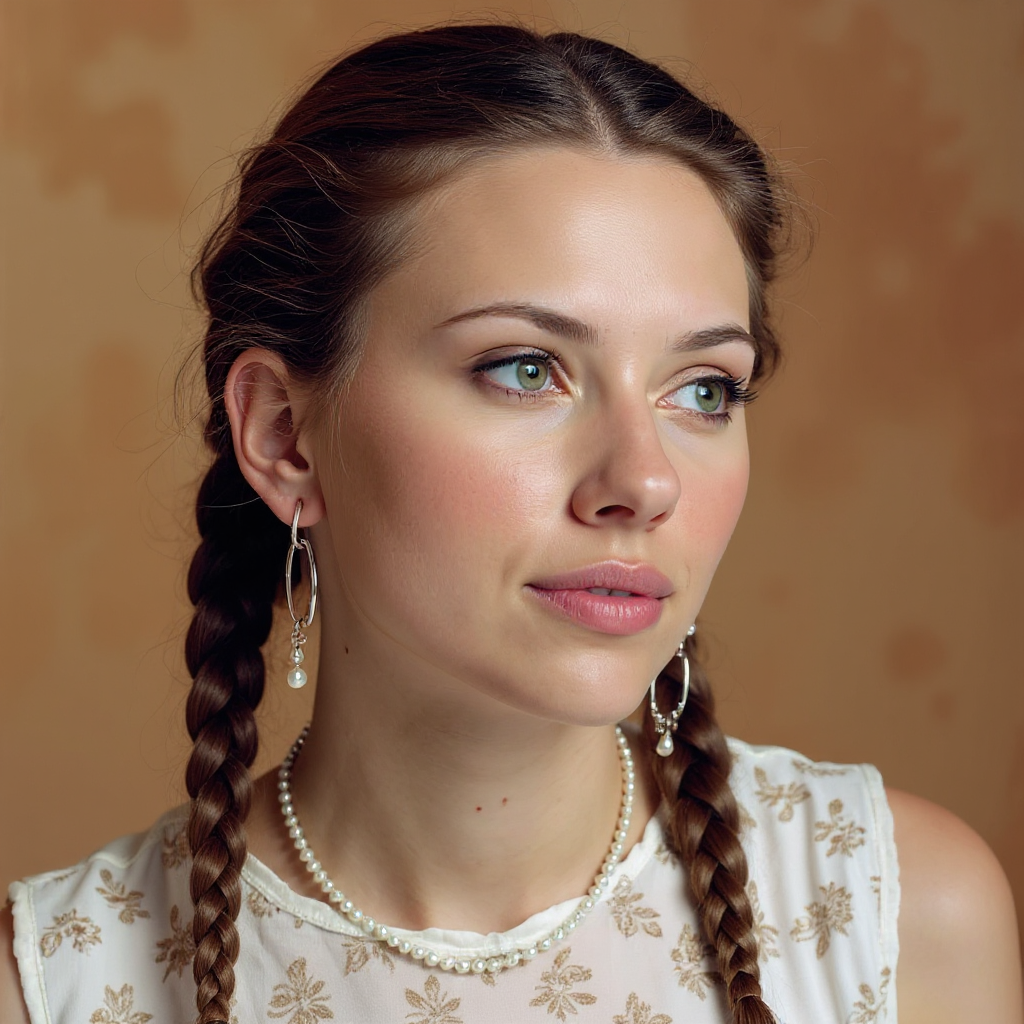
Generated on PixelDojo. Produced by PixelDojo's generation pipeline.
You deserve to love your hair before you ever sit in a salon chair. PixelDojo's AI hairstyle changer online gives you that power today. Upload a single clear photo of yourself and watch as our advanced tools instantly show you wearing the exact cut, color, and texture you have been dreaming about. From the viral Chanel-inspired short styles taking over social feeds to the polished butterfly layers and curtain bangs dominating 2026 runways, you see photorealistic results that keep your unique facial features, skin tone, lighting, and personality completely intact. No more guessing if a wolf cut will flatter your face shape or if platinum highlights will wash you out. You experiment privately, share previews with friends, or even send them to your stylist so everyone is on the same page. Thousands of creators already use PixelDojo every day to test bold changes without risk. With 40+ cutting-edge AI tools at your fingertips, loved by thousands of creators worldwide, you can generate unlimited variations, refine lighting, and download high-resolution images you actually want to keep. Cancel anytime. Your next signature look is just one upload away.
Real image examples generated on PixelDojo
Every example below was produced on PixelDojo. Hover to see the prompt.
Quickly change someone's hair style and hair color
stable-diffusion
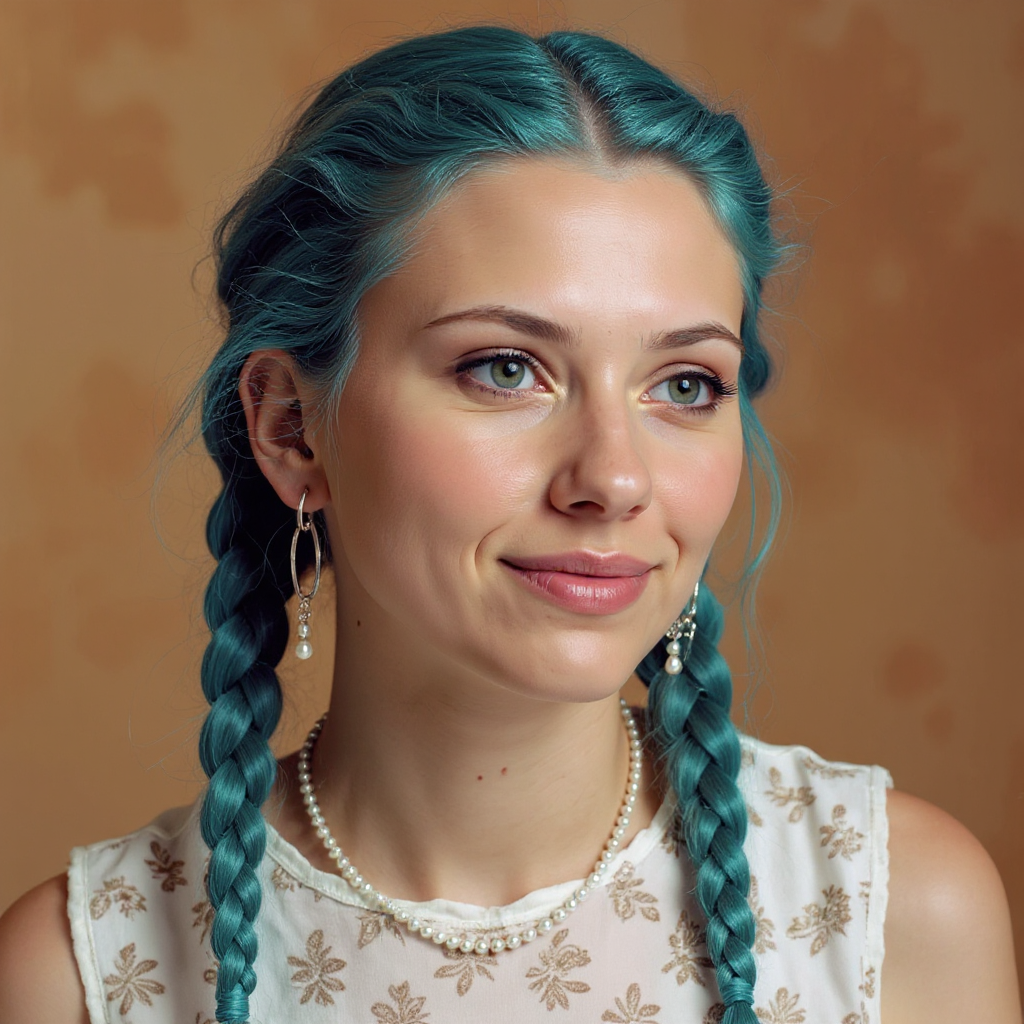
Quickly change someone's hair style and hair color
stable-diffusion
A cyberpunk street market at night
ernie
This image is a realistic photo photograph of a female real person digital artwork that sh…
flux
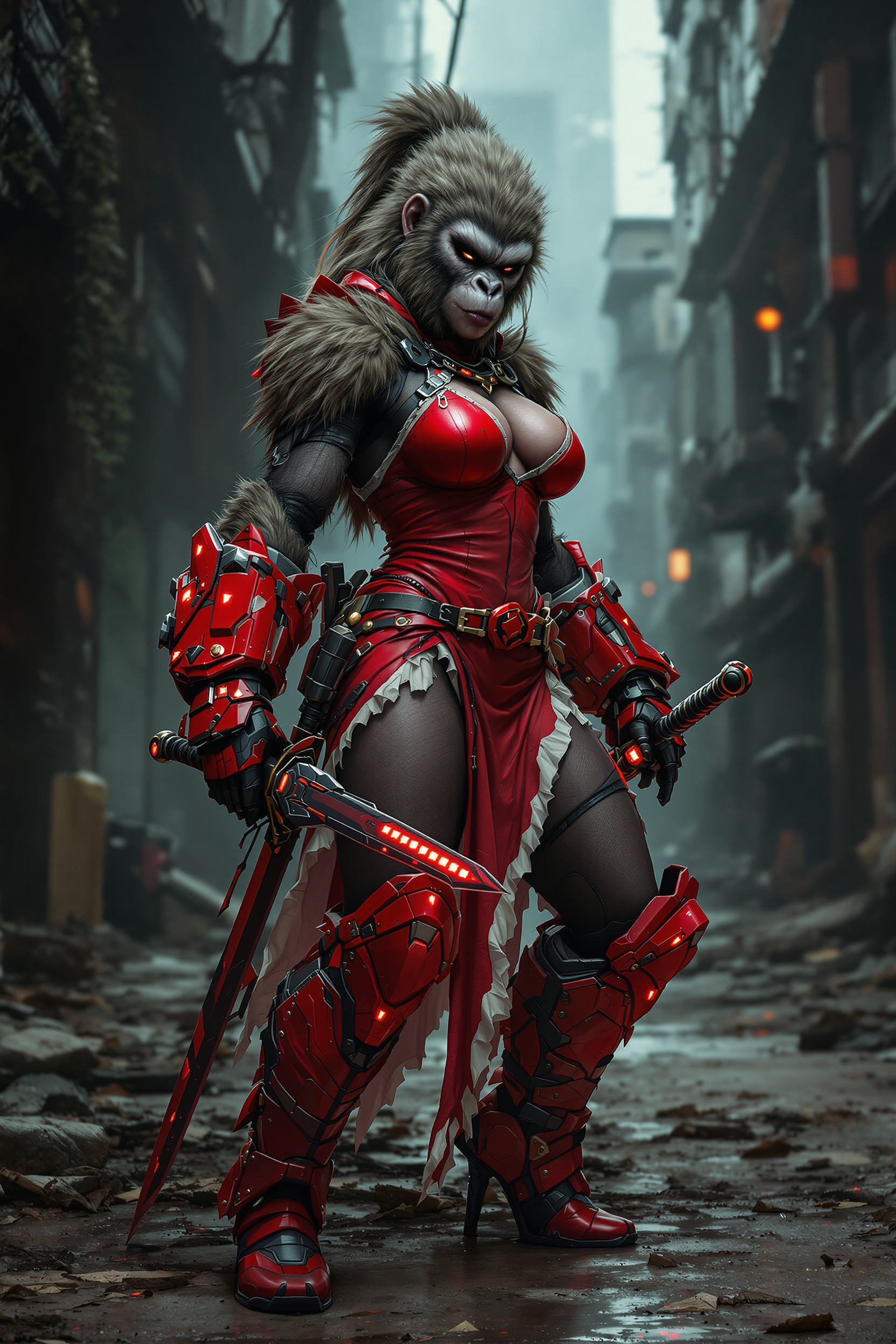
Prompt: Create a highly detailed and photorealistic image of athletic & tough post-apocaly…
flux
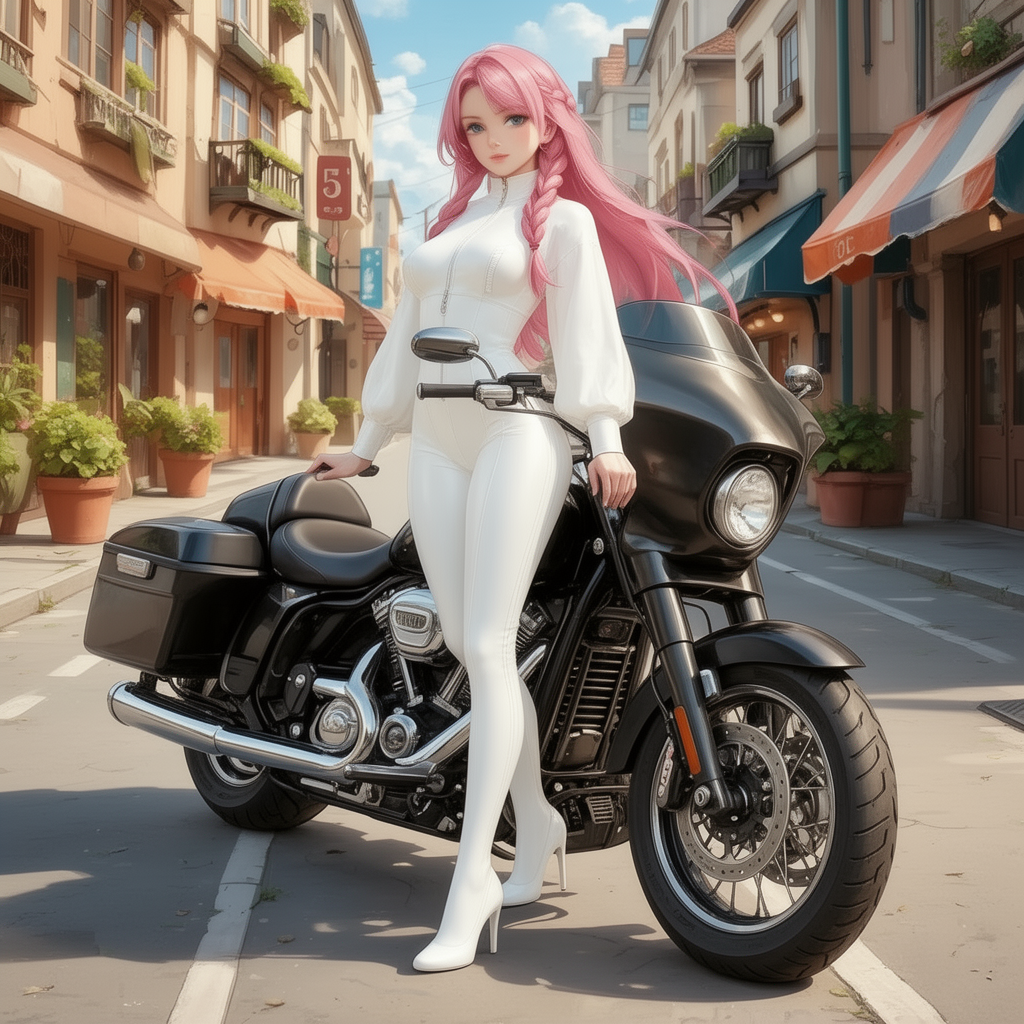
Show the character in a random pose with random background and random lighting
consistent-characters
Models you can run on PixelDojo for ai hairstyle changer online
Switch models without switching tools. Each one runs in the same PixelDojo studio.
What you can do with ai hairstyle changer online on PixelDojo
Swap Hair On Portraits
Upload a face photo and generate new cuts, lengths, and colors with our image models. We keep the original pose so you can compare looks side by side.
Try Color And Texture
Apply straight, wavy, curly, or dyed styles without reshooting. Creators get several variations from one source image for boards and social drafts.
Preserve Face And Lighting
We aim to hold facial features, skin tone, and scene light while changing only the hair. Iterate on prompts until the result matches the shot you need.
Download Ready Stills
Export generated hairstyle images for edits, thumbnails, and client reviews. Use them as stills in your usual design or posting workflow.
Trusted by thousands of creators worldwide who generate millions of photorealistic transformations. 4.9-star average from users who finally found their perfect cut before booking the salon.
Why Choose Pixel Dojo for ai hairstyle changer online
Professional-quality results with cutting-edge AI technology
See Your Dream Cut Before You Commit
You upload one photo and instantly preview how a short Italian bob, textured crop, or long beach waves will look on your actual face, bone structure, and lighting. PixelDojo's Image to Image and Inpainting tools with Flux.2 Studio and GPT Image 2 preserve every detail of you while swapping only the hair, so you walk into the salon with complete confidence instead of hope.
Ride Every 2026 Trend Without the Risk
You try the hottest looks of the year—butterfly layers, curtain bangs, wolf cuts, burst fade mohawks, and glossy side-parted styles—on your own photo in seconds. Combine Nano Banana 2, Krea Image, and Virtual Try-On to mix lengths, colors, and textures until you find the version that feels like the real you, all without a single pair of scissors.
Photorealistic Results That Still Look Like You
You get images so natural that friends cannot tell they are AI-generated. Character Stylist, Reality Polisher, and Face Swap keep your identity, expression, and background perfect while Magic Lighting and Style Transfer add salon-quality shine and movement. Download, print, or send to your stylist knowing the preview matches reality.
How It Works
You create stunning new looks in three simple steps using PixelDojo's specialized tools designed for identity-preserving hair transformations.
Step 1: Choose Your Tool and Upload Your Photo
Open PixelDojo and select Image to Image or Inpainting powered by Flux.2 Studio, GPT Image 2, or Nano Banana 2. Upload a well-lit, front-facing photo of yourself. The AI automatically detects your face, hairline, and lighting so the new style blends seamlessly. You can also start with Virtual Try-On or Character Stylist for even more precise face matching.
Step 2: Describe or Select Your New Hairstyle
Type a simple prompt such as 'sleek chin-length Italian bob with curtain bangs, natural texture, keep my exact face and lighting' or choose from trending presets. Combine QWEN Image 2, Seedream 5, or Ideogram 4 for extra control over color, length, and movement. The tools understand 2026 trends like wolf cuts and butterfly layers and apply them while protecting every facial feature.
Step 3: Refine, Enhance, and Download Your New Look
Use Reality Polisher, Magic Lighting, and Portrait Upscaler to add shine, volume, and professional finish. Adjust with Style Transfer or Background Remover if needed, then download your high-resolution image. You can generate dozens of variations in minutes and pick the one that makes you feel unstoppable. Cancel anytime if you ever want to pause.
The Pixel Dojo Advantage
Why PixelDojo outperforms other options for AI hairstyle changer online image generation
| Others | Pixel Dojo |
|---|---|
| Traditional salon consultations | You test unlimited styles at home in seconds instead of waiting weeks for an appointment and hoping the stylist interprets your Pinterest board correctly. PixelDojo lets you show exact photorealistic previews so there are no surprises. |
| Generic AI tools | You get identity-preserving results that keep your unique face instead of generating a completely new person. Dedicated tools like Inpainting, Virtual Try-On, and Character Stylist plus 40+ models give you control generic platforms simply cannot match. |
| Manual photo editing | You skip hours of masking, cloning, and lighting matching. PixelDojo's Image to Image, Face Swap, and Reality Polisher deliver salon-quality hair in under a minute while you stay in complete control of every detail. |
Loved by creators on PixelDojo
Real feedback from people using PixelDojo, pulled from our in-product surveys.
the amount you can do on this site
all in one place
It is a lot of fun to uae and easy too.
So many different models to try out
You keep adding to it to stay up to date and that is GOLD.
very easy to use and good support
Explore more AI tools on PixelDojo
AI Tools
Compare & Switch
- Best AI Image Generators
- Best AI Video Generators
- Midjourney Alternatives
- Civitai Alternatives
- Runway Alternatives
- Leonardo Alternatives
- Pika Alternatives
- Luma Alternatives
- Magnific Alternatives
- Veo Alternatives
- Flux Alternatives
- Freepik Alternatives
- Seedance Alternatives
- Seedream Alternatives
- Pixverse Alternatives
- GPT Image Alternatives
- Synthesia Alternatives
- Playground Alternatives
- NightCafe Alternatives
- Canva AI Alternatives
- ElevenLabs Alternatives
- ComfyUI Alternatives
- Fal Alternatives
- Replicate Alternatives
Common Questions
Everything you need to know about ai hairstyle changer online
How does the AI hairstyle changer online on PixelDojo actually keep my face looking like me?
PixelDojo uses advanced Image to Image and Inpainting with models like Flux.2 Studio, GPT Image 2, and Nano Banana 2 that first map your facial landmarks, hairline, and lighting. The AI then generates only the new hair while locking your identity, expression, and background in place. You can further refine with Face Swap, Character Stylist, and Reality Polisher so the final image is unmistakably you wearing a brand-new style.
Can I try the latest 2026 hair trends like butterfly cuts and curtain bangs with PixelDojo's AI hairstyle changer?
Yes. You simply describe or select trending styles such as butterfly layers, curtain bangs, wolf cuts, Italian bobs, or textured crops. Tools including Krea Image, QWEN Image 2, Seedream 5, and Virtual Try-On understand current fashion language and apply them photorealistically to your photo. Generate multiple versions, mix colors, and see exactly how each 2026 look flatters your unique features before you ever book a salon.
Is PixelDojo's AI hairstyle changer online free to try and can I cancel anytime?
You can start creating immediately with access to 40+ cutting-edge AI tools. Thousands of creators worldwide already love the platform. There is no long-term commitment—you cancel anytime if you decide to pause. This risk-free approach lets you experiment with as many hairstyles as you want until you find the one that feels perfect.
What photo should I upload for the best AI hairstyle changer results?
Use a clear, well-lit, front-facing photo with your hair visible and minimal obstruction. PixelDojo's Image Analyzer and Inpainting tools work best with this type of image because they can accurately detect your face shape, hairline, and existing lighting. Once uploaded, you can still enhance with Magic Lighting and Portrait Upscaler to make even a casual selfie look studio-quality after the hairstyle change.
Can I change both hairstyle and hair color at the same time with PixelDojo?
Absolutely. A single prompt such as 'short wolf cut with copper highlights, keep my exact face' combined with Image to Image, Style Transfer, and Flux Pro Virtual Try-On handles both the cut and the color in one generation. You can then polish the result with Reality Polisher and download a photorealistic image that shows the complete new look, making it easy to share with your colorist and stylist.
How many different hairstyles can I generate with PixelDojo's AI hairstyle changer online?
There is no practical limit. You can generate dozens of variations in minutes using different models like WAN Image, P-Image Ideogram, Recraft V4.1, and Ideogram 4. Combine them with Character Sheets and Consistent Characters if you want to see the same new hairstyle from multiple angles. Because you have 40+ tools and can cancel anytime, you keep exploring until you discover the look that makes you excited to book the real appointment.