AI Headshot Pro AI Generator
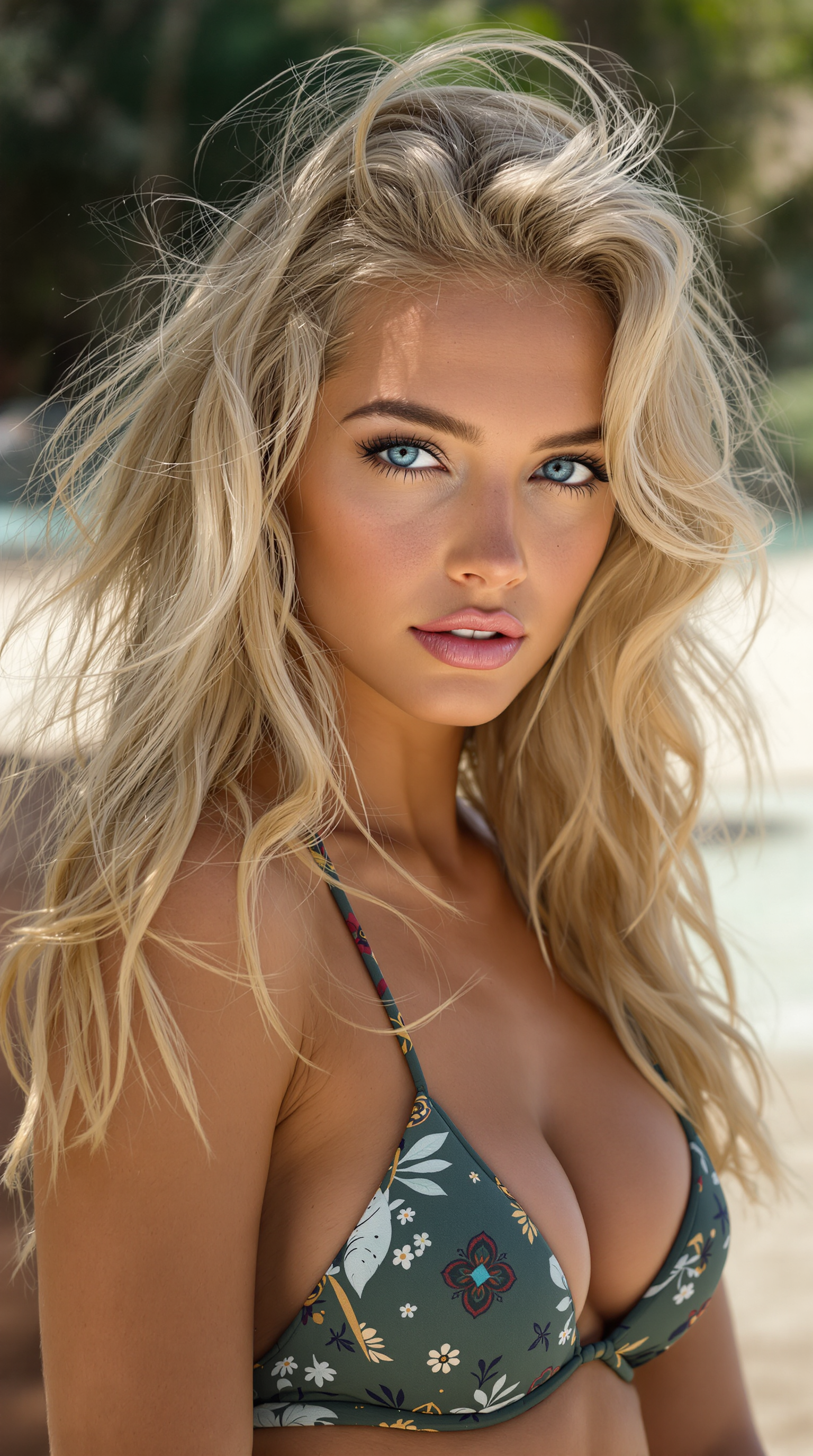
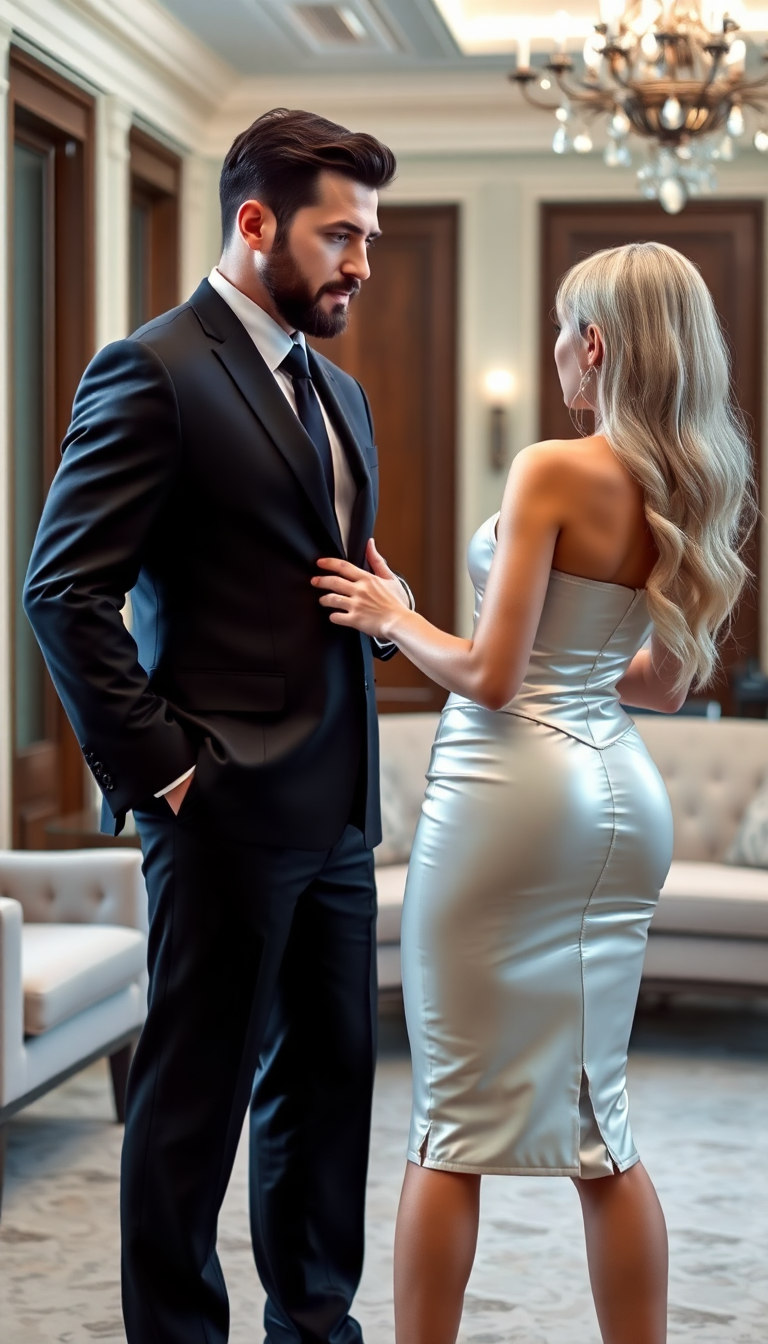
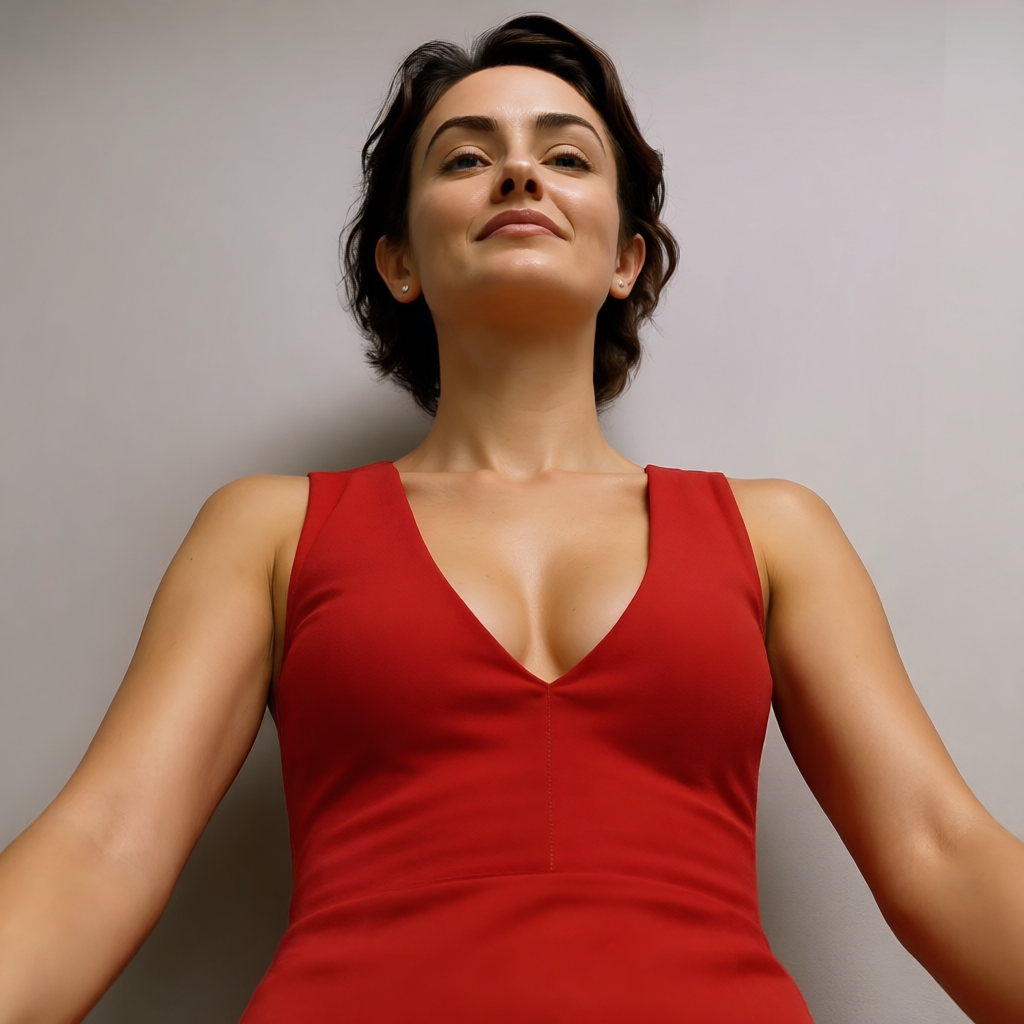
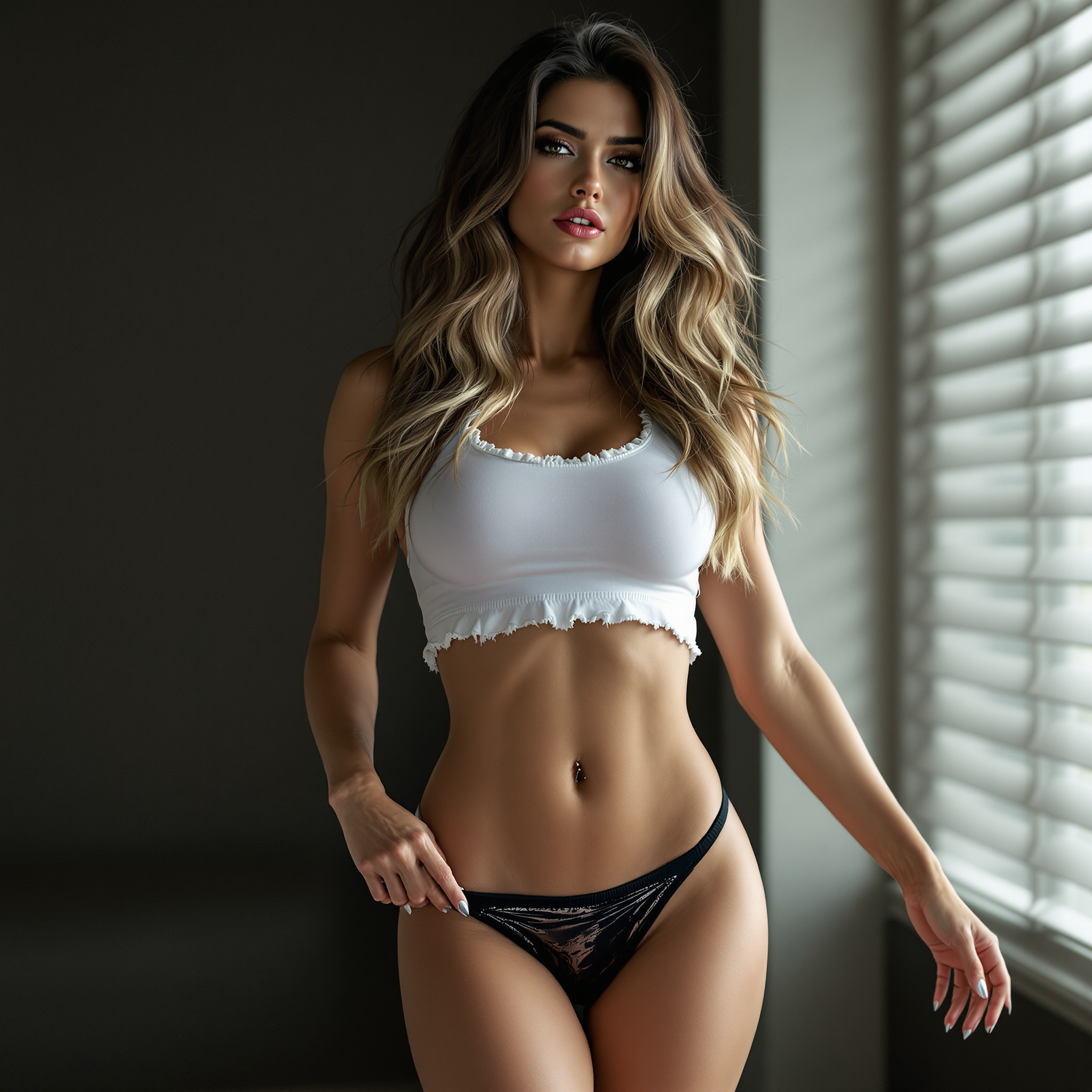
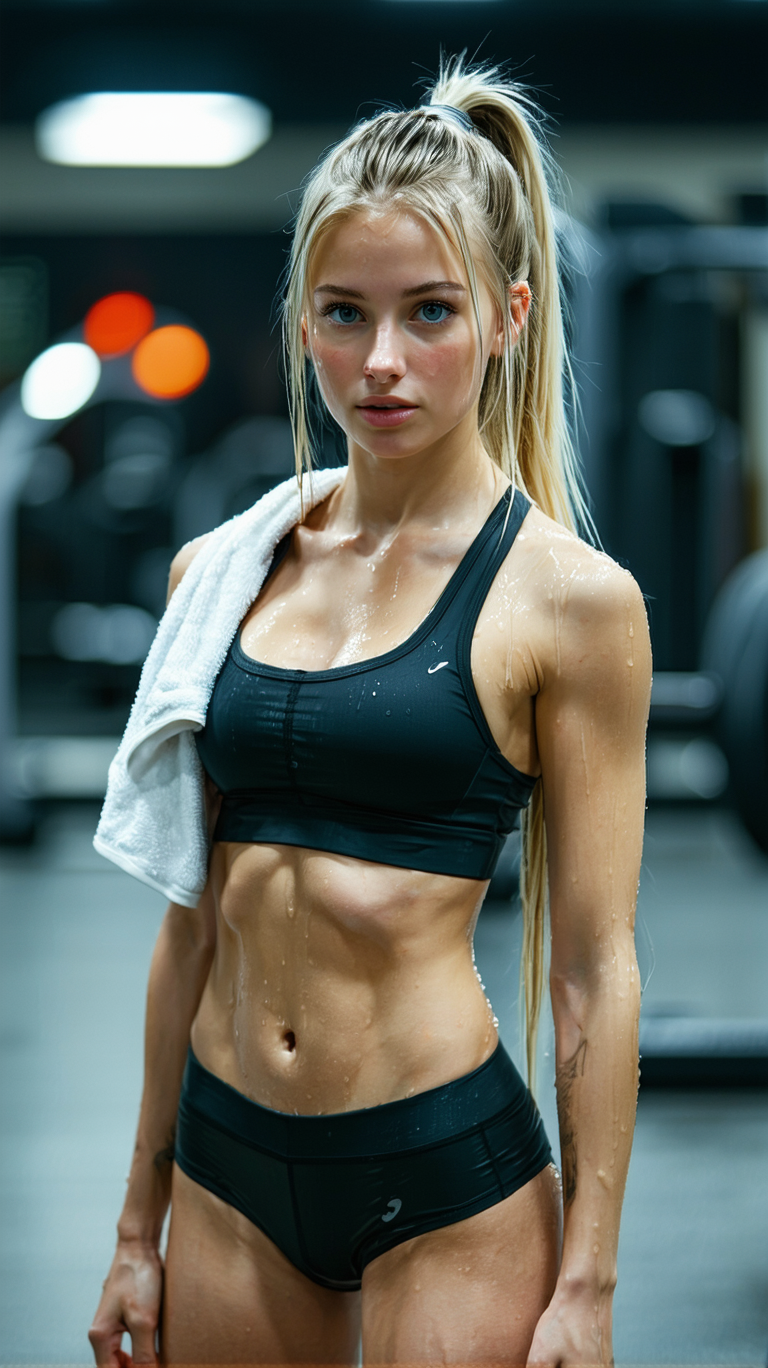
In today's digital age, a compelling headshot is crucial for making a strong first impression. Whether you're preparing for a job interview, enhancing your social media profile, or launching a media campaign, PixelDojo's AI Headshot Pro empowers you to create professional-quality headshots effortlessly. Say goodbye to expensive photo shoots and hello to stunning AI-generated portraits tailored to your needs.
Join over 10,000 satisfied users who have transformed their professional images with PixelDojo's AI Headshot Pro. Rated 4.8/5 for quality and ease of use.
Why Choose Pixel Dojo for AI Headshot Pro
Professional-quality results with cutting-edge AI technology
Effortless Professionalism
Achieve studio-quality headshots without the need for costly photo sessions or advanced photography skills.
Time-Saving Convenience
Generate high-quality headshots in minutes, perfect for tight deadlines and busy schedules.
Versatile Applications
Ideal for job applications, LinkedIn profiles, social media, and personal branding across various platforms.
How It Works
Creating your professional AI headshot with PixelDojo is simple and straightforward. Follow these steps to get started:
Step 1: Select the AI Headshot Pro Tool
Navigate to PixelDojo's 'Create' section and choose the 'AI Headshot Pro' tool to begin your headshot creation process.
Step 2: Upload Your Photos
Upload 12-20 high-quality images of yourself with varied backgrounds, lighting, and expressions to train the AI effectively.
Step 3: Generate and Customize
Let the AI process your images to generate a selection of headshots. Review the results and make any desired adjustments before downloading your final headshot.
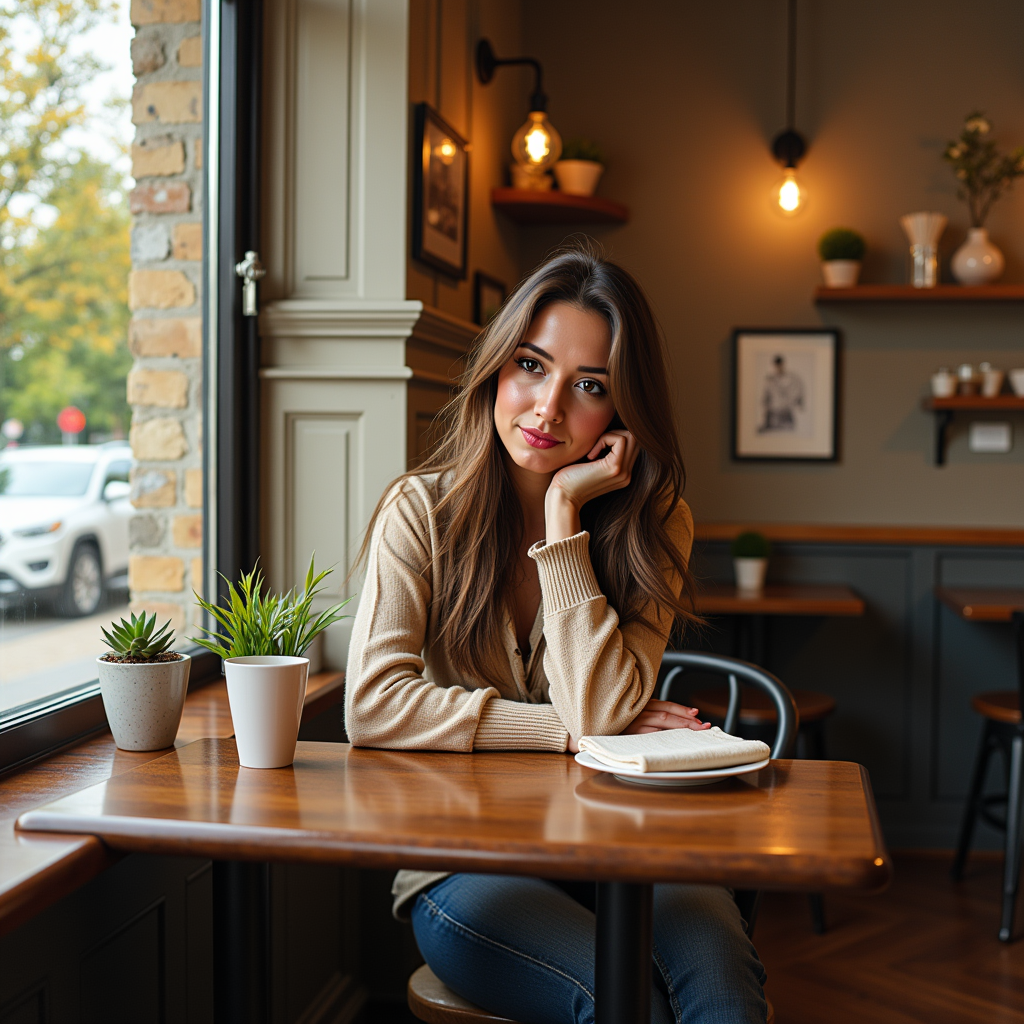
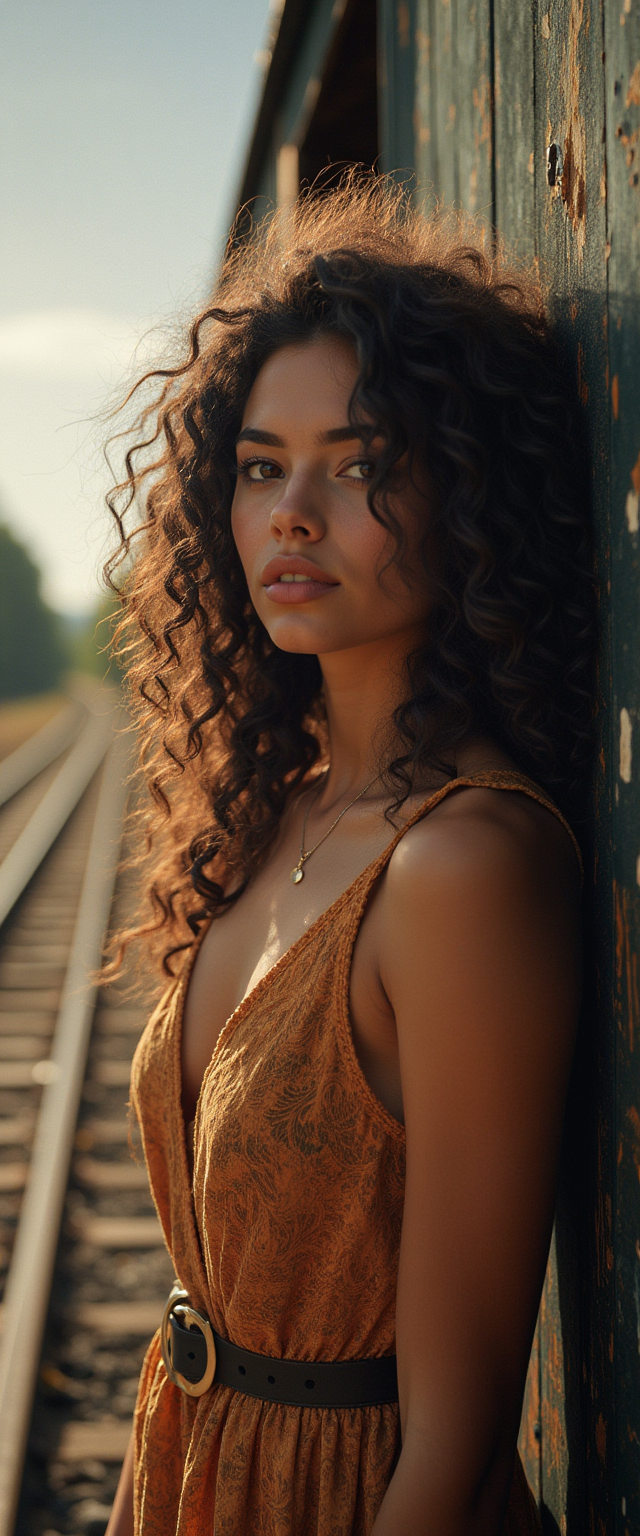

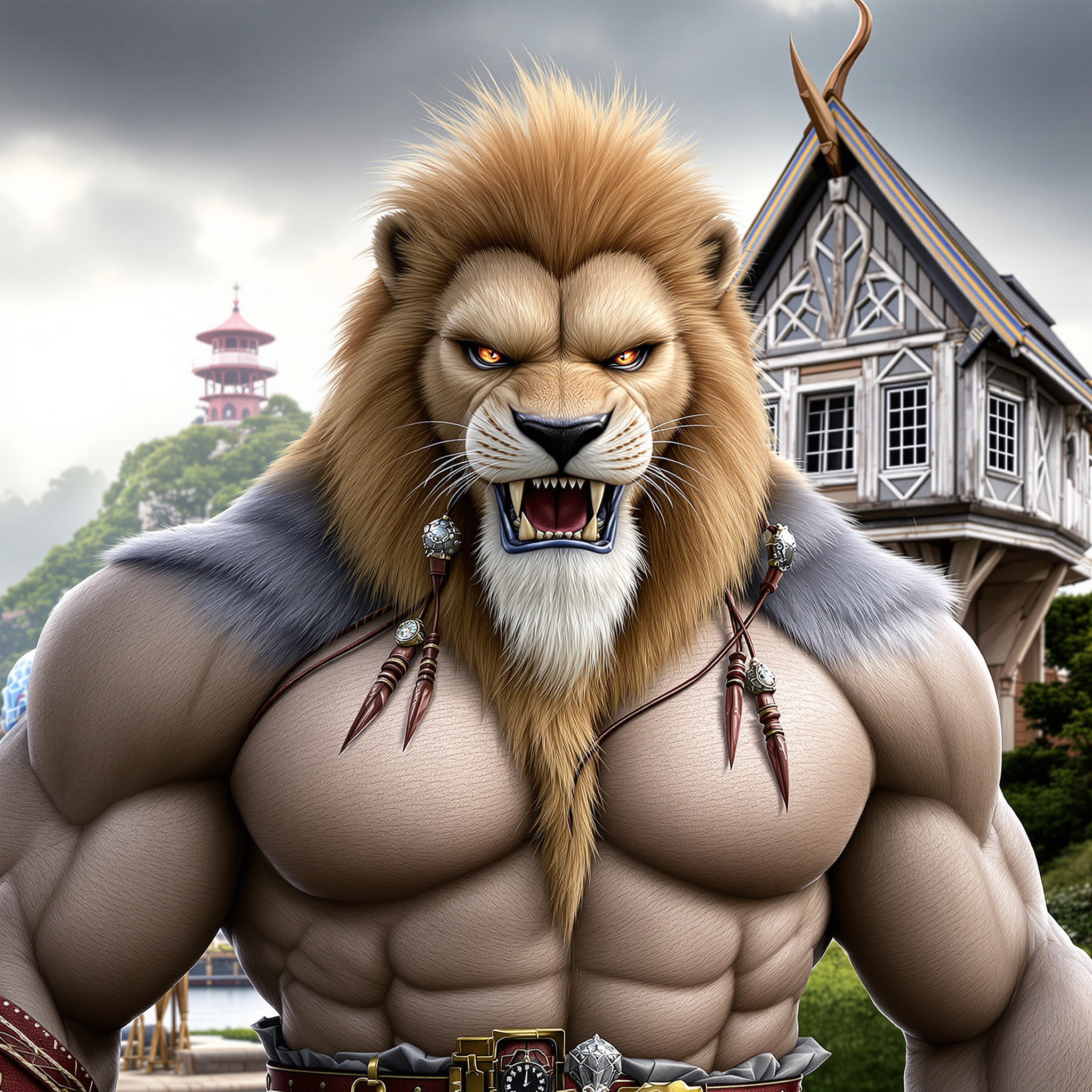
The Pixel Dojo Advantage
Discover why PixelDojo's AI Headshot Pro stands out from other headshot creation methods:
| Others | Pixel Dojo |
|---|---|
| Traditional Photography Sessions | Eliminates the need for expensive and time-consuming photo shoots, providing high-quality results instantly. |
| Generic AI Tools | Offers specialized headshot generation with advanced customization options tailored to professional standards. |
| Manual Photo Editing | Automates the editing process, saving you hours of manual work while delivering consistent, polished headshots. |
Loved by creators on PixelDojo
Real feedback from people using PixelDojo, pulled from our in-product surveys.
the quality is the best
All the tools needed in one dashboard
Very fair and very broad in tools.
Accurate results
Great site and so much fun to use!
very useful set of tools for image creation, upscaling and enhancement
Explore more AI tools on PixelDojo
AI Tools
Compare & Switch
- Best AI Image Generators
- Best AI Video Generators
- Midjourney Alternatives
- Civitai Alternatives
- Runway Alternatives
- Leonardo Alternatives
- Pika Alternatives
- Luma Alternatives
- Magnific Alternatives
- Veo Alternatives
- Flux Alternatives
- Freepik Alternatives
- Seedance Alternatives
- Seedream Alternatives
- Pixverse Alternatives
- GPT Image Alternatives
- Synthesia Alternatives
- Playground Alternatives
- NightCafe Alternatives
- Canva AI Alternatives
- ElevenLabs Alternatives
- ComfyUI Alternatives
- Fal Alternatives
- Replicate Alternatives
Common Questions
Everything you need to know about AI Headshot Pro
How many photos should I upload for the best AI headshot results?
For optimal results, upload 12-20 high-quality images with varied backgrounds, lighting, and expressions. This variety helps the AI accurately capture your features and produce realistic headshots.
Can I use my AI-generated headshot for professional purposes?
Absolutely! PixelDojo's AI Headshot Pro is designed to create high-quality, professional headshots suitable for job applications, LinkedIn profiles, social media, and more.
How long does it take to generate an AI headshot?
The AI processing time is typically a few minutes, depending on the number of photos uploaded. You'll have your professional headshot ready in no time.
Is my personal data secure when using PixelDojo's AI Headshot Pro?
Yes, PixelDojo prioritizes user privacy and data security. Your uploaded photos are used solely for generating your headshot and are not shared or stored beyond the necessary processing time.
Can I customize the background and style of my AI-generated headshot?
Yes, PixelDojo offers customization options, allowing you to select different backgrounds and styles to match your professional needs and personal preferences.
What if I'm not satisfied with my AI-generated headshot?
PixelDojo offers a satisfaction guarantee. If you're not happy with the results, you can adjust your input photos or settings and regenerate your headshot at no additional cost.