ai influencer AI Generator
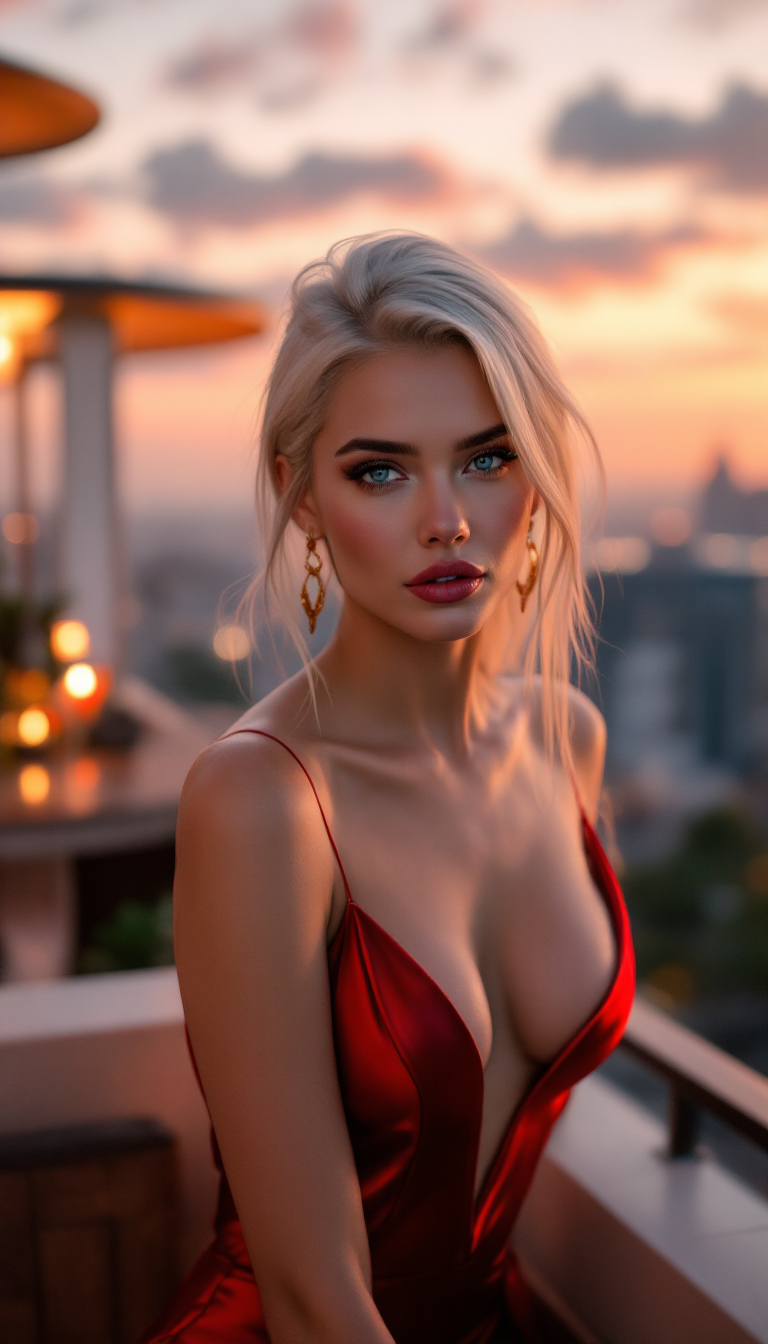
Generated on PixelDojo. Produced by PixelDojo's generation pipeline.
You can launch a stunning AI influencer that looks completely real, posts daily lifestyle fashion or fitness content, and attracts genuine followers plus brand partnerships without ever hiring a photographer, booking a studio, or managing schedules. PixelDojo gives you everything needed to generate photorealistic images of your unique virtual personality in any pose, outfit, or location while locking the exact same face, body, and vibe every time. Imagine filling your Instagram or TikTok grid with professional-quality shots that feel captured in the moment, complete with natural lighting, candid energy, and subtle real-world details. Thousands of creators already use our 40+ cutting-edge AI tools to turn simple ideas into monetizable digital stars they fully control. Start today, cancel anytime, and watch your virtual creator grow without the traditional barriers of time, cost, or logistics.
Real image examples generated on PixelDojo
Every example below was produced on PixelDojo. Hover to see the prompt.
"A glamorous 24-year-old AI influencer at a luxury rooftop lounge during sunset
stable-diffusion
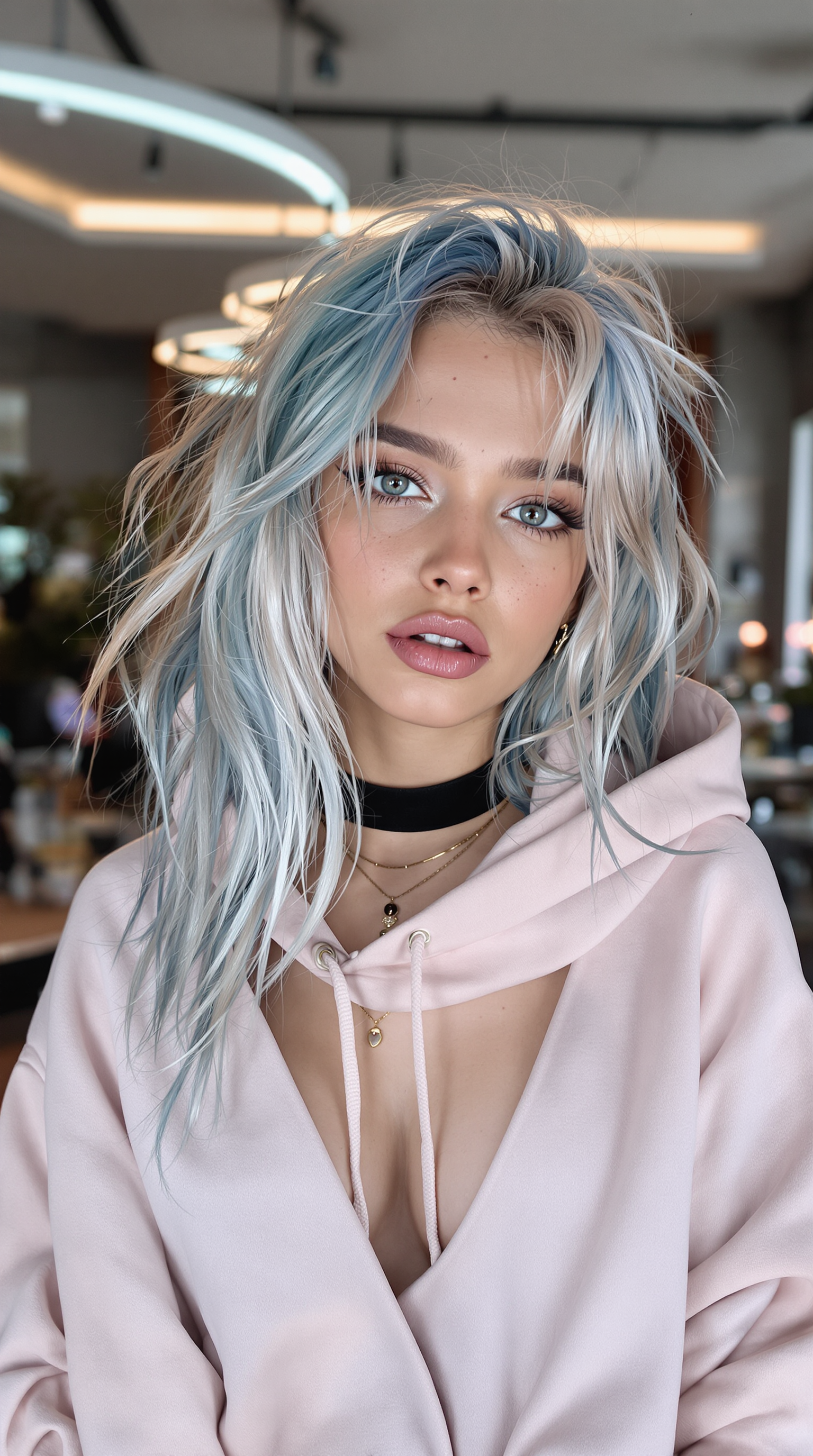
Ultra-realistic portrait of a stunning young female influencer with a captivating and edgy…
stable-diffusion
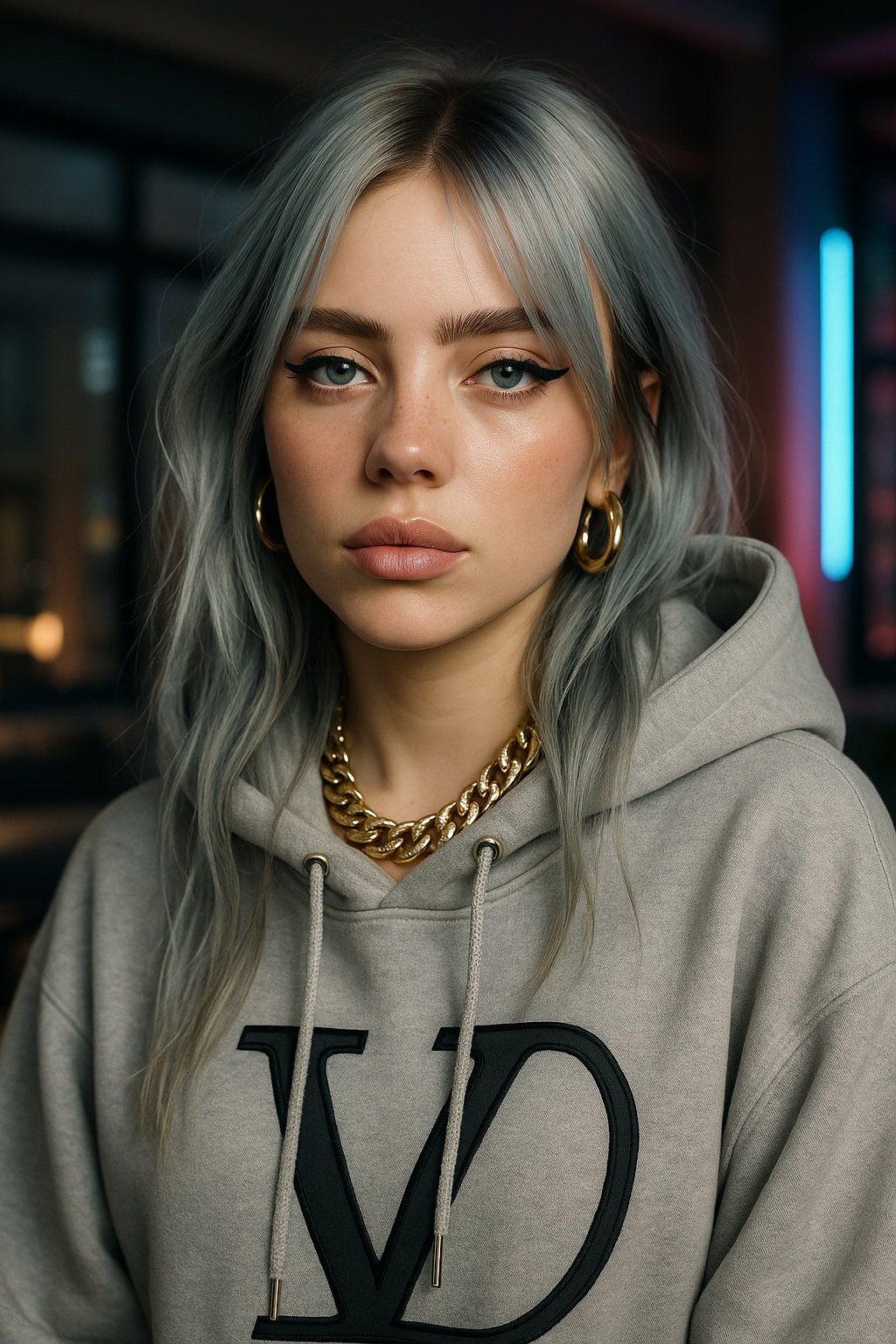
Ultra-realistic portrait of a stunning young female influencer with a captivating and edgy…
stable-diffusion
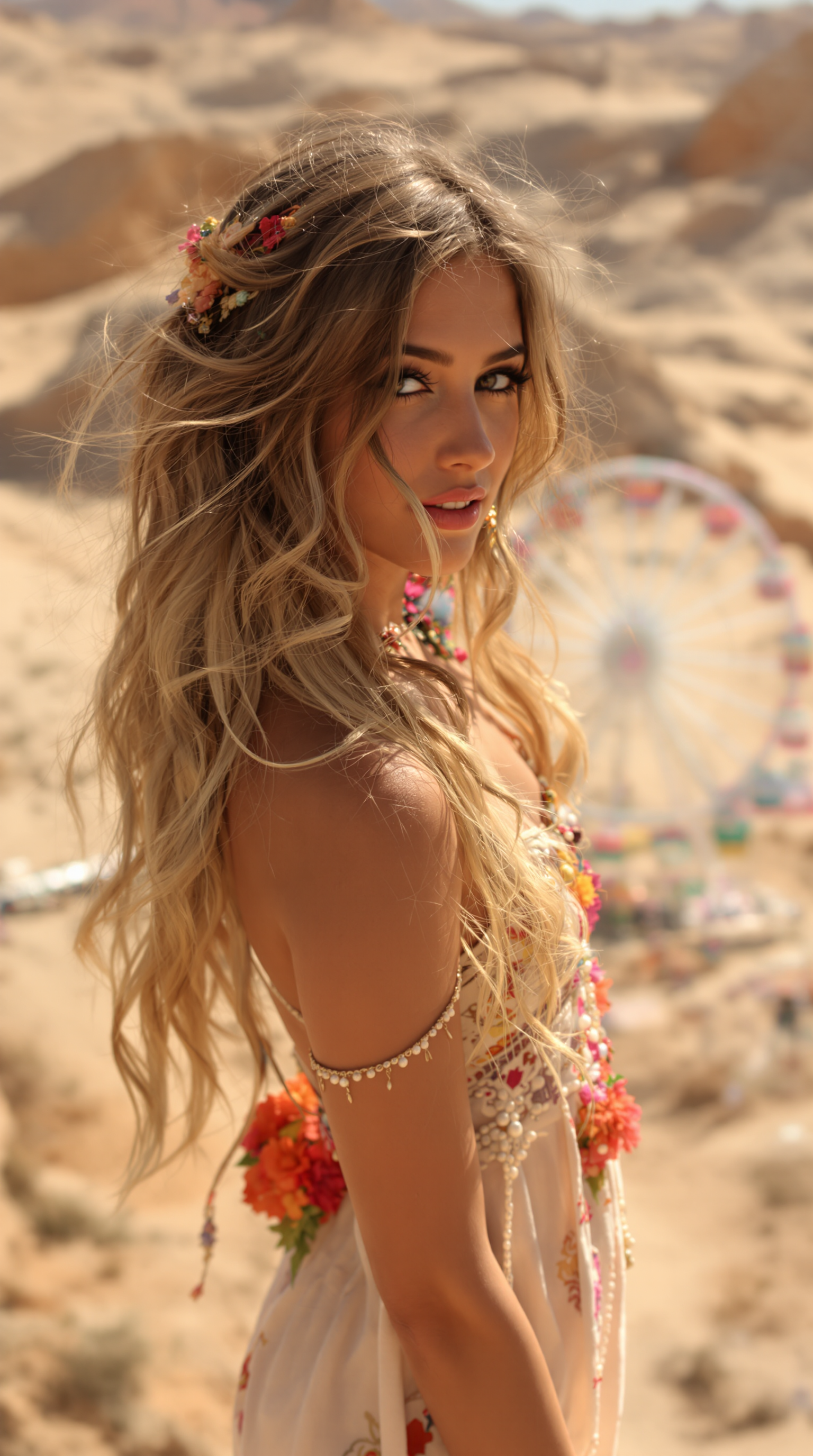
8K ultra-realistic image
stable-diffusion
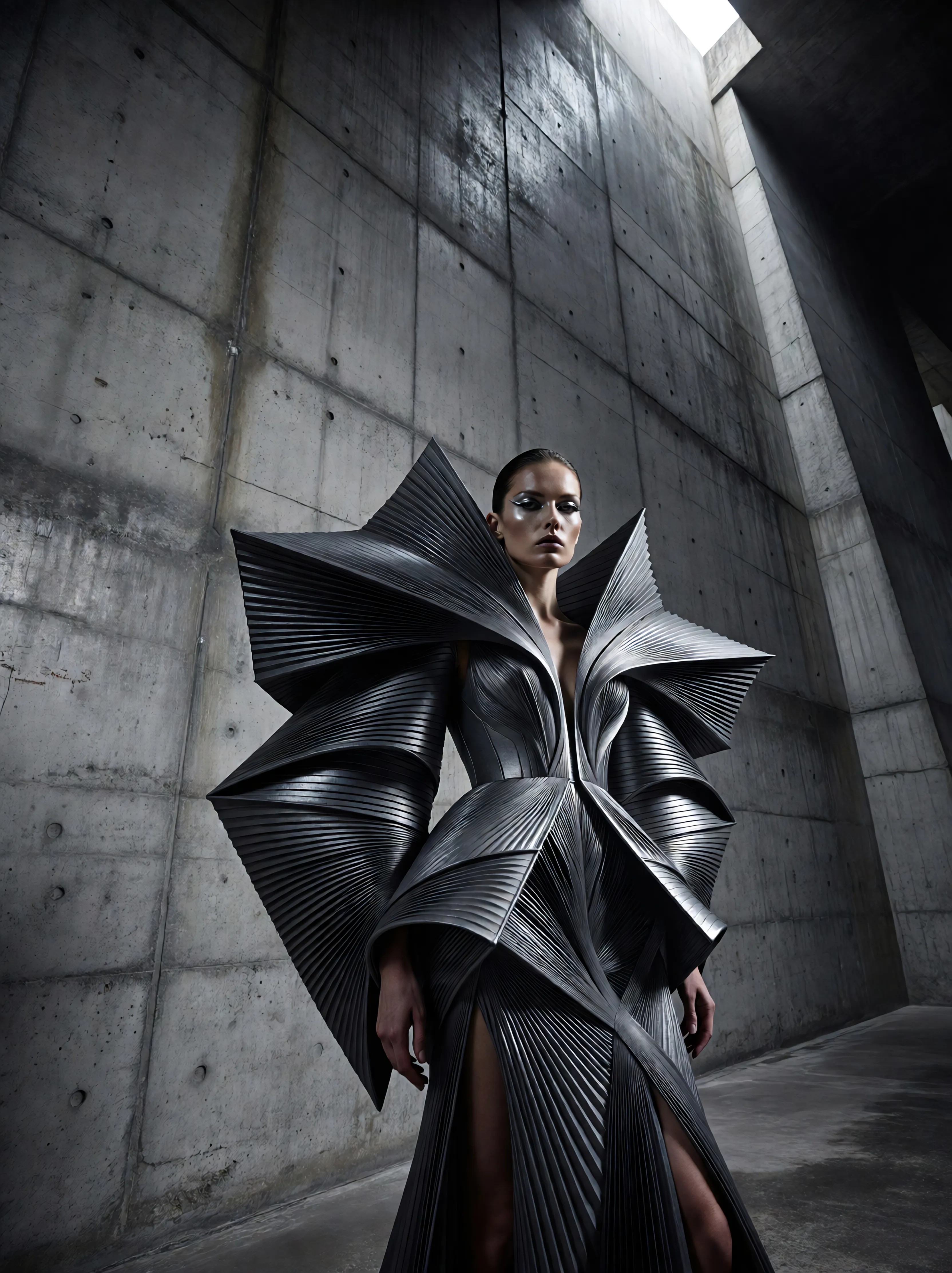
Ia-fashion
image-to-image
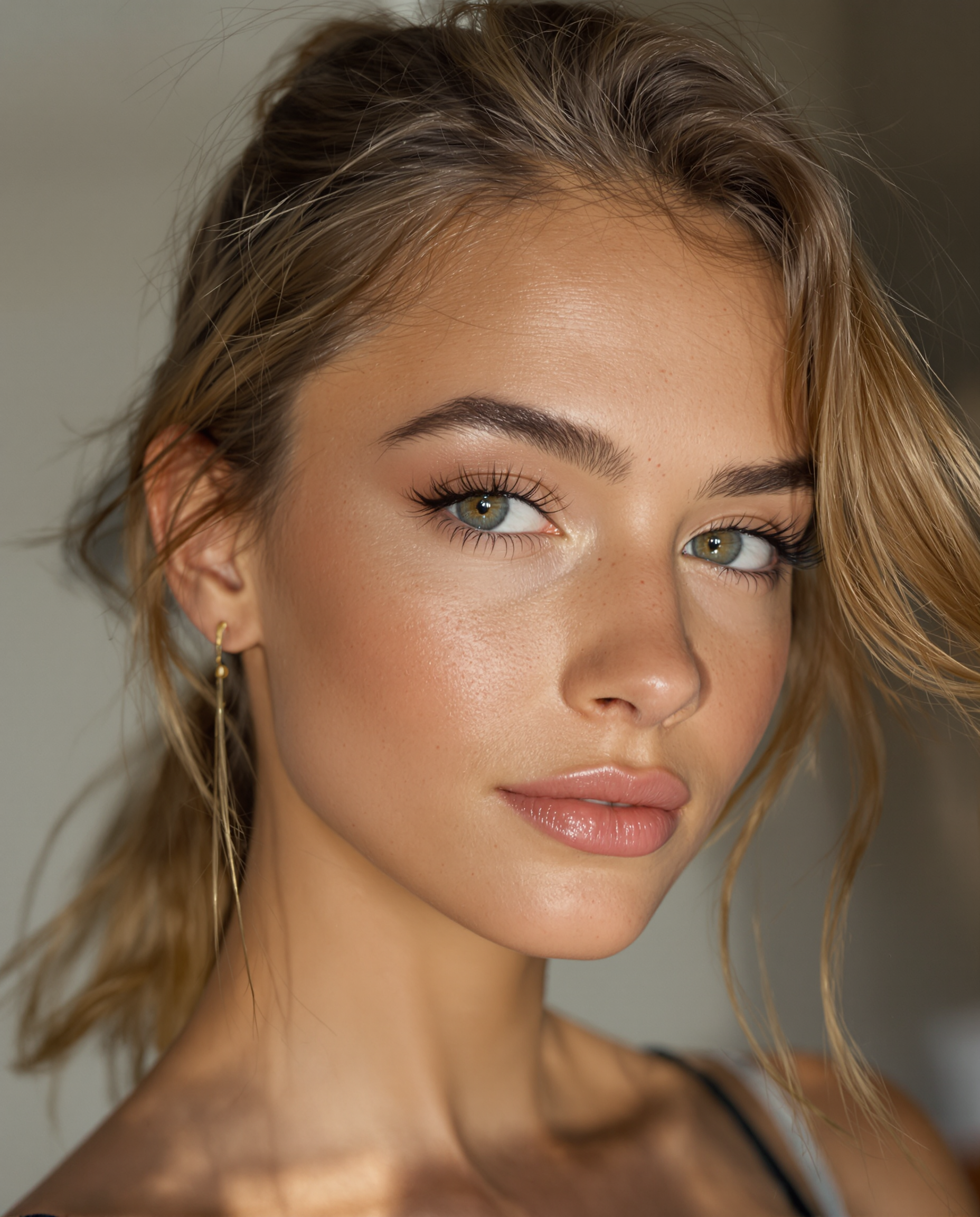
Ultra‑realistic portrait of a young female Instagram influencer model with a slim
stable-diffusion
Models you can run on PixelDojo for ai influencer
Switch models without switching tools. Each one runs in the same PixelDojo studio.
What you can do with ai influencer on PixelDojo
Consistent influencer looks
We help you generate the same AI influencer across many shots so face, body, and wardrobe stay recognizable from post to post.
Campaign-ready image sets
You can produce themed stills for ads, bios, and product placements with controlled lighting, posing, and background.
Style and brand control
We let you lock in color palettes, fashion, and photography styles so every image fits the persona you already use.
Fast content iteration
You can try new outfits, locations, and expressions quickly and keep only the frames that match your feed.
Loved by thousands of creators worldwide. 40+ cutting-edge AI tools. Cancel anytime.
Why Choose Pixel Dojo for ai influencer
Professional-quality results with cutting-edge AI technology
Unbreakable Face Consistency Across Hundreds of Posts
Your AI influencer looks like the identical person whether appearing at the gym, on a beach vacation, or in a luxury campaign. Followers instantly recognize the same eyes, jawline, and expression in every shot, building trust and engagement that generic generations destroy. PixelDojo's Consistent Characters, Character Sheets, Ideogram Character, Face Swap, and LoRA Face Swap plus Flux Trainer let you lock identity so you never hear comments questioning if it is even the same person.
Photorealistic Quality That Passes as Real Photography
Natural skin texture with visible pores, lighting that perfectly matches the environment, candid weight-shifted poses, and tiny imperfections like flyaway hairs make your images indistinguishable from professional photoshoots. Audiences scroll past without detecting AI because Flux.2 Studio, Grok Image, QWEN Image, Seedream 5, and Ideogram 4 deliver the lived-in realism that converts browsers into followers and brands into partners.
Produce a Month of Content in One Afternoon
Generate dozens of unique on-brand images in minutes instead of days of shooting and editing. Mix close-up portraits, full-body environmental shots, and detail crops while keeping everything cohesive, then enhance with Image to Image, Inpainting, Portrait Upscaler, and Reality Polisher. You walk away with a ready-to-post library that supports daily publishing, stories, and campaigns without burnout.
How It Works
Creating professional AI influencer images on PixelDojo is straightforward and built around the results you actually need: a recognizable photorealistic character you can deploy everywhere from social feeds to brand collaborations.
Step 1: Choose Your Tool and Define Your Character
Open Generate Images and select Flux.2 Studio or Grok Image for unmatched photorealism, or head to Characters & Faces and start with Consistent Characters plus Character Sheets to establish your influencer's core look. Describe age, ethnicity, hair, body type, signature makeup, and niche style in plain language. This foundation ensures every later image stays true to the personality you envisioned.
Step 2: Craft Detailed Prompts for Realism and Variety
Write structured prompts that specify lighting matching the exact setting, natural poses with weight on one leg and asymmetric arms, rich environmental storytelling, and consistent hair and makeup. Add phrases for imperfections such as flyaway hairs and fabric creases. Use Image to Image or Change Camera Angle to explore variations while the character remains locked. This step turns generic outputs into images that feel captured by a real photographer.
Step 3: Lock Consistency, Enhance, and Download
Apply Face Swap or LoRA Face Swap for extra identity reinforcement, train a custom model with Flux Trainer, QWEN Trainer, or Flux 2 Trainer on your best images for production-scale consistency, then refine with Inpainting, Magic Lighting, and Background Remover. Finish with P-Image Upscale or Portrait Upscaler and download high-resolution files ready for Instagram, TikTok, or client deliveries. You now have a scalable library that stays perfectly on-brand.
The Pixel Dojo Advantage
Why PixelDojo outperforms other options for AI influencer image generation
| Others | Pixel Dojo |
|---|---|
| Traditional photoshoots and hired models | Generate unlimited variety at a fraction of the cost and time. No location scouting, model fees, or weather delays. You produce exactly the look, pose, and setting you need in seconds rather than thousands of dollars and weeks of coordination. |
| Generic AI image tools | Dedicated character tools including Consistent Characters, Character Sheets, Ideogram Character, Face Swap, LoRA Face Swap, and model trainers deliver the identity lock that generic generators lack, so your influencer remains the same person across every post instead of drifting into a new face each time. |
| Manual photo editing and compositing | AI handles photorealism, lighting physics, and posing while you stay in creative control. Quick edits with Inpainting, Style Transfer, and Reality Polisher replace hours of layer work, letting you focus on strategy and growth instead of pixel pushing. |
Loved by creators on PixelDojo
Real feedback from people using PixelDojo, pulled from our in-product surveys.
Love it make anything I can think of so far
Great for all your ideas use it encourage more people to use it
Because it is awesome
exceptional quality and great overall design of platform and interface. very intuative. love the creative freedom.
Qwen image 2 is amazing!!
Creative freedom, range of tools and options.
Explore more AI tools on PixelDojo
AI Tools
Compare & Switch
- Best AI Image Generators
- Best AI Video Generators
- Midjourney Alternatives
- Civitai Alternatives
- Runway Alternatives
- Leonardo Alternatives
- Pika Alternatives
- Luma Alternatives
- Magnific Alternatives
- Veo Alternatives
- Flux Alternatives
- Freepik Alternatives
- Seedance Alternatives
- Seedream Alternatives
- Pixverse Alternatives
- GPT Image Alternatives
- Synthesia Alternatives
- Playground Alternatives
- NightCafe Alternatives
- Canva AI Alternatives
- ElevenLabs Alternatives
- ComfyUI Alternatives
- Fal Alternatives
- Replicate Alternatives
Common Questions
Everything you need to know about ai influencer
How do I create a consistent AI influencer face that never changes across posts?
PixelDojo makes this the easiest part of your workflow. Begin with Consistent Characters and Character Sheets to define the exact look, then reinforce it using Face Swap, LoRA Face Swap, and Ideogram Character. For long-term production, train a custom model with Flux Trainer or QWEN Trainer on 15-30 of your strongest images. Combined with structured prompts that keep hair, makeup, and body details identical, you achieve the 95 percent-plus consistency audiences expect so they never question whether it is the same person.
What is the best way to generate photorealistic AI influencer images that look like real photography?
Use Flux.2 Studio, Grok Image, QWEN Image, or Seedream 5 as your starting point because they excel at natural skin, lighting, and anatomy. Always match lighting to the scene, specify candid poses instead of stiff modeling stances, and include subtle imperfections such as visible pores and flyaway hairs. Follow up with Image to Image, Inpainting, and Portrait Upscaler to polish. The result is content that feels captured in a real moment rather than rendered, helping your virtual influencer blend seamlessly into social feeds.
Can I create AI influencer images for different niches like fitness, fashion, or travel?
Absolutely. PixelDojo tools let you dress your character for any niche using detailed wardrobe prompts and Flux Pro Virtual Try-On or Virtual Try-On. Generate gym shots with authentic athletic brands and harsh overhead lighting, luxury looks with understated fabrics, or travel scenes with destination-specific clothing and environments. Character Sheets keep the face and body locked while you rotate outfits and settings, giving you a versatile influencer that feels native to whatever space you choose to dominate.
How many AI influencer images can I create and how quickly can I produce them?
You can generate as many as you need, limited only by your imagination. Most creators produce a full week or month of content in a single session because tools like Flux.2 Studio and Grok Image deliver high-quality results in seconds. Batch variations with Image to Image, lock identity once, then enhance everything with upscalers. The 40-plus AI tools on PixelDojo turn what used to take days of shooting into an afternoon of focused creation, supporting the daily posting cadence modern platforms reward.
Do I need technical skills, local hardware, or lots of training data to start making AI influencer images?
No. PixelDojo runs entirely in your browser with an intuitive interface. You can begin generating immediately with simple descriptions in Generate Images or Characters & Faces. When you are ready for even tighter consistency, the Flux Trainer and similar tools walk you through creating a custom model using images you already generated. There is no GPU requirement, no complex node graphs, and no steep learning curve. Thousands of creators start producing professional results on day one and scale from there.
How does PixelDojo help me monetize my AI influencer through brand deals and social growth?
Consistent, photorealistic images at scale let you post daily across Instagram, TikTok, and more without burnout, which algorithms and audiences both reward. Brands notice professional grids that look like they belong to a real, high-value creator. You can produce campaign-specific content on demand using the same locked character, Virtual Try-On for product placement, and Marketing Studio for additional assets. Combined with cancel-anytime access to 40-plus tools, PixelDojo removes the production bottleneck so you can focus on growing followers and closing partnerships.