ai news anchor generator
Generated on PixelDojo. Produced by PixelDojo's generation pipeline.
You can launch a professional news presence tonight without cameras, talent, or a studio. PixelDojo's AI news anchor generator delivers photorealistic presenters that command attention on YouTube, social platforms, and branded channels. Generate studio-quality images of confident anchors at news desks, complete with tailored attire, perfect lighting, and broadcast realism that builds viewer trust instantly. Whether you need daily headlines, breaking updates, or evergreen segments, you create unlimited variations that look like they belong on national television. Focus on your stories while PixelDojo handles the on-screen talent that keeps audiences coming back.
Real image examples generated on PixelDojo
Every example below was produced on PixelDojo. Hover to see the prompt.
Px-anime
image-to-image
Replace the woman in the black dress with the woman with the fish edited with Google Nano…
google-gemini-image
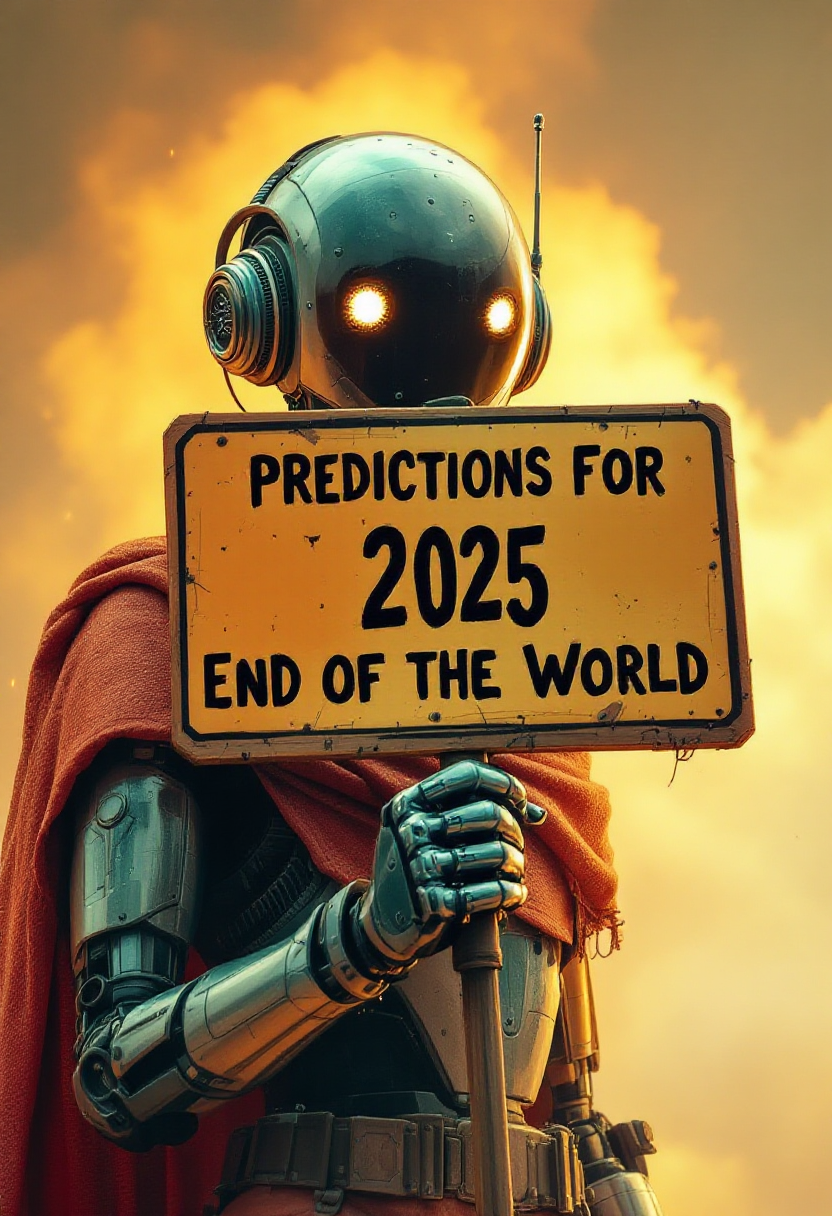
Create a sign that says "Predictions for 2025 - End of the World" and robot holding the si…
flux
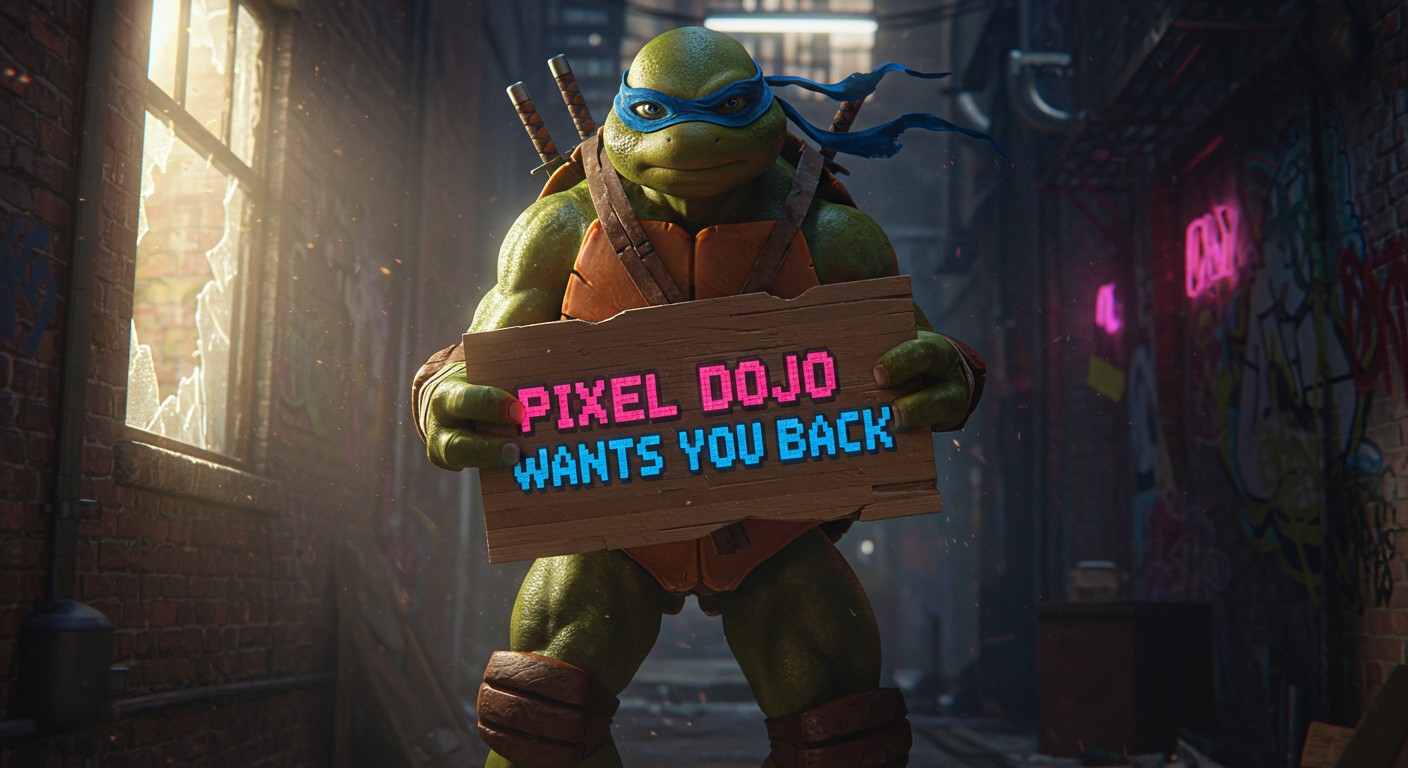
Generate an image of a ninja turtle holding a sign that says "Pixel Dojo Wants You Back"
imagen
A friendly professional presenter speaking to camera in a bright modern studio
kling-v2-6
A friendly professional presenter speaking to camera in a bright modern studio
seedance-1.5
Models you can run on PixelDojo for ai news anchor generator
Switch models without switching tools. Each one runs in the same PixelDojo studio.
What you can do with ai news anchor generator on PixelDojo
Studio-Ready Anchor Portraits
We generate on-camera news anchor images with controlled wardrobe, lighting, and framing so you can mock desks, lower thirds, and show packages.
Look and Brand Control
We let you set age range, expression, hair, and outfit details so anchors match a channel identity across segments and seasons.
Set and Backdrop Options
We place anchors in newsroom, field, or virtual-set scenes you describe, keeping composition suitable for stills and thumbnails.
Batch Variants for Coverage
We produce multiple stills of the same presenter with small pose and lighting changes so you can pick the frame that fits the story.
Loved by thousands of creators worldwide who generate news content daily. Powered by 40+ cutting-edge AI tools for images and video, with the freedom to cancel anytime.
Why Choose Pixel Dojo for ai news anchor generator
Professional-quality results with cutting-edge AI technology
Launch Unlimited News Content Overnight
You produce daily broadcasts, shorts, and updates that scale infinitely. Create fresh anchors for every segment without scheduling talent or renting space, turning your ideas into viewer-ready visuals that grow your channel fast.
Keep Perfect Brand Consistency Across Every Frame
You lock the same professional face, style, and presence in every image and video. Your audience recognizes your news identity instantly, building loyalty and making your content feel like a real network.
Deliver Broadcast Realism Viewers Trust
You achieve skin texture, studio lighting, and professional poise that looks indistinguishable from live TV. Your news anchors command authority and keep people watching longer, converting casual viewers into subscribers.
How It Works
You create photorealistic AI news anchors in three simple steps using PixelDojo's specialized image and character tools. No experience needed—just describe the professional look you want.
Step 1: Choose Your Tool
Select Flux.2 Studio or Ideogram 4 for hyper-realistic portraits with perfect studio lighting. Use Seedream 5 or GPT Image 2 for detailed news desk scenes. For consistent faces across a series, start with Consistent Characters or Character Sheets. Video-ready? Pair with Kling Video or WAN 2.7 Video later.
Step 2: Enter Your Prompt
Describe your ideal presenter: age, attire like a tailored suit or blazer, confident expression, news desk with city skyline or monitors, professional lighting. Add details such as photorealistic, shallow depth of field, and broadcast color grading. PixelDojo's models handle the rest for natural, camera-ready results.
Step 3: Customize & Download
Refine with Image to Image, Inpainting, or Style Transfer. Swap faces using Face Swap or LoRA Face Swap. Upscale with P-Image Upscale or Magnific Upscaler for print-ready quality. Download instantly or animate into video with P Video Animate.
The Pixel Dojo Advantage
Why PixelDojo outperforms other options for AI news anchor image generation
| Others | Pixel Dojo |
|---|---|
| Traditional news production | You skip talent fees, studio rentals, and crew entirely. Generate unlimited professional anchors in minutes instead of days, slashing costs while matching broadcast quality. |
| Generic AI tools | You get dedicated character consistency tools like Consistent Characters and Character Sheets that keep the same trusted face across every piece of content, unlike one-off generations that drift. |
| Manual photo editing | You create complete studio scenes with lighting, attire, and poses from a single prompt. No hours of compositing or retouching—PixelDojo delivers ready-to-use images you can edit further with Inpainting or Background Remover. |
Loved by creators on PixelDojo
Real feedback from people using PixelDojo, pulled from our in-product surveys.
very easy to use and good support
Very easy to use
super easy to use
it's very easy to use
Practically every Ai suite in one place? Who wouldn't?
versatile menu of tools
Explore more AI tools on PixelDojo
AI Tools
Compare & Switch
- Best AI Image Generators
- Best AI Video Generators
- Midjourney Alternatives
- Civitai Alternatives
- Runway Alternatives
- Leonardo Alternatives
- Pika Alternatives
- Luma Alternatives
- Magnific Alternatives
- Veo Alternatives
- Flux Alternatives
- Freepik Alternatives
- Seedance Alternatives
- Seedream Alternatives
- Pixverse Alternatives
- GPT Image Alternatives
- Synthesia Alternatives
- Playground Alternatives
- NightCafe Alternatives
- Canva AI Alternatives
- ElevenLabs Alternatives
- ComfyUI Alternatives
- Fal Alternatives
- Replicate Alternatives
Common Questions
Everything you need to know about ai news anchor generator
How do I create a photorealistic AI news anchor generator image with PixelDojo?
Choose Flux.2 Studio or Ideogram 4, then prompt with specifics like 'professional 35-year-old news anchor in tailored blazer at news desk, high-key studio lighting, 85mm lens, detailed skin pores, photorealistic'. Generate, then refine lighting or background with Magic Lighting or Image Outpainting for broadcast-ready results in seconds.
What is the best way to generate consistent AI news anchors for a YouTube channel?
Start with Consistent Characters or Character Sheets to lock facial features and style. Generate your first image in Seedream 5 or QWEN Image 2, then reuse the character across new scenes. This keeps your presenter recognizable in every video thumbnail and still, building a professional brand identity without extra effort.
Can I turn AI news anchor images into talking videos on PixelDojo?
Yes. After creating your still with Flux.2 Studio, use Kling Video, WAN 2.7 Video, or P Video Animate to add natural motion and lip sync. Combine with Text to Speech for full broadcasts. Marketing Studio helps package everything for social platforms.
How can I make my AI news anchors look professional instead of fake?
Include camera details (85mm lens, shallow depth of field), lighting (key light plus rim light), and texture (visible pores, fabric weave) in your prompt. Tools like Reality Polisher and Portrait Upscaler add the final polish. PixelDojo's models excel at these photorealistic cues that viewers trust.
Is PixelDojo suitable for creating AI news anchors for 24/7 channels or breaking news?
Absolutely. Generate new images or variations instantly with Nano Banana 2 or Grok Image whenever a story breaks. Consistent Characters ensure the same trusted face appears in every update, letting you run continuous coverage that traditional production cannot match.
What editing tools help customize AI news anchor images after generation?
Use Inpainting to adjust clothing or expressions, Change Camera Angle for new shots, Style Transfer for different moods, and Background Remover for compositing. Face Swap or Flux Pro Virtual Try-On lets you test new looks while keeping identity locked. Everything stays inside PixelDojo for a seamless workflow.