p image generator
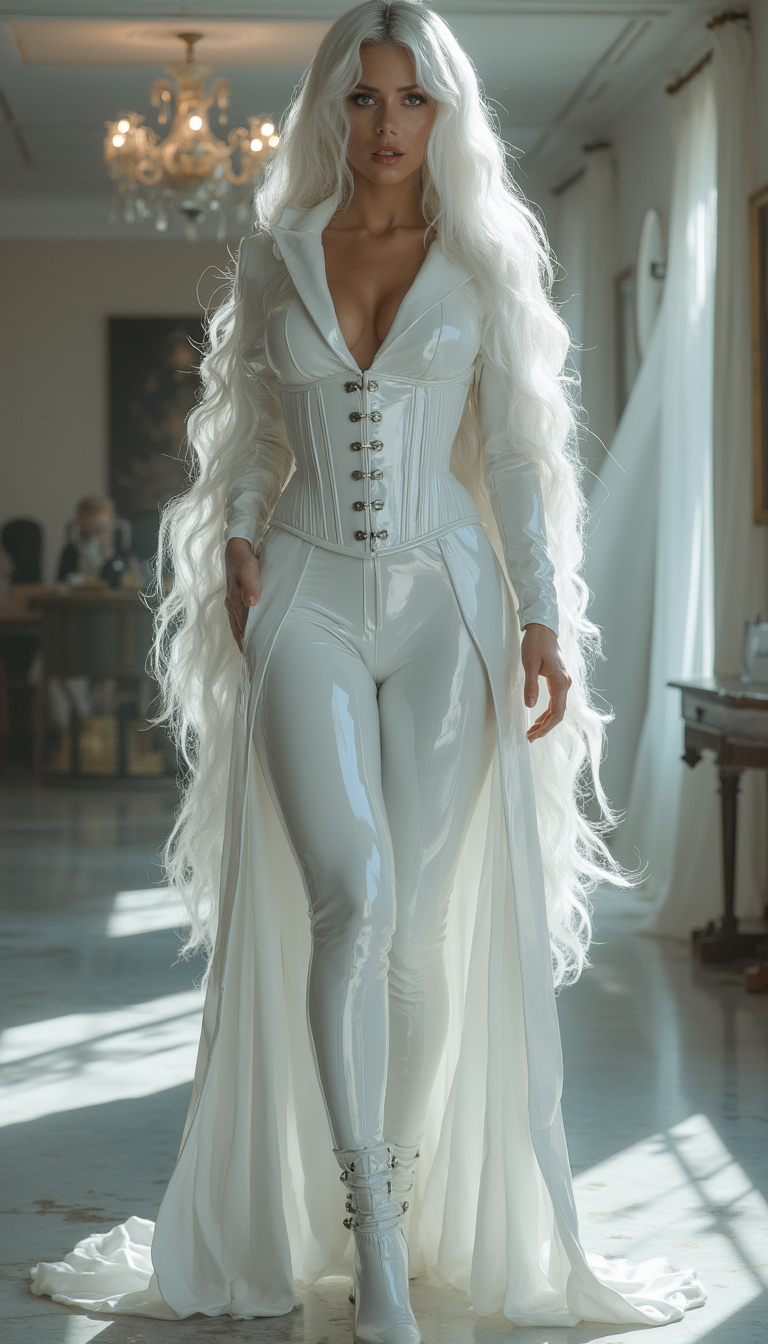
Generated on PixelDojo. Produced by PixelDojo's generation pipeline.
Imagine turning every idea into a professional visual without waiting, without high costs, and without sacrificing quality. That's exactly what you achieve with PixelDojo's P-Image generator. Whether you're building marketing campaigns, designing product shots, creating social media content, or exploring atmospheric scenes, you get stunning results in moments. You no longer spend hours on photoshoots or expensive software. Instead, you describe what you want and watch high-quality images appear instantly. P-Image excels at photoreal landscapes, documentary-style portraits, detailed product photography, and stylized illustrations, giving you the freedom to iterate endlessly. Pair it with P-Image Ideogram when you need precise text in posters or packaging. Combined with PixelDojo's full suite including Flux.2 Studio, Seedream 5, Image to Image, and P-Image Upscale, you build complete creative workflows that scale with your ambitions. Thousands of creators already rely on these tools to produce commercial-ready assets daily. You keep full ownership of everything you generate, cancel anytime, and access 40+ cutting-edge AI tools in one place. Start transforming your concepts into visuals that convert, engage, and impress—right now.
Real image examples generated on PixelDojo
Every example below was produced on PixelDojo. Hover to see the prompt.
Image from library
flux-studio
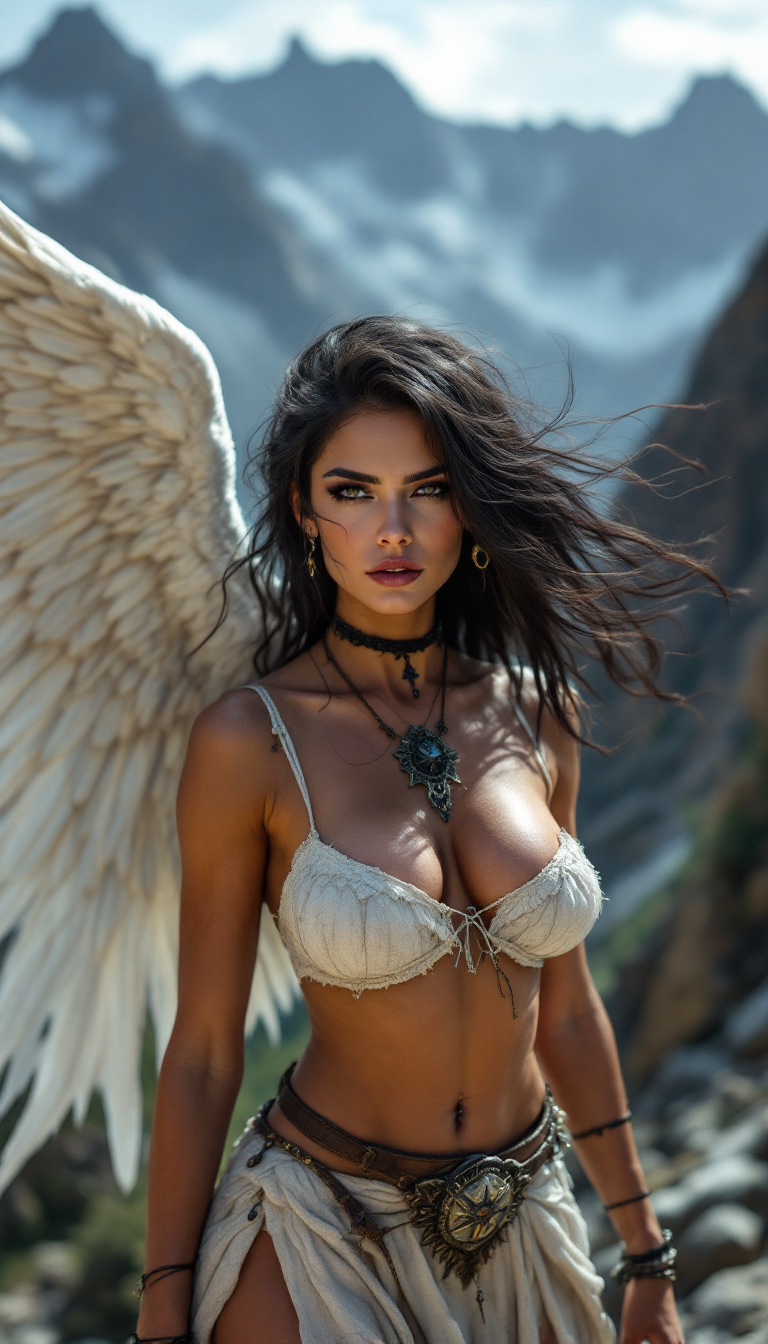
Sexy Gorgeous Woman
flux

Create a image of a minion wearing a Mexican sombrero
flux
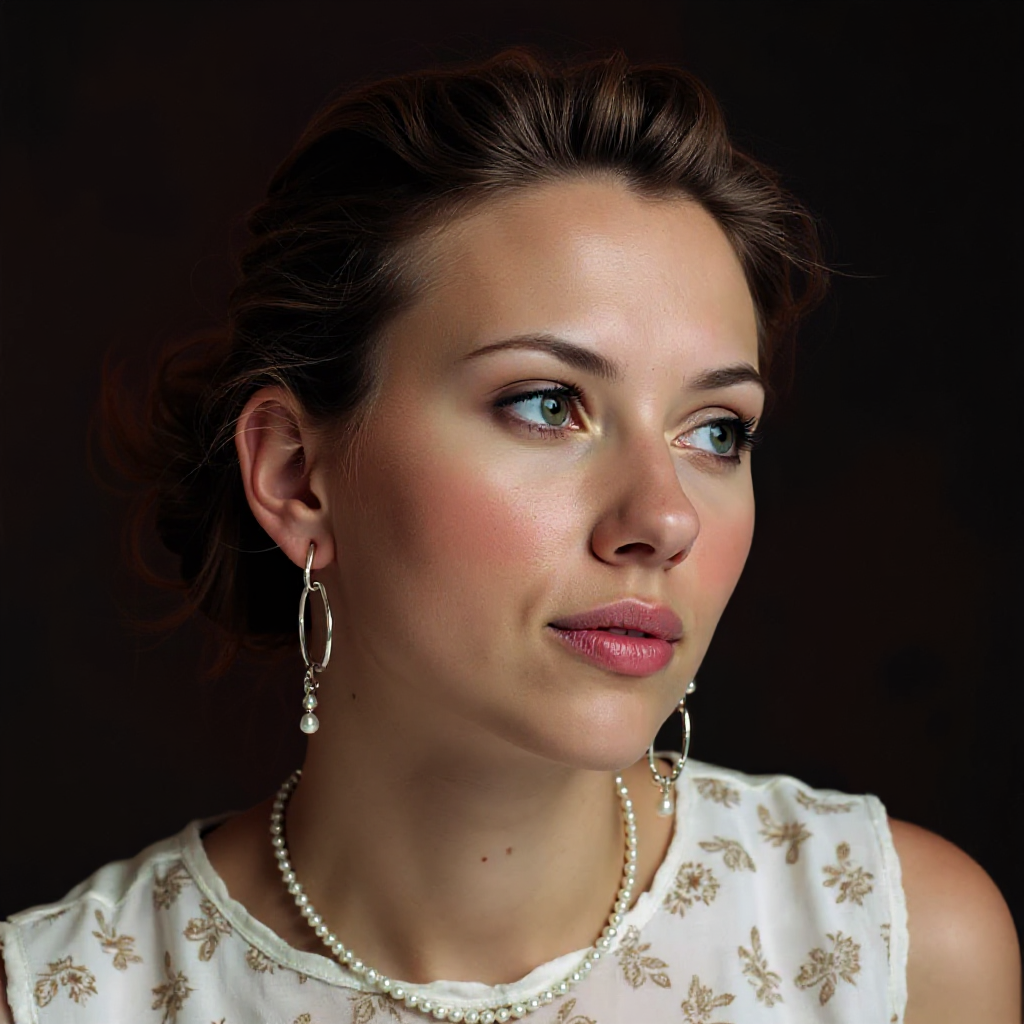
Bring your subjects into focus with professional background blur effects - depth_of_field
stable-diffusion
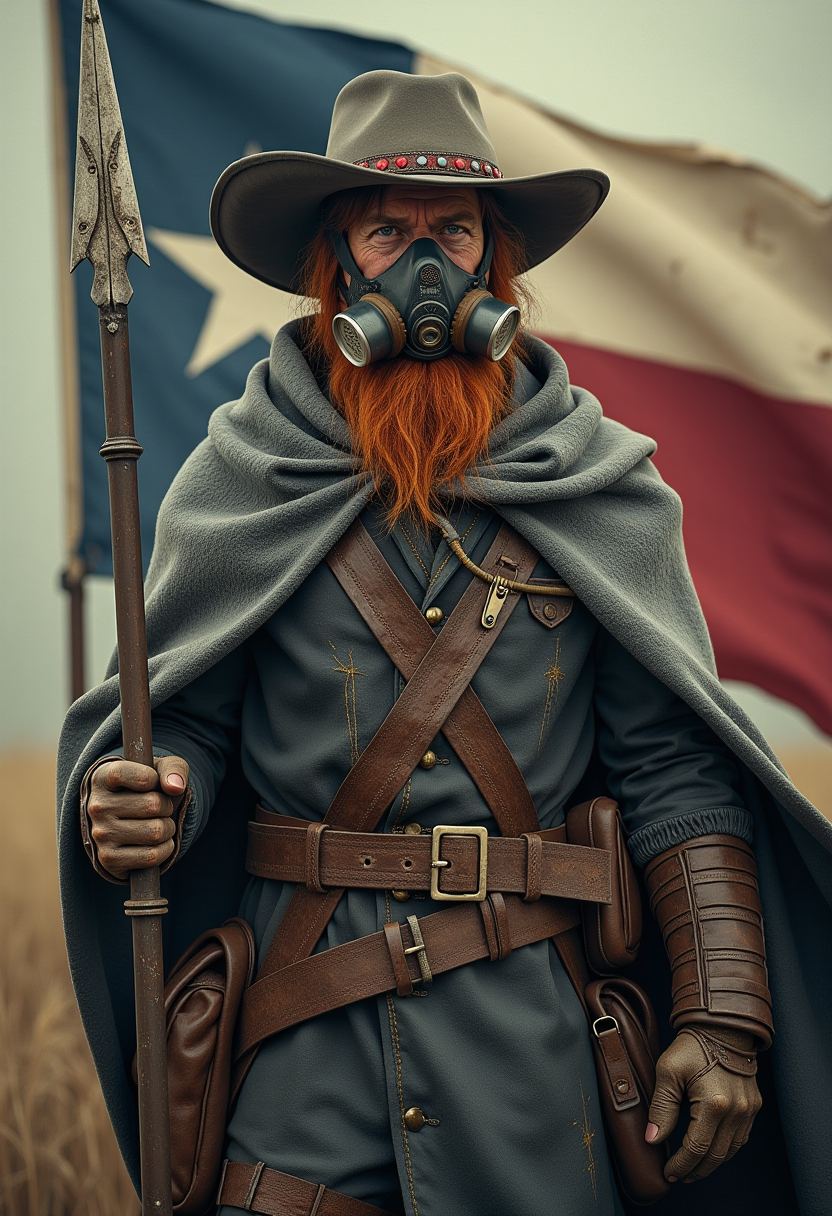
An ultra-detailed
flux
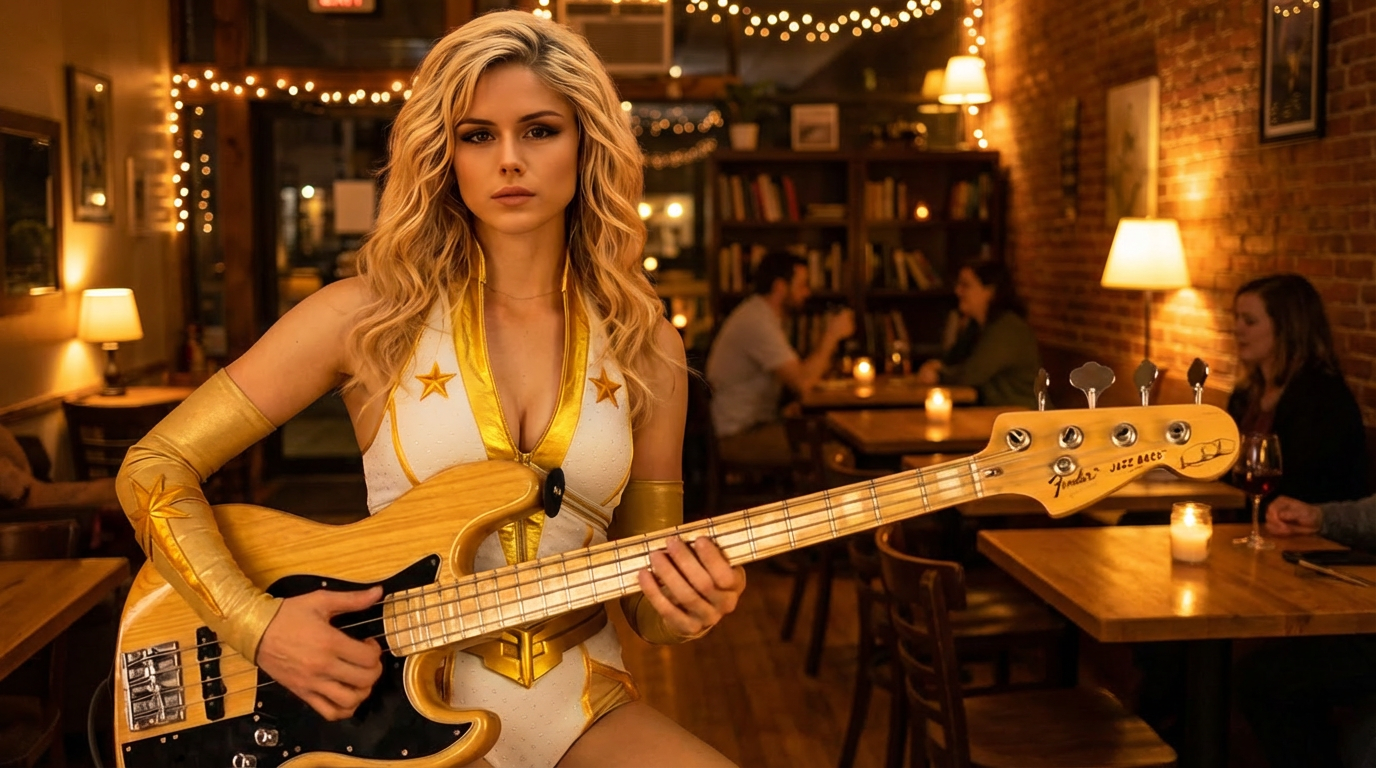
Cafe evening
image-relighting
Models you can run on PixelDojo for p image generator
Switch models without switching tools. Each one runs in the same PixelDojo studio.
What you can do with p image generator on PixelDojo
Multiple Image Models
We give you access to several image generators in one place so you can pick the model that fits the look you want. Switch between options without leaving the workspace.
Prompt Driven Generation
Describe the scene, subject, and style in text and we turn that prompt into still images. Refine wording and generate again until the result matches your brief.
Style And Aspect Control
We let you set aspect ratios, artistic styles, and other generation parameters so outputs fit feeds, prints, or concept boards. Keep settings consistent across a batch when you need a matched set.
Iterate And Download
Create variations from a strong result, then download the images you keep for further editing or publishing. Your generations stay available in the workspace so you can continue from earlier work.
Trusted by thousands of creators worldwide. 40+ cutting-edge AI tools delivering professional results every day. Loved for speed, quality, and value that lets you create without limits.
Why Choose Pixel Dojo for p image generator
Professional-quality results with cutting-edge AI technology
Iterate Ideas at Lightning Speed
You generate dozens of variations in the time it used to take for one photoshoot. Rapid moodboarding and concept testing become effortless, so you pick winning directions faster and move projects forward without delays.
Produce High-Volume Content Affordably
You create marketing assets, social posts, and product visuals at a fraction of traditional costs. High-volume pipelines stay budget-friendly while quality remains professional enough for client work and campaigns.
Achieve Precise, Beautiful Results Every Time
You get images that match your vision with strong prompt following and reliable details. Atmospheric scenes, product macros, and lifestyle shots look polished and ready to use, saving you hours of editing.
How It Works
Creating with PixelDojo's P-Image generator is simple and powerful. You go from idea to downloadable image in three straightforward steps, then enhance further with the rest of the platform.
Step 1: Choose Your Tool
Log into PixelDojo and select P-Image for ultra-fast, affordable generation or P-Image Ideogram when your image needs readable text like signs, labels, or posters. These tools sit alongside Flux.2 Studio, Seedream 5, and others so you can switch based on your exact needs. Pick an aspect ratio or set custom dimensions to match your final use—social posts, ads, or print.
Step 2: Enter Your Prompt
Describe your vision using clear details: subject, action, style, and setting. For best results with P-Image, include atmospheric elements like lighting and mood. You can generate multiple variations quickly. If you have a reference, combine with Image to Image or Inpainting for even more control. The model follows your instructions closely so you spend less time rewriting.
Step 3: Customize & Download
Review your images, apply Magic Lighting, Background Remover, or Reality Polisher if needed, then upscale with P-Image Upscale or Magnific Upscaler for extra sharpness. Download in the format you need. Everything is commercial-ready. Repeat the process as many times as you want—your credit usage stays extremely low.
The Pixel Dojo Advantage
Why PixelDojo outperforms other options for p image generator image generation
| Others | Pixel Dojo |
|---|---|
| Traditional photography and design | You skip expensive shoots, locations, and talent while still getting professional-looking results in seconds instead of days. |
| Generic AI tools | You access specialized speed and value with P-Image plus 40+ complementary tools like Seedream 5, Kling Image, and full editing suites in one dashboard. |
| Manual photo editing | You generate complete, ready-to-use images instead of spending hours compositing and retouching, then refine only what you want with Inpainting or Style Transfer. |
Loved by creators on PixelDojo
Real feedback from people using PixelDojo, pulled from our in-product surveys.
super easy to use
it's very easy to use
Practically every Ai suite in one place? Who wouldn't?
versatile menu of tools
Best AI tool availble the suite is rad
Versatility quality, value, ROI, innovation
Explore more AI tools on PixelDojo
AI Tools
Compare & Switch
- Best AI Image Generators
- Best AI Video Generators
- Midjourney Alternatives
- Civitai Alternatives
- Runway Alternatives
- Leonardo Alternatives
- Pika Alternatives
- Luma Alternatives
- Magnific Alternatives
- Veo Alternatives
- Flux Alternatives
- Freepik Alternatives
- Seedance Alternatives
- Seedream Alternatives
- Pixverse Alternatives
- GPT Image Alternatives
- Synthesia Alternatives
- Playground Alternatives
- NightCafe Alternatives
- Canva AI Alternatives
- ElevenLabs Alternatives
- ComfyUI Alternatives
- Fal Alternatives
- Replicate Alternatives
Common Questions
Everything you need to know about p image generator
What makes PixelDojo the best p image generator for high-volume work?
You get ultra-low cost per image combined with fast turnaround, making it ideal for moodboarding, content pipelines, and testing dozens of concepts. Quality stays strong for photoreal, product, and atmospheric work, and you can always upscale keepers with P-Image Upscale or switch to Flux.2 Studio for hero shots. Thousands of creators use it daily because it removes budget friction while delivering commercial results.
How do I get the best results from the p image generator on PixelDojo?
You write prompts that include subject, behavior, style, and environment, plus specific lighting or atmosphere. P-Image responds especially well to documentary portraits, macro products, and painterly scenes. Use P-Image Ideogram when text must be readable. After generation, apply Image Analyzer or Reality Polisher, then download. Combining with Character Sheets or Consistent Characters keeps people looking the same across images.
Can I use p image generator images commercially with PixelDojo?
Yes. Everything you create belongs to you for personal or commercial use with no extra restrictions. You produce ads, social content, packaging, and more without worrying about licenses. Pair generated images with Video Autocaption or Marketing Studio to turn stills into full campaigns quickly.
Is the p image generator good for product photography and marketing?
Absolutely. You create studio-quality macros, lifestyle shots, and ad visuals that highlight textures, lighting, and branding. Custom dimensions match exact ad specs so you avoid extra cropping. Then enhance with Background Remover or Magic Lighting and upscale for print or high-res web. Many users run entire product catalogs this way.
How does P-Image compare to other PixelDojo image tools?
P-Image is your go-to for speed and volume. When you need even stronger photorealism or complex scenes you switch to Seedream 5, Hunyuan Image 3, or Flux.1 Studio. For perfect text you choose P-Image Ideogram. All tools live in the same account so you mix and match without leaving the platform. Developers can also access everything via the Developer API.
Can I edit or enhance images after using the p image generator?
Yes. You take any P-Image result straight into Inpainting, Change Camera Angle, Style Transfer, or Image Outpainting. Upscale with P-Image Upscale, Clarity Pro, or Creative Upscaler. For video you feed stills into Kling Video, WAN 2.7 Video, or P Video Animate. The whole ecosystem is designed so one generation becomes the start of a complete project.