AI Tattoo Generator
Generated on PixelDojo. Produced by PixelDojo's generation pipeline.
PixelDojo is an AI tattoo design generator that turns a tattoo brief into visual concepts, lets users compare leading image models, and helps refine designs before an artist prepares the final tattoo. For the live example, PixelDojo generated a detailed black-and-grey tattoo design of a phoenix with fine line work, centered on a white background. The same brief was run across GPT Image 2 in 197.5 seconds, Flux 2 Pro in 13.4 seconds, Google Nano Banana Pro in 14.1 seconds, and Seedream 4.5 in 20.8 seconds. For most tattoo concept work, Flux 2 Pro is the strongest starting point because it is fast, clear, and well suited to line-focused iteration, while GPT Image 2 is useful when prompt adherence matters more than speed.
Real image examples generated on PixelDojo
Every example below was produced on PixelDojo. Hover to see the prompt.
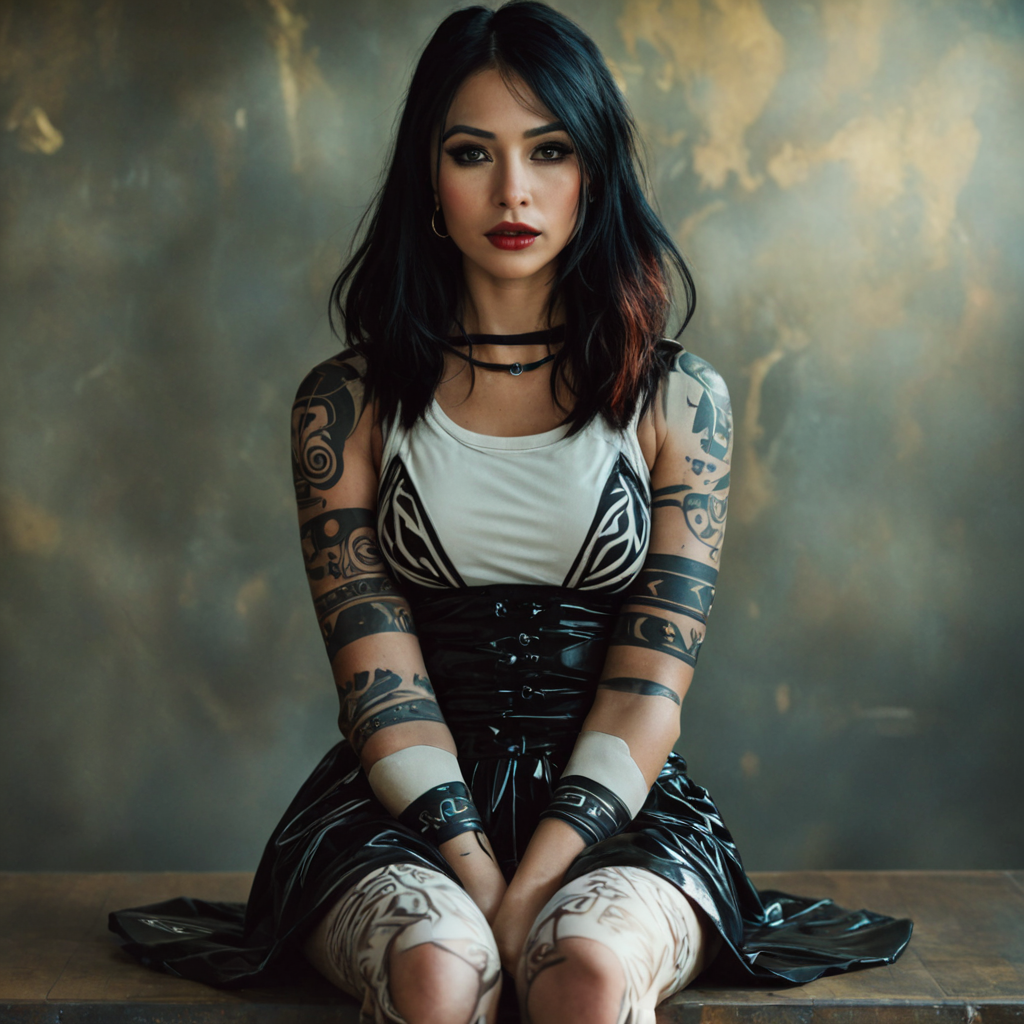
Tribal-style tattoos
style-transfer
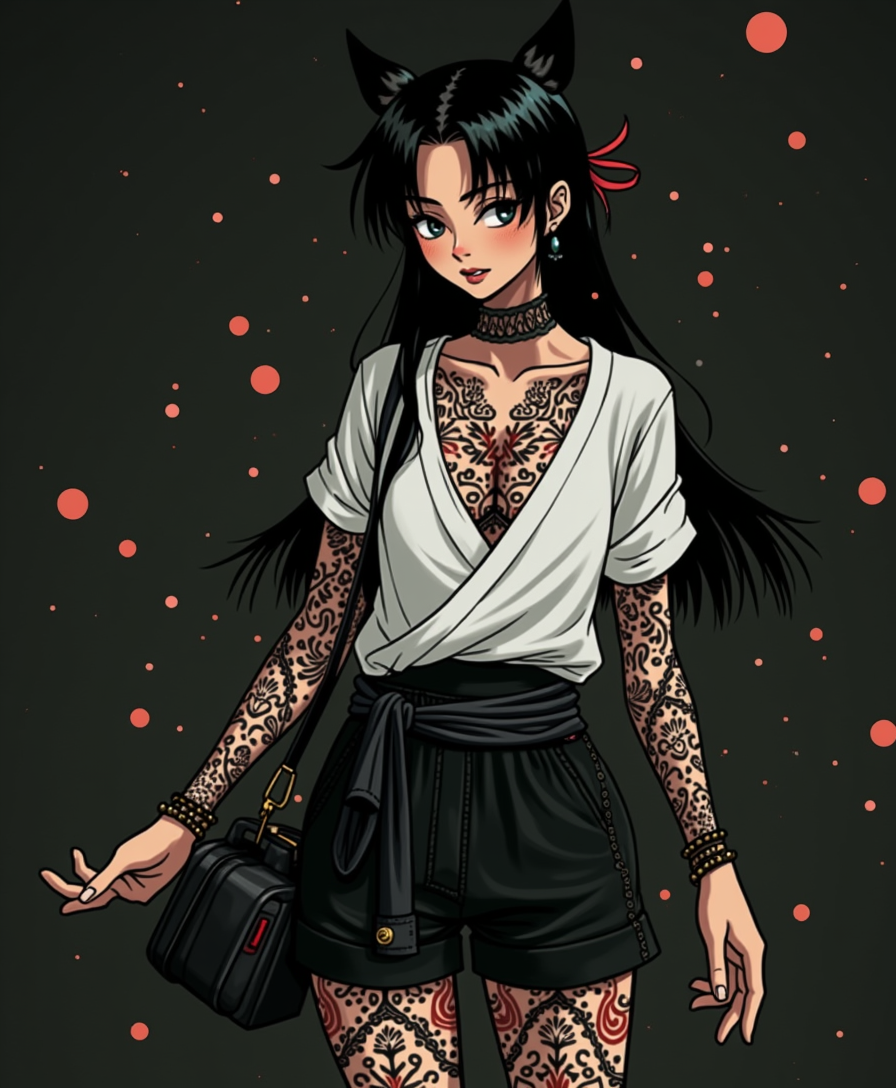
Anime character
flux
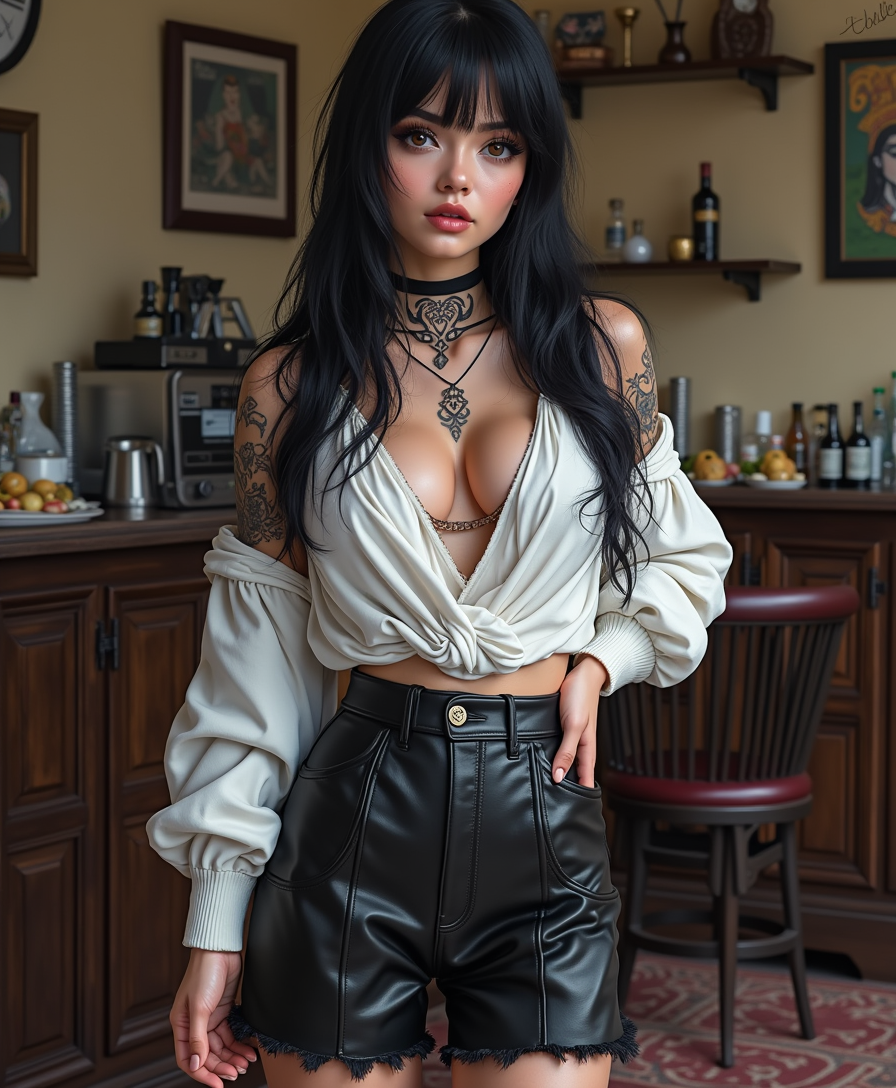
Anime character
flux

Create a YouTube Header for "FLUXPRO" AI image generation
flux
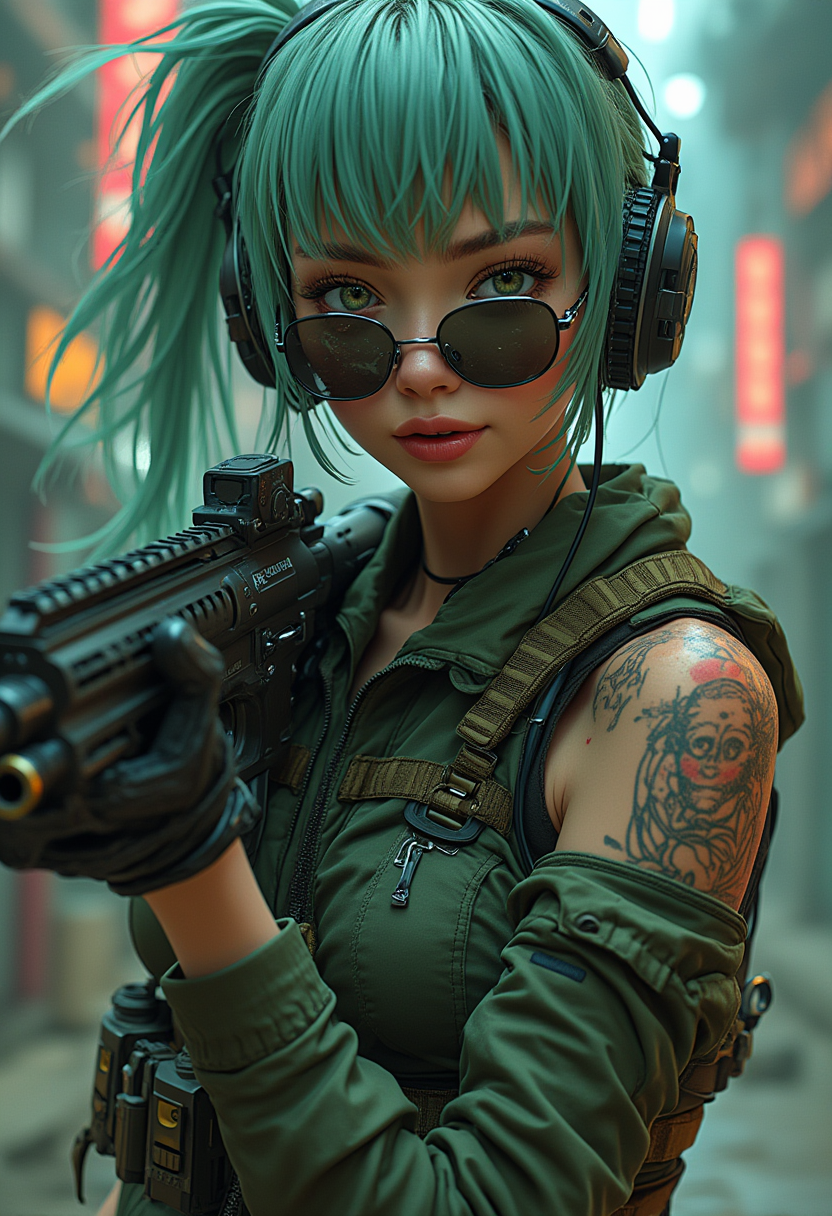
Anime-inspired cyberpunk atmosphere
flux
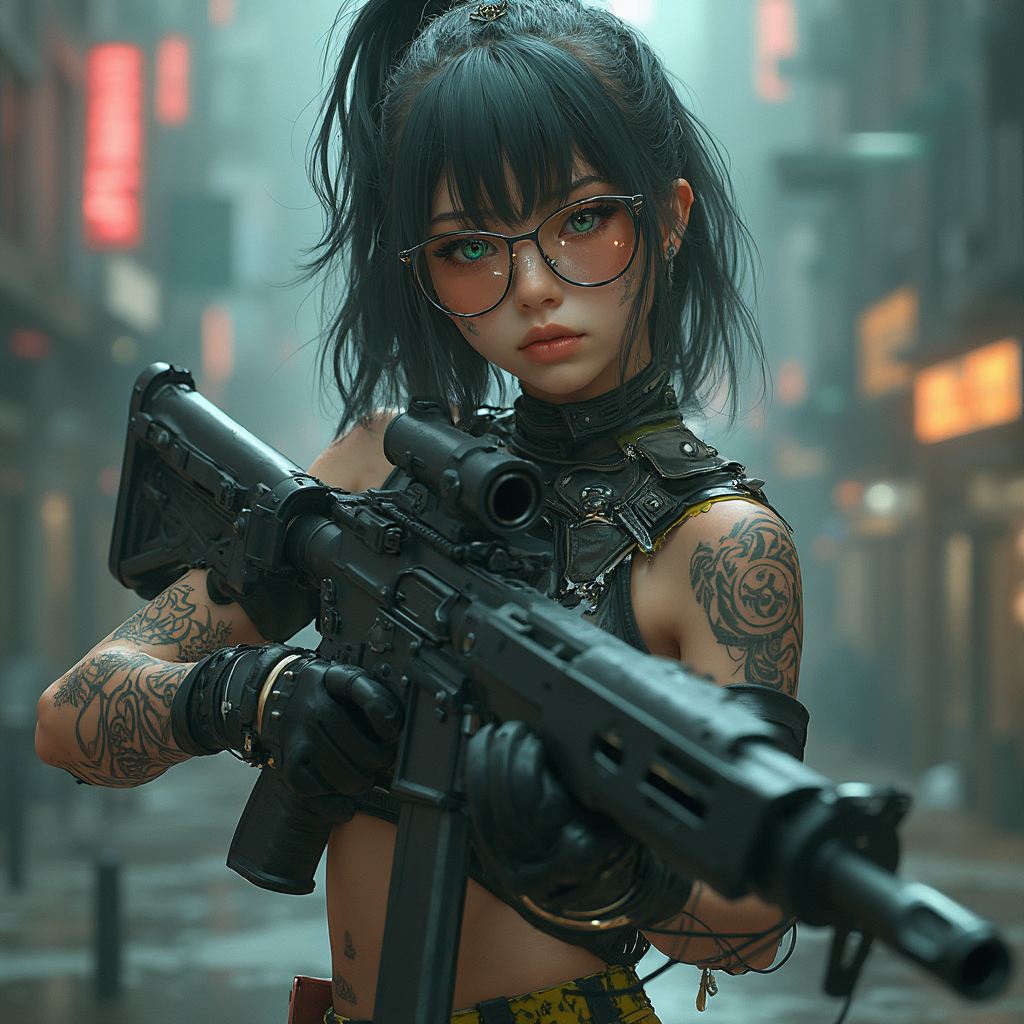
Anime-inspired cyberpunk atmosphere
flux
Models you can run on PixelDojo for AI Tattoo Generator
Switch models without switching tools. Each one runs in the same PixelDojo studio.
What you can do with AI Tattoo Generator on PixelDojo
Generate Designs from Text Prompts
Creators enter descriptions to produce tattoo images. We generate results based on the provided details.
Produce Multiple Style Variations
We allow changes to style settings for new outputs. Creators review alternatives to select preferred options.
Adjust Elements in Generated Images
Users modify colors or components of designs. We update the image to reflect the edits.
Export Images for Further Use
Creators download generated tattoo files. We provide formats suitable for printing or editing.
Why Choose Pixel Dojo for AI Tattoo Generator
Professional-quality results with cutting-edge AI technology
Compare tattoo concepts across top models
PixelDojo lets users run the same tattoo prompt through multiple image models, making it easier to judge line quality, composition, contrast, and overall tattoo suitability.
Create cleaner prompts for tattoo-ready ideas
Start with the subject, style, placement, shading, background, and level of detail. PixelDojo helps refine ideas such as fine line phoenix tattoos, black-and-grey realism, geometric sleeves, ornamental pieces, and minimalist flash.
Move faster from idea to artist reference
Use AI outputs as visual references for shape, mood, and composition, then share the strongest direction with a professional tattoo artist for redraw, sizing, and placement adjustments.
How It Works
Write a clear tattoo brief
Describe the subject, tattoo style, line weight, shading, composition, body placement, and background. Example: a detailed black-and-grey tattoo design of a phoenix with fine line work, centered on a white background.
Choose the right model
Use Flux 2 Pro for fast tattoo concept iteration, Google Nano Banana Pro for quick alternate directions, Seedream 4.5 for polished illustrative options, and GPT Image 2 for slower but highly guided prompt interpretation.
Refine for tattoo use
Generate variations, remove clutter, simplify small details, increase contrast, request clean negative space, and keep the design centered on a plain background so the result works better as artist reference.
Loved by creators on PixelDojo
Real feedback from people using PixelDojo, pulled from our in-product surveys.
Lots of different tools. It's easy to purchase more credits.
Amazing performance!
Excellent website for creating all types of media
Very eay to use, works well to train SDXL loras.
The amazing tools
Top notch quality and strong prompt adherence.
Explore more AI tools on PixelDojo
AI Tools
Compare & Switch
- Best AI Image Generators
- Best AI Video Generators
- Midjourney Alternatives
- Civitai Alternatives
- Runway Alternatives
- Leonardo Alternatives
- Pika Alternatives
- Luma Alternatives
- Magnific Alternatives
- Veo Alternatives
- Flux Alternatives
- Freepik Alternatives
- Seedance Alternatives
- Seedream Alternatives
- Pixverse Alternatives
- GPT Image Alternatives
- Synthesia Alternatives
- Playground Alternatives
- NightCafe Alternatives
- Canva AI Alternatives
- ElevenLabs Alternatives
- ComfyUI Alternatives
- Fal Alternatives
- Replicate Alternatives
Common Questions
Everything you need to know about AI Tattoo Generator
Which PixelDojo model is best for AI tattoo design generation?
Flux 2 Pro is the best default choice for most AI tattoo design prompts because it produced the live phoenix example quickly at 13.4 seconds and is well suited to rapid linework and composition testing.
When should GPT Image 2 be used for tattoo designs?
GPT Image 2 is a good option when careful instruction following is more important than speed. In the live phoenix test, it took 197.5 seconds, so it is better for final concept checks than quick exploration.
How should a tattoo prompt be written?
Include the subject, style, line weight, shading type, placement, composition, background, and any details to avoid. A strong prompt might specify black-and-grey, fine line work, centered composition, white background, clean negative space, and tattoo stencil reference.
Can AI tattoo designs be used directly as tattoos?
AI tattoo images should be treated as concept art and reference material. A licensed tattoo artist should redraw the final design for anatomy, placement, scale, needle technique, and long-term readability on skin.
What practical tips improve AI tattoo results?
Ask for a plain white background, centered subject, clean silhouette, balanced contrast, fewer tiny details, and clear line hierarchy. Generate several variations, then simplify the strongest one before taking it to an artist.