ai outfit changer AI Generator
Generated on PixelDojo. Produced by PixelDojo's generation pipeline.
Stop guessing how an outfit will look on you. PixelDojo's AI outfit changer lets you upload a single photo and instantly see yourself wearing any garment you can imagine—runway gowns, streetwear, business suits, or seasonal collections—while keeping your face, body shape, pose, and lighting perfectly intact. You get photorealistic results that feel like a real photoshoot, without the studio, models, or waiting. Shoppers use it to try before they buy and slash returns. Creators fill social feeds with fresh looks from one shoot. Brands generate entire catalogs and campaigns in minutes instead of weeks. With specialized tools including Flux Pro Virtual Try-On, Virtual Try-On, Character Stylist, Nano Banana 2, Flux.2 Studio, Image to Image, and Inpainting, you achieve natural fabric drape, accurate fit, and identity-preserving swaps that look professionally photographed. Explore 40+ cutting-edge AI tools loved by thousands of creators worldwide. Cancel anytime and start creating today.
Real image examples generated on PixelDojo
Every example below was produced on PixelDojo. Hover to see the prompt.
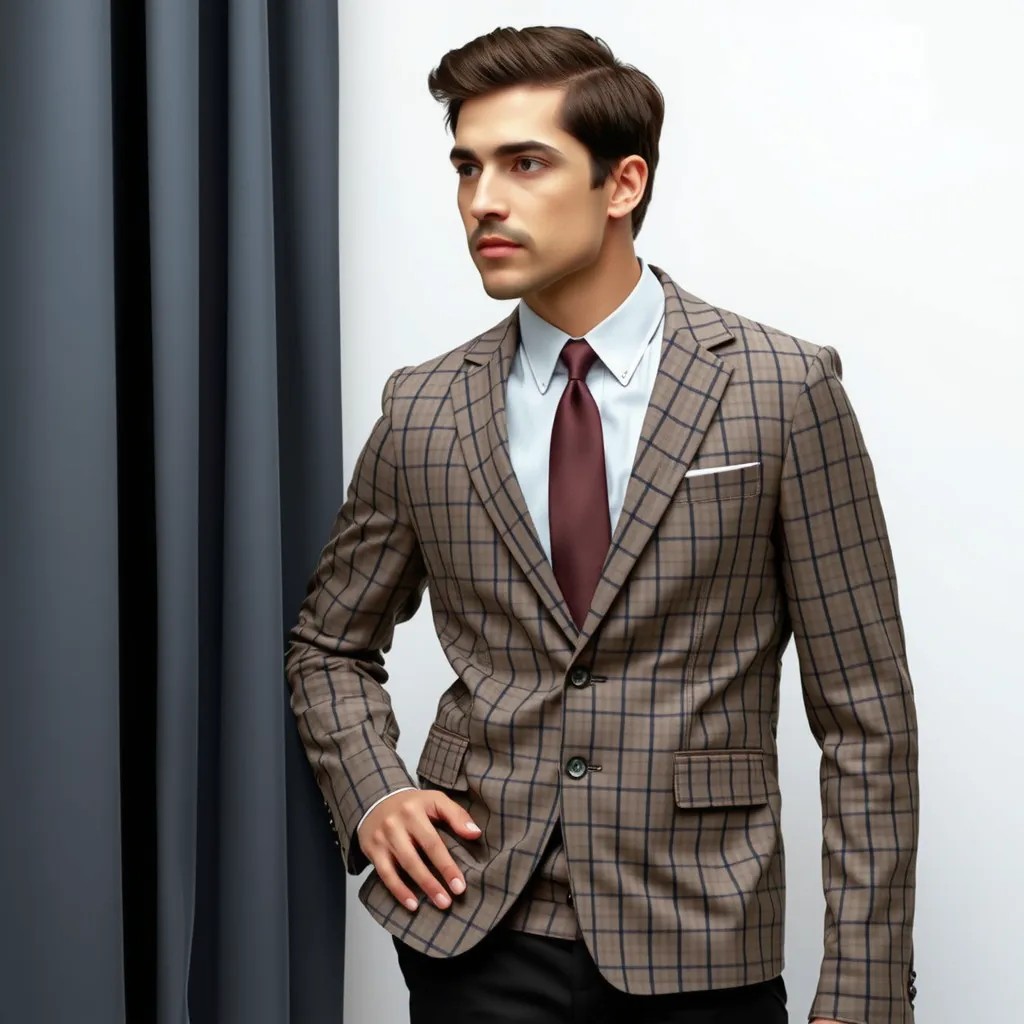
A man wearing this outfit
stable-diffusion
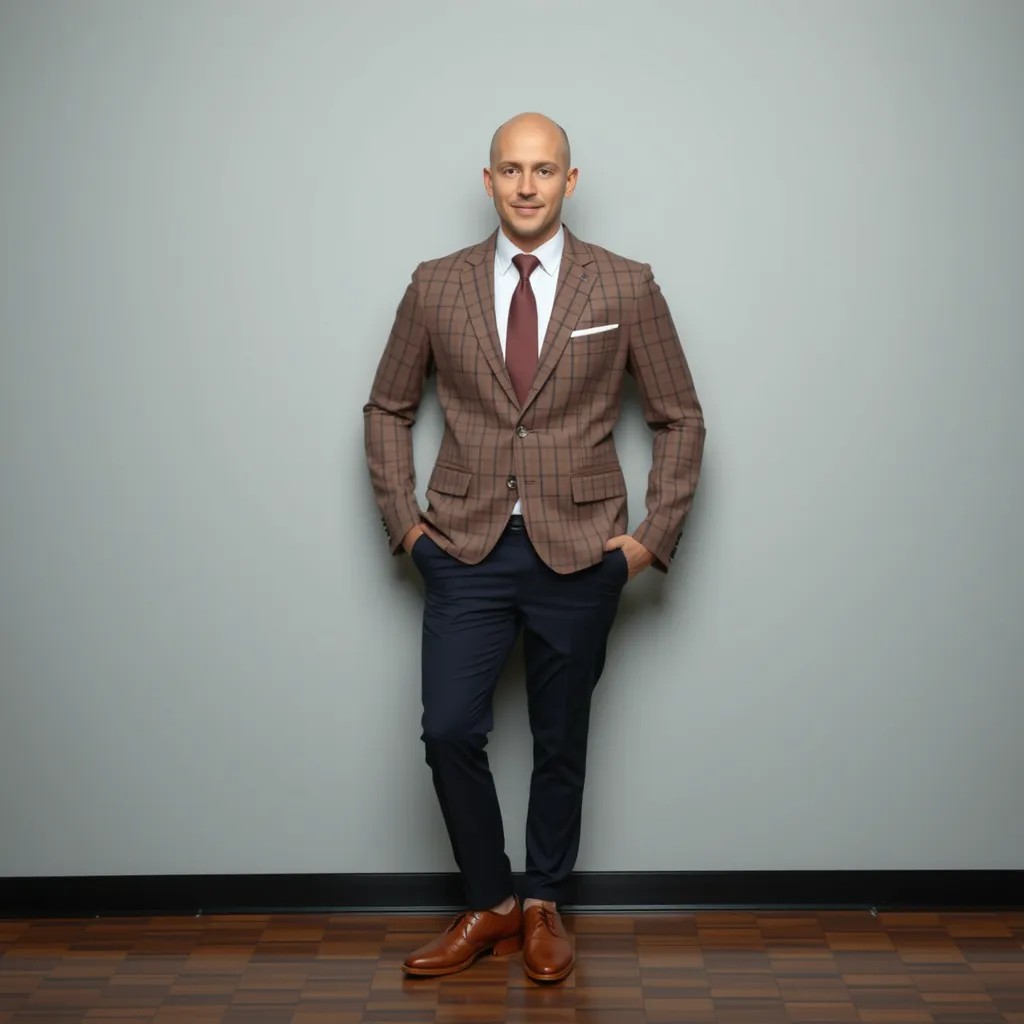
A man wearing this outfit
stable-diffusion
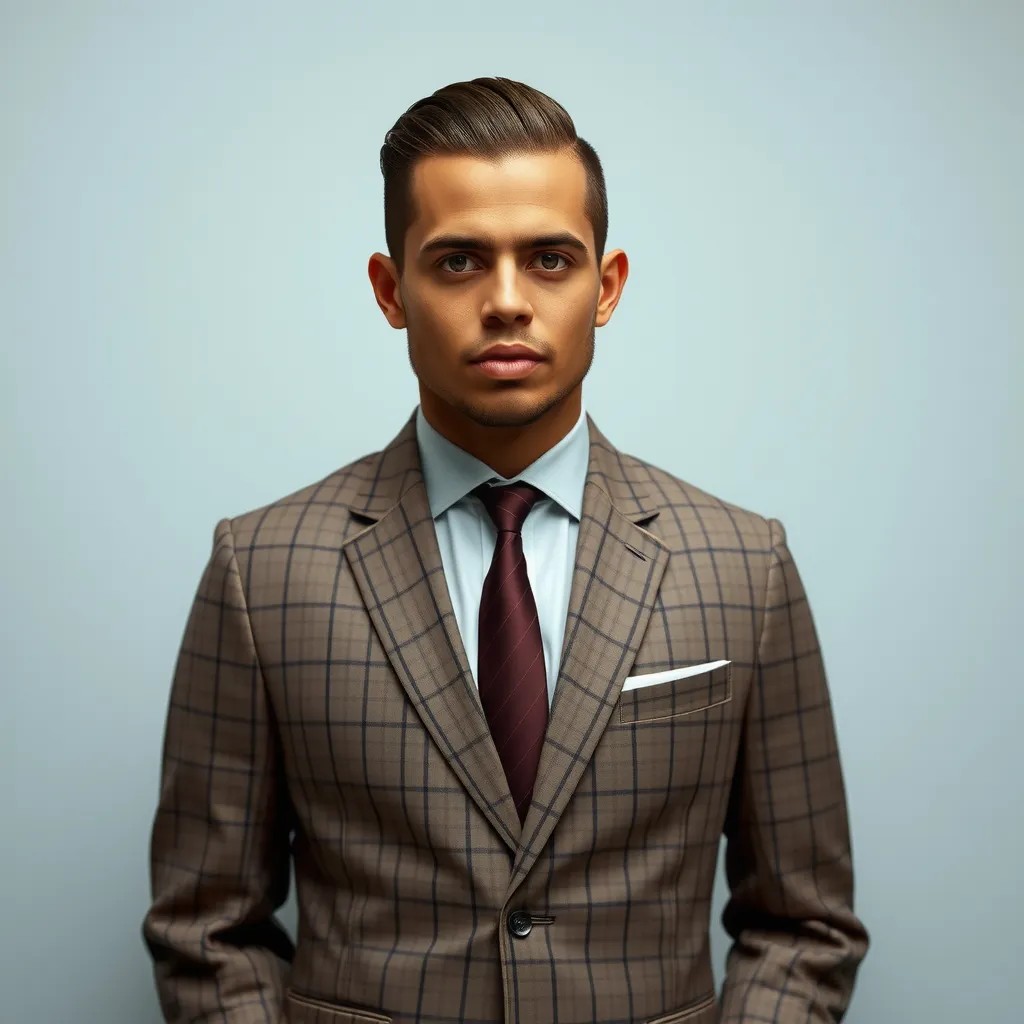
A man wearing this outfit
stable-diffusion
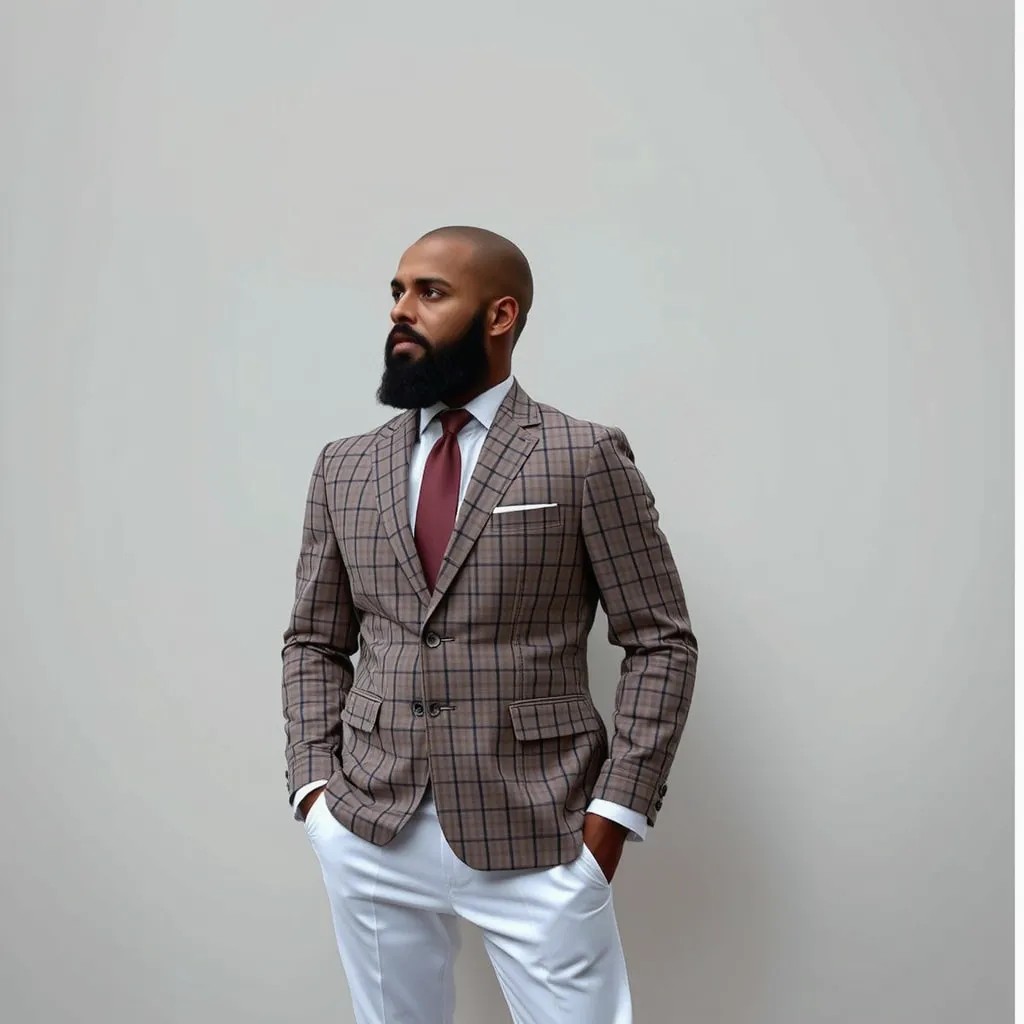
A man wearing this outfit
stable-diffusion
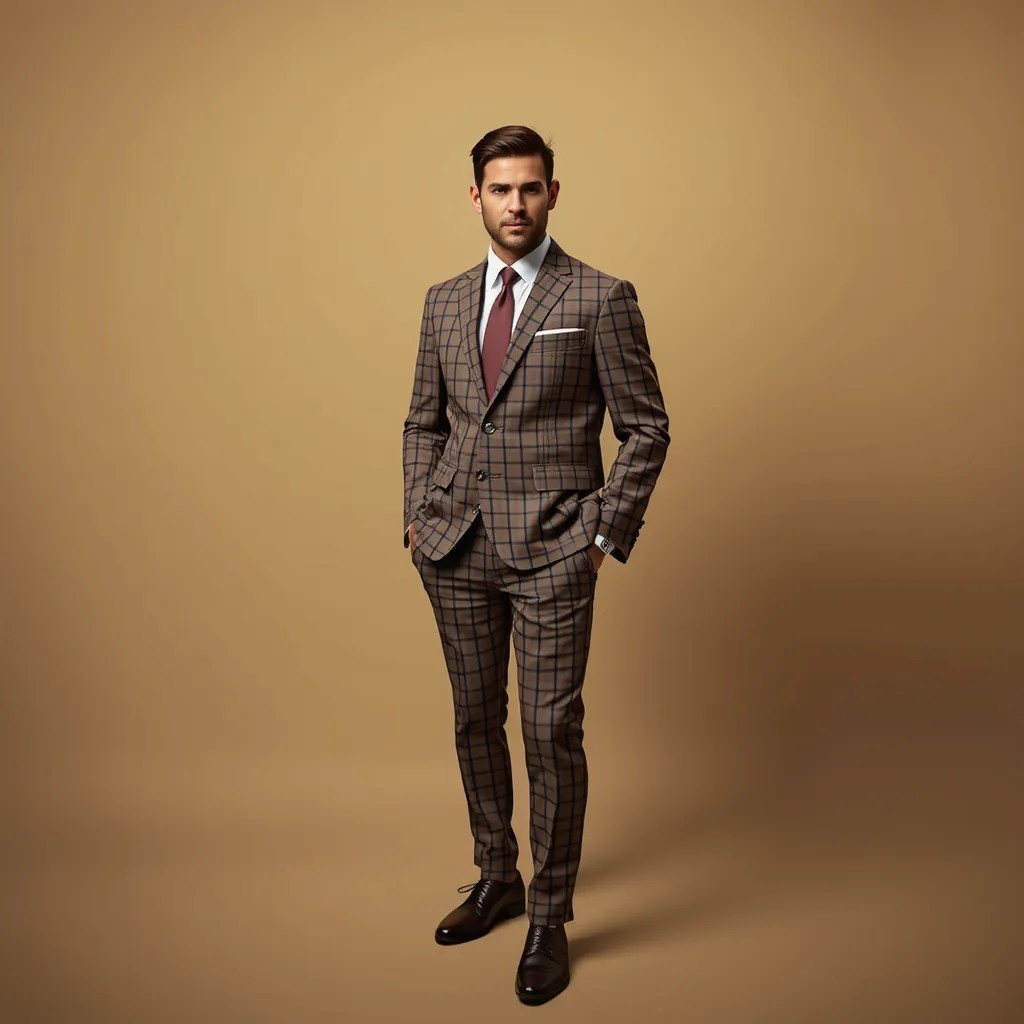
A man wearing this outfit
stable-diffusion
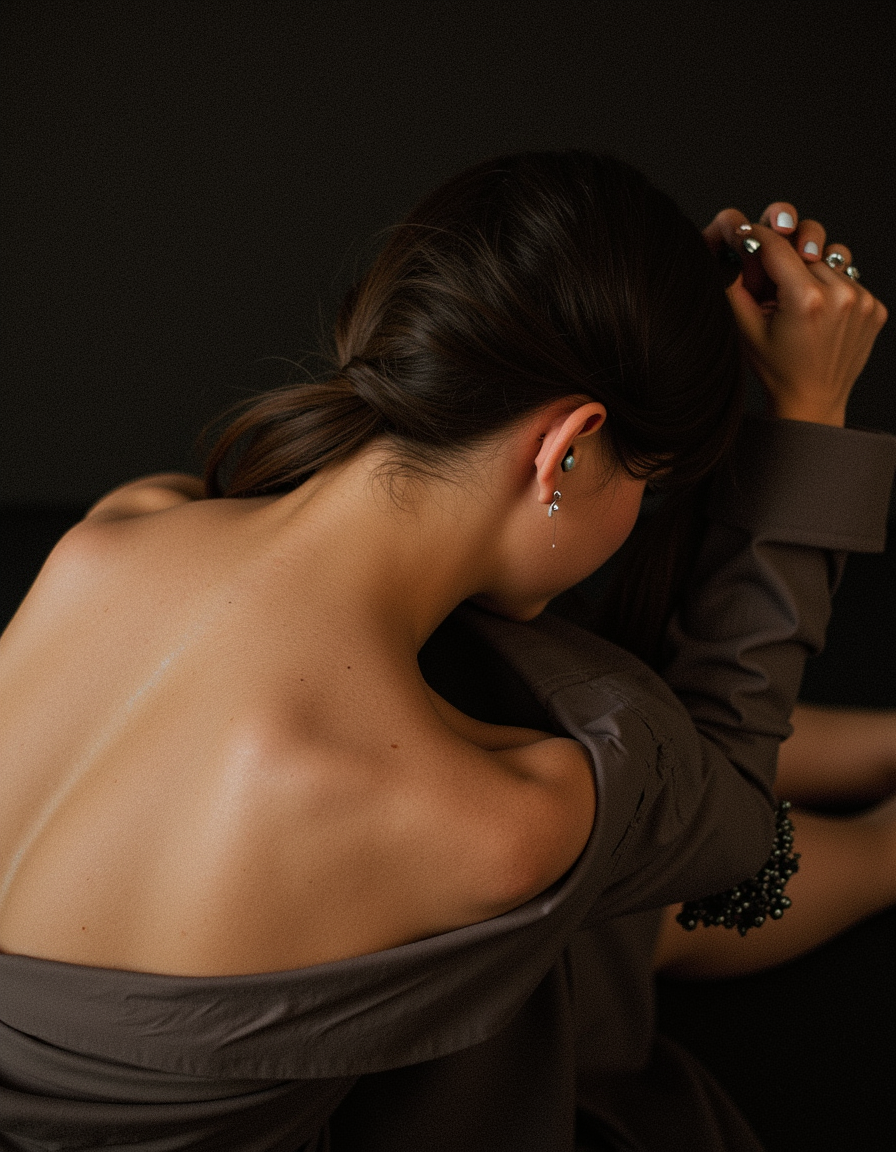
Photorealistic
flux
Models you can run on PixelDojo for ai outfit changer
Switch models without switching tools. Each one runs in the same PixelDojo studio.
What you can do with ai outfit changer on PixelDojo
Swap outfits in photos
We generate new clothing on a person in your image while aiming to keep identity, pose, and background consistent. Upload a source photo and describe the look you want.
Control fabric and fit
We let you specify garment type, color, pattern, and formality so the result matches a brief. Iterate with extra prompts until the outfit reads the way you need.
Try looks without a shoot
We produce outfit variations for characters, product mockups, and mood boards without a new photoshoot. Use this to compare styles before you commit to production.
Export for your workflow
We output still images you can download and use in design, social, or client review. Refine crops and details with our other image tools on PixelDojo.
Trusted by thousands of fashion creators, shoppers, and brands worldwide. 40+ specialized AI tools delivering photorealistic outfit changes in seconds. Join the community transforming how fashion is visualized and sold.
Why Choose Pixel Dojo for ai outfit changer
Professional-quality results with cutting-edge AI technology
Visualize Perfect Fits and Slash Shopping Returns
Upload your photo once and try on hundreds of outfits virtually. See exactly how a dress, jacket, or full look drapes on your unique body, pose, and lighting so you buy with confidence and avoid costly returns. PixelDojo's Flux Pro Virtual Try-On and Virtual Try-On tools deliver natural fabric physics and identity lock that generic editors miss.
Generate Endless Fresh Fashion Content From One Photo
Turn a single selfie or model shot into a full week of social posts, lookbooks, or campaign assets. Swap entire outfits, mix garments, or restyle the same pose in new scenes using Character Stylist, Nano Banana 2, and Flux.2 Studio. You stay consistent while exploring every trend without extra photoshoots or wardrobe hauls.
Scale Professional Catalogs and Campaigns Instantly
Brands and sellers produce on-model imagery, seasonal variants, and multi-look campaigns without hiring models or booking studios. Combine Virtual Try-On with Image to Image, Inpainting, and Reality Polisher to keep product details sharp, lighting matched, and output e-commerce ready. Create more, spend less, launch faster.
How It Works
Creating photorealistic AI outfit changes on PixelDojo takes three simple steps. You stay in control of identity, pose, and style while the specialized tools handle realistic draping, lighting, and fabric details.
Step 1: Choose Your Tool and Upload Your Photo
Open Characters & Faces and select Flux Pro Virtual Try-On or Virtual Try-On for the most identity-preserving swaps. For custom generation start with Nano Banana 2 or Flux.2 Studio, or use Image to Image and Inpainting for targeted edits. Upload a clear, well-lit photo of yourself or your model—front-facing or three-quarter works best. The AI analyzes body proportions, pose, existing clothing, and scene lighting so the new outfit integrates naturally.
Step 2: Describe the Outfit or Add a Garment Reference
Type a detailed prompt such as 'flowing red silk evening gown with thin straps and subtle sheen' or 'oversized beige hoodie, black cargo pants, and white sneakers, casual streetwear'. For even higher accuracy upload a product photo or garment image as reference. Character Stylist helps lock consistent looks across multiple generations. The AI respects your original pose, face, and background while redrawing only the clothing with realistic folds, textures, and shadows.
Step 3: Refine, Enhance, and Download Your New Look
Preview the result and fine-tune with Inpainting for small adjustments, Style Transfer for mood, Magic Lighting or Reality Polisher for extra polish, and P-Image Upscale or Magnific Upscaler for print-ready resolution. Generate variations, change camera angle, or extend into video with Kling Video or WAN tools if desired. Download high-resolution files instantly. Repeat as many times as you like—your original photo stays private and reusable.
The Pixel Dojo Advantage
Why PixelDojo outperforms other options for AI outfit changer image generation
| Others | Pixel Dojo |
|---|---|
| Traditional photoshoots and fitting rooms | You skip travel, booking, and waiting. Generate unlimited photorealistic looks from one photo in seconds instead of days, at a fraction of the cost, while keeping perfect identity and lighting consistency. |
| Generic AI image tools | Specialized Flux Pro Virtual Try-On and Virtual Try-On tools preserve your exact face, body, and pose far better than all-purpose generators. Fabric drape, fit, and product details stay true instead of melting or distorting. |
| Manual photo editing and Photoshop work | Hours of masking, cloning, and lighting matching become three clicks. PixelDojo handles complex folds, occlusions, and multi-garment composition automatically so you focus on creative direction instead of technical labor. |
Loved by creators on PixelDojo
Real feedback from people using PixelDojo, pulled from our in-product surveys.
versatile menu of tools
Best AI tool availble the suite is rad
Versatility quality, value, ROI, innovation
variety of tools available and prompt tools
A "one-stop-shop" for creators! Thanks!!
Lots of different tools. It's easy to purchase more credits.
Explore more AI tools on PixelDojo
AI Tools
Compare & Switch
- Best AI Image Generators
- Best AI Video Generators
- Midjourney Alternatives
- Civitai Alternatives
- Runway Alternatives
- Leonardo Alternatives
- Pika Alternatives
- Luma Alternatives
- Magnific Alternatives
- Veo Alternatives
- Flux Alternatives
- Freepik Alternatives
- Seedance Alternatives
- Seedream Alternatives
- Pixverse Alternatives
- GPT Image Alternatives
- Synthesia Alternatives
- Playground Alternatives
- NightCafe Alternatives
- Canva AI Alternatives
- ElevenLabs Alternatives
- ComfyUI Alternatives
- Fal Alternatives
- Replicate Alternatives
Common Questions
Everything you need to know about ai outfit changer
How does an AI outfit changer work on PixelDojo for realistic results?
You upload a photo, choose Flux Pro Virtual Try-On or Virtual Try-On, then describe the new clothing or provide a garment image. The AI analyzes your pose, body shape, lighting, and existing clothes, then generates a photorealistic replacement that matches fabric weight, folds, and shadows while locking your identity. Follow-up tools like Inpainting and Reality Polisher let you perfect small details. Results look like they were shot in a real studio.
Can I use PixelDojo's AI outfit changer for e-commerce product photos and catalogs?
Yes. Brands upload a model photo once and swap in any number of garments using Virtual Try-On plus Image to Image. You keep consistent lighting, pose, and model identity across an entire collection. Combine with Background Remover, Magic Lighting, and P-Image Upscale to produce marketplace-ready images without extra photoshoots. Thousands of sellers already use this workflow to launch faster and test more styles.
What is the best way to get photorealistic virtual try-on with PixelDojo tools?
Start with a clear, well-lit photo showing the full body or at least the relevant clothing area. Use Flux Pro Virtual Try-On for the highest identity preservation, add a garment reference image when you have one, and write specific prompts that include fabric, fit, and color. Then refine with Character Stylist for consistency across looks and Reality Polisher for extra realism. The combination of specialized try-on models and editing tools produces results that outperform generic generators.
How do I create consistent character outfits across multiple images with AI?
Use Consistent Characters or Character Sheets together with Character Stylist and Flux Pro Virtual Try-On. Generate a base look, then reuse the same character seed or reference while changing only the clothing description. This keeps face, body, and style locked so you can build lookbooks, story sequences, or social series that feel like they belong to the same person.
Is PixelDojo's AI outfit changer free to try and can I cancel anytime?
You can start creating immediately with access to 40+ cutting-edge AI tools including all the virtual try-on and editing features. PixelDojo is loved by thousands of creators worldwide. There is no long-term lock-in—you can cancel at any time. This risk-free approach lets you test photorealistic outfit changes on your own photos before committing.
Can I turn AI outfit changer images into videos or animated fashion content?
Absolutely. After generating your still look with Virtual Try-On or Flux.2 Studio, send the image into Kling Video, WAN 2.7 Video, Seedance, or P Video Animate to create walking, turning, or lifestyle clips. You can also use video editing tools like Kling Video Edit or WAN 2.7 Video Edit to swap outfits inside existing footage. One photo becomes a full motion campaign.