run flux 2 pro online AI Generator

Generated on PixelDojo. Produced by PixelDojo's generation pipeline.
You want professional-quality images that look like they came from a real photoshoot, without the time, cost, or equipment. When you run Flux 2 Pro online through PixelDojo, you achieve exactly that. Flux.2 Studio turns your ideas into photorealistic visuals with natural lighting, convincing material textures, and scenes that hold together perfectly. Marketers create ad-ready product shots in seconds. Designers produce brand assets that stay consistent across campaigns. Content creators generate social and editorial images that stop the scroll. You describe what you need in everyday language and get results that feel real—golden hour glow, fabric folds that catch the light, skin that looks alive. PixelDojo gives you Flux.2 Studio plus 40+ cutting-edge AI tools so you can generate, edit, upscale, and even train custom models all in one place. Thousands of creators already rely on it every day. There is no software to install, no complicated setup, and you can cancel anytime. Start with a single prompt and walk away with images ready for print, web, or video.
Real image examples generated on PixelDojo
Every example below was produced on PixelDojo. Hover to see the prompt.
Add a log edited with Flux Kontext Dev
flux-studio

Description: The camera gradually zooms in on the glass
flux
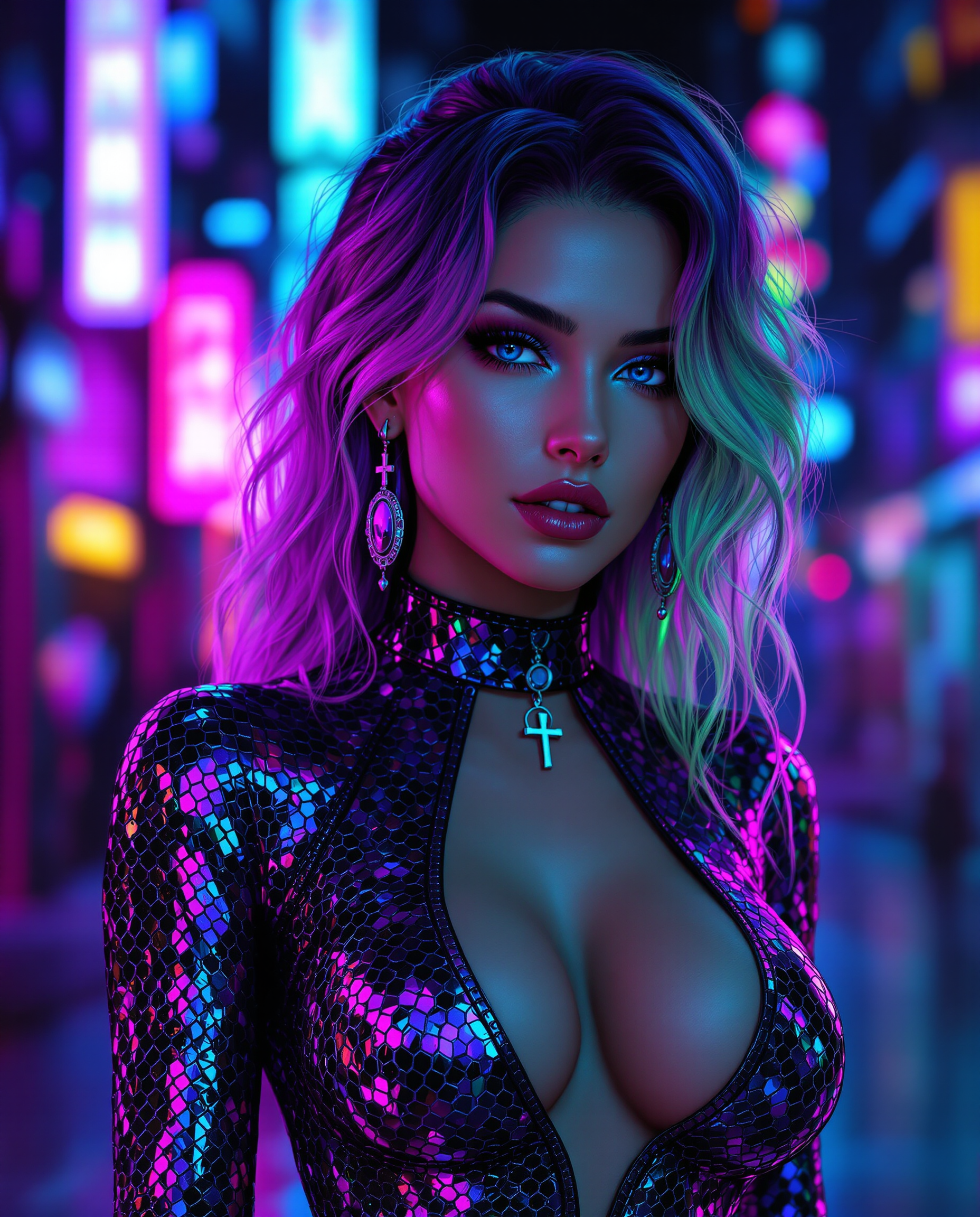
This image is a realistic photo photograph of a female real person digital artwork that fe…
flux
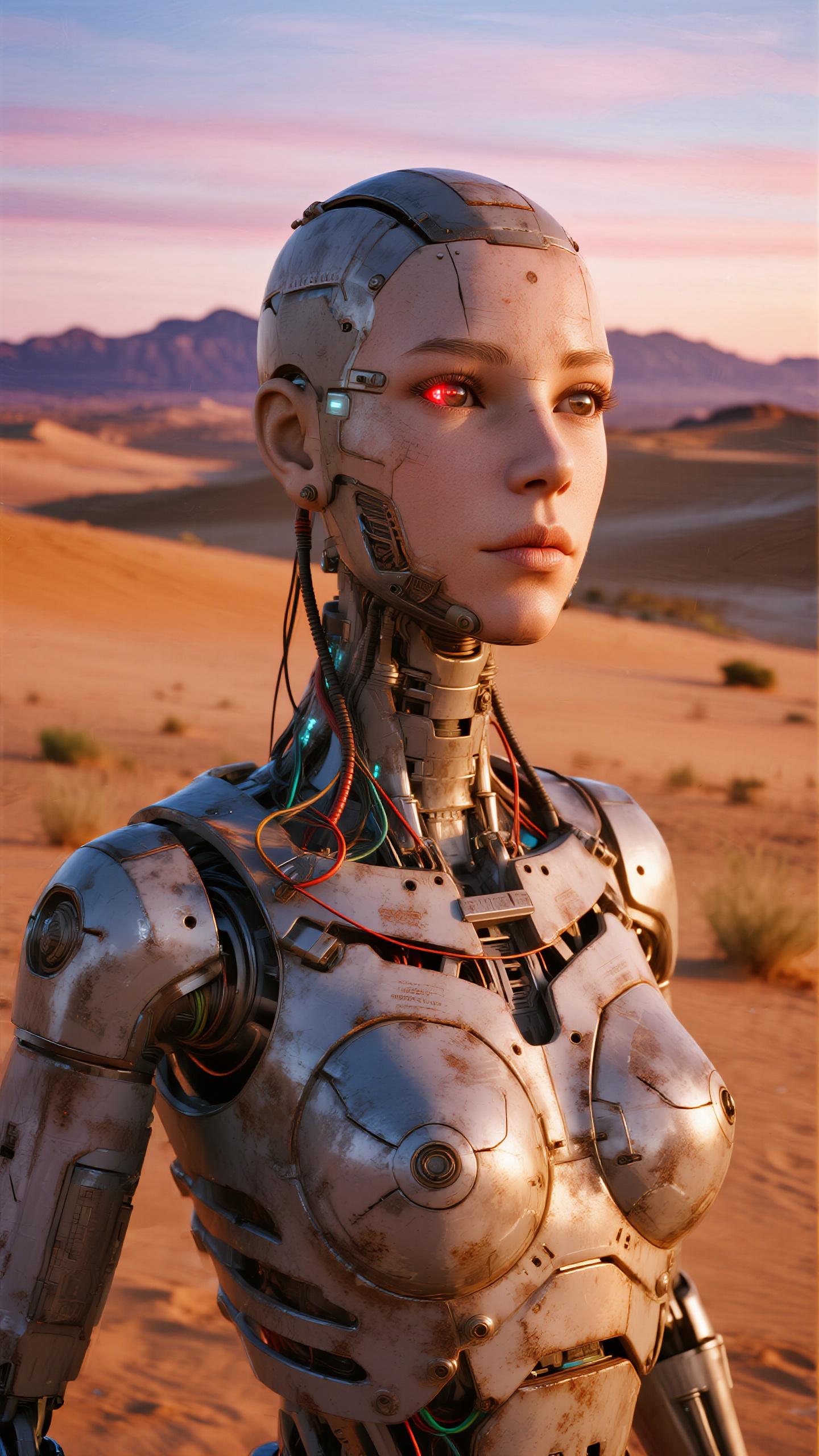
A highly detailed
dreamina
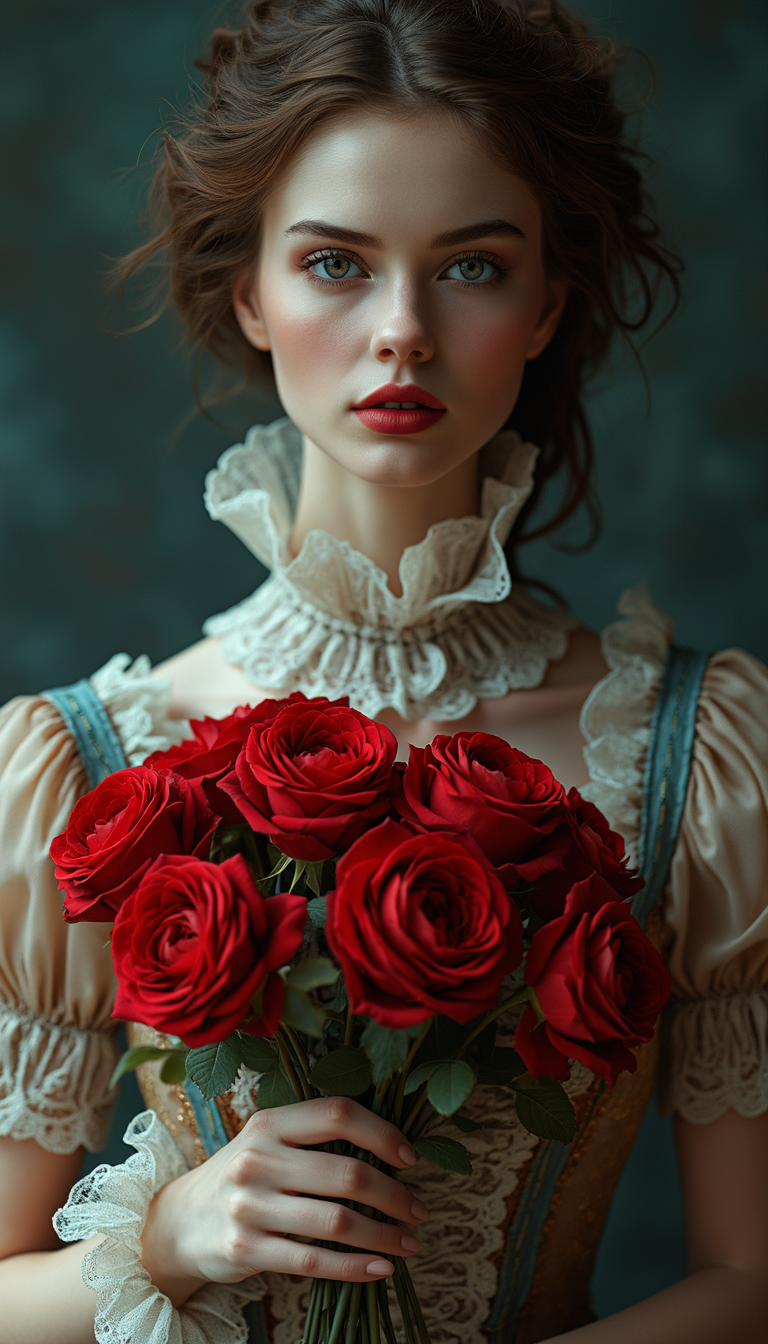
A fashion portrayal of a captivating character inspired by the Victorian era
flux

A charming Parisian cafe corner with a striped awning and flowers
wan-2.7-image
Models you can run on PixelDojo for run flux 2 pro online
Switch models without switching tools. Each one runs in the same PixelDojo studio.
What you can do with run flux 2 pro online on PixelDojo
Run Flux 2 Pro
Generate images with Flux 2 Pro in the browser. We host the model so you can create without installing local software or buying a GPU.
Prompt To Image
Write a text prompt and we return still images from Flux 2 Pro. Adjust wording and settings, then generate again to refine the result.
Resolution And Aspect Control
Choose common sizes and aspect ratios before you generate. We keep outputs in a format you can download and use in your usual editing tools.
History And Reuse
We store recent generations in your account so you can reopen a run, copy a prompt, or continue from a previous image without starting from scratch.
Loved by thousands of creators worldwide. 40+ cutting-edge AI tools delivering photorealistic results daily. Cancel anytime with no risk.
Why Choose Pixel Dojo for run flux 2 pro online
Professional-quality results with cutting-edge AI technology
Create Photorealistic Images That Look Real
You get natural light falloff, rich textures on wood, fabric, stone, and skin, plus atmospheric depth that makes every image feel photographed rather than generated. Perfect for e-commerce listings, advertising, and editorial work that needs to look authentic at first glance.
Keep Characters and Products Perfectly Consistent
Upload multiple reference photos and generate new scenes where faces, clothing, products, and lighting stay identical. You build full campaigns, character sheets, and product catalogs without starting over every time.
Download Print-Ready High-Resolution Files Instantly
Receive large, detailed images ready for professional use. Combine with PixelDojo upscalers and editors so you skip extra steps and move straight to publishing or printing.
How It Works
Running Flux 2 Pro online on PixelDojo takes three simple steps. You stay in your browser the entire time and get professional results in minutes.
Step 1: Choose Your Tool
Log into PixelDojo and open Generate Images. Select Flux.2 Studio to run Flux 2 Pro online. This dedicated workspace is optimized for photorealistic output, multi-reference consistency, and fast generation so you start with the strongest possible results.
Step 2: Enter Your Prompt
Write a natural-language description that starts with your main subject, then adds lighting, camera details, and mood. Example: A ceramic coffee mug on a marble counter, morning sunlight streaming through a window, shot on a 85mm lens with shallow depth of field, warm earth tones. Flux.2 Studio follows complex instructions closely so you get exactly what you pictured.
Step 3: Customize & Download
Review the image, refine with Image to Image, Inpainting, or Style Transfer if needed, then upscale with P-Image Upscale or Magnific Upscaler. Download high-resolution files immediately. You can also train a custom model with Flux 2 Trainer for your unique brand look.
The Pixel Dojo Advantage
Why PixelDojo outperforms other options when you want to run Flux 2 Pro online for professional image generation
| Others | Pixel Dojo |
|---|---|
| Traditional photography and studios | You skip equipment, location scouting, and scheduling. Generate unlimited variations in minutes instead of days, then edit and upscale without extra cost. |
| Generic AI image tools | You get a dedicated Flux.2 Studio built for the latest photorealism plus 40+ complementary tools like Consistent Characters, Virtual Try-On, and Flux 2 Trainer all in one account. |
| Manual photo editing software | You create the image from a text description or references first, then apply targeted edits with Inpainting and Background Remover. Hours of retouching become minutes. |
Loved by creators on PixelDojo
Real feedback from people using PixelDojo, pulled from our in-product surveys.
Best AI tool availble the suite is rad
Versatility quality, value, ROI, innovation
variety of tools available and prompt tools
A "one-stop-shop" for creators! Thanks!!
Lots of different tools. It's easy to purchase more credits.
Amazing performance!
Explore more AI tools on PixelDojo
AI Tools
Compare & Switch
- Best AI Image Generators
- Best AI Video Generators
- Midjourney Alternatives
- Civitai Alternatives
- Runway Alternatives
- Leonardo Alternatives
- Pika Alternatives
- Luma Alternatives
- Magnific Alternatives
- Veo Alternatives
- Flux Alternatives
- Freepik Alternatives
- Seedance Alternatives
- Seedream Alternatives
- Pixverse Alternatives
- GPT Image Alternatives
- Synthesia Alternatives
- Playground Alternatives
- NightCafe Alternatives
- Canva AI Alternatives
- ElevenLabs Alternatives
- ComfyUI Alternatives
- Fal Alternatives
- Replicate Alternatives
Common Questions
Everything you need to know about run flux 2 pro online
How do I run Flux 2 Pro online without any software installation?
PixelDojo lets you run Flux 2 Pro online directly in your browser through Flux.2 Studio. Sign up, choose the tool under Generate Images, type your prompt, and generate. No downloads, no GPU required, and you can start creating photorealistic images immediately. Thousands of creators use this exact workflow every day and you can cancel anytime.
What are the best techniques to get photorealistic results when I run Flux 2 Pro online?
Describe the scene in flowing natural language rather than keyword lists. Start with the subject, then specify lighting (soft window light, golden hour), camera and lens (shot on 85mm f/1.4), materials, and mood. PixelDojo Flux.2 Studio follows these detailed instructions closely, producing natural light, accurate textures, and coherent compositions. Combine with reference images for even tighter control.
Can I keep the same character or product consistent across many images when I run Flux 2 Pro online?
Yes. Flux.2 Studio accepts multiple reference images so faces, clothing, products, and lighting stay consistent. Pair it with PixelDojo Consistent Characters, Character Sheets, and Flux Pro Virtual Try-On to build entire campaigns or catalogs without losing identity. This is one of the most popular workflows among marketers and designers on the platform.
Is Flux 2 Pro on PixelDojo good enough for professional product photography and advertising?
Absolutely. You produce sharp, high-resolution images with realistic materials, lighting, and composition that are ready for e-commerce, ads, and print. Use Background Remover, Reality Polisher, and upscalers to polish further. Many users replace traditional product shoots entirely because the results look authentic and the turnaround is minutes instead of weeks.
Can I train my own custom Flux 2 model on PixelDojo?
Yes. Flux 2 Trainer lets you create personalized models from your own images so every generation matches your brand style, character, or product line. Once trained, you run those custom models right alongside Flux.2 Studio. This gives you unique looks that generic tools cannot match, and you keep full control inside the same easy interface.
Why should I choose PixelDojo to run Flux 2 Pro online instead of other websites?
You get Flux.2 Studio plus 40+ additional tools including image editors, video generators, upscalers, character tools, and trainers in one place. The platform is loved by thousands of creators, there is no long-term commitment, and you can cancel anytime. Everything runs in the browser so you stay focused on creating instead of managing accounts or software.