ai painting AI Generator
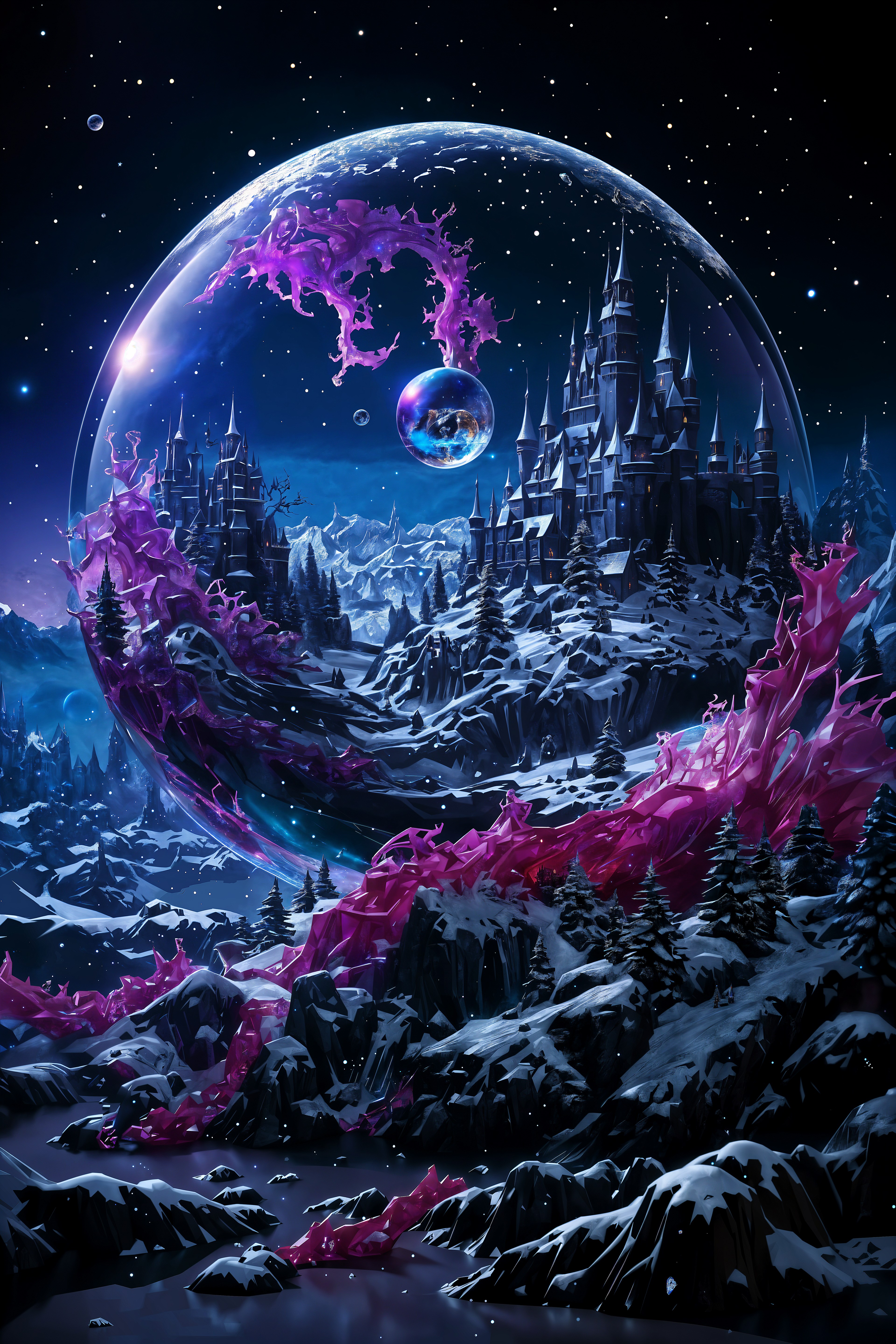
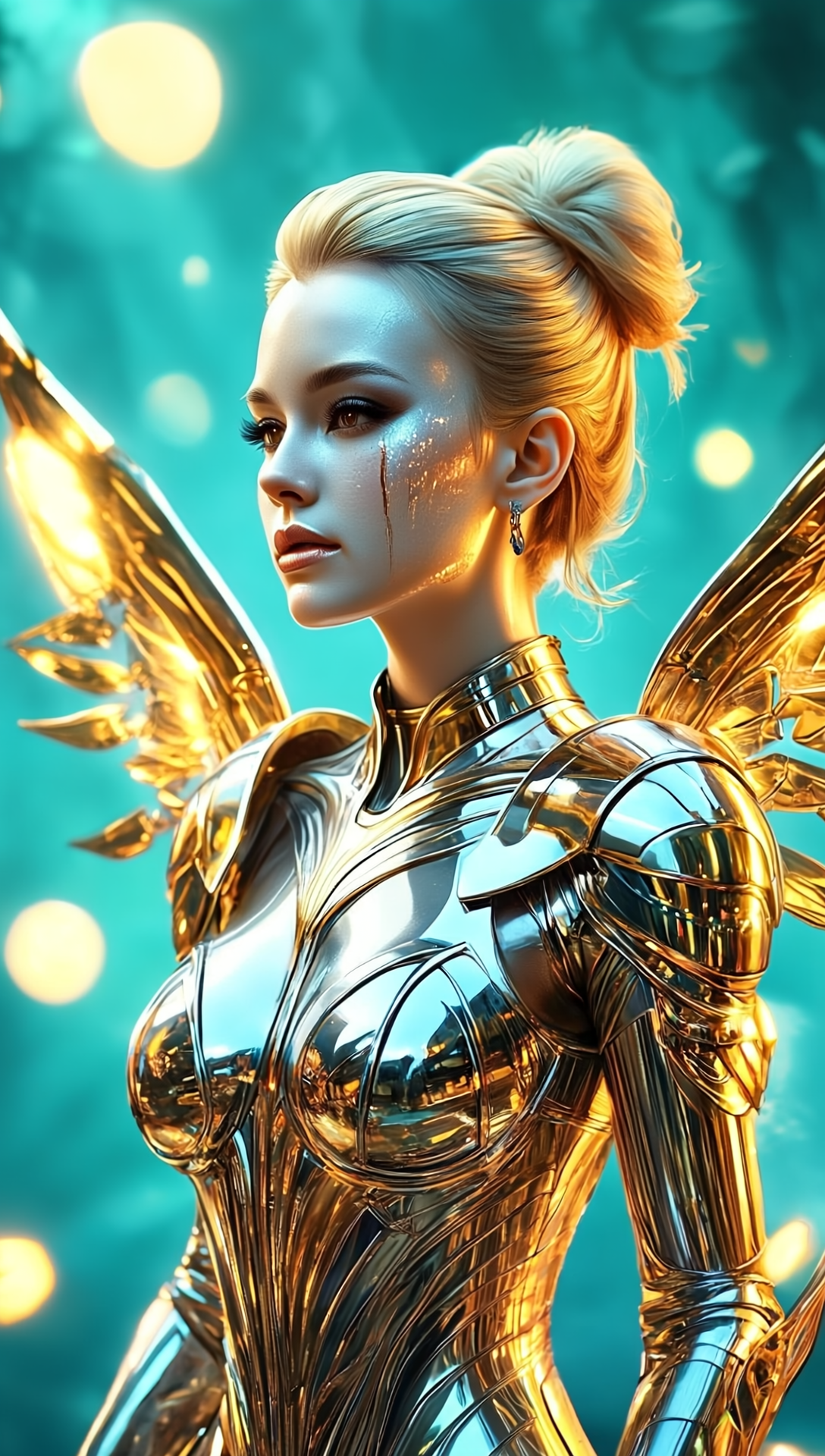
Imagine turning any idea into a gallery-worthy painting without picking up a brush. With PixelDojo's AI painting tools, you can instantly generate rich oil paintings, delicate watercolors, expressive digital art, and more—all from simple text prompts. Whether you're a designer needing concept art, a marketer creating visuals, or a hobbyist exploring creativity, you'll achieve professional painterly results that capture light, texture, and emotion in seconds. Skip years of practice and expensive supplies; focus on bringing your unique vision to life with outcomes that impress clients, followers, and collectors alike.
Over 75,000 creators have generated more than 3.2 million AI paintings on PixelDojo. Average rating: 4.9/5 from artists, illustrators, and brands. Trusted by thousands worldwide for consistent, high-quality painterly results every time.
Why Choose Pixel Dojo for ai painting
Professional-quality results with cutting-edge AI technology
Achieve Authentic Painterly Textures Instantly
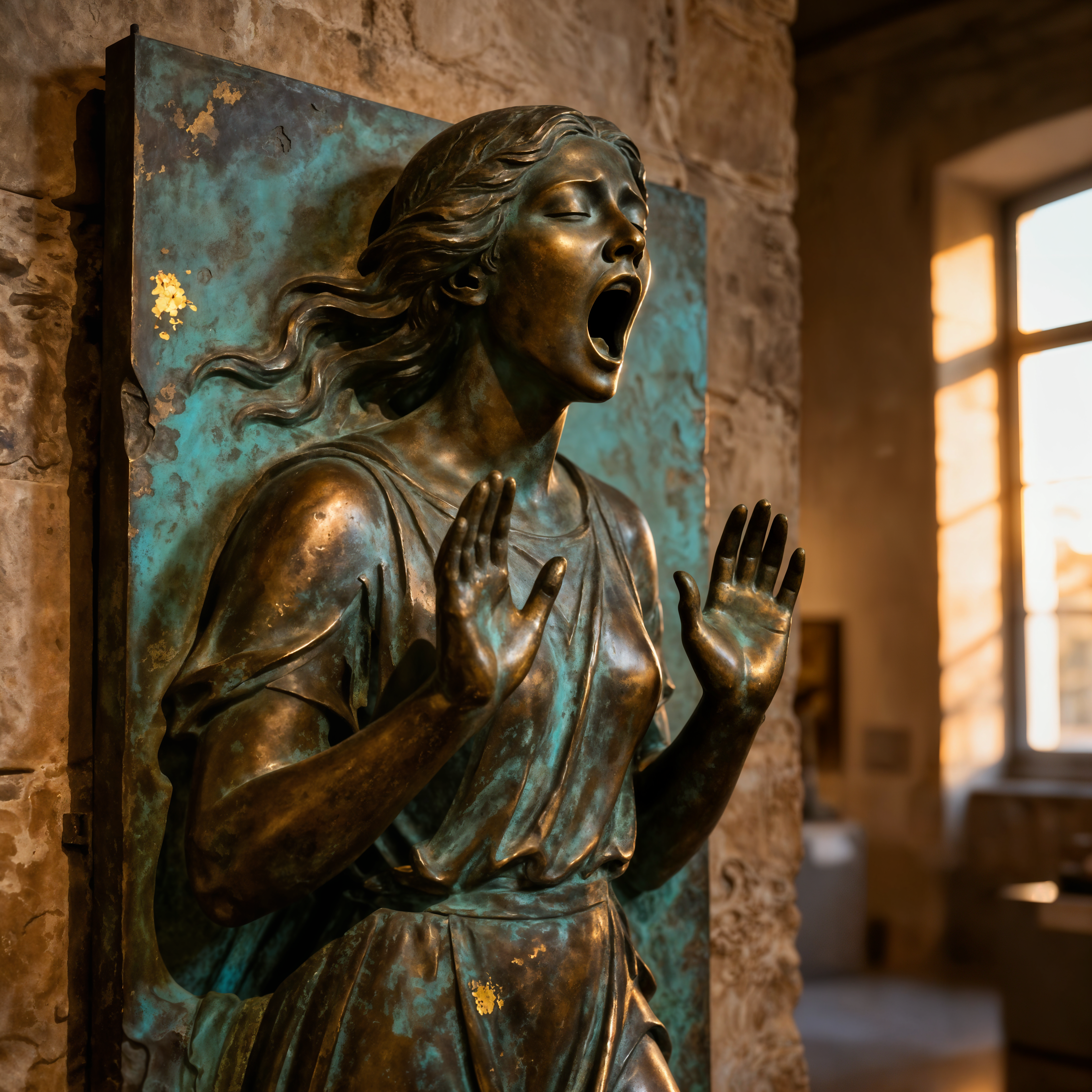
Create images with visible brushstrokes, rich color blending, and realistic canvas textures that look hand-painted. Perfect for fine art prints, book covers, or social media that stands out with emotional depth and professional polish.
Experiment with Every Classic & Modern Style
Master oil painting, watercolor, impressionism, digital concept art, and emerging 2026 trends like post-AI expressionism in one platform. Test endless variations until your vision is perfect—no wasted canvases or materials.
Produce Client-Ready Art in Minutes, Not Weeks
Deliver high-resolution AI paintings for commissions, marketing campaigns, or personal projects faster than ever. Scale your output while maintaining the authentic, human-like quality collectors crave in 2026.
How It Works
Creating stunning AI paintings is simple and intuitive. Use PixelDojo's specialized tools to guide the AI toward realistic painterly effects.
Step 1: Choose Your Tool
Browse the Generate Images section and select a painting-optimized model like Flux.2 Studio for rich oil textures, Ideogram 4 for precise stylistic control, or Recraft V4.1 for clean digital painting effects. These tools excel at simulating traditional media.
Step 2: Enter Your Prompt
Describe your scene in detail and add painting-specific instructions such as 'oil painting with impasto texture, visible brushstrokes, in the style of Monet, dramatic lighting'. Reference styles like watercolor washes or impressionist dabs for best results.
Step 3: Customize & Download
Refine with Image to Image for style adjustments, Inpainting to perfect details, or Style Transfer to apply classic techniques. Upscale with Creative Upscaler for print-ready quality, then download high-resolution files ready for any use.
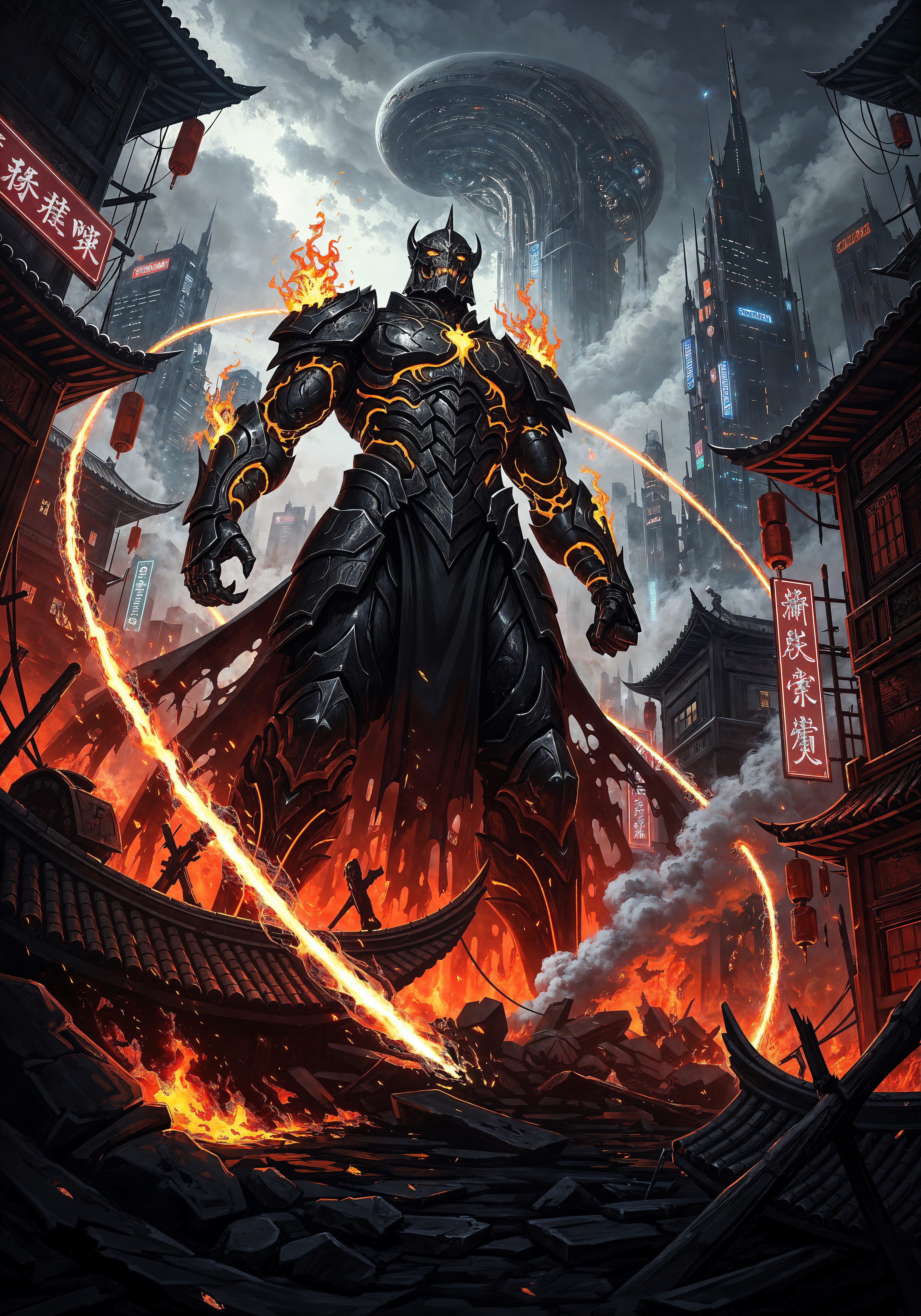
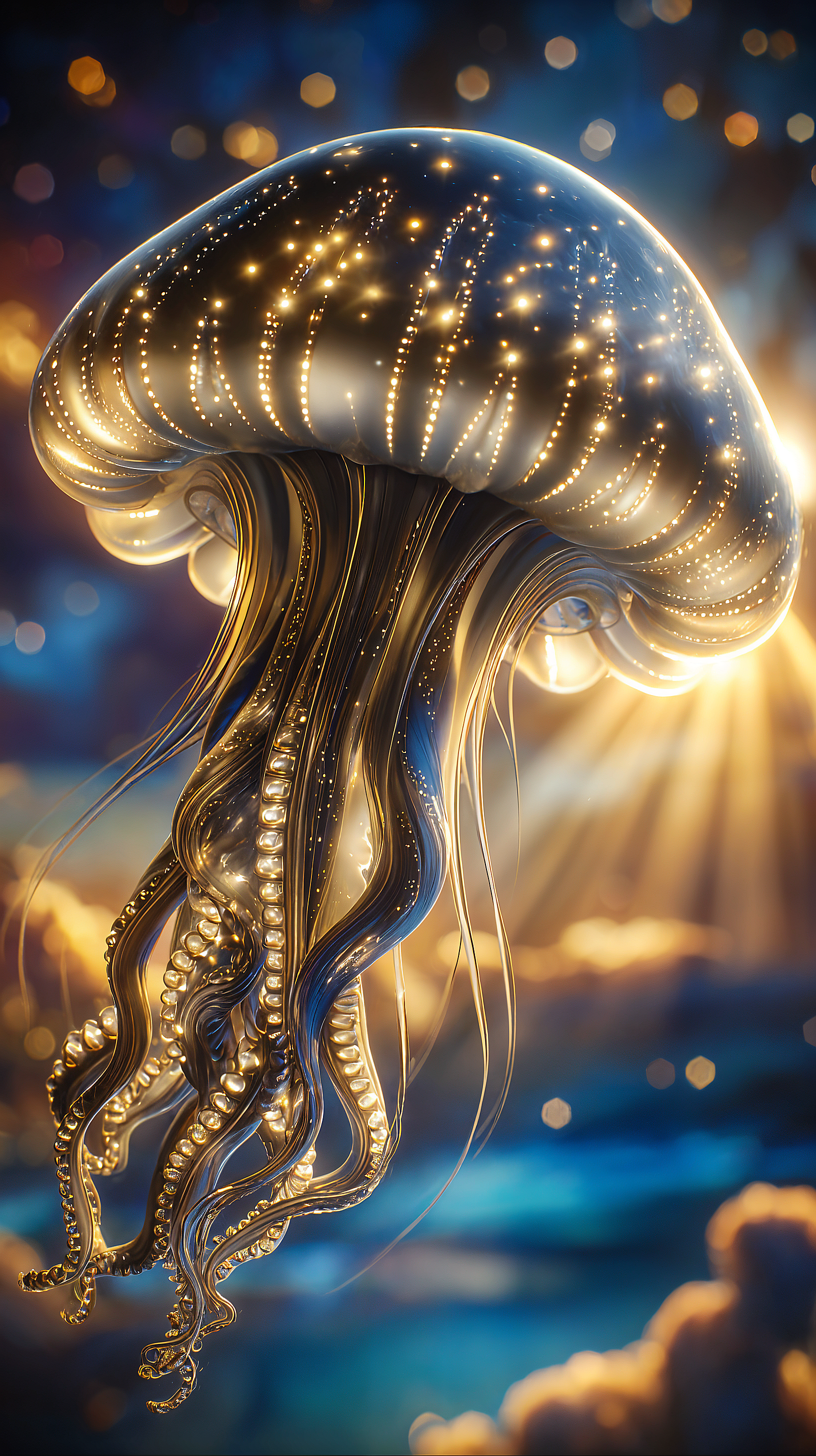
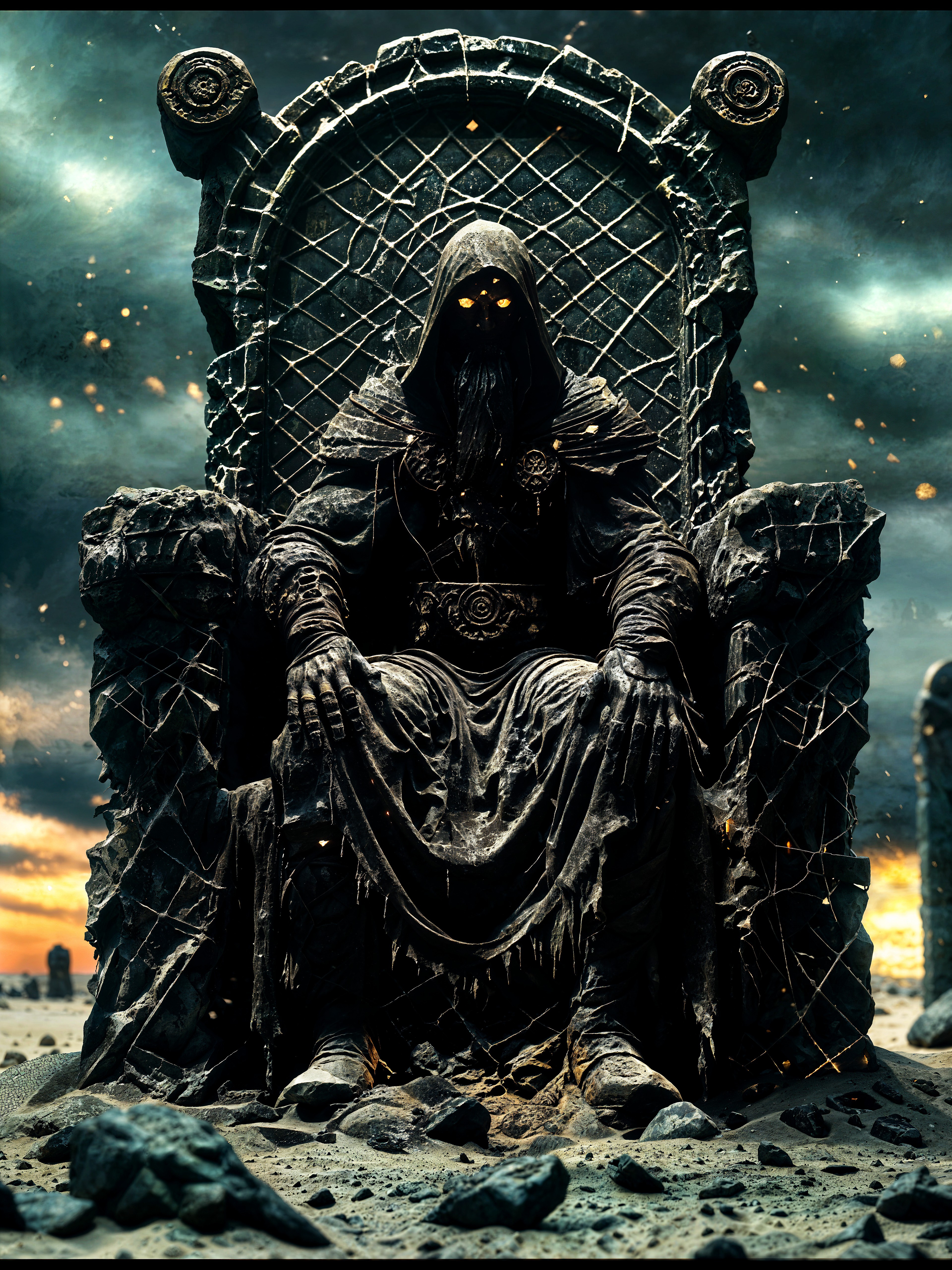
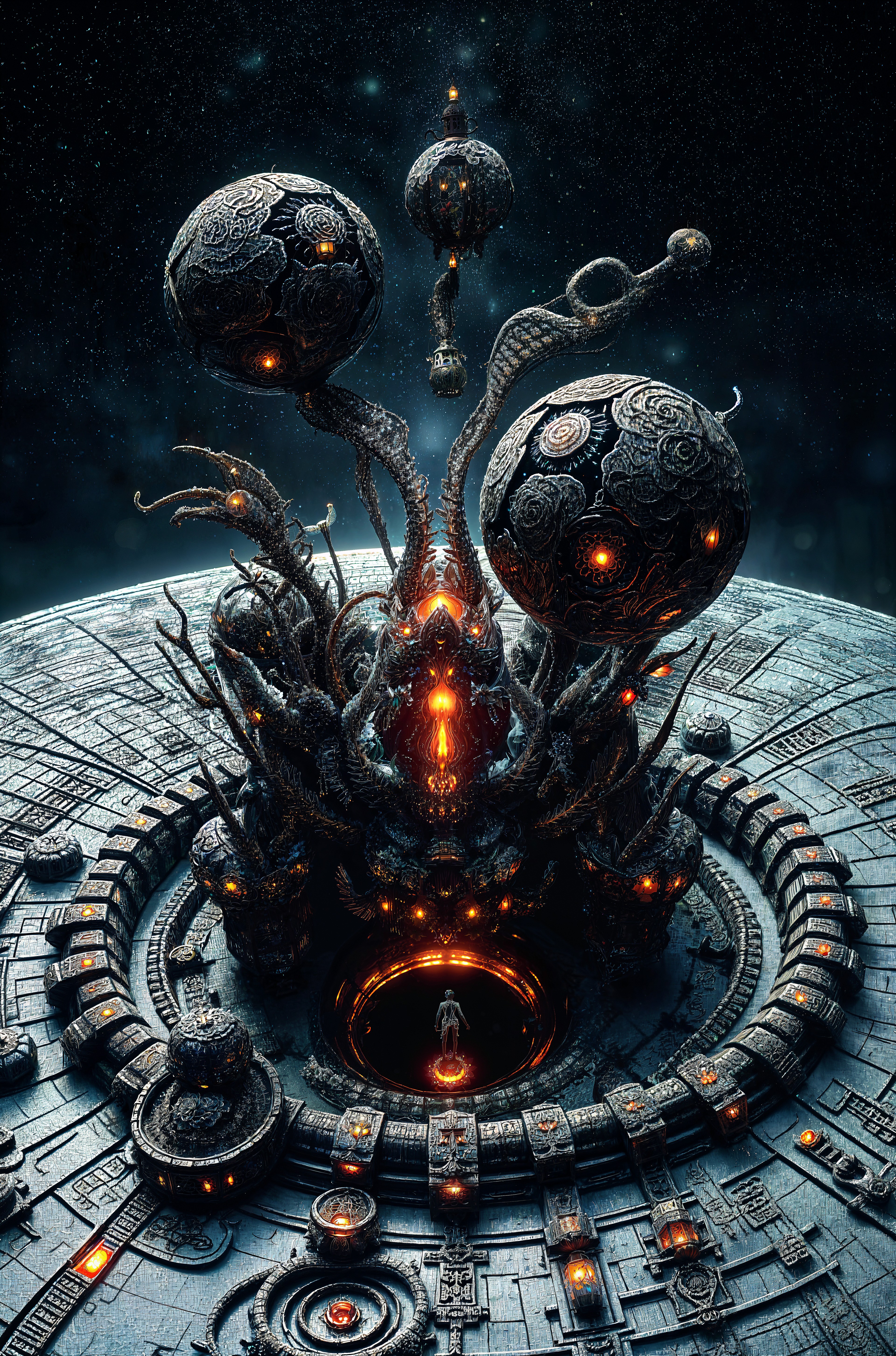
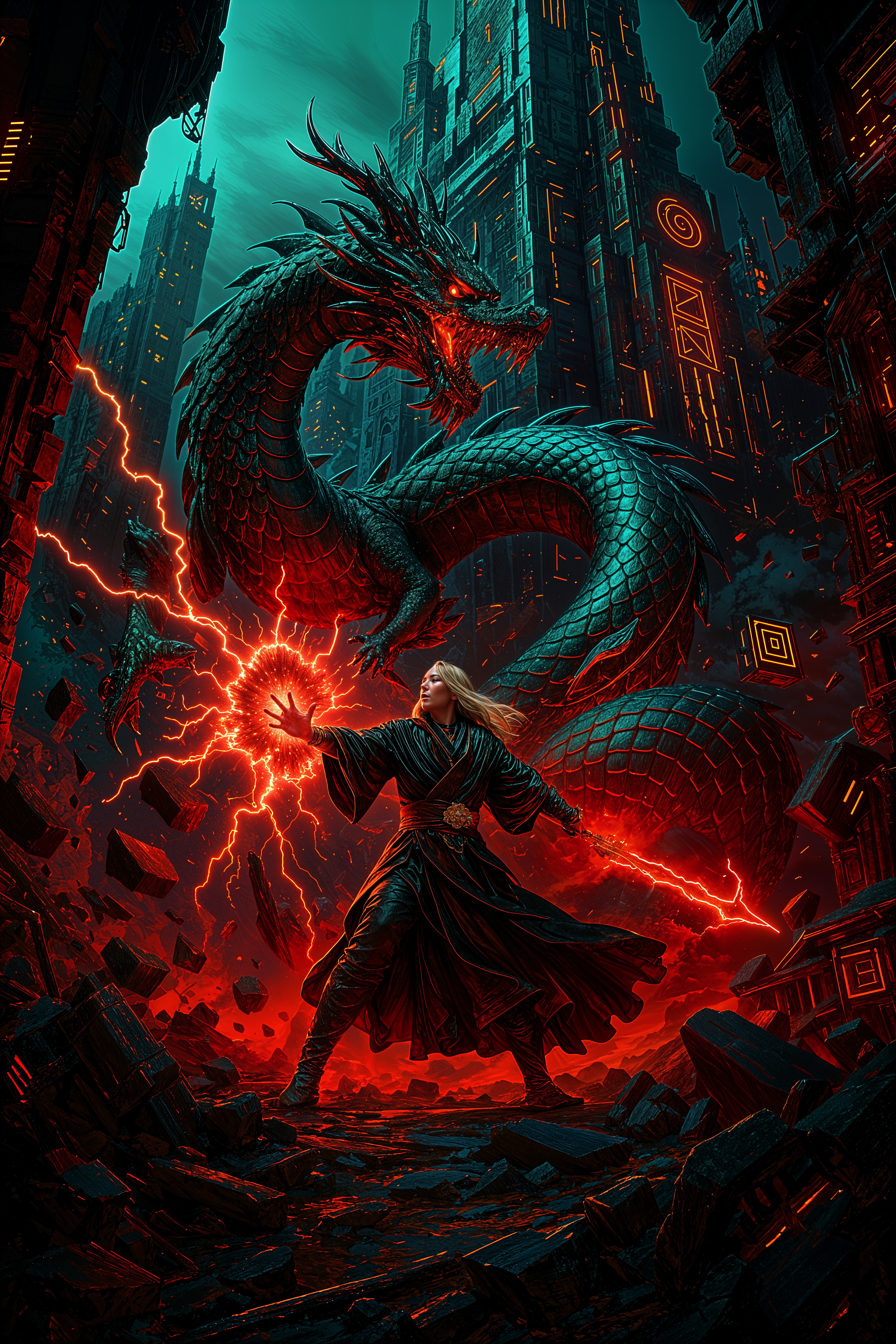
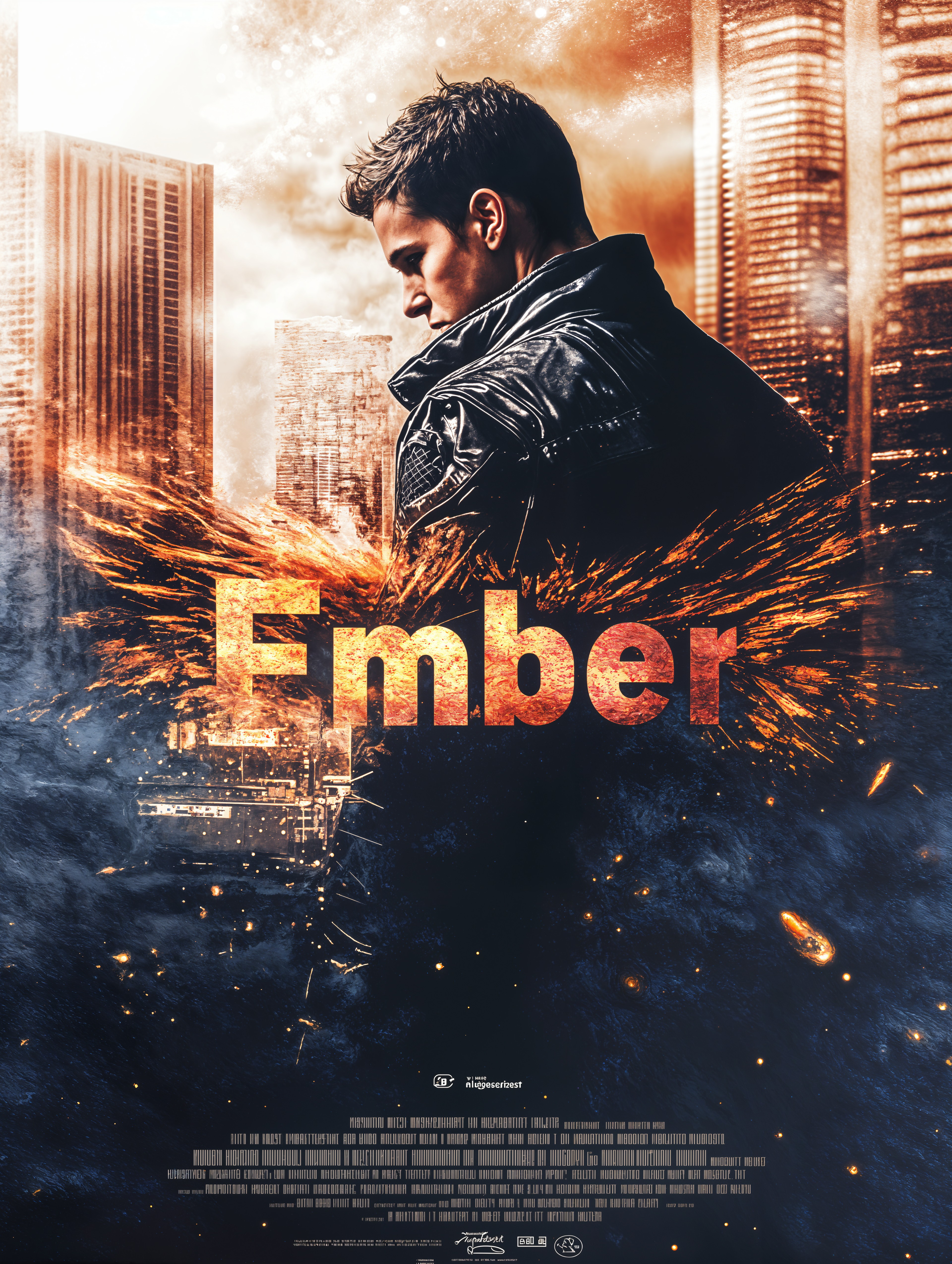
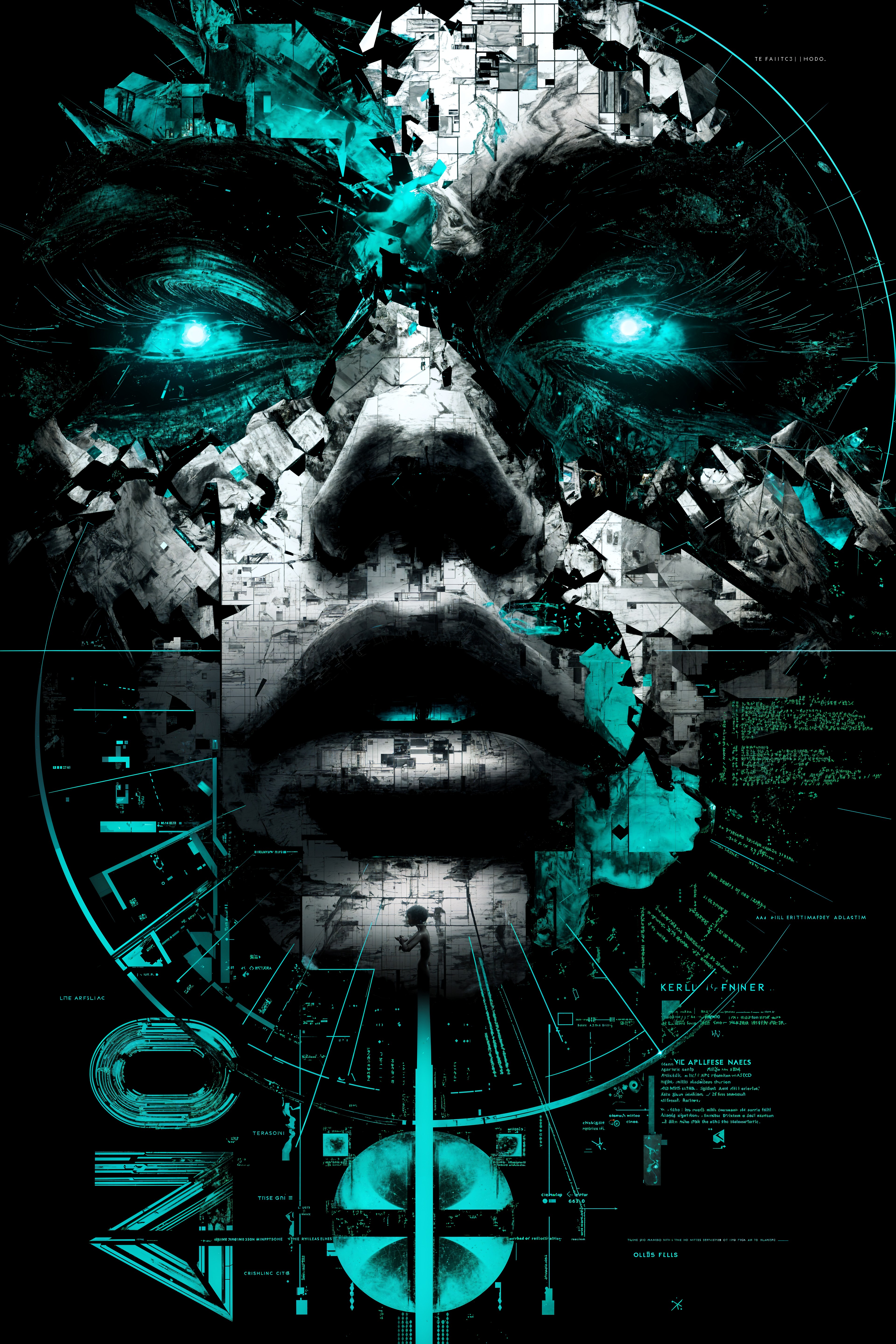
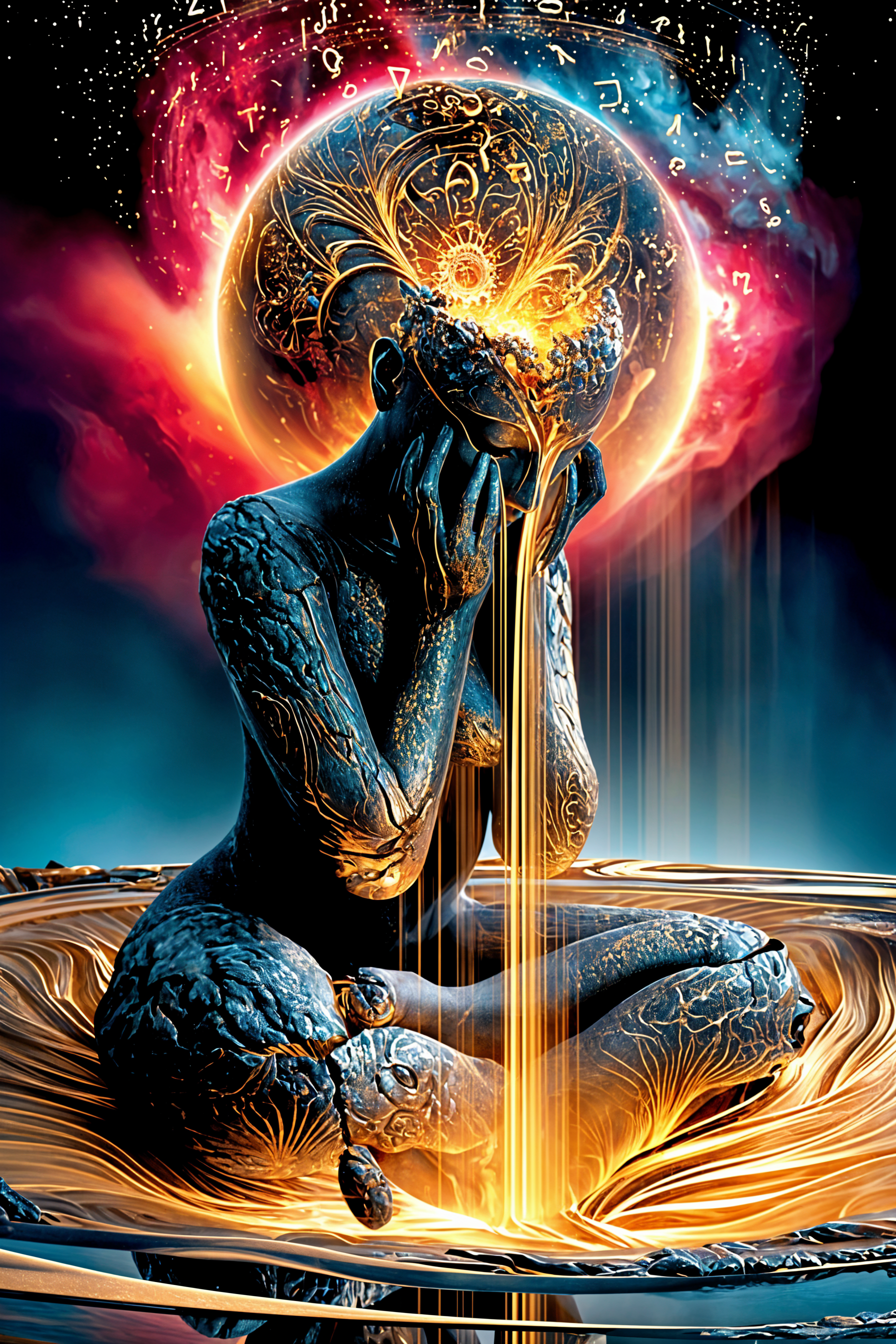
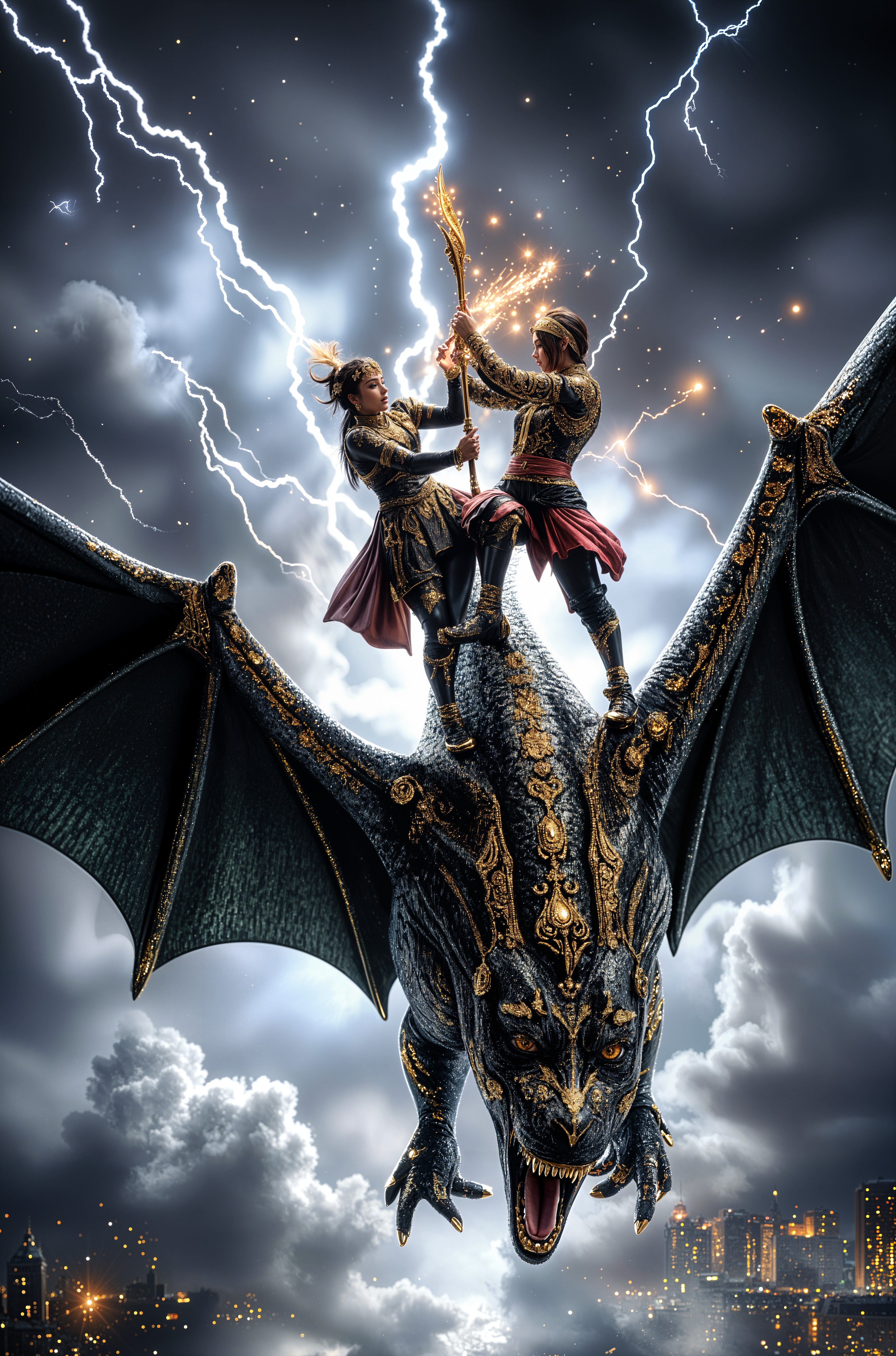
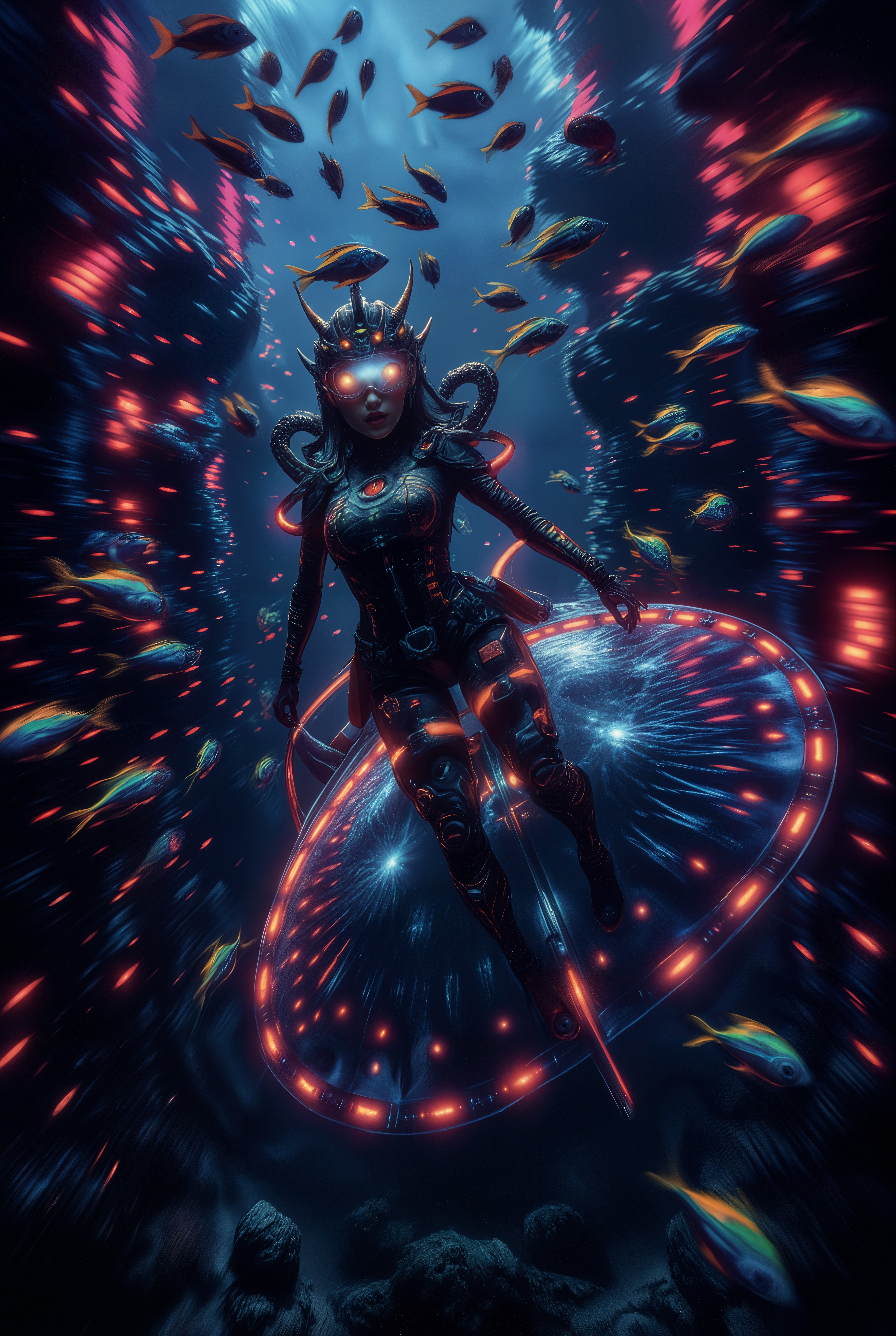
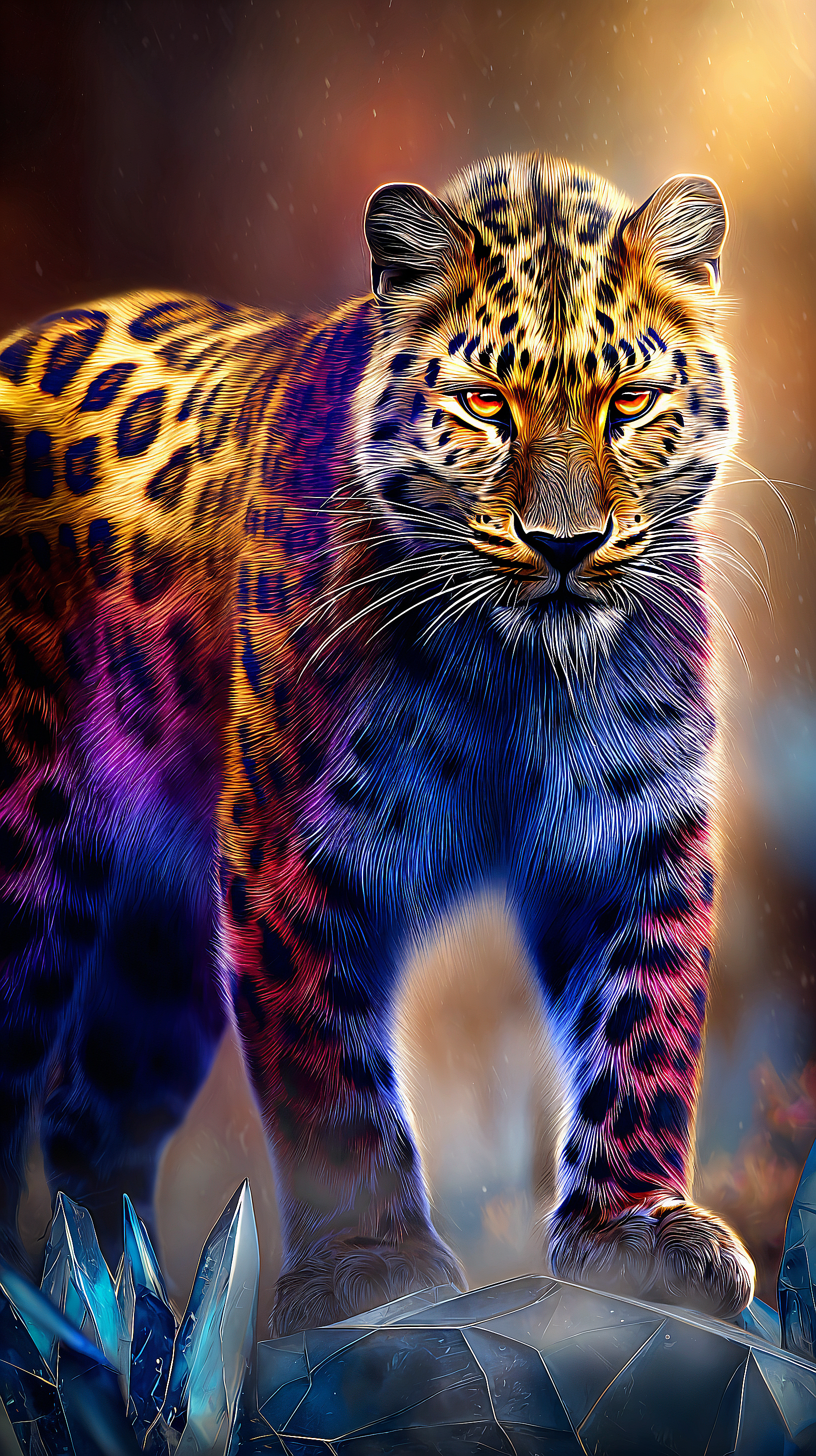
The Pixel Dojo Advantage
Why PixelDojo outperforms other options for AI painting image generation
| Others | Pixel Dojo |
|---|---|
| Traditional painting creation | Generate dozens of variations in minutes instead of hours or days, with zero cost for materials, no studio space required, and the ability to iterate instantly until perfect. |
| Generic AI tools | Access specialized painting-focused models and editing tools like Style Transfer and Magic Lighting that reliably produce authentic brushwork and media simulation traditional generators often miss. |
| Manual photo editing | Skip tedious layer work and filters—describe the exact painterly effect you want and let AI handle complex textures, lighting, and composition while you focus on creative direction. |
Loved by creators on PixelDojo
Real feedback from people using PixelDojo, pulled from our in-product surveys.
You guys, the LORA training is the BEST in the space right now, great job with that!
Tons of variety. Ease of use. Tools for beginners and advance users.
easiest workflow to get best output image or video
awesome functionality, UX, constant flood of improvements, discord interactivity
Awesome site with so many features
Love how I can almost create anything
Explore more AI tools on PixelDojo
AI Tools
Compare & Switch
- Best AI Image Generators
- Best AI Video Generators
- Midjourney Alternatives
- Civitai Alternatives
- Runway Alternatives
- Leonardo Alternatives
- Pika Alternatives
- Luma Alternatives
- Magnific Alternatives
- Veo Alternatives
- Flux Alternatives
- Freepik Alternatives
- Seedance Alternatives
- Seedream Alternatives
- Pixverse Alternatives
- GPT Image Alternatives
- Synthesia Alternatives
- Playground Alternatives
- NightCafe Alternatives
- Canva AI Alternatives
- ElevenLabs Alternatives
- ComfyUI Alternatives
- Fal Alternatives
- Replicate Alternatives
Common Questions
Everything you need to know about ai painting
How to create realistic oil painting AI images with PixelDojo?
Start in Generate Images by selecting Flux.2 Studio or Hunyuan Image 3. Craft prompts like 'detailed portrait in rich oil painting style, thick impasto brushstrokes, warm chiaroscuro lighting, canvas texture visible'. Use Inpainting or Style Transfer to refine textures and lighting for museum-quality results.
What are the best prompts for watercolor AI painting styles?
Use descriptive phrases such as 'soft watercolor washes, delicate bleeding edges, translucent layers, peaceful floral scene in loose expressive style'. Tools like Krea V2 or Recraft V4.1 excel here—combine with Image to Image uploads of sketches for even more control and authentic fluid effects.
Can I generate digital painting concept art for games with AI?
Absolutely. Choose Ideogram 4 or Flux.1 Studio for cinematic digital painting styles. Prompts like 'epic fantasy warrior, digital painting concept art, dynamic composition, dramatic rim lighting, highly detailed brushwork' deliver professional results ready for portfolios or client presentations.
How does PixelDojo help with 2026 AI painting trends like expressive brushwork?
Our tools support post-AI expressionism by letting you generate base images then layer authentic textures via Style Transfer or Reality Polisher. Focus on emotional, imperfect strokes that collectors love—experiment freely to blend AI speed with human-like artistic soul.
Is it possible to turn photos into AI paintings on PixelDojo?
Yes—upload any photo to Image to Image or Style Transfer tools. Select models like PonyXL or Bria 3.2 and prompt 'transform into vibrant oil painting with visible brushstrokes'. Background Remover and Magic Lighting further enhance the painterly transformation for stunning results.
What resolution and file types are best for printing AI paintings?
Generate at high resolution then upscale with Magnific Upscaler or P-Image Upscale for print-ready 300 DPI files. Export as PNG or TIFF for maximum quality. Many users successfully sell limited-edition prints of their AI paintings created this way.