ai photo extender
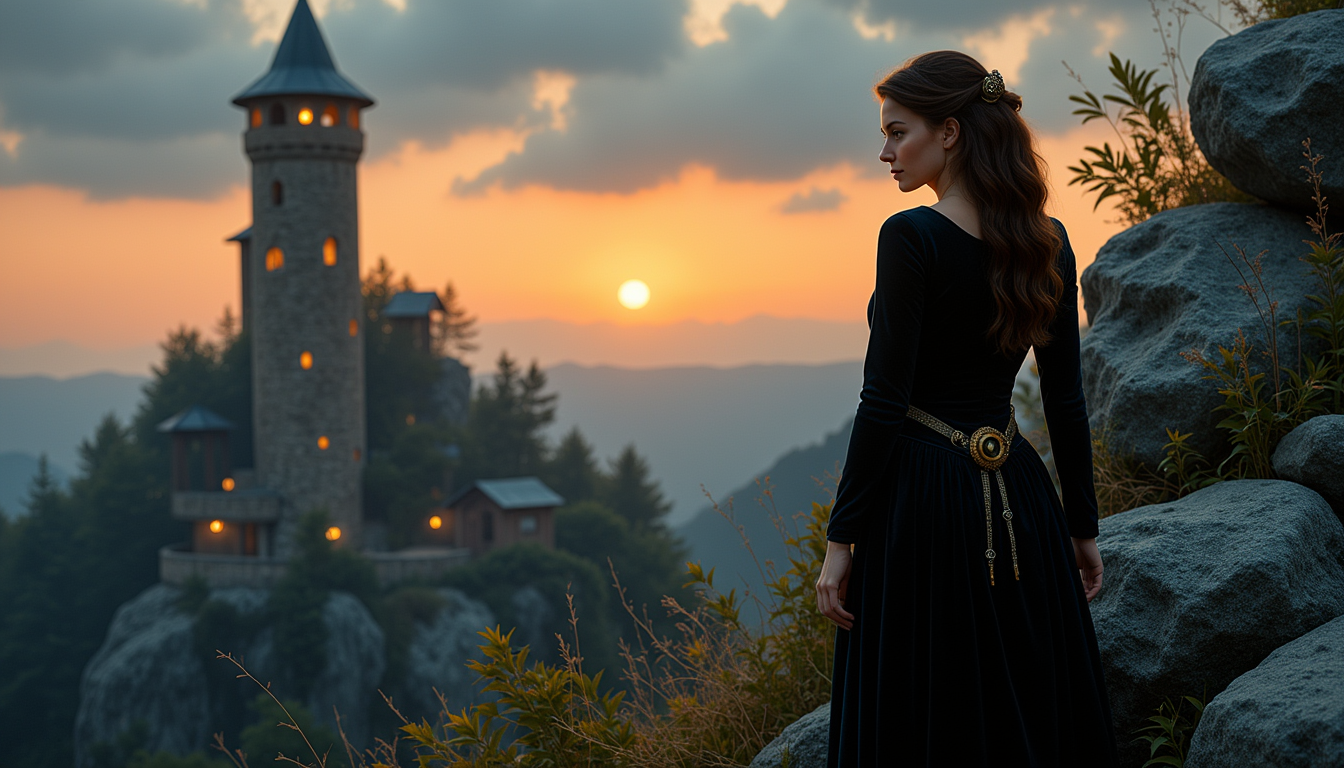
Generated on PixelDojo. Produced by PixelDojo's generation pipeline.
You captured the perfect moment, but the crop is too tight for your Instagram story, YouTube thumbnail, or large print. PixelDojo's AI photo extender solves that instantly. Upload any photo and watch Image Outpainting intelligently continue the scene beyond the original edges, matching lighting, textures, perspective, and atmosphere so the new areas look like they were always part of the shot. Photographers, marketers, and creators now rescue ruined frames, adapt one image to every platform, and produce cinematic wide shots from vertical phone photos without reshooting. Combined with Flux.2 Studio, GPT Image 2, and Reality Polisher, you achieve professional expansions that convert viewers into customers. Stop cropping away your best work. Start expanding it.
Real image examples generated on PixelDojo
Every example below was produced on PixelDojo. Hover to see the prompt.
ai photo extender on PixelDojo
stable-diffusion
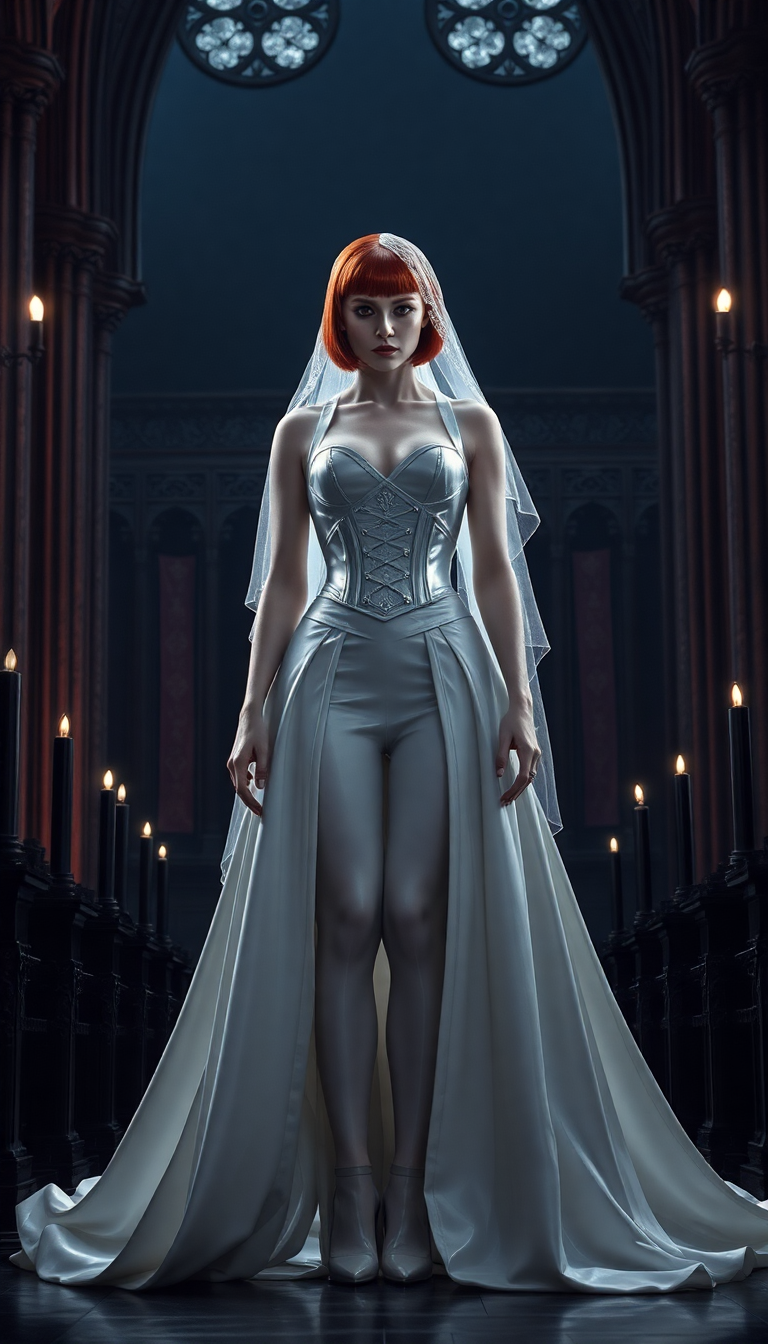
A formidable vampire queen
flux

Masterpiece
creative-upscaler
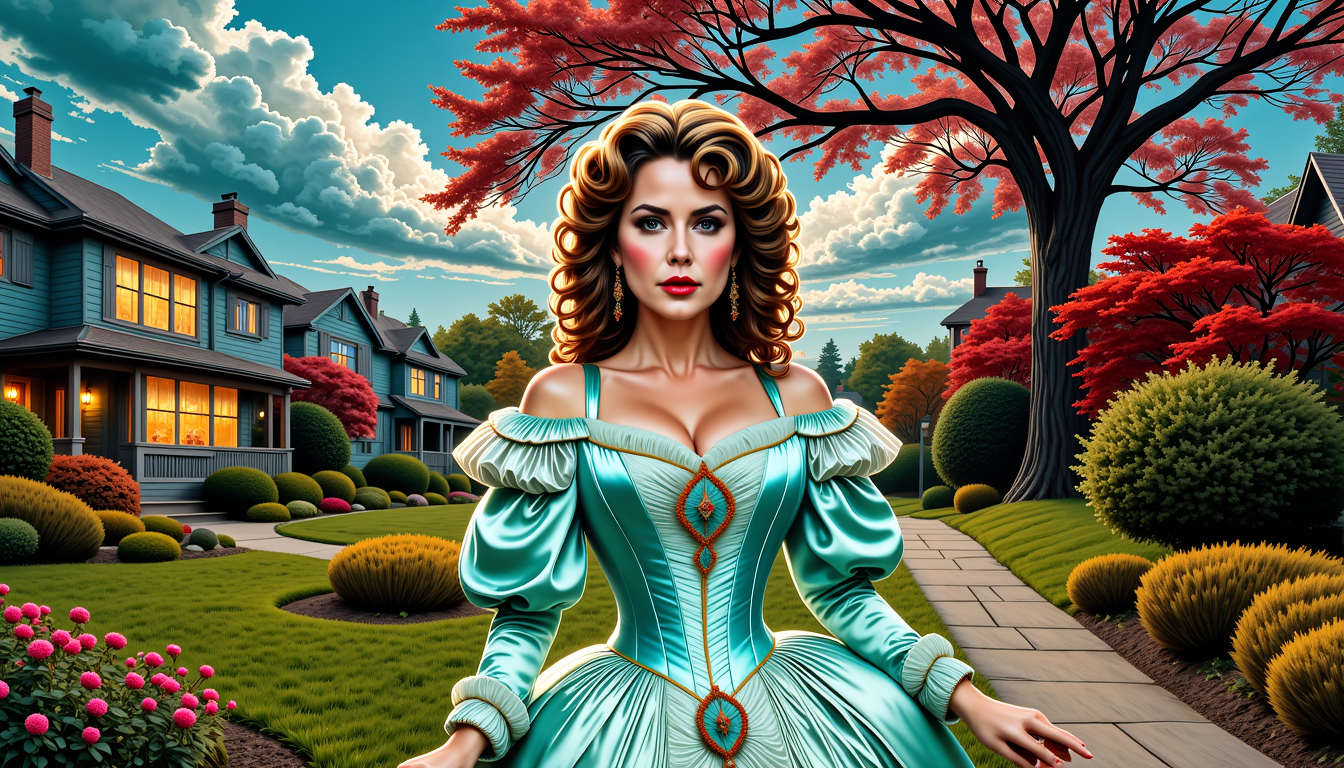
FantasyWomanLoRa
stable-diffusion
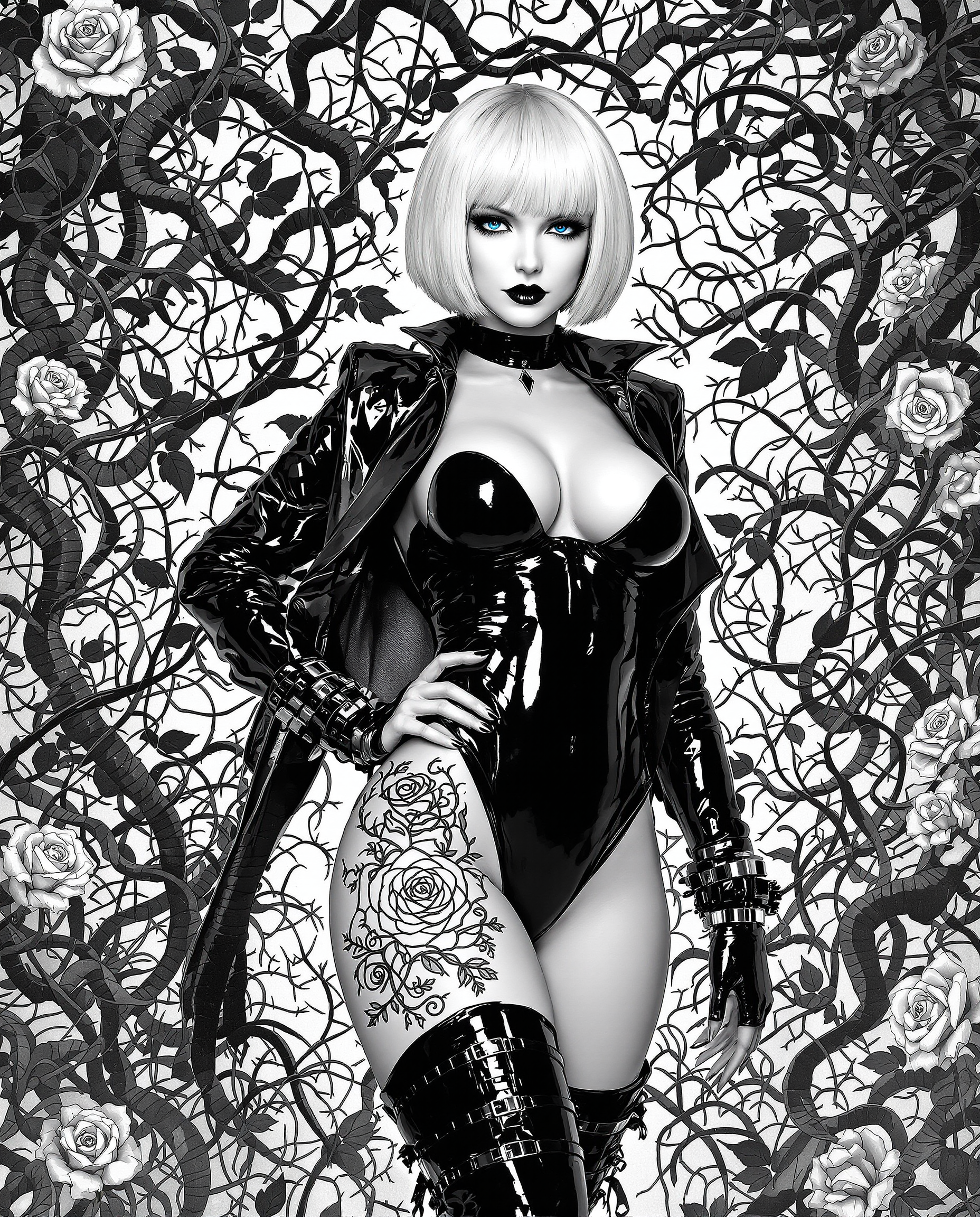
A highly detailed realistic photo photograph of a female real person illustration in black…
flux
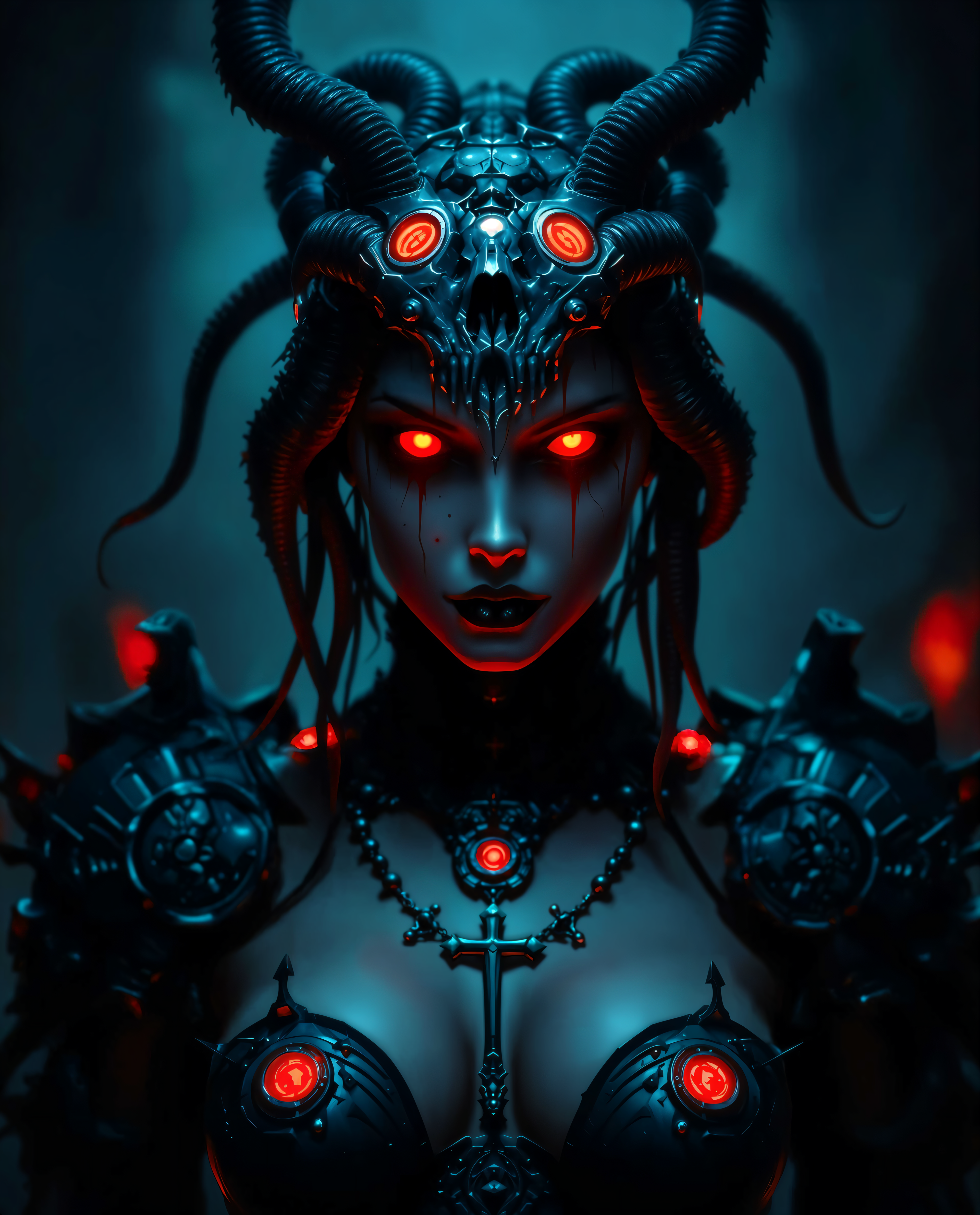
ai photo extender on PixelDojo
Models you can run on PixelDojo for ai photo extender
Switch models without switching tools. Each one runs in the same PixelDojo studio.
What you can do with ai photo extender on PixelDojo
Extend Photos Past The Frame
We help you grow a photo outward so the canvas is larger while the original subject stays in place. You set how much extra space you need on each side.
Keep Lighting And Style Consistent
We generate the new edges to follow the same lighting, color, and look as the source image. You can refine prompts if a region needs a different scene.
Choose What Gets Added
We let you describe the extra environment, objects, or background you want in the extended area. You iterate on the fill until it fits the shot.
Download Ready To Use Files
We output the full extended image so you can use it in edits, posts, or print layouts. You keep the original file alongside the new version.
Loved by thousands of creators worldwide who expand photos daily. 40+ cutting-edge AI tools with cancel-anytime access and results that look shot, not generated.
Why Choose Pixel Dojo for ai photo extender
Professional-quality results with cutting-edge AI technology
Rescue Every Cropped Shot You Thought Was Lost
Turn tight portraits and landscapes into complete scenes. Recover hidden scenery, extend skies, and complete cut-off subjects so your original vision is fully realized without another photoshoot.
Fit Every Social Platform and Print Size Perfectly
Convert one photo into 9:16 stories, 16:9 banners, square posts, and custom print dimensions. Add breathing room for text overlays and keep your subject fully intact across all formats.
Deliver Print-Ready and Campaign-Ready Images Fast
Create large-format expansions that hold up at full resolution. Pair with P-Image Upscale or Magnific Upscaler for crisp details that look professional on websites, ads, and gallery walls.
How It Works
PixelDojo makes AI photo extender results simple and controllable. Use Image Outpainting plus supporting tools to expand any photo while keeping your original pixels untouched.
Step 1: Choose Your Tool and Upload
Open Edit Images and select Image Outpainting. Upload your JPG or PNG. Photos with continuous edges like sky, water, walls, or grass expand most naturally. Position your original image on the canvas so you control exactly which direction to grow.
Step 2: Guide the Expansion with a Prompt
Describe the missing area in plain language such as continue the golden hour beach and ocean matching existing lighting and waves or extend the city street with more storefronts and sidewalk. Leave it blank for automatic continuation. Generate variations until the new content blends seamlessly. Extend in stages of 25-30 percent for the cleanest seams.
Step 3: Refine, Enhance, and Download
Use Reality Polisher or Magic Lighting to perfect edges and color match. Apply P-Image Upscale or Clarity Pro for extra sharpness. Download in high resolution ready for social, print, or further editing with Inpainting or Style Transfer. Your original photo stays fully preserved.
The Pixel Dojo Advantage
Why PixelDojo outperforms other options for AI photo extender image generation
| Others | Pixel Dojo |
|---|---|
| Traditional photo extender creation | Hours of manual cloning and cloning stamps become seconds of intelligent generation that matches perspective and light automatically. |
| Generic AI tools | Access specialized Image Outpainting plus Flux.2 Studio, Seedream 5, and Reality Polisher in one place for consistent, high-quality expansions instead of one-size-fits-all results. |
| Manual photo editing | No advanced software skills required. Anyone can uncrop, reframe, and produce campaign-ready images while keeping full creative control. |
Loved by creators on PixelDojo
Real feedback from people using PixelDojo, pulled from our in-product surveys.
Creative freedom, range of tools and options.
I love the training feature
the quality is the best
All the tools needed in one dashboard
Very fair and very broad in tools.
Accurate results
Explore more AI tools on PixelDojo
AI Tools
Compare & Switch
- Best AI Image Generators
- Best AI Video Generators
- Midjourney Alternatives
- Civitai Alternatives
- Runway Alternatives
- Leonardo Alternatives
- Pika Alternatives
- Luma Alternatives
- Magnific Alternatives
- Veo Alternatives
- Flux Alternatives
- Freepik Alternatives
- Seedance Alternatives
- Seedream Alternatives
- Pixverse Alternatives
- GPT Image Alternatives
- Synthesia Alternatives
- Playground Alternatives
- NightCafe Alternatives
- Canva AI Alternatives
- ElevenLabs Alternatives
- ComfyUI Alternatives
- Fal Alternatives
- Replicate Alternatives
Common Questions
Everything you need to know about ai photo extender
What is the best AI photo extender for uncropping portraits and landscapes?
PixelDojo Image Outpainting paired with Flux.2 Studio and Reality Polisher delivers the most natural results. It continues lighting, skin tones, and scenery so portraits keep identity and landscapes gain extra sky or foreground without obvious seams. Thousands of creators use it daily to salvage shots that would otherwise be unusable.
How does an AI photo extender work to extend images without visible artifacts?
The tool analyzes pixels at your photo's edges for texture, color temperature, and perspective, then generates matching content. For best results on PixelDojo, extend 25-30 percent at a time, overlap the original slightly, and add a short prompt describing the new area. Follow with Reality Polisher to eliminate any remaining edge differences.
Can I use AI photo extender to change photos into any social media aspect ratio?
Yes. Turn a landscape into a 9:16 story, a square into a 16:9 YouTube thumbnail, or a portrait into a wide banner. PixelDojo Image Outpainting keeps your subject fully visible while adding contextual background, giving you extra space for text and branding across Instagram, TikTok, Pinterest, and more.
Is there a high-quality free AI photo extender I can try right now?
PixelDojo lets you start immediately with 40+ tools including Image Outpainting. Expand your first photos, see the quality, and cancel anytime. Combine with GPT Image 2 or QWEN Image 2 for even more creative control when you need to generate supporting elements.
How do I extend a photo for a YouTube thumbnail or large print using AI?
Upload to Image Outpainting, set the target ratio or drag the canvas, and prompt for matching scenery. After generation, run P-Image Upscale or Magnific Upscaler so the new areas stay sharp at thumbnail or poster size. The original pixels remain untouched so quality never degrades.
What is the difference between an AI photo extender and a regular image upscaler?
An AI photo extender (outpainting) invents new content beyond the original borders to change composition and aspect ratio. An upscaler like PixelDojo's Portrait Upscaler or FLUX Video Upscale enlarges existing pixels with added detail. Use both together: first extend the scene, then upscale the complete image for maximum impact.