Podcast Audiogram Visuals AI Generator
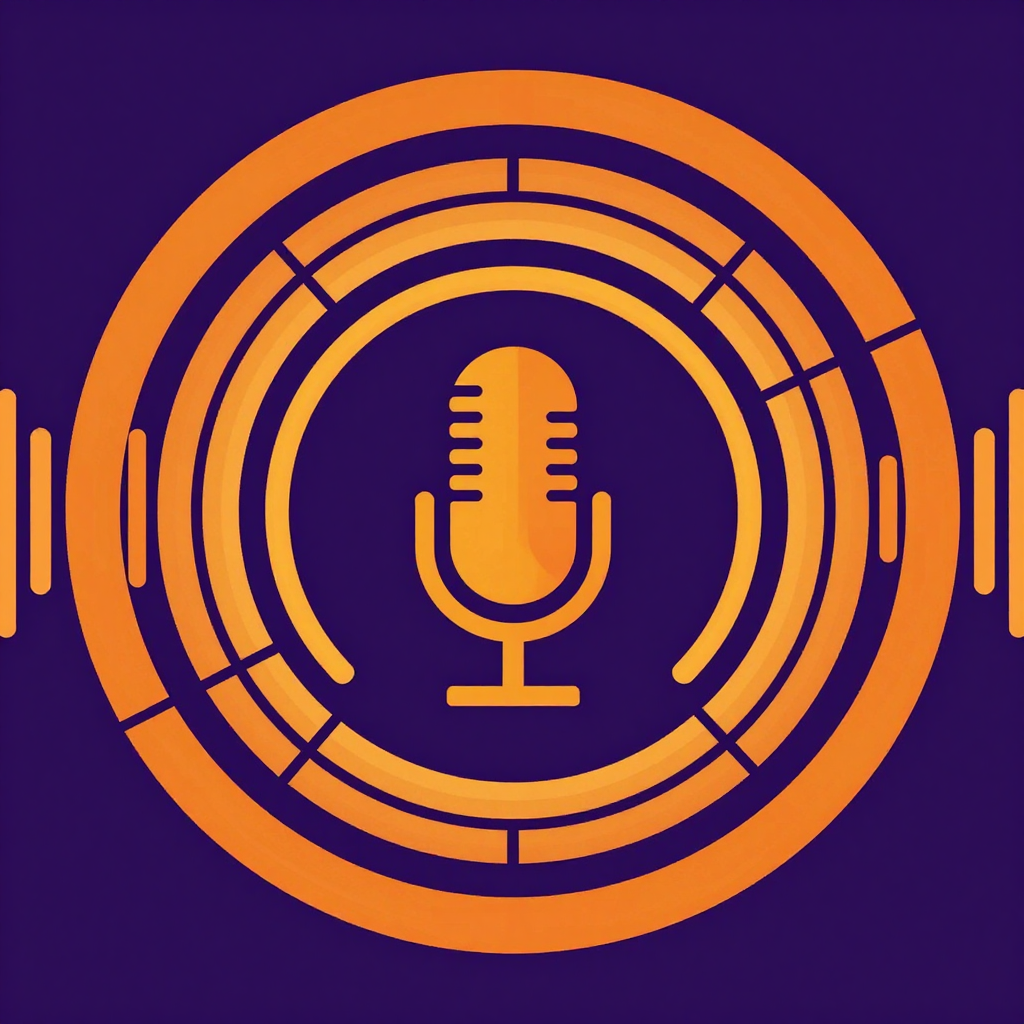
Generated on PixelDojo with Z-Image Turbo. Produced by PixelDojo's generation pipeline.
Podcast audiogram visuals are the looping background art that sits behind the waveform bars on a podcast video clip. We generated one with a single Z-Image Turbo prompt on August 26, 2026: it cost 0.5 credits and came back in about 12 seconds, with concentric sound-wave rings around a centered microphone icon on a purple and orange background. This page walks through the prompt and the two extra steps that turn that still into a finished, captioned audiogram clip.
The 0.5 credit background, first result kept
Every example below was produced on PixelDojo. Hover to see the prompt.
Podcast audiogram background design, bold circular sound wave bars radiating outward from a microphone icon, deep purple and warm orange gradient, flat vector illustration style, bold clean shapes, empty space in the center for a title
Z-Image Turbo
One prompt, one generation, on August 26, 2026. 0.5 credits, about 12 seconds, ready to sit under a waveform overlay.
How It Works
How we built the background, plus the steps that finish the clip:
Design the background first
Name the sound-wave motif, the color scheme, and leave room in the middle for a title. Our prompt read: podcast audiogram background design, bold circular sound wave bars radiating outward from a microphone icon, deep purple and warm orange gradient, flat vector illustration style, bold clean shapes, empty space in the center for a title. Z-Image Turbo returned it for 0.5 credits in about 12 seconds.
Animate it into a loop
A still background works for a static post, but a video clip needs motion. WAN 2.7 image to video takes the still plus a short motion prompt, like a slow pulse on the outer rings, and turns it into the looping base clip your waveform overlay sits on top of, for 2.5 credits.
Caption the episode audio on top
Video Autocaption reads the audio track of the finished clip and burns in timed captions, for 5 credits, so a viewer scrolling with the sound off can still follow what is being said in the episode.
Loved by creators on PixelDojo
Real feedback from people using PixelDojo, pulled from our in-product surveys.
I really like the schedule of AI work performed!
The best tools for IA on the web !
The guy that operates the website is constantly updating it
I’ve been using PixelDojo for around 8 months now and it’s always worked wonderfully while constantly adding features.
The site is easy to navigate and use.
All the tools, readily available and easy to understand
Explore more AI tools on PixelDojo
AI Tools
Compare & Switch
- Best AI Image Generators
- Best AI Video Generators
- Midjourney Alternatives
- Civitai Alternatives
- Runway Alternatives
- Leonardo Alternatives
- Pika Alternatives
- Luma Alternatives
- Magnific Alternatives
- Veo Alternatives
- Flux Alternatives
- Freepik Alternatives
- Seedance Alternatives
- Seedream Alternatives
- Pixverse Alternatives
- GPT Image Alternatives
- Synthesia Alternatives
- Playground Alternatives
- NightCafe Alternatives
- Canva AI Alternatives
- ElevenLabs Alternatives
- ComfyUI Alternatives
- Fal Alternatives
- Replicate Alternatives
Common Questions
Everything you need to know about Podcast Audiogram Visuals
What does it cost to make podcast audiogram visuals with AI?
The background art is 0.5 credits on Z-Image Turbo. Turning it into a looping clip with WAN 2.7 image to video is 2.5 credits, and captioning the episode audio onto it with Video Autocaption is 5 credits, so a full finished audiogram clip runs about 8 credits total.
How fast is the background generation?
About 12 seconds in our August 26, 2026 run, measured from submission to the finished file.
What should the audiogram prompt include?
The sound-wave motif, the color scheme, and an explicit note to leave the center empty. Ours read: podcast audiogram background design, bold circular sound wave bars radiating outward from a microphone icon, deep purple and warm orange gradient, flat vector illustration style, bold clean shapes, empty space in the center for a title.
Do I need to animate the background?
No. A static background works fine for a still audiogram post. Animating it with image to video is what makes the sound-wave rings feel alive under a looping video clip.
How do the captions get added?
Video Autocaption reads the audio track of the finished clip and burns in timed captions automatically, no manual transcript needed.
How do I call it from the API?
POST to /api/v1/models/z-image-turbo/run with your API key and prompt for the background art, then chain the returned image URL into an image-to-video call and an autocaption call using the same key.