ai portrait relight AI Generator
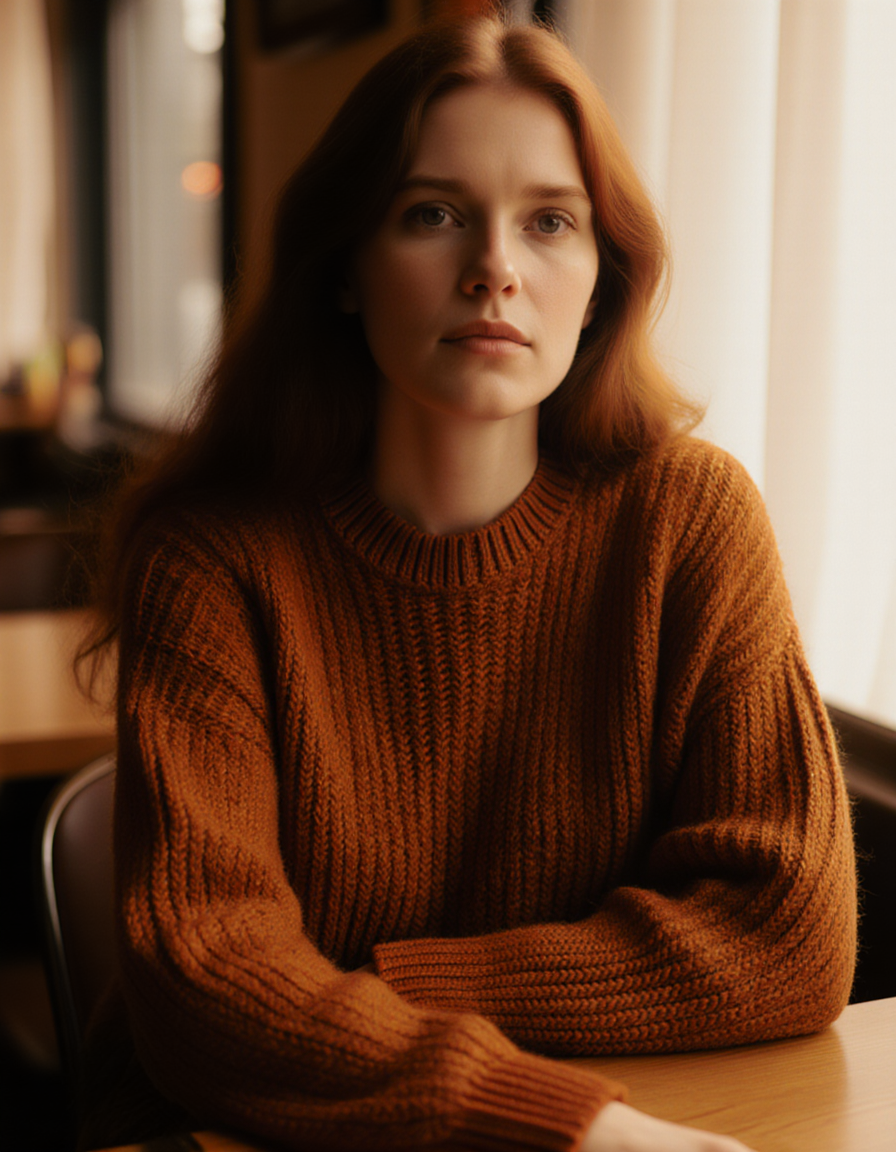
Generated on PixelDojo. Produced by PixelDojo's generation pipeline.
You no longer wait for perfect light or book expensive studios to look your absolute best in photos. PixelDojo's AI portrait relight lets you take any selfie or casual shot and instantly apply the exact lighting that flatters your features and tells the story you want. Add warm golden-hour glow from the side, sculpt dramatic Rembrandt shadows that add depth and mystery, or flood your face with soft even studio illumination that screams professionalism. Your unique identity, expression, skin texture and details stay completely authentic while the mood, shadows and highlights transform completely. Creators use this every day for LinkedIn headshots that get more views, social profiles that stand out, personal branding that feels cinematic, and even product-style portraits without leaving home. With dedicated tools like Magic Lighting for existing photos plus Flux.2 Studio, Ideogram 4 and Seedream 5 for generating fresh portraits from scratch, you produce unlimited high-quality variations in seconds. Thousands of users already skip traditional shoots and get results that look like they came from a $500 session. Start now and see how easy professional lighting becomes.
Real image examples generated on PixelDojo
Every example below was produced on PixelDojo. Hover to see the prompt.
Fs-portrait
image-to-image
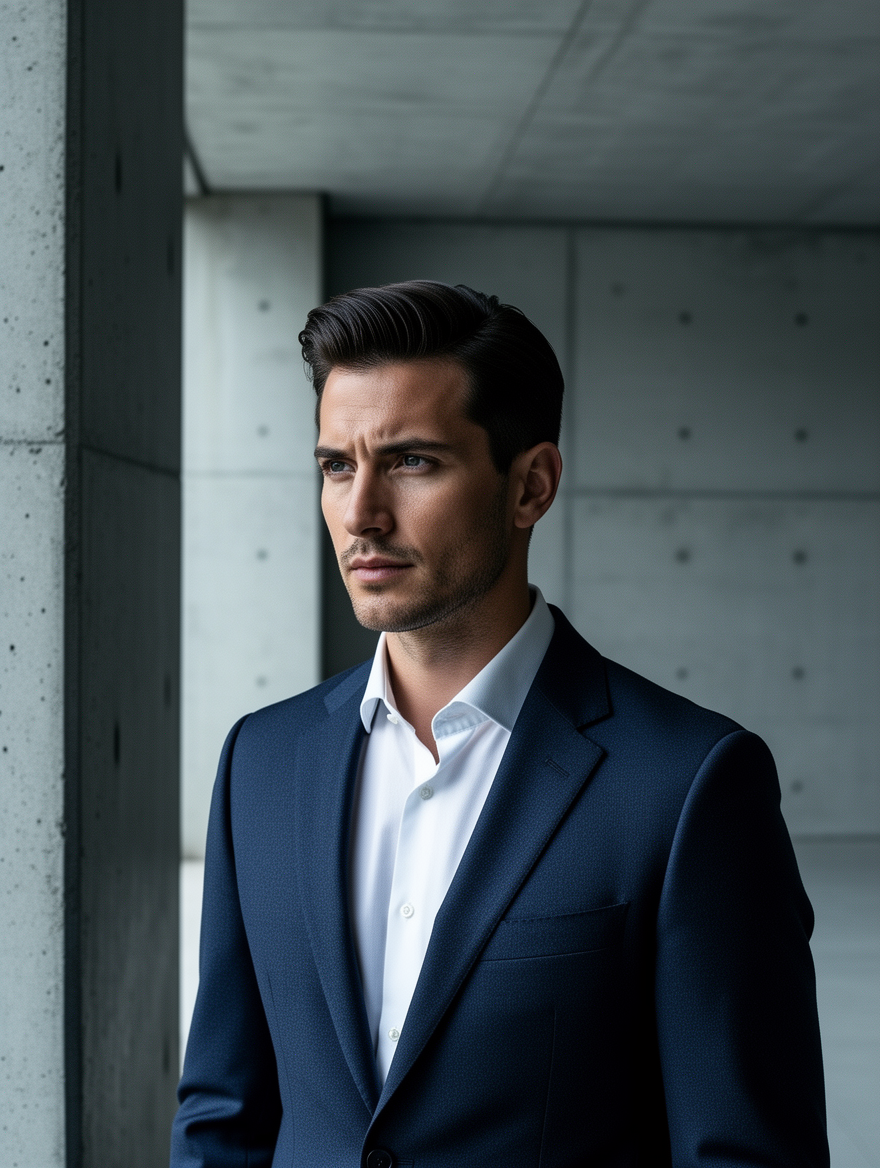
Ff-portrait
image-to-image
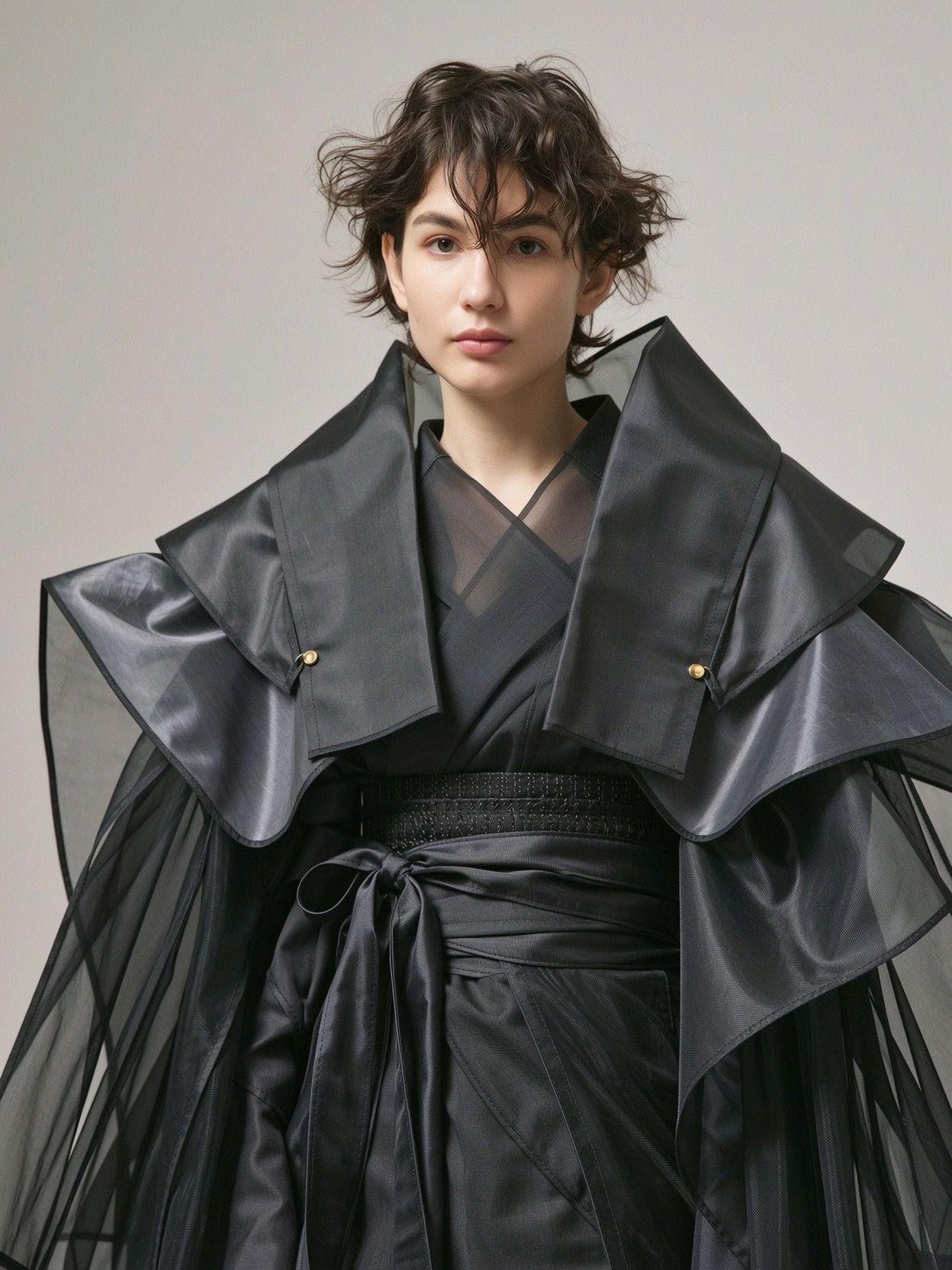
Wi-portrait
image-to-image
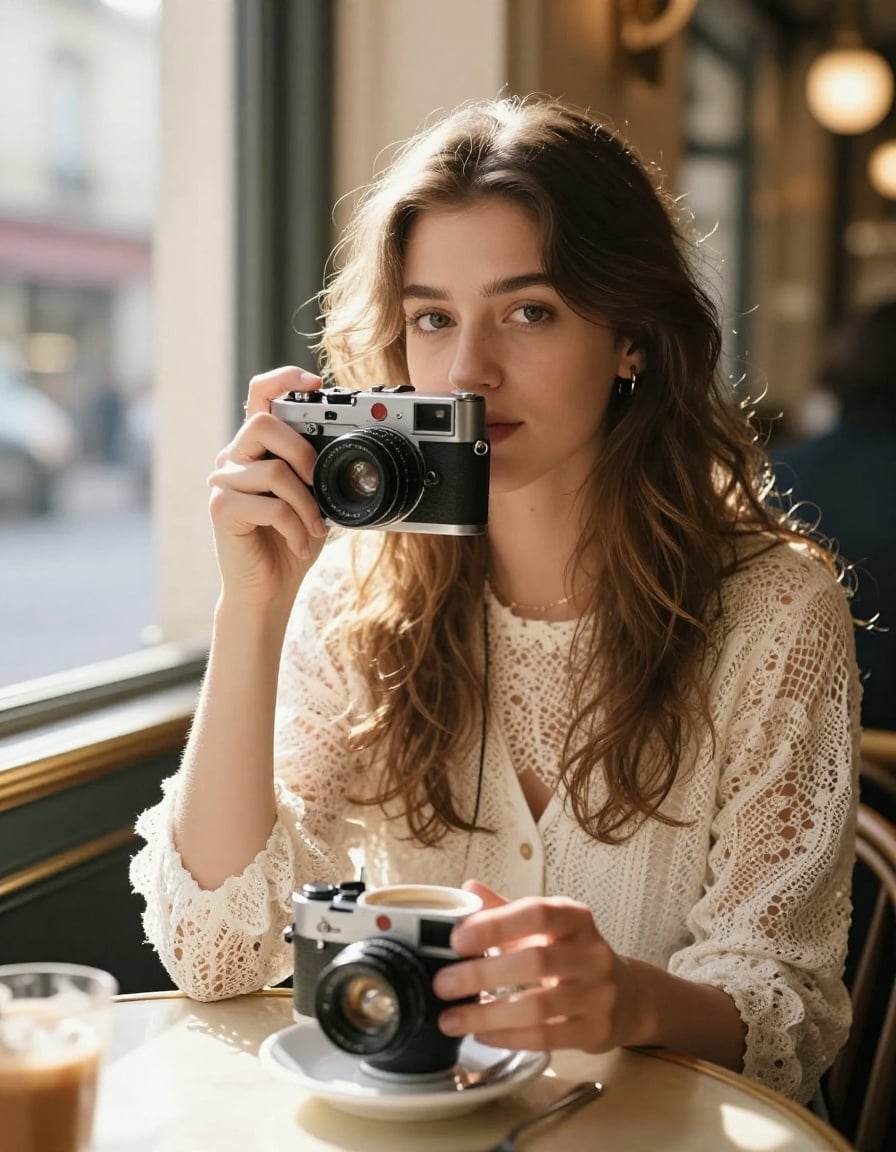
P-portrait
image-to-image

Wan-portrait
image-to-image
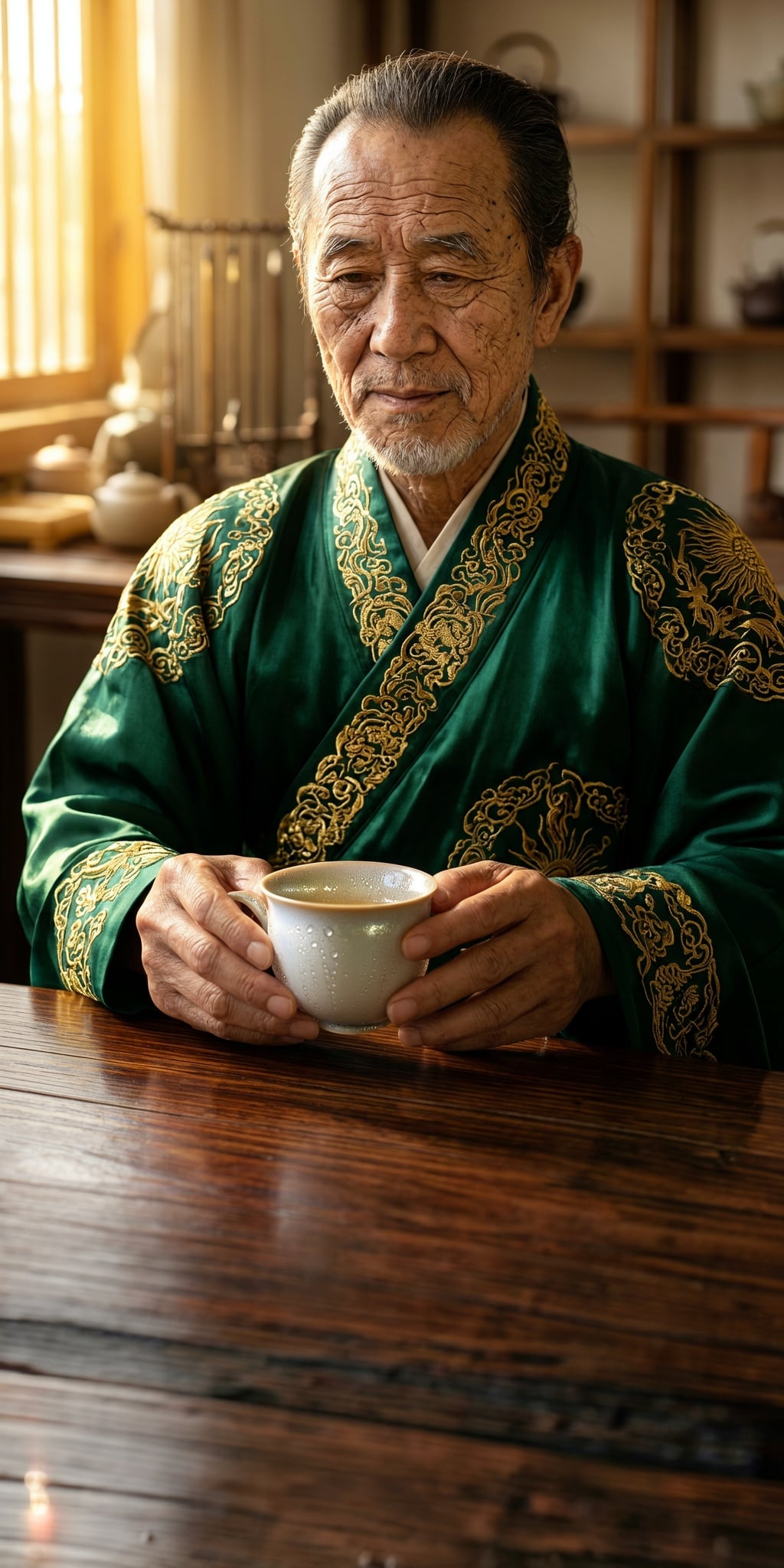
Ern-portrait
image-to-image
Models you can run on PixelDojo for ai portrait relight
Switch models without switching tools. Each one runs in the same PixelDojo studio.
What you can do with ai portrait relight on PixelDojo
Relight Existing Portraits
Upload a portrait and change illumination to a new mood or time of day while we keep the subject, pose, and composition intact.
Directed Key And Fill
Specify light direction, hardness, and rim so you can shape faces and hair without a new photoshoot.
Color And Mood Matching
Warm, cool, or mixed sources help you match brand palettes and cinematic looks on the same face.
Stable Identity Under Light
We hold expression, likeness, and skin detail while only the lighting changes, so series stay coherent.
Loved by thousands of creators, marketers and everyday users worldwide. Access 40+ cutting-edge AI tools with consistently high satisfaction. Cancel anytime with zero risk.
Why Choose Pixel Dojo for ai portrait relight
Professional-quality results with cutting-edge AI technology
Look Professionally Lit in Every Photo
You achieve flattering studio-quality illumination that highlights your best angles and creates catch lights in the eyes, turning ordinary snapshots into polished portraits ready for any professional or social use.
Keep Your Real Face While Changing the Mood
Your exact identity, smile, skin details and personality remain untouched as you shift from bright daytime casual to moody cinematic or corporate confident looks with physically realistic shadows and highlights.
Create Unlimited Lighting Variations Instantly
Experiment freely with golden hour, split lighting, high-key beauty or custom environments then enhance and download high-resolution files, giving you a full library of looks without extra cost or time.
How It Works
You create professional AI portrait relight results in three straightforward steps using PixelDojo's specialized tools designed for identity-preserving lighting changes.
Step 1: Choose Your Tool
Open Edit Images and select Magic Lighting to transform an existing portrait you upload, or start fresh in Generate Images with Flux.2 Studio, Ideogram 4 or QWEN Image 2 by describing your subject. The AI analyzes facial structure so new lighting wraps naturally around your features.
Step 2: Enter Your Prompt
Type a detailed lighting description such as 'soft Rembrandt lighting from upper left at 45 degrees, warm 3200K temperature, visible catch lights in eyes, gentle shadow triangle on opposite cheek, professional headshot'. Specific direction, quality and mood produce the most realistic physically accurate results.
Step 3: Customize & Download
Review generated variations, apply Reality Polisher for extra natural skin, Portrait Upscaler for print-ready resolution or Image to Image for further tweaks. Download instantly and iterate as much as you want. Your workflow stays simple and powerful.
The Pixel Dojo Advantage
Why PixelDojo outperforms other options for AI portrait relight image generation
| Others | Pixel Dojo |
|---|---|
| Traditional portrait photography | You avoid hundreds of dollars and days of scheduling for a single look. Generate unlimited professionally lit versions from one photo in seconds while keeping every authentic detail of your face. |
| Generic AI tools | PixelDojo's Magic Lighting combined with Flux.2 Studio and dedicated portrait models deliver accurate 3D-aware shadows, specular highlights and skin response tailored to your unique geometry instead of one-size-fits-all filters. |
| Manual photo editing | Skip hours of masking and lighting layers in complex software. Simple text prompts plus tools like Reality Polisher and Portrait Upscaler give you studio results immediately with a complete creative suite of 40+ options. |
Loved by creators on PixelDojo
Real feedback from people using PixelDojo, pulled from our in-product surveys.
Excellent website for creating all types of media
Very eay to use, works well to train SDXL loras.
The amazing tools
Top notch quality and strong prompt adherence.
A well resourced sunscription with attention to updates.
Easy to use and there's lots of options.
Explore more AI tools on PixelDojo
AI Tools
Compare & Switch
- Best AI Image Generators
- Best AI Video Generators
- Midjourney Alternatives
- Civitai Alternatives
- Runway Alternatives
- Leonardo Alternatives
- Pika Alternatives
- Luma Alternatives
- Magnific Alternatives
- Veo Alternatives
- Flux Alternatives
- Freepik Alternatives
- Seedance Alternatives
- Seedream Alternatives
- Pixverse Alternatives
- GPT Image Alternatives
- Synthesia Alternatives
- Playground Alternatives
- NightCafe Alternatives
- Canva AI Alternatives
- ElevenLabs Alternatives
- ComfyUI Alternatives
- Fal Alternatives
- Replicate Alternatives
Common Questions
Everything you need to know about ai portrait relight
How does AI portrait relight work on PixelDojo to keep my identity intact?
PixelDojo uses advanced identity-preserving models in Magic Lighting and Flux.2 Studio that first understand your facial geometry, then apply new illumination with realistic shadows, highlights and even subtle subsurface effects. You simply upload or generate, describe the desired light, and receive results where your exact features, expression and texture stay unchanged. This makes it ideal for professional headshots and personal branding where looking like yourself matters most.
What lighting styles can I create with AI portrait relight using PixelDojo tools?
You can achieve classic studio patterns such as Rembrandt with its signature cheek triangle, butterfly lighting for glamour, loop or split for drama, high-key for bright clean looks, golden hour warmth, cinematic rim light, window light softness and fully custom environments. Combine Magic Lighting with prompts that specify source, direction, temperature and quality. Then refine with Style Transfer or Image to Image for even more unique moods.
Can I use AI portrait relight for professional LinkedIn or business headshots?
Absolutely. Thousands of users create polished corporate portraits by starting with a clear selfie, applying even studio or natural window lighting via Magic Lighting, then enhancing with Portrait Upscaler and Reality Polisher. The results look like they came from a professional photographer, complete with flattering catch lights and balanced exposure, ready to boost your profile views and credibility.
How do I get the most realistic results when doing AI portrait relight?
Begin with a well-exposed source photo, then write specific prompts naming the light source, angle, color temperature and desired shadows. PixelDojo tools like Flux.2 Studio and Ideogram 4 respond exceptionally well to photography terminology. After generation, use Reality Polisher to add natural texture and Portrait Upscaler for crisp details. Iterate quickly until you have the perfect version.
Is there a limit to how many AI portrait relight images I can create?
You enjoy generous generation capacity across 40+ tools including Magic Lighting, Seedream 5, WAN Image and Kling Image. Create as many lighting variations as you need for different platforms or campaigns. Because you can cancel anytime there is no long-term commitment, giving you complete freedom to experiment and download high-quality files for personal or commercial use.
What if the first AI portrait relight result is not exactly what I wanted?
Simply adjust your prompt with more precise lighting details or switch tools such as trying Image to Image after Magic Lighting, or generating a new base portrait with Qwen 3 Pro. PixelDojo makes iteration instant so you quickly land on the ideal look. Combined with easy cancellation, you have zero risk while accessing the full power of our portrait-focused suite loved by thousands of creators.