ai talking photo
Generated on PixelDojo. Produced by PixelDojo's generation pipeline.
Imagine transforming your static images into dynamic, talking photos that captivate and engage your audience. With PixelDojo's cutting-edge AI tools, you can effortlessly animate your photos, making them speak, sing, or deliver messages in a lifelike manner. Whether you're a content creator, marketer, or just someone looking to add a unique touch to your images, PixelDojo empowers you to bring your photos to life with ease.
Real image examples generated on PixelDojo
Every example below was produced on PixelDojo. Hover to see the prompt.
Ia-cinematic
image-to-image
Ia-fashion
image-to-image
Ia-stylized
image-to-image
A photo of TOK
flux
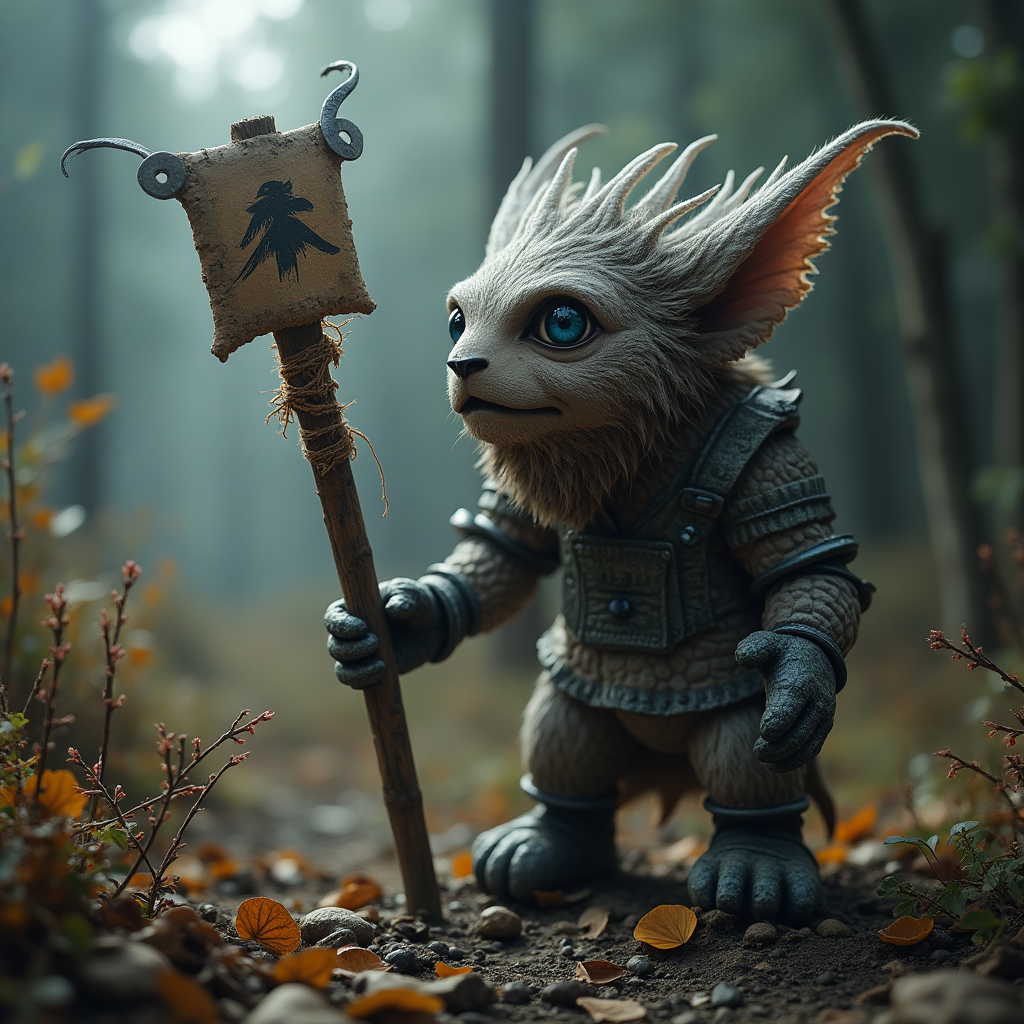
A photo of TOK
flux

Masterpiece
creative-upscaler
Models you can run on PixelDojo for ai talking photo
Switch models without switching tools. Each one runs in the same PixelDojo studio.
What you can do with ai talking photo on PixelDojo
Create Animated Talking Photos
We let creators upload a portrait and enter text to produce short clips where the subject speaks the provided words.
Match Audio to Facial Movements
Creators can input custom audio so lip movements and expressions align with the spoken content.
Generate Variations from One Photo
We support creating multiple versions of a talking photo with different phrases or slight expression changes.
Export Video Files for Use
Creators download the results in standard video formats for direct integration into their projects.
Join thousands of satisfied users who have enhanced their content with PixelDojo's AI tools. Rated 4.8/5 by our community, our platform is trusted by creators worldwide to deliver high-quality, engaging visuals.
Why Choose Pixel Dojo for ai talking photo
Professional-quality results with cutting-edge AI technology
Effortless Animation
Transform static images into dynamic talking photos without any technical expertise.
Multilingual Support
Create talking photos in over 100 languages to reach a global audience.
Customizable Voices
Choose from a variety of voice styles or upload your own audio for personalized results.
How It Works
Creating AI talking photos with PixelDojo is a simple and intuitive process. Follow these steps to bring your images to life:
Step 1: Upload Your Photo
Select and upload a clear portrait image to the PixelDojo platform.
Step 2: Add Your Audio
Enter the text you want the photo to say or upload an audio file. Choose from various voice options or use your own recording.
Step 3: Generate & Download
Click 'Generate' and let PixelDojo's AI create your talking photo. Once ready, download the high-quality video file.
The Pixel Dojo Advantage
Why PixelDojo outperforms other options for AI talking photo generation:
| Others | Pixel Dojo |
|---|---|
| Traditional Animation Methods | Eliminate the need for complex software and manual animation processes. |
| Generic AI Tools | Benefit from specialized tools designed specifically for creating talking photos with high-quality results. |
| Manual Video Editing | Save time and effort with automated processes that deliver professional-grade talking photos. |
Loved by creators on PixelDojo
Real feedback from people using PixelDojo, pulled from our in-product surveys.
the number of options, and especially the quick response to questions on Discord
Love you guys!!
Trained my Lora super fast. Still working out how to creat content wit it, but I love it so far.
I love this app
It has all the tools I can think of...
deployment rate of splendid features is incredible. Legend
Explore more AI tools on PixelDojo
AI Tools
Compare & Switch
- Best AI Image Generators
- Best AI Video Generators
- Midjourney Alternatives
- Civitai Alternatives
- Runway Alternatives
- Leonardo Alternatives
- Pika Alternatives
- Luma Alternatives
- Magnific Alternatives
- Veo Alternatives
- Flux Alternatives
- Freepik Alternatives
- Seedance Alternatives
- Seedream Alternatives
- Pixverse Alternatives
- GPT Image Alternatives
- Synthesia Alternatives
- Playground Alternatives
- NightCafe Alternatives
- Canva AI Alternatives
- ElevenLabs Alternatives
- ComfyUI Alternatives
- Fal Alternatives
- Replicate Alternatives
Common Questions
Everything you need to know about ai talking photo
How do I create an AI talking photo with PixelDojo?
Simply upload a clear portrait image, enter the desired text or upload an audio file, select a voice option, and click 'Generate'. PixelDojo's AI will handle the rest, producing a high-quality talking photo.
Can I use my own voice in the talking photo?
Yes, PixelDojo allows you to upload your own audio files, enabling you to personalize your talking photos with your own voice or any other recording.
Is there a limit to the length of the audio I can use?
For optimal performance, we recommend keeping audio files under 20 seconds. This ensures smooth animation and quick processing times.
Can I create talking photos in different languages?
Absolutely! PixelDojo supports over 100 languages, allowing you to create talking photos that cater to a global audience.
Do I need any technical skills to use PixelDojo's AI talking photo tool?
Not at all. PixelDojo is designed with user-friendliness in mind. Our intuitive interface ensures that anyone can create talking photos without prior technical knowledge.
Is there a free trial available?
Yes, PixelDojo offers a free trial that gives you access to our AI talking photo tool and other features. Experience the power of our platform before committing to a subscription.