ai text AI Generator

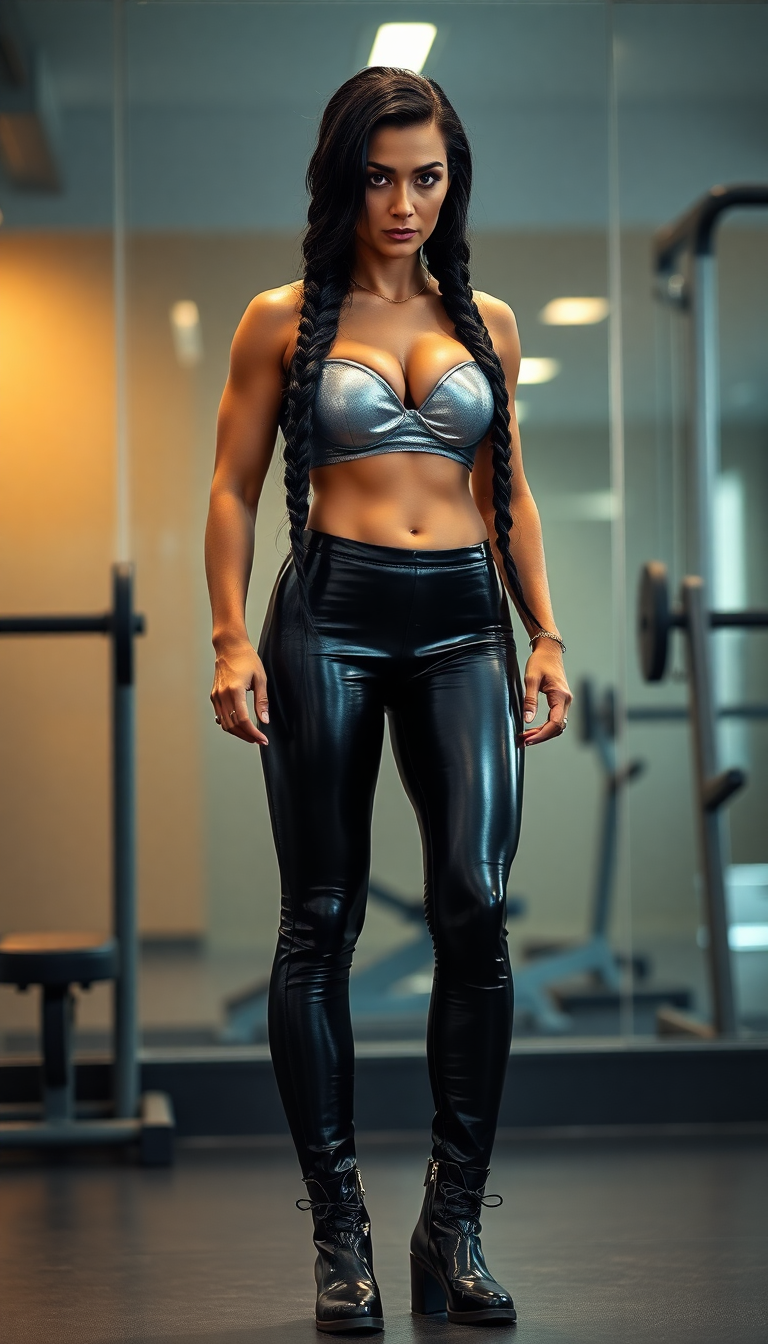
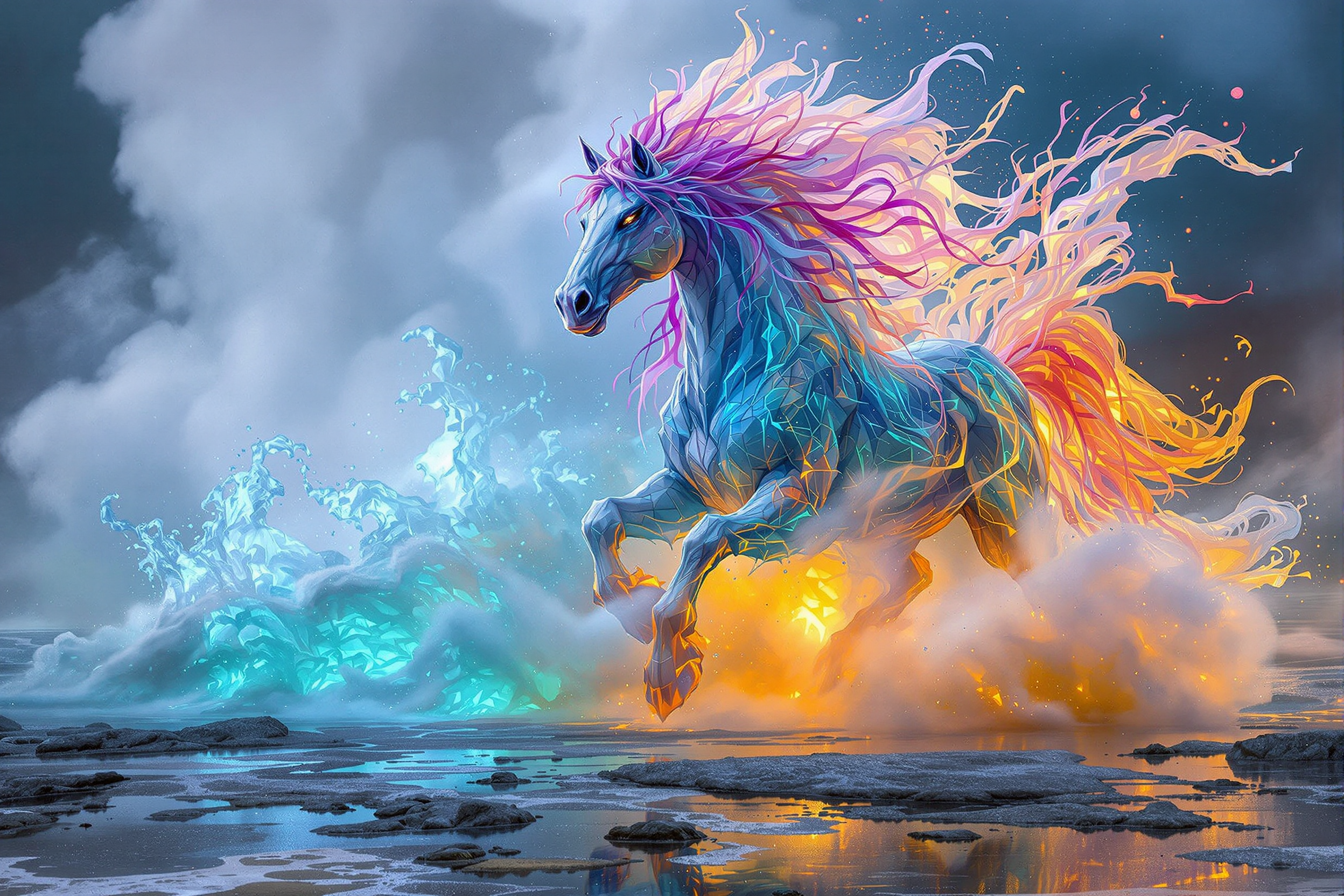
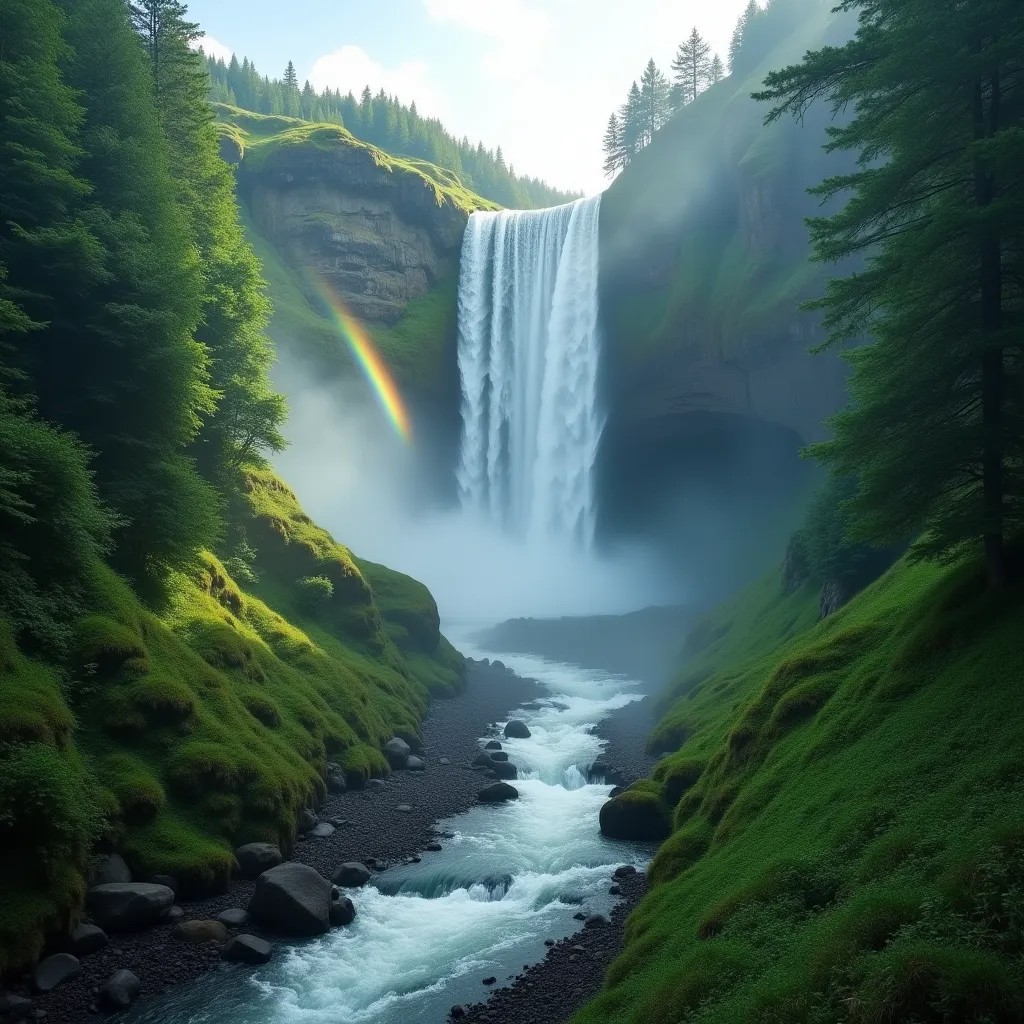
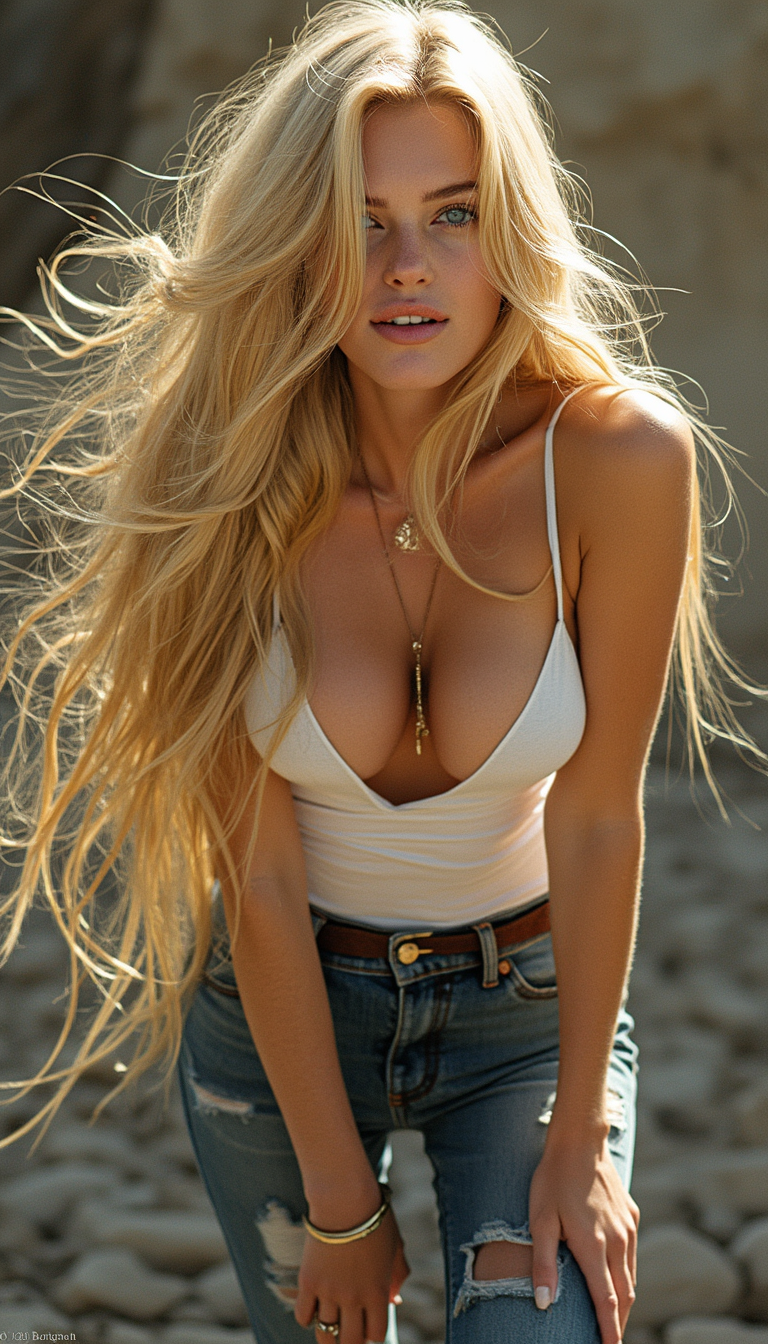
Imagine turning your words into captivating visuals instantly. With PixelDojo's AI text-to-image tools, you can transform simple text prompts into stunning images, perfect for marketing, social media, or personal projects. No design experience? No problem. Our intuitive platform empowers you to create professional-quality visuals effortlessly.
Join over 10,000 creators who have generated more than 1 million images using PixelDojo's AI tools. Rated 4.8/5 for ease of use and quality results.
Why Choose Pixel Dojo for ai text
Professional-quality results with cutting-edge AI technology
Effortless Creativity
Generate unique images from text prompts without any design skills.
Time-Saving Solutions
Create high-quality visuals in seconds, streamlining your content creation process.
Versatile Applications
Use generated images for marketing, social media, e-commerce, and more.
How It Works
Creating AI text images with PixelDojo is simple and intuitive. Follow these steps to bring your ideas to life:
Step 1: Choose Your Tool
Select from PixelDojo's AI text-to-image tools like Flux Creator, Imagen 3, or HiDream to start your creation.
Step 2: Enter Your Prompt
Input a descriptive text prompt detailing the image you envision. For example, 'A serene sunset over a mountain range.'
Step 3: Customize & Download
Review the generated image, make any desired adjustments, and download your final creation.





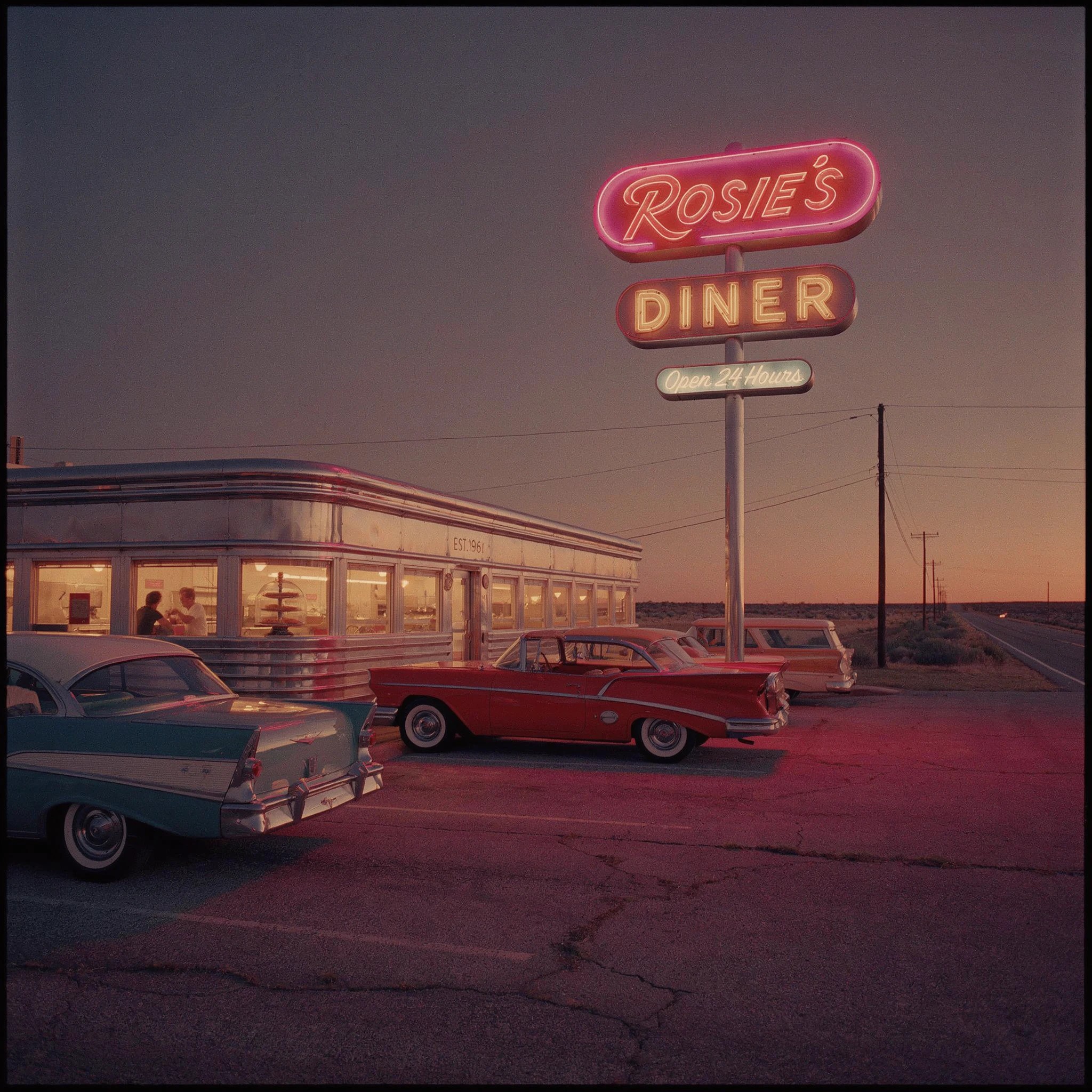
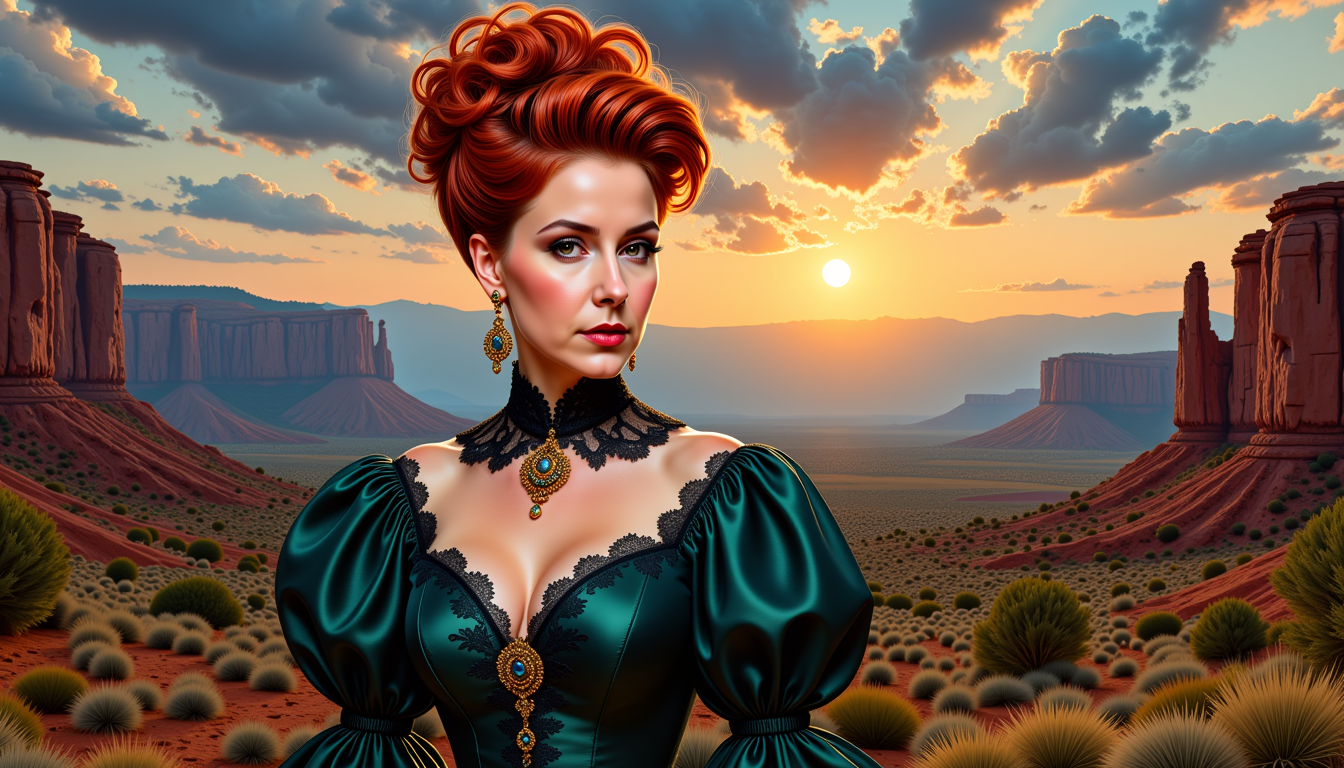
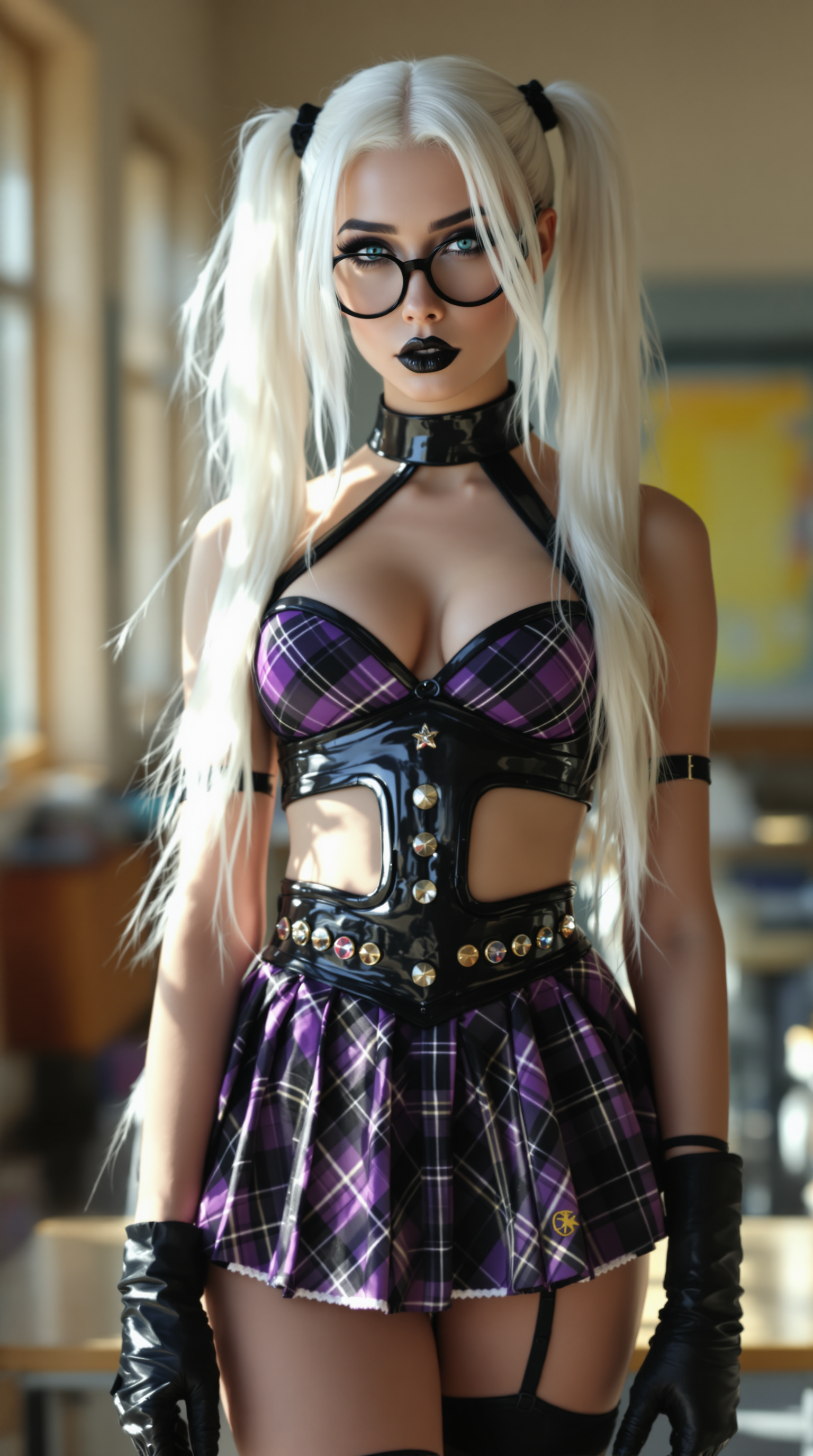
The Pixel Dojo Advantage
Why PixelDojo outperforms other options for AI text image generation:
| Others | Pixel Dojo |
|---|---|
| Traditional Graphic Design | No need for design skills or expensive software; create images instantly from text. |
| Generic AI Tools | Specialized AI models tailored for text-to-image generation ensure higher quality results. |
| Stock Images | Generate unique, customized images that perfectly match your vision, avoiding generic stock photos. |
Loved by creators on PixelDojo
Real feedback from people using PixelDojo, pulled from our in-product surveys.
Accurate results
Great site and so much fun to use!
very useful set of tools for image creation, upscaling and enhancement
ease of use, variety of tools, high quality trainings, and a well-maintained discord channel
Ease of use, friendliness and support of the owner, continued innovation.
it is an amazing site to create a pics and vids for those who don't have the hardware themselves
Explore more AI tools on PixelDojo
AI Tools
Compare & Switch
- Best AI Image Generators
- Best AI Video Generators
- Midjourney Alternatives
- Civitai Alternatives
- Runway Alternatives
- Leonardo Alternatives
- Pika Alternatives
- Luma Alternatives
- Magnific Alternatives
- Veo Alternatives
- Flux Alternatives
- Freepik Alternatives
- Seedance Alternatives
- Seedream Alternatives
- Pixverse Alternatives
- GPT Image Alternatives
- Synthesia Alternatives
- Playground Alternatives
- NightCafe Alternatives
- Canva AI Alternatives
- ElevenLabs Alternatives
- ComfyUI Alternatives
- Fal Alternatives
- Replicate Alternatives
Common Questions
Everything you need to know about ai text
How does PixelDojo's AI text-to-image generation work?
PixelDojo uses advanced AI models to interpret your text prompts and generate corresponding images. Simply input a description, and our tools create a visual representation for you.
Do I need design experience to use PixelDojo?
Not at all. PixelDojo is designed for users of all skill levels. Our intuitive interface makes it easy to create professional-quality images without any prior design experience.
Can I customize the generated images?
Yes, after generating an image, you can make adjustments to better fit your vision. Our tools offer various customization options to refine your creations.
What types of projects can I use PixelDojo for?
PixelDojo is versatile and can be used for marketing materials, social media content, e-commerce product images, personal art projects, and more.
Is there a limit to how many images I can create?
PixelDojo offers various subscription plans to suit different needs. Depending on your plan, you can create a certain number of images per month. Check our pricing page for more details.
How do I get started with PixelDojo?
Simply sign up for an account, choose your preferred AI tool, and start creating. Our platform guides you through each step to ensure a seamless experience.