real booru AI Generator
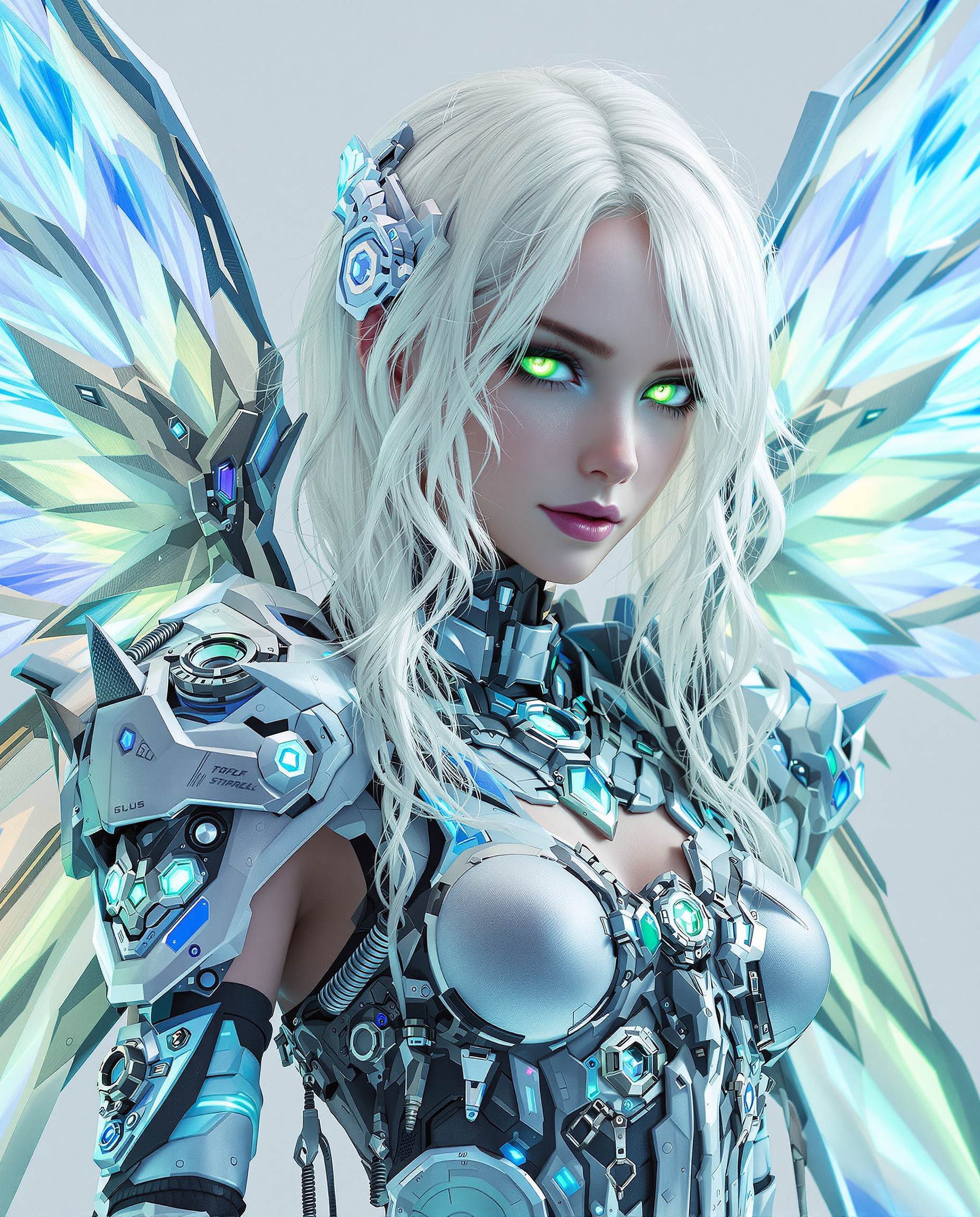
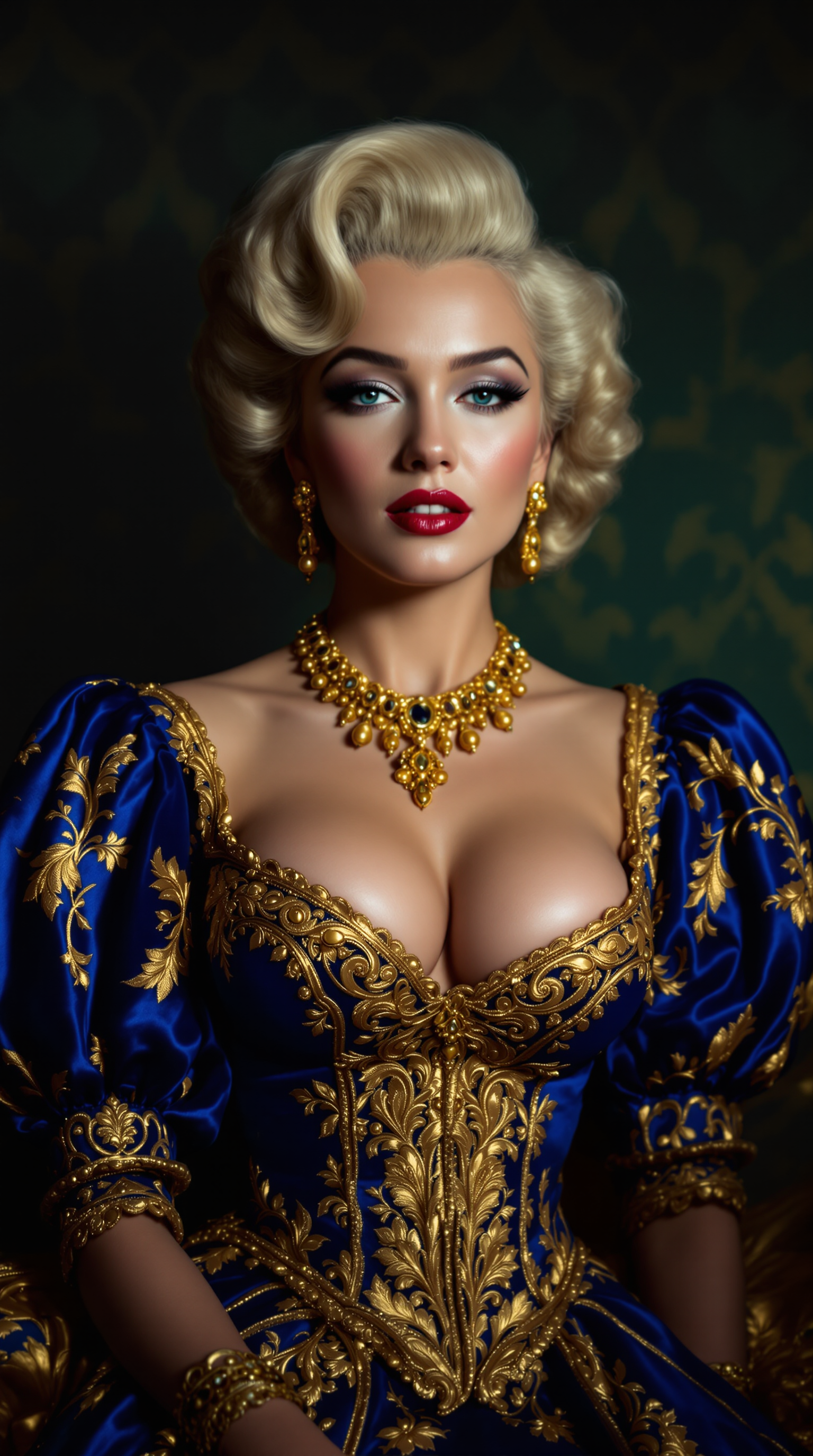
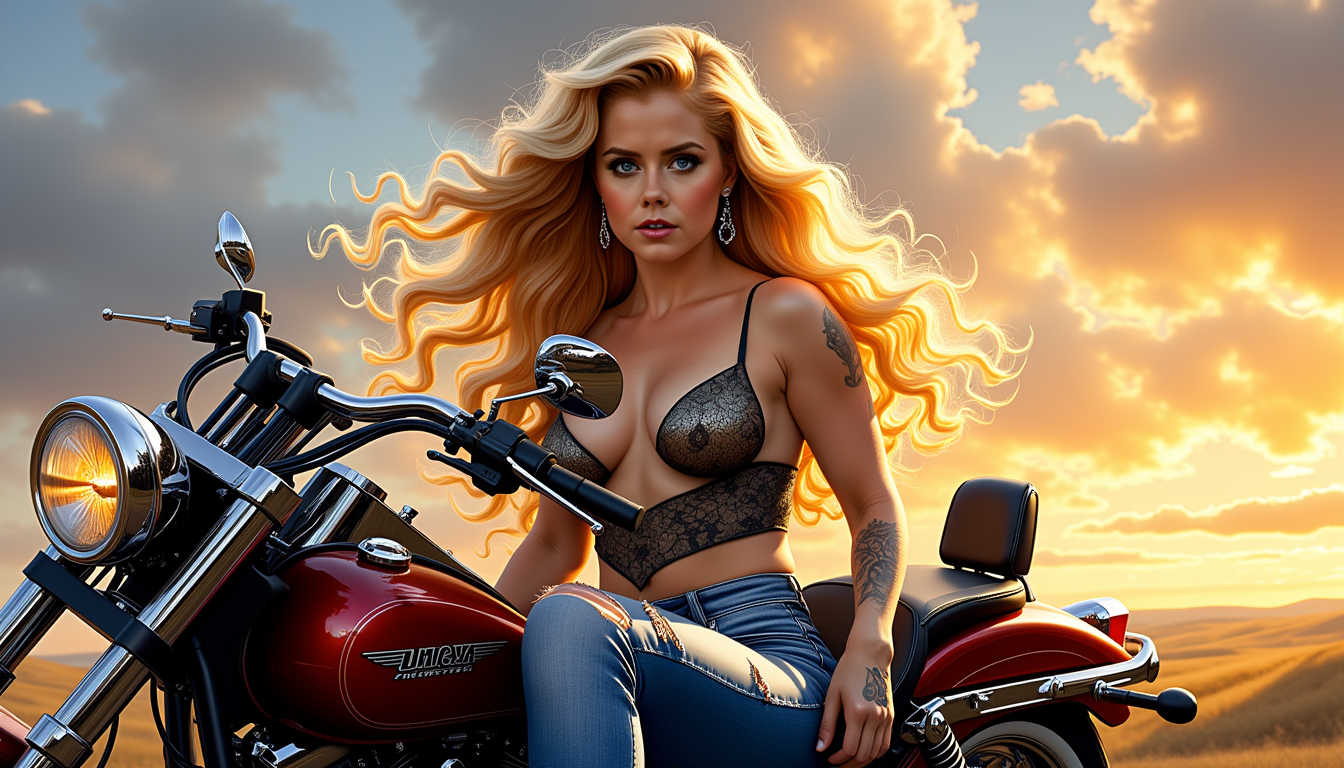
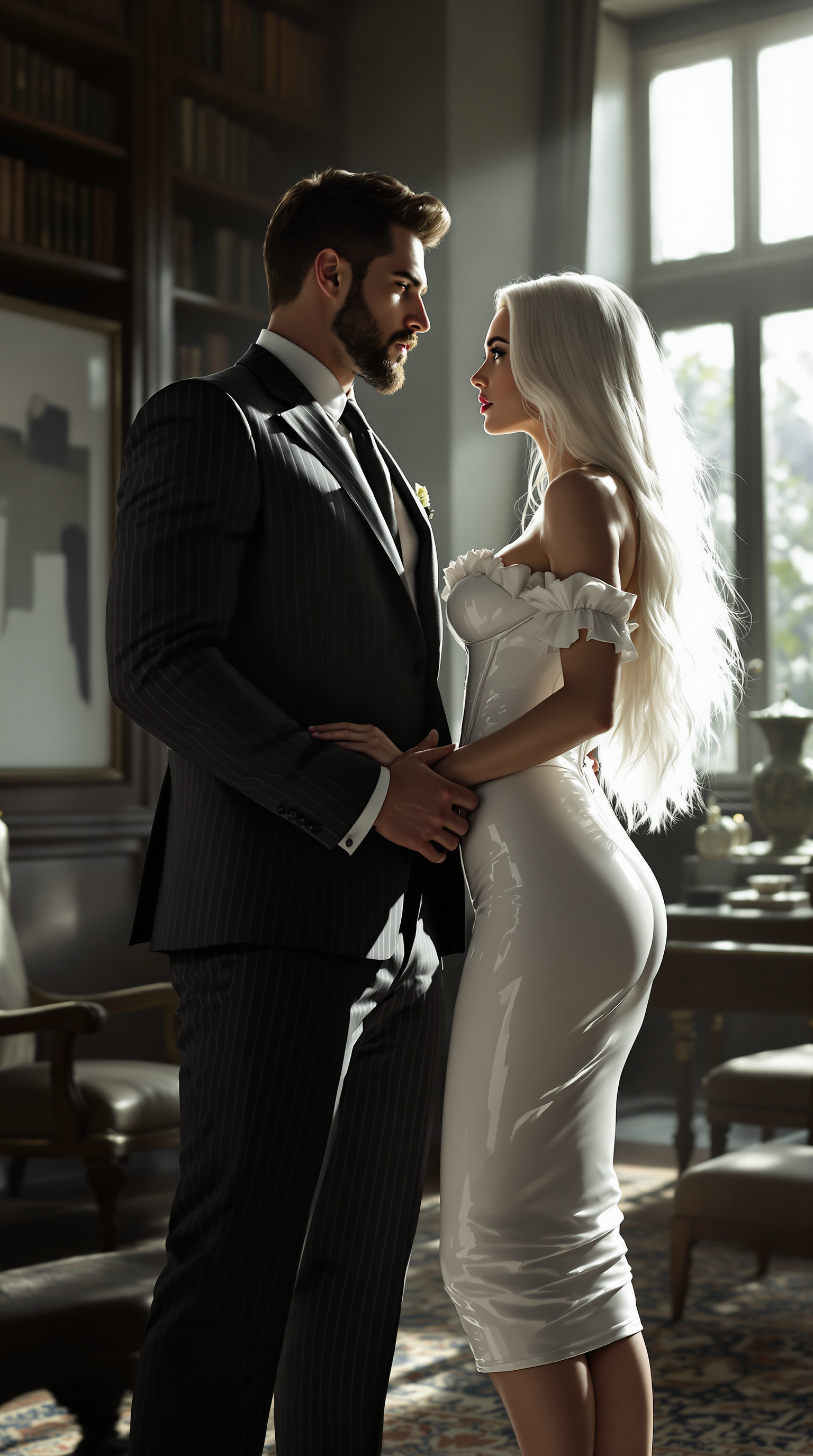
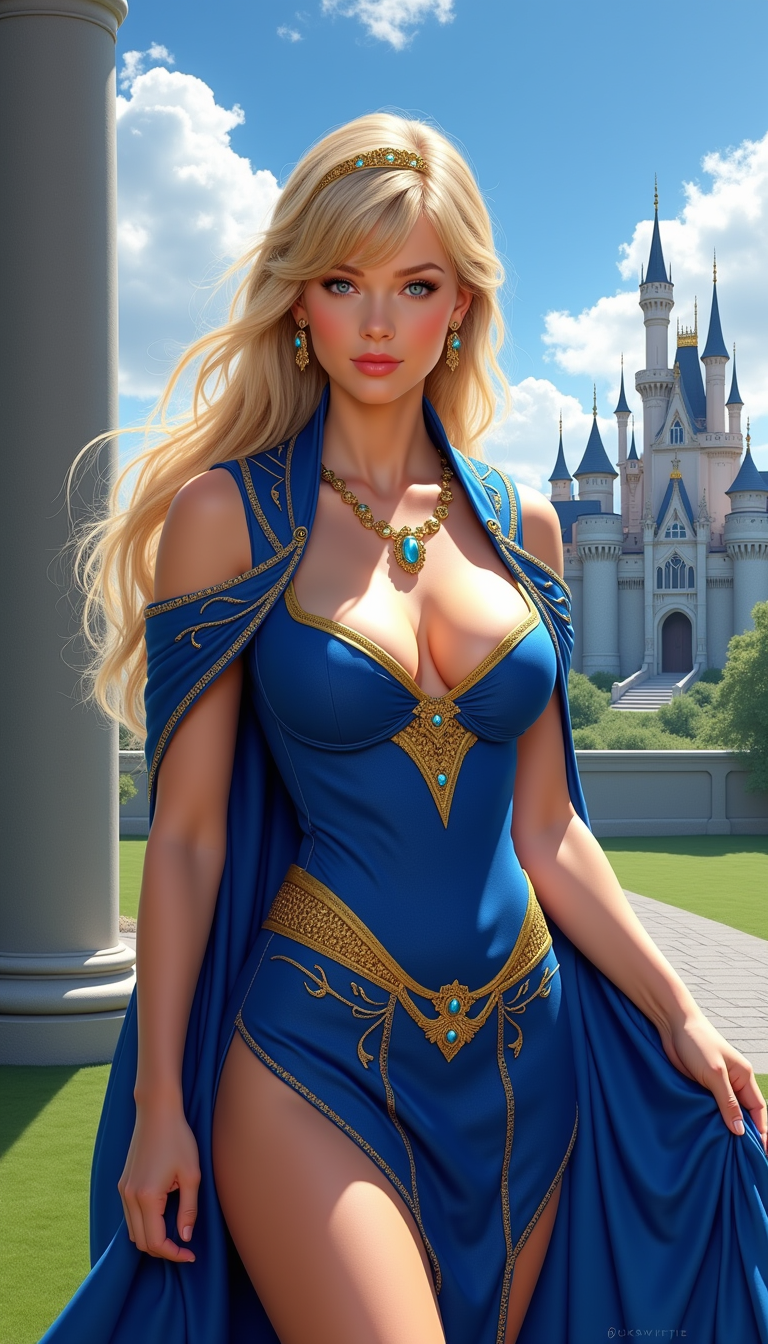
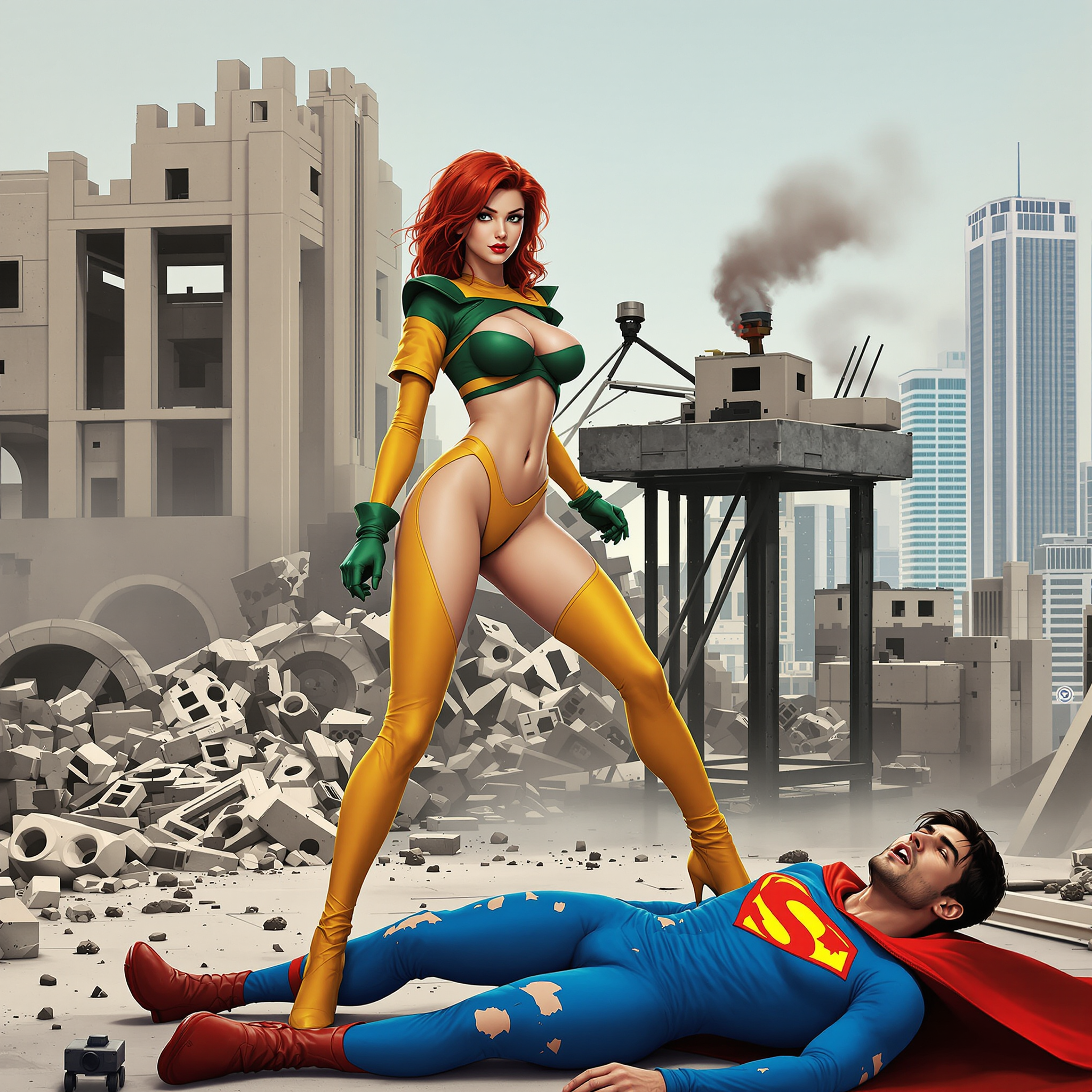
Imagine turning your creative visions into breathtaking photorealistic images that capture the intricate detail and tagged precision of booru aesthetics. With PixelDojo, you can generate lifelike characters, immersive scenes, and hyper-detailed portraits that look like professional photography. Whether you're building a portfolio, creating content for social media, or exploring artistic expression, our platform empowers you to produce gallery-worthy realistic booru images in seconds, helping you stand out and bring your ideas to life effortlessly.
Join over 12,000 creators who have generated more than 650,000 real booru and realistic images. Rated 4.9/5 by users for quality and ease. Trusted by artists, designers, and content creators worldwide.
Why Choose Pixel Dojo for real booru
Professional-quality results with cutting-edge AI technology
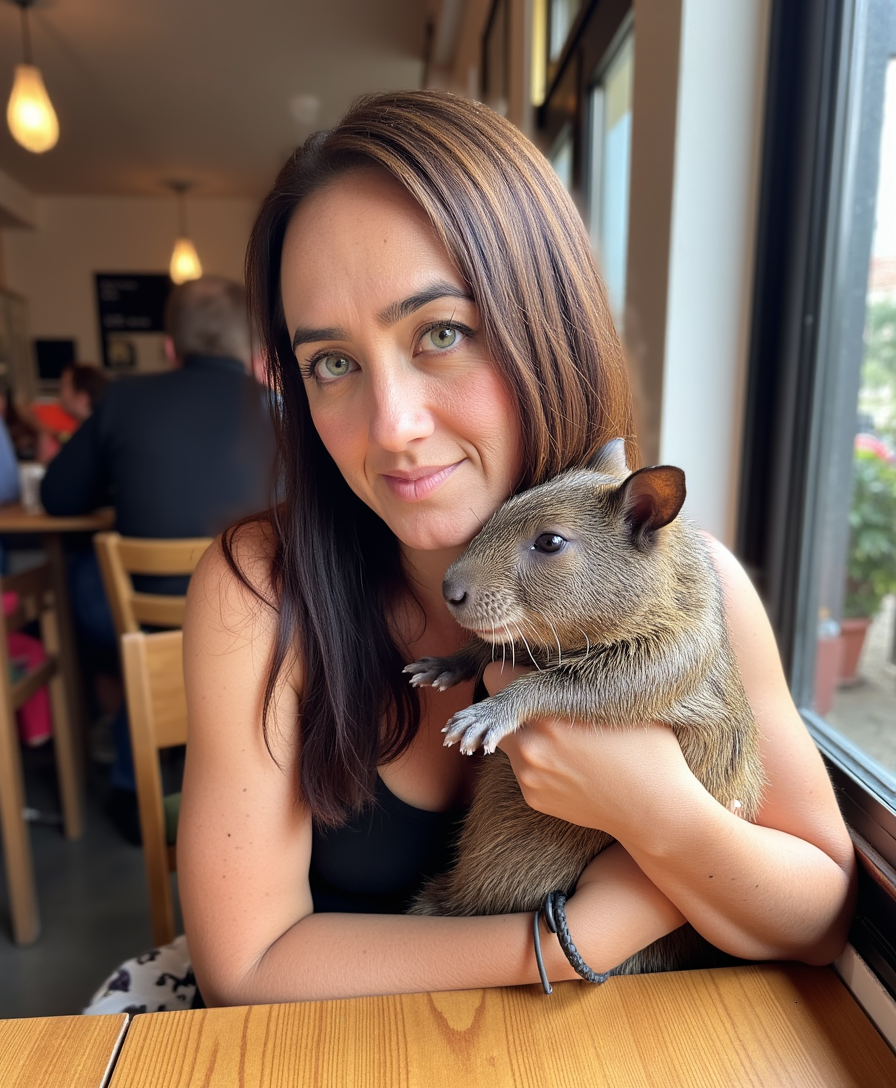
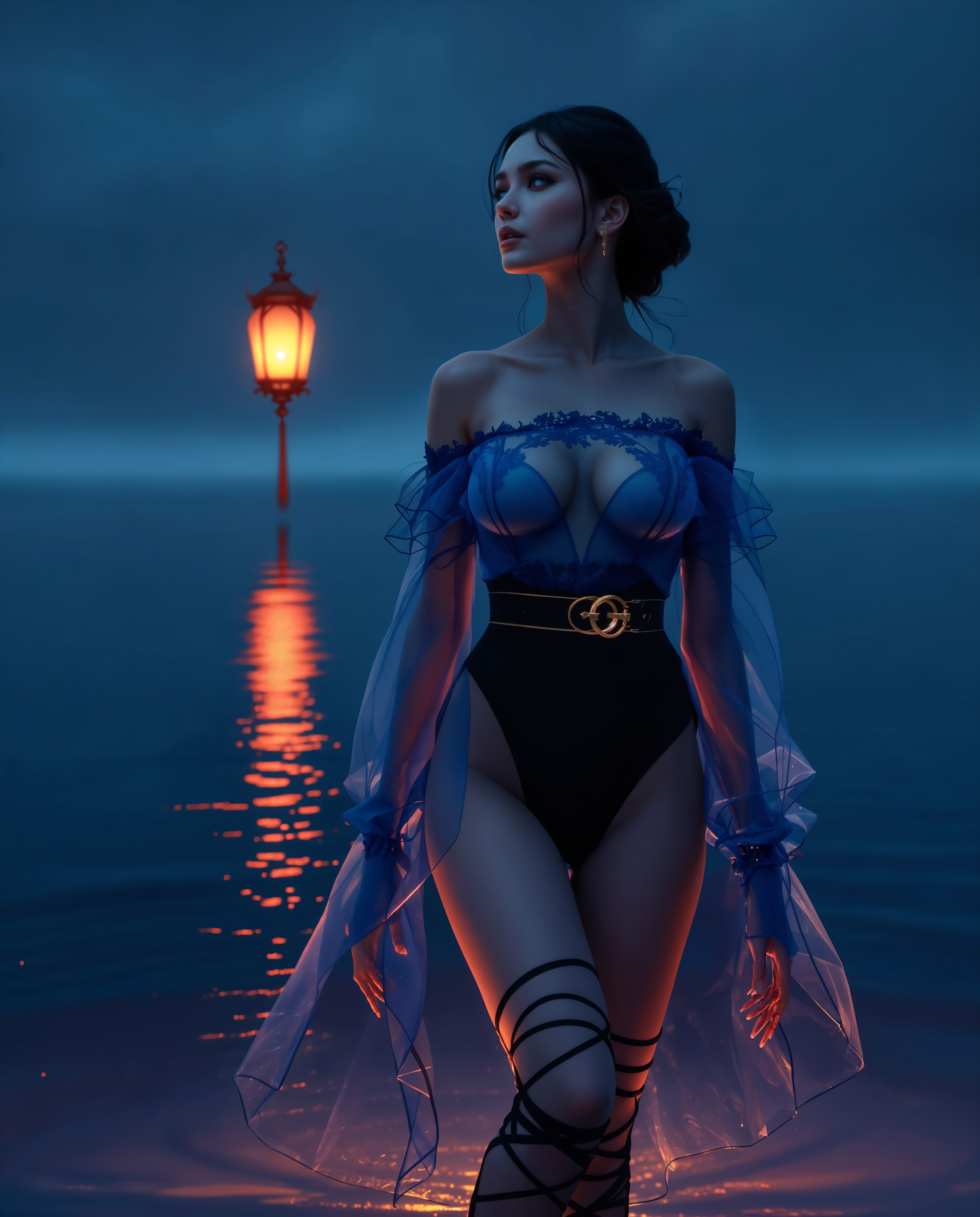
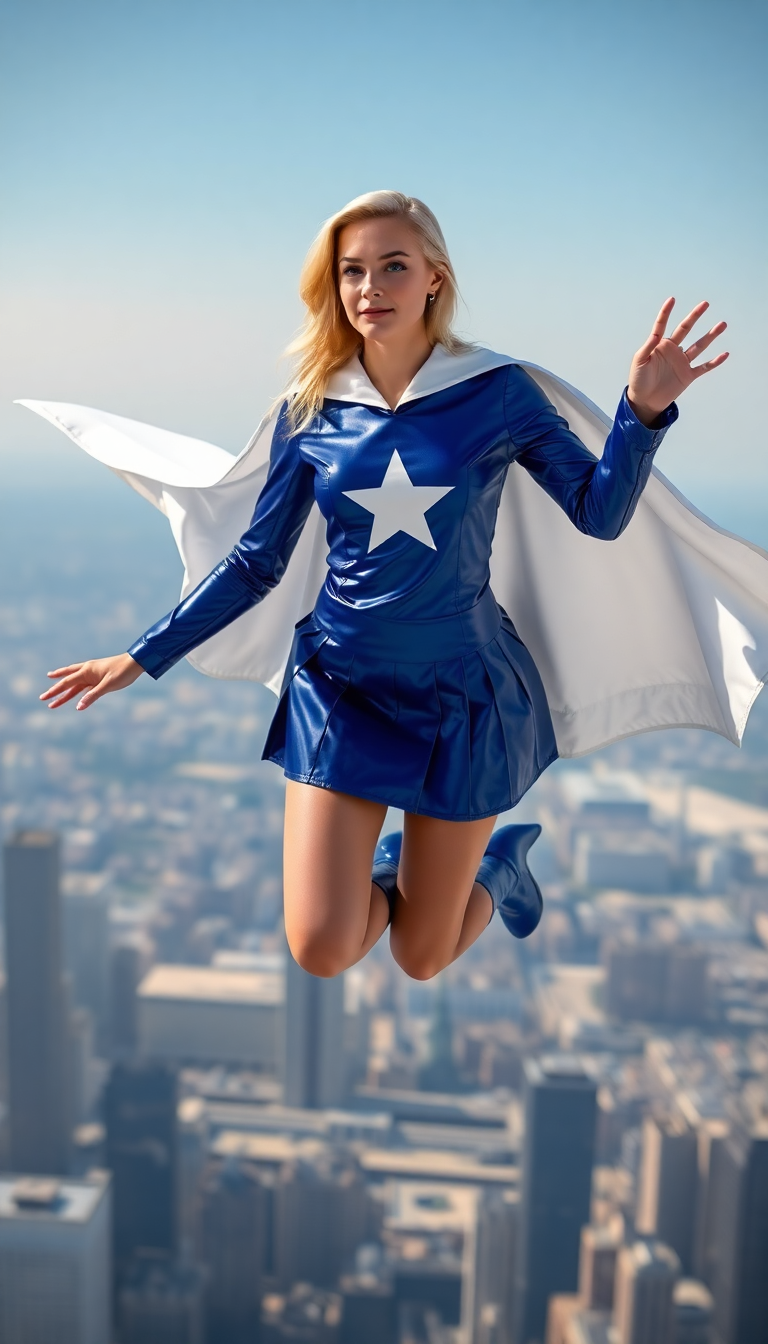
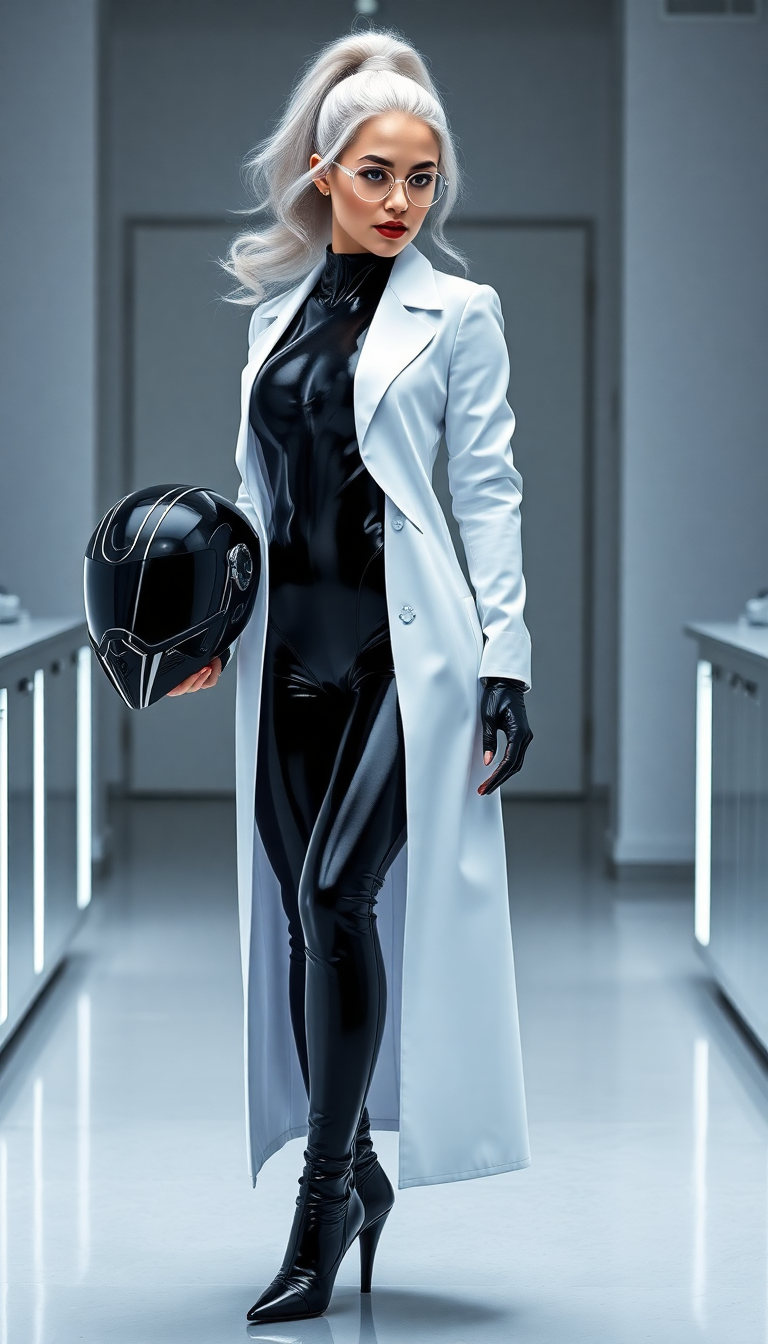
Achieve Photorealistic Detail Instantly
Produce images with lifelike skin textures, natural lighting, and intricate details that rival professional photography, perfect for portfolios or commercial use.
Master Booru Tagging for Precision
Leverage proven Danbooru-style prompting to control every element—from character features to composition—resulting in consistent, high-quality realistic outputs every time.
Scale Your Creative Output Effortlessly
Generate dozens of unique realistic booru variations quickly, iterate on ideas, and refine with editing tools to match your exact vision without technical hurdles.
How It Works
Creating realistic booru images is simple and intuitive with PixelDojo's specialized tools and tagging expertise.
Step 1: Choose Your Tool
Select PonyXL for tag-based booru mastery or Flux.2 Studio and Flux.1 Studio for superior photorealism. These tools excel at interpreting detailed realistic prompts.
Step 2: Enter Your Prompt
Craft prompts using booru tags like score_9, score_8_up, 1girl, solo, realistic, photorealistic, detailed skin texture, natural lighting, sharp focus. Combine with descriptive elements for best results.
Step 3: Customize & Download
Refine with Image to Image, Inpainting, or Reality Polisher for perfect realism. Upscale using Magnific Upscaler or Portrait Upscaler, then download high-resolution files ready for any project.

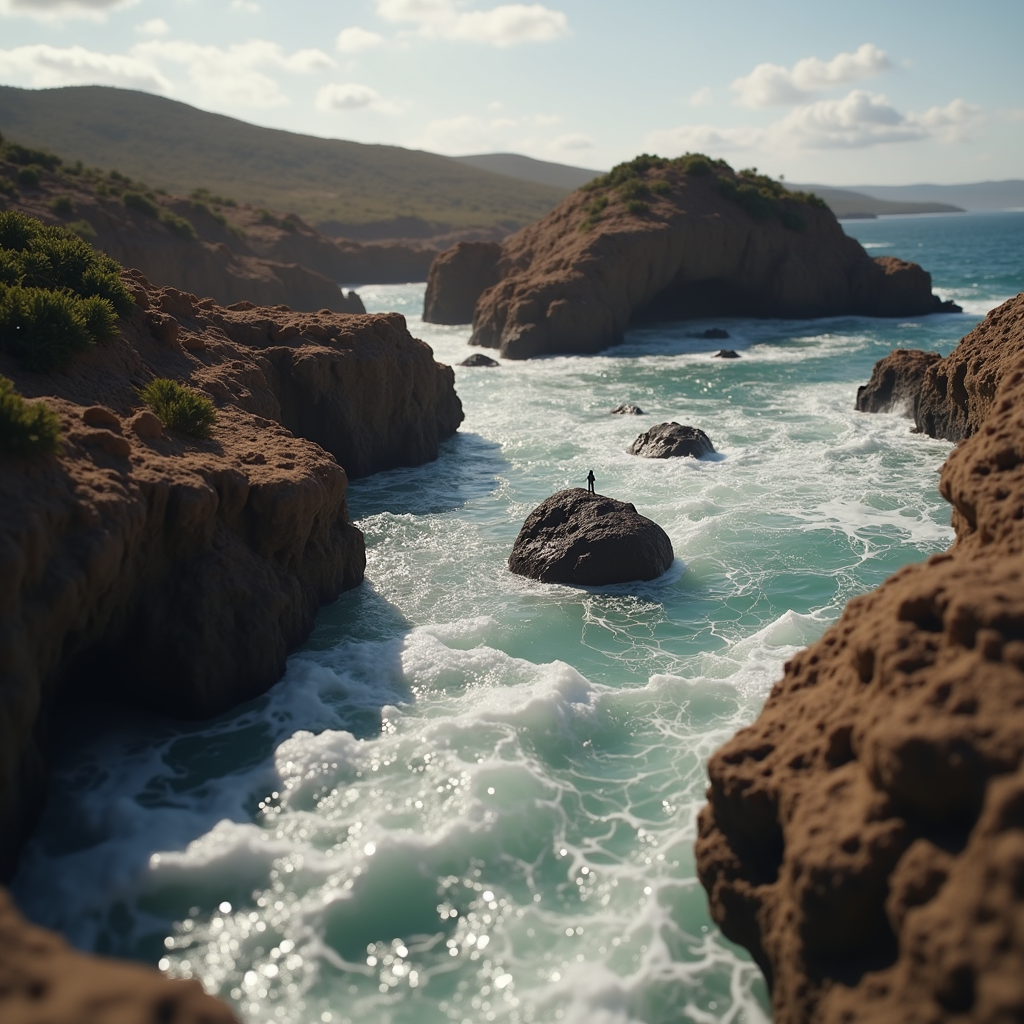
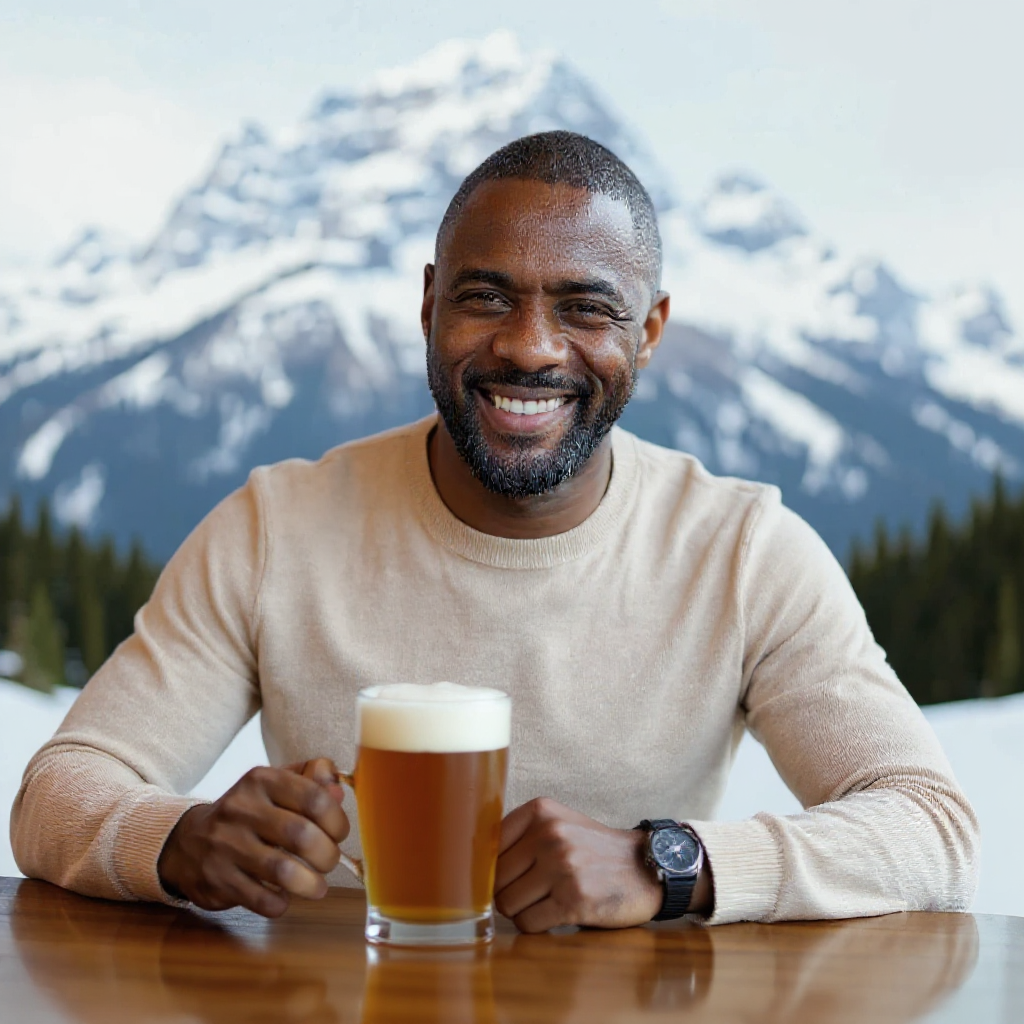
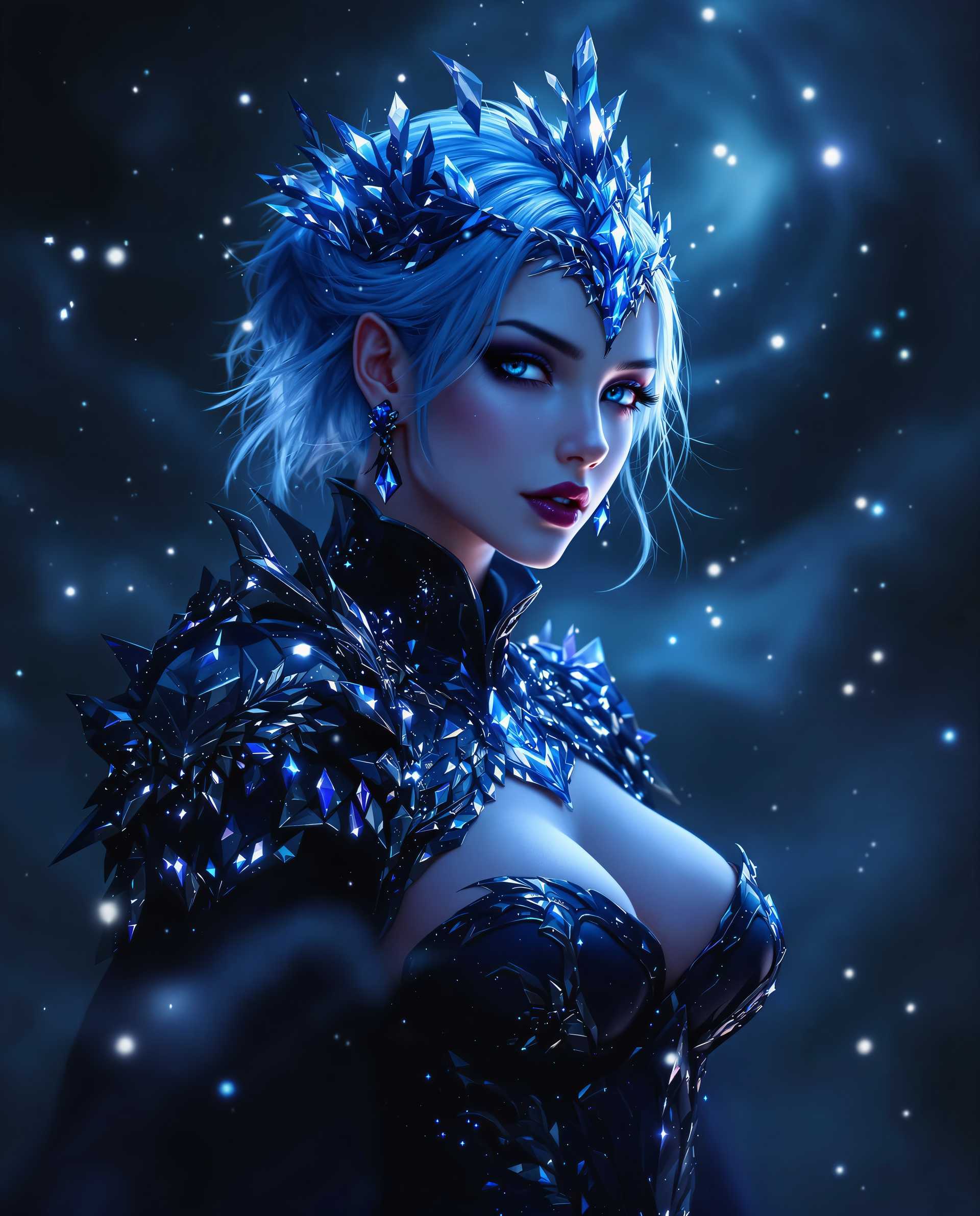
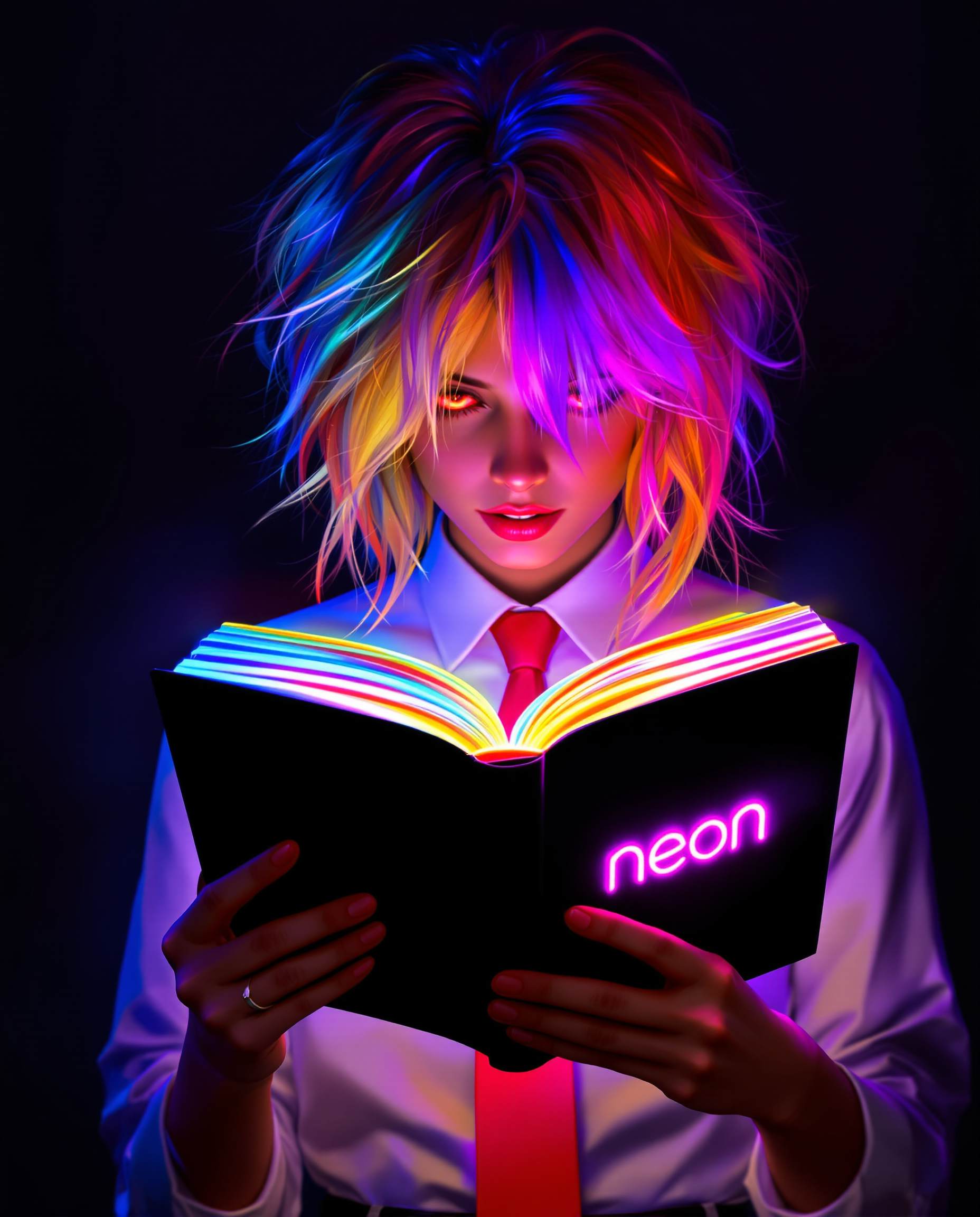
![=== Scene ===
Tone: generate an 8-second, hyper-realistic, seamlessly looping video capturing the raw power and physics of a single moment in a street basketball game, rendered in extreme slow motion., {"type":"High-speed sports cinematography, played back in extreme slow motion","duration_seconds":8,"looping":"true, seamless loop","pacing":"Intense, powerful, and dramatic. The slow motion turns a split-second action into a detailed ballet of force.","animated_elements":[{"element":"Ball Impact and Deformation","description":"The primary animation. A defender's hand forcefully impacts the top of a basketball. In slow motion, we see the defender's fingers digging into the pebbled leather, the ball visibly compressing and deforming under the force. The ball's backspin momentarily stops and reverses as it's knocked away. This entire impact and recoil sequence forms the loop."},{"element":"Sweat and Particle Dynamics","description":"The explosive impact sends a fine spray of sweat droplets flying from both the hand and the ball's surface. The droplets hang in the air like tiny jewels in the bright sun. Dust and microscopic rubber particles from the court are kicked up by the motion."},{"element":"Anatomical Realism","description":"The muscles and tendons in the defender's forearm and hand are seen contracting with extreme force. Veins bulge on the skin's surface. The skin on the fingertips whitens from the pressure against the ball."},{"element":"Background Motion","description":"Through the chain-link fence in the deep background, the blurred figures of spectators are seen reacting to the play, their movements also in slow motion, adding to the atmosphere."}]}, {"style":"Hyperrealistic, gritty sports documentary style, emulating the aesthetic of a high-end Nike commercial or a feature film.","camera_setup":{"camera":"Phantom VEO 4K High-Speed Camera","lens":"100mm Telephoto Prime Lens","perspective":"Static, locked-down shot from a very low angle, looking up at the point of impact. This heroic angle makes the action feel monumental and powerful.","description":"The sun is high in the sky, creating high-contrast, sharp-edged shadows. This intense light creates brilliant specular highlights on the sweat-glistened skin and the curved surface of the basketball, emphasizing every texture."},"composition":{"framing":"A tight, dynamic composition focused entirely on the collision between the hand and the ball. The chain-link fence in the background creates a gritty, geometric pattern that cages the action."}}
=== Subject ===
Description: {"base_subject":"An extreme close-up, slow-motion shot of a hand blocking a basketball at the apex of a shot on an iconic urban court.","key_details":[{"element":"The Hand and Arm","description":"The hand of a highly athletic basketball player. The skin glistens with a realistic sheen of sweat, and we can clearly see skin pores, calluses, and the fine lines of the knuckles. The hand is powerful and expressive."},{"element":"The Basketball","description":"A well-worn, official Spalding basketball. The pebbled texture is rendered in extreme detail, with dirt and scuff marks lodged in the grooves. The printed logos are slightly faded from use."},{"element":"The Environment","description":"The background is the iconic, green, tight-mesh chain-link fence of 'The Cage'. The fence is slightly rusted in places. Through the links, the blurred shapes of spectators and the red brick of surrounding Village buildings are visible."}]}](https://cdn.pixeldojo.ai/cdn-cgi/image/f=auto,q=90,w=3840/pixeldojo/generated-images/1767211420384-v2pnzl1qz.png)
The Pixel Dojo Advantage
Why PixelDojo outperforms other options for real booru image generation
| Others | Pixel Dojo |
|---|---|
| Traditional booru creation | Instant generation of photorealistic results instead of hours of manual drawing or sourcing |
| Generic AI tools | Specialized support for booru tagging and realism-focused models like PonyXL and Flux variants deliver superior tagged precision and photoreal quality |
| Manual photo editing | AI-powered consistency, rapid iteration, and advanced enhancements like Reality Polisher save time while achieving professional results |
Loved by creators on PixelDojo
Real feedback from people using PixelDojo, pulled from our in-product surveys.
Ease of use, friendliness and support of the owner, continued innovation.
it is an amazing site to create a pics and vids for those who don't have the hardware themselves
good tools in one place
Prompt updates, strong features, and a community that is always willing to help and hear/act on professional feedback. I've never had a better experience.
user friendly all in one thing
I really like the schedule of AI work performed!
Explore more AI tools on PixelDojo
AI Tools
Compare & Switch
- Best AI Image Generators
- Best AI Video Generators
- Midjourney Alternatives
- Civitai Alternatives
- Runway Alternatives
- Leonardo Alternatives
- Pika Alternatives
- Luma Alternatives
- Magnific Alternatives
- Veo Alternatives
- Flux Alternatives
- Freepik Alternatives
- Seedance Alternatives
- Seedream Alternatives
- Pixverse Alternatives
- GPT Image Alternatives
- Synthesia Alternatives
- Playground Alternatives
- NightCafe Alternatives
- Canva AI Alternatives
- ElevenLabs Alternatives
- ComfyUI Alternatives
- Fal Alternatives
- Replicate Alternatives
Common Questions
Everything you need to know about real booru
What is real booru image generation and how does it differ from anime booru?
Real booru refers to photorealistic images generated using Danbooru-style comma-separated tagging techniques but rendered in realistic, photographic styles rather than anime. PixelDojo excels here with PonyXL for precise tag control and Flux models for lifelike textures, lighting, and details.
How do I write effective prompts for realistic booru images on PixelDojo?
Start with quality boosters like score_9, score_8_up, then add tags such as 1girl, solo, photorealistic, detailed skin, natural lighting, sharp focus. PixelDojo's PonyXL and Flux.2 Studio interpret these tags flawlessly for consistent, high-fidelity results.
Can I create consistent characters in realistic booru style with PixelDojo?
Yes! Use Consistent Characters, LoRA Face Swap, or train custom models with Flux 2 Trainer. Combine with booru tagging for repeatable photorealistic characters across multiple images and scenes.
What makes PixelDojo better for real booru than other platforms?
PixelDojo offers dedicated tools like PonyXL, multiple Flux variants, SDXL, and integrated editing features including Reality Polisher and advanced upscalers. This combination delivers superior photorealism and tagging accuracy without needing complex setups.
Are real booru images suitable for commercial projects?
Absolutely. Generate high-resolution, professional-quality realistic images perfect for marketing, portfolios, social content, and more. All creations are yours to use freely with our flexible plans.
How long does it take to generate a realistic booru image?
Most images generate in under 30 seconds. With batch processing and quick refinements using Inpainting or Style Transfer, you can produce polished results in minutes, scaling your output dramatically.