training lora AI Generator
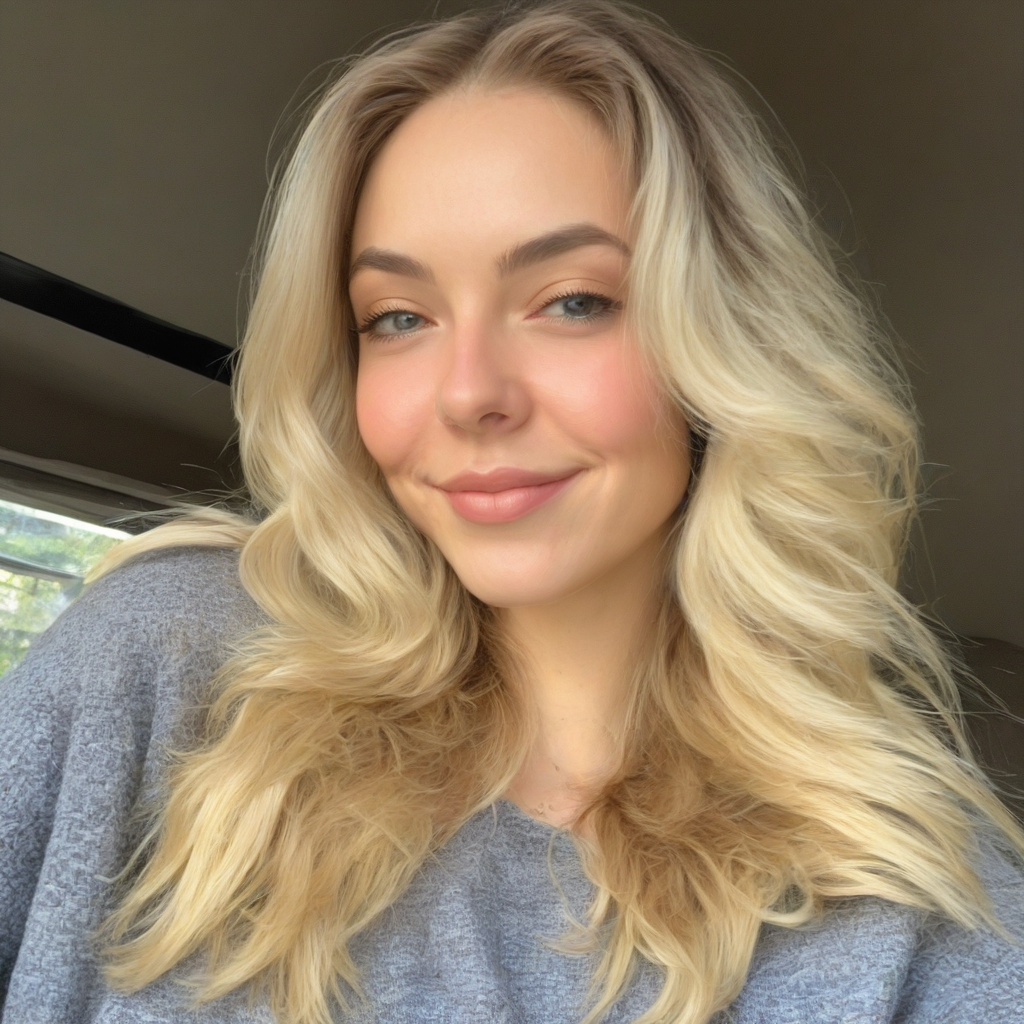
Generated on PixelDojo. Produced by PixelDojo's generation pipeline.
Imagine bringing your unique artistic visions to life with precision and ease. With PixelDojo's LoRA AI Model Generator, you can train custom AI models to generate images that perfectly align with your brand's identity or personal style. Whether you're a digital artist, marketer, or content creator, our platform empowers you to create high-quality, personalized images effortlessly.
Real image examples generated on PixelDojo
Every example below was produced on PixelDojo. Hover to see the prompt.
training lora on PixelDojo
stable-diffusion
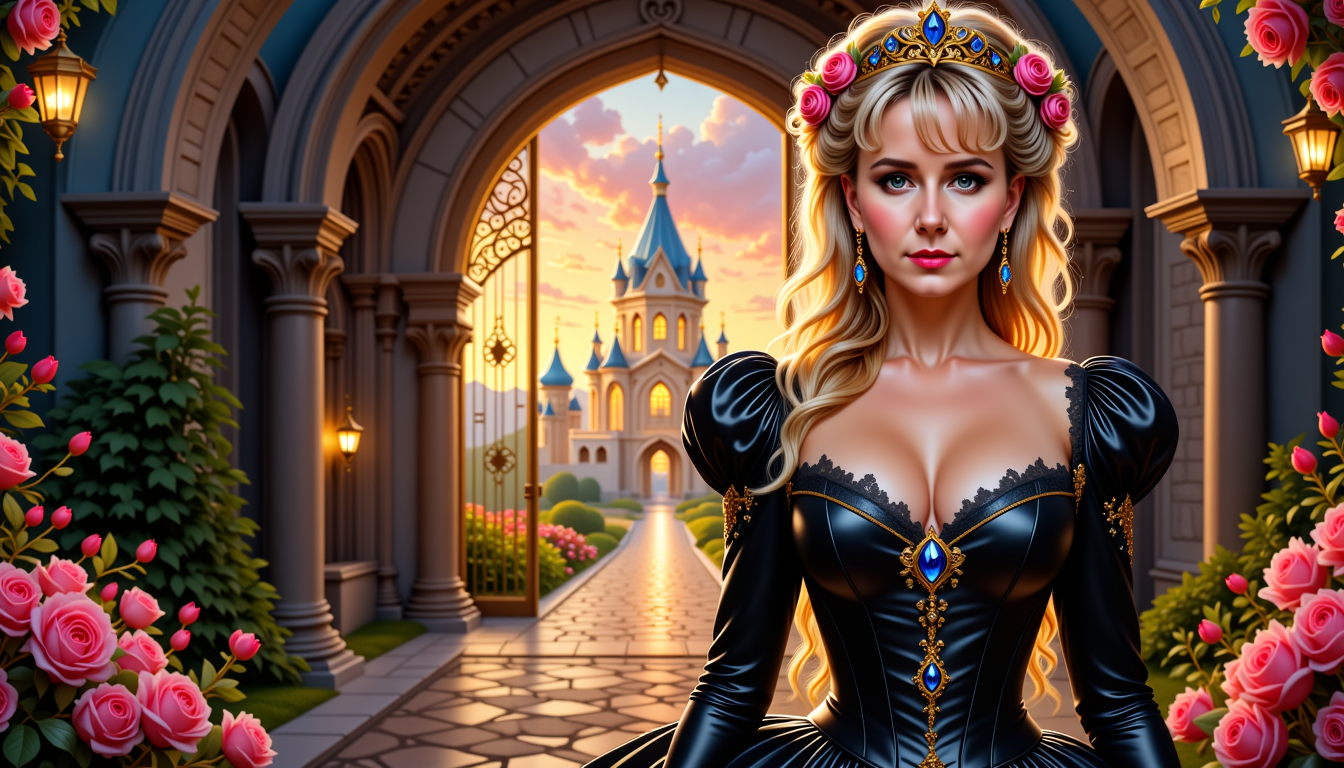
MO-LoRa-Multi
flux
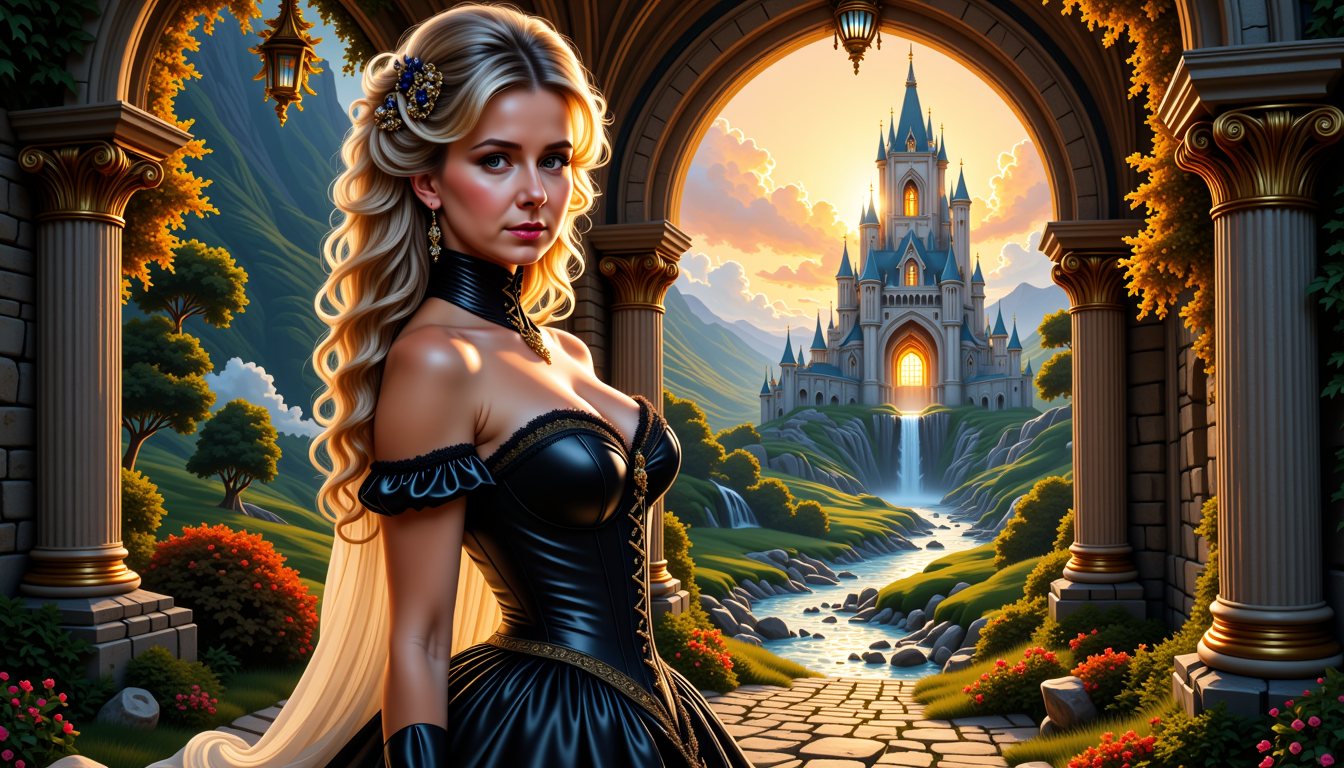
MO-LoRa-Multi
flux

training lora on PixelDojo
stable-diffusion
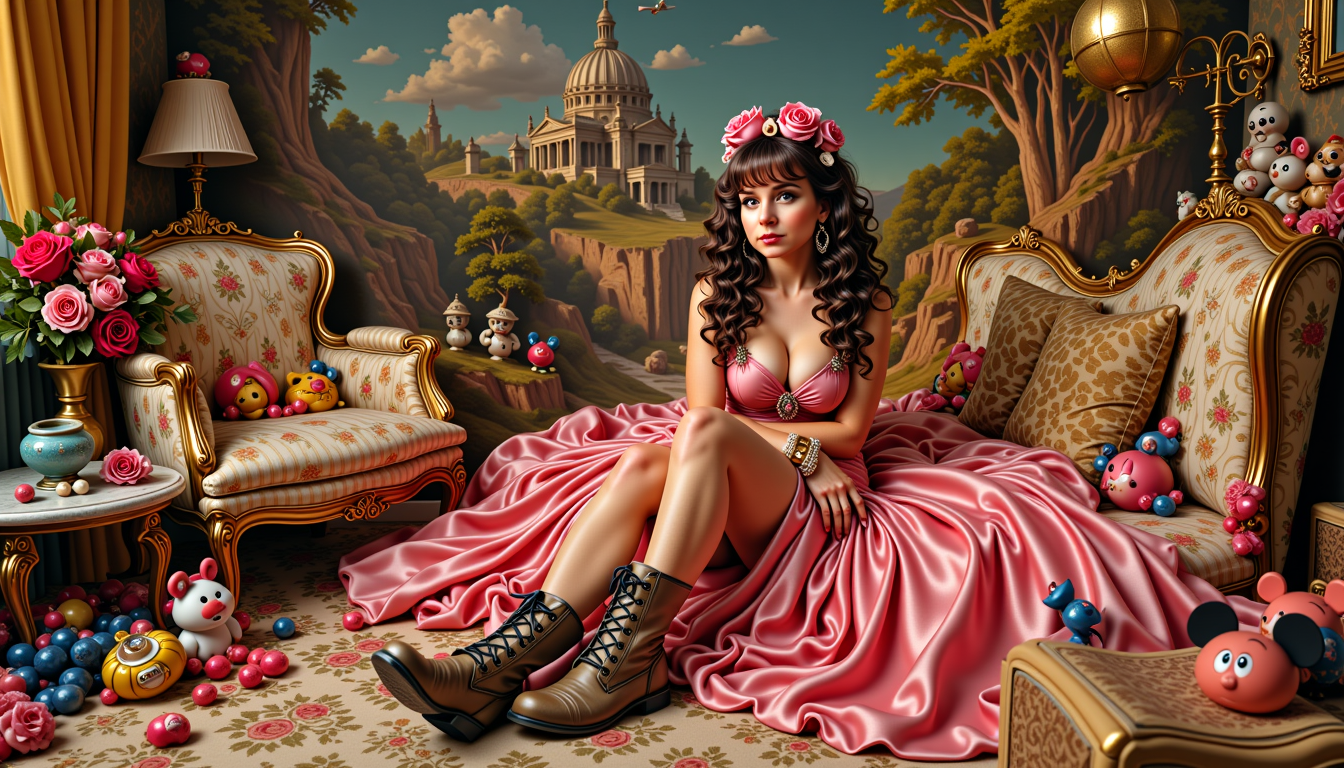
MO-LoRa-Multi as Lara Lovegood depicted as a seductress
stable-diffusion
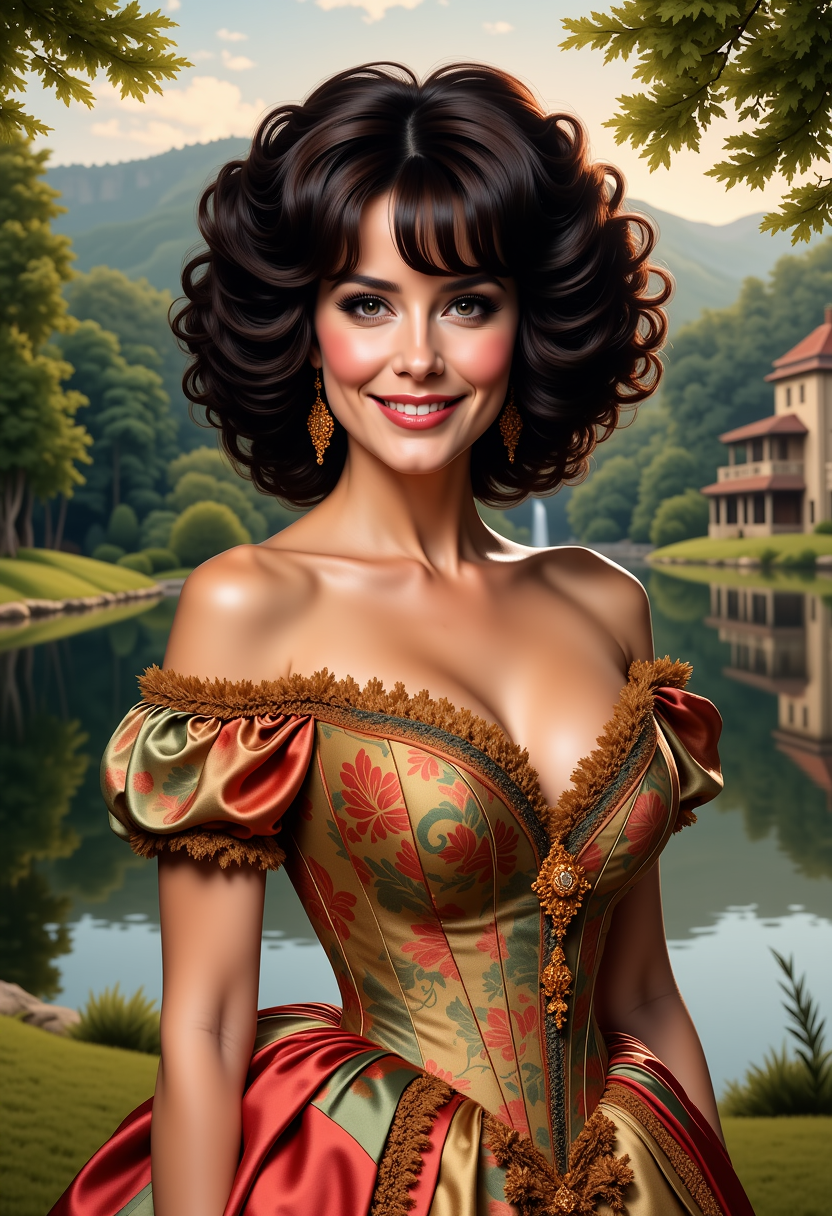
FantasyWomanLoRa
stable-diffusion
Models you can run on PixelDojo for training lora
Switch models without switching tools. Each one runs in the same PixelDojo studio.
What you can do with training lora on PixelDojo
Train on Custom Images
We allow you to upload images and train a LoRA model on them.
Control Training Parameters
We let you specify details like epochs and learning rate for each session.
Generate With Trained LoRAs
We make your models available for use in subsequent image creation tasks.
Export Completed Models
We enable downloading of finished LoRA files after training finishes.
Join over 10,000 satisfied creators who have enhanced their visual content using PixelDojo's AI tools. Rated 4.8/5 based on 2,000+ reviews.
Why Choose Pixel Dojo for training lora
Professional-quality results with cutting-edge AI technology
Personalized Image Generation
Craft images that align perfectly with your unique style and vision using LoRA models.
Efficient and Fast Training
Train LoRA models quickly with minimal resources, allowing for rapid iteration and creativity.
High-Quality Outputs
Generate detailed and impressive images that meet professional standards.
How It Works
Creating custom AI models with PixelDojo's LoRA Generator is a straightforward process:
Step 1: Prepare Your Dataset
Gather high-quality images representing your subject or style. Ensure each image is accurately labeled and tagged to guide the training process.
Step 2: Train Your LoRA Model
Use PixelDojo's LoRA AI Model Generator to train your custom model efficiently. Our platform handles the complex computations, allowing you to focus on creativity.
Step 3: Generate and Refine Images
Utilize your trained LoRA model to generate images. Experiment with different prompts and settings to refine outputs that align with your vision.
The Pixel Dojo Advantage
Why PixelDojo outperforms other options for custom AI image generation
| Others | Pixel Dojo |
|---|---|
| Traditional Image Creation | Eliminate the need for manual design work, saving time and resources. |
| Generic AI Tools | Achieve personalized results tailored to your specific style, unlike one-size-fits-all solutions. |
| Manual Photo Editing | Generate high-quality images without extensive editing skills or software. |
Loved by creators on PixelDojo
Real feedback from people using PixelDojo, pulled from our in-product surveys.
The guy that operates the website is constantly updating it
I’ve been using PixelDojo for around 8 months now and it’s always worked wonderfully while constantly adding features.
The site is easy to navigate and use.
All the tools, readily available and easy to understand
You guys, the LORA training is the BEST in the space right now, great job with that!
Tons of variety. Ease of use. Tools for beginners and advance users.
Explore more AI tools on PixelDojo
AI Tools
Compare & Switch
- Best AI Image Generators
- Best AI Video Generators
- Midjourney Alternatives
- Civitai Alternatives
- Runway Alternatives
- Leonardo Alternatives
- Pika Alternatives
- Luma Alternatives
- Magnific Alternatives
- Veo Alternatives
- Flux Alternatives
- Freepik Alternatives
- Seedance Alternatives
- Seedream Alternatives
- Pixverse Alternatives
- GPT Image Alternatives
- Synthesia Alternatives
- Playground Alternatives
- NightCafe Alternatives
- Canva AI Alternatives
- ElevenLabs Alternatives
- ComfyUI Alternatives
- Fal Alternatives
- Replicate Alternatives
Common Questions
Everything you need to know about training lora
How does LoRA training enhance AI image generation?
LoRA (Low-Rank Adaptation) training allows you to fine-tune AI models on specific subjects or styles efficiently, enabling the creation of personalized images without extensive computational resources.
What types of images can I create with PixelDojo's LoRA Generator?
You can generate a wide range of images, from realistic portraits to stylized artwork, tailored to your unique vision and requirements.
Do I need advanced technical skills to use the LoRA Generator?
No, PixelDojo's platform is designed to be user-friendly, allowing creators of all skill levels to train custom AI models and generate images effortlessly.
How long does it take to train a LoRA model?
Training times can vary based on the complexity of your dataset, but with PixelDojo's efficient tools, you can train models in a matter of minutes.
Can I use my own images for training?
Yes, you can upload your own high-quality images to train your LoRA model, ensuring the generated outputs align with your specific style or subject matter.
Is there a limit to the number of models I can train?
PixelDojo offers flexible plans to accommodate your creative needs, allowing you to train multiple models as required.